

AIフォトエディター
商品の背景を差し替え、散らかりを整理し、テキストを追加し、テキストプロンプトでシーンや衣装を変更。OpenArtのAI画像エディターなら、変えたい部分だけを変え、写真の残りはそのまま保ちます。
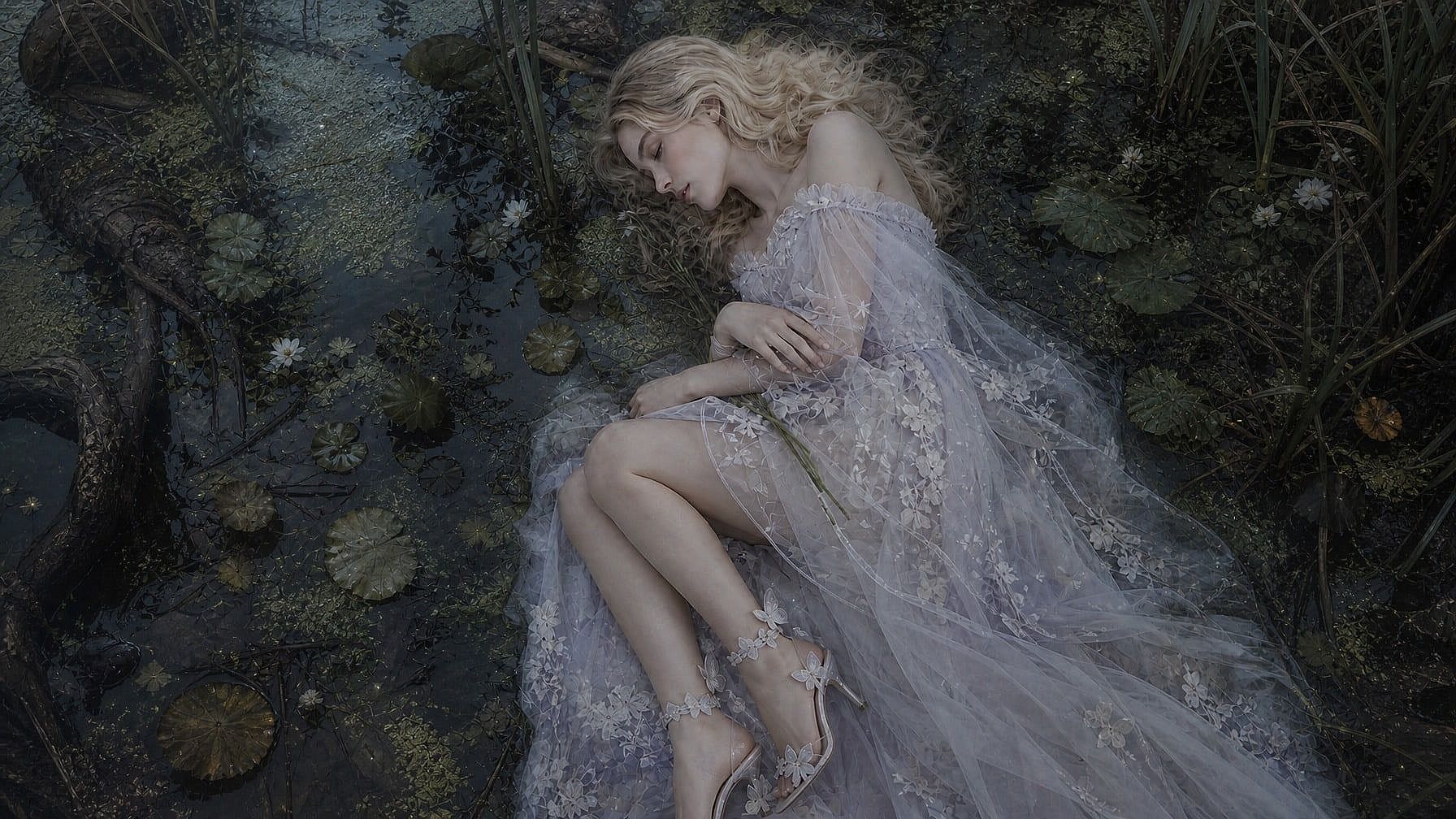
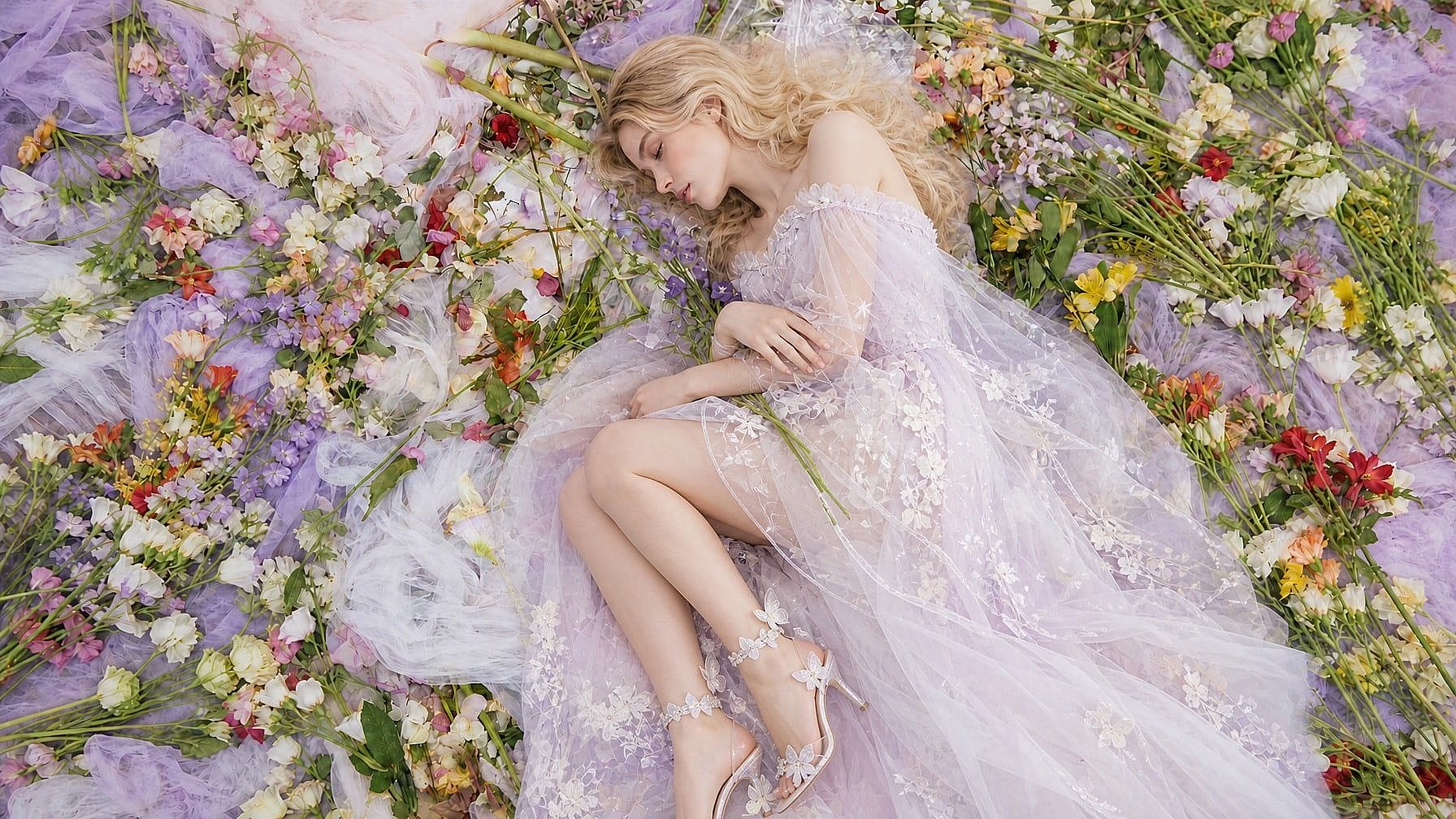
OpenArtのAI画像エディターが選ばれる理由



プロンプトで写真を編集
変更したいことを普通の言葉で入力するだけ。「このボトルを大理石のカウンターに置いて」「30%オフのバッジを追加」「彼女のジャケットを赤に変えて」。AIが適切な範囲を見つけて編集します。レイヤーもマスクも手動選択も不要です。



手間ゼロでプロ級の仕上がり
スタジオ撮影のような仕上がりの編集を。AIがライティング、影、遠近感を合わせ、商品ラベルや顔をくっきり保ち、肌のレタッチやアングル変更も自動でこなします。

あらゆる修正を1つの画像エディターで
背景の差し替え、オブジェクトの除去、テキスト追加、顔の差し替え、4Kへのアップスケール、ライティング修正、カメラアングル変更、古い写真の復元を1か所で。ログイン1つで、たくさんのアプリやサブスクが不要になります。
OpenArtのAI写真エディターの主な機能
OpenArtのAI写真エディターは、GPT Image 2.5、Nano Banana 2.1、Seedream 5.0 Proをはじめとする一流の画像モデルで動作するので、どの編集も用途に最適なモデルで行えます。
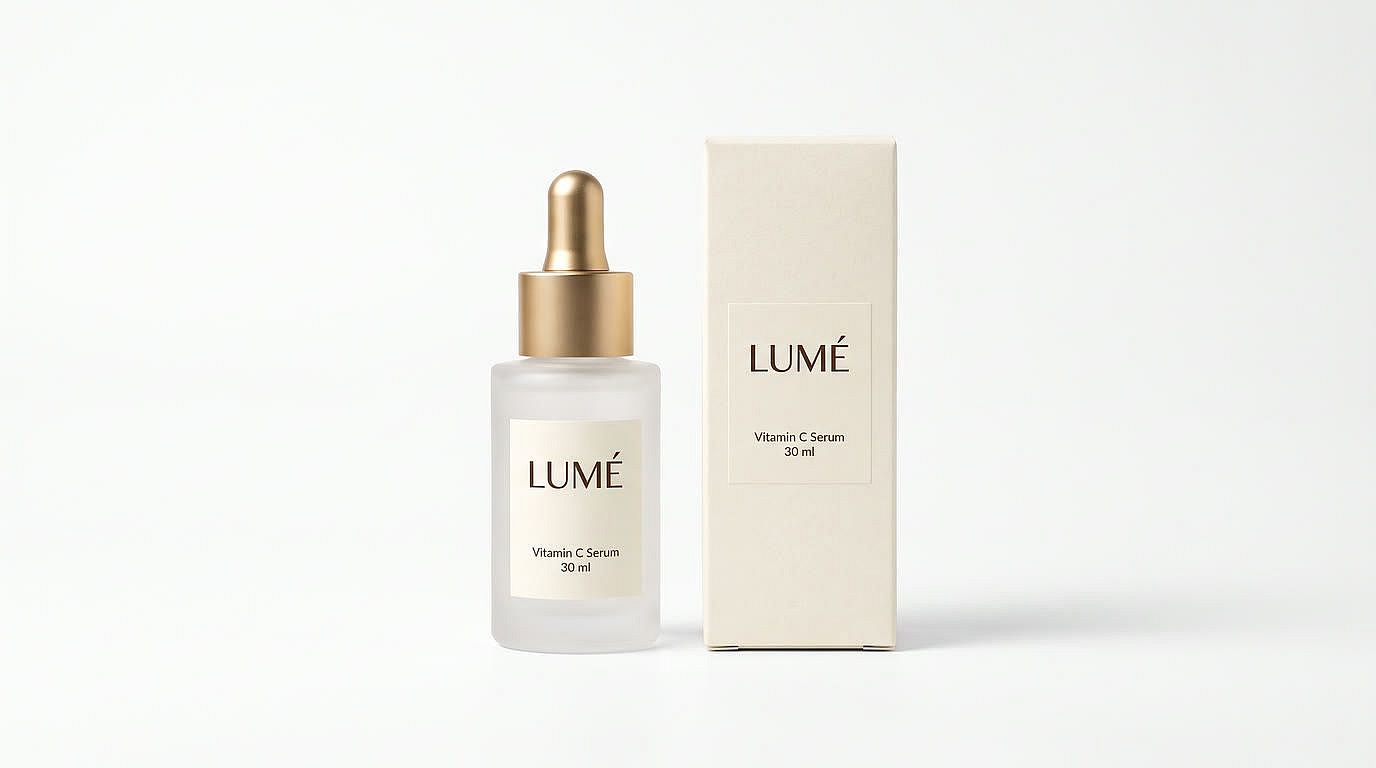
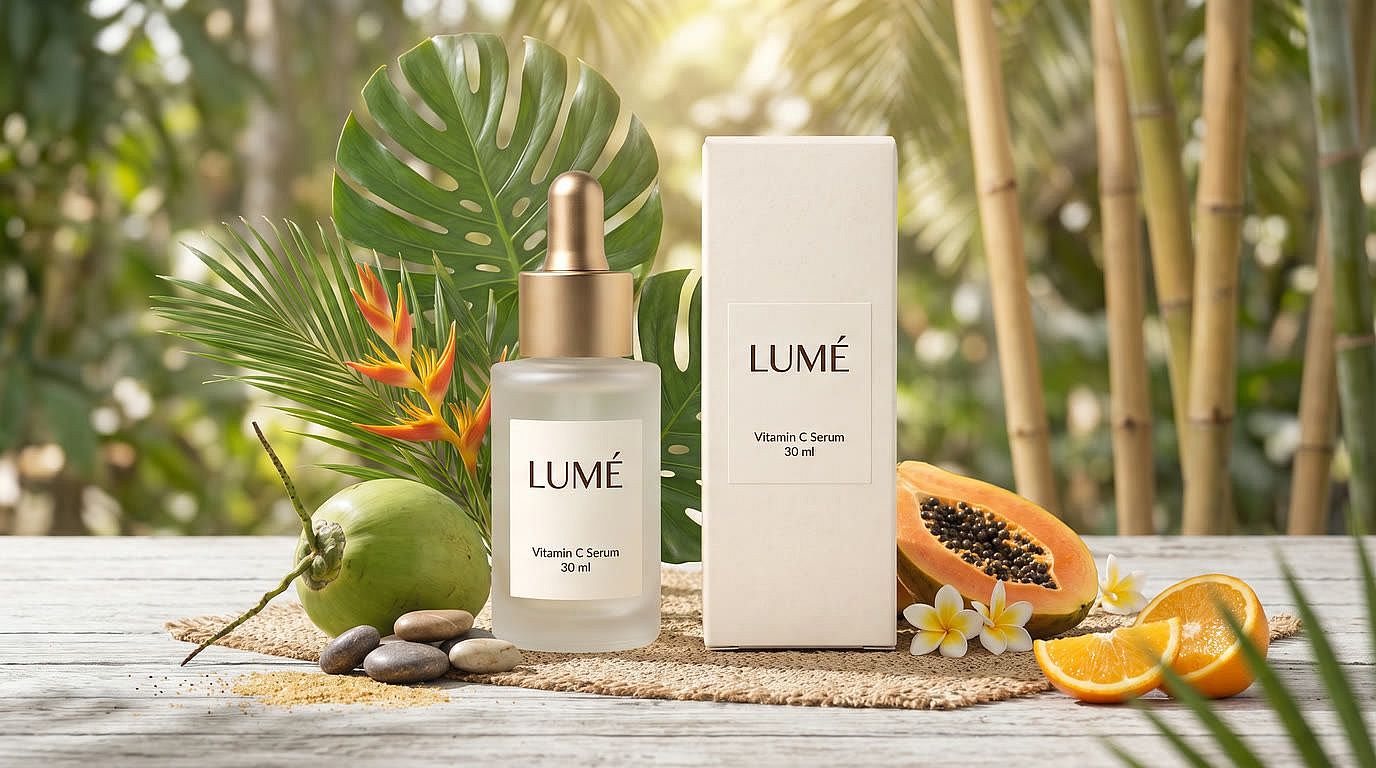
シンプルなプロンプトであらゆる画像を編集
変更内容を伝えればAIが仕上げます。商品写真を真っ白な背景からスタイリッシュなシーンへ移したり、はみ出たケーブルや価格シールを消したり、きれいで読みやすい文字で「NEW」や価格タグを追加したり。Area Editで特定の範囲を狙うか、Annotateモードで矢印や図形を描いて、AIに意図を正確に伝えましょう。
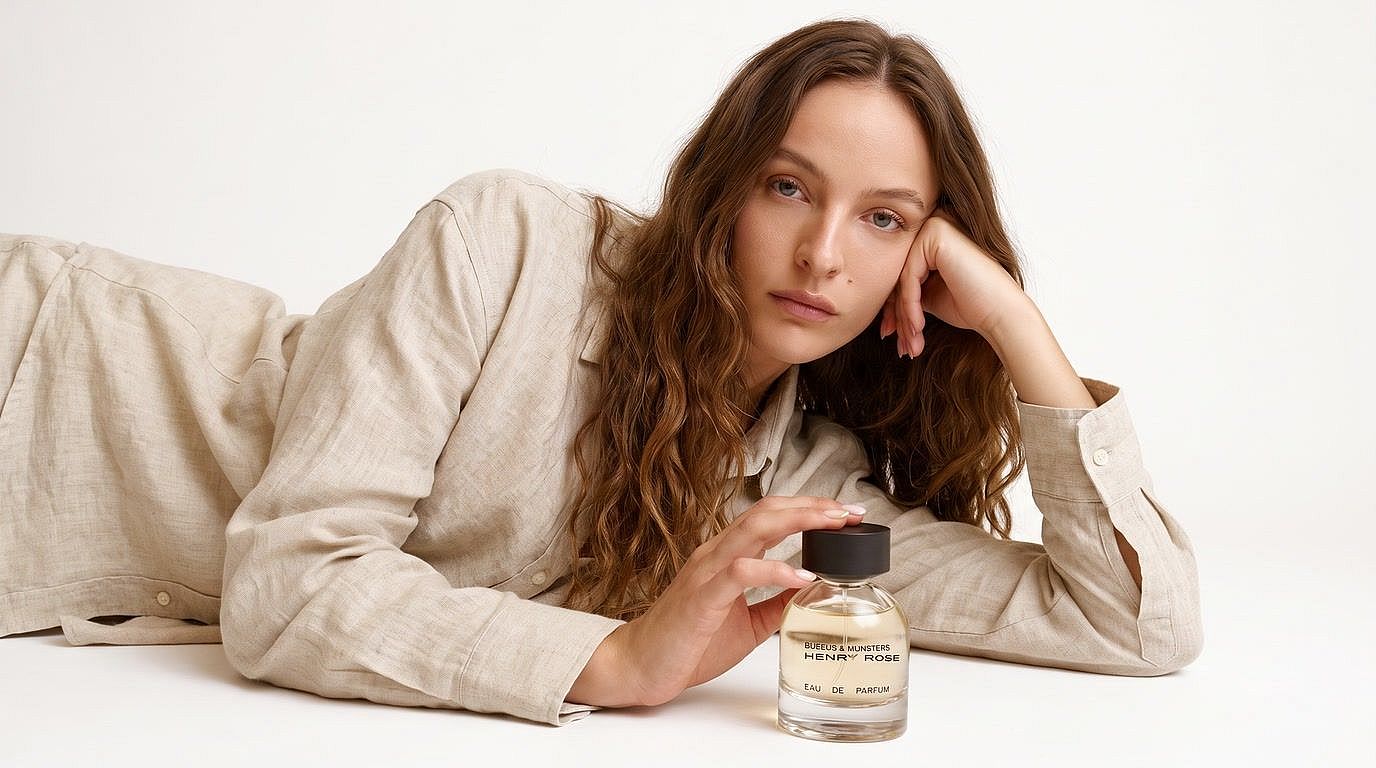
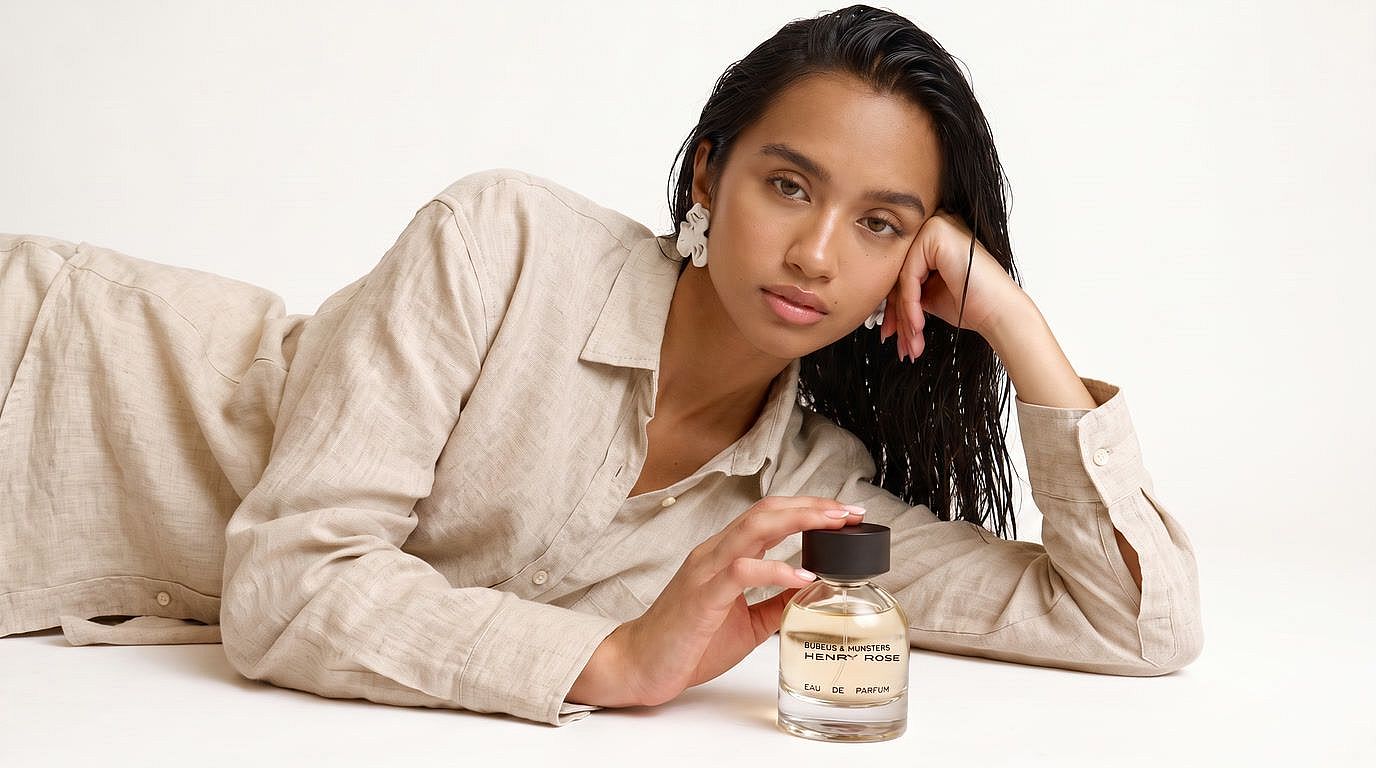
写真を4Kにアップスケール&補正
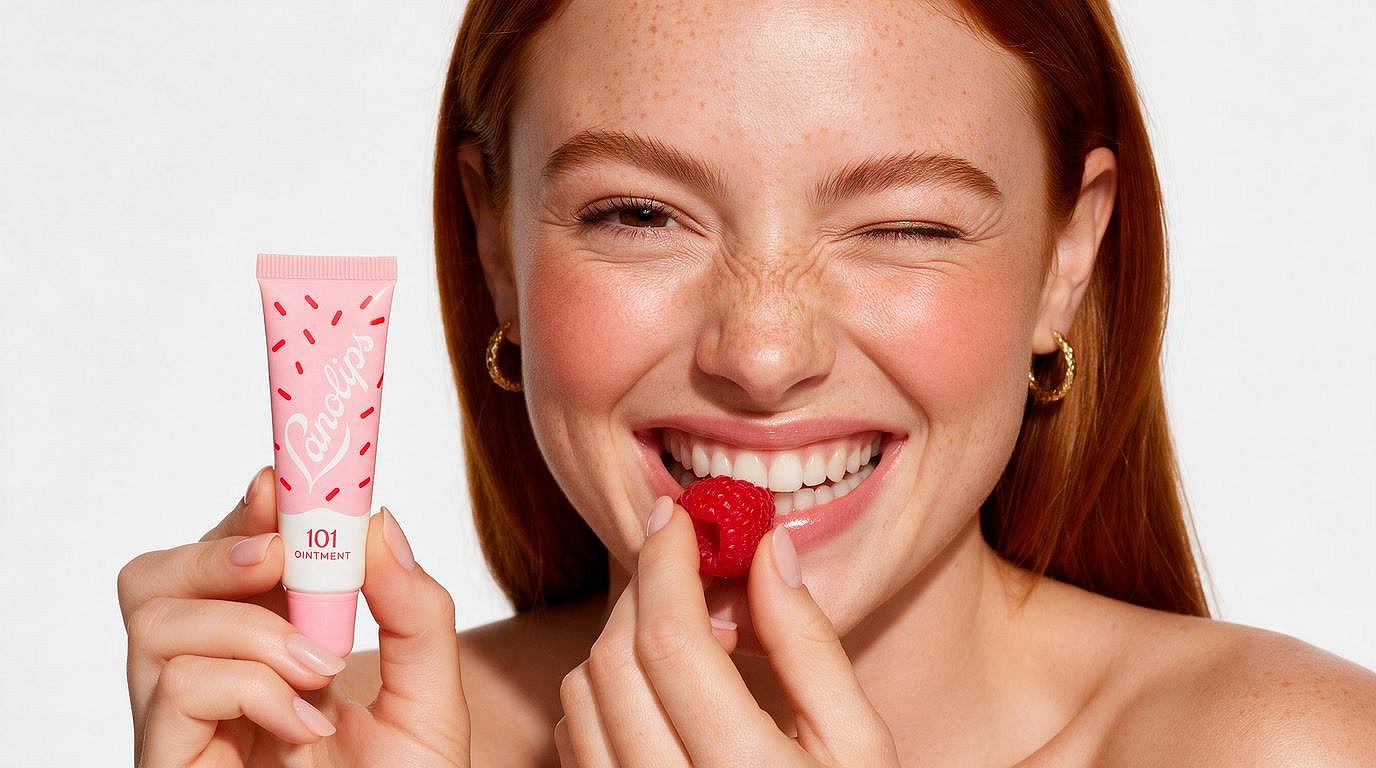
ぼやけた低解像度の写真を くっきり高画質な写真に 商品ラベルがはっきり読め、肌の質感もしっかり保たれます。アップスケールモードを選び、FastまたはUltra品質を選択し、ポートレートには肌補正をオンに。スキャンした古い家族写真にも使えます。
プラスチックのような肌を直し、自然な質感を取り戻す
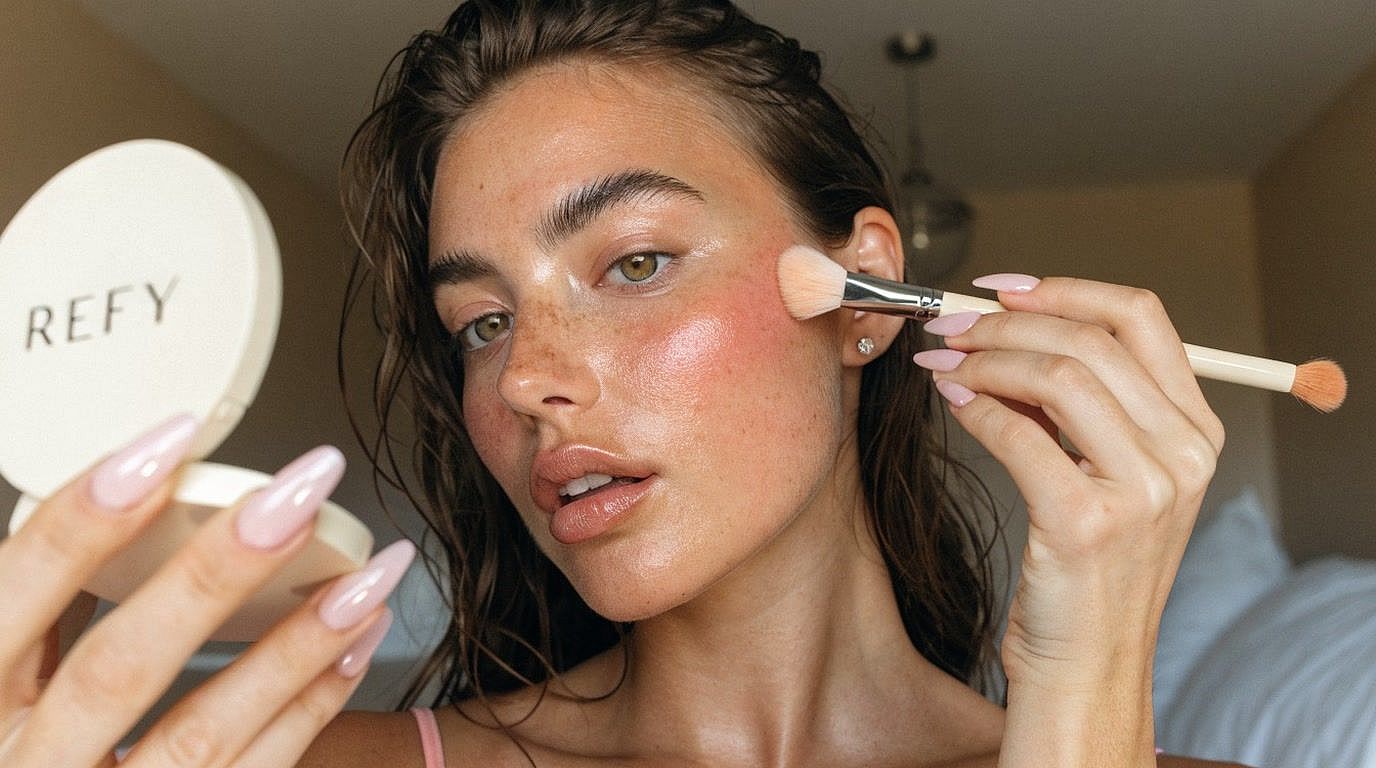
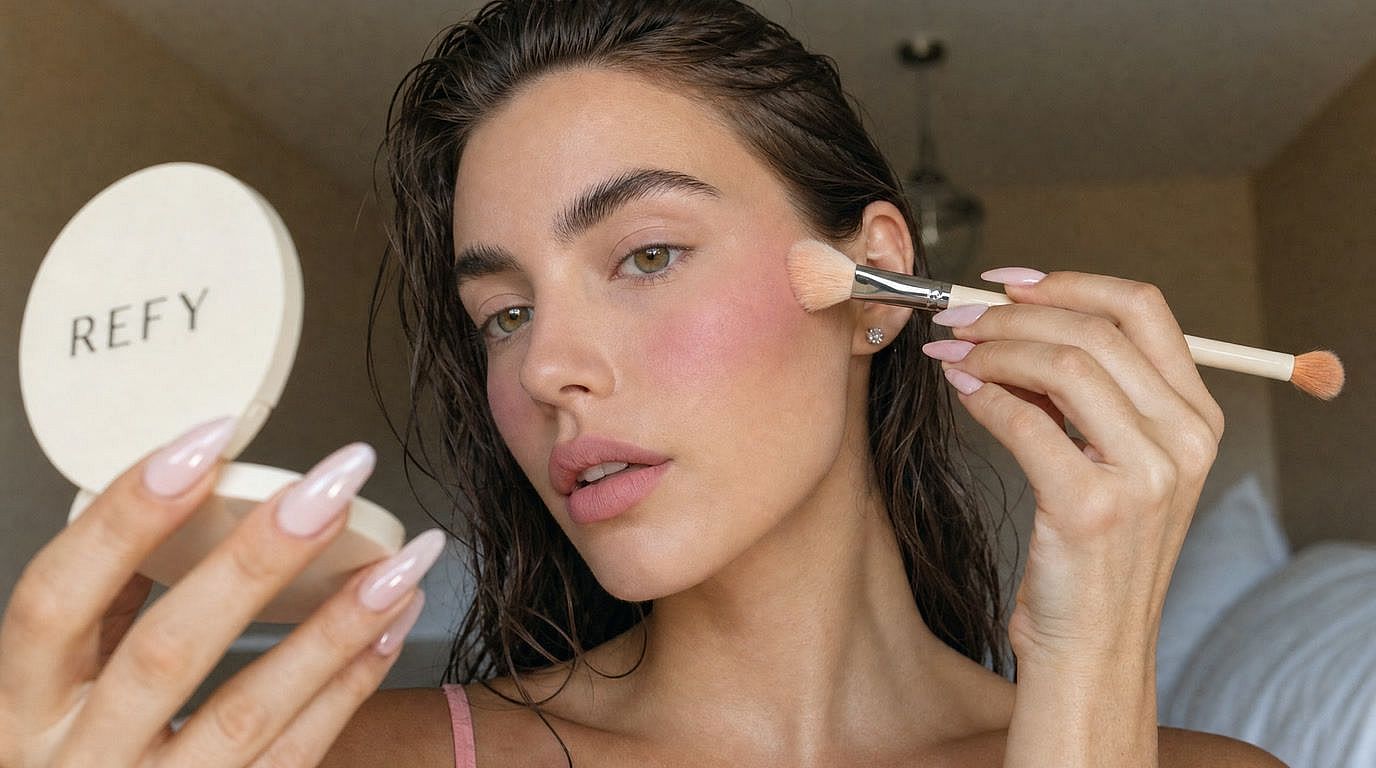
Image Upscaleツールで顔補正をオンにすれば、アップスケールしながら顔と肌の質感を整えられます。肌は自然なディテールを保つので、レタッチしたポートレートやAI生成の顔もくっきりリアルに仕上がります。AIインフルエンサーの写真がのっぺりしすぎてしまうクリエイターにぴったりの手早い解決策です。
AIで写真を編集する方法
OpenArt のオンライン AI 写真編集ツールなら、たった3ステップでどんな写真も編集できます。
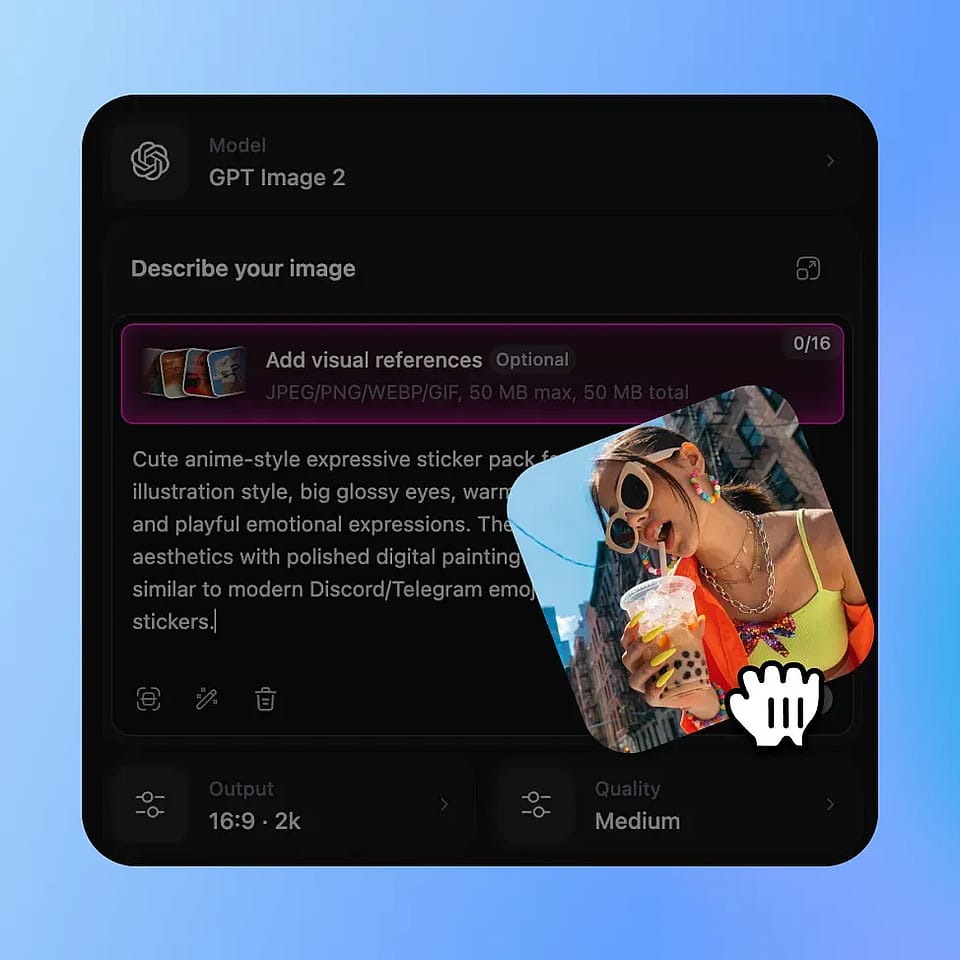
写真をアップロード
編集したい画像をドロップするだけ。ポートレート、商品写真、古い写真、何でもOKです。
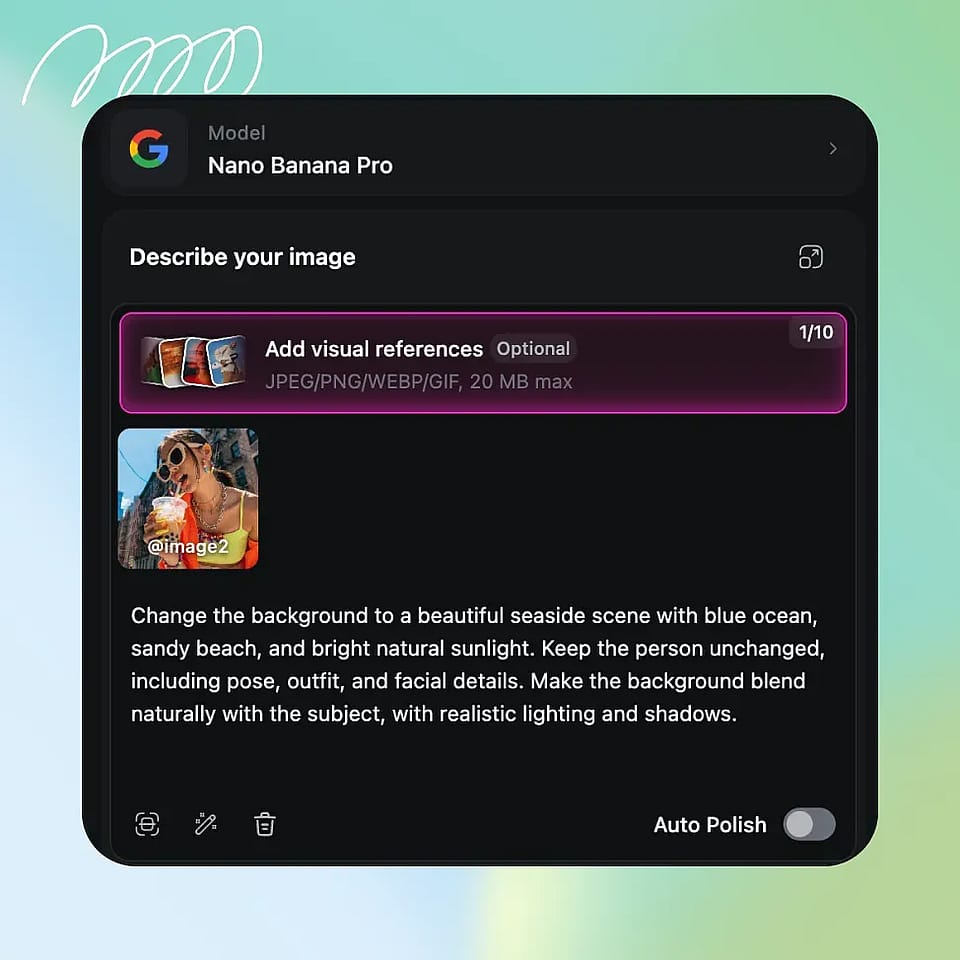
編集内容を説明
変更したい内容を入力するか、エリア編集で特定の箇所を指定するか、注釈モードで画像に直接マークを付けましょう。
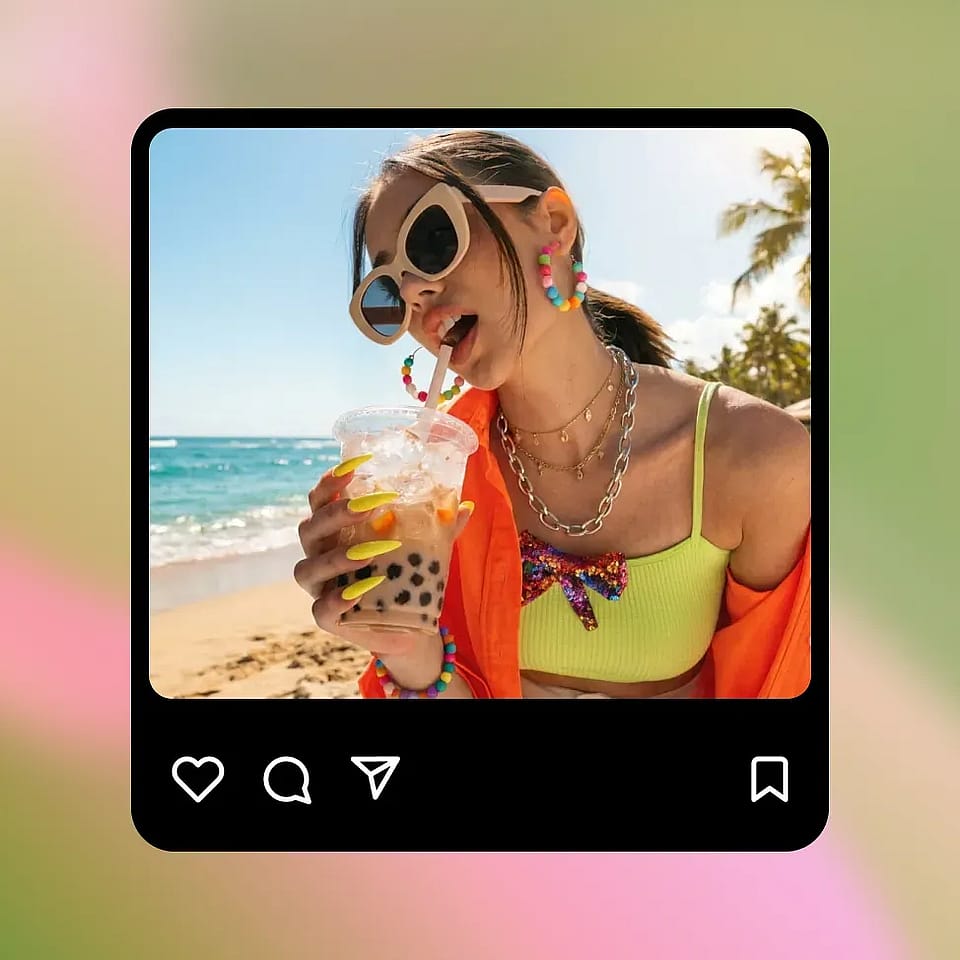
生成してダウンロード
生成ボタンを押し、結果を確認して、編集した写真をダウンロードしましょう。思い通りになるまでpromptを調整して再生成できます。
クリエイターはOpenArtのAI写真エディターをこう使う
スモールビジネスは出品用の商品写真をすぐに用意でき、クリエイターはより速く投稿でき、フォトグラファーはレタッチ時間を削減できます。
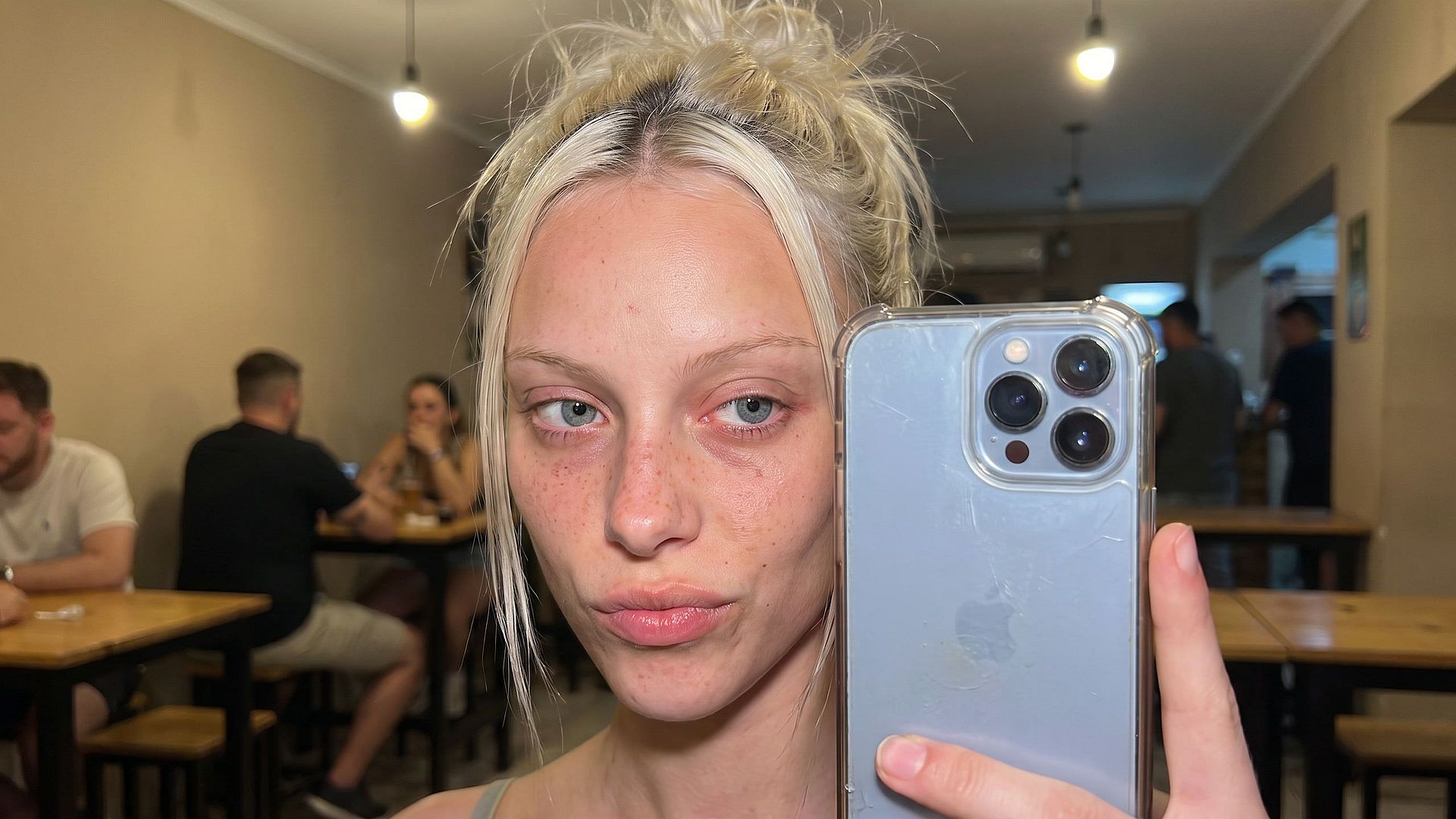
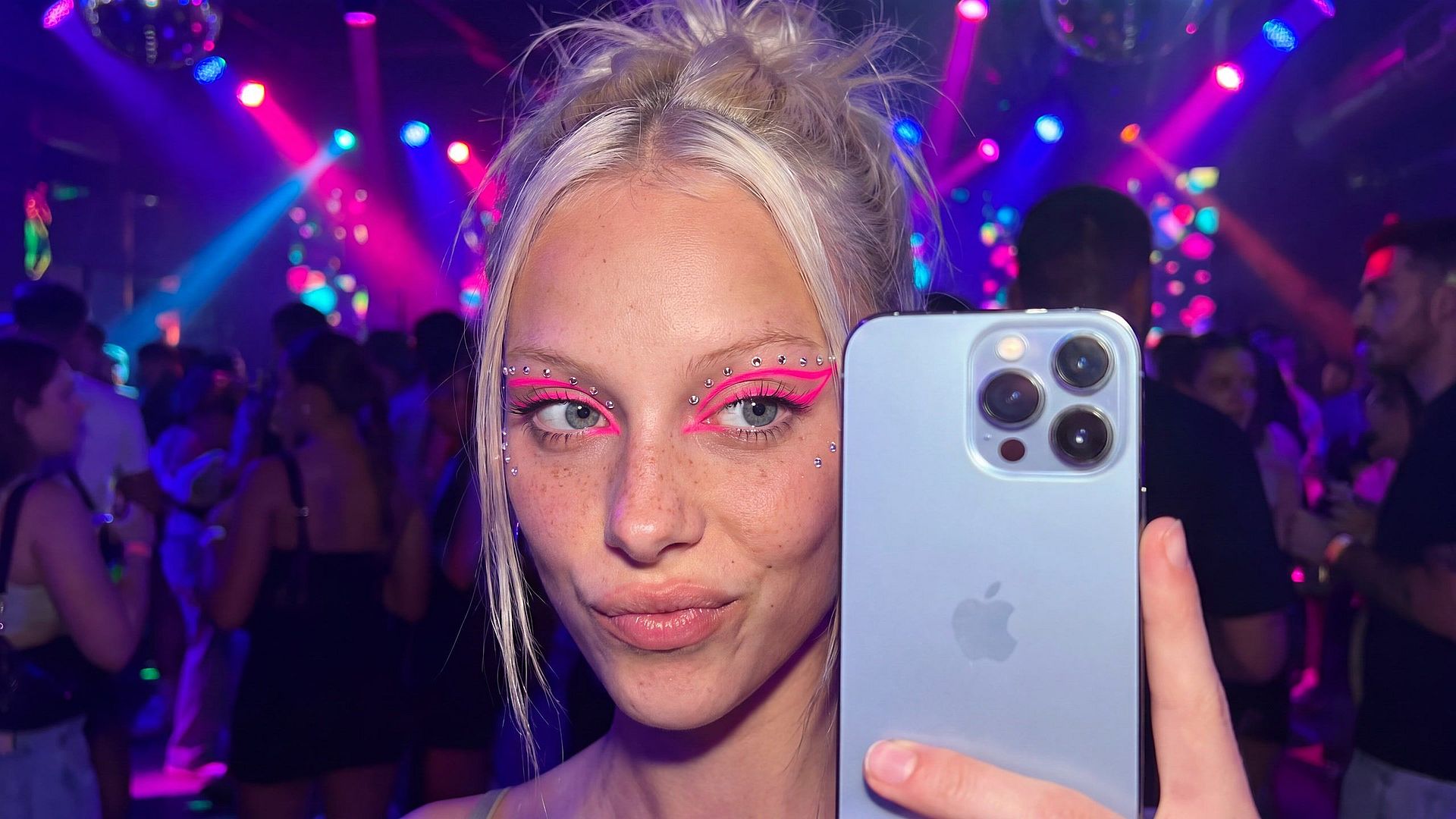
SNS向けのAI写真編集
プロンプトでシーン、衣装、メイクを変更。暗いバーで撮ったセルフィーをネオン輝くパーティーショットに変えることも。太字で読みやすいテキストと表情豊かな顔でサムネイルを作成し、参照画像を使えばカルーセルやシリーズ全体でキャラクターの見た目を保てます。
今すぐ試す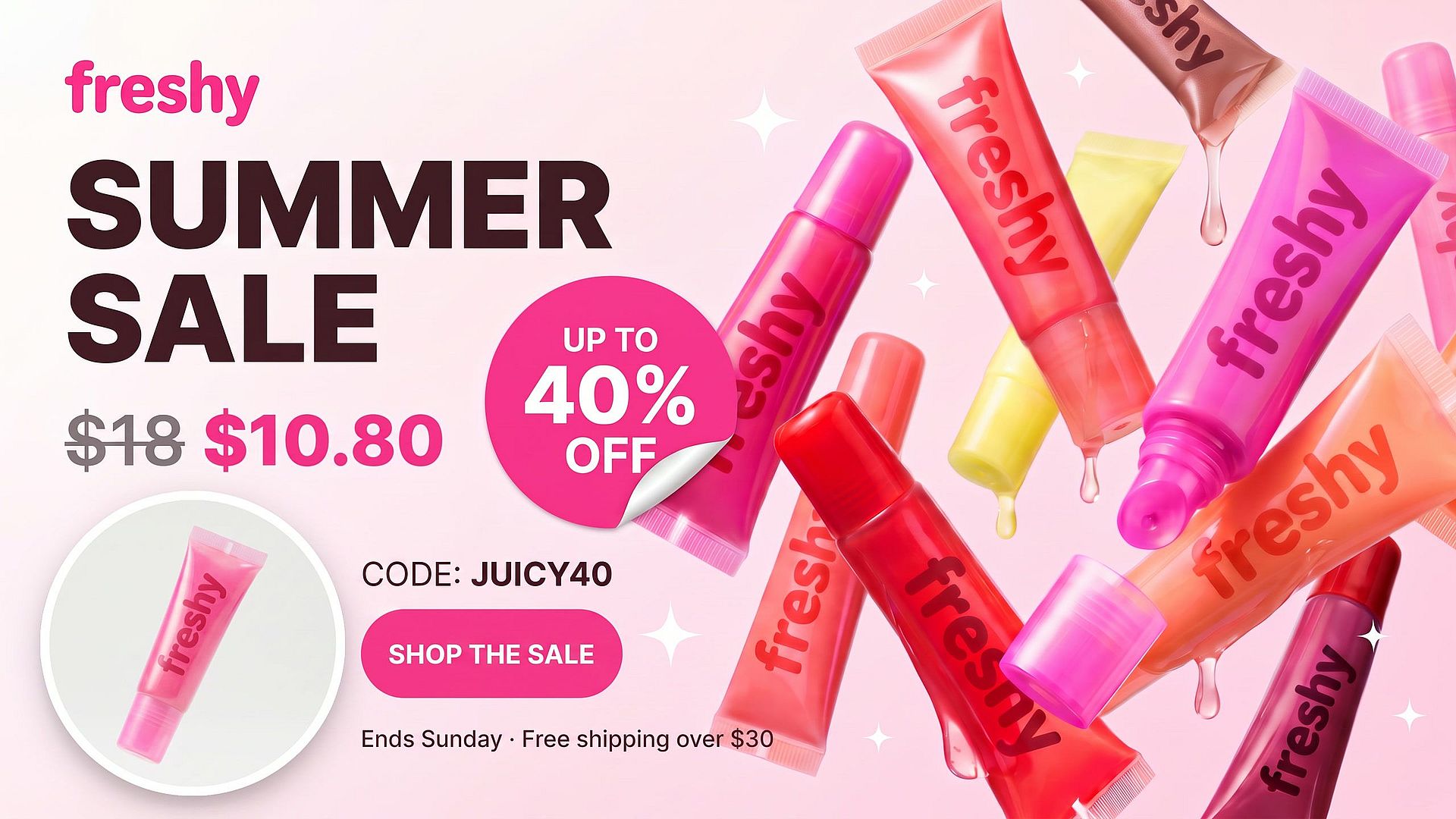
広告や出品用の商品写真を編集
デザインアプリを開かずに、背景を差し替え、ほこりや小道具を取り除き、「Summer Sale, 30% Off」のようなセールバッジや価格テキストを追加。同じ背景プロンプトをカタログ全体で使い回して統一感のあるストアに仕上げ、バリエーションを試してコンバージョンを比較できます。
今すぐ試す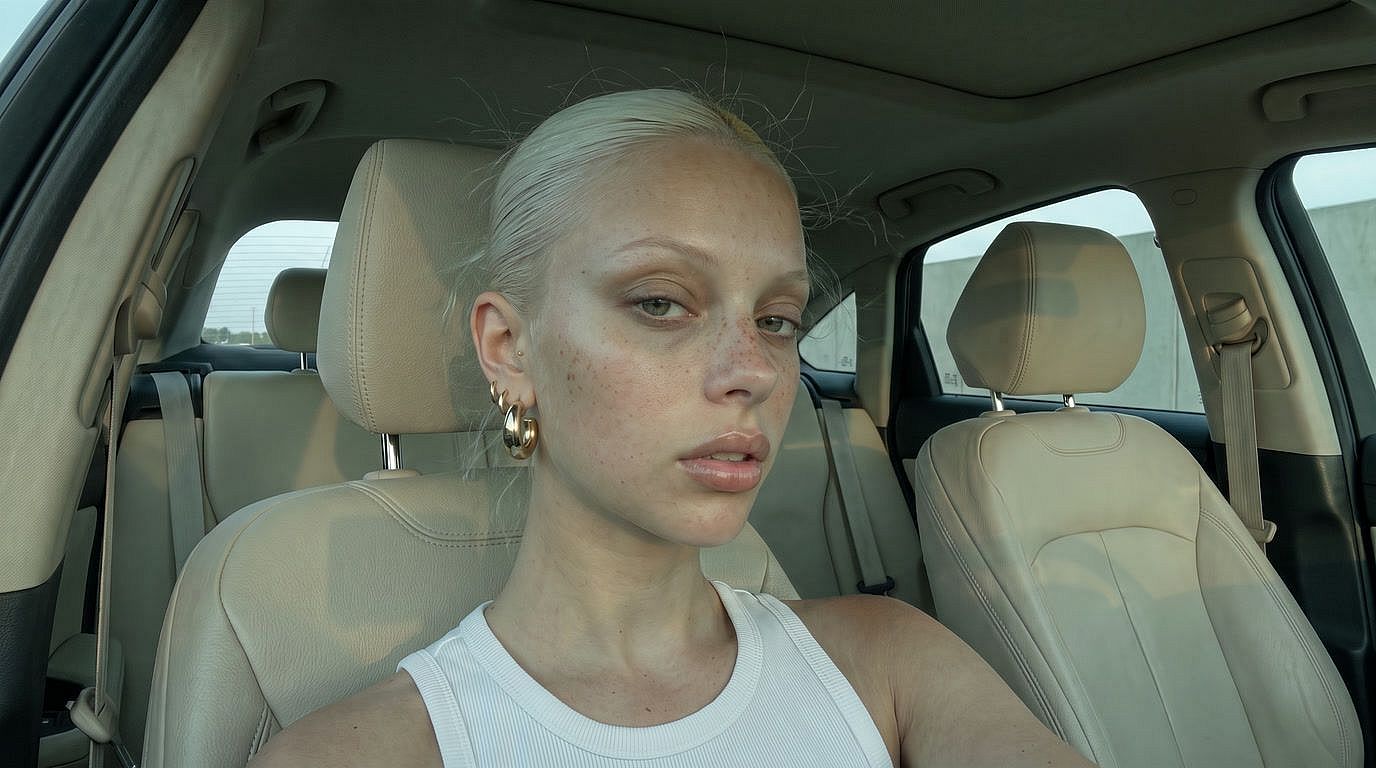
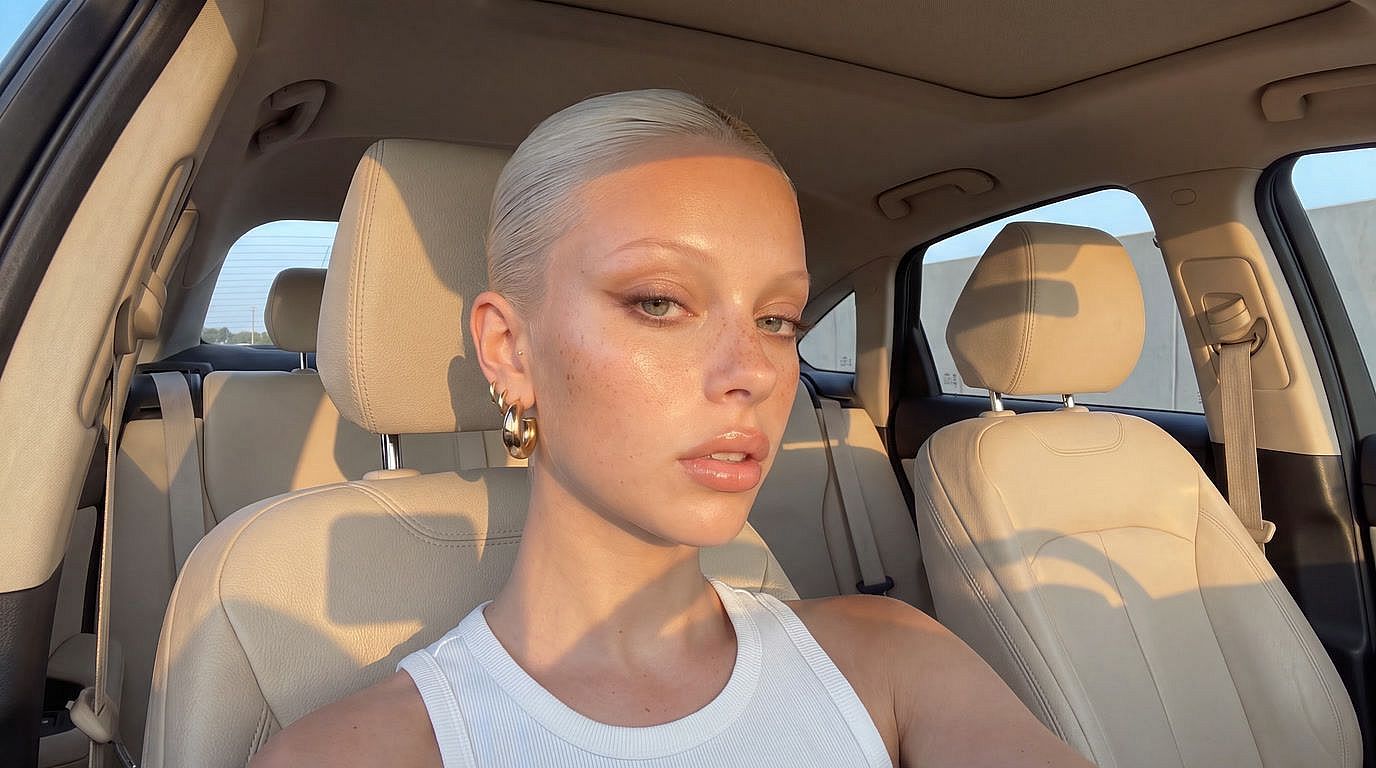
写真家向け AI レタッチ
繰り返しのレタッチはお任せを。フェイス補正で自然な肌を実現し、くすんだ色味を温かみのあるトーンに調整。ショットを4Kにアップスケールし、古いプリントを復元。Photoshopで本編集に取りかかる前に試せます。
今すぐ試すよくある質問 よくある質問
テキストプロンプトから画像を変えられるオンラインAI写真エディターです。背景の差し替え、オブジェクトの除去、テキスト追加、顔の差し替え、4Kへのアップスケール、肌のレタッチ、ライティング修正、カメラアングル変更、古い写真の復元まで、従来の編集ソフトなしでできます。無料で始められます。
はい。商品写真をアップロードして、望むシーンを「柔らかな朝の光が差す大理石のカウンターに置いて」のように説明するだけ。AIが背景を差し替え、ライティングと影を合わせつつ、商品とラベルはくっきり保ちます。同じプロンプトをカタログ全体で使えば、統一感のあるストアに仕上がります。
はい。フェイススワップで参照顔を使うか、OpenArt Charactersで再利用可能なキャラクターを作成すれば、サムネイル、カルーセル、ストーリーシリーズを通して同じ見た目を保てます。
はい、対象の有料プランで利用できます。詳しい条件はご自身のプランをご確認ください。
画像の編集とダウンロードには無料のOpenArtアカウントが必要です。登録は1分もかからず、すぐに使える無料クレジットがもらえます。
はい。プロンプトでテキストを指定するだけ。例えば「上部に太字の白文字でSUMMER SALE 30% OFFを追加」。セールバッジ、価格タグ、サムネイルのタイトル、SNSのキャプションに使えます。
はい。Edit ImageでArea Editモードを使って範囲を指定しその部分だけを変更するか、Annotateモードで矢印や図形を使って場所をマークできます。
具体的に。「よくして」ではなく「背景を晴れたビーチに差し替え、ボトルの下に柔らかな影を追加」のように。詳細が多いほど一発で理想に近づきます。