

Vertical Video Maker
OpenArt's vertical video maker turns a text prompt, a photo, or a saved character into a 9:16 video for TikTok, Instagram Reels, and YouTube Shorts. Each video is planned for a tall phone screen from the very first second.
Key Features of Vertical Video Generator
Generate Every Video in 9:16 From the Start
OpenArt creates your vertical video in the tall 9:16 shape from the first second. The AI plans the whole scene for a phone screen, so nothing important sits off the edge. Ask for a perfume bottle turning on a table, with empty space at the top for your headline. The bottle stays in the middle of the screen the whole time.
Turn a Product Photo Into a Vertical Video
OpenArt's AI vertical video generator can bring one still photo to life in 9:16. Upload the photo to Image to Video and type what should happen, like a sneaker spinning on a wet street at night. You can also skip the photo and describe the whole scene in Text to Video.
Keep the Same Face Across a Vertical Series
OpenArt Characters lets you build a character once and reuse that character in every vertical video you make. Build the character from a photo, a text prompt, or Character Builder presets. Then tag the character in your next video, and the face and style stay recognizable. A cooking channel host can show up in every episode with the same look.
Build a Longer Vertical Story in OpenArt Director
OpenArt Director makes a vertical video with several scenes, up to 5 minutes long. Describe the whole idea in one message, like a three-part story about a lost dog finding its way home. Ask for 9:16 in the same message. OpenArt Director then plans the scenes on a storyboard and builds them into one video.
How to Use the Vertical Video Maker
You make a vertical video inside the OpenArt AI video generator in three steps.
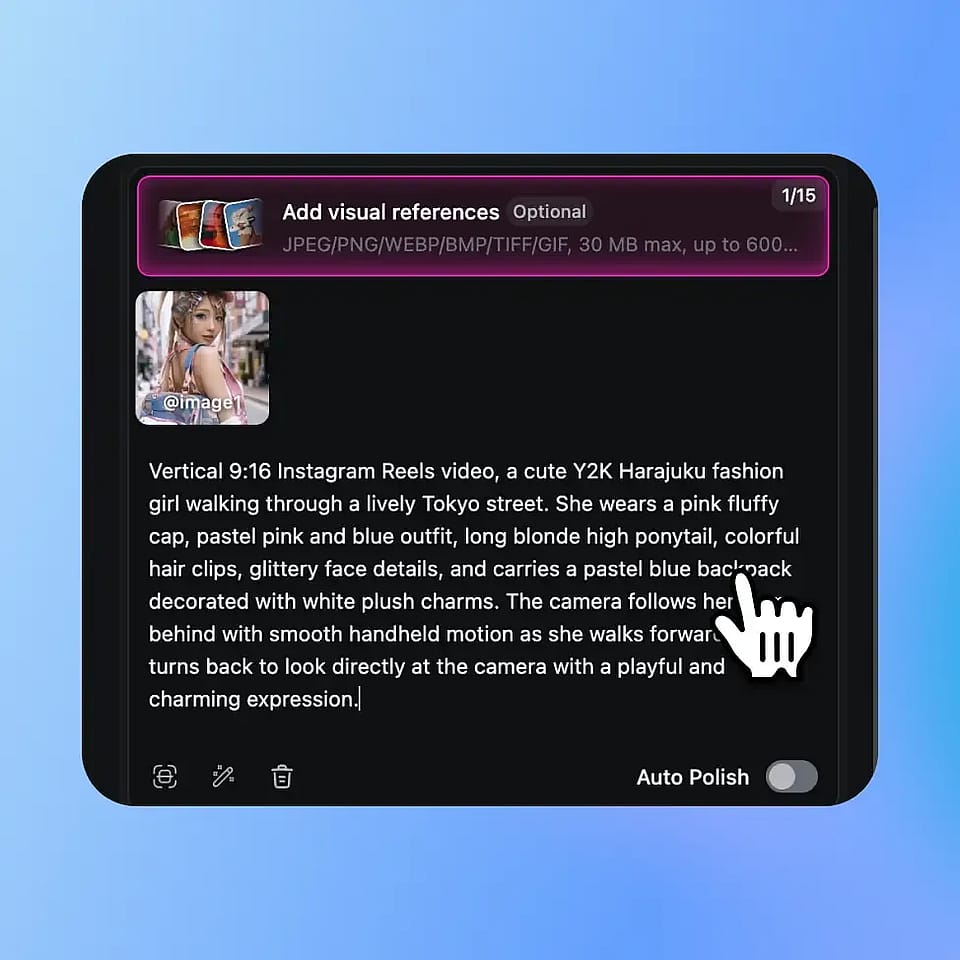
Describe your video or upload a photo
Open the AI video generator and type what you want to see. Add a photo if you want your product or picture to move.
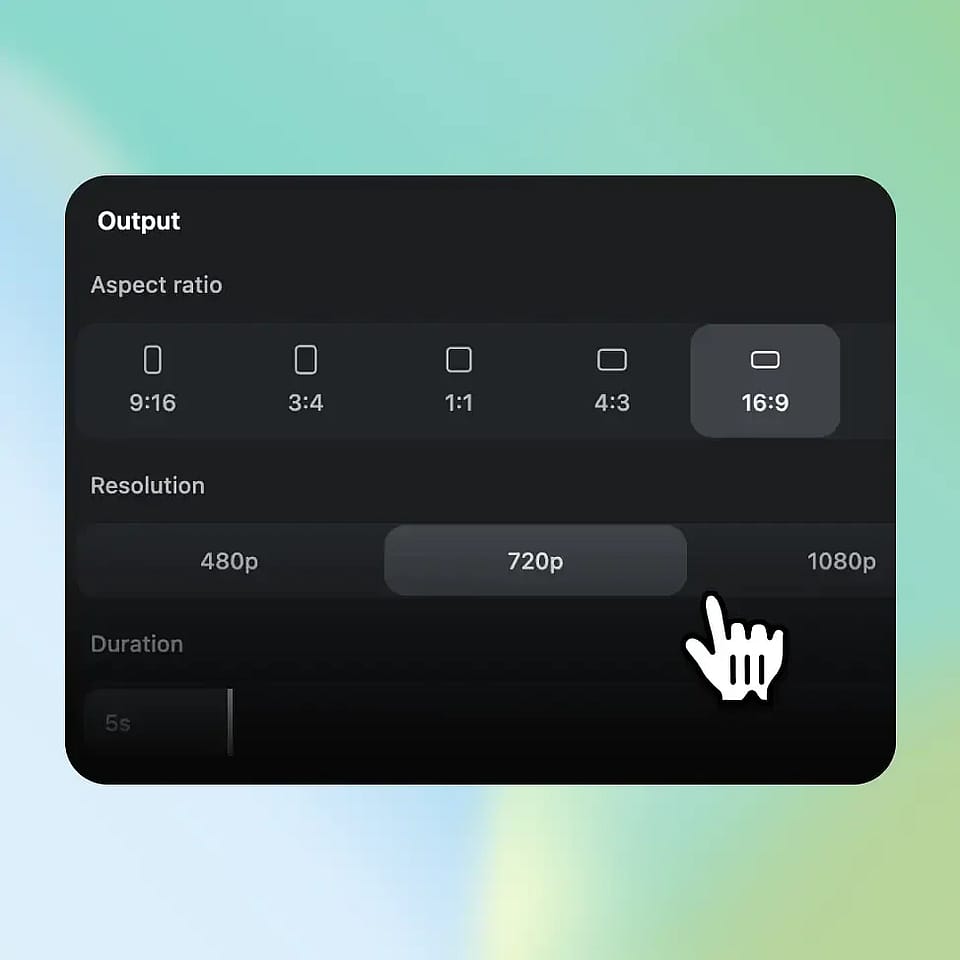
Set the aspect ratio to 9:16
Pick 9:16 in the aspect ratio setting, then choose your model, length, and resolution and generate.
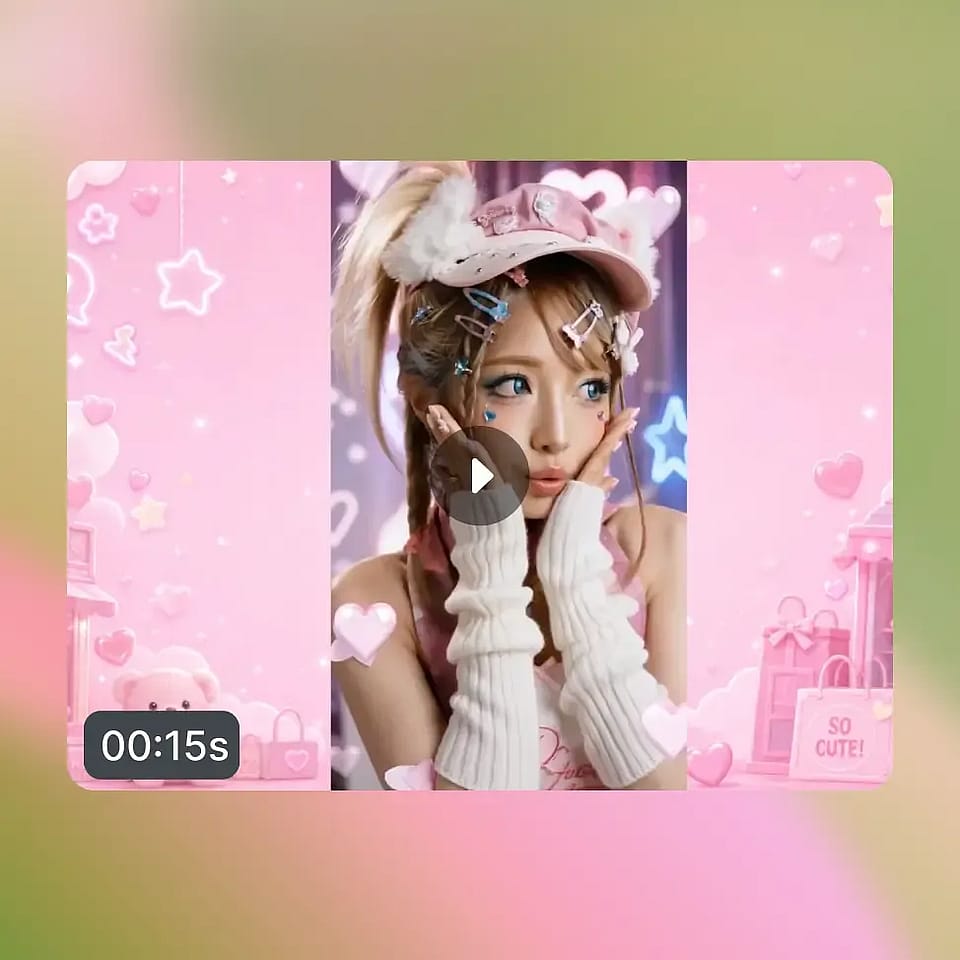
Review it and download
Watch the video, adjust your prompt, and generate again if something looks off. Download the version you like and post it.
Best Use Cases of Vertical Video Creator
OpenArt's vertical video maker fits anyone who posts short videos for phone screens, from solo creators to agency teams.
Creators Who Post Every Day
Social media creators use OpenArt to post TikToks, Reels, and Shorts without filming each one. Type a trend idea in the morning and have a 9:16 video ready to post the same day. Faceless channels work too. Build an AI influencer once and put the same face in every post.
Try it NowSmall Business Owners Selling Online
Small business owners use OpenArt to turn product photos into 9:16 ads for TikTok and Instagram. Upload a photo of a candle and ask for soft, flickering light on a wooden table. Make three versions that open in different ways and see which one gets more clicks. You make every version without hiring a video crew.
Try it NowStorytellers Making Short Drama Series
Storytellers use OpenArt to make short drama series, often called micro dramas, for people watching on phones. OpenArt Characters keeps the same characters in every episode. Write each episode as one idea in OpenArt Director and get a vertical video with several scenes. A weekly series about two rival bakers can keep the same two faces all season.
Try it NowMarketing Agencies and Brand Teams
Marketing agencies and brand teams use OpenArt to make many 9:16 ads from one brief. Image to Video turns the client's product photos into a set of versions to test. For videos made in Text to Video, Brand Kit applies the brand's colors, fonts, and rules to every generation in the project.
Try it Now