

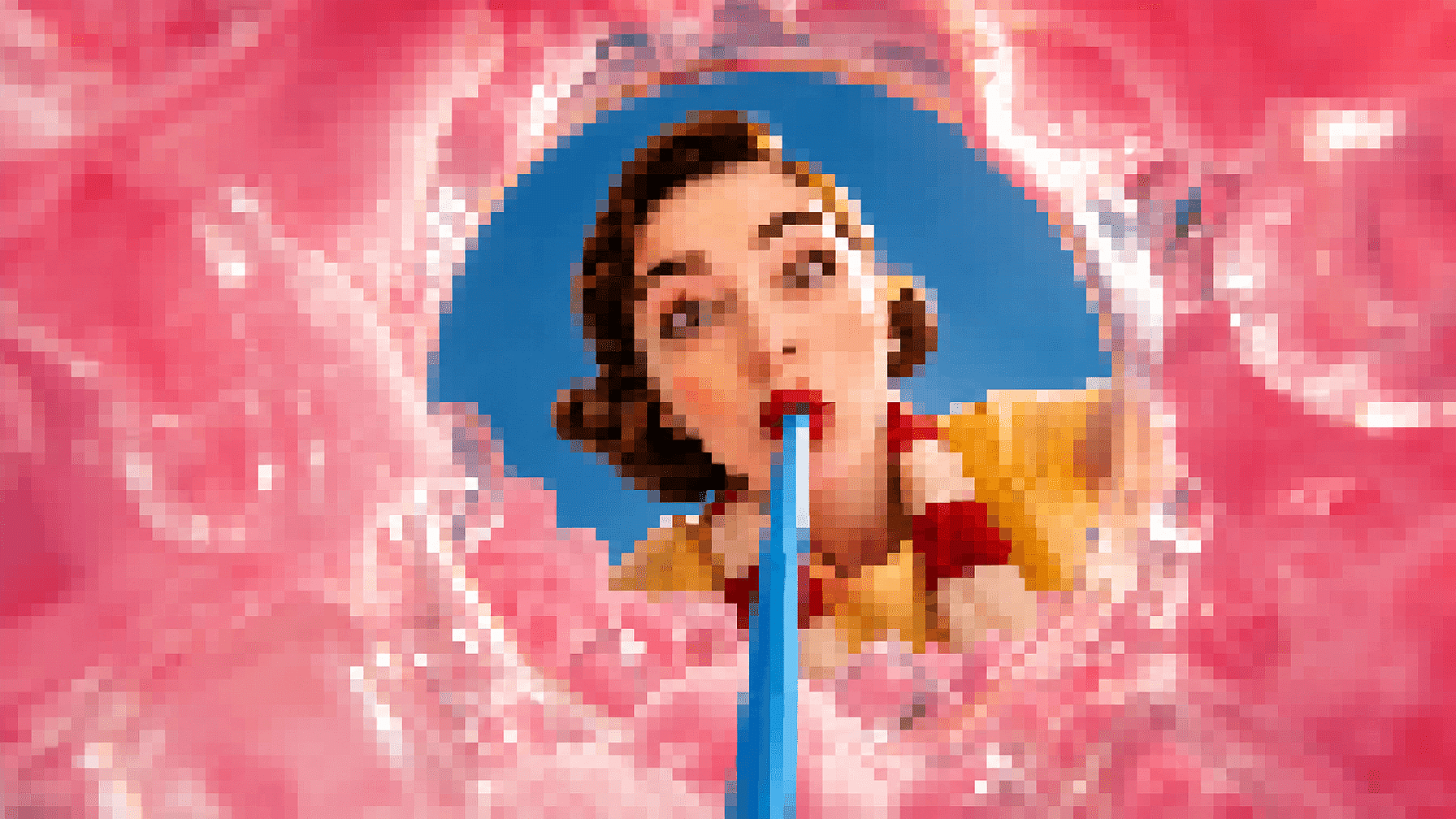
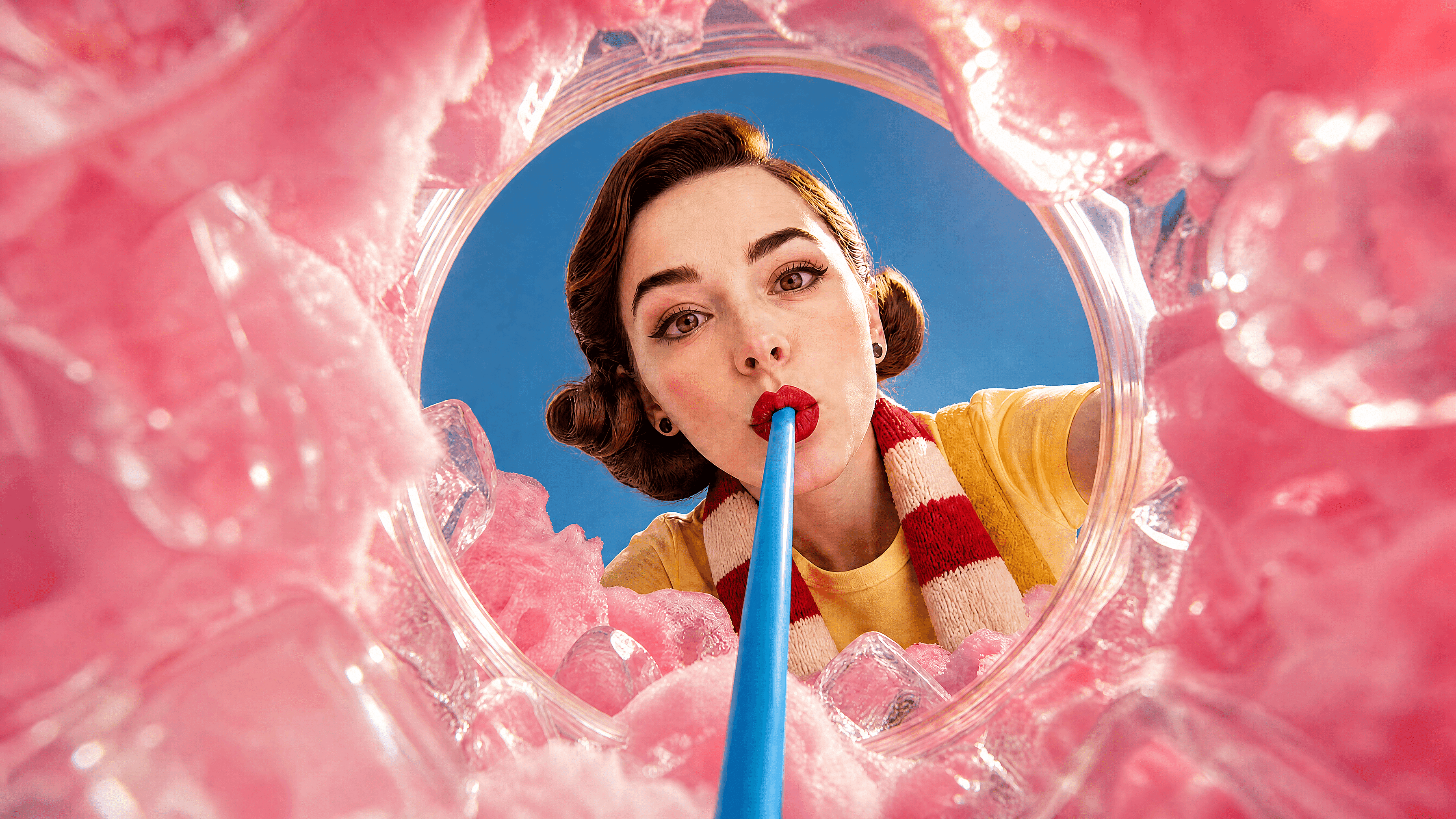
Unpixelate Image
Turn a blocky, low-resolution photo into a clean image with reconstructed detail. OpenArt fixes pixelation online in seconds, with no software or editing skills required.
 Add an image Or drag and drop here · JPEG, PNG, WEBP, HEICJPEG, PNG, WEBP, HEIC
 How to Unpixelate an Image
Fix a blocky photo in three simple steps.
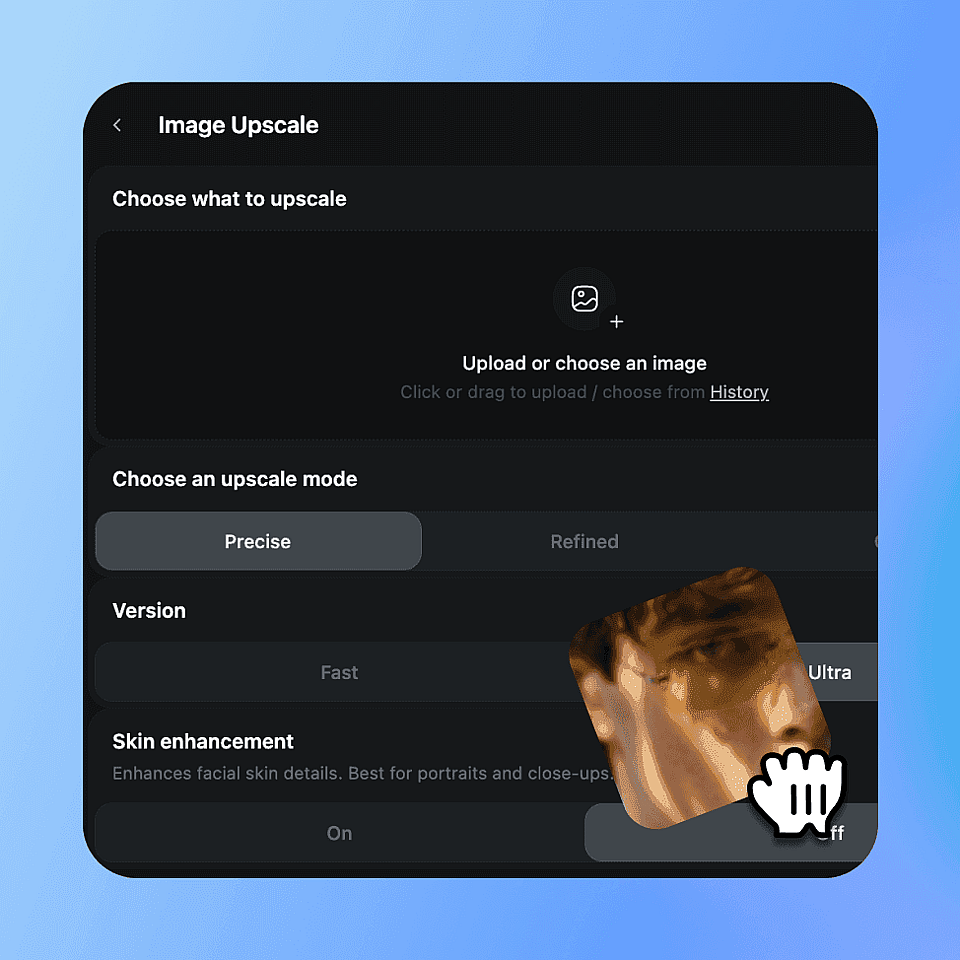
Upload your image
Choose the pixelated photo, screenshot, logo, or digital artwork you want to repair.
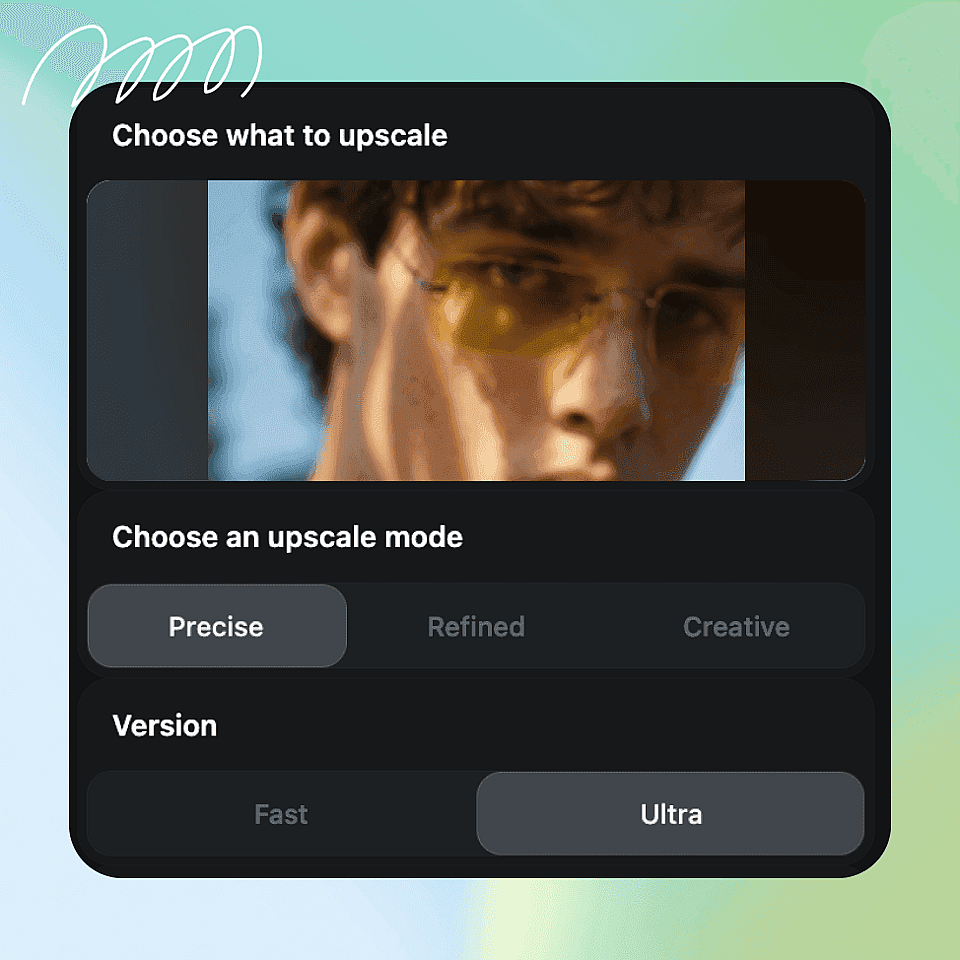
Let AI reconstruct the detail
OpenArt analyzes the blocky areas and generates missing visual information instead of smoothing pixels with a blur filter.
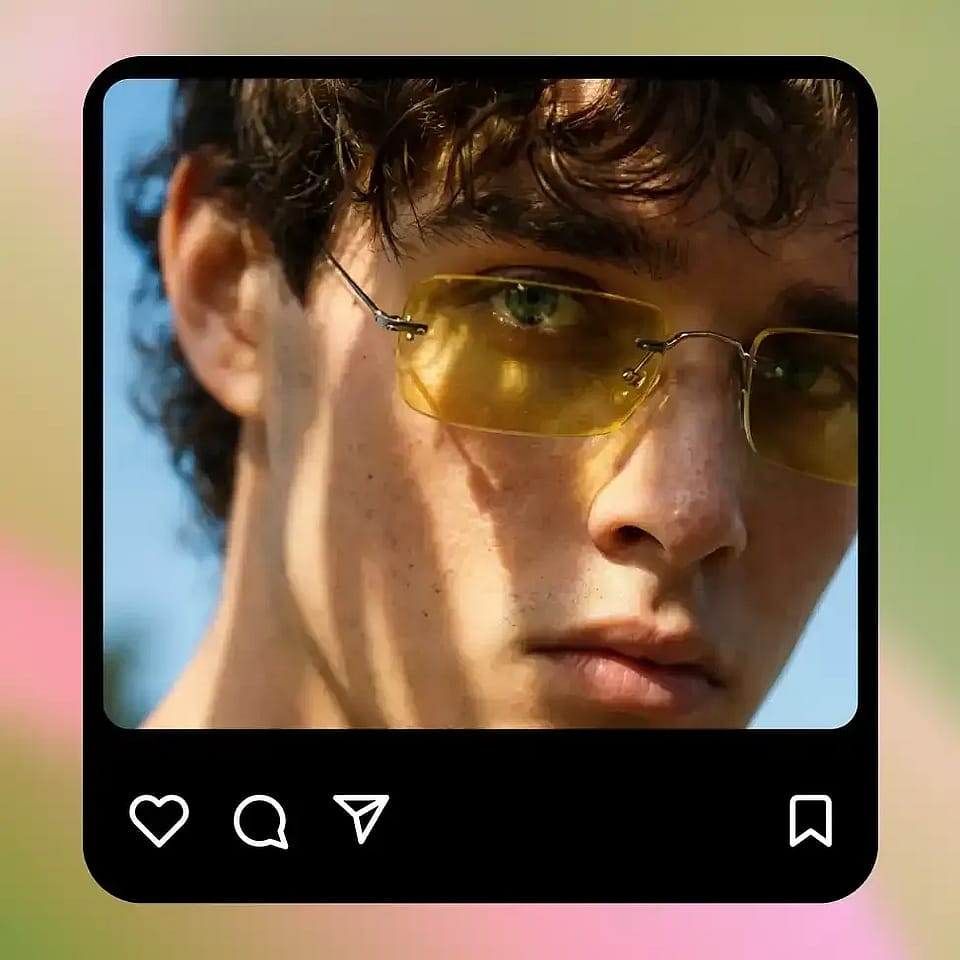
Download the finished image
Save the unpixelated result in seconds with no software installation or watermark.
Key Features of the AI Unpixelate Tool
Different causes need different fixes. Match your photo below, then let OpenArt reconstruct what got lost.
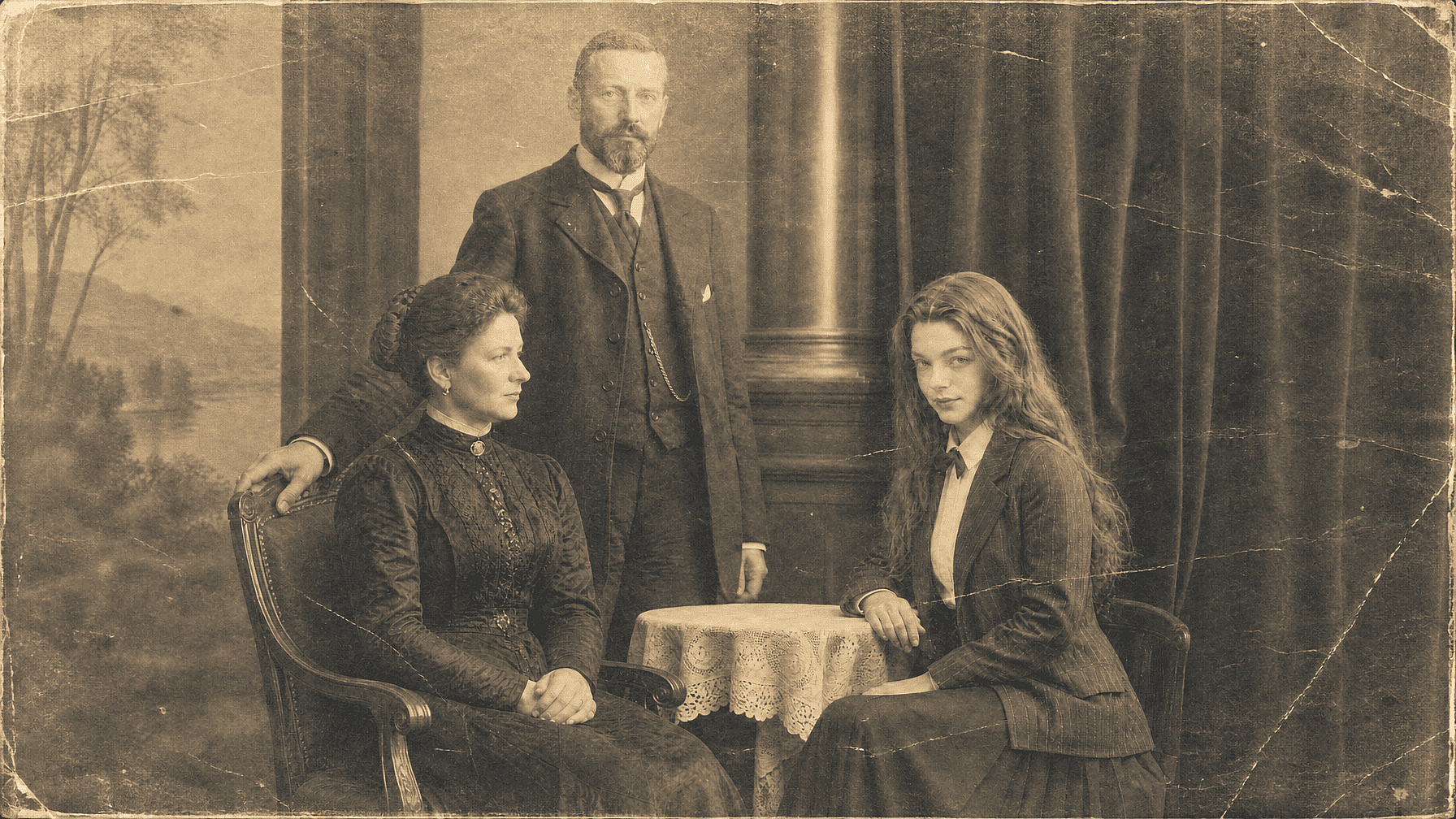
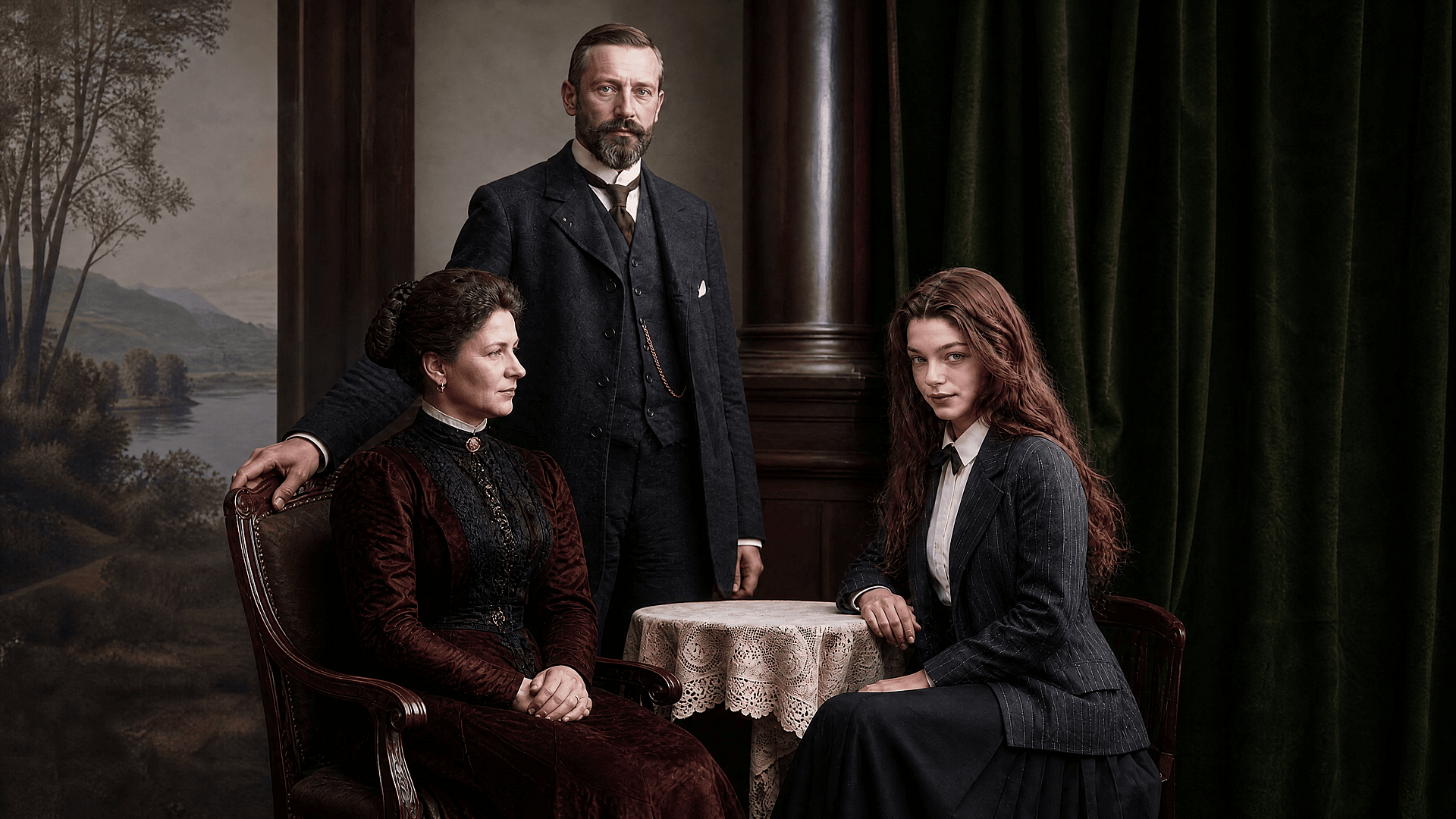
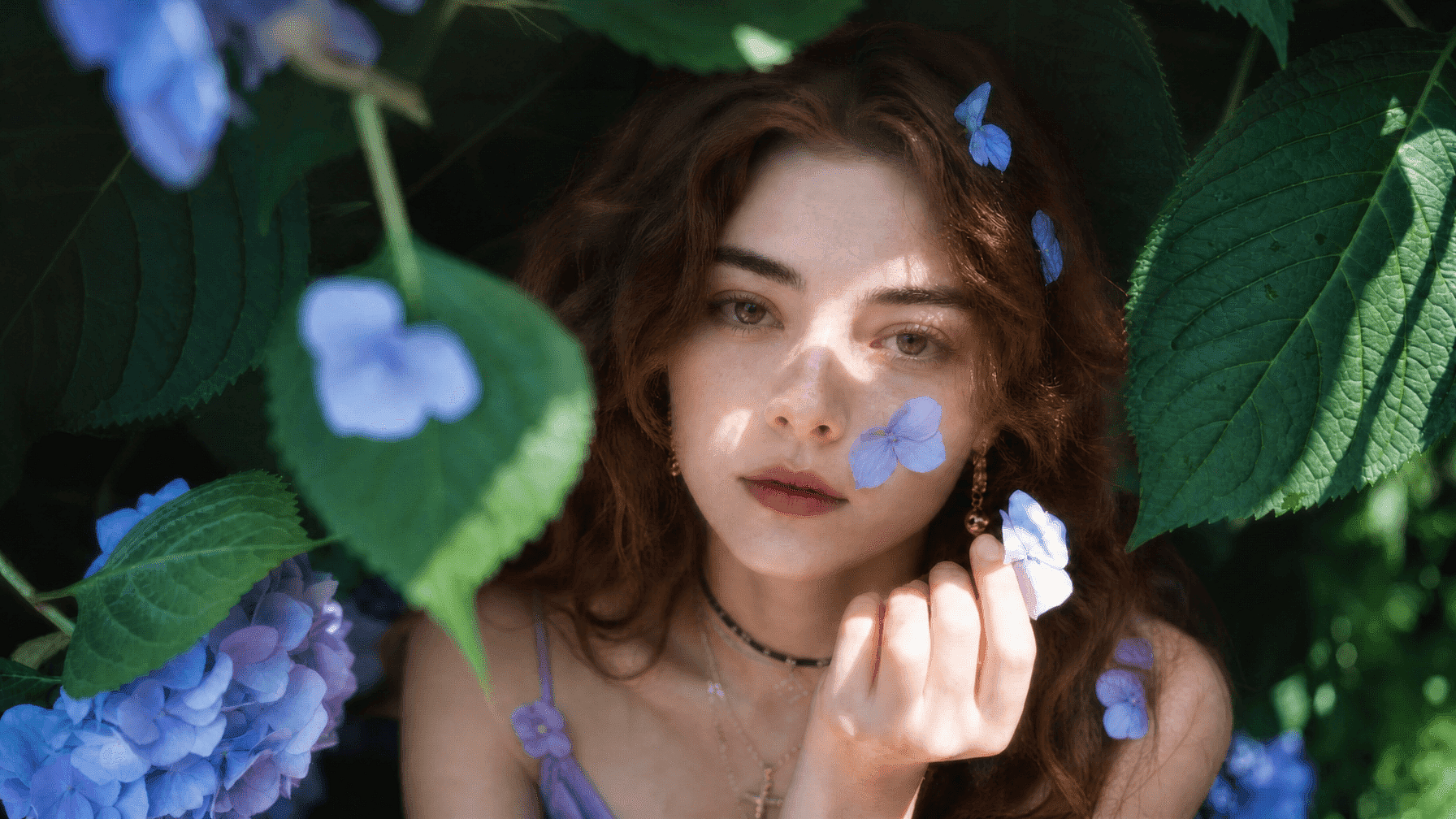
Old and Scanned Family Photos
Small scans often turn faces and clothing into square blocks when you enlarge them. OpenArt can unpixelate the photo and reconstruct cleaner facial features while preserving the original composition.
Try it Now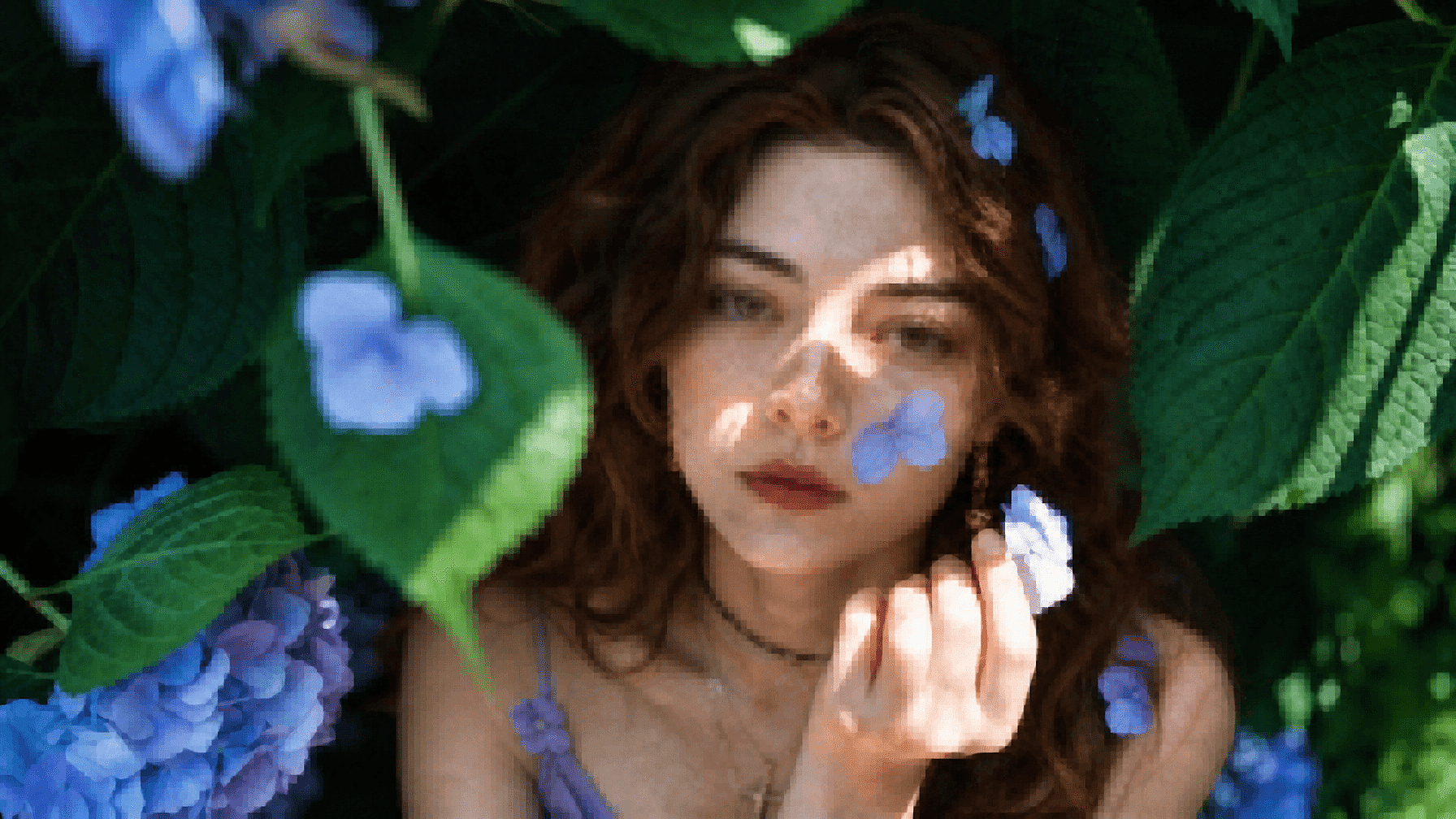
Screenshots and Cropped Social Images
Screenshots lose detail after repeated resizing, and tight crops expose the limited pixels in a small area. AI reconstruction produces a cleaner image that holds up better when reposted or displayed at a larger size.
Try it Now
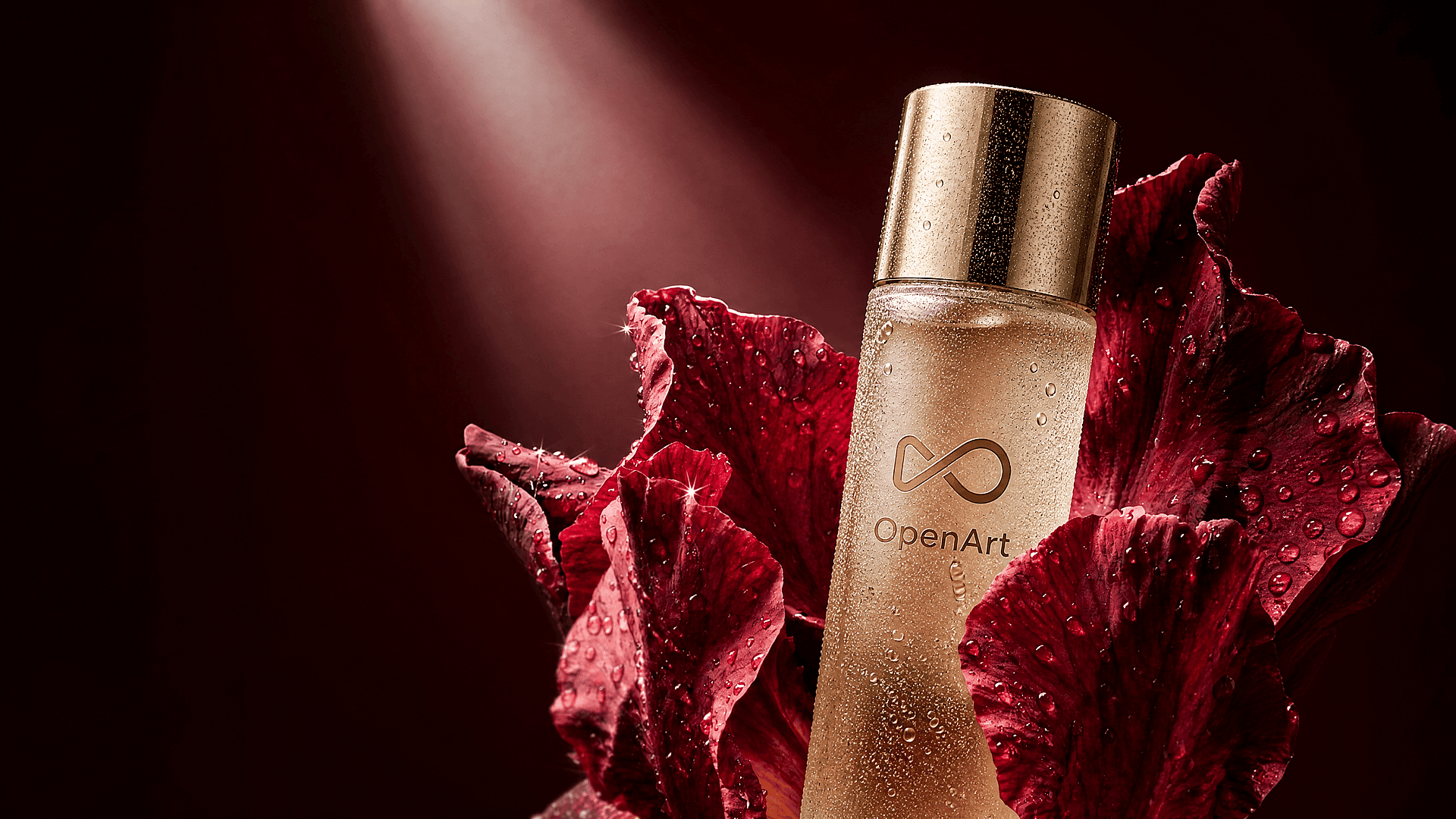
Product Photos and Logos
Marketplace compression can leave product edges jagged and make logo lettering hard to read. OpenArt can reduce those artifacts, clarify the product outline, and create a cleaner asset for listings or social posts.
Try it Now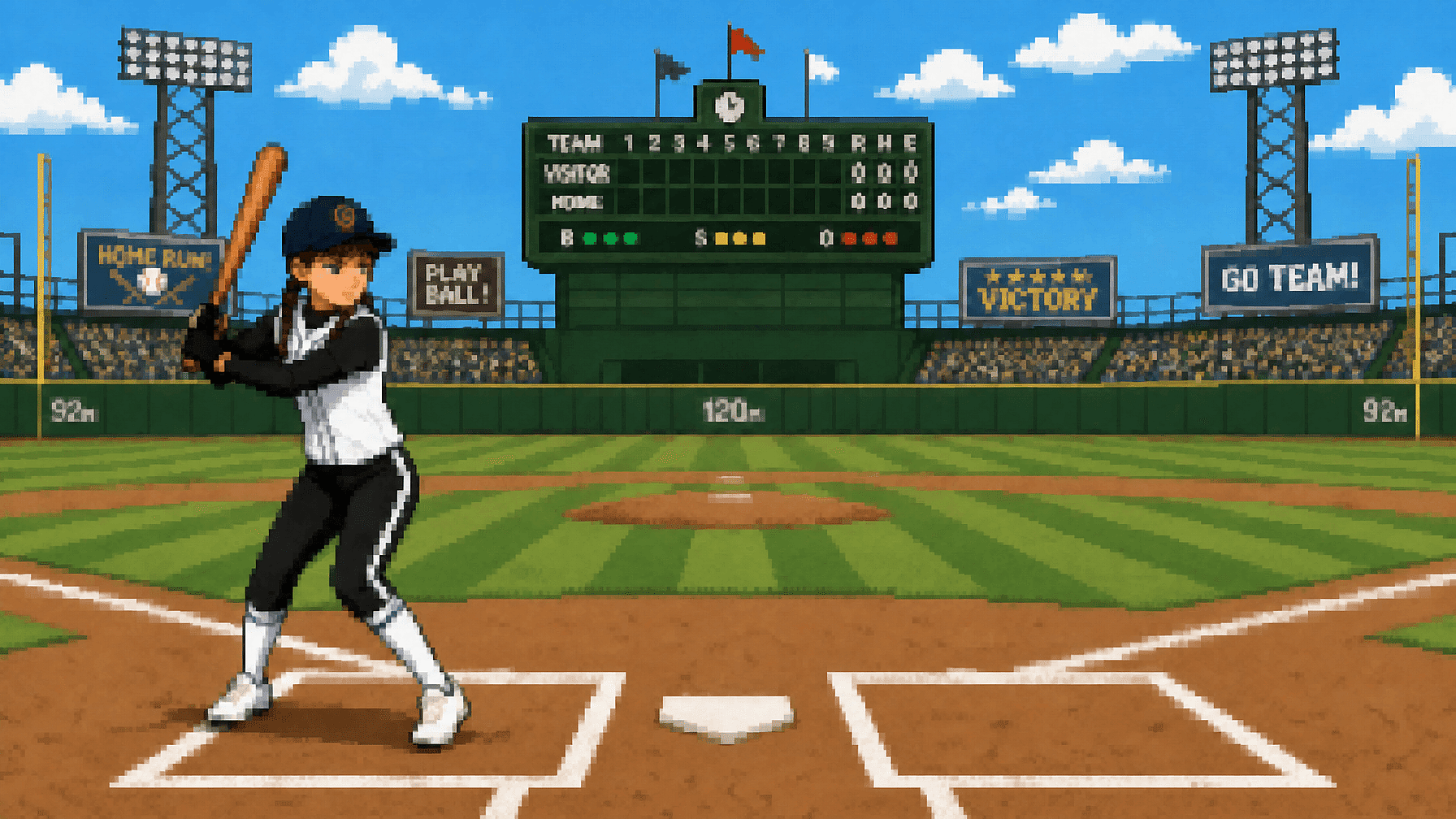
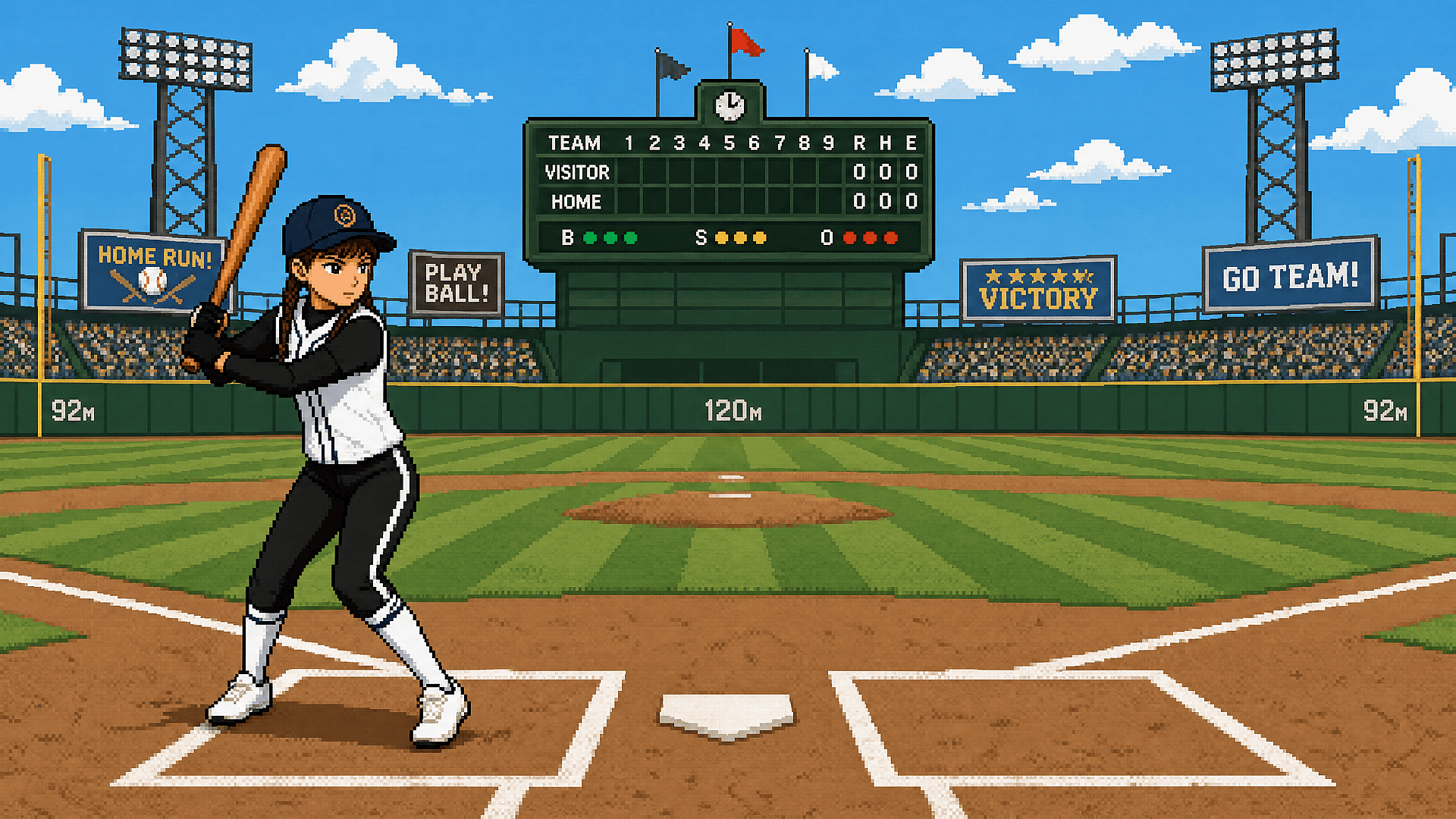
Game and Digital Art Assets
Extracted textures, old sprites, and downloaded artwork may arrive at a resolution too low for a new project. OpenArt can depixelate the image and rebuild plausible detail for larger screens, mockups, or further editing. For intentional pixel art, keep the original file because reconstruction will change its block-based style.
Try it NowFrequently Asked Questions
Get Insights from Experts Blog
Get the insights you need. Our experts share actionable hacks, break down the hottest topics, and provide essential how-to guides to help you build, optimize, and scale.
Read More

Create without limits
Join thousands of creators using OpenArt to generate stunning images, videos, and more — all in one platform.
Get Started for Free →