

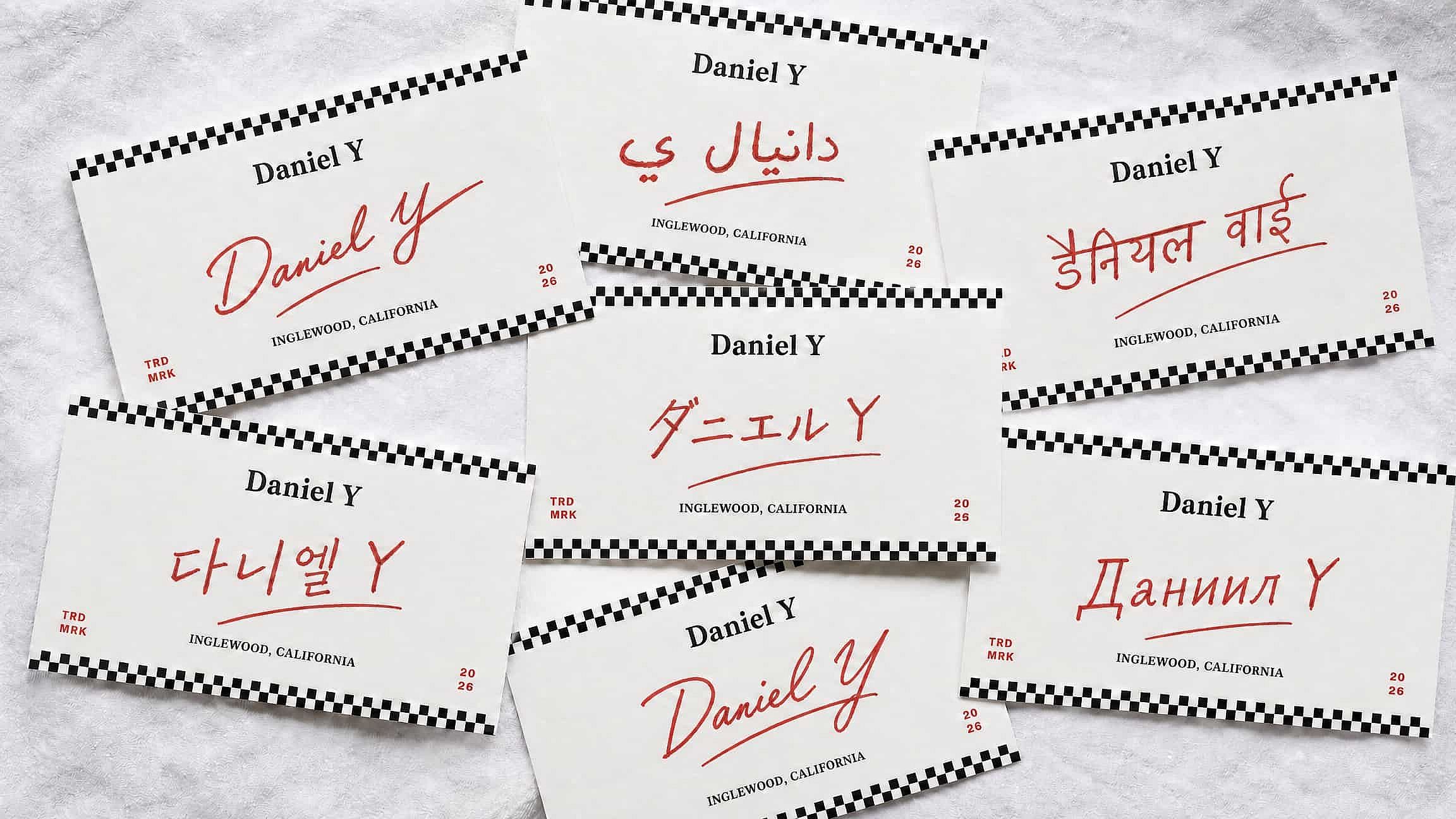
Handwritten Signature Generator
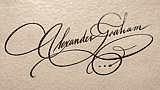
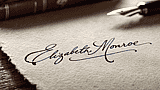
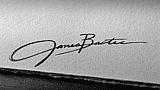
A handwritten signature generator turns typed text into a natural-looking, pen-drawn signature, varied stroke weight, slant, and flow. Use it on contracts, emails, invoices, or a business card.


Explore More Trending Templates
Explore a mix of ideas, styles, and possibilities to get you started.


Frequently Asked Questions
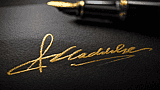
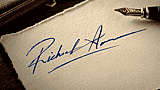
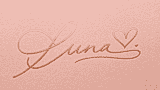
A tool that converts your typed name into an AI-rendered signature that mimics real pen strokes, so it doesn't look like a repeated font pattern.
Yes. Signatures you create are yours to use in branding, product packaging, digital art, or any commercial work. Check OpenArt's terms for model usage rights.
Be specific about style. 'Elegant cursive with tall loops' works better than 'nice signature'. Reference real calligraphy styles if you want formality. Use the refine tools to adjust thickness, slant, or spacing after the first render.
Describe the style you want (cursive, bold, elegant, casual) and OpenArt's AI generates a handwritten signature image. Refine the output with prompts like 'flowing script' or 'sharp angles' until it matches your vision.
Brand logos, email signatures, packaging mockups, watermarks for art, character signatures for games or comics, or custom autographs for fictional personas. The signature outputs as an image you can layer into any design.
Generate the signature, download the transparent PNG, then paste it into your invoice template or PDF at the size you need.