

ASCII Art Generator
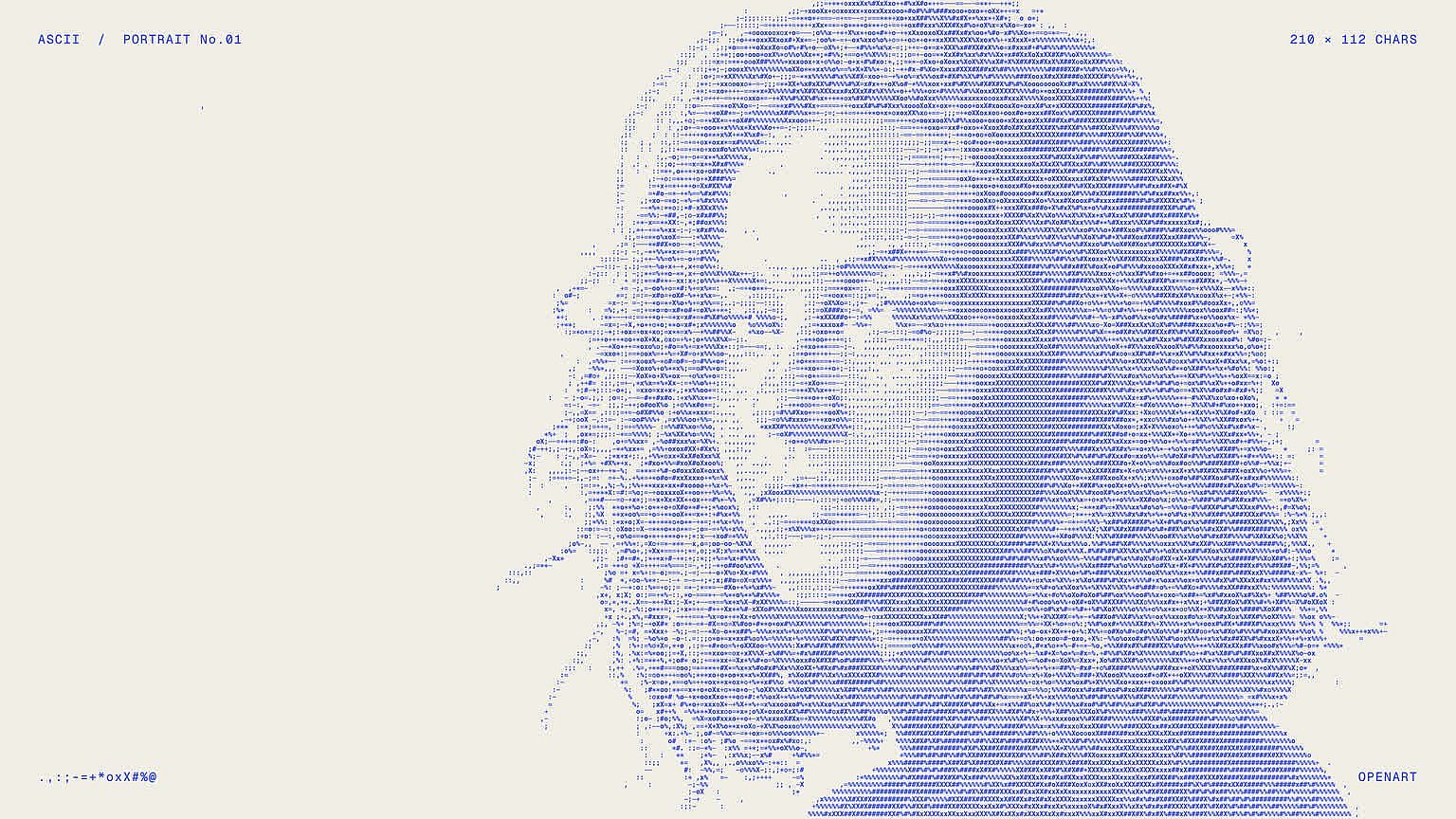
OpenArt's AI ASCII art generator turns a photo, your name, or a short description into a picture made of letters, numbers, and symbols. Pick a classic black-and-white look or a glowing green computer screen, then download the image.
How to Use the ASCII Art Maker
You can make ASCII art in OpenArt's AI image generator in three simple steps.
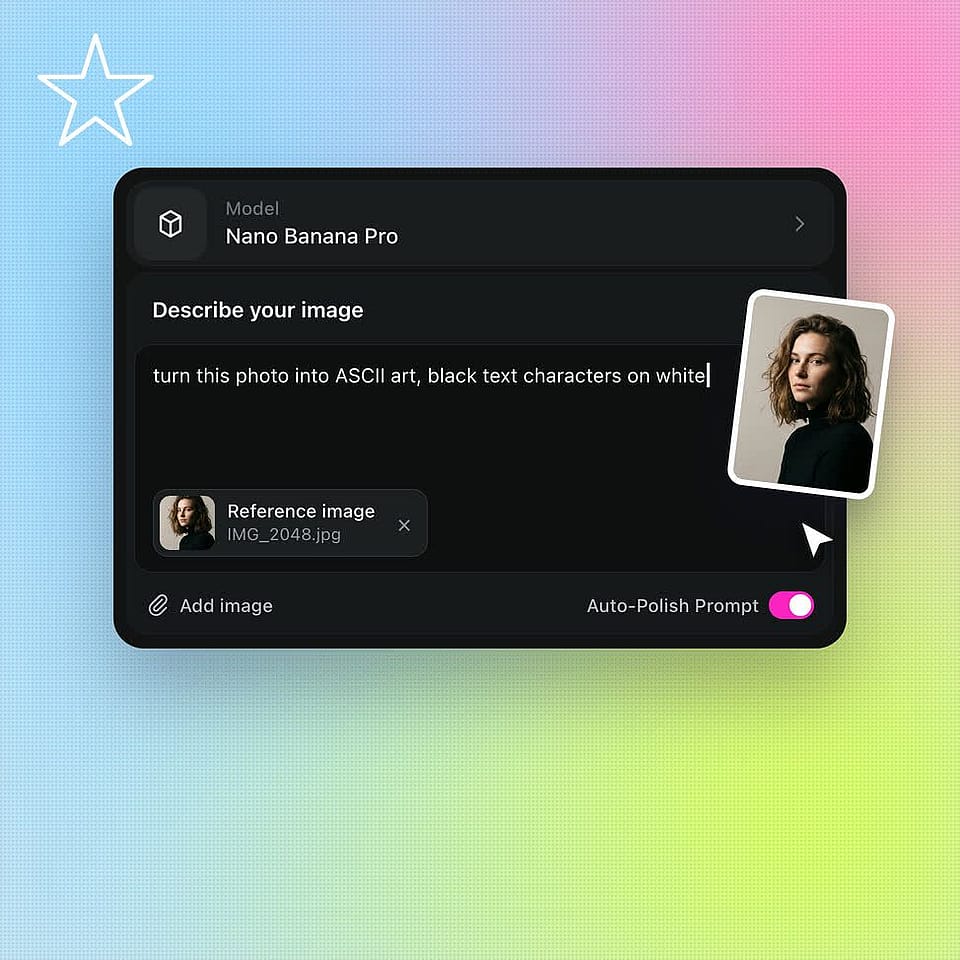
Prompt and upload
Open Create Image and type what you want to see in text characters. Upload a photo as a reference image if you want to turn that photo into ASCII art.
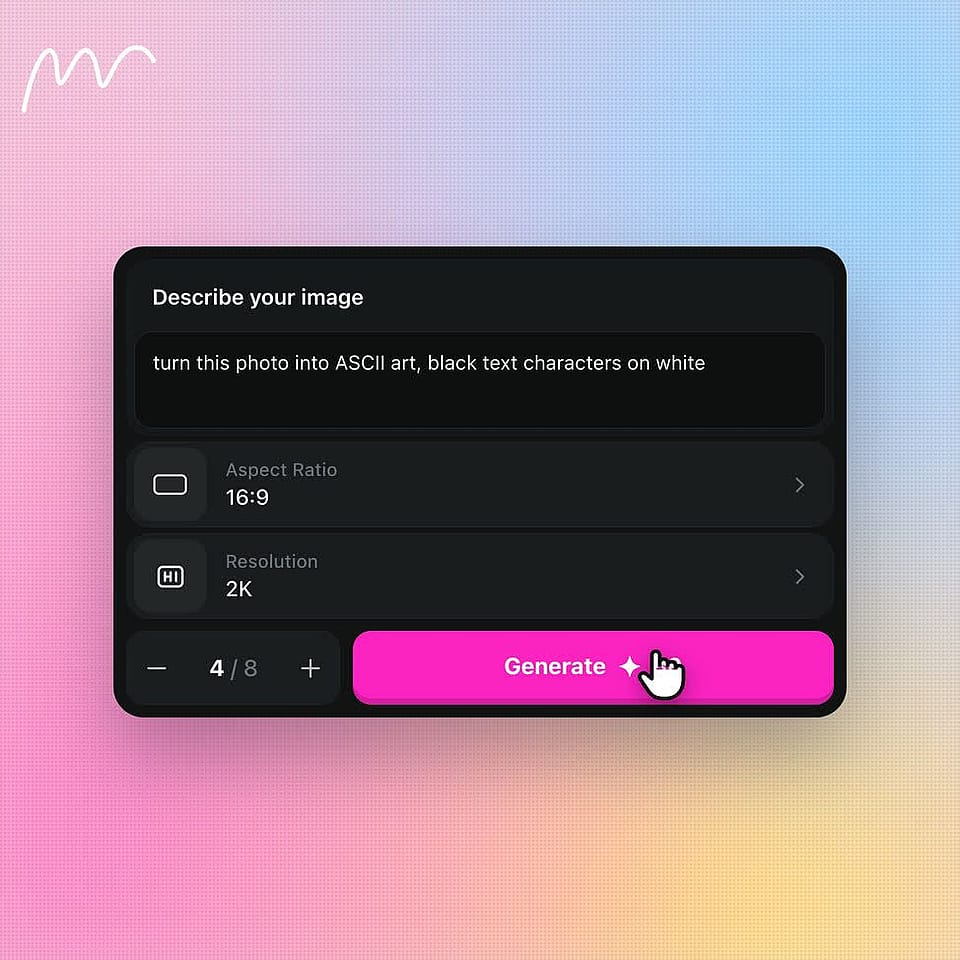
Configure and generate
Choose your image settings, like aspect ratio, resolution, and number of outputs, then generate.
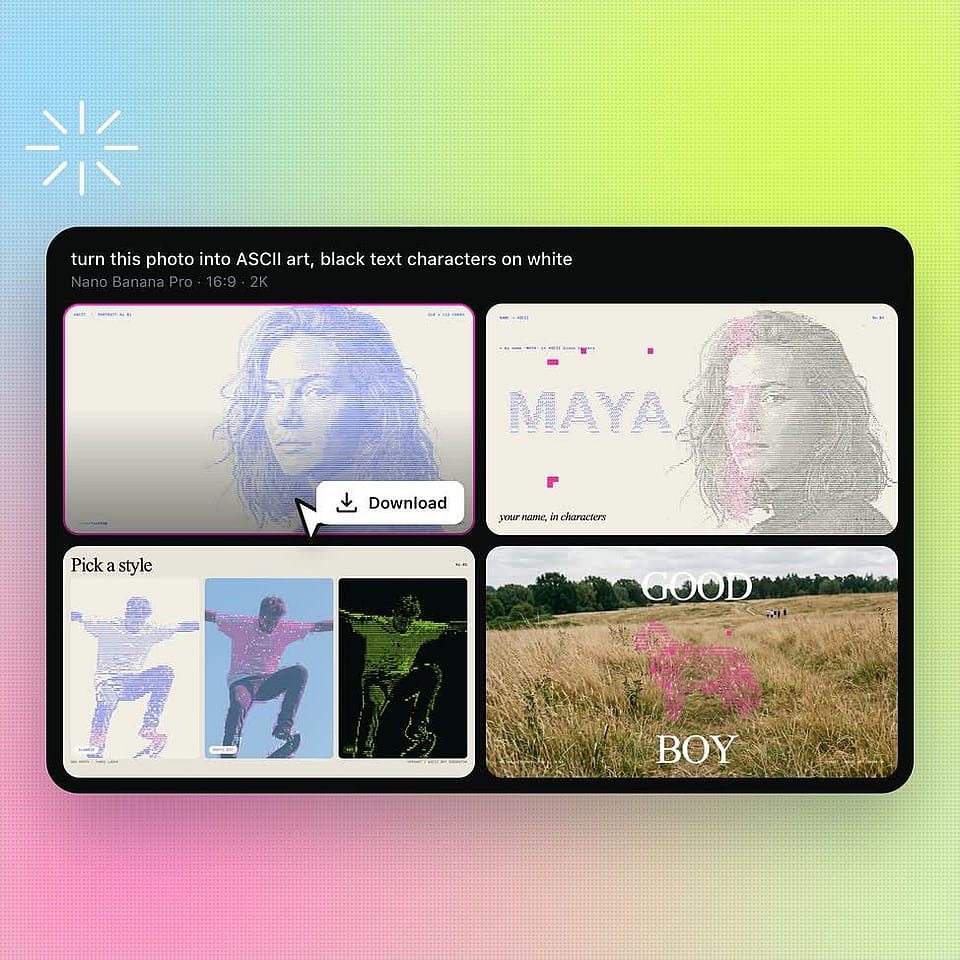
Review and download
Look over the results, change your prompt and generate again if needed. Download the ASCII art you like best.
Key Features of AI ASCII Art Generator
Make ASCII Art From a Photo, a Word, or an Idea
OpenArt's AI ASCII art generator runs on the models inside the OpenArt AI image generator, including GPT Image 2.5, Nano Banana Pro, Seedream 5.0 Pro, and FLUX 3 Image.
Describe a Picture and Get ASCII Art
OpenArt turns a few typed words into a full ASCII art picture. Open Create Image and describe what you want, like "a lighthouse at night drawn with # and @ symbols on a black background." The AI builds the whole scene out of text characters. Ask for up to 8 outputs at once and keep your favorite.
Turn a Photo Into ASCII Art
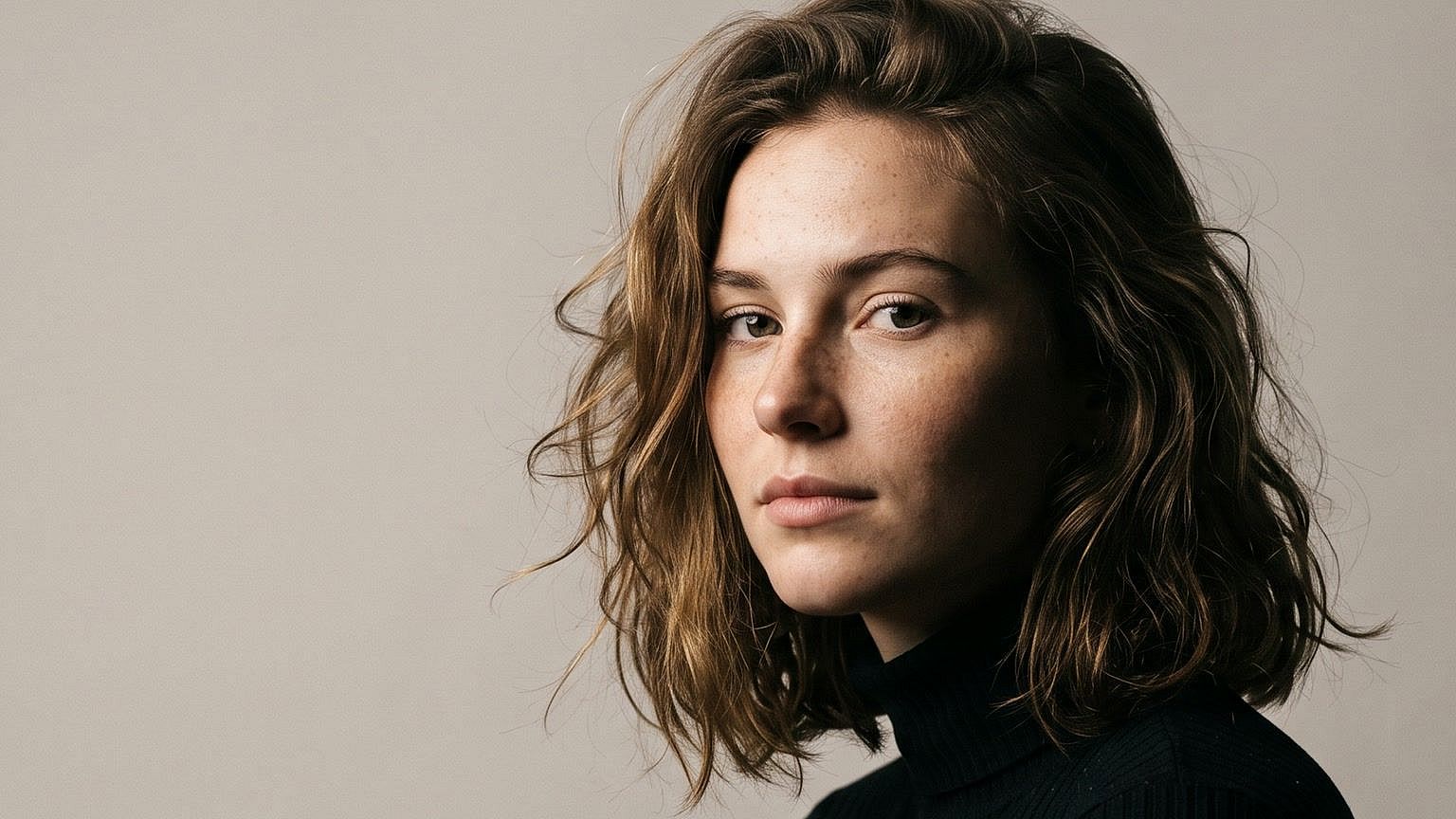
OpenArt can turn your own photo into ASCII art. Upload the photo as a reference image in Create Image, then type "turn this photo into ASCII art made of black letters on white." The AI keeps the main subject of your photo and redraws it in characters. A photo of your dog becomes a dog made of dots, dashes, and slashes.
Turn Your Name Into ASCII Letters
OpenArt's ASCII art text generator turns a word, a name, or a short title into big letters built from smaller characters. Put the exact word in quotes in your prompt, like "the word 'GAME OVER' in large ASCII block letters made of slashes and underscores." Make a few outputs at once. Then keep the one that spells your word exactly right.
Pick a Classic, Colored, or Retro Screen Look
OpenArt lets you choose the style of your ASCII art in the prompt. Ask for black characters on white paper, bright green text on a black screen like an old computer, or rainbow-colored symbols. Add a size, like 1:1 for a profile picture or 16:9 for a desktop wallpaper. Image Variations can then make more versions of the one you like.
Frequently Asked Questions
An ASCII art generator is a tool that makes pictures out of letters, numbers, and keyboard symbols. OpenArt's ASCII art generator uses AI to turn a photo, a word, or a typed description into ASCII art. You download the finished ASCII art as an image file to post, print, or share.
Upload your image to OpenArt's Create Image tool as a reference image. Type a prompt like "turn this photo into ASCII art made of black text characters on a white background," then generate. OpenArt redraws your photo in letters and symbols. Ask for a few outputs and keep the one that looks most like your photo.
No. OpenArt saves ASCII art as an image file, like a PNG or a photo. The characters are part of the picture, so you can post, print, or share the ASCII art anywhere an image works. You cannot paste the characters into a text message, a chat, or a code file.
The best ASCII art prompts name the characters, the colors, and the background. Try "a cat made of @, #, and . characters, black text on a white background, ASCII art style." Ask for fewer, bigger characters for a bold look, or more, smaller characters for a detailed picture. Turn on Auto-Polish Prompt if you want OpenArt to add more detail to your prompt for you.
Yes. OpenArt's free trial gives you 40 credits over 7 days, with no credit card needed and no watermark on what you make. The trial credits work across the full model lineup. A daily free credit allowance for basic image generation continues after the trial ends.
ASCII art is a picture built from the 95 printable characters in the ASCII standard, such as letters, numbers, and symbols like # and @. The ASCII standard came out in 1963. ASCII art became popular on computer bulletin boards in the late 1970s and 1980s, when most screens could show only text.
Yes. OpenArt makes ASCII art from any word or name you type. Put the word in quotes in your prompt and ask for large ASCII block letters, like "the name 'MAYA' in big letters made of # symbols." Make a few outputs at once and keep the one that spells the name exactly right.
Yes. OpenArt's ASCII art generator works online in your web browser, with nothing to install. Sign in, open Create Image, and type your prompt or upload a photo. Your finished ASCII art saves to your OpenArt account, so you can download the ASCII art on any device.
OpenArt makes ASCII art with GPT Image 2.5, Nano Banana Pro, Seedream 5.0 Pro, FLUX 3 Image, and Recraft V4. You pick the model in Create Image before you generate. Run the same ASCII art prompt on two models and keep the picture you like better.
Yes. Commercial rights apply on eligible paid plans, so you can use OpenArt ASCII art on T-shirts, posters, album covers, and client work. To print ASCII art at a large size, make the picture bigger first with Image Upscale.
Get Insights from Experts Blog
Get the insights you need. Our experts share actionable hacks, break down the hottest topics, and provide essential how-to guides to help you build, optimize, and scale.
Read More
