

AI Video Clone
OpenArt's AI video clone turns a short recording of you into a digital clone that appears in videos and reads any script in your own face and voice. Clone yourself once, then generate unlimited videos without filming again. Free to start.
Key Benefits of AI Video Clone




Clone yourself from one recording
Give OpenArt a short recording or a set of clear photos, and it builds a digital clone trained on your face, your voice, and the way you deliver. That one session becomes every video you make from then on.




Generate unlimited videos in your likeness
Your clone is not capped to a fixed number of exports. Write a new script whenever you want, and your AI video clone performs it in your own face and voice, so your output is limited by your ideas and not your filming hours.
Keep the same face and voice every time
Your clone stays recognizably you across every video, every scene, and every language. The same look and the same voice hold from one clip to the next, so your audience always sees the same person.
Key Features of AI Video Clone
Turn one recording into every video you make.
Turn any script into a video of you
Type or paste a script, and your AI video clone reads it on camera in your own voice, with lip movement matched to the words. You write what you want to say, and the AI video generator creates the finished video of you saying it, so a blog post, a product update, or a sales pitch becomes a talking video in minutes.
Set the look, scene, and delivery
Decide where your clone stands, what the scene looks like, and how the line is delivered. Describe the framing, the pacing, and the tone in a prompt, and OpenArt generates the take to match, so the video carries the energy you would bring on camera instead of a flat read.
Part of OpenArt's broader video workflow
Your clone is a saved character, so it works across OpenArt's other video tools too. Drop it into a Text to Video scene, swap it into an existing clip with Replace Character, or match its movement to a reference using Lip Sync and Motion Sync, all from the same platform.
How to make an AI video clone
Making a video clone of yourself takes three steps.
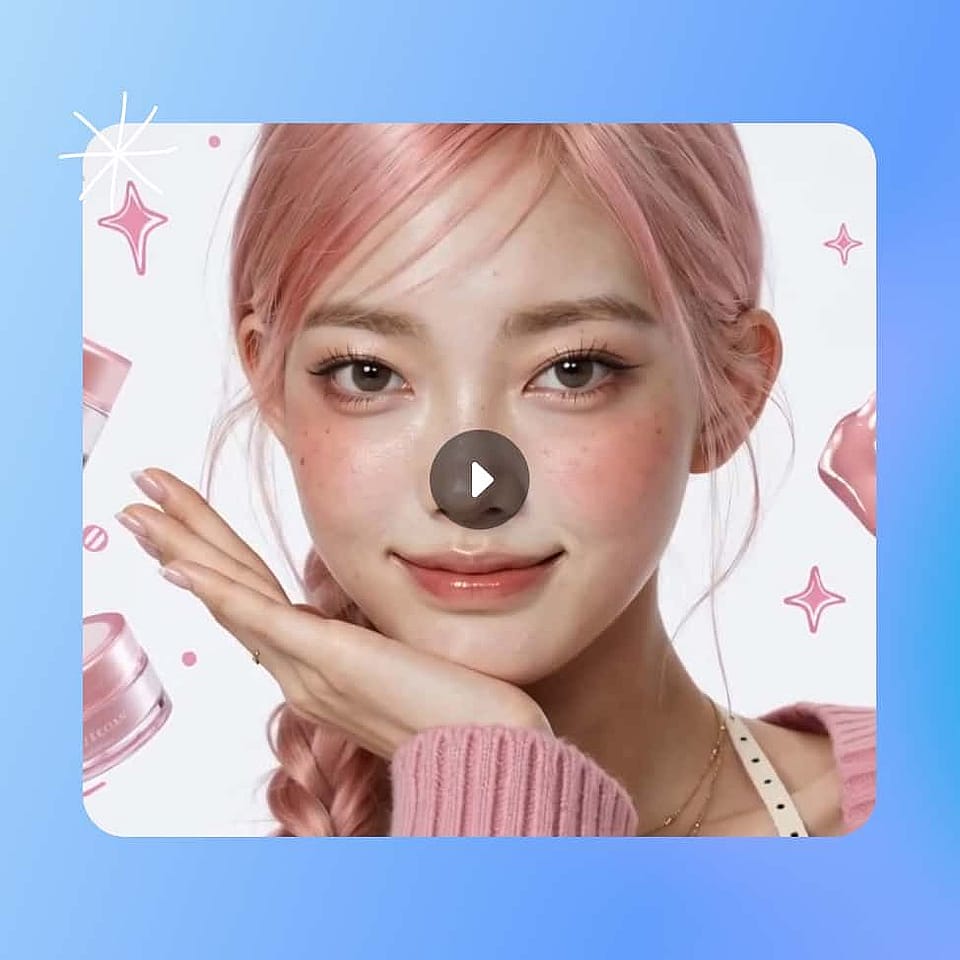
Record yourself once
Upload a short recording of yourself or a handful of clear photos. OpenArt uses this single session to build your AI video clone and save it to your OpenArt Characters library.
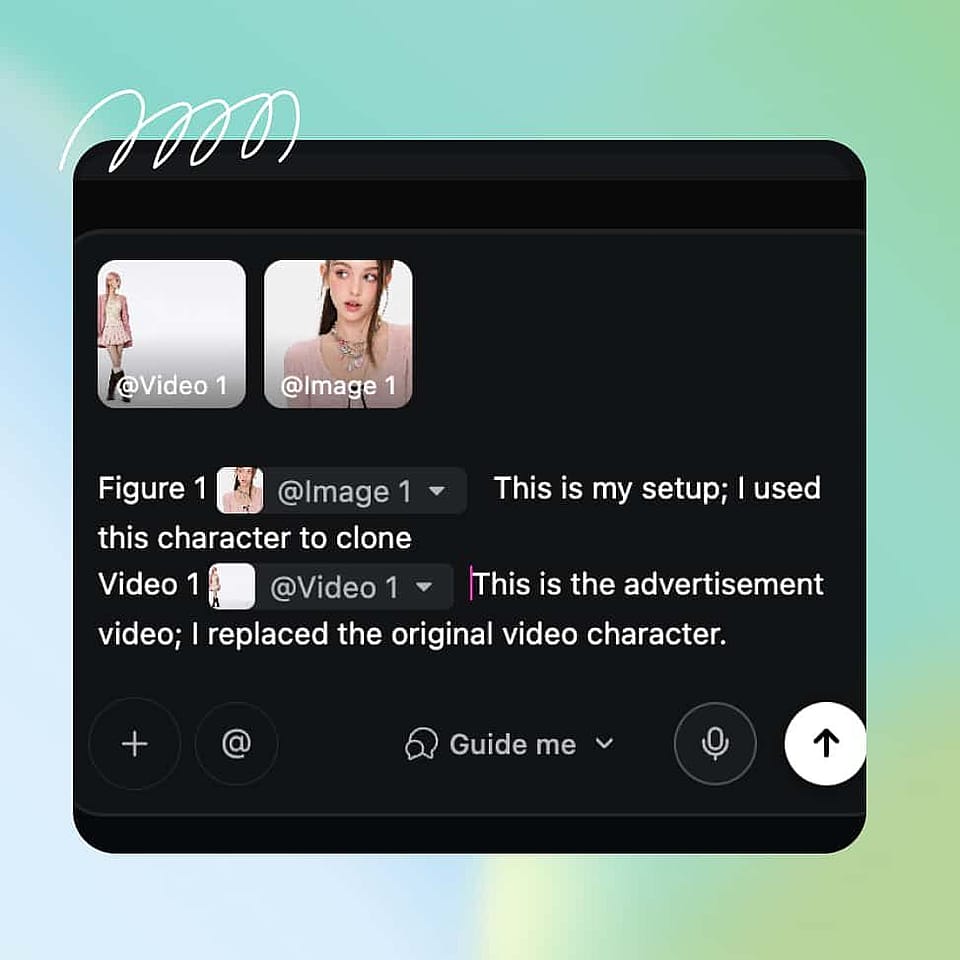
Write your script
Type or paste what you want to say. Set the scene, the language, and the delivery in a prompt, or let OpenArt pick the settings for you.
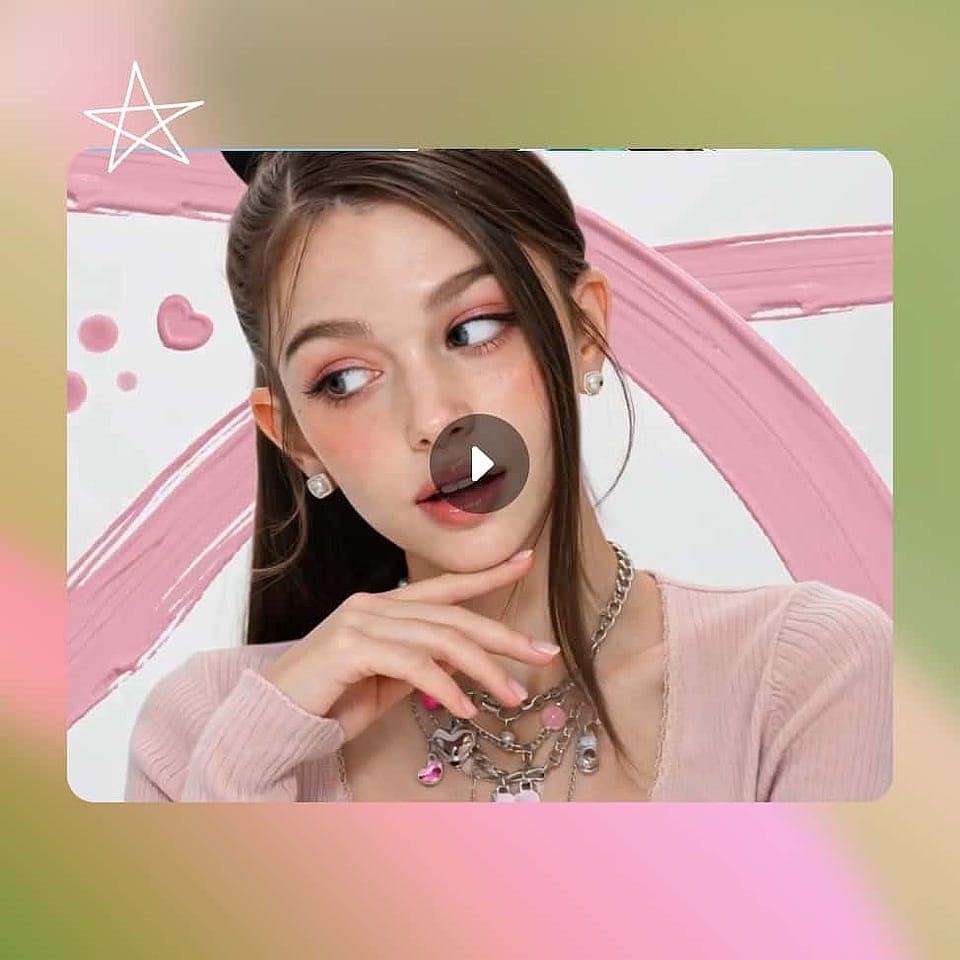
Generate and publish
OpenArt generates the finished video of your clone reading the script in your face and voice. Export it for YouTube, your course, your outreach, or anywhere else, then reuse the same clone for the next video.
Best Uses for AI Video Clone
What people make with an AI video clone
Daily content for YouTubers and creators
Your audience wants regular video, but you cannot sit in front of a camera every day. Clone yourself once, then script and generate new videos in your own face whenever you have something to say, so your channel stays active without a daily shoot.
Try it NowCourses and lessons that stay current
Updating a course used to mean re-recording lessons from scratch. Script the change and your clone re-records that lesson in your likeness, so you keep a fifty-module course current without setting up to film again.
Try it NowPersonalized video at sales volume
Recording two hundred personal videos a week is not possible by hand. Your AI video clone reads a tailored script for each prospect in your own face and voice, so your team sends personal video at a volume no calendar could cover.
Try it NowWeekly presence for coaches and personal brands
Consistent video builds an audience, and consistency is the hard part. Your clone gives you a weekly video habit without a weekly filming block, so coaches, consultants, and thought leaders stay visible without the bottleneck.
Try it NowFrequently Asked Questions
An AI video clone is a digital version of you, trained on your face and voice, that appears in videos and reads any script without you filming each time. OpenArt builds your clone from one short recording and generates unlimited videos in your likeness from that single session.
Yes, the videos of your own clone are yours to use commercially. Run any IP checks in OpenArt if you added reference images or content from somewhere else.
A stock avatar is a generic presenter that is not you. An AI video clone is built from your own recording, so it keeps your real face and voice, and every video looks like it actually came from you.
Yes. Give your clone a script in another language and it performs it in your voice with matched lip movement, so one recording of yourself reaches audiences in their own language.
Cloning yourself is fine, because it is your own face and voice. Cloning another person needs their clear permission, since using someone else's likeness without consent can breach copyright and platform rules.