AI Product Video Generator
OpenArt's AI product video generator turns one product photo into cinematic product videos, demos, and ad-ready clips in minutes. Make rotating product shots, in-use lifestyle scenes, and full ad cuts sized for Amazon, Shopify, paid social, and your DTC site.
Key Benefits of AI Product Video Maker



One Photo, Many Videos
Upload one product photo and generate ten different cuts from it. Change the angle, the scene, the length, and the aspect ratio without uploading anything new. One approved photo of a serum bottle turns into a full set of product videos for the whole launch.



Built For E-Commerce
This ecommerce product video maker exports at the sizes Amazon, Shopify, TikTok Shop, Meta, and your own store ask for. Pick your aspect ratio before you generate and the video comes out ready to upload. You skip the resizing and the re-editing step completely.
Studio-Grade Video Quality
Get clean lighting, on-brand scenes, and motion that looks filmed. OpenArt builds the set, the light, and the camera move from your prompt, so your product video looks shot on a stage. Free credits let you try the AI product video maker before you pay anything.
Community Creations
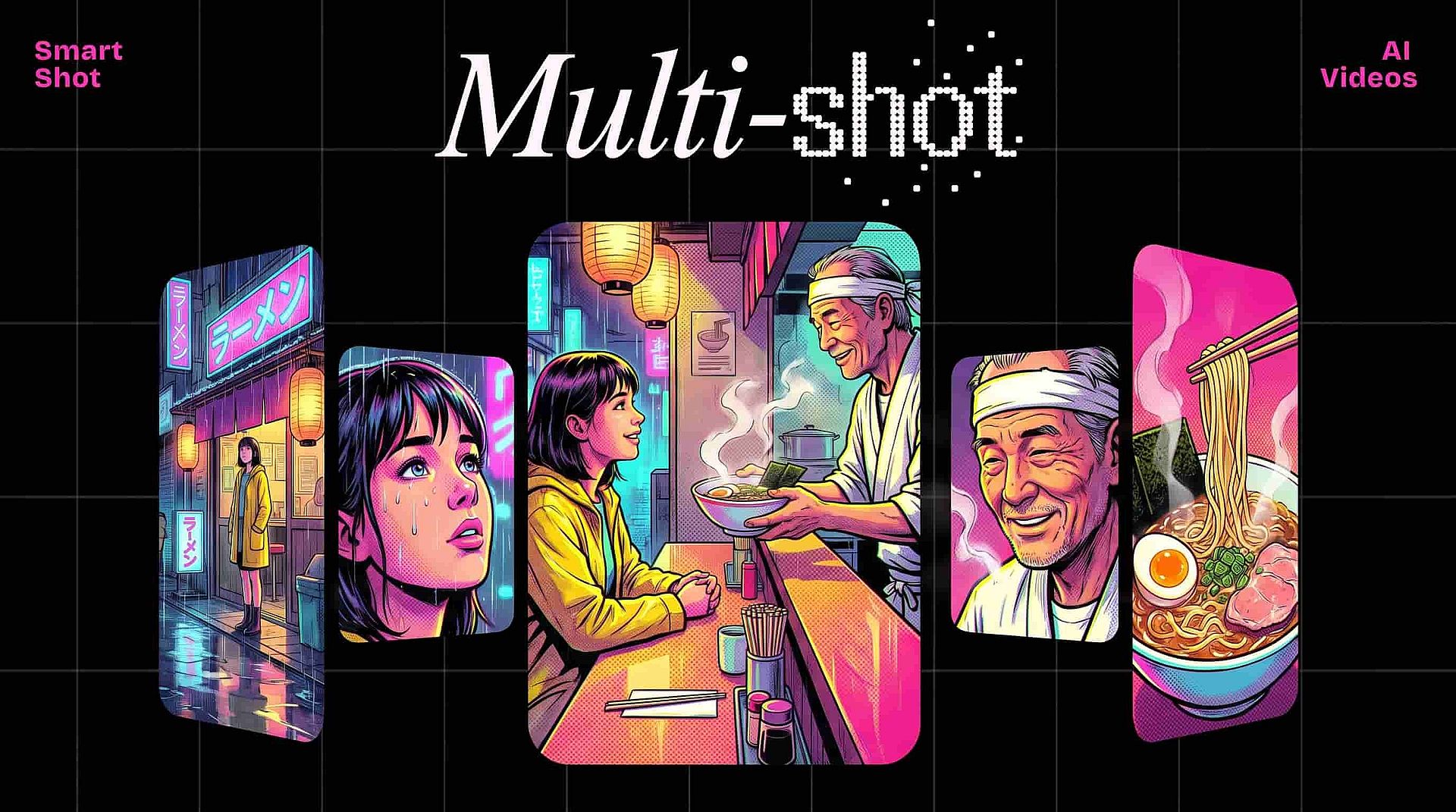
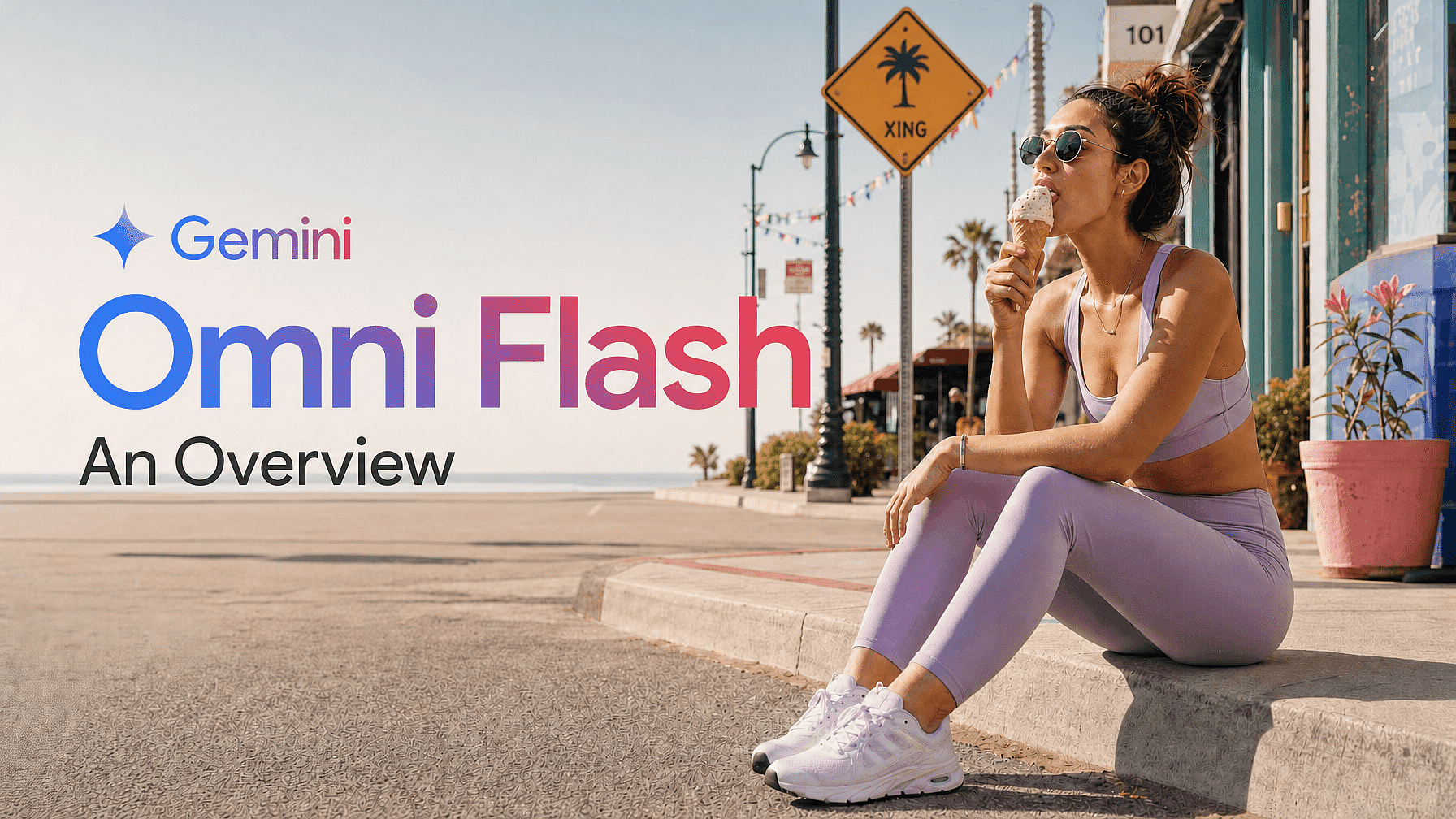
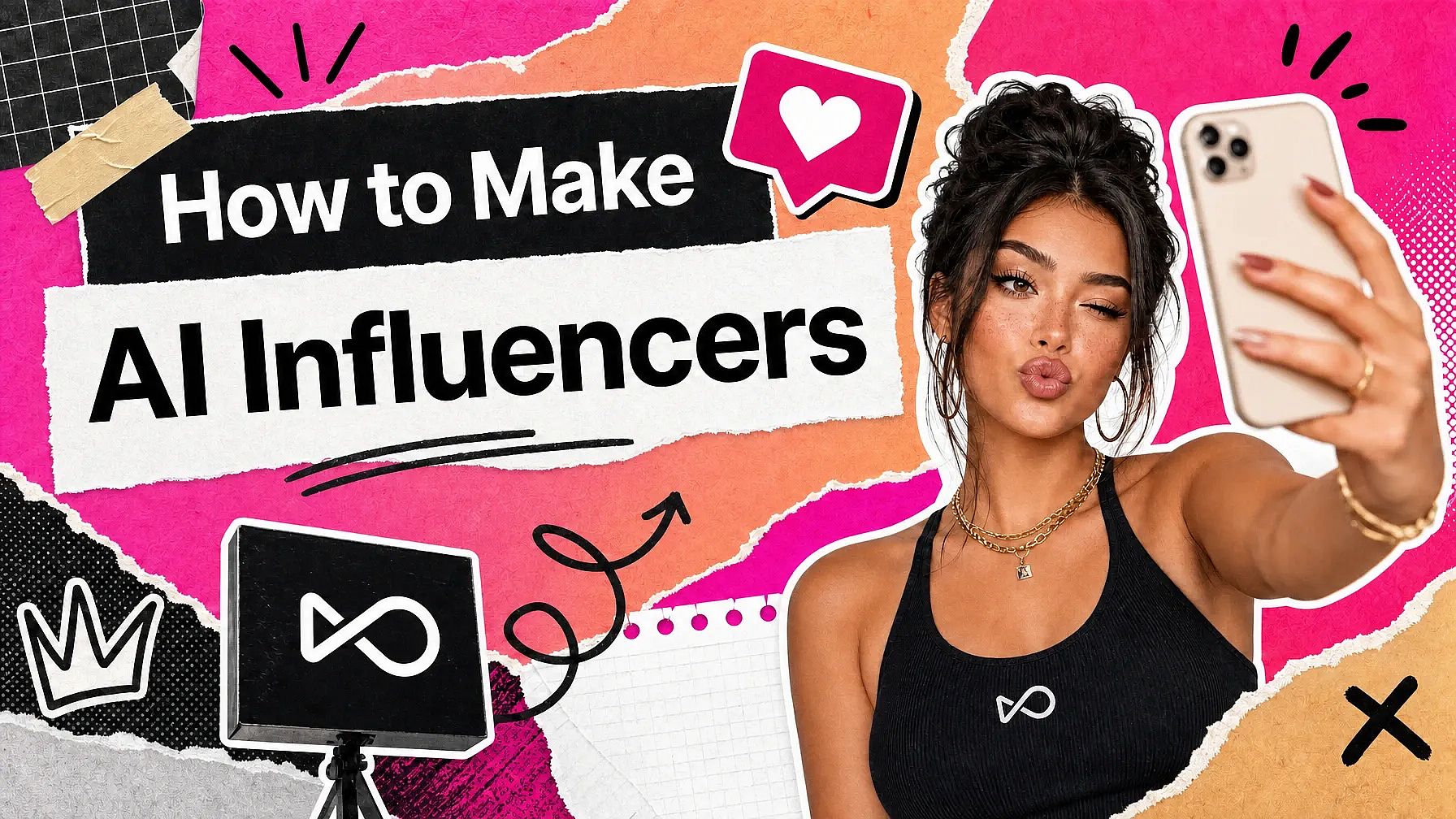
See how DTC brands, e-commerce sellers, and product marketers are turning a single product photo into a full content library with OpenArt.
Key Features of AI Product Video Generator
Powered by the best AI video models including Seedance 2.5, Veo 3.1, Kling Omni, Wan 2.7, Gemini Omni, and MiniMax H3.
Animate Any Product
Upload a product photo, a marketplace image, or a product picture you generated in OpenArt, and the AI video generator adds motion, camera movement, and atmosphere. Rotate a bottle, open a box, pour a drink, or show the product in someone's hands. You get an AI product demo video without a studio or a model.
Multiple Camera Angles
Generate up to nine camera angles of the same product from one reference photo with the Multi View image tool, then animate any of them into a video. Ask for a slow orbit, a close-up push, or a slow slide across the product in plain words. Generate it again as many times as you like.
Lifestyle Shoots Without Sets
Put the same product in a styled scene: a marble countertop, a sunlit kitchen, a neon-lit bar, or anything you describe. Generate the background first, or swap and relight it later with OpenArt VFX, then animate the product inside it. This is the fastest way to make in-context product video without booking a location.
Brand-Consistent Shots
Save your colors, fonts, logo, and product shots in Brand Kit once, and every image you generate for the video comes out on brand. Lock a model's face with OpenArt Characters so the same person shows up across the whole campaign. Your packaging, palette, and product identity hold from one cut to the next.
How to Use the AI Product Video Creator
Three steps from a product photo to a finished product video.

Upload Your Photo
Upload a packshot, marketplace image, lifestyle photo, or simply generate a new one for your product inside OpenArt.
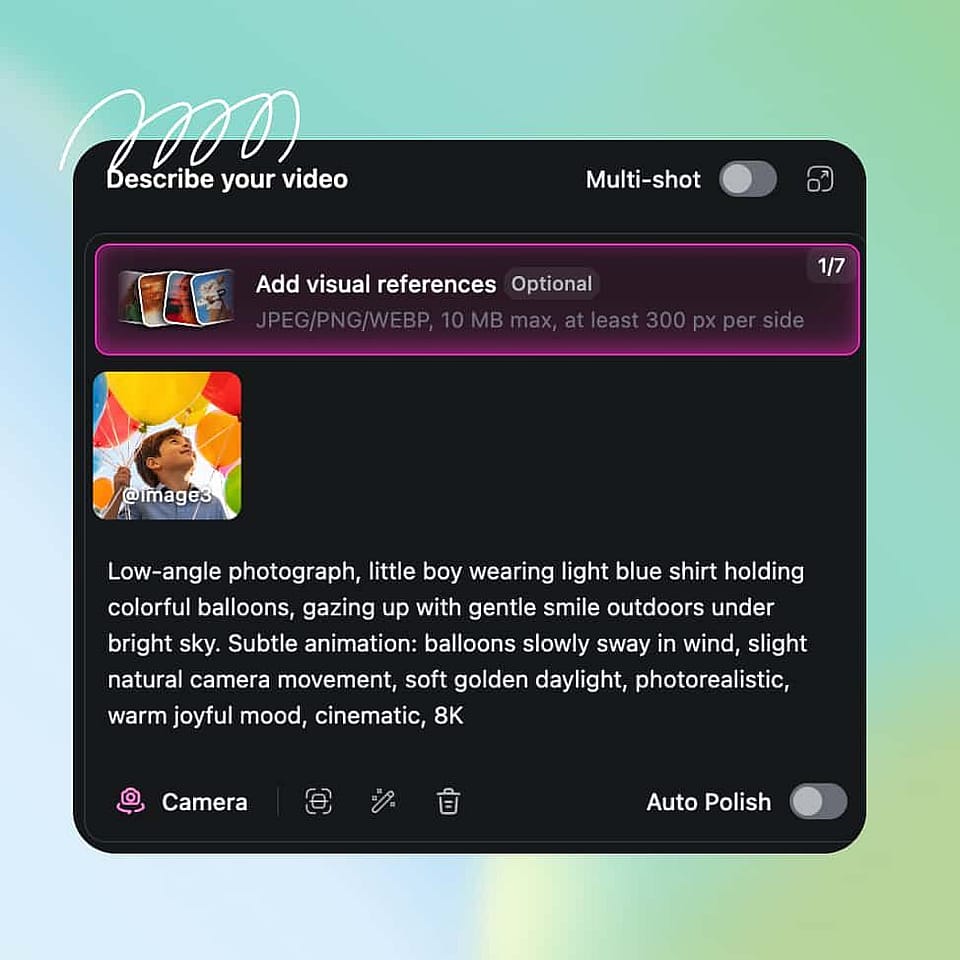
Configure Your Video
Describe your video and its scene in a text prompt. Then select the right aspect ratio, duration, resolution, and output quality.
Generate And Export
Hit generate and your video will be ready in a few minutes! You can export videos up to 15-secs long on most AI models and in resolutions as high as 4K.
Best Uses of the AI Product Video Generator
DTC And E-Commerce Brands
Keep up with new SKUs, seasonal drops, and the amount of creative modern retail asks for. Generate a full set of cuts from one product photo, sized for the homepage, the product page, paid social, and email. Your product launch video is ready on the day you decided to launch.
Try it NowAmazon And Marketplace Sellers
Make listing videos for Amazon, Walmart, and other marketplaces without booking a studio. This product video generator animates one approved photo into a rotating product shot, an in-use demo, or a feature highlight, sized for each marketplace video slot. One photo covers your whole listing.
Try it NowPerformance Marketing Teams
Spin up dozens of paid social variants from one SKU photo, then test which hook, angle, and scene drives the click. Generate vertical for TikTok and Reels, square for Meta, and horizontal for YouTube in the same project.
Try it NowAgencies And Creative Studios
Test campaign direction before you commit production budget. Generate styled cuts in three or four different looks for a client pitch, then use the approved one as the brief for a real shoot or a full AI delivery. Clients align faster and you can pitch more campaigns a month.
Try it NowFrequently Asked Questions
Get Insights from Experts Blog
Get the insights you need. Our experts share actionable hacks, break down the hottest topics, and provide essential how-to guides to help you create, optimize, and scale.
Read More