

AI Music Visualizer
OpenArt's AI music visualizer turns your finished song into a looping video you can post. Upload the track, add your own artwork and clips, and tell OpenArt Director what you want moving.
AI Music Visualizer
OpenArt's AI music visualizer turns your finished song into a looping video you can post. Upload the track, add your own artwork and clips, and tell OpenArt Director what you want moving.
Key Features of AI Music Visualizer
Everything You Need to Make a Music Visualizer Video
Start with uploading your song
Upload your song file and OpenArt Director builds the visual around it. You do not need a script, a shot list, or a storyboard. A new single, a beat, or a long mix all start the same way. Your music is the first thing you give it and everything else follows from there.
Add up to 10 references
Upload up to 10 images or videos as references. Use your cover art, a photo of yourself, or a clip you already shot. OpenArt Director builds the visualizer to match what you upload. Your video ends up looking like the cover art and photos your fans already know.
Just describe your visuals
Type what should move and how it should look. Ask for slow drifting smoke behind your cover art, or one light that keeps shifting across the frame. The AI music visualizer takes your description and builds the loop from it. Plain words are the only thing you need to give it.
Your music remains the highlight
The visualizer stays minimal on purpose. One clear visual idea loops instead of cutting between scenes or putting your words on screen. Your listeners get something to watch that never pulls attention off the track.
How to Make a Music Visualizer in OpenArt Director
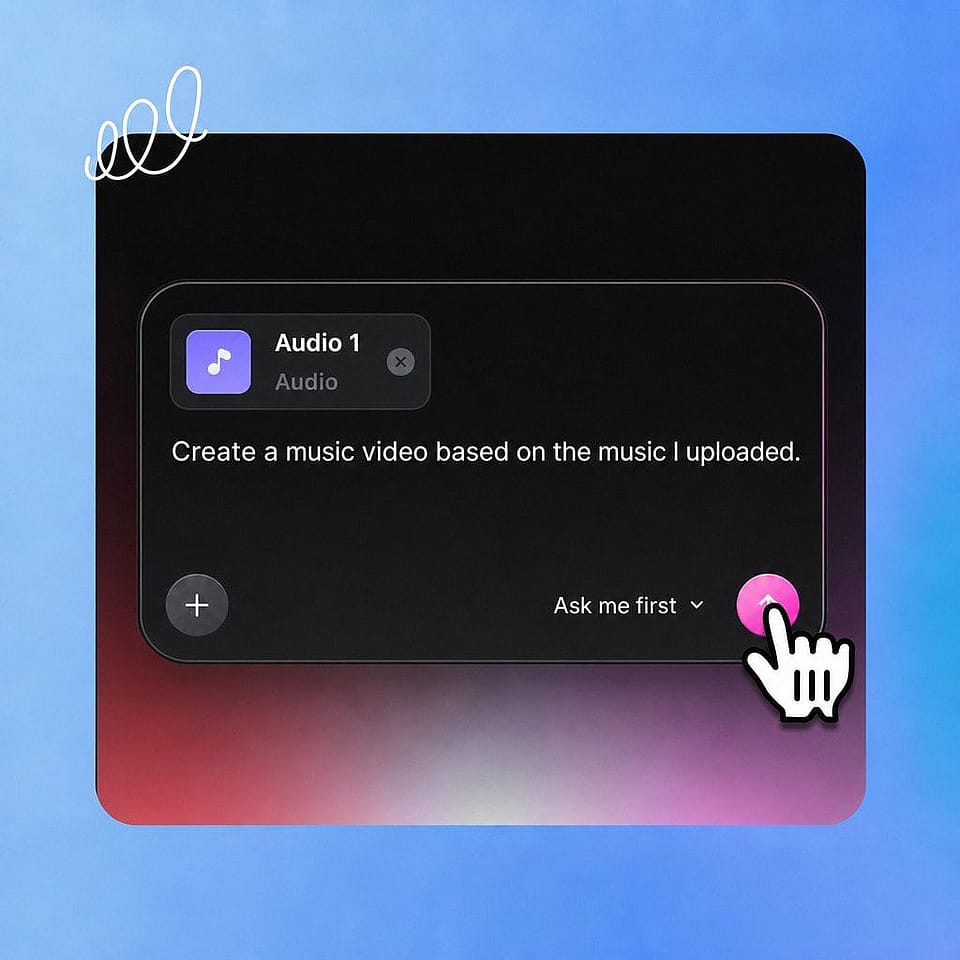
Upload your track
Open OpenArt Director, start a Music Video project, and upload your song file.
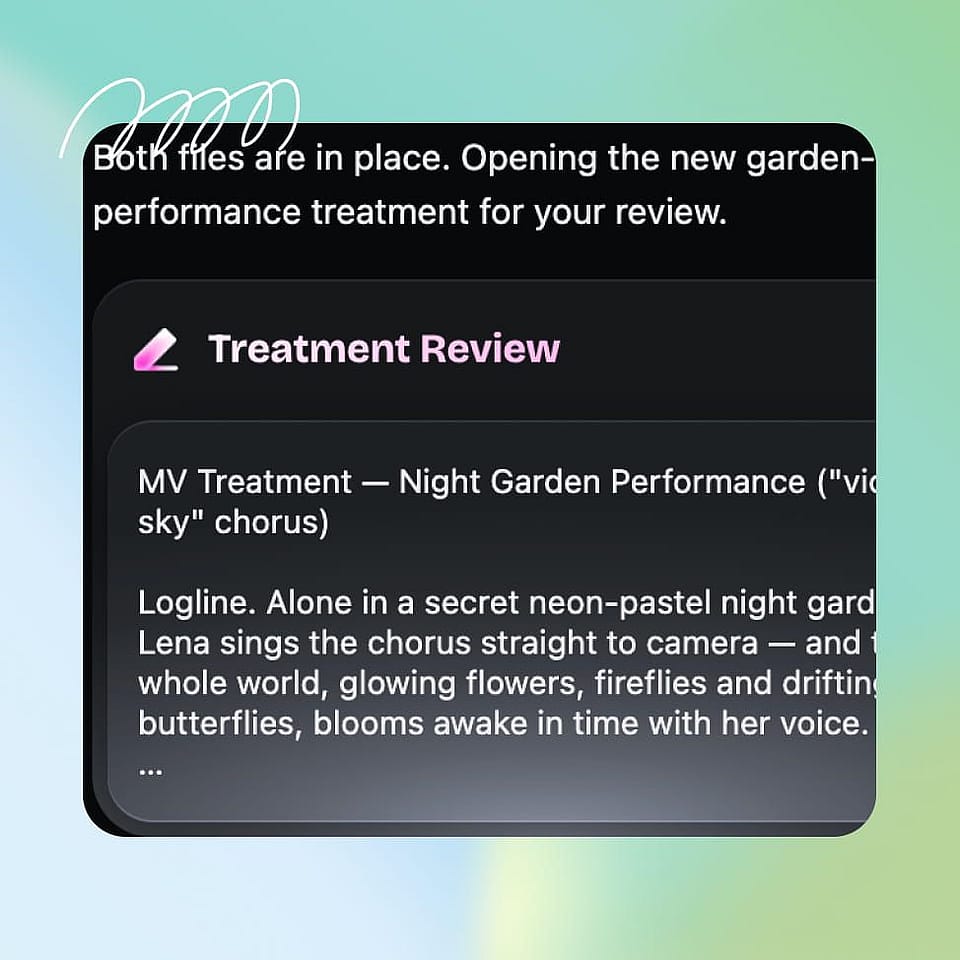
Prompt and add references
Upload up to 10 images or videos, then type what should move and how the visualizer should look.
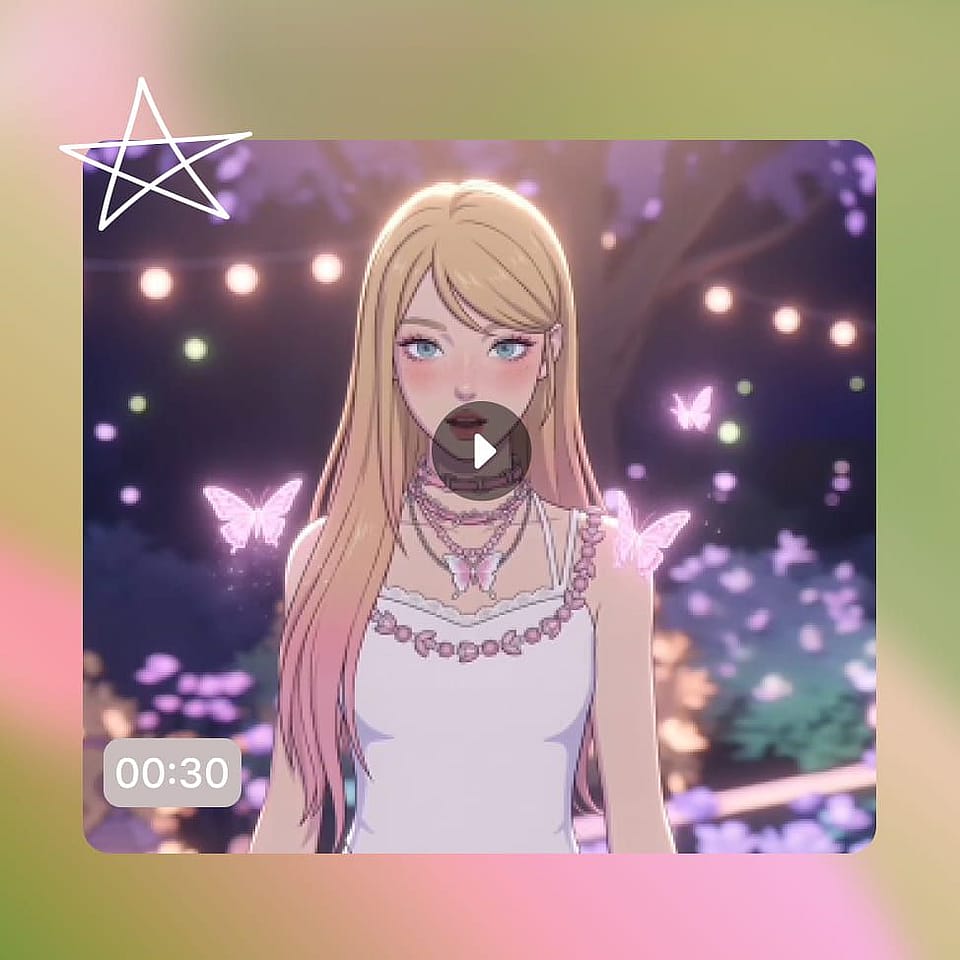
Generate and export
Check the loop, tell OpenArt Director what to change, then download your visualizer video.
Best Uses of AI Music Visualizer
These are the people making music visualizers with OpenArt every day.
AI music creators
You finished a song with an AI music tool and now you need something to post with it. Upload the track, add one reference image, and you have a visualizer ready for your channel. If you release music under a persona, put that character in the loop by adding their reference images.
Try it NowIndependent musicians and songwriters
Your single is done and your cover art is done, but YouTube needs a video. Give the track a visualizer built from that same cover art so the release looks like one piece. Fans get something to watch on release day instead of a still image.
Try it NowProducers, DJs, and beatmakers
Beats, instrumentals, and mixes sell on how they sound, so the video should stay out of the way. Build one restrained loop that runs behind the music and keeps the focus on the track. Use the same references across your uploads and your page starts to look like a real catalog.
Try it NowMusic channels and playlists
Channels that post often need a format they can repeat without thinking about it. Set your references once, then run the same steps on every track you upload. Lofi mixes, playlists, and scheduled uploads all come out looking like they belong to the same channel.
Try it Now