

AI Music Generator from Image
Want music that actually matches your visuals? Upload your image to OpenArt and generate a soundtrack up to 3 minutes long that fits its mood in seconds. The AI reads the scene, colors, and emotion in your image and turns it into music that feels connected, not random.




Turn Any Image into Music
Upload any image (character, landscape, or scene) and generate a track that matches it. The AI translates visual mood into sound, so your music feels tied to what you created.



Match Style, Mood, and Energy
Choose the style you want, from ambient and cinematic to upbeat or dramatic. You can guide the tone while the AI handles the composition.

Ready-to-Use Music Output
Generate original tracks you can use directly in your content. No need to search for stock music or edit externally. Your soundtrack is created alongside your visuals.
Key Features of AI Music Generator from Image
OpenArt’s music generation is powered by Google Lyria 3, which creates original tracks based on both text and image input. This allows the output to feel connected to your visuals instead of sounding generic or reused.
Smooth Image-to-Music Generation
Upload any image, whether it’s a character, landscape, or scene, and the AI reads its mood to generate matching music. It looks at things like color, lighting, and subject to decide how the track should feel. A dark, moody scene might result in slower, heavier tones, while a bright outdoor image can lead to lighter, more upbeat music. This makes the output feel directly tied to your visual instead of something random.
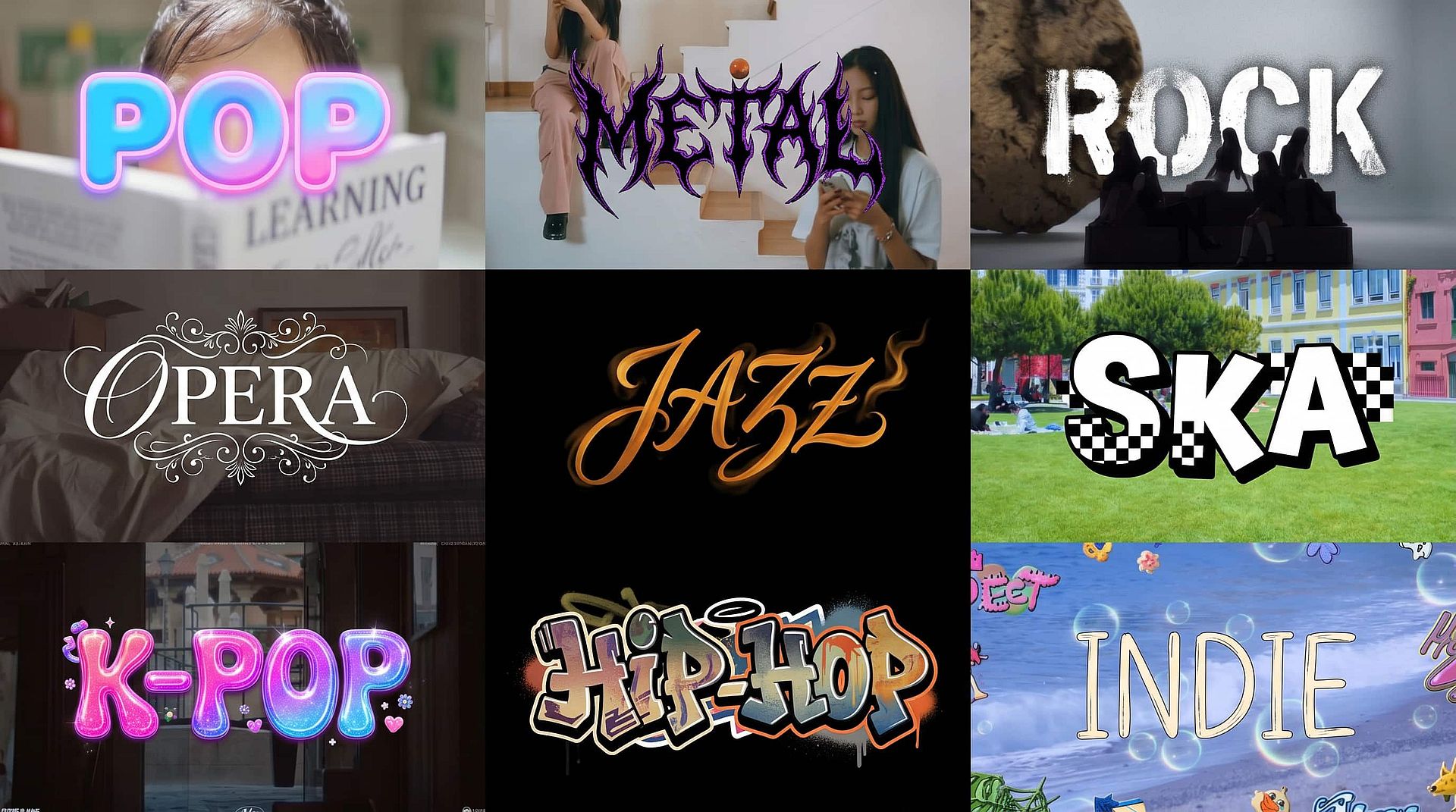
Any Style, Mood, Ambience, or Energy
You’re not locked into one type of sound. You can generate music in a wide range of styles like ambient, cinematic, upbeat, dramatic, or lo-fi. The AI adjusts tempo, instruments, and intensity based on what you choose. Whether you want something soft in the background or a more energetic track, you can guide the direction while the system handles the composition.
Text Prompt Control
You can describe your track the same way you describe a scene. For example, you might write “slow cinematic build with piano and strings” or something more detailed with genre, era, or vocals. The more specific you are, the more control you get. This makes it easy to shape the final output without needing technical knowledge about music production.
Ready-to-Use Music Output
The tracks generated are ready to use in your content right away. You don’t need to export your video and search through stock libraries or edit audio separately. The music is created alongside your visuals, so everything stays in one place. This saves time and keeps your workflow simple, especially if you’re creating content regularly.
How to Use the AI Music Generator from Image
Create music from your visuals in just a few steps.
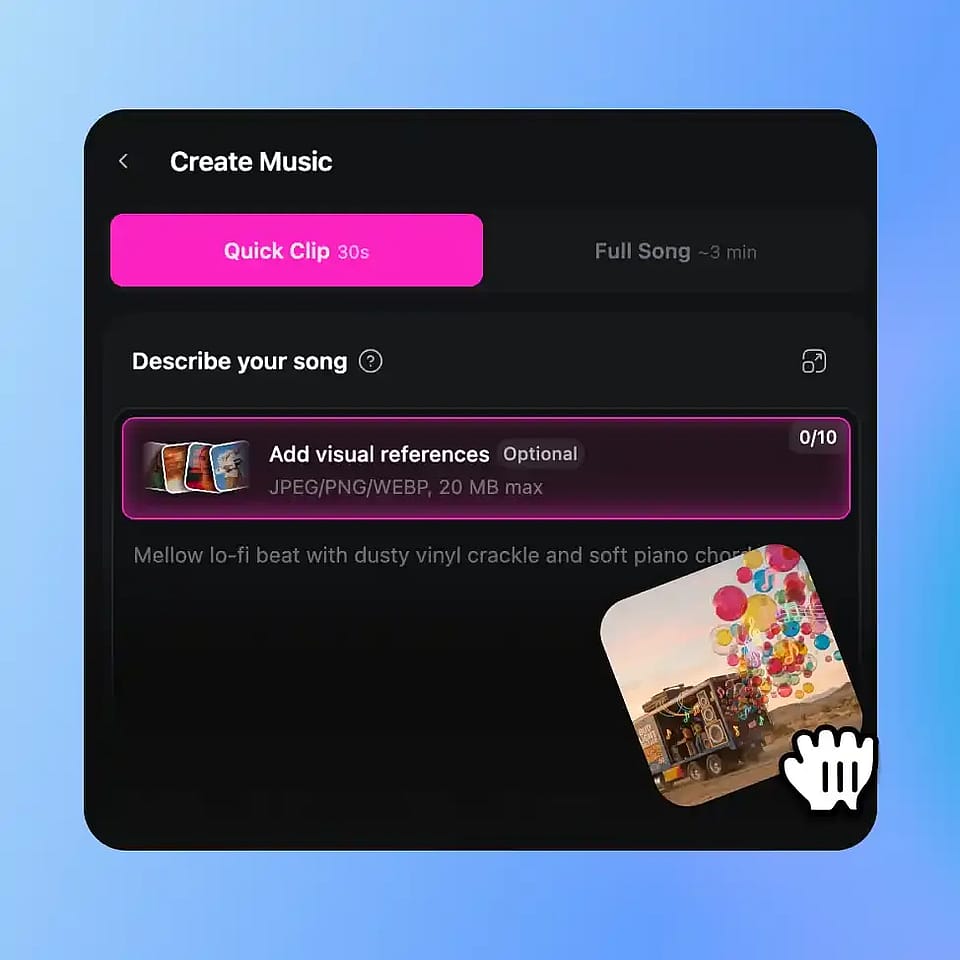
Upload Your Image
Go to OpenArt’s Audio tools and upload your image or artwork.
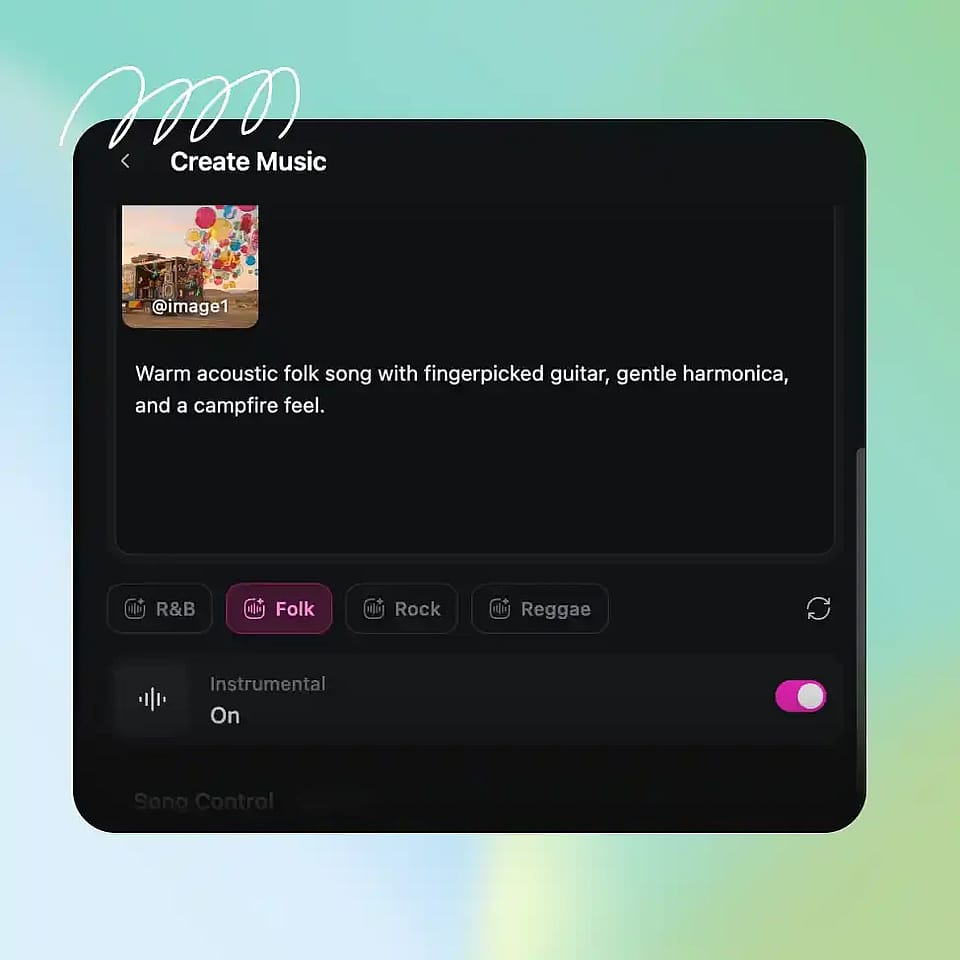
Choose Style and Mood
Describe the type of music you want or select a style like cinematic, ambient, or upbeat.
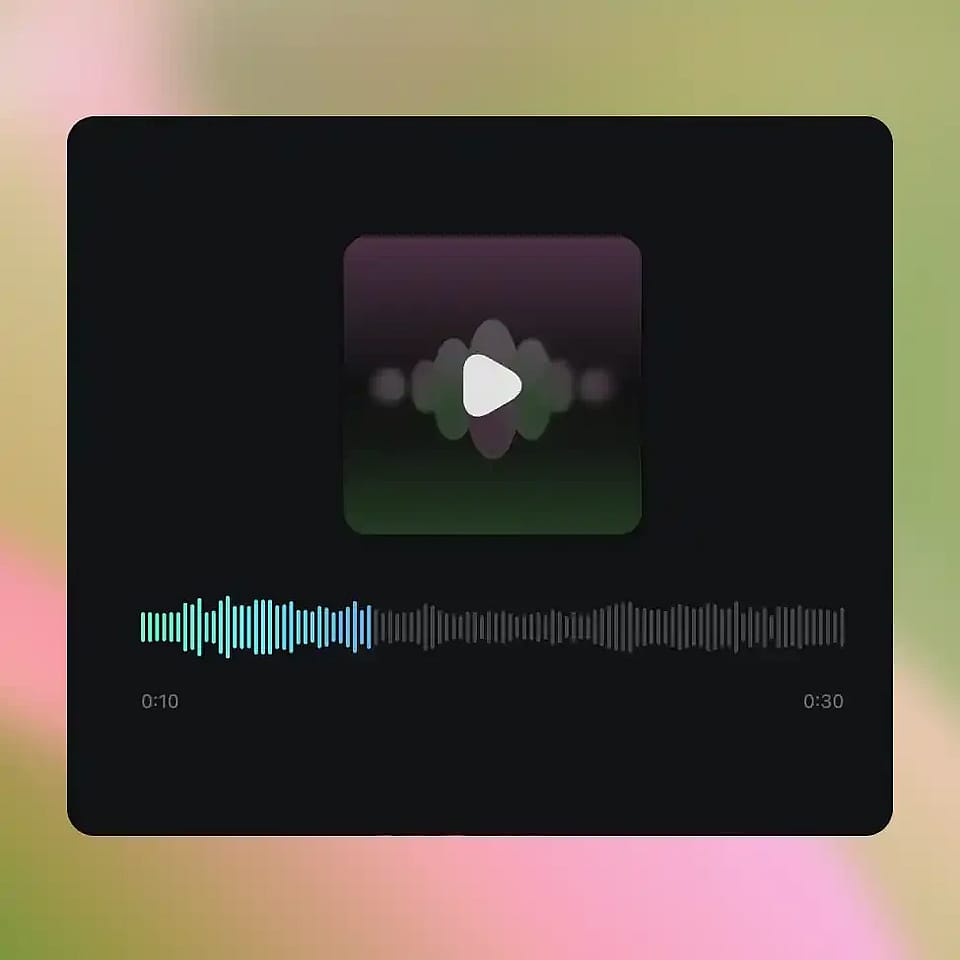
Generate and Download
Generate the track, preview it, and download the result for your content.
AI Music From Image – Custom Soundtracks Across Every Genre and Every Occassion
Create soundtracks that match your visuals without switching tools or breaking your workflow.
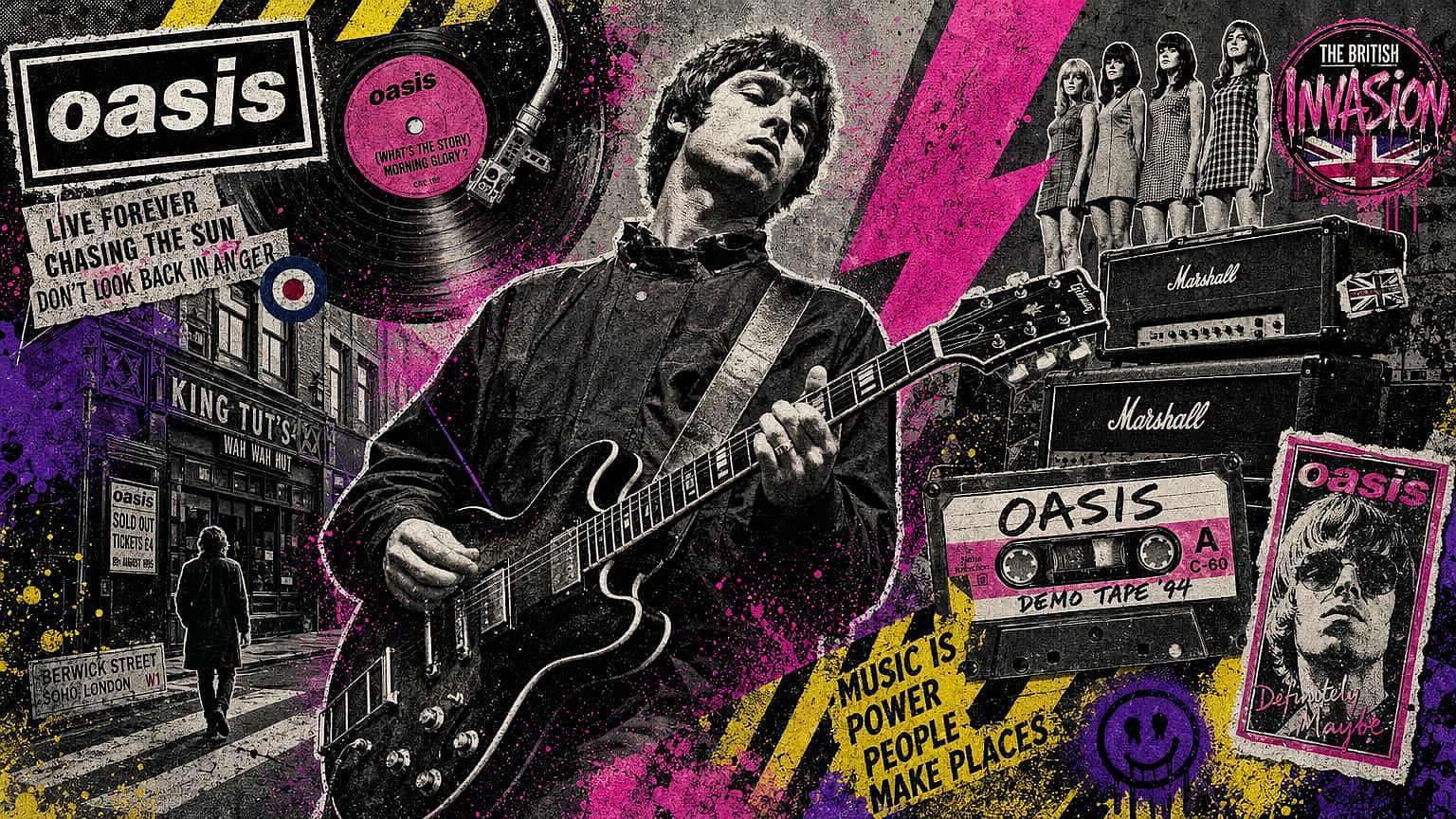
Content Creators and Video Producers
If you’re creating videos, finding the right music is often the slowest part. With this tool, you can generate a track that fits your video directly from your visuals. Instead of browsing stock libraries or editing separately, you get music that matches your scene from the start. This helps your content feel more complete and saves time when producing multiple videos.
Try it Now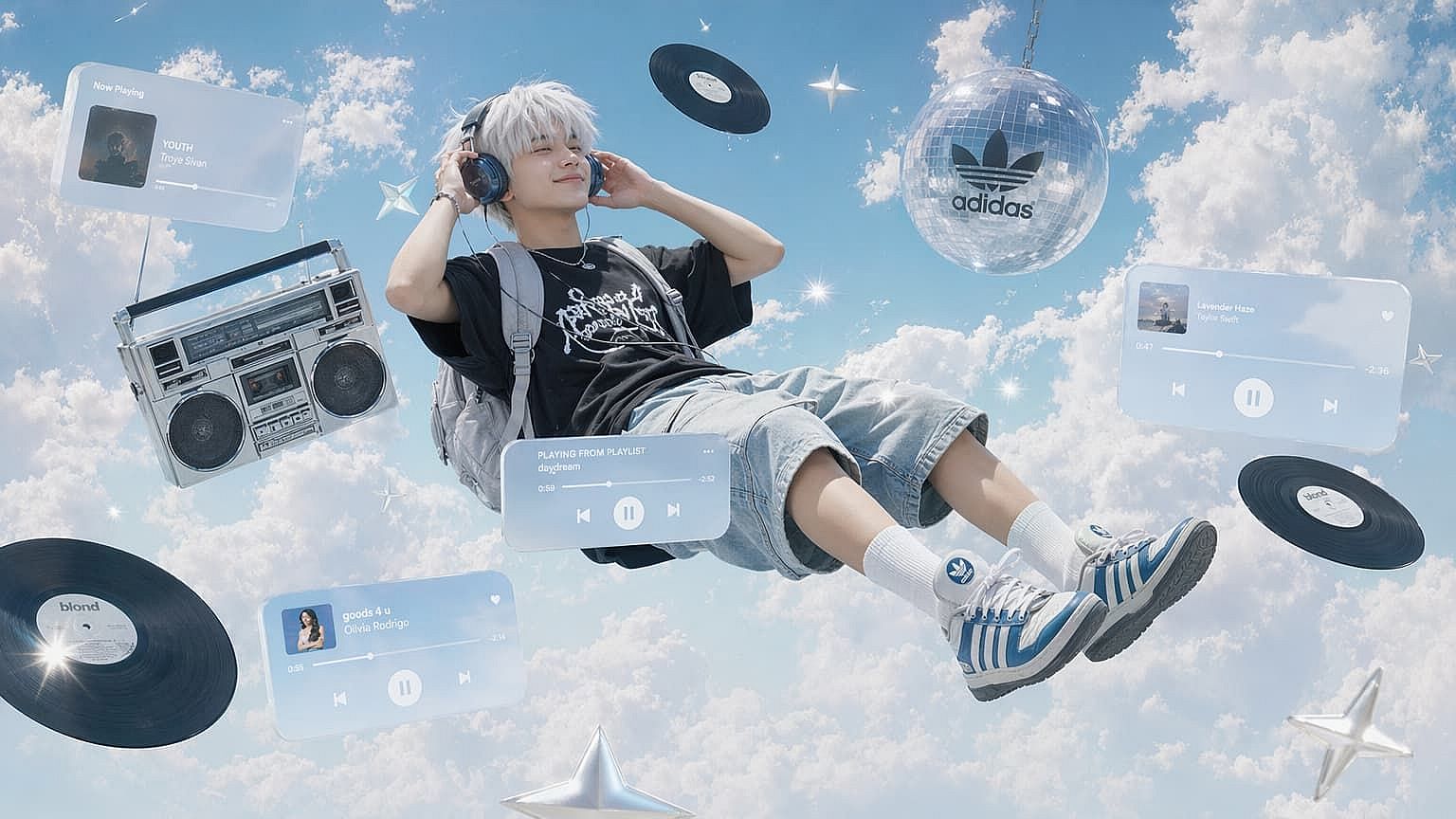
Visual Artists and Photographers
You can turn a single image into a full audio experience. Whether it’s a portrait, landscape, or digital artwork, the AI generates music that reflects the mood of your piece. This adds another layer to your work, making it more immersive when shared online or presented as part of a project.
Try it Now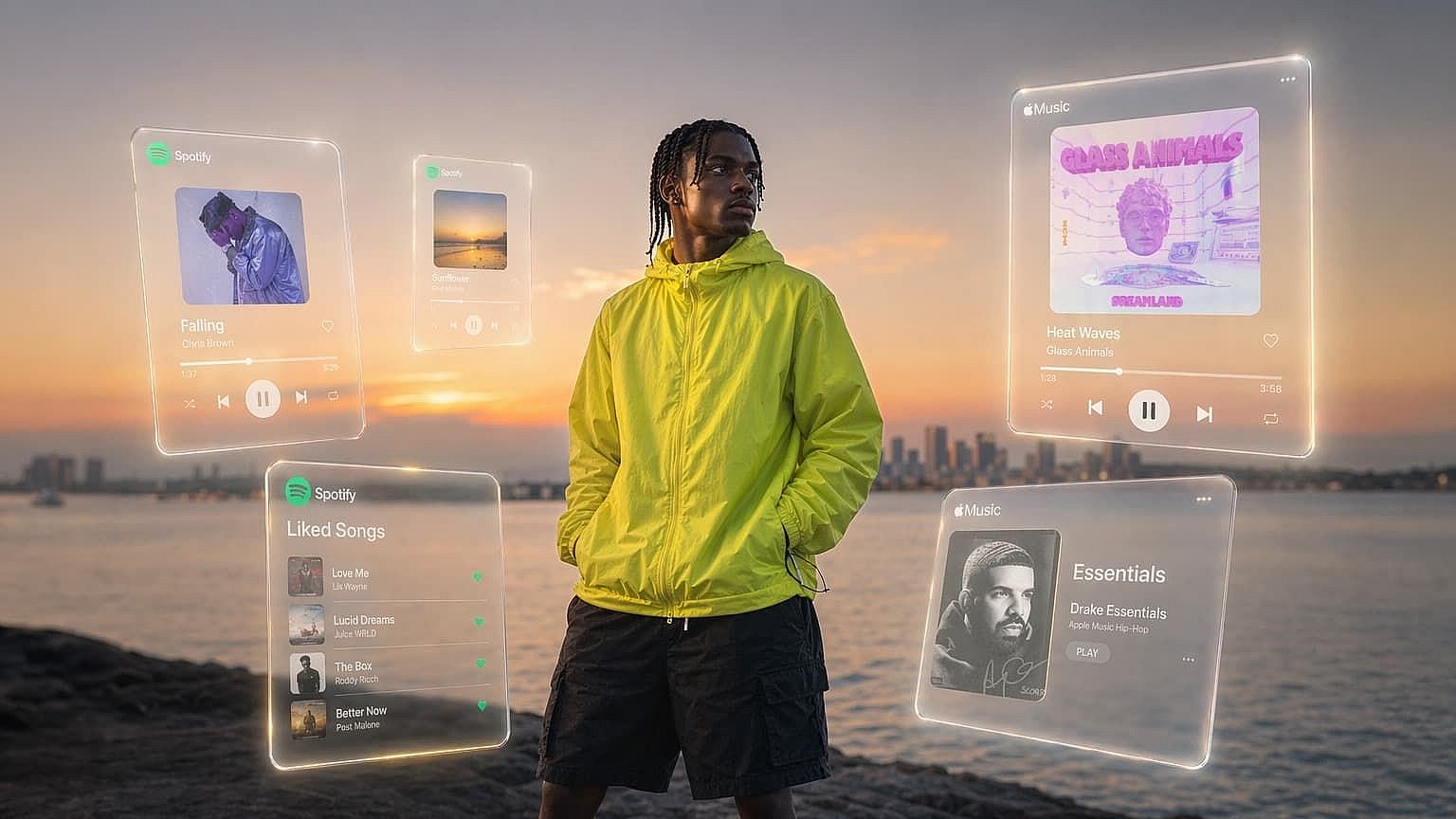
Social Media Creators
Using the same trending audio as everyone else makes content feel repetitive. With this tool, you can generate short music clips that match your visuals and stand out. Whether you’re posting reels, shorts, or quick edits, having unique audio helps your content feel more original and tailored.
Try it Now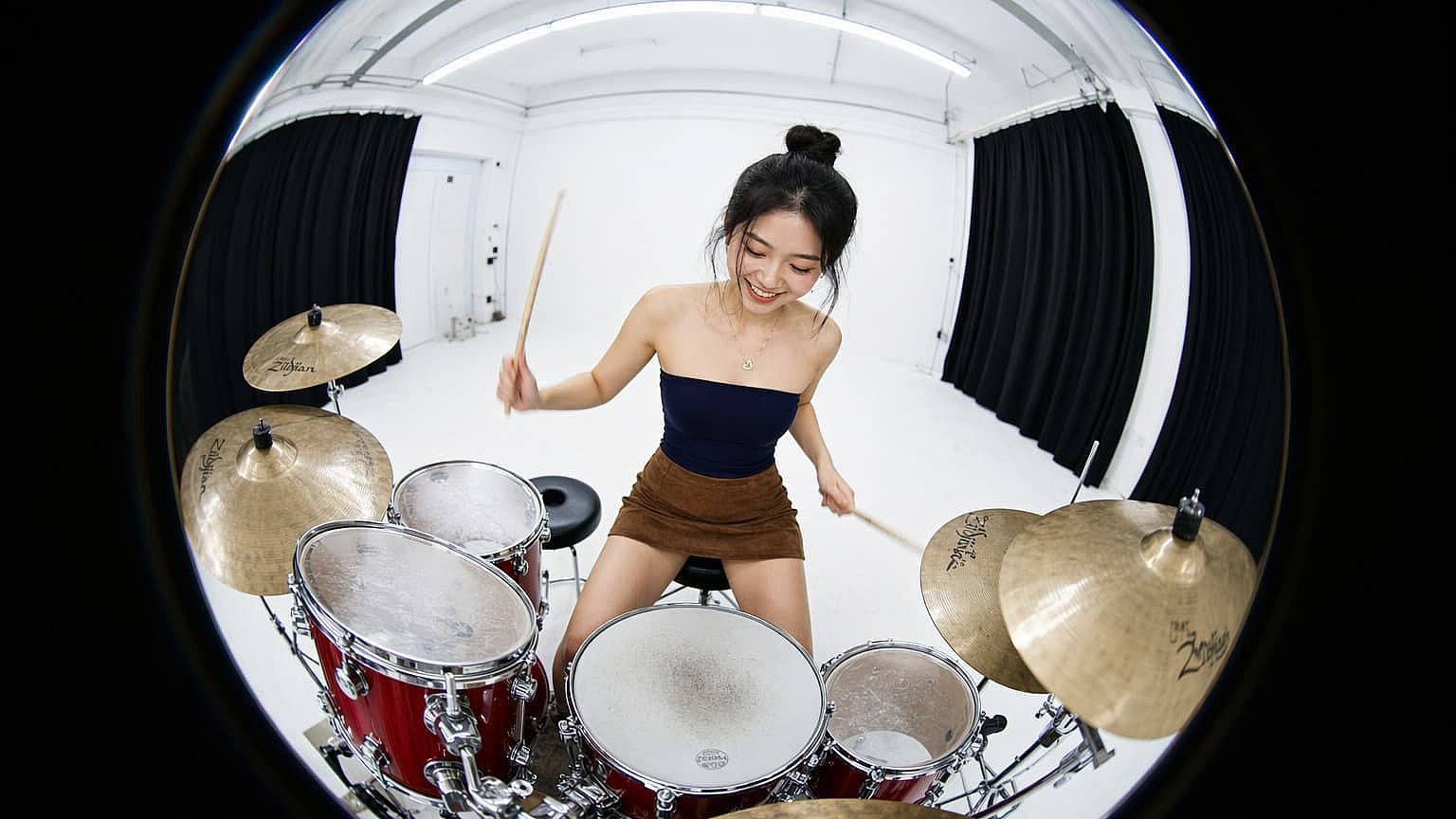
Filmmakers and Game Designers
When building scenes or environments, having matching audio helps bring everything together. You can generate background music that fits the mood of your concept without building it from scratch. This is useful for early-stage ideas, prototypes, or even final content where you need a quick and fitting soundtrack.
Try it NowFrequently Asked Questions
Get Insights from Experts Blog
Get the insights you need. Our experts share actionable hacks, break down the hottest topics, and provide essential how-to guides to help you build, optimize, and scale.
Read More
Create without limits
Join thousands of creators using OpenArt to generate stunning images, videos, and more — all in one platform.
Get Started for Free →