

AI Lyrics Video Generator
OpenArt's AI lyrics video maker turns your song into a creative, finished lyric video. Upload your song, describe the art style you want, and get every word on screen perfectly synced to the track.
AI Lyrics Video Generator
OpenArt's AI lyrics video maker turns your song into a creative, finished lyric video. Upload your song, describe the art style you want, and get every word on screen perfectly synced to the track.
Key Features of AI Lyrics Video Maker
Your song lyrics, your art direction
Add up to 10 references
Just upload your song and up to 10 images or videos as references. Use your cover art, a photo of yourself, or a clip you already shot, and OpenArt builds the lyric video to match in Director mode. Your video ends up looking like the artwork your fans already know.
Describe the art style you want
Type the look you want in the 'Visual direction' prompt box. Ask for ink on paper, warm film grain, or bright neon on black, and the words and the background both come out in that style. You describe the art instead of hunting through a template library.
Keep the words easy to read
A lyric video only works if people can actually read it. The text stays clear against whatever moves behind it, so nobody has to squint at a busy background. Ask OpenArt to make one line bigger, slower, or a different color, and the AI changes just that line.
Fit a full song in one video
OpenArt makes lyric videos up to five minutes long with no stitching. Most songs land under that, so your whole track fits in one video and the words never stop partway through. For short clips for social, try the other Quick Start templates in Director mode.
How to Make a Lyric Video in OpenArt
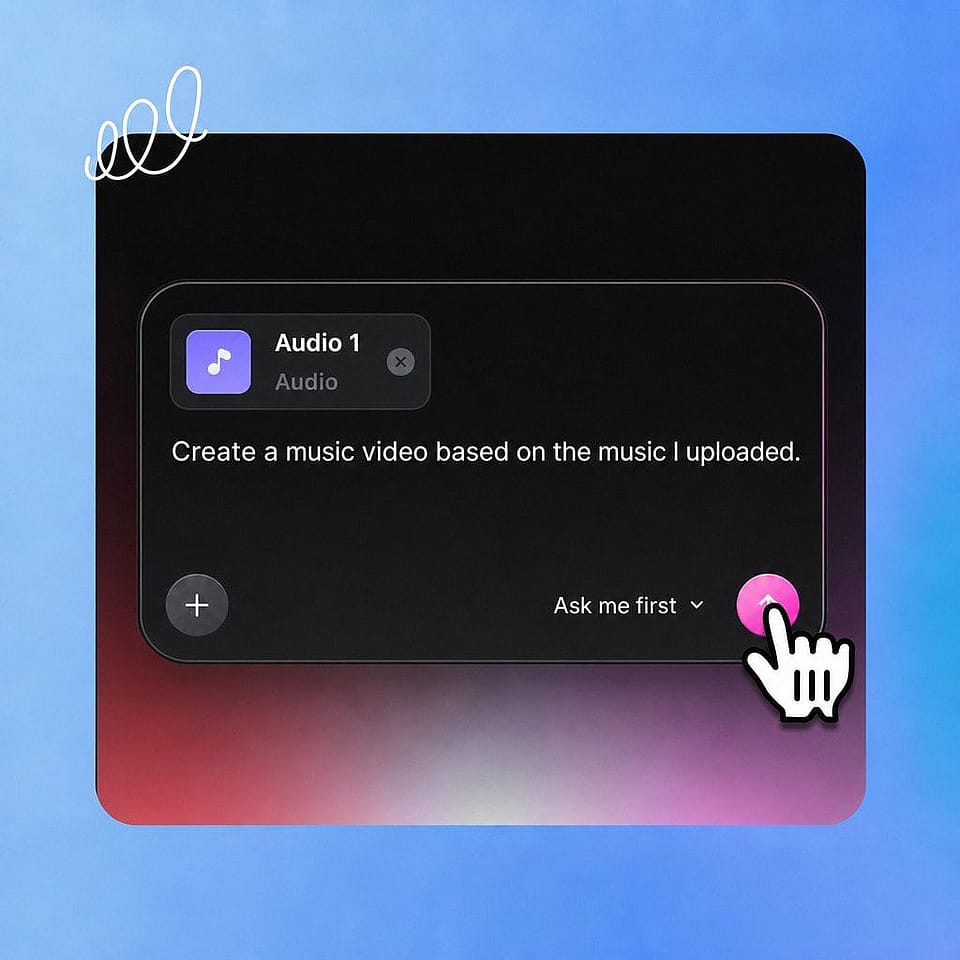
Upload your track
In Director mode, start a Music Video and pick the Lyrics Video style. Upload your song as an MP3, WAV, or M4A file.
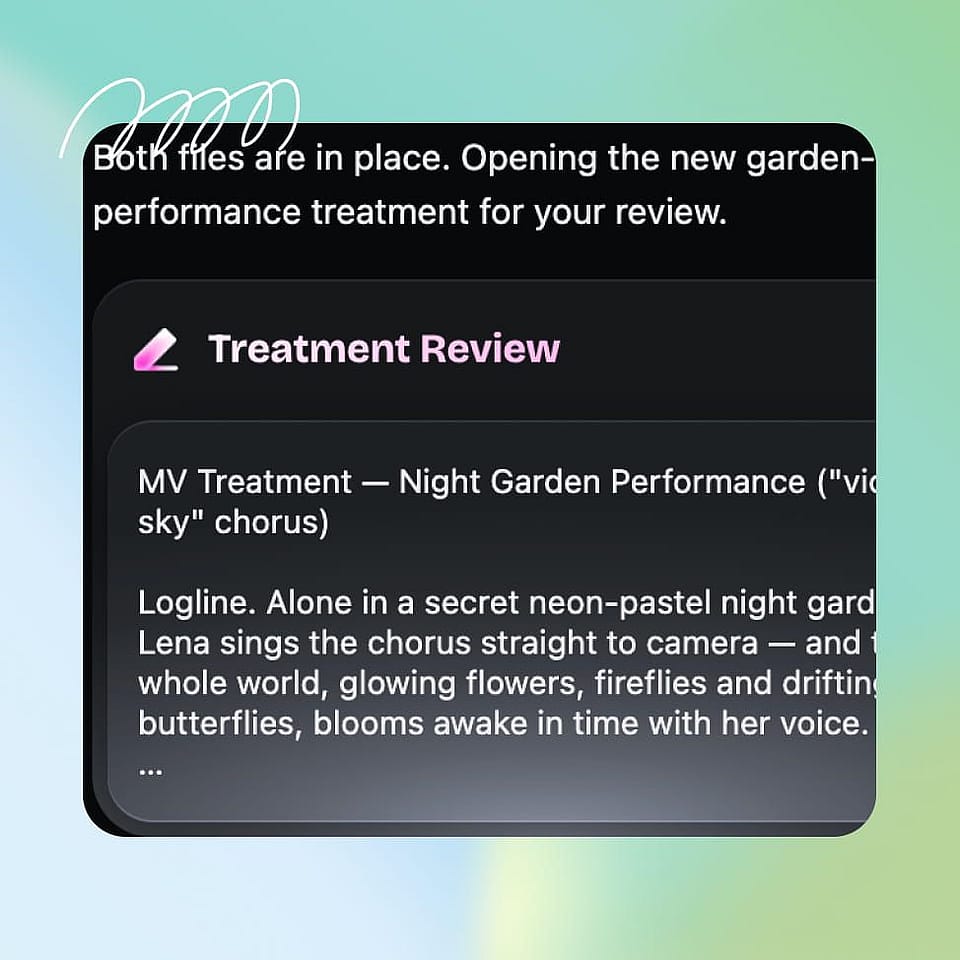
Set the direction
Upload up to 10 images or videos, then type the art style you want in the Visual direction box.
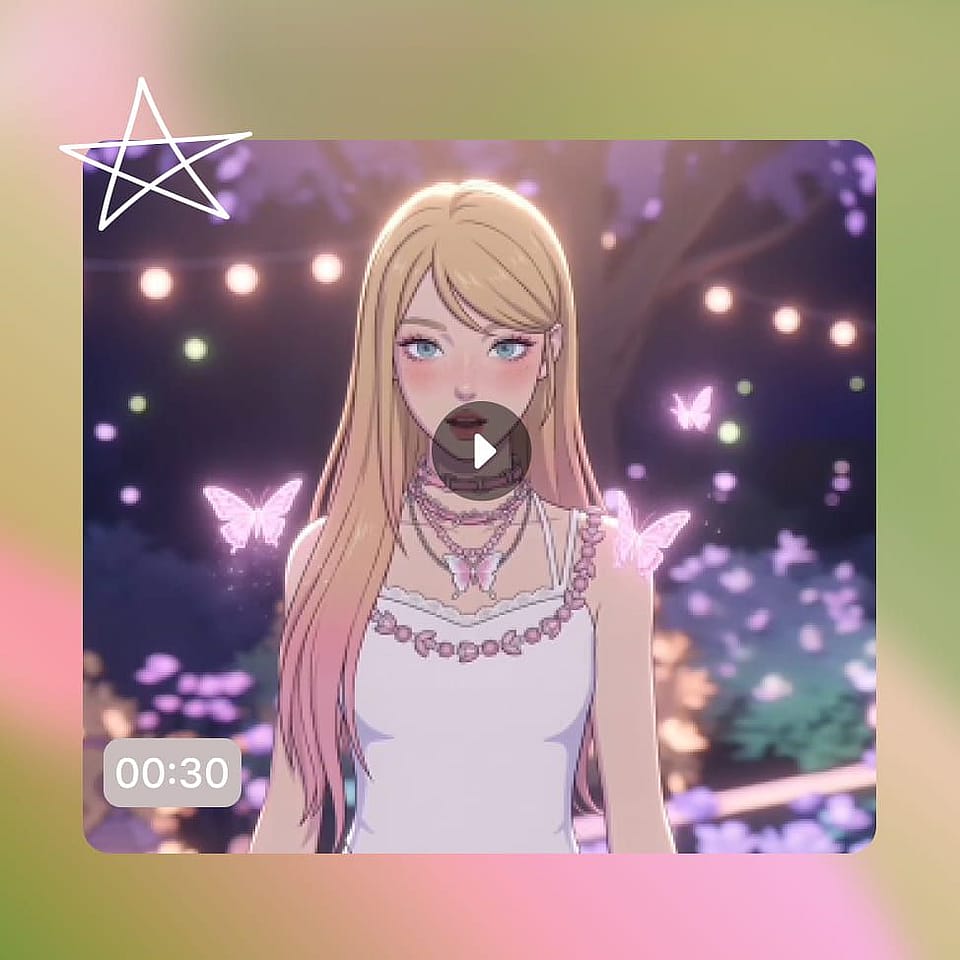
Refine and download
Click Create My Music Video, tell OpenArt what to change, then download your lyric video.
Best Uses of AI Lyric Video Maker
Independent artists and songwriters
Your single is finished and release day is coming, so YouTube needs a video. Upload your cover art as a reference and the lyric video matches the artwork fans already saw. A lyric video gets the song out with the words front and center and no shoot to book.
Try it NowRappers and lyricists
When the writing is the point, the words need to land on screen exactly right. Dense verses stay readable, and you can slow one line down or size it up so a punchline hits. Your listeners catch every bar instead of guessing at half of them.
Try it NowLabels and release teams
A release calendar needs the same asset over and over without a new brief each time. Use the same references and the same visual direction on every track so the whole album looks related. This is the fastest way to give a back catalog video it never had.
Try it NowKaraoke and sing-along channels
Channels built on singing along live or die on readable text and steady timing. Set the references and the art style once and every upload matches, whether it is a cover, a translation, or a classic. Your first video sets the format, and every upload after it follows the same look.
Try it NowFrequently Asked Questions
It is a tool that turns a song into a video with the lyrics on screen. You upload your song file, describe the art style you want, and OpenArt builds the finished video. You get a complete lyric video without opening editing software.
MP3, WAV, and M4A files up to 50MB. Upload the finished mix you already have and OpenArt builds the lyric video around that recording.
Up to five minutes, with no stitching between parts. That covers almost every song, so you get the full track in one video instead of splitting it up.
Yes, and it is the most common reason people make one. Download the finished video and upload it to your channel like any other release. A lyric video gives a song a proper video on release day.
Start a Music Video in Director mode and pick the Lyrics Video style. Upload your song, add any references, and type the art style you want in the Visual direction box. Read through the result, tell OpenArt what to change, and download the video.
Add up to 10 images or videos as references and OpenArt builds the lyric video to match them. Cover art is the most common one, because the video then looks like the release your fans already saw.
Yes. Ask for an animated look or any other art style and the words and background both move in that style. You can go fully illustrated, or keep it photographic with just the text animating.