

AI Image Restoration : Restore Any Old Photos in Seconds
OpenArt’s AI photo restoration tool restores missing detail, corrects colour fading, removes scratches, reduces grain, and improves clarity in seconds. Whether you want to restore old family photos, repair damaged portraits, or recover historical images for publishing, OpenArt gives you a fast, free way to bring photos back to life without manual editing.
 Add an image Or drag and drop here · JPEG, PNG, WEBP, HEICJPEG, PNG, WEBP, HEIC
 Ai Image Restoration Features
Removes scratches, fading, grain, and damage automatically
OpenArt detects common signs of ageing and damage in old photos, then applies targeted restoration to clean them up fast. From scratch removal to fade correction and grain reduction, the process is automatic from start to finish.
Restores faces, textures, and fine detail with precision
Family portraits, wedding photos, and archival images often lose the small details that make them feel real. OpenArt restores facial features, textures, edges, and subtle image detail while keeping the photo natural.
Free to try - restore your first photo in seconds
You can restore old photos online for free and see the result before committing to anything. That makes it easy to test treasured images safely, without a complicated editing workflow or paywall.
Photos Restored by our Community
From faded wedding portraits to scratched childhood photos and damaged historical images, people use OpenArt to recover photos that once felt lost. Explore before-and-after restorations that show how AI photo repair can remove visible damage, restore clarity, and make meaningful images usable again.
Restore Any Photo - From Any Condition
Repair scratches, tears, and physical damage automatically
Old printed photos often come with scratches, creases, dust marks, and visible wear from time. OpenArt’s AI photo repair identifies damaged areas and reconstructs them with clean, natural-looking detail, helping restore damaged photos without frame-by-frame manual retouching.
Restore faded color and correct discoloration
Many old photos lose contrast over time or shift into yellow, red, or washed-out tones. OpenArt restores faded color, balances discoloration, and improves tonal accuracy so old images feel closer to how they originally looked.
Recover fine detail from grain and low-resolution photos
Scanned prints, compressed files, and ageing images often lose clarity in faces, clothing, and background detail. OpenArt uses image restoration AI to reduce grain, recover texture, and sharpen important features while keeping the result believable instead of overprocessed.
Restore entire albums with batch processing included
If you’re working through family archives, client work, museum scans, or old product photography, restoring images one by one slows everything down. OpenArt helps you restore entire albums faster with batch processing, making it easier to handle large photo sets with consistent quality.
How to Restore an old photo with AI

Upload your old or damaged photo
Start with a scan, a phone photo of a print, or a digital image file. OpenArt works with old family photos, damaged portraits, black and white pictures, and more.
AI analyses and restores every detail
OpenArt detects scratches, fading, grain, blur, and lost detail, then applies the right corrections automatically. You get a cleaner, sharper, more complete version in seconds.
Download your restored photo
Preview the result, compare the before and after, and download your restored photo when it looks right. Your final image is ready to print, share, publish, or use in a creative project.
AI Image Restoration Built for Every Photo and Every Memory
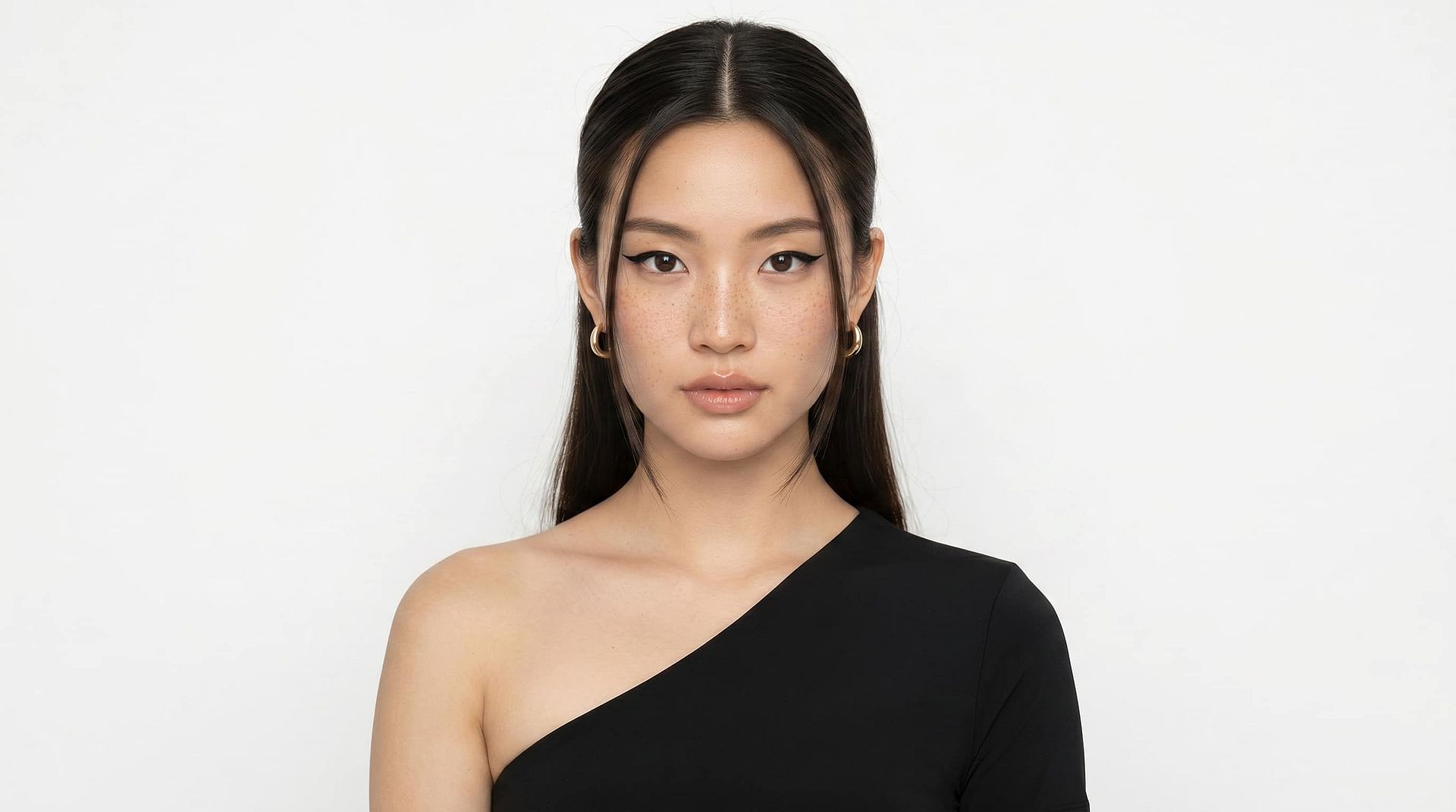
For families and memory keepers
Some photos aren’t just images, they’re the only record of moments you can’t recreate. Whether it’s your grandmother’s wedding portrait, your parents’ early years, or childhood birthday memories, damage like fading, scratches, and blur can make them feel lost over time. OpenArt helps you restore old family photos by repairing visible damage, recovering facial detail, and bringing clarity back to moments that matter most. You can safely restore photos without risking the original, preview results instantly, and create versions ready to print, share, and preserve for future generations.
Try it Now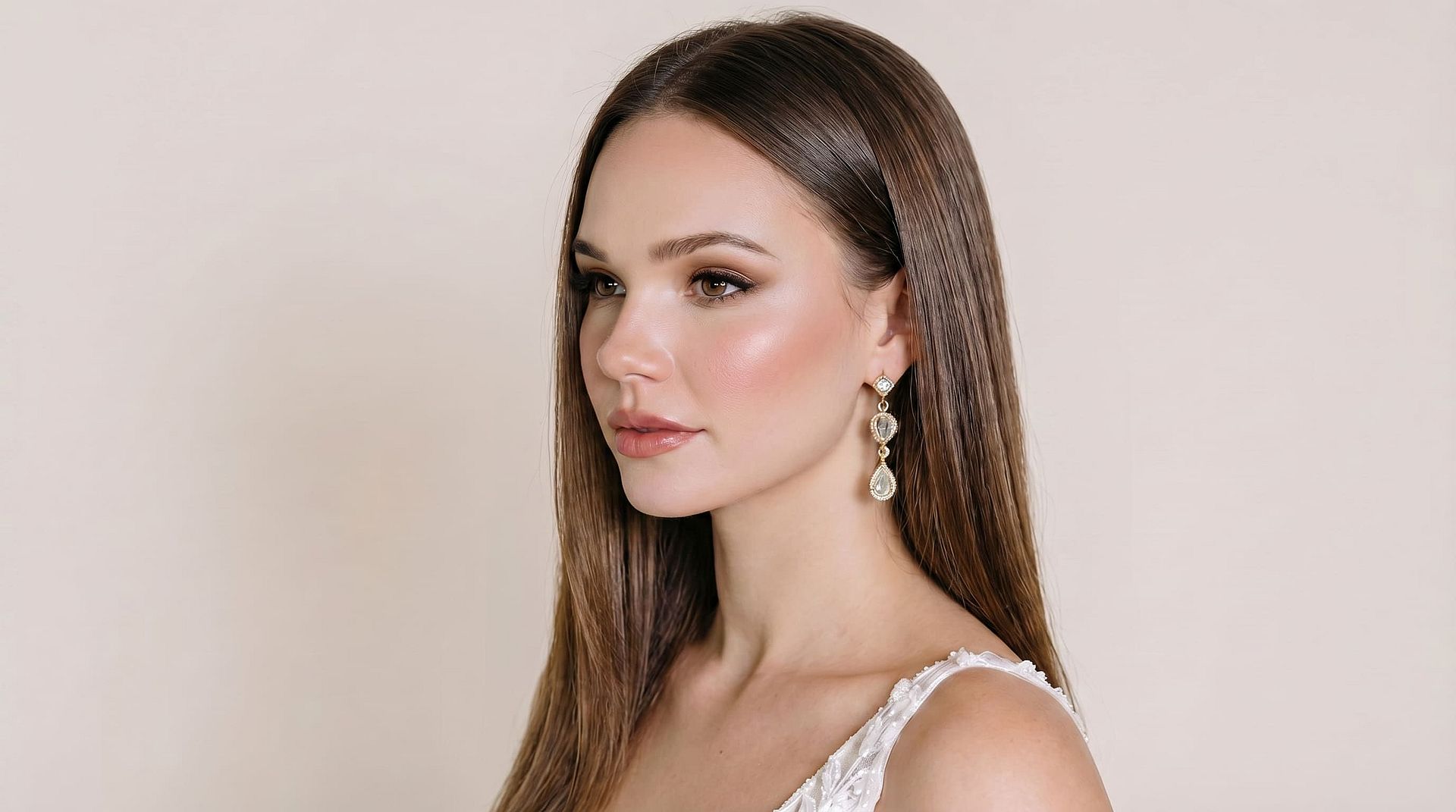
For photographers and archivists
Restoring large photo collections manually is slow and inconsistent. OpenArt is built for photographers, scanning studios, and archivists who need reliable restoration at scale. Whether you’re working with damaged prints, low-resolution scans, or ageing negatives, the AI handles scratch removal, grain reduction, colour correction, and detail recovery automatically. With batch processing, you can restore entire albums while maintaining consistent output quality — ideal for client work, digitization, and archival workflows.
Try it Now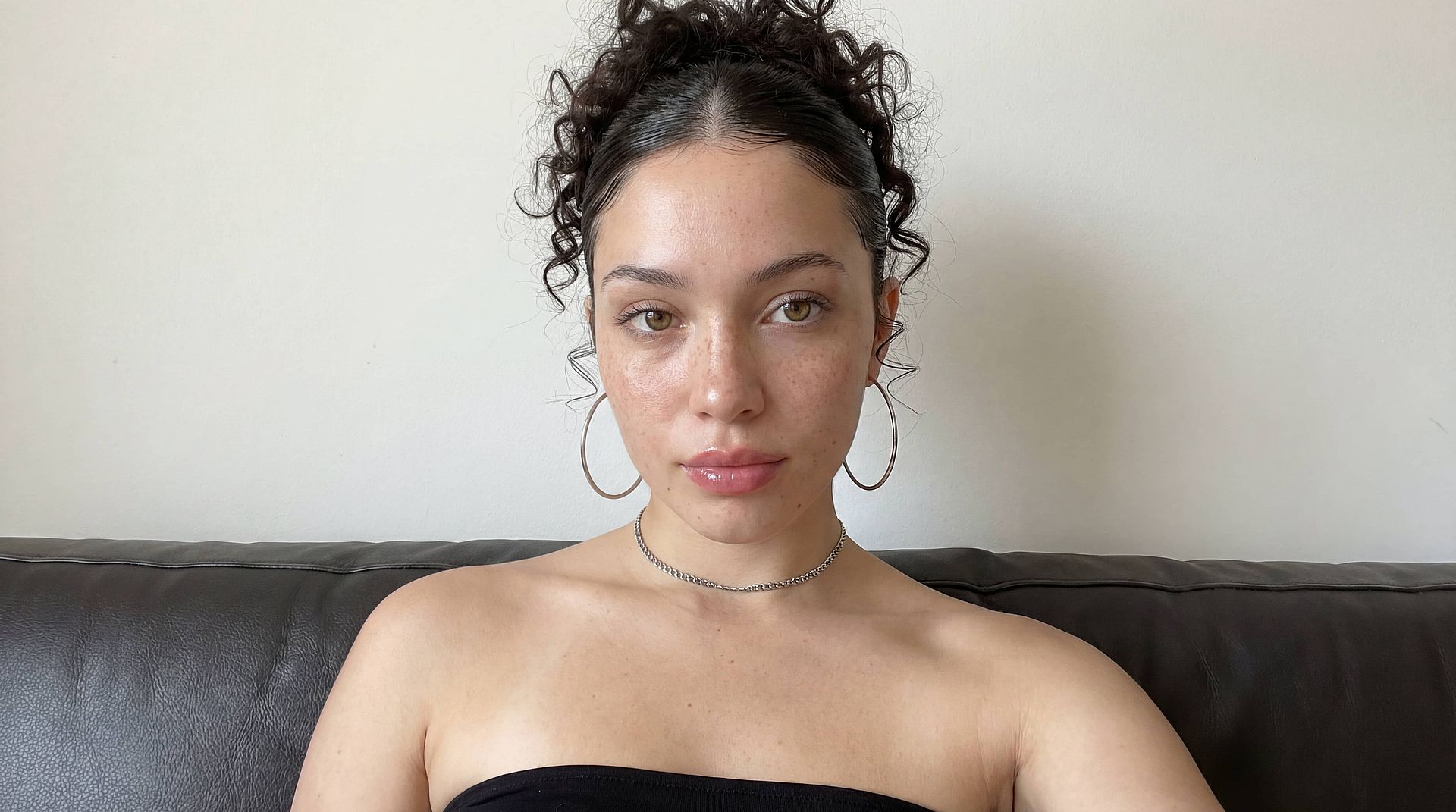
For content creators and historians
Historical images often require more than basic enhancement to be usable. OpenArt helps creators, researchers, and historians restore archival photos by improving clarity, repairing damage, and making details easier to publish. Whether you’re working on a documentary, blog, museum archive, or research project, AI image restoration turns degraded visuals into publication-ready assets while preserving authenticity and historical integrity.
Try it Now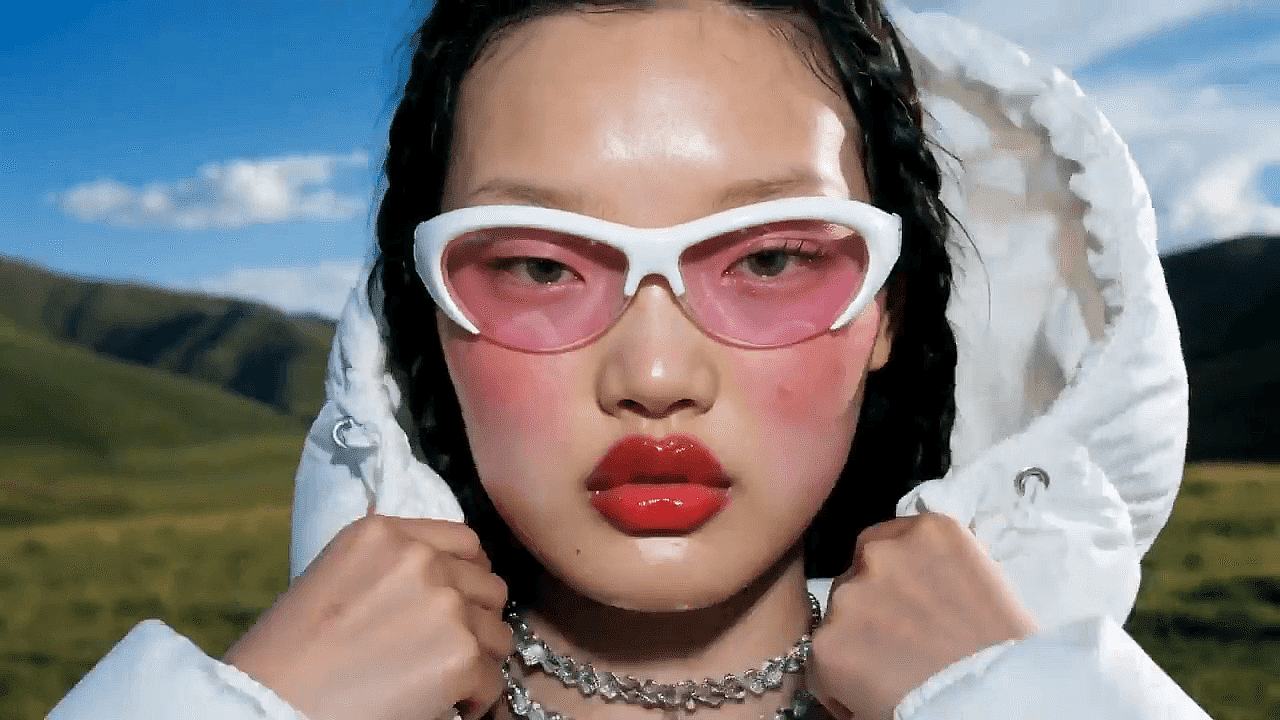
For e-commerce and product teams
Old product photos often become unusable due to grain, fading, low resolution, or visible damage — but reshooting is not always possible. OpenArt helps restore legacy product images by improving clarity, correcting colour, and removing imperfections so they meet modern listing standards. This allows brands to reuse existing assets across listings, ads, and catalogs without additional production costs.
Try it Now