AI Cinematic Video Generator
OpenArt's AI cinematic video generator turns a text prompt or a single photo into cinematic AI video with real depth, camera movement, and film lighting. You get footage that looks actually filmed, all without a camera or a crew.
Key Benefits of AI Cinematic Video Maker



Complex Depth, Light, And Motion
Ask for a wide shot at golden hour, or a close-up under one hard light, and that is the shot you get. OpenArt puts the blur behind your subject, the shadows, and the camera move into the video as it generates. Your footage comes out looking filmed instead of flat, from the first try.




Make Any Genre You Wish
Write the genre and the mood into your prompt and the whole look changes with it. A horror hallway gets long shadows, a desert chase gets hard midday sun, and a game trailer opening gets scale and speed. One AI cinematic video generator covers every kind of shot your script asks for.

Storyboard and See The Shots
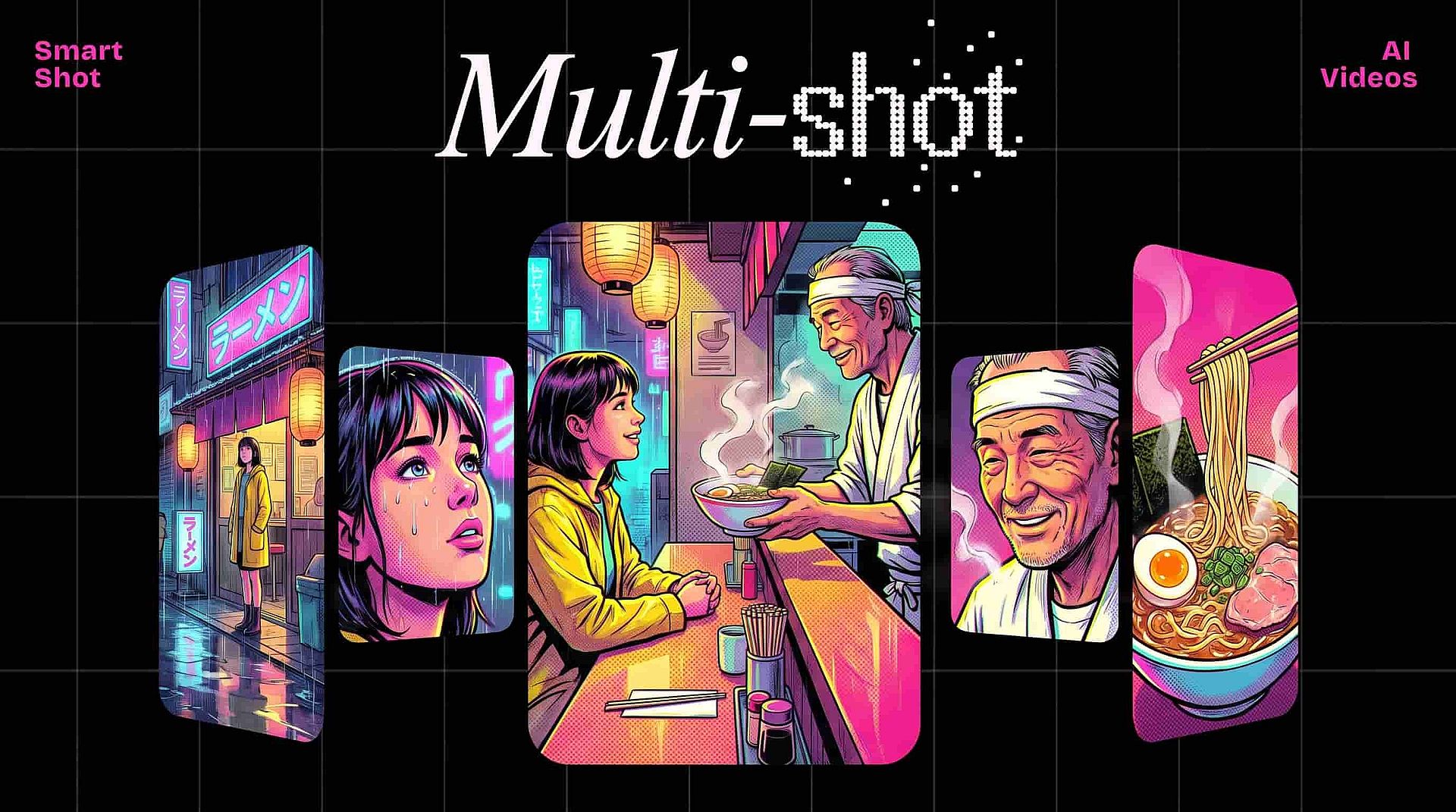
Smart Shot tool writes out the shot list for your scene before it makes any video. You read the list, change what is wrong, and then generate the cuts. Free credits let you try real cinematic AI video first, so you can learn what your prompt does before you pay anything.
Key Features of AI Cinematic Video Generator
Powered by the best AI video models including Seedance 2.5, Veo 3.1, Kling 3.0, Wan 3.0, Gemini Omni, and MiniMax H3.
Generate Cinematic Shots From Text Or Photos
Describe the place, the light, and the camera move in plain words, or upload a photo and let the AI video generator put it in motion. A still picture of a rainy street becomes a slow push down the sidewalk with real depth and real light. That is AI cinematography from one line of writing.
Storyboard Your Scene Before the Final Video
Smart Shot works like an AI storyboard generator that finishes the job. Smart Shot lays out every cut in your scene as a storyboard you can edit first, then generates those cuts as one longer video. Extend Video adds up to 10 more seconds to any single shot that ends too early.
Keep The Same Faces Across Every Shot
Save your actor once in OpenArt Characters and put the same person in every shot of your scene. Their face and outfit hold from the wide shot to the close-up, so a multi-shot video still feels like one story. Plus, the Brand Kit feature keeps your colors and looks steady across a whole project.
Add Effects and Edit to Perfection
OpenArt VFX lets you relight a shot, swap the background, or edit specific subjects in the frame after the video is made. So this cinematic video maker gives you a second pass at the look instead of one fixed result. The Upscale Video tool can then take your video up to 4K.
How to Use the AI Cinematic Video Generator
Three steps take you from a written script to finished cinematic footage.
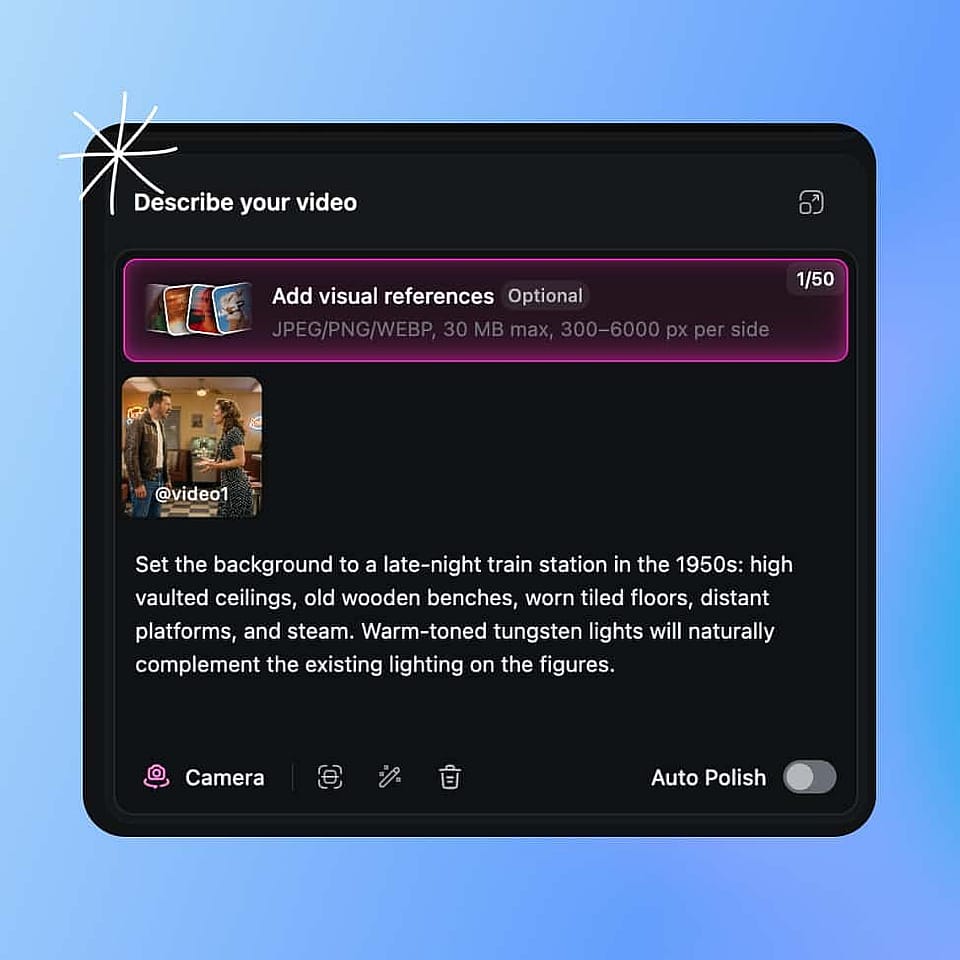
Describe Your Shot
Open the AI video generator and describe the place, the light, and the camera move you want. Or upload a photo to start from instead.
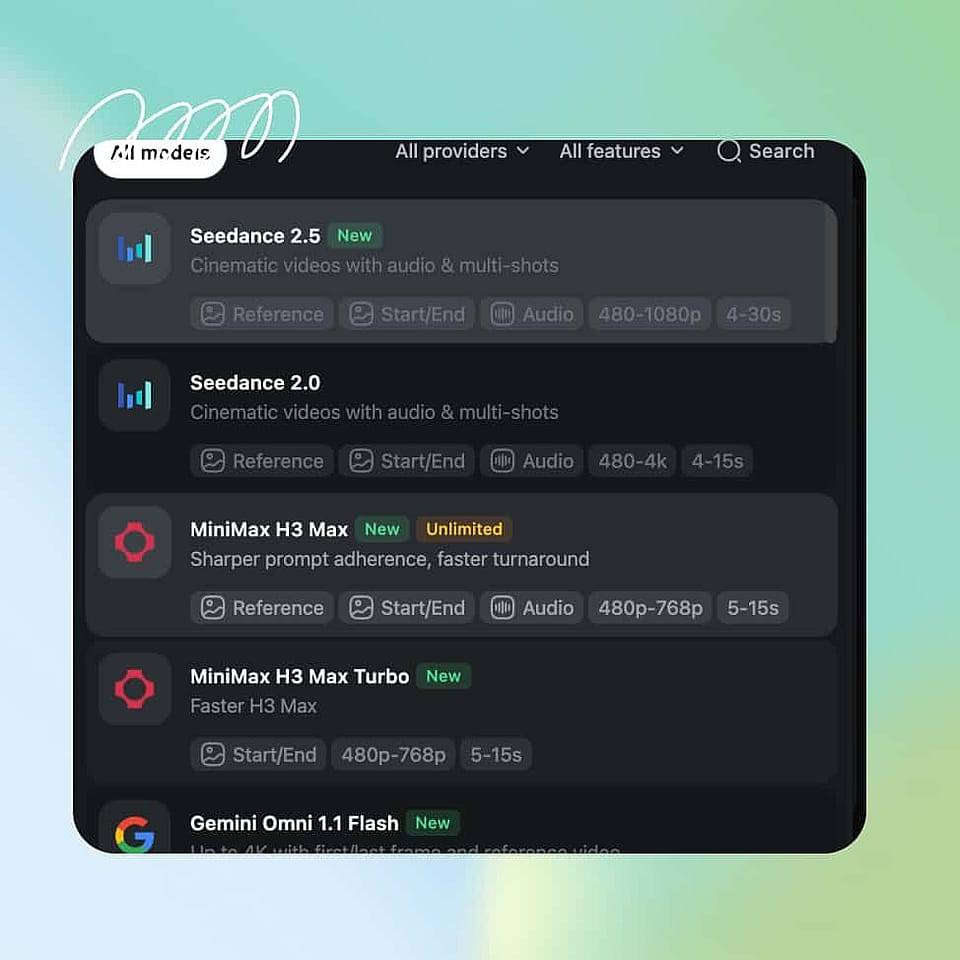
Configure Your Video
Pick your video model, output quality, aspect ratio, length, and resolution. You can also set the number of generations, and ambient sounds if you want audio.
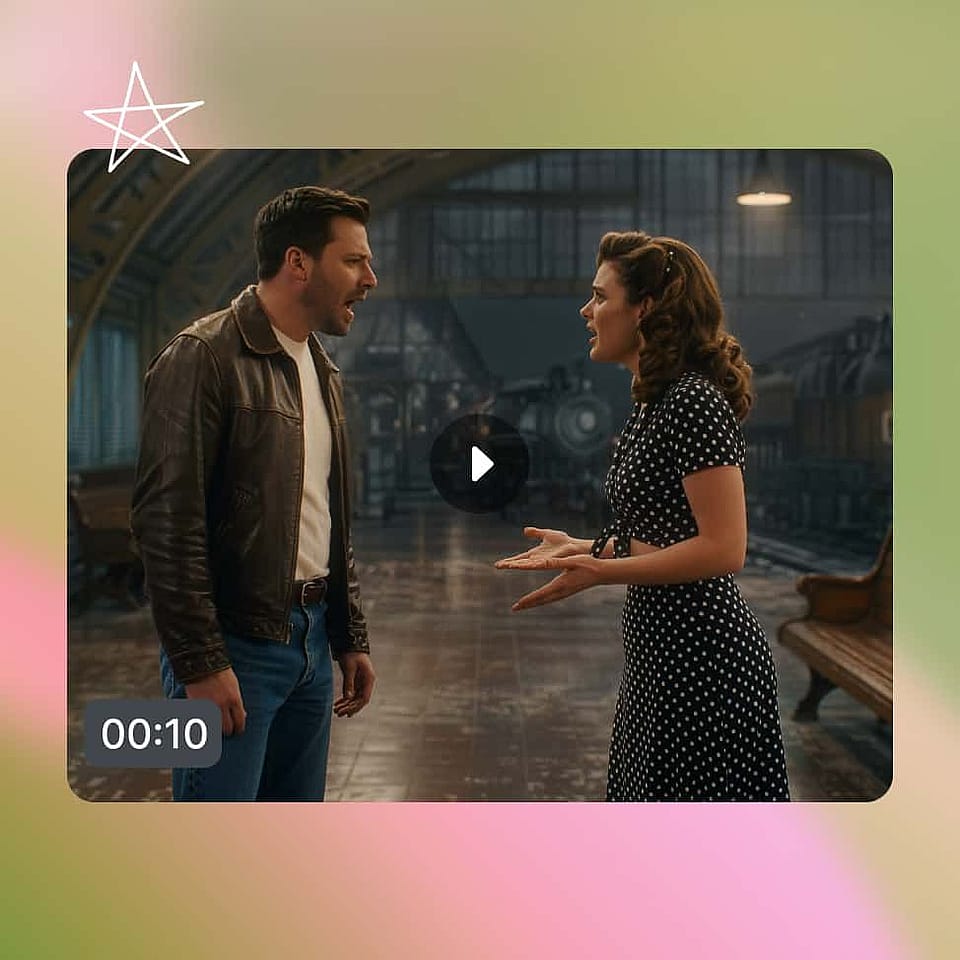
Generate And Download
Generate, then use other tools to extend the cut or upscale it to 4K if you need to. Download the video when ready.
The AI Cinematic Video Generator Is Built for Storytellers
From short films to brand campaigns, here is how both pros and hobbyists use OpenArt's AI cinematic video generator.
Plan and Shoot Indie Film Scenes
Make the scenes you cannot afford to shoot, and see them before you commit any money to them. Filmmakers use these AI filmmaking tools to lay out a scene, test three versions of it, and show a producer the plan. When you want the whole story cut together instead of single shots, use OpenArt Director.
Try it NowGenerate Cinematic B-Roll For YouTube
Get the cinematic B-roll that makes your channel look like it has a crew behind it. Use this AI B-roll generator for the establishing shot, the mood shot, or the cutaway your story video needs, sized for YouTube or vertical. You stop paying for stock footage that half fits.
Try it NowPitch Campaign Ideas Before The Shoot
Show a client six cinematic looks for a campaign before anyone books a studio. Generate the footage in a day, put the approved look in the deck, and use it as the brief for the real shoot or ship it as it is. Your team gets film quality for the price of a few generations.
Try it NowGenerate Base Footage For VFX Work
Generate the precise base footage you need instead of hunting for stock visuals that don't fit your vision completely. Ask for the exact light and angle your shot needs, then using OpenArt VFX, relight it or swap the background before you take it into your own tools. What used to take a whole evening of searching now takes a few minutes.
Try it NowFrequently Asked Questions
An AI cinematic video generator makes video that looks like it was filmed, using AI. You get real depth, camera movement, film lighting, and color from a text prompt or a single photo, with no camera and no crew. OpenArt's AI cinematic video maker builds those qualities into the shot as it generates, so the footage comes out looking produced.
Cinematic AI video makes the choices a camera crew would make. You get blur that lifts your subject off the background, a camera move that fits the moment, hard or soft light that sets the mood, and the warm look of film. Regular AI video gives you motion and little else, because those choices are never made for you.
Yes. Smart Shot lays out the full shot list for your scene as a storyboard before it generates any video, so you can read the plan, cut a shot, or change the order first. Then Smart Shot generates those cuts as one longer video. Filmmakers use it as an AI storyboard generator before the shoot, and as the thing that makes the footage too.
Yes. Smart Shot generates several cuts as one longer video, so a dialogue scene or a chase reads as one scene instead of loose clips. Save your actor in OpenArt Characters first and the same face carries through every cut. For a full film assembled end to end, use AI Movie Maker.
A single generation usually runs up to 15 seconds, and up to 30 seconds on premium models like Seedance 2.5 and Wan 3.0. Extend Video tool adds up to 10 more seconds to any shot. For anything feature length, generate your scenes here and assemble them in your edit.
Name four things: where you are, the time of day and light, what the camera does, and the mood. "Wide shot of an empty diner at 5am, cold blue light through the window, camera pushes in slowly, lonely" beats "cinematic diner scene." Auto-Polish Prompt can tighten your wording for you before you generate.
OpenArt is one of the strongest free options because the whole job happens in one place. You write the shot, read the shot list, generate the video, then fix the light or the background and upscale it to 4K without opening another tool.
Yes, you ask for the move in your prompt. Put the move near the front and add a speed word: "slow push in on the doorway," "steady pan left across the beach," or "locked camera, the camera stays still." Ask for one move per clip, because asking for three at once makes the video shaky.
Build your actor in OpenArt Characters first, then use that same character in every shot so the face and outfit hold. Save your colors and look in Brand Kit so the project matches from cut to cut. Smart Shot then generates the cuts together, which holds a scene steadier than making clips one at a time.
Yes. Upload your clip and OpenArt VFX changes the light with Relight Video, swaps the setting with Replace Background, or edits one part of the frame. Restyle Video applies a preset look if you want the clip in a different style, and Upscale Video takes the result up to 4K and clears up blur.
You can generate at every standard aspect ratio, including 16:9 for film and 9:16 for vertical. Resolution goes up to 4K on some models, with 1080p as the standard. Upscale Video tool takes a finished cut up to 4K and clears up blur at the same time.
Get Insights from Experts Blog
Get the insights you need. Our experts share actionable hacks, break down the hottest topics, and provide essential how-to guides to help you create, optimize, and scale.
Read More