

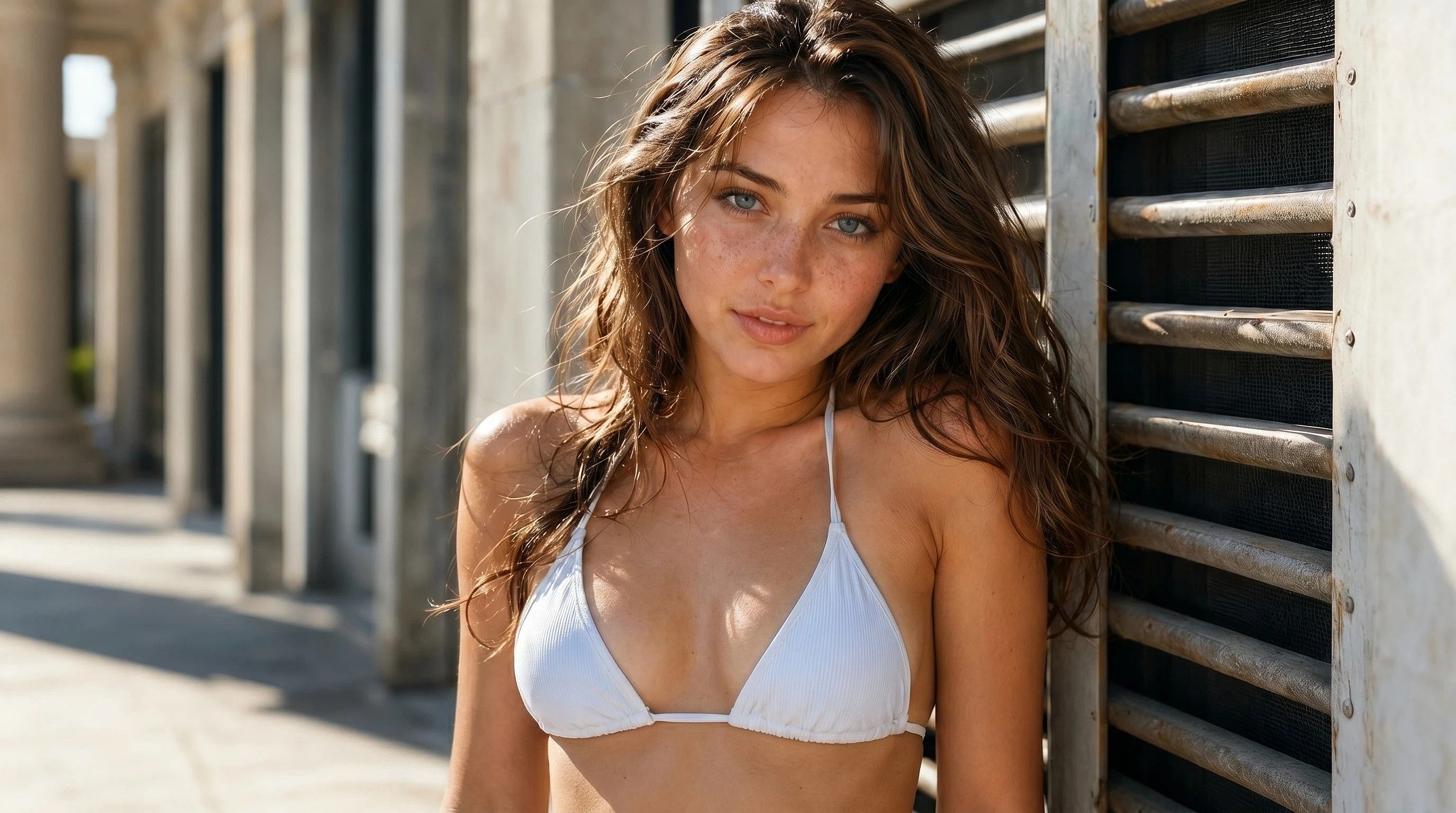
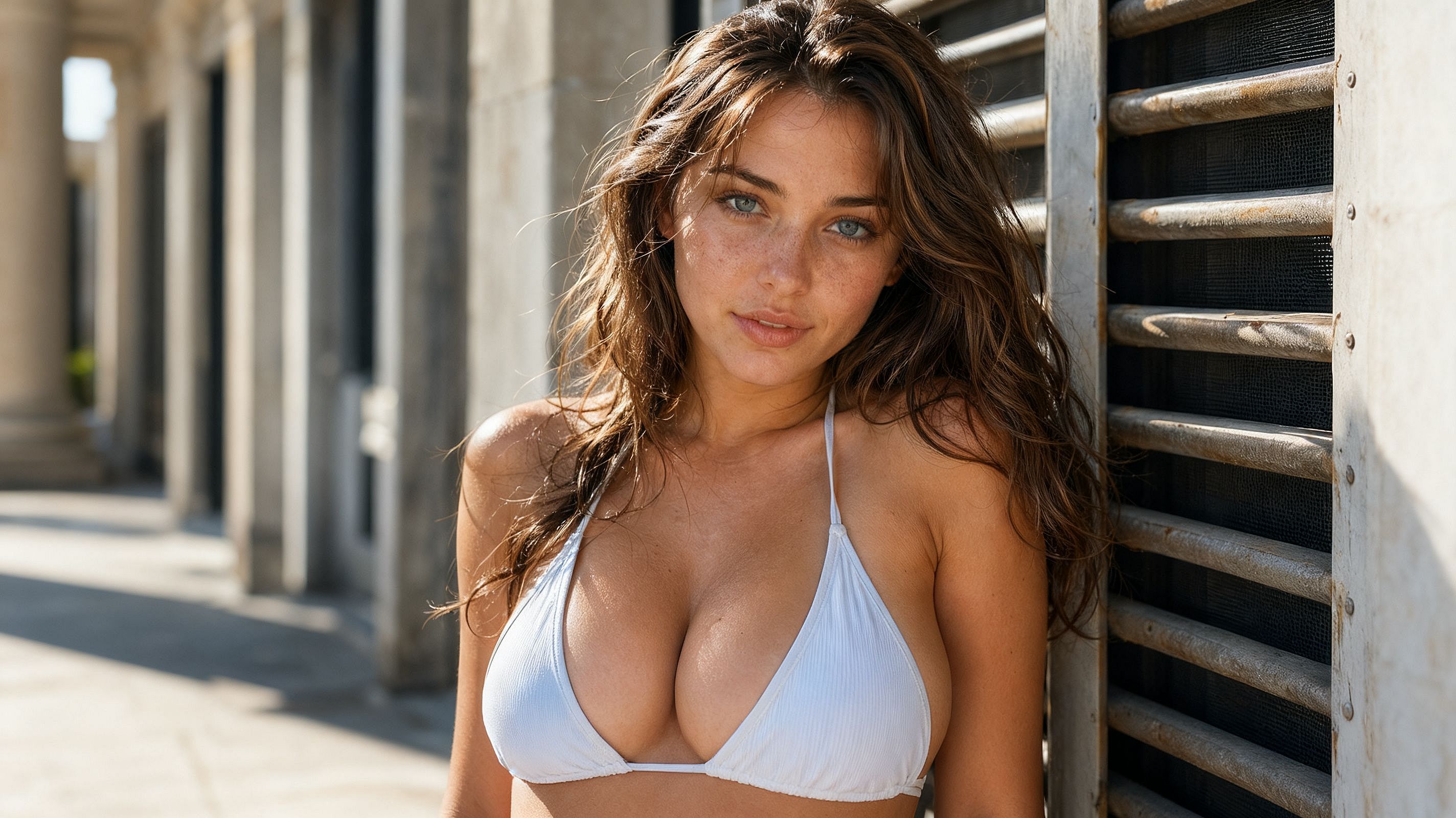
AI Breast Expansion & Enhancement
Resize, reshape, and refine with an AI breast size changer built for natural-looking results. Upload a photo, prompt the breast enlargement you want, and export a clean, high-resolution edit ready for portraits, fashion shoots, character art, and social content.
 Add an image Or drag and drop here · JPEG, PNG, WEBP, HEICJPEG, PNG, WEBP, HEIC


Natural-Looking Enhancement
OpenArt's AI breast enhancer blends size and shape changes into the original photo so skin tone, lighting, and fabric drape all stay consistent. No obvious seams, no warped bodies.




Your Look, Your Control
Choose between subtle retouch and bold big breast proportions, adjust shape, and re-roll until the result matches the vibe you're going for.
Private and Confidential
OpenArt is always privacy and data-security first. Your uploads and any image edits and generations stay inside your OpenArt workspace, completely private.
Community Creations
See how photographers, illustrators, cosplayers, and content creators are using OpenArt as a breast size changer — from subtle portrait retouching to fantasy character designs with dramatic, stylized proportions.
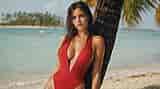
Breast Enlargement That Looks Real
OpenArt's AI breast expansion runs on our best-in-class image generation and editing models, so every edit respects the pose, lighting, clothing, and skin of the original photo.
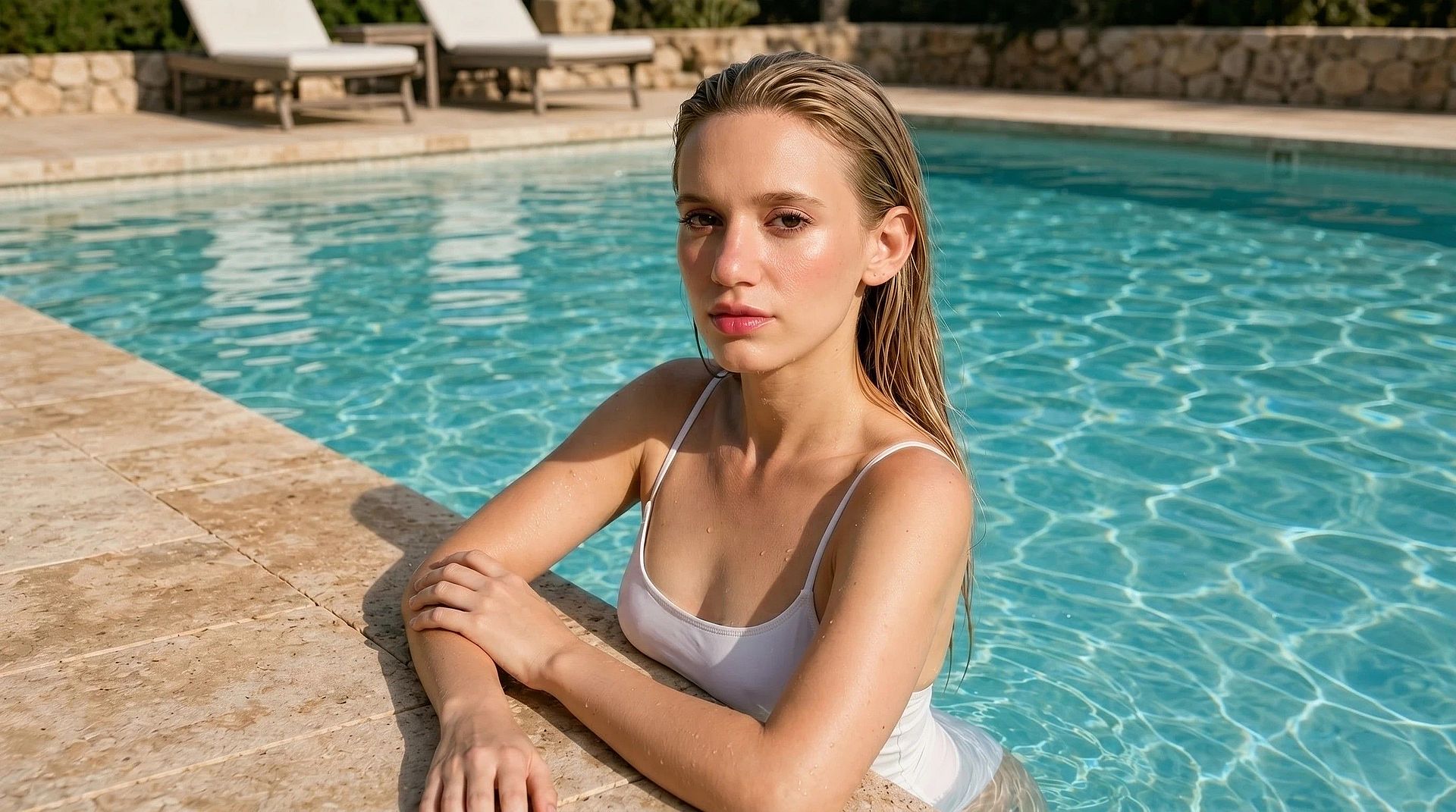
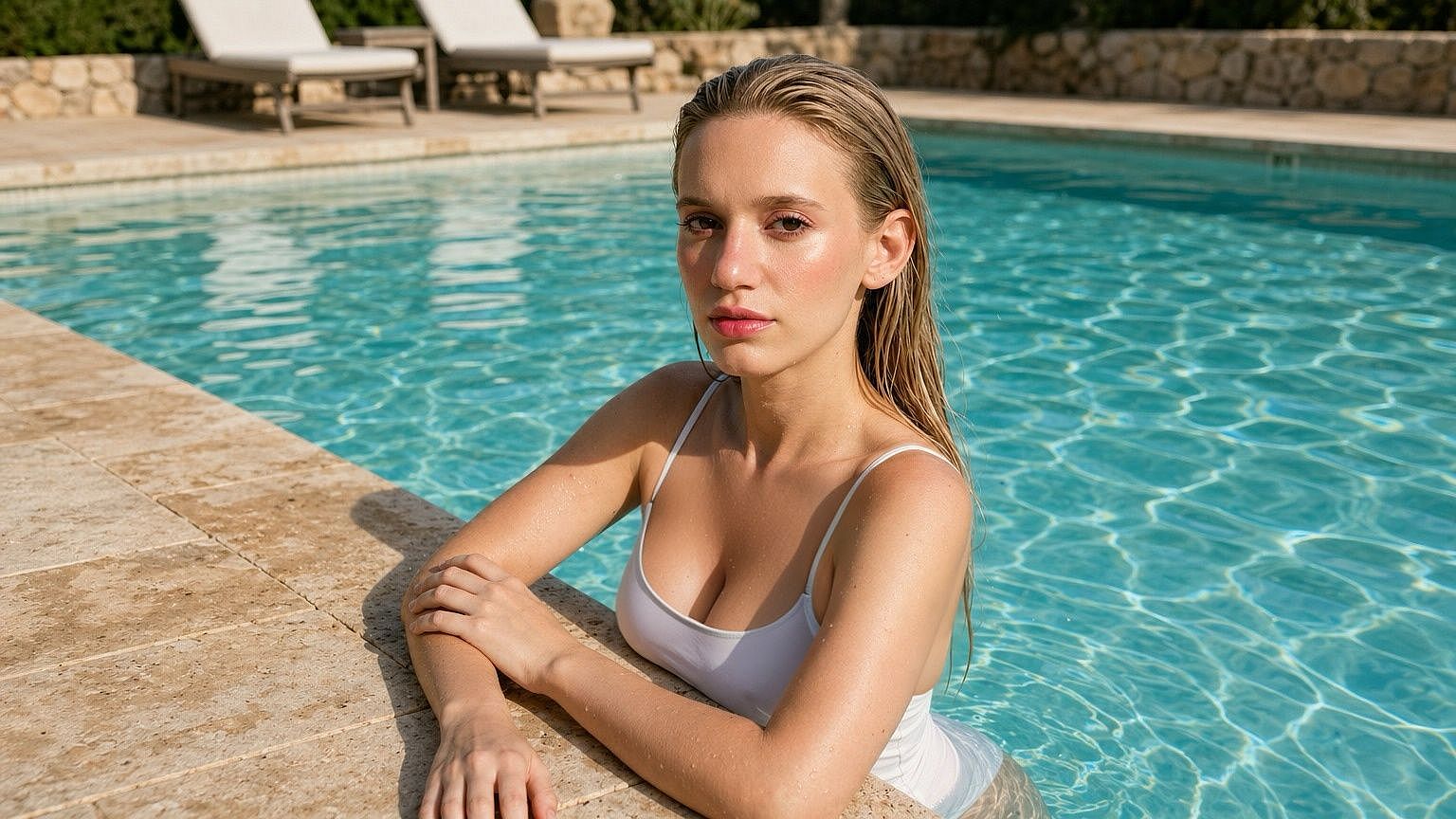
Realistic, Natural-Looking Results
The model reads the whole image before it edits, including the posture, fabric folds, shadows, skin tone, and then regenerates just the chest area so the change looks like part of the original shoot rather than a pasted-on filter. For further refinement of your images, try OpenArt’s AI skin enhancer which fixes any “plastic skin” look in your photos.
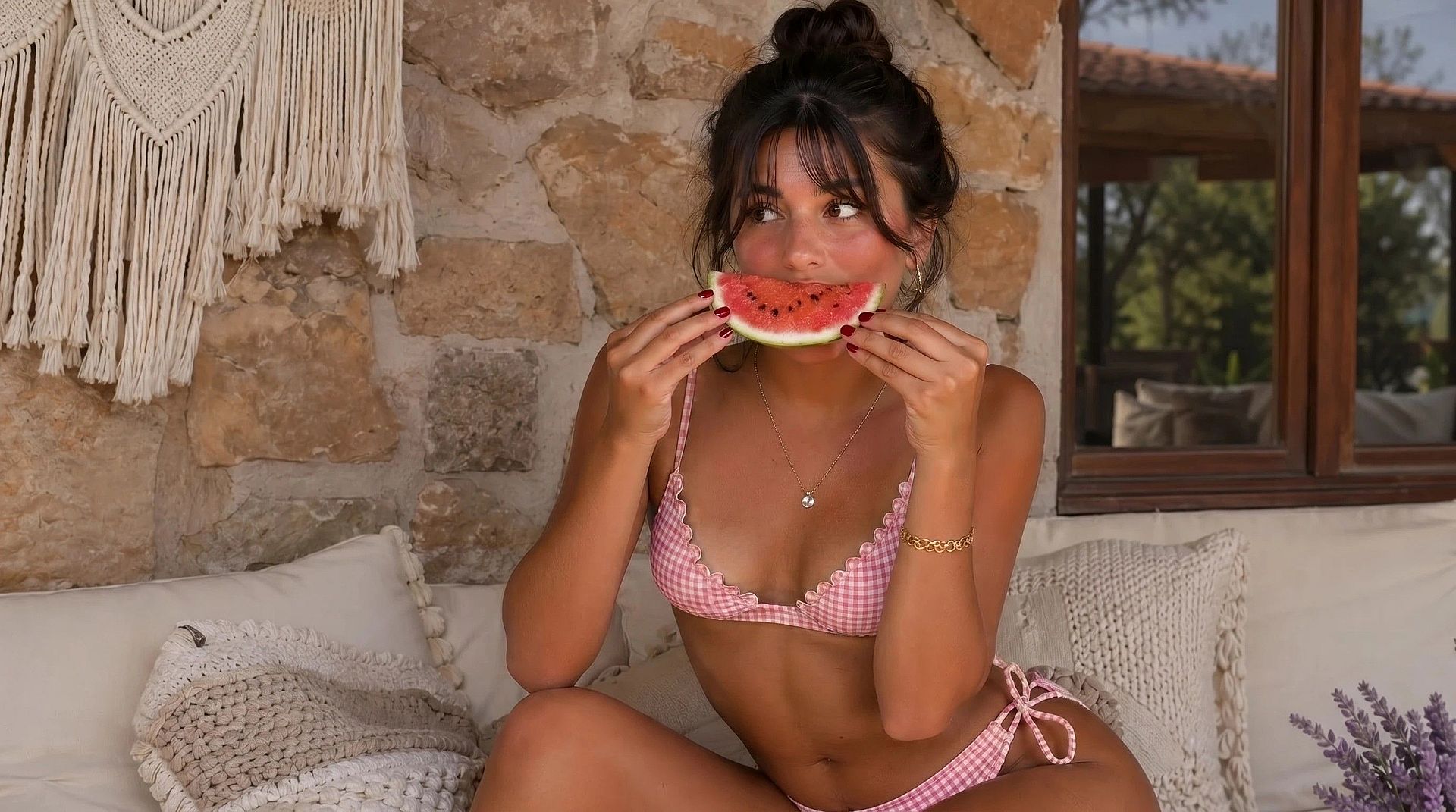
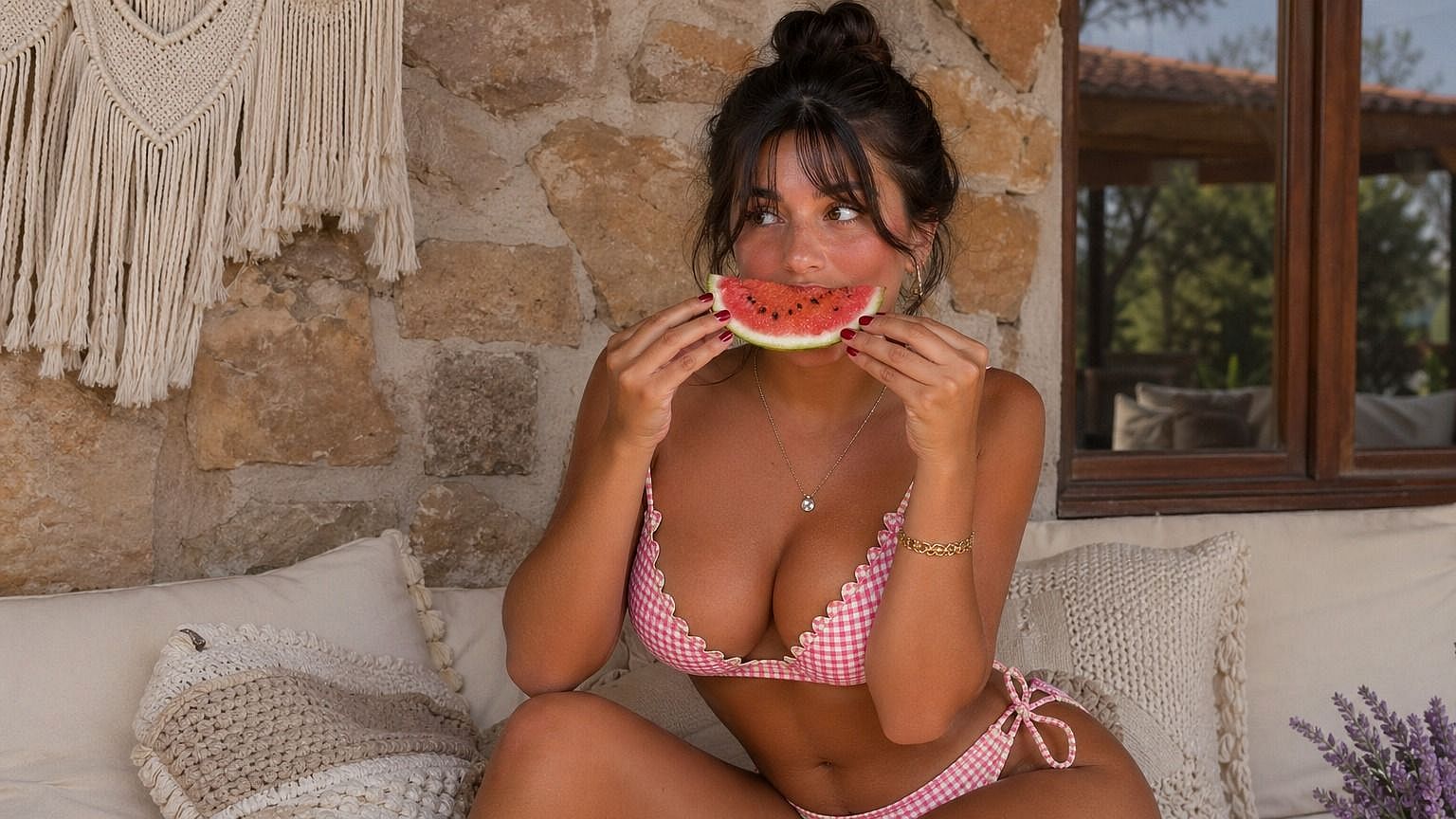
Fine-Tune the Size Changes
Anything from barely-there retouch to exaggerated big boobs for fantasy, cosplay, and stylized illustration. With this AI image generator, you can nudge size, adjust shape, and re-roll variations with simple prompts until the look is right, without starting the image generation all over.
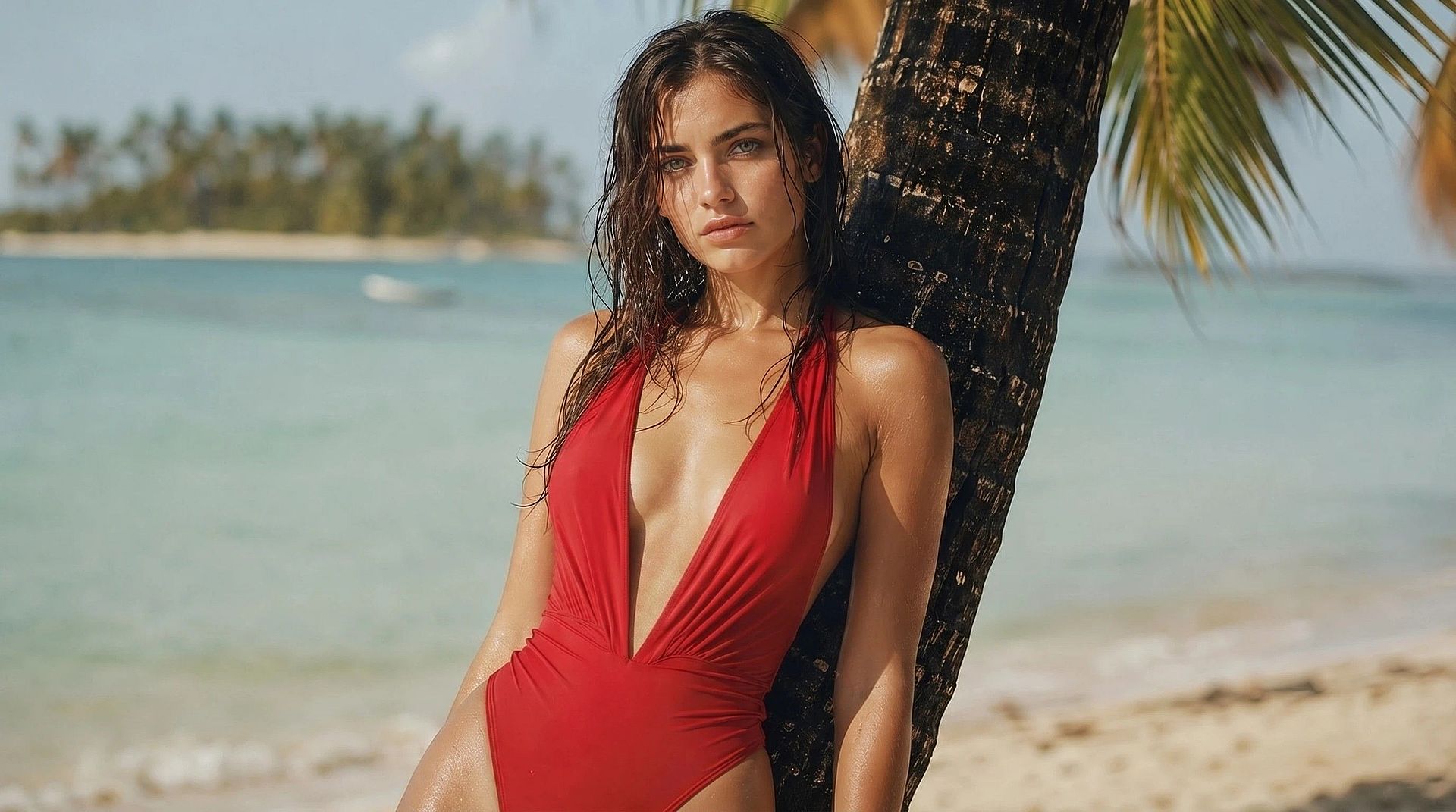
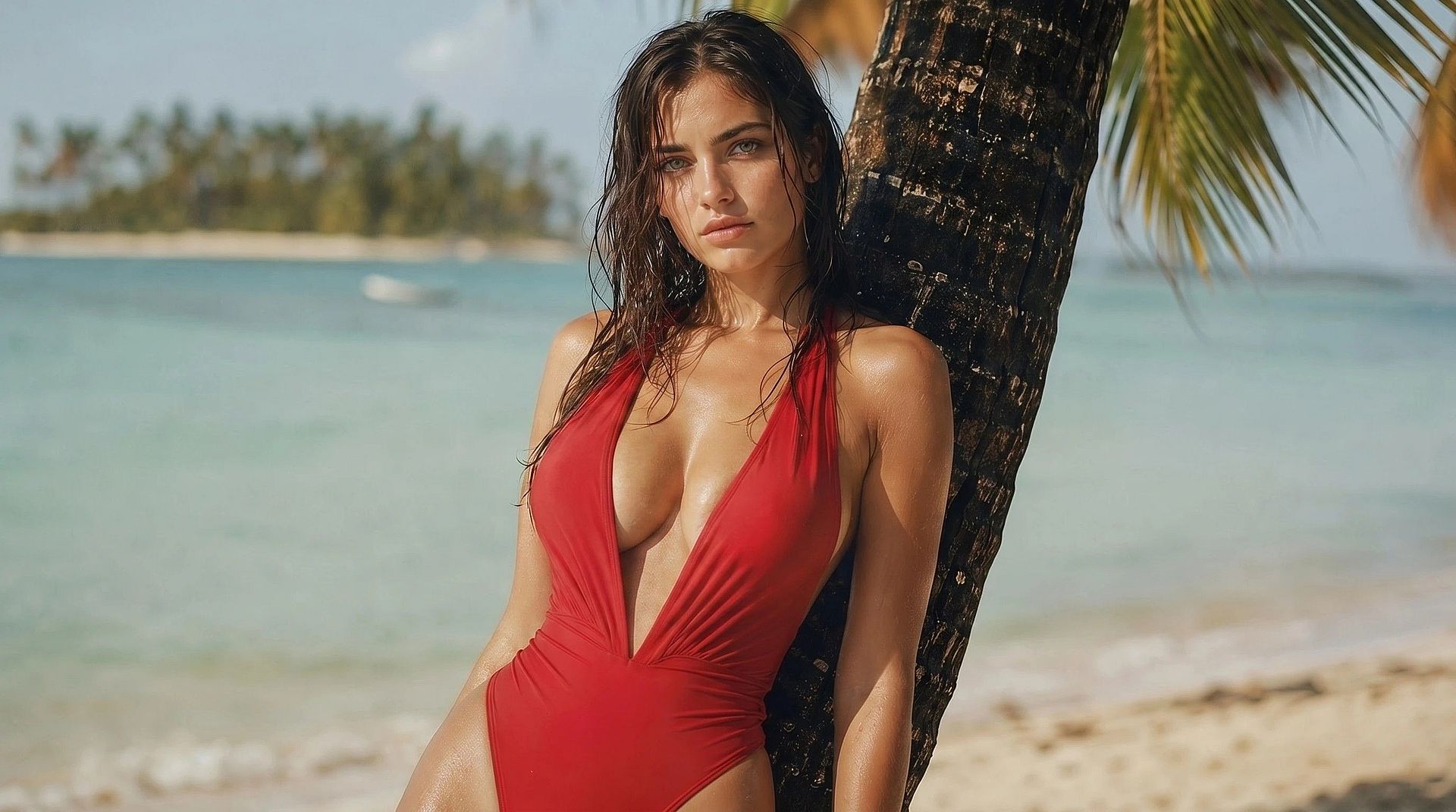
Ultra High-Resolution Output
Many models in OpenArt's AI image generator support up to 4K resolution and editing in a variety of aspect ratios. The image outputs you get are always high resolution and ready to be used anywhere from social media to print magazines. Details in skin texture, fabric weave, and hair color stay sharp, so the final result always holds up even under zoom.
How to Use the AI Breast Expansion Tool
Get started in three simple steps.
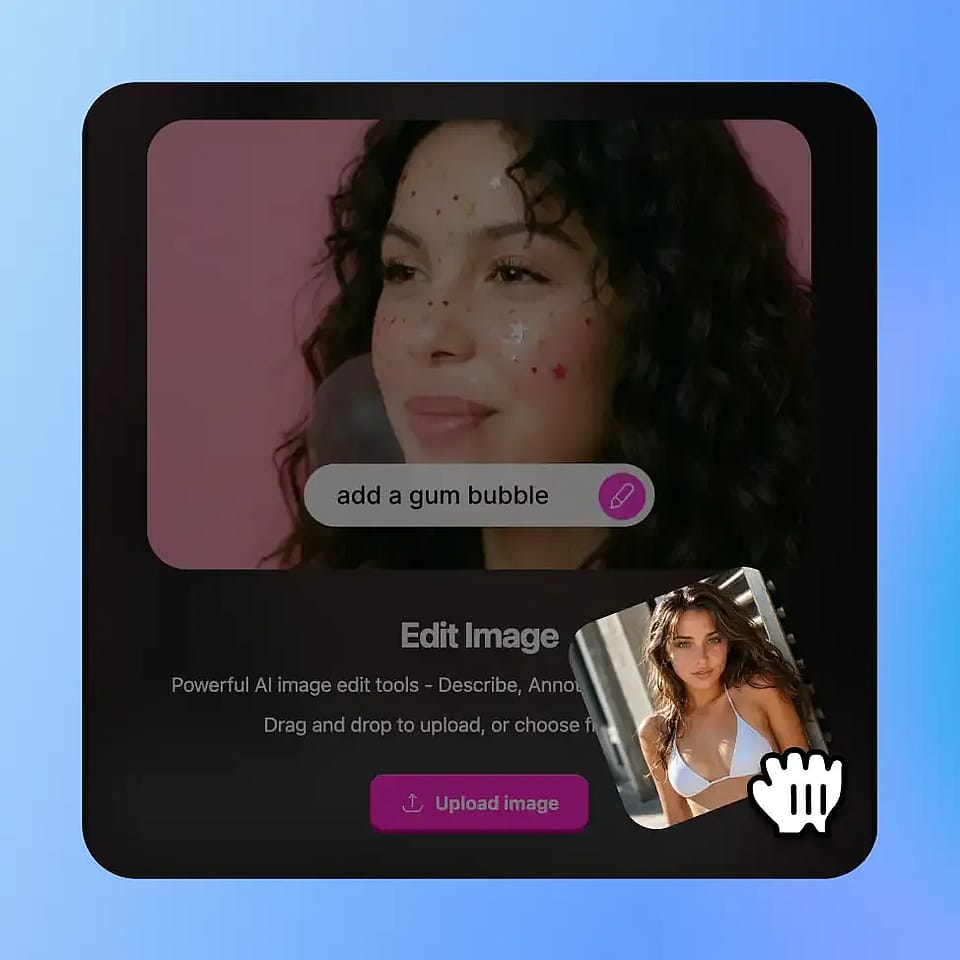
Upload Your Photo
Drop in any portrait, fashion shot, illustration, or character render. PNG or JPG, any aspect ratio. For the cleanest results, use a photo where the chest area is clearly visible and not much obscured.
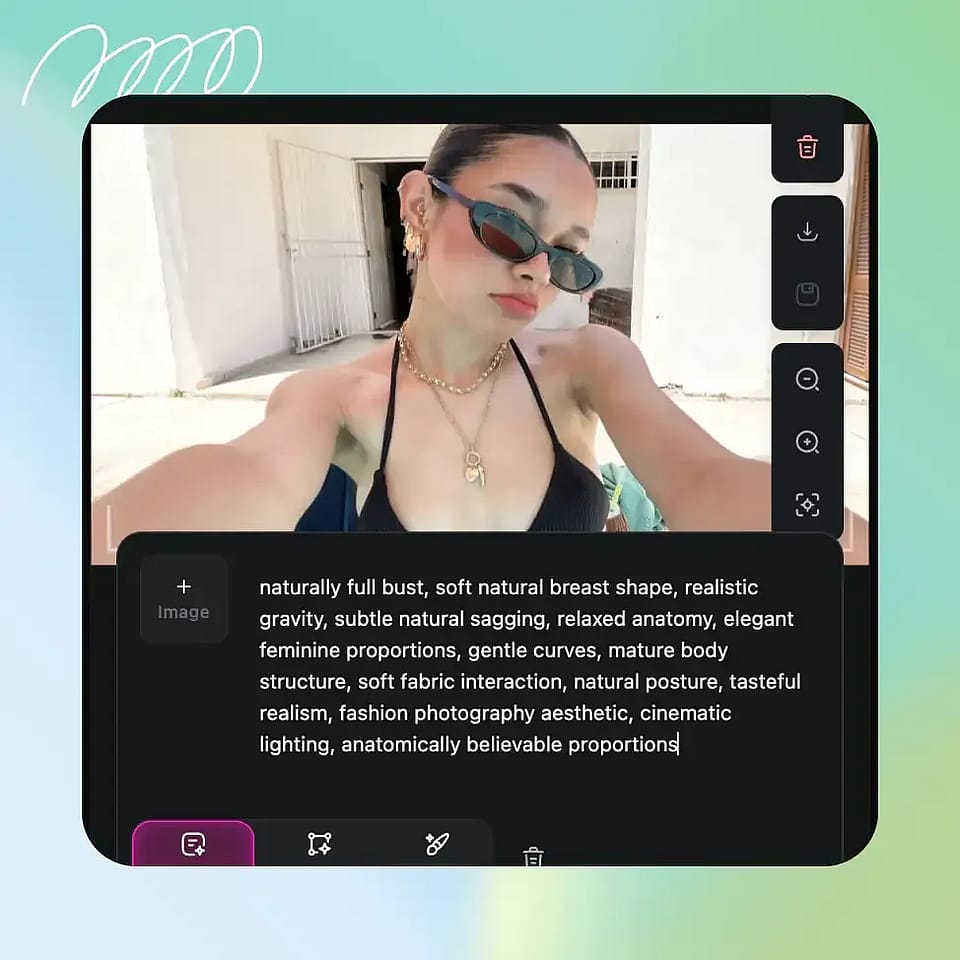
Define Changes & Style
Just describe the changes you want. Give a text prompt and mention the size change, from a subtle retouch to a bigger breast enlargement. Ask for any style you want — natural, editorial, or stylized. You can also highlight the breast area you want for highly specific edits using “Area Edit”.
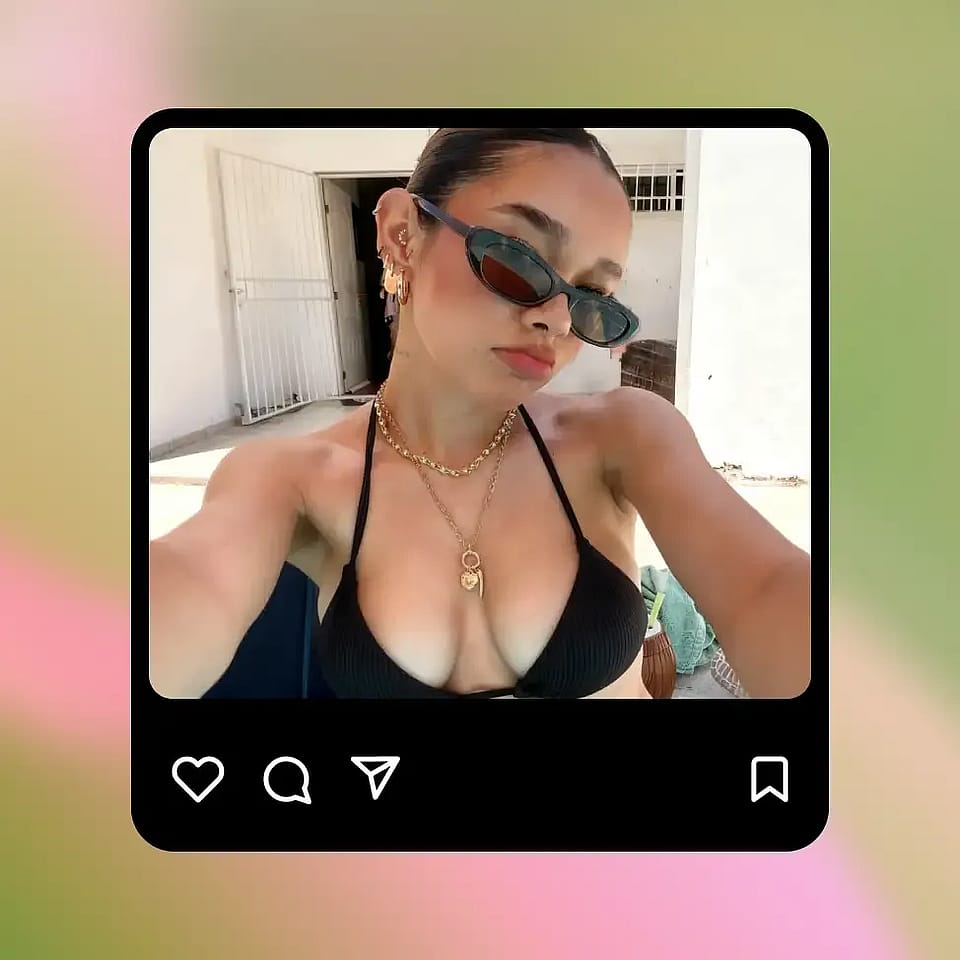
Generate & Download
Hit generate. You'll get several variations based on your selected output quantity to review within seconds. Pick the one you like, edit further or make variations if you want, and download the full-resolution file.
Best Uses for AI Breast Enhancer Tool
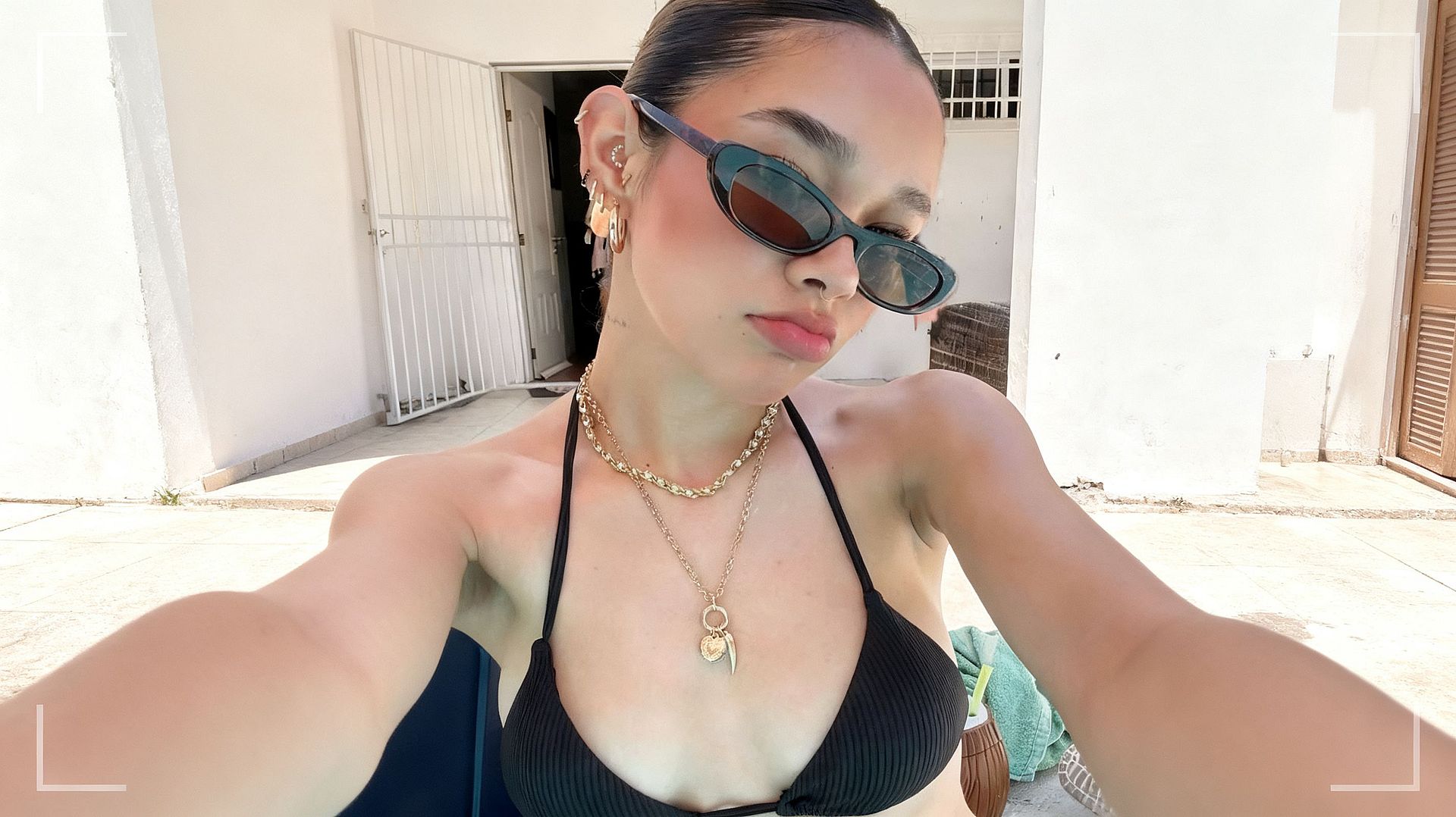
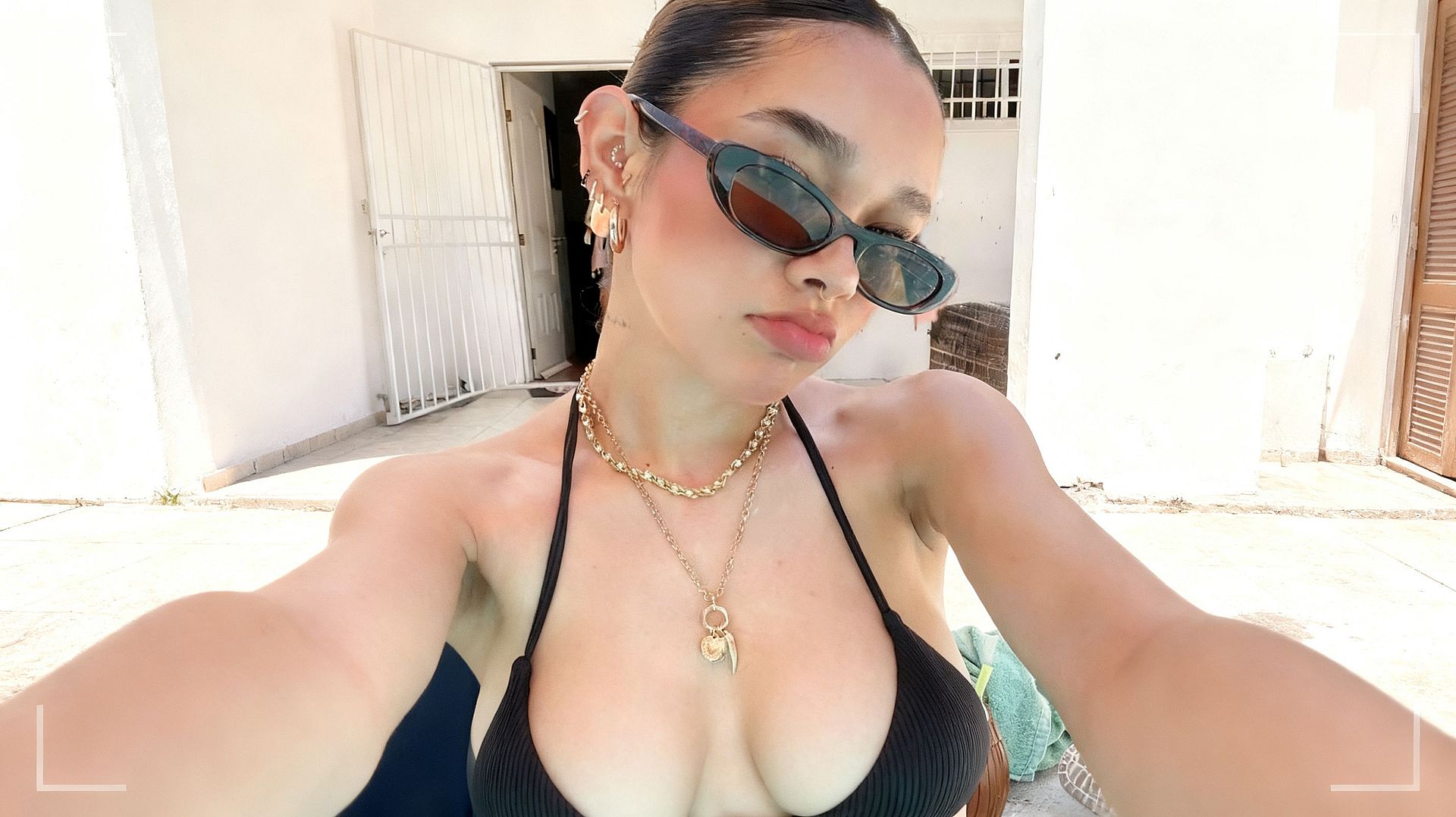
Quick Portrait Retouching
Ideal for casual portraits, social posts, dating app photos, selfies, and couple shots. The breast size changer tool is tuned to do the kind of small, flattering adjustment a photographer might do in Photoshop, but much faster. You keep the original pose and lighting, and the edit is subtle enough that it reads as a good photo, not a heavily modified one.
Try it Now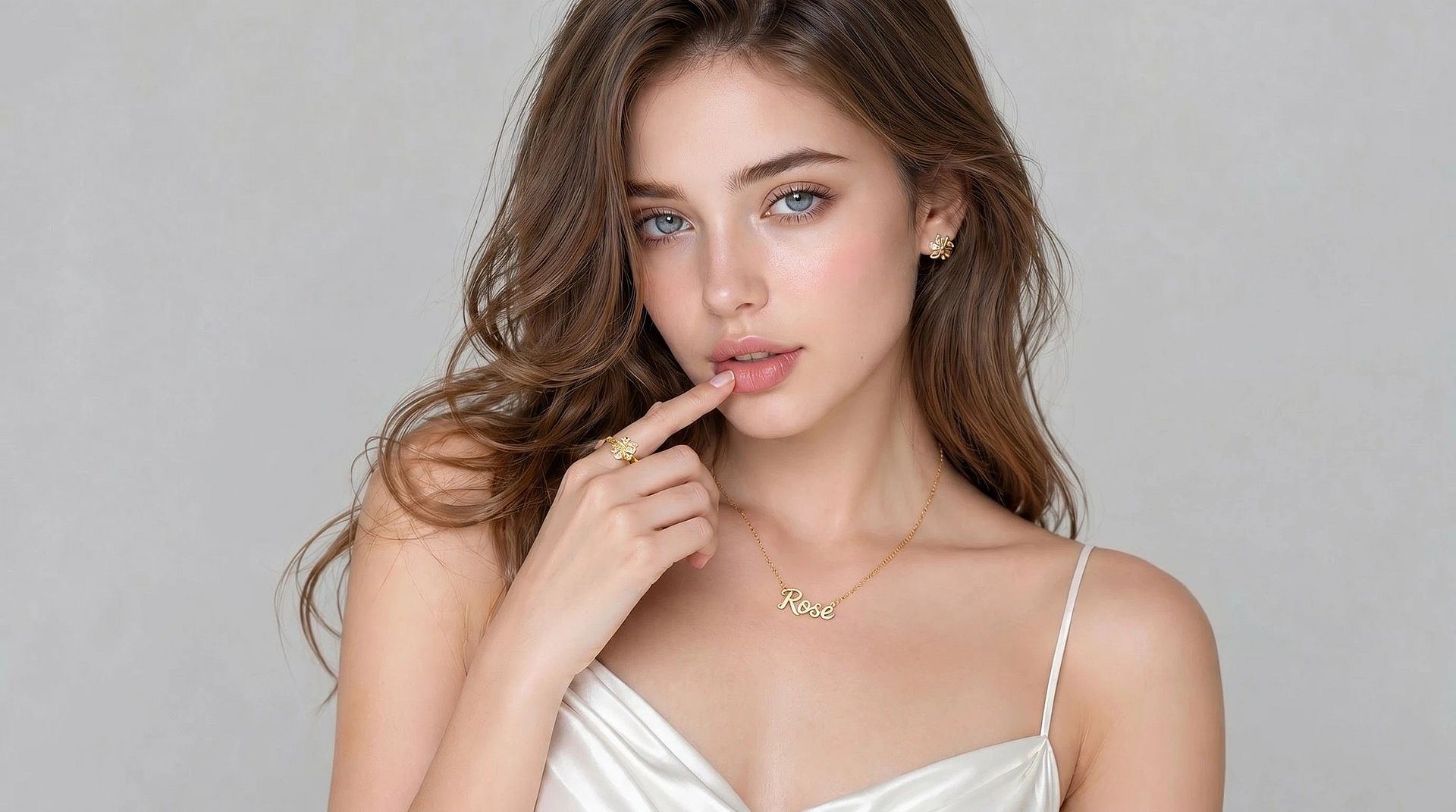
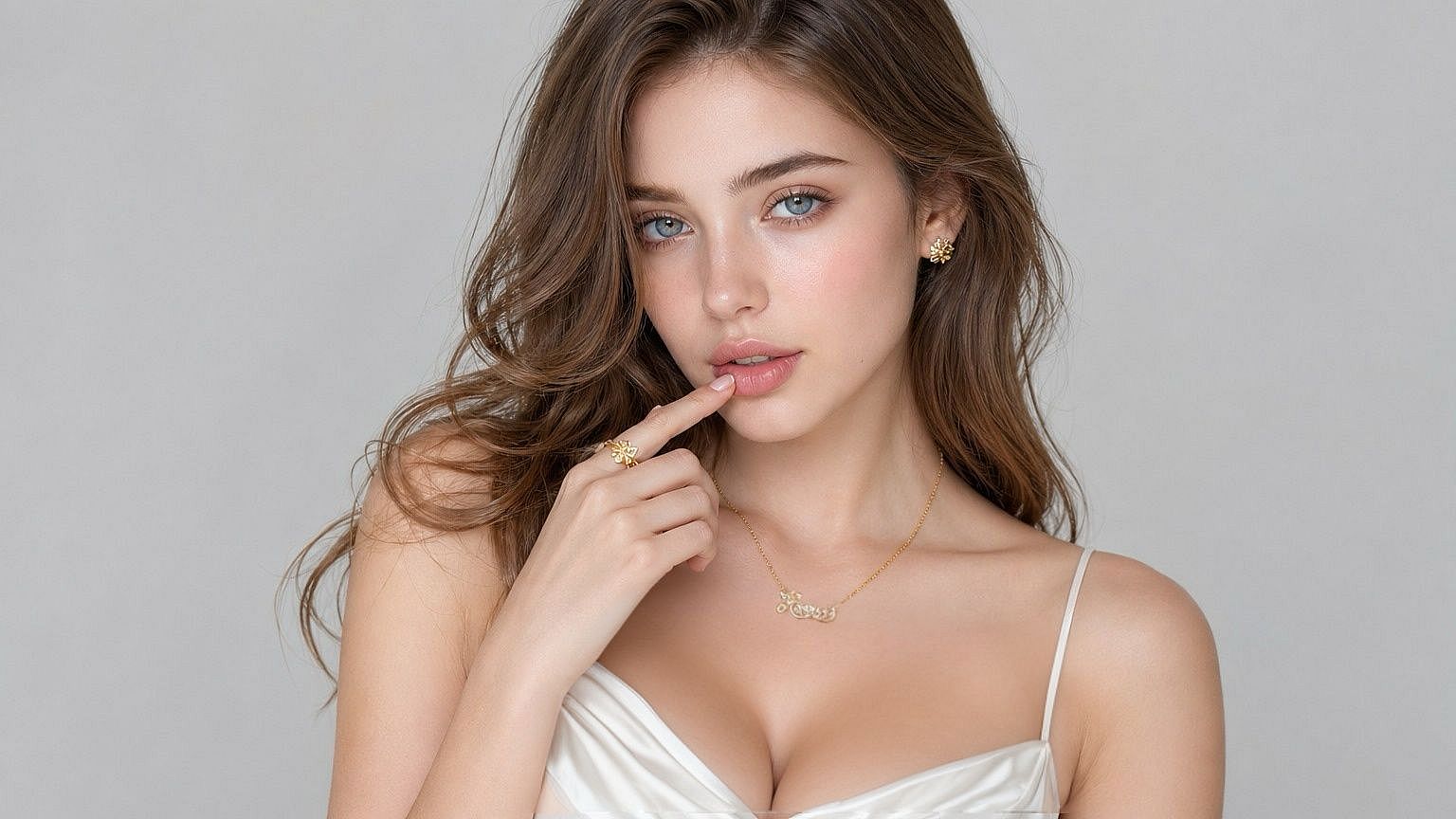
Fashion and Editorial Enhancement
Stylists, photographers, and e-commerce teams use it to fine-tune fit on a model who's already shot a campaign. If a garment sits differently than expected, the AI breast enhancer lets you adjust proportions on the final image instead of reshooting. Useful for lookbooks, lingerie and swimwear lines, magazine editorials, and product pages.
Try it Now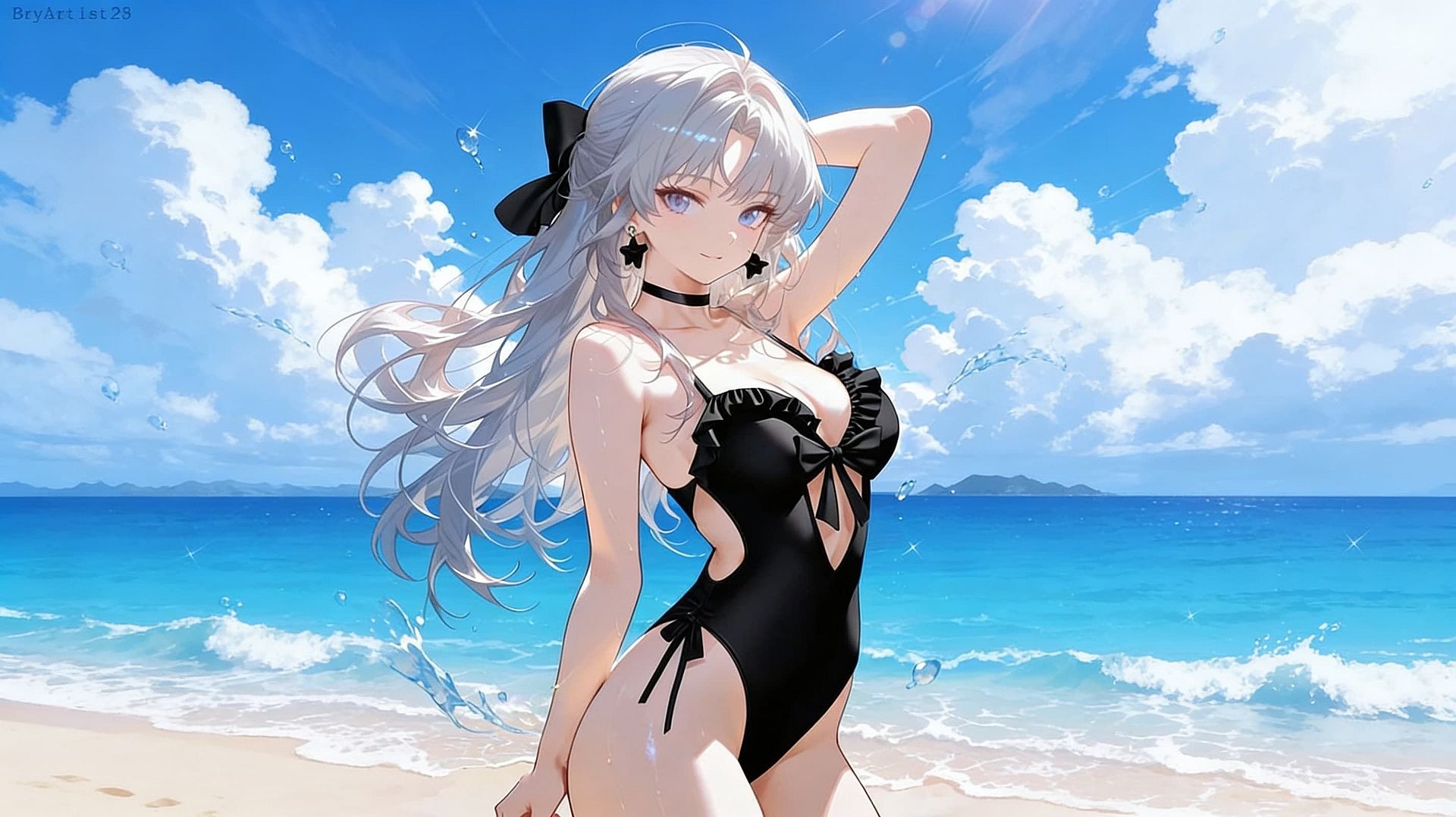
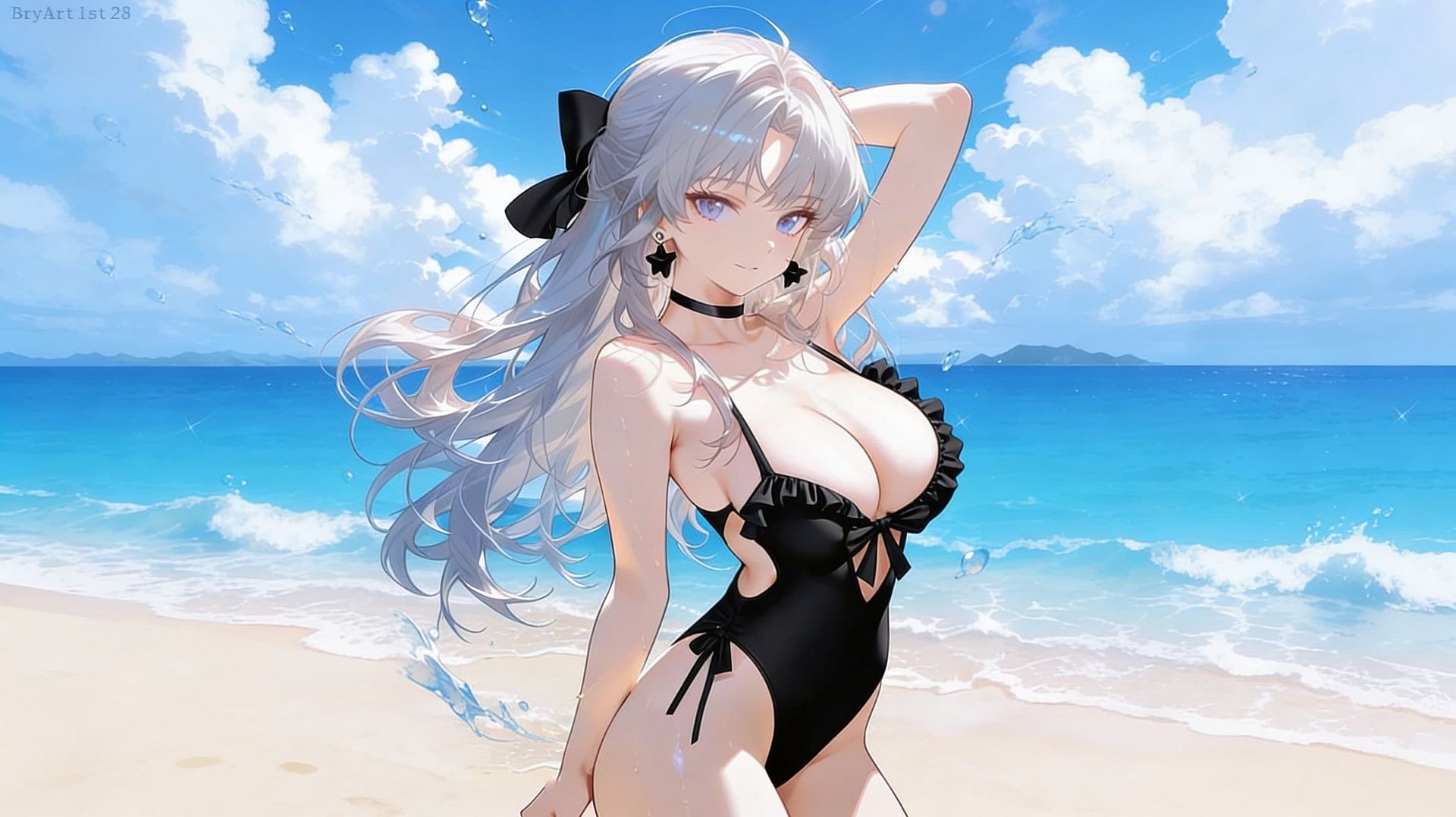
Fantasy Characters and Illustrations
Illustrators and concept artists like to lean into the exaggerated side — pinup art, comic covers, D&D character portraits, anime-style heroines with dramatic, stylized silhouettes. Push the intensity all the way up for the big tits that fit the genre, then restyle the whole image with cyberpunk, gothic, anime, or retro filters to match your project's look.
Try it Now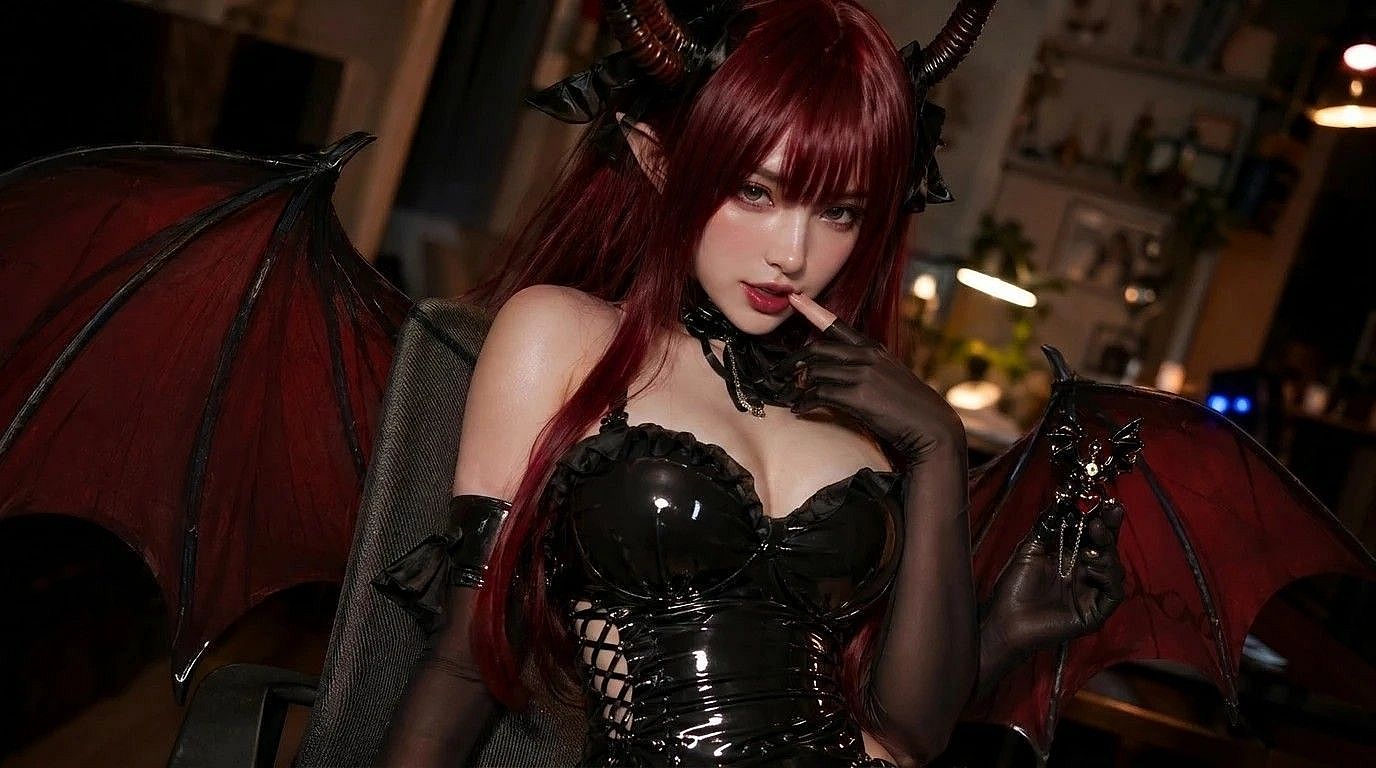
Creative Cosplay and Social Content
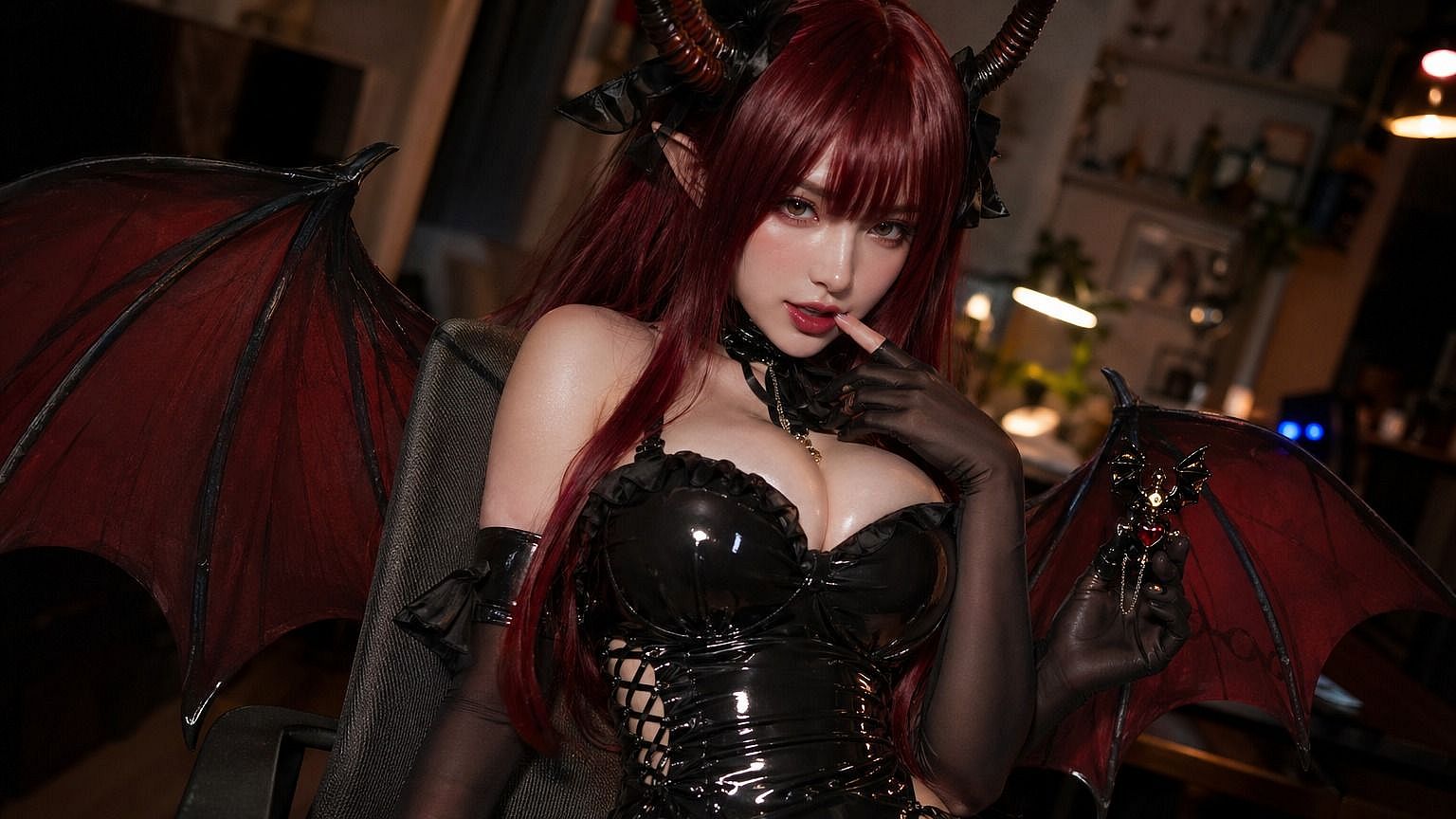
Cosplayers use it to match a character's actual breast size in reference photos, and social creators use it for comedic, stylized, or fantasy posts where exaggerated body proportions are the point. You can then animate your photos for socials with the AI video generator.
Try it Now