

AI Avatar Video Generator
OpenArt's AI avatar video generator turns one photo or a short text prompt into a talking avatar that speaks your script with matching lip sync. Make spokesperson ads, product explainers, and training videos without booking a shoot.
Key Benefits of AI Avatar Video Generator



Lip-Synced Video Avatars
Your AI avatar talks, blinks, and moves in time with your script. OpenArt matches the mouth movement to every word, so the avatar looks like a real person speaking. Type the script and you get a finished talking avatar video back, ready to present, narrate, or host.



Start From Anything
Make your AI avatar from a photo of yourself, a text prompt, or your own reference picture. Upload a clear headshot and the AI avatar generator keeps your real face. Or describe the avatar you want and it builds a brand new one instead. Both inputs work for every avatar style.
Any Use Case, Free To Start
This free AI avatar generator covers presentations, online courses, faceless videos, VTuber streams, and brand content. You get free credits to try it, so you can make your first AI avatar video before you pay anything. Paid plans open up more videos when you need them.
Community Creations
See how creators, educators, and brands are using AI avatars to host YouTube channels, run courses, present pitch decks, and stream as fully animated VTuber characters.
Key Features of AI Avatar Video Generator
Powered by the best image and video models including Seedream 5.0 Pro, GPT Image 2, Nano Banana Pro, Kling Omni, Veo 3.1, Seedance 2.5, and MiniMax H3.
Build A Talking Avatar From Photo or Text
Upload one clear, well-lit photo of a face, and the AI video generator turns that photo into a talking avatar. The face, hair, and outfit from the photo stay the same while the avatar speaks. A front-facing headshot with a plain background gives the cleanest result. You can also start from just a text prompt. Describe the persona you want, and OpenArt creates the avatar from your words.
Lip-Sync, Motion, And Expression
Write what your avatar should say and put those words in quotes in your prompt. Video models with built-in audio, such as Seedance 2.5, create the voice and move the mouth to match each word. The avatar also blinks and moves its head a little, so it looks natural. If you already have a video of your avatar, the Lip Sync tool makes that video say new lines you type.
Drop Your Avatar Into Any Video
Your AI avatar video drops into any project you are building. Put the avatar in a presentation, a course lesson, a YouTube intro, a product walkthrough, or a short social clip. Swap the background or relight the shot with OpenArt VFX, restyle the whole scene, or make the clip longer with the Extend Video tool.
Build & Save Your AI VTuber Persona
Want to post as a character instead of yourself? Describe the persona and the AI avatar generator builds it for you. Pick anime, 3D, illustrated, photoreal, or any style you can put into words. Save the character to your OpenArt Characters library and pull the same face into every stream, short, and upload, so your audience learns to recognize it.
How to Use the AI Avatar Video Maker
AI avatar video creation takes three steps, from a photo or a prompt to a finished talking avatar video.
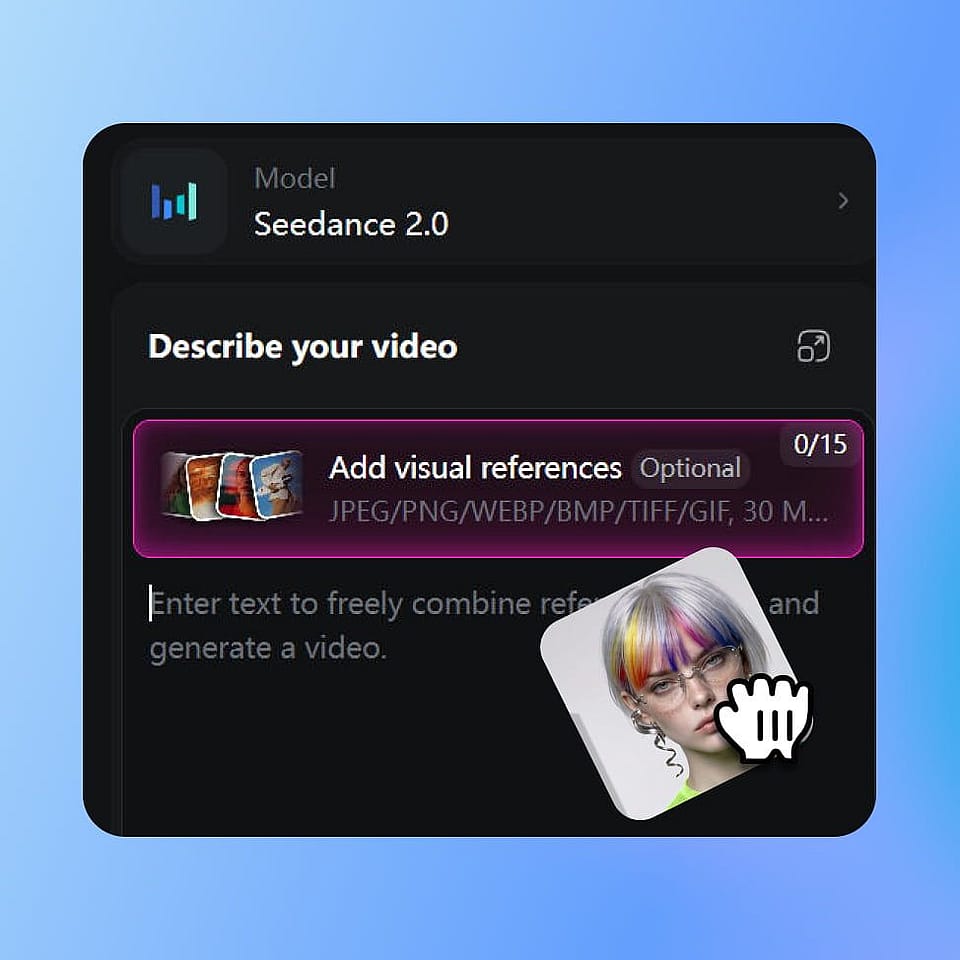
Build Your Avatar
Upload a photo, type a description, or bring a reference image. The AI generates an avatar that captures the likeness or style you want, ready to animate.
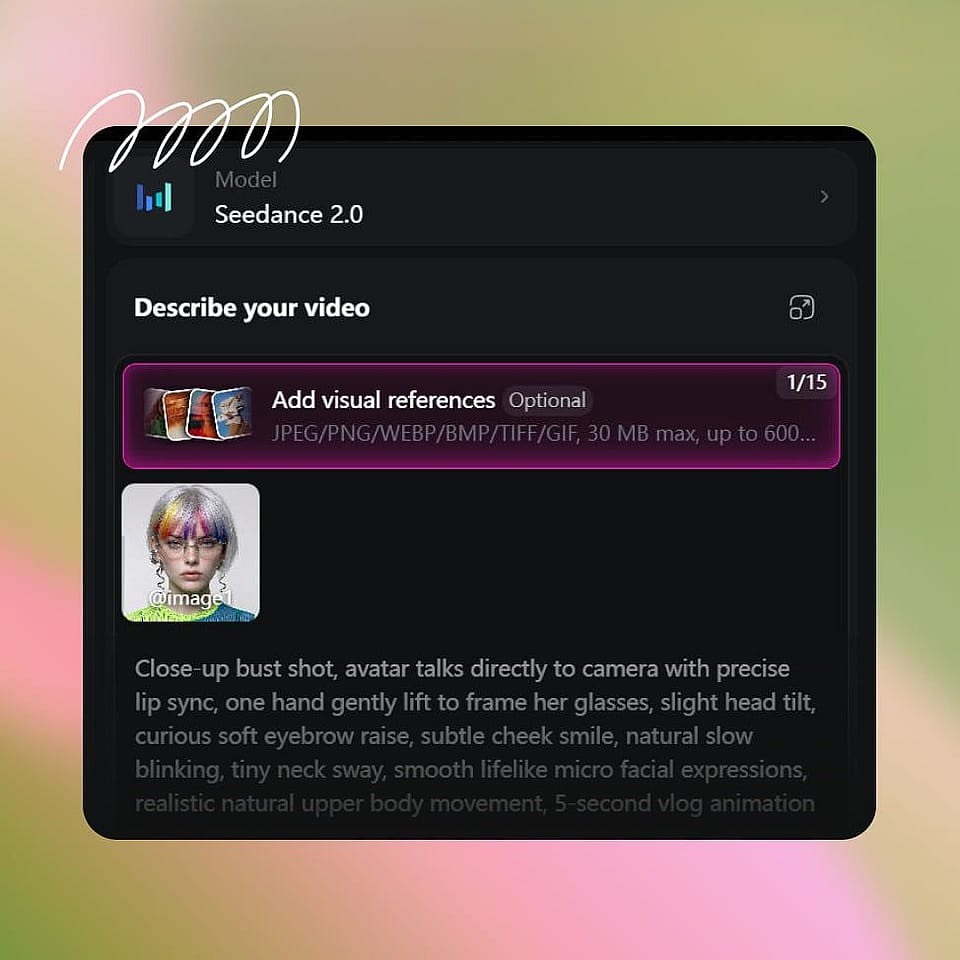
Add A Voice And Script
Type in a script, paste a voiceover, or upload an audio file. The AI lip-syncs your avatar to the audio with matching expression and head motion.

Generate And Use Anywhere
Generate the talking avatar video, preview it, regenerate if you want a different take, and download it as MP4 for any platform you publish to.
Best Uses of AI Avatar Video Generator
From YouTube to classrooms to streams, here is how creators are using the AI Avatar Video Creator.
UGC Creators and YouTubers
Host a whole YouTube channel with an AI avatar video presenter. Write a script, generate the clip, and publish, with no camera and no shoot day. Your avatar looks the same in every upload, so viewers see one steady face on the channel. Creators who never wanted to film themselves get an on-screen identity this way.
Try it NowEducators and Course Creators
Build course lessons narrated by an AI talking avatar instead of filming yourself for every one. When a script changes, update the text and generate the lesson again in the same look and the same voice. Corporate training teams and online teachers use this most, because reshooting one lesson costs a full afternoon.
Try it NowBusiness and Marketing Teams
Give your team one AI digital avatar that fronts product walkthroughs, internal updates, sales clips, and campaign videos. A single AI video avatar can host the weekly update, narrate an explainer, and open a product launch. Your video output stops waiting on whoever is free to film that week.
Try it NowVTubers and Streamers
Build a VTuber persona from one prompt or one reference picture, then stream, react, and post as that character. Run live streams, record YouTube uploads, and ship shorts with the same face every time. The AI avatar maker keeps the character looking the same from clip to clip, so your audience follows the persona.
Try it NowFaceless Video Creators
Run a faceless YouTube channel, TikTok account, or Reels feed with an AI avatar on screen instead of stock clips and a voiceover. A face on screen raises trust and watch time, which matters in niches like finance, health, productivity, and self-improvement. Your own face stays private.
Try it NowFrequently Asked Questions
An AI avatar video generator makes a video of a person or a character speaking a script you write. OpenArt's AI avatar video generator starts from a photo or a text prompt, then generates a talking avatar with matching lip sync, blinks, and head movement. Marketers use the AI avatar video generator for spokesperson ads, product explainers, and training videos without filming anyone.
Yes. Describe the person you want in a text prompt, such as "a confident man in a gray suit in a modern office." Then create the avatar picture with an image model like GPT Image 2.5 or Nano Banana Pro. Upload that picture to the AI video generator and give it a script. You can also describe the speaker and the lines directly in a Text to Video prompt and skip the picture step.
A single Seedance 2.5 clip runs up to 30 seconds, and 15 seconds is the usual limit on other video models. Longer avatar videos, such as a full training lesson or a product walkthrough, go in Director mode. There, OpenArt builds a multi-scene video up to 5 minutes long with the same character in every scene.
Yes. Commercial rights apply on eligible paid plans, so you can run AI avatar videos in paid social ads, on product pages, and in client work. Videos made with free credits carry a watermark. The OpenArt pricing page lists which plans include commercial use.
Yes. Upload one clear, front-facing photo to OpenArt's AI video generator, write the script in quotes, and pick a model with built-in audio, such as Seedance 2.5. The talking avatar keeps the face from your photo while it speaks. An AI portrait you made on OpenArt works as the starting photo too.
Every new OpenArt account starts with 40 free credits, so you can try the product right away. When you're ready to create more, paid plans add monthly credits and watermark-free downloads. See current plans on the OpenArt pricing page.
Yes. The Dub Video tool translates a finished avatar video into up to 10 languages in one submission: English, Chinese, Japanese, Korean, Portuguese, Spanish, German, French, Italian, and Russian. Dub Video carries the speaker's emotion, tone, and timing into the new language and moves the mouth to match the new words. One avatar video can reach several markets from a single script.
A photoreal avatar made from a sharp, well-lit, front-facing photo looks the most like a real person. It blinks and moves its head a little while it talks. Seedance 2.0 is known for very realistic people, and Seedance 2.5 adds clips up to 30 seconds. Short lines in the script also help the lip sync look natural.