

Add Beard to Photo
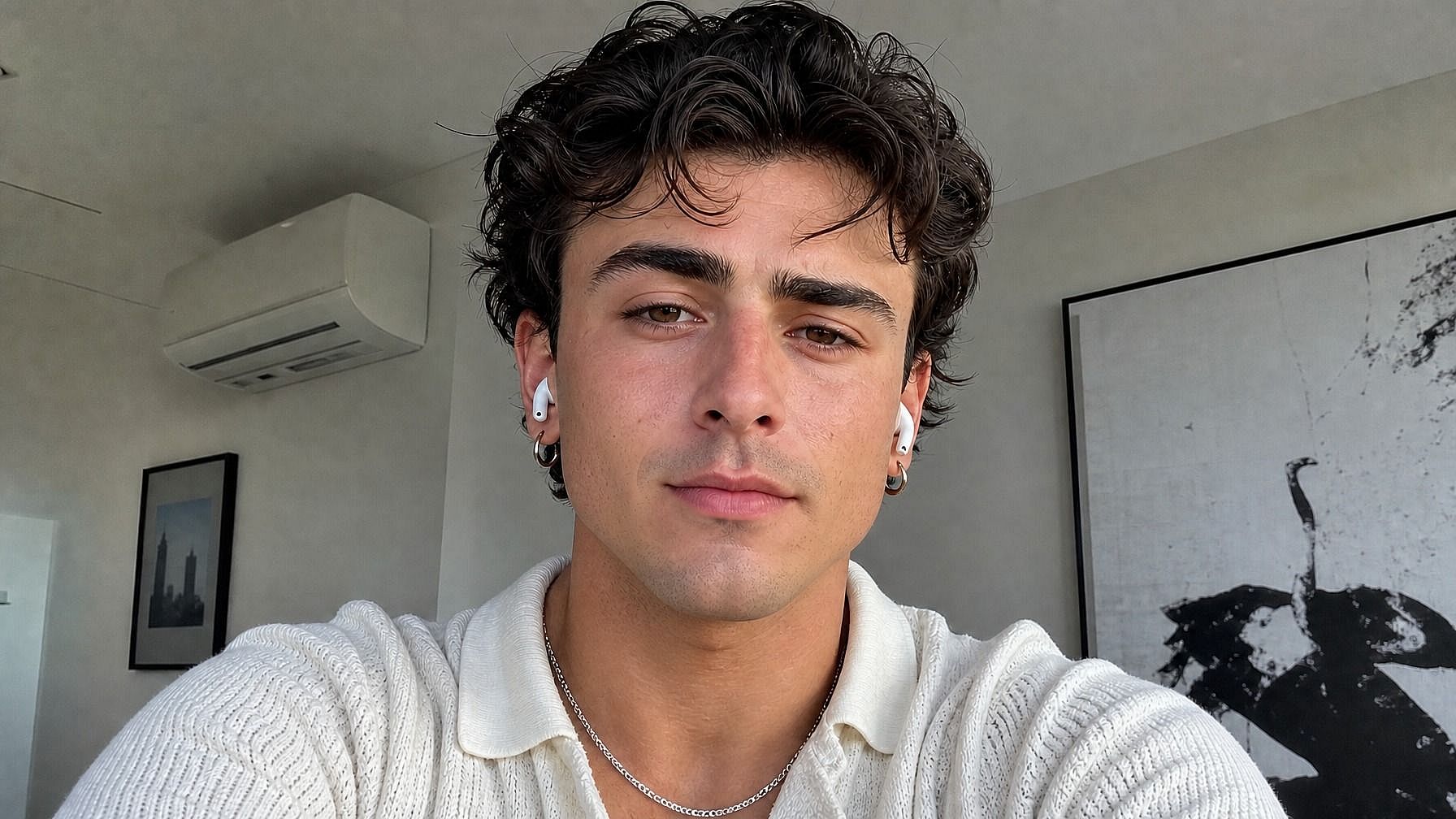
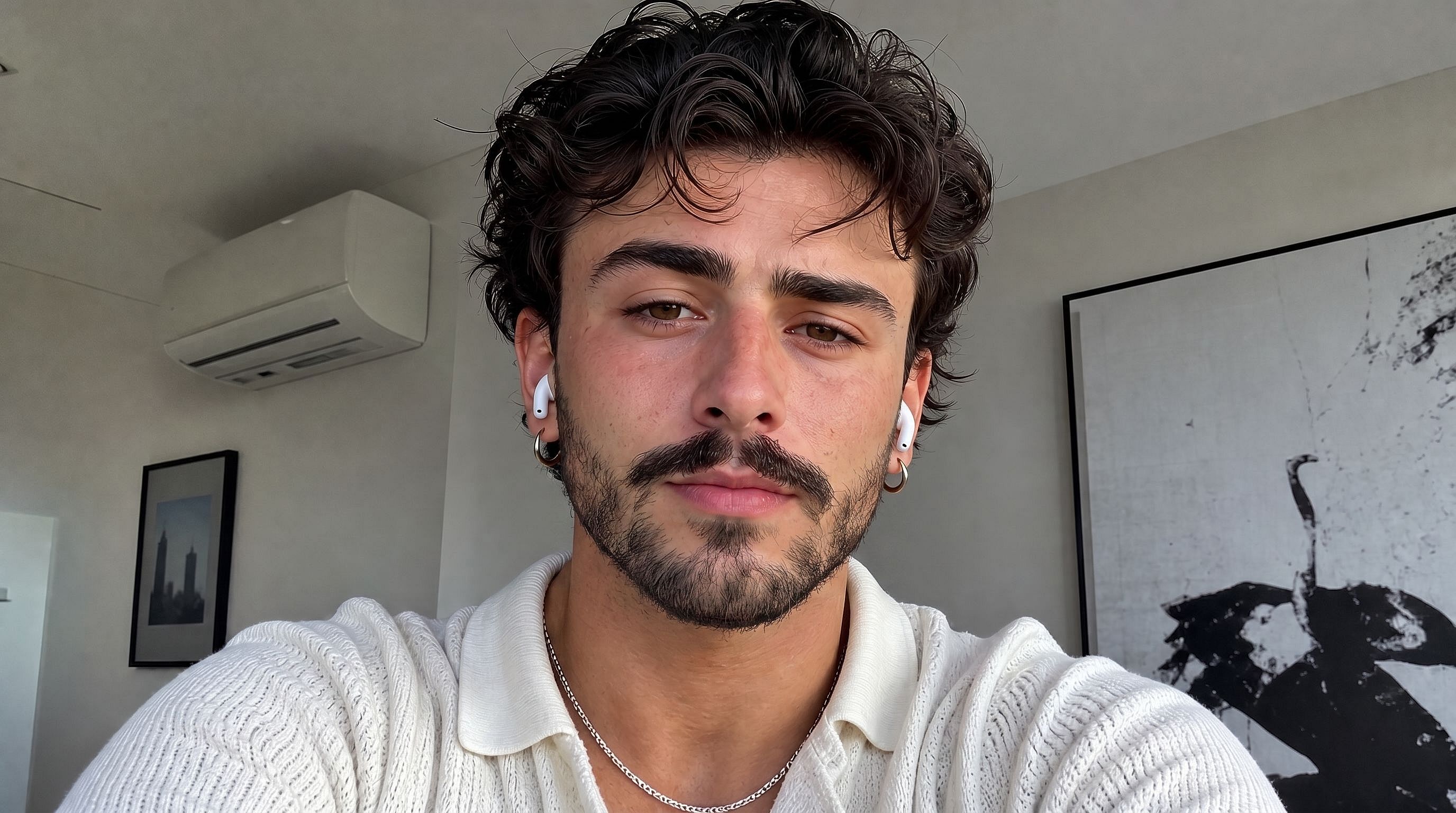
Curious how you'd look with a beard? Upload your photo to OpenArt's AI beard tool and instantly preview a realistic beard transformation. Pick the style: full beard, goatee, stubble, mustache, classic mutton chops, and the AI grows it onto your face naturally, matching your skin tone, lighting, and face shape so the result actually looks like you.
 Add an image Or drag and drop here · JPEG, PNG, WEBP, HEICJPEG, PNG, WEBP, HEIC
 Benefits of Add Beard to Photo



See Yourself with a Beard
Upload a clean-shaven (or any) photo and watch the AI add a realistic beard. Useful for previewing the look before committing to grow one out for real.



Try Any Beard Style
Full beard, goatee, stubble, classic mustache, mutton chops, soul patch, lumberjack, just describe what you want and the AI matches it.

Looks Natural, Not Pasted On
The AI matches the beard to your skin tone, lighting, and face shape so it blends in like real facial hair. No flat overlay or obvious edit lines.
Community Creations
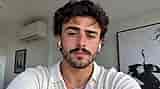
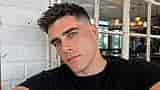
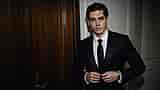
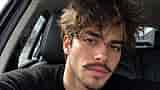
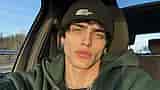
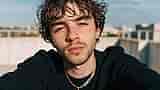
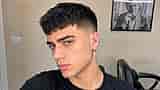
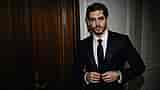
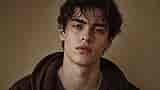
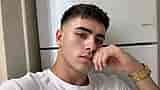
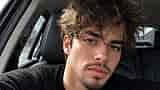
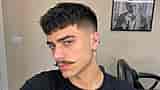
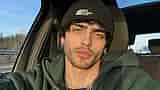
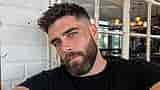
See how people are previewing different beard styles before committing. From clean-cut goatees to full lumberjack beards, explore how a single change can completely shift a face's whole vibe.


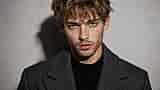
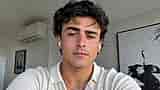
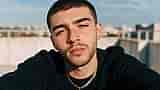
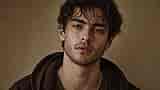
Key Features of AI Beard Tool
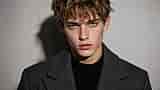
OpenArt's AI image editor uses advanced models like GPT Image 2.0, Nano Banana Pro, and Recraft V4 to generate realistic edits with accurate detail and consistency. So the beard you add looks like it actually grew there, not pasted over.
Realistic Beard Generation
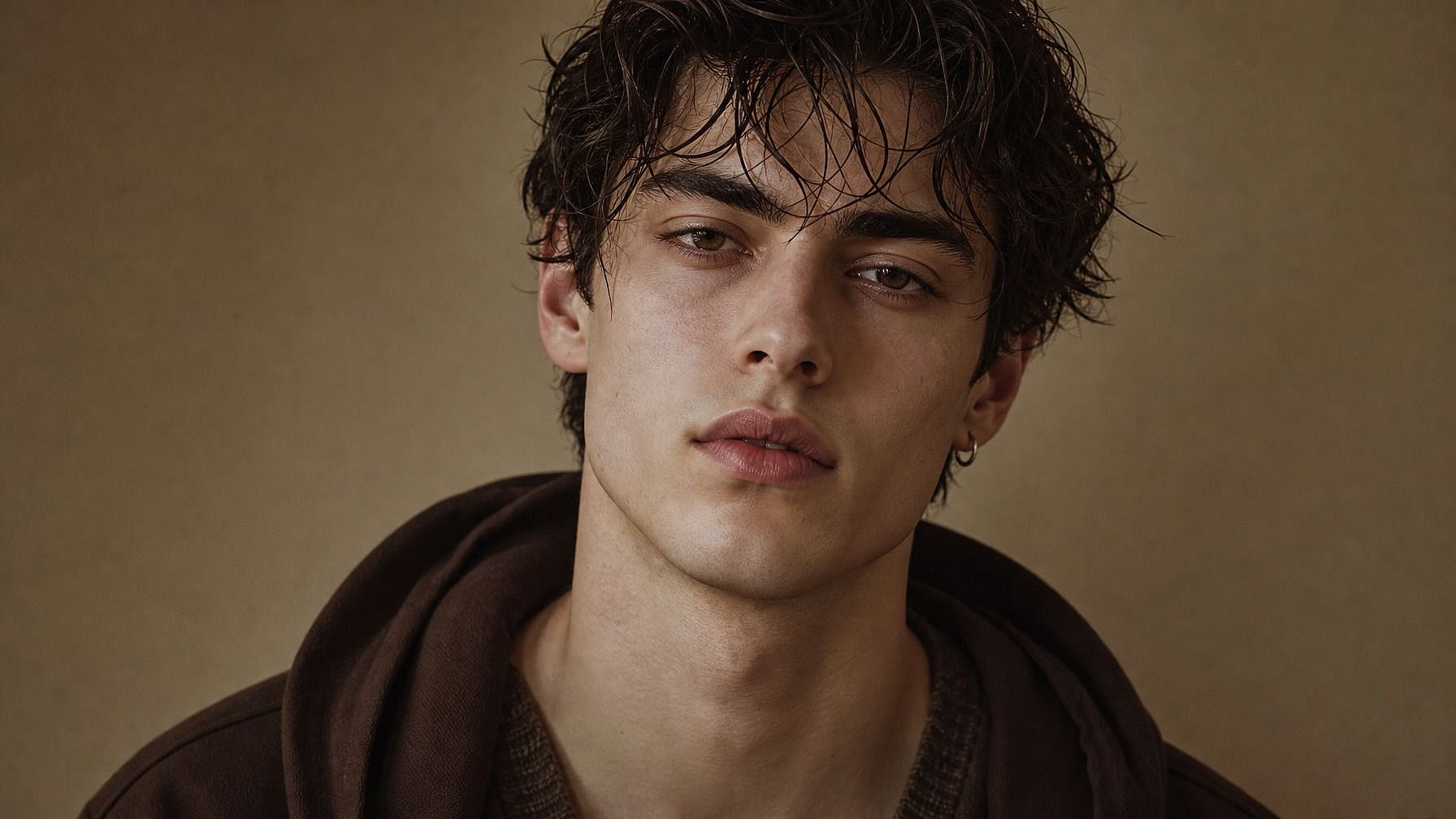
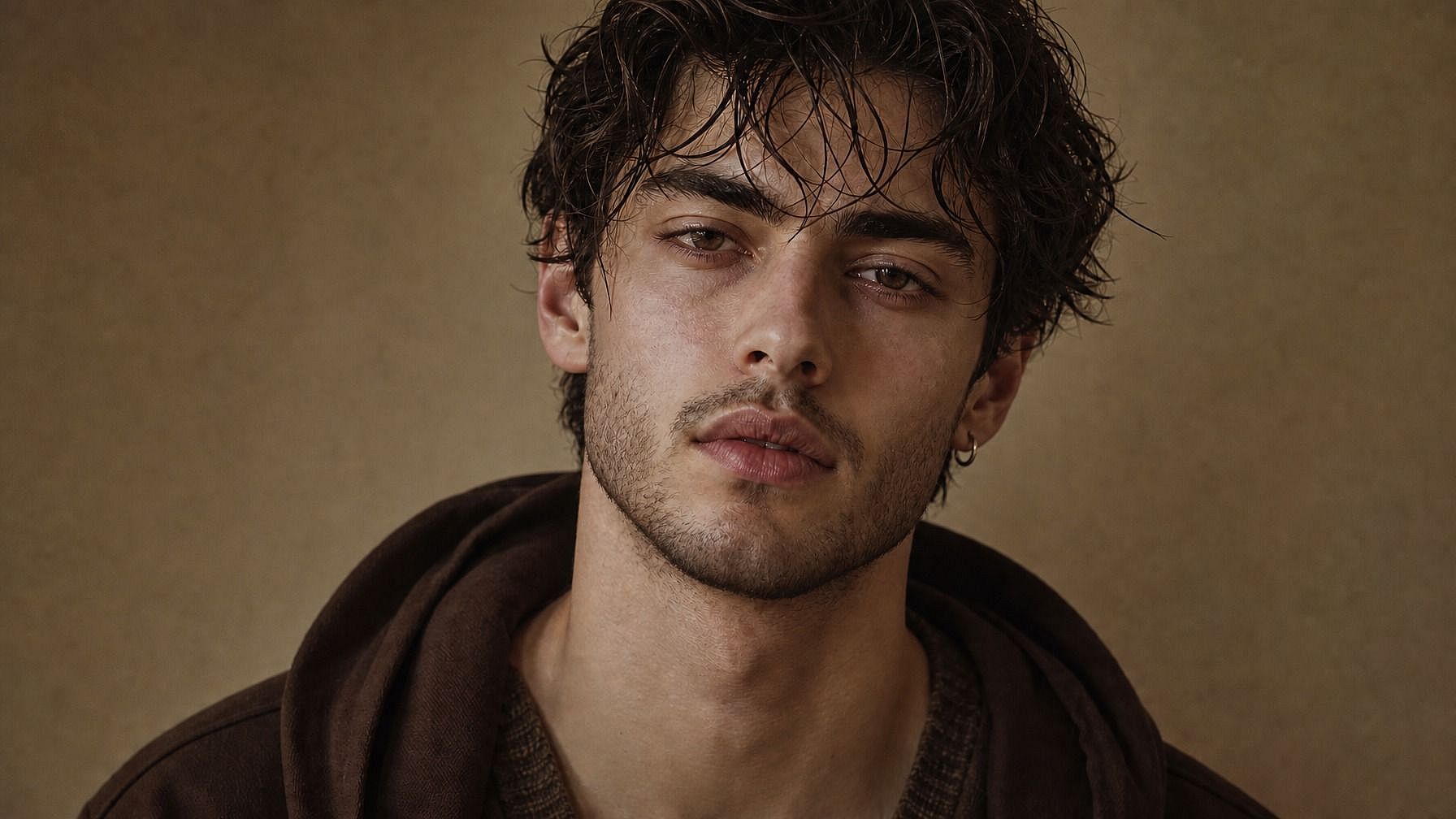
The AI grows a beard onto your face that respects your skin tone, lighting conditions, and natural hair color. Strands sit where they should, follow the contours of your jaw and chin, and pick up shadows and highlights so the beard looks integrated rather than overlaid. Even subtle stubble renders with the right texture instead of just darkening the lower face.
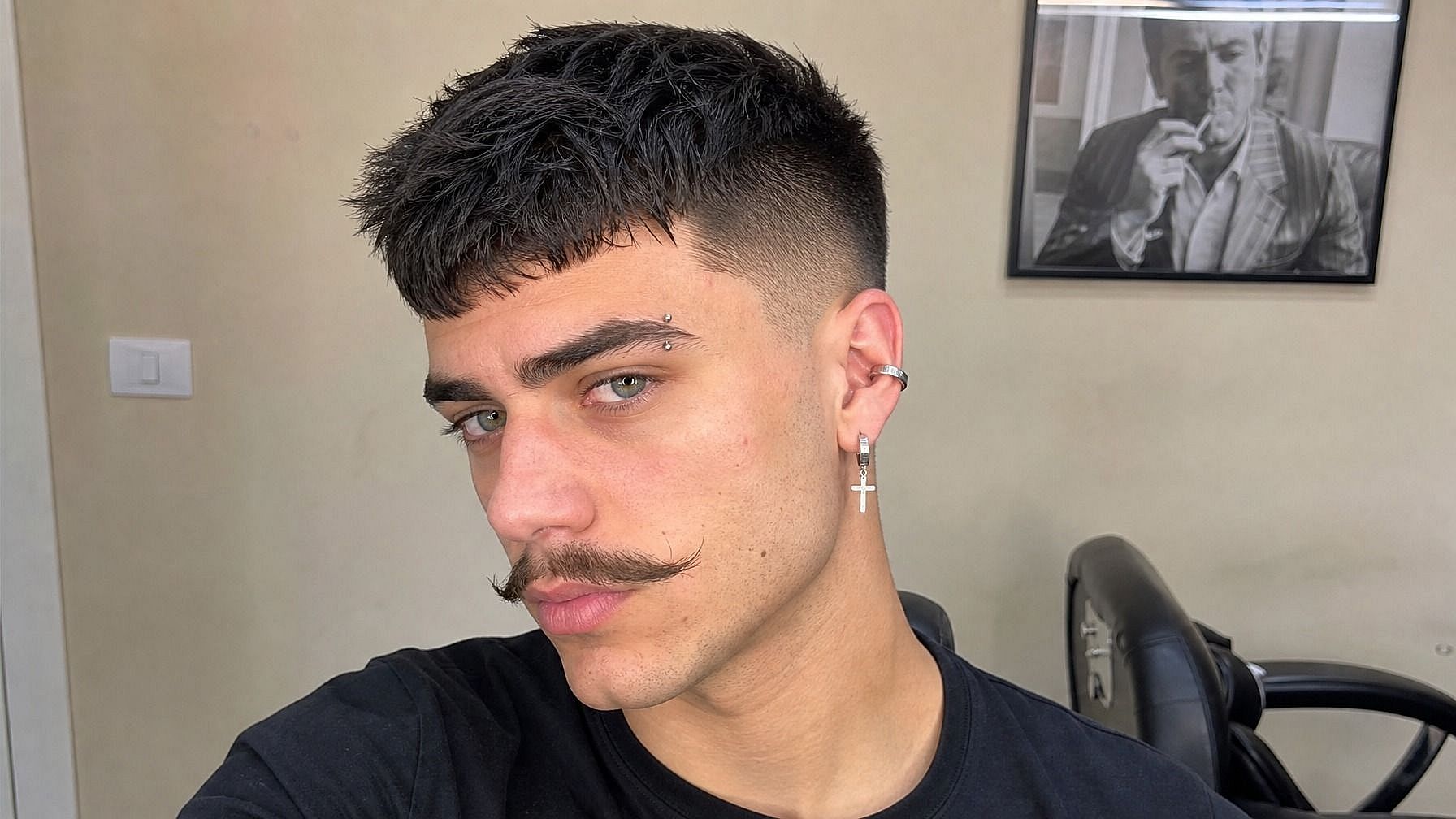
Multiple Beard Styles
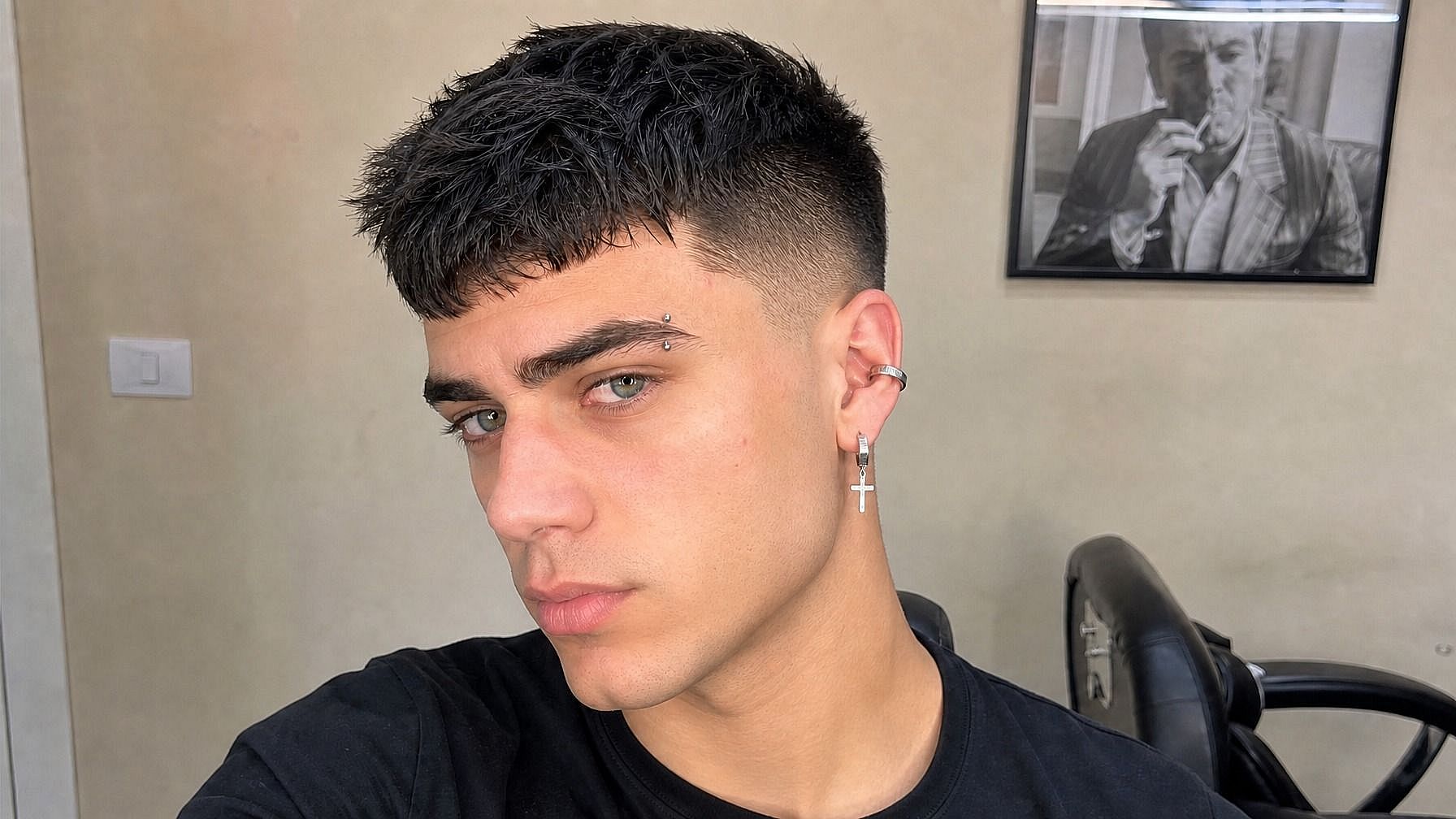
Try whatever style you want: neatly trimmed full beard, scruffy stubble, classic goatee, handlebar mustache, lumberjack beard, mutton chops, chin strap, soul patch, even fantasy options like wizard beards. Describe the shape, length, and groom level in your prompt, and the AI matches your photo to it.
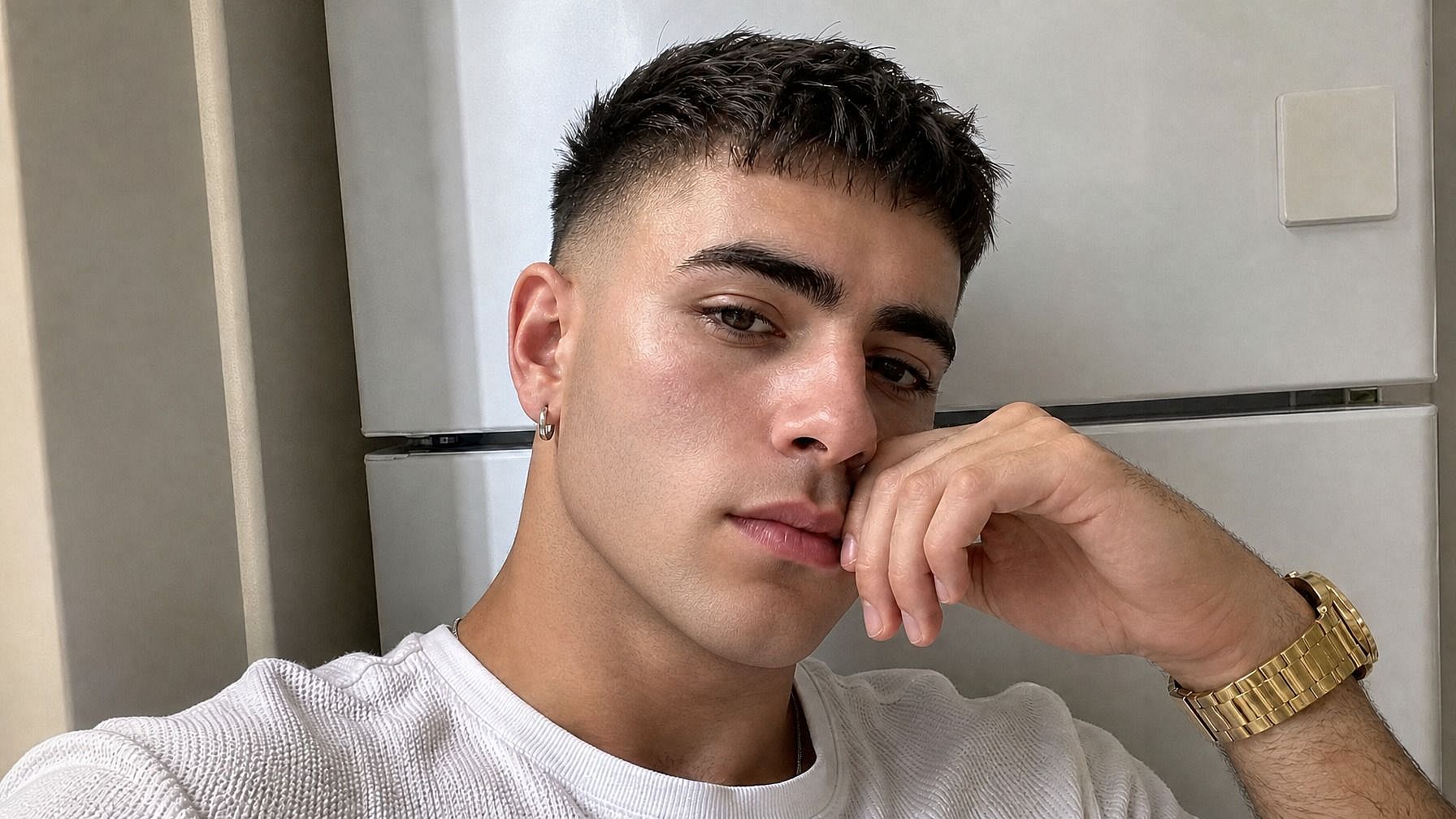
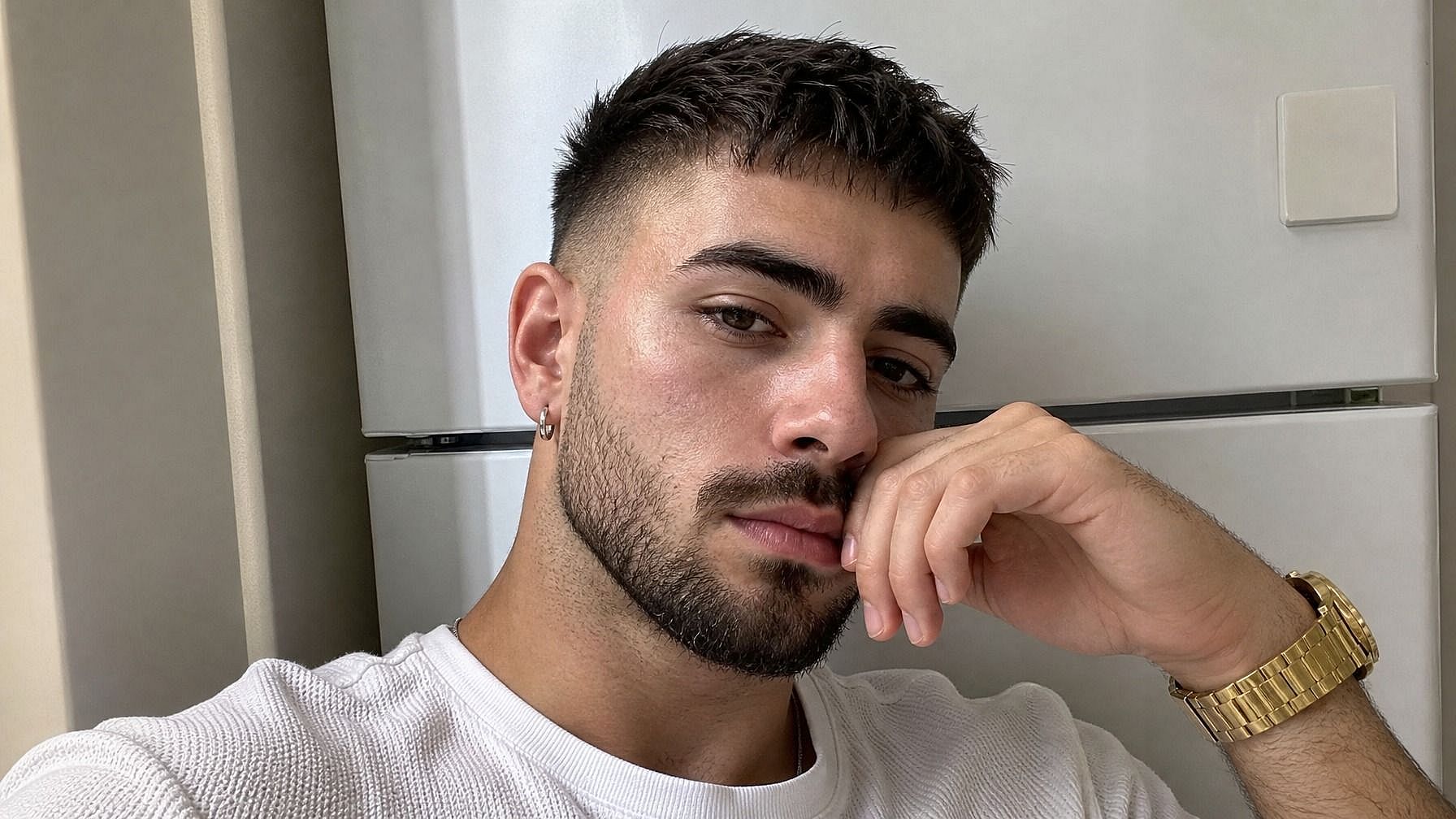
Face-Shape Aware
The beard adapts to your face structure, so the proportions look right. A full beard on a round face renders differently than on an angular jaw, the AI accounts for that and shapes the beard to suit your features instead of stamping the same outline on every face.
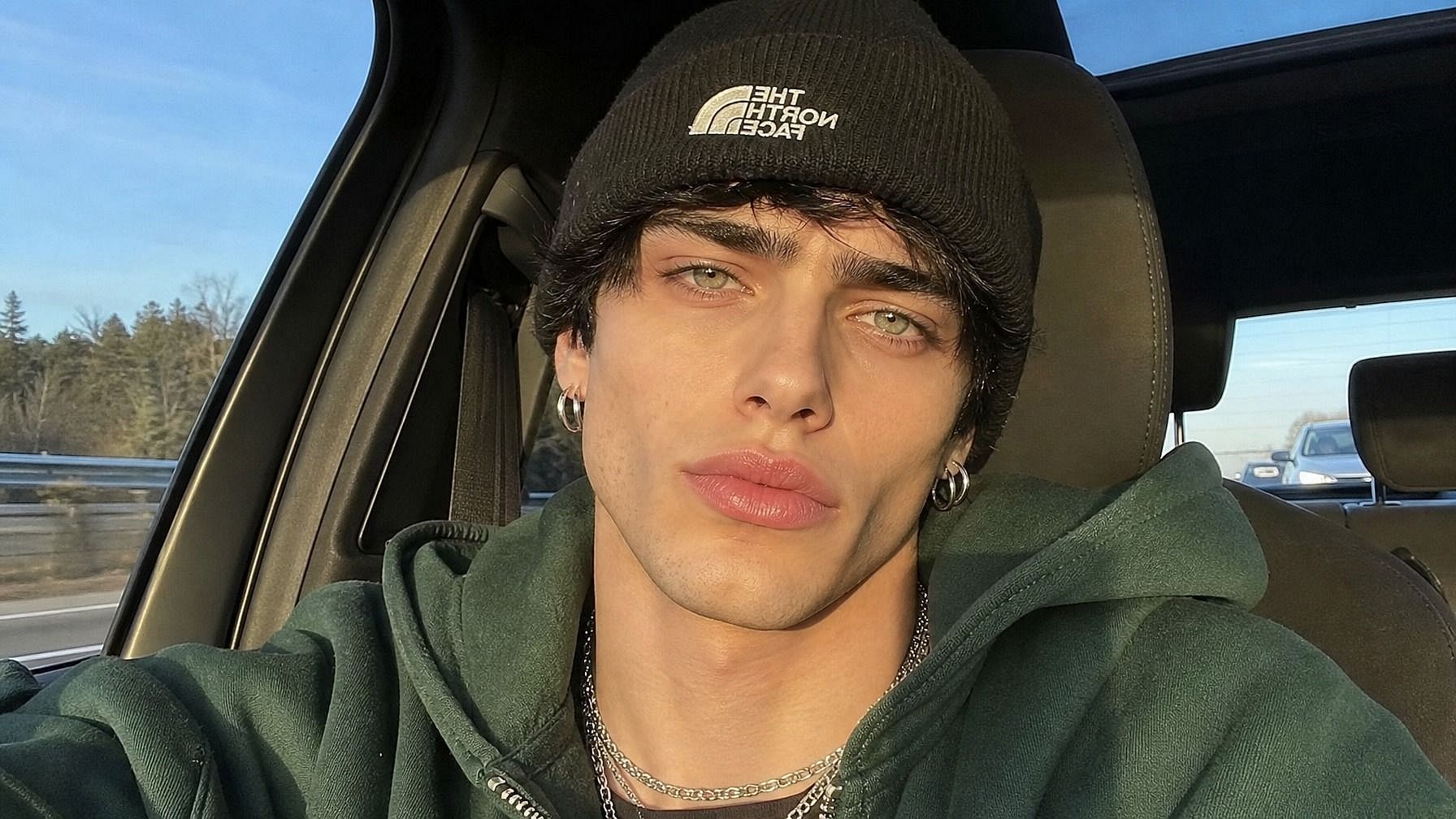
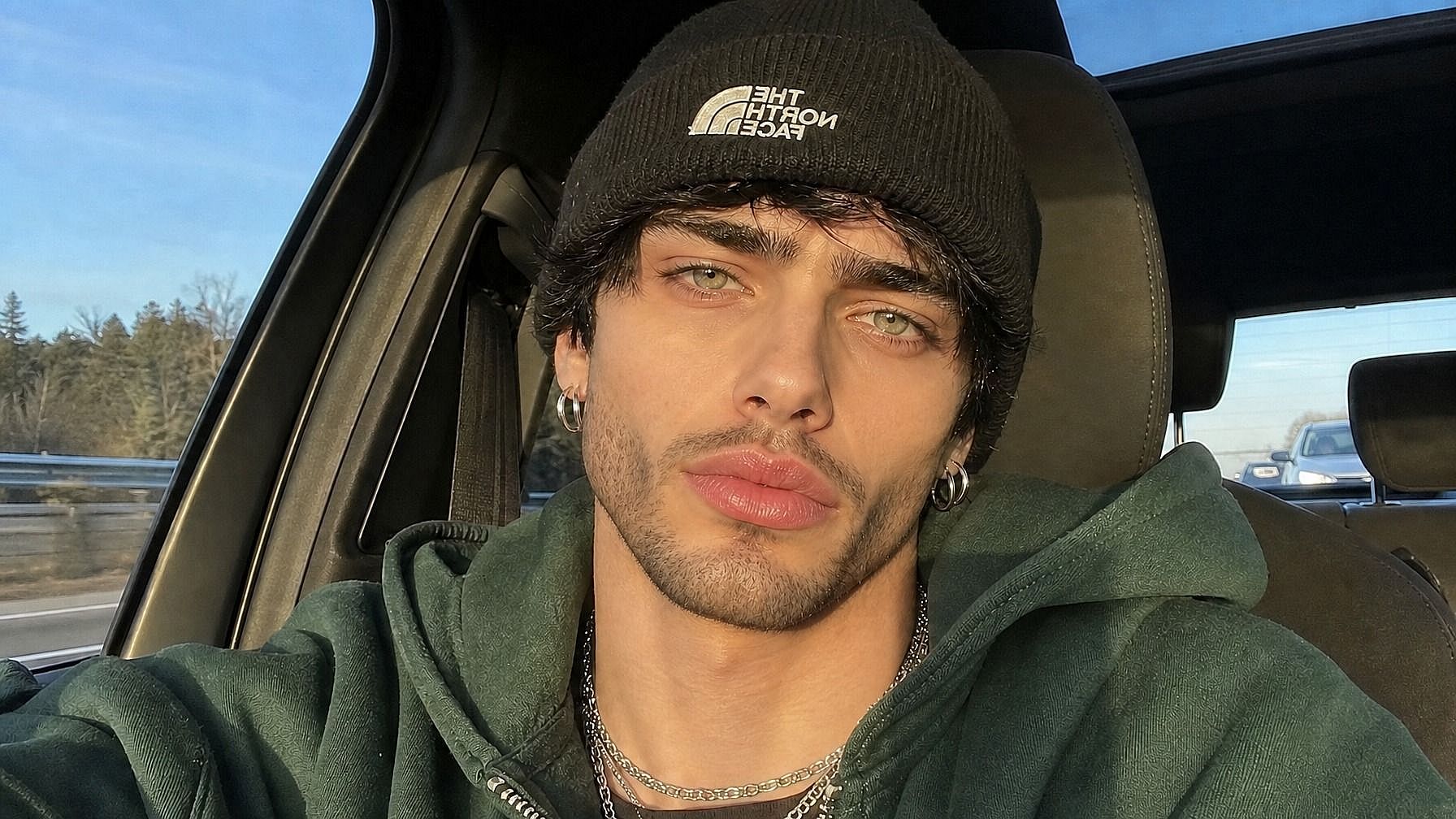
Built into a Full Image Editing Workflow
Once your beard is added, you can keep going in the same window. Change your hairstyle with the AI Hairstyle Changer, swap the background, sharpen the photo to HD, or test out other looks. Want to go the opposite direction and remove all your hair? The Bald Filter is right there too.
How to Use the Add Beard to Photo Tool
Try a beard on your photo in three steps.
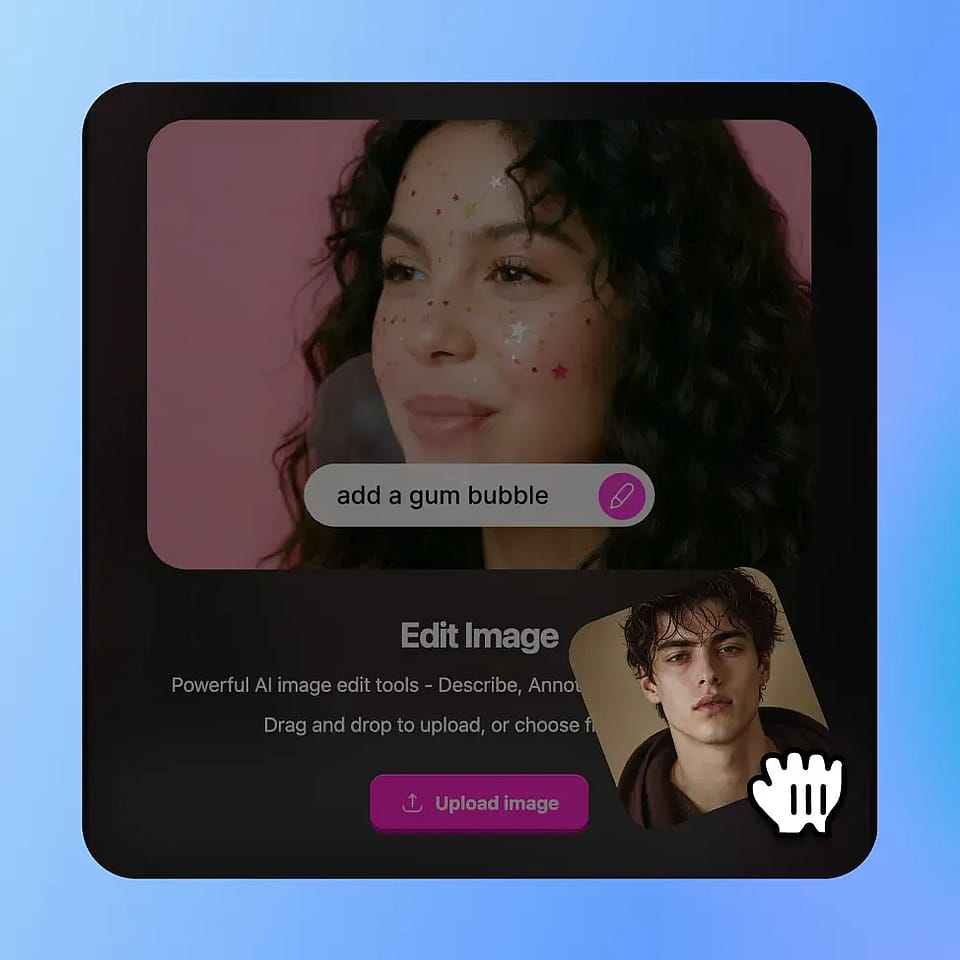
Upload Your Photo
Open OpenArt's image tools and upload a clear photo of yourself. A well-lit front-facing or three-quarter shot works best, but the AI handles other angles too.
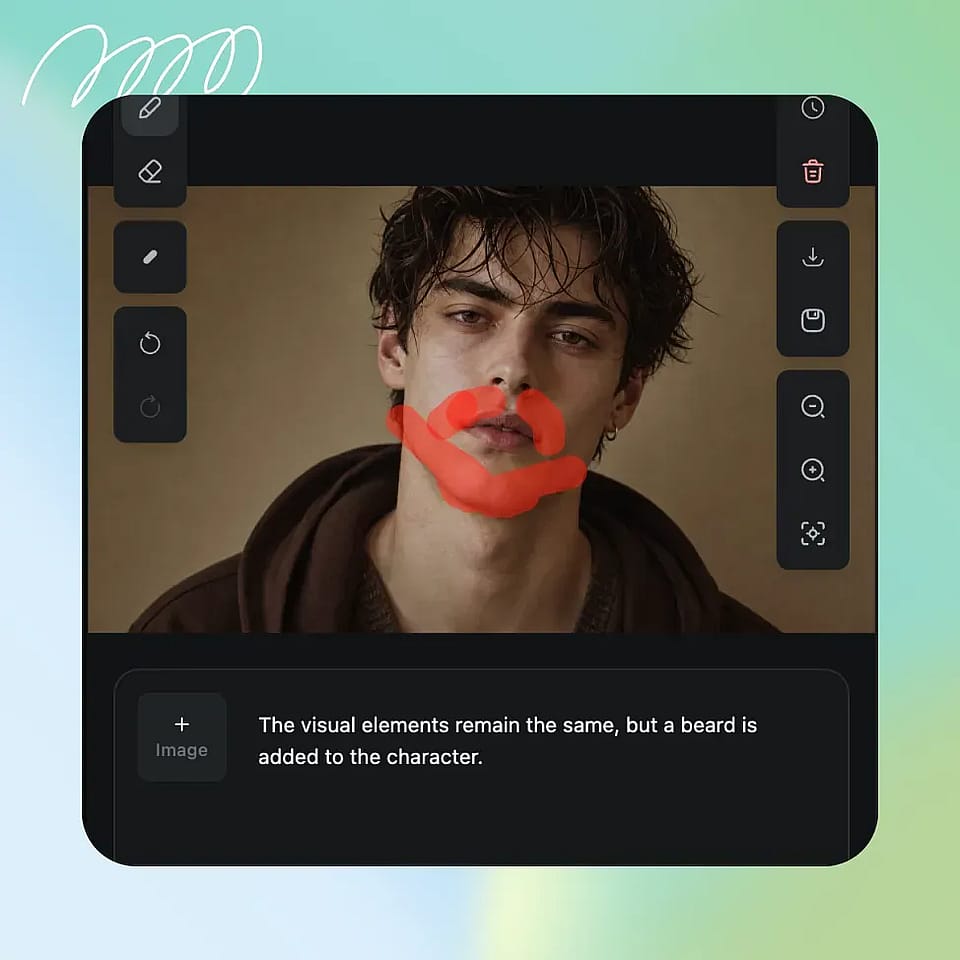
Describe the Beard You Want
Select the chin and lower-face area, then describe the beard — "thick full beard," "five o'clock shadow," "neatly trimmed goatee," "lumberjack beard with a hint of gray." Be as specific as you want.
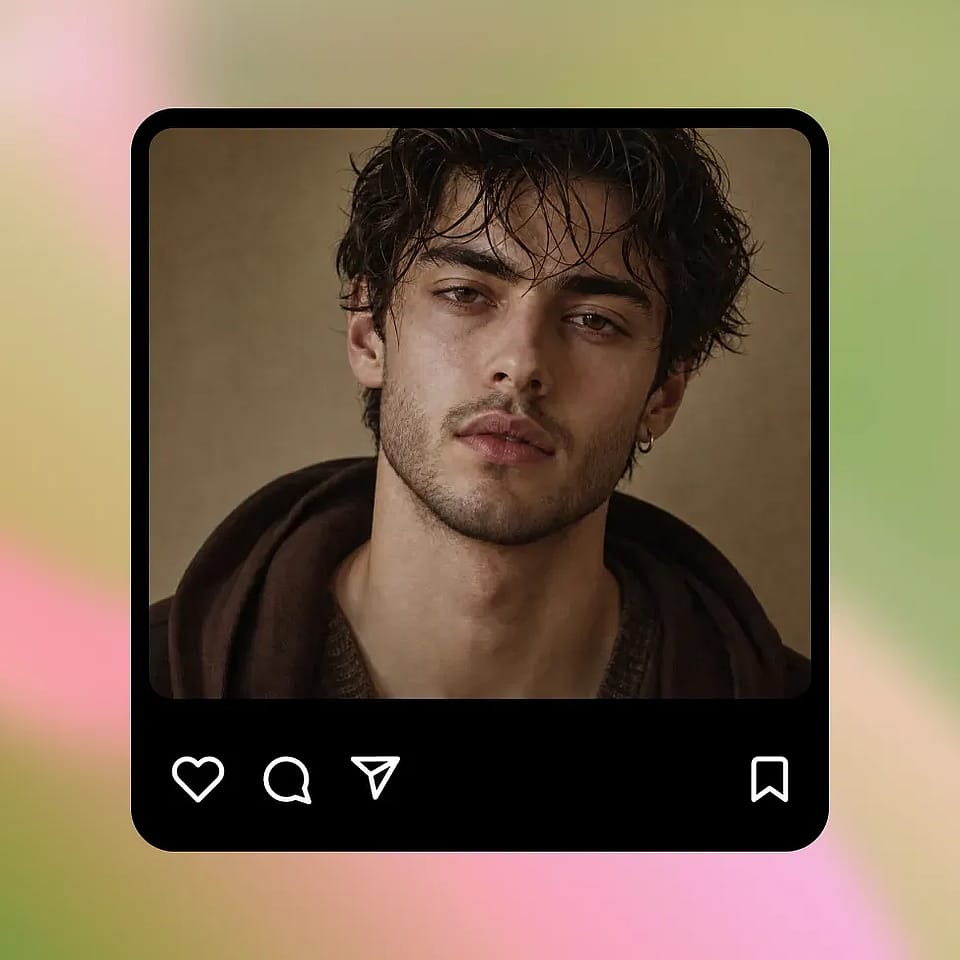
Generate and Refine
Run it, preview the result, and refine if needed. Try a different style, adjust the length or fullness in your prompt, or generate a few variations until one feels right.
Built for Previewing Beard Looks Without Committing
See how a beard would suit you, your face, and your overall look — before spending months waiting for it to actually grow in.
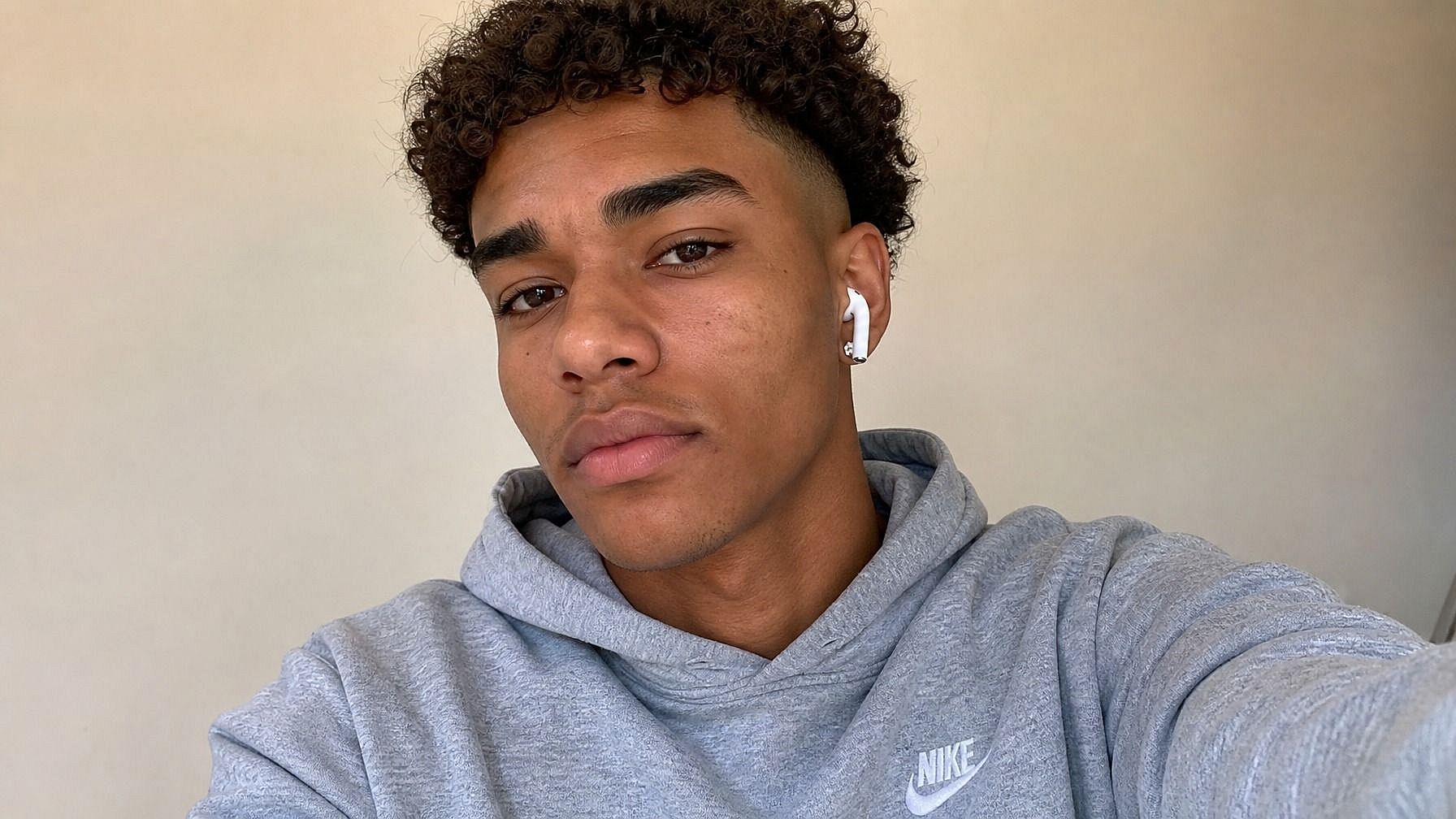
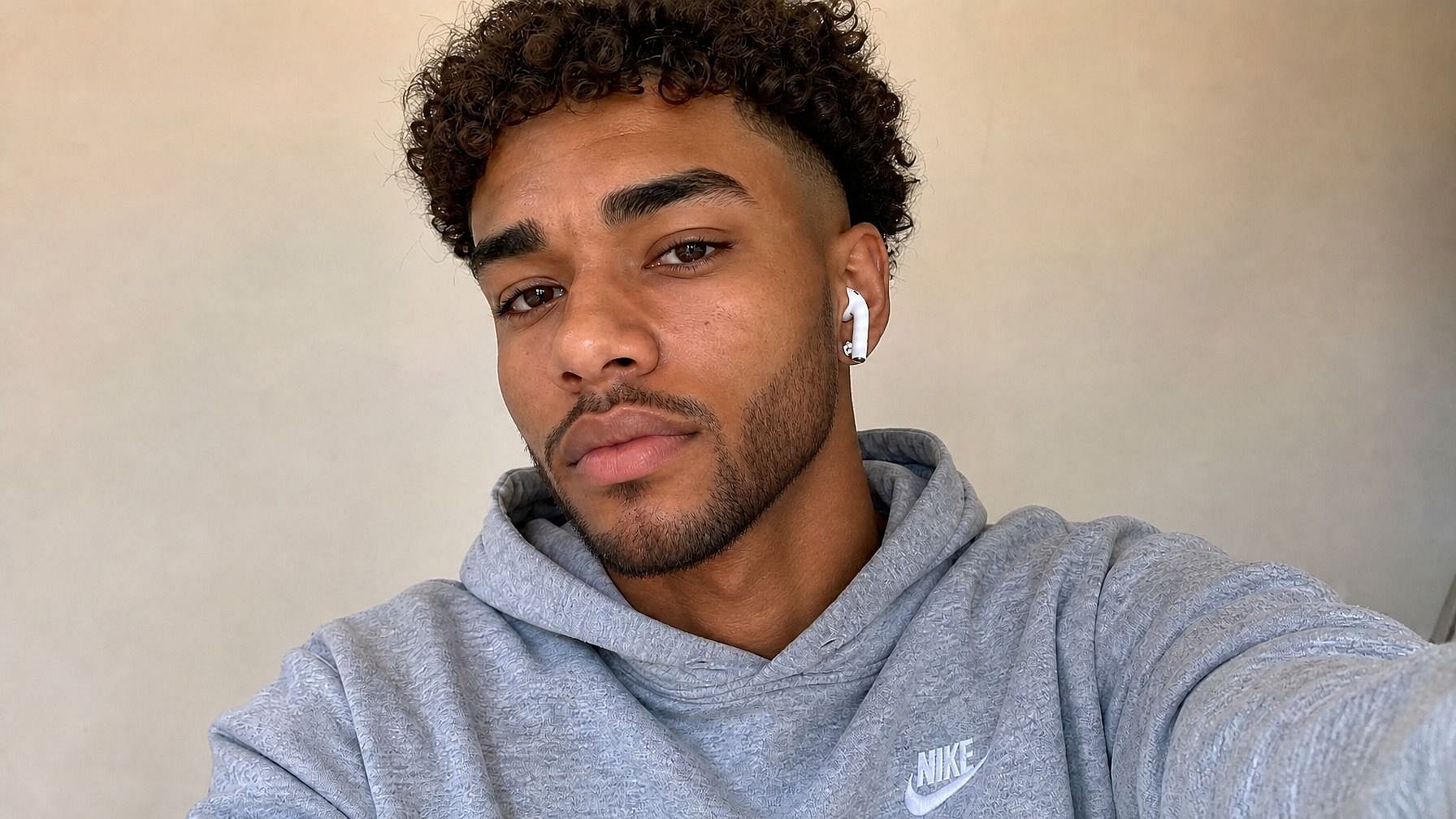
Men Considering Growing a Beard
If you're thinking about growing one but unsure how it'll suit your face, this is the easiest way to find out. Try a few different styles, like short stubble, full beard, neatly trimmed goatee, and see how each one changes your overall look. Way less commitment than waiting six weeks just to find out you don't like it.
Try it Now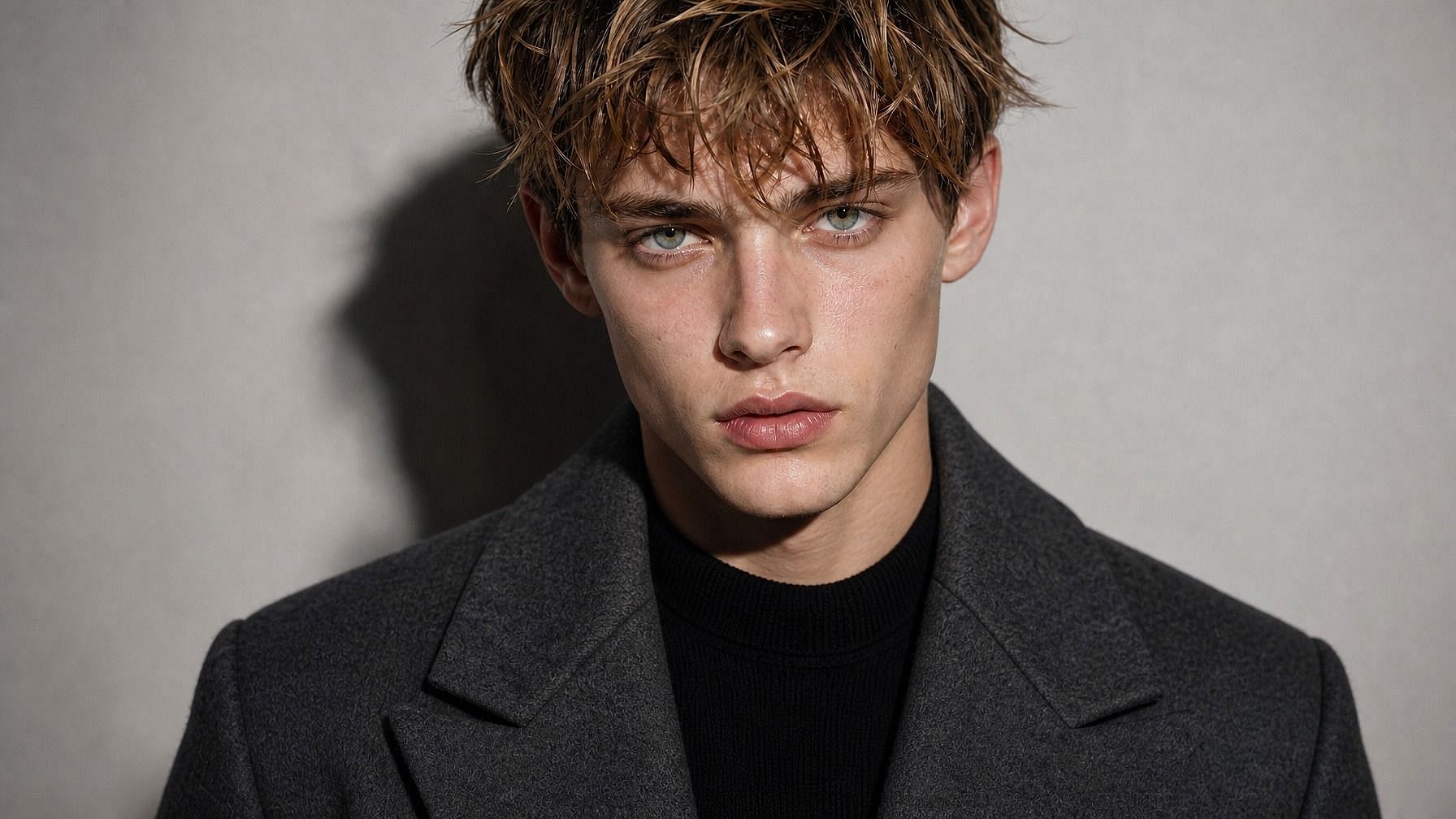
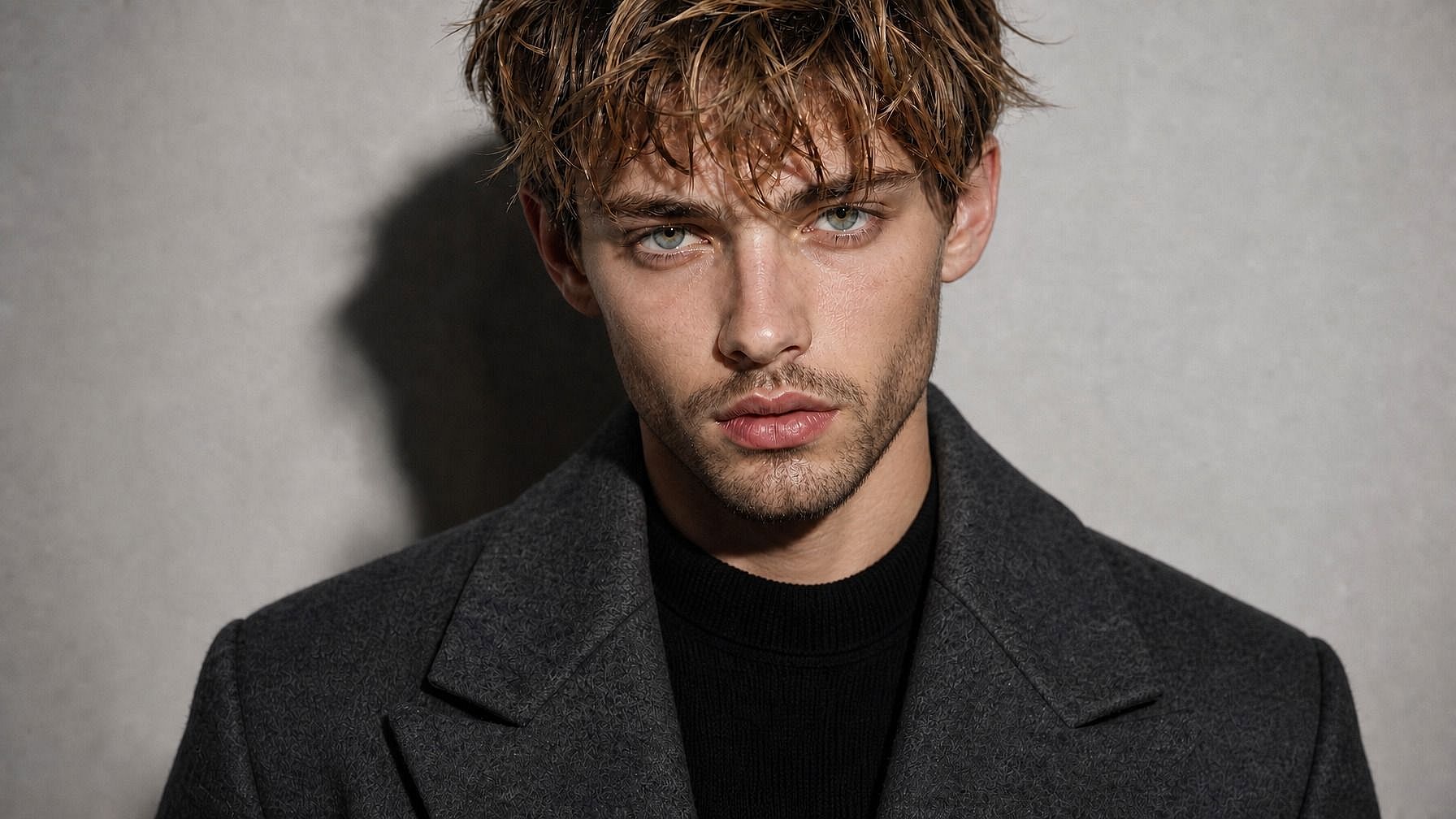
Trying Different Beard Styles
Already have a beard but curious about a different shape? Test a goatee, handlebar mustache, mutton chops, or a sharper line, without shaving anything off. Helpful for figuring out whether a new style is worth a trip to the barber.
Try it Now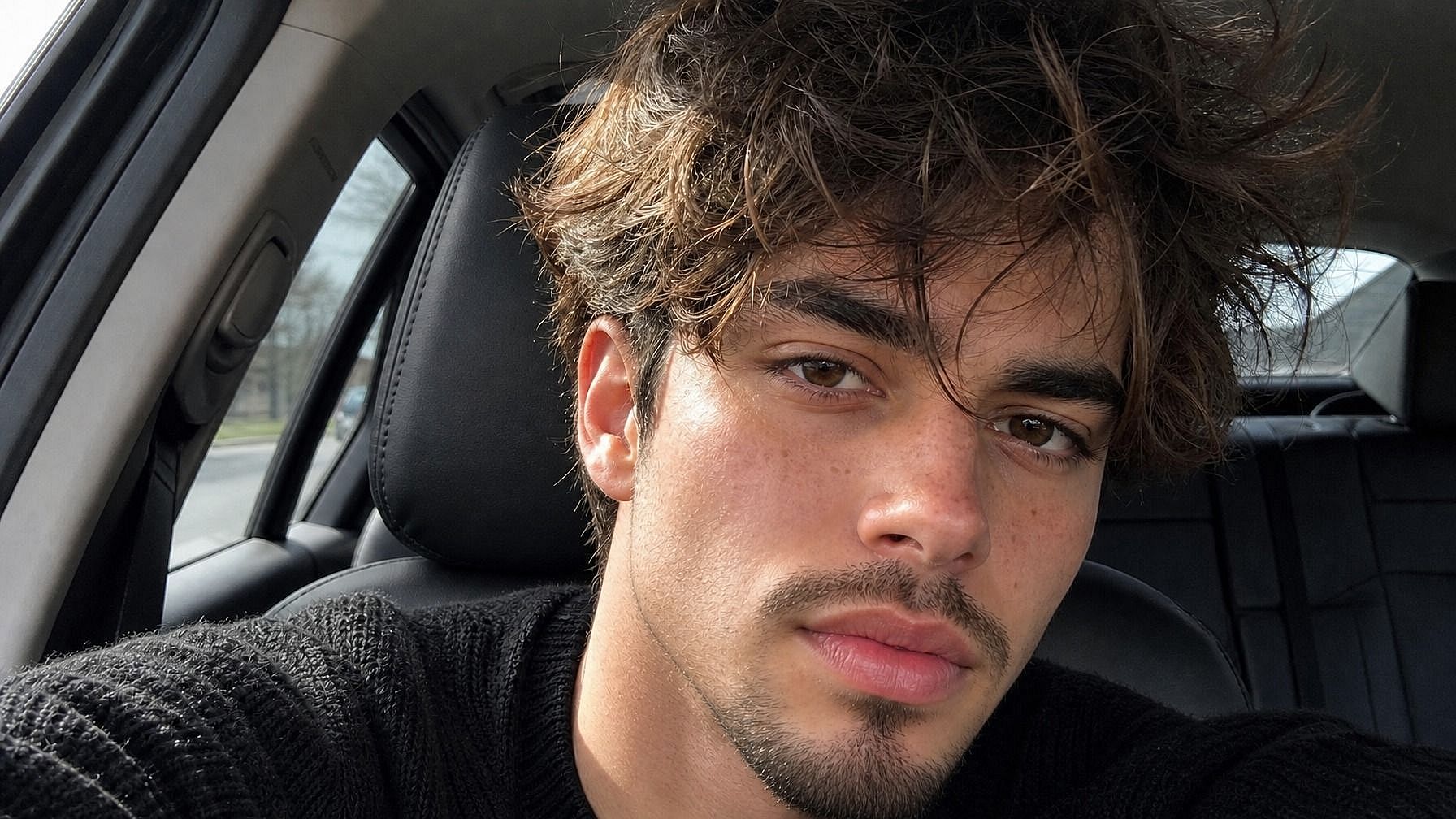
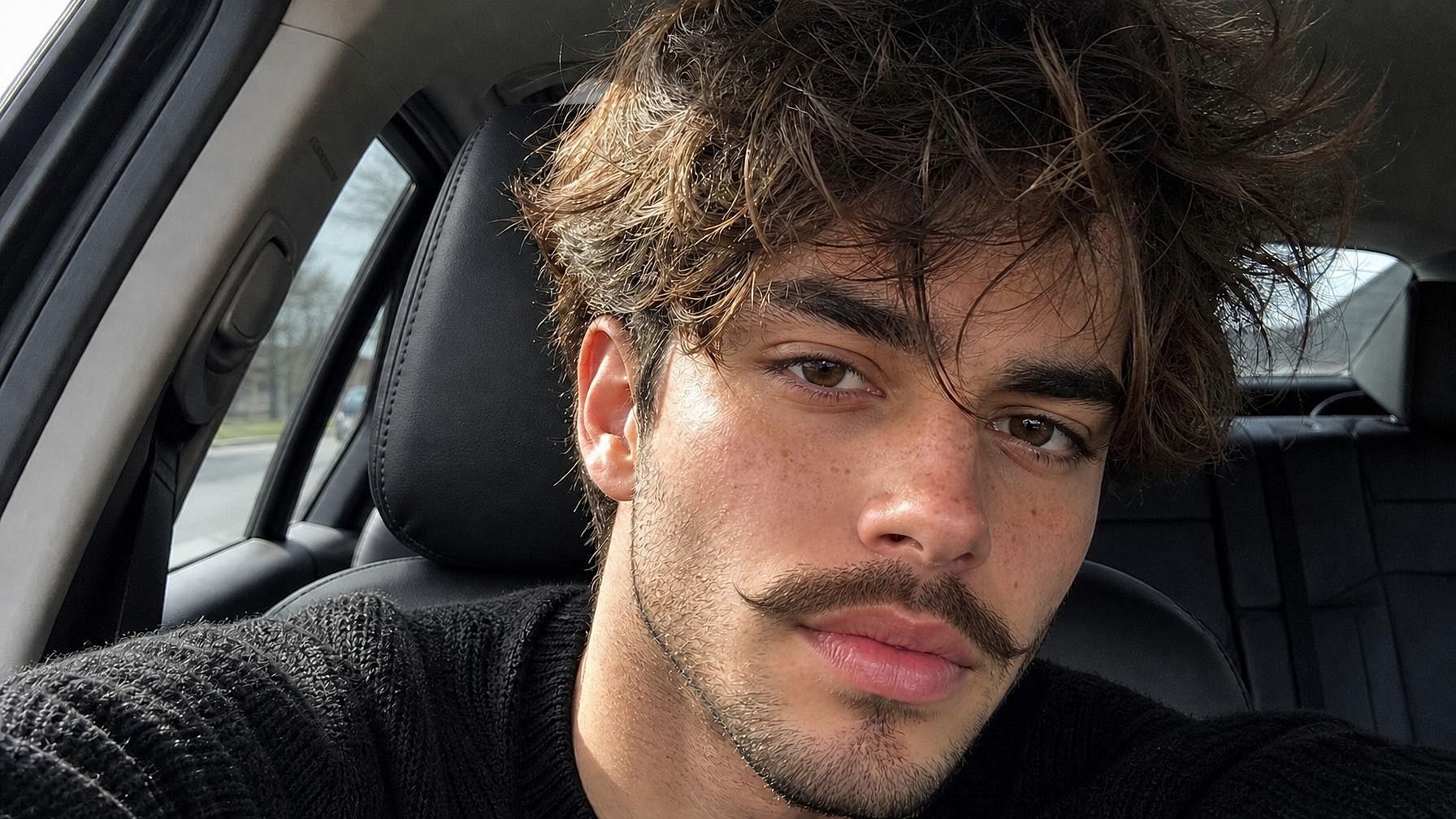
Pre-Event and Photoshoot Planning
Got a wedding, photoshoot, or big event coming up? Preview how your face would look with a beard at different lengths and styles, so you know whether to grow it out, trim it down, or shave clean. A lot easier than guessing and ending up with regret in your photos.
Try it Now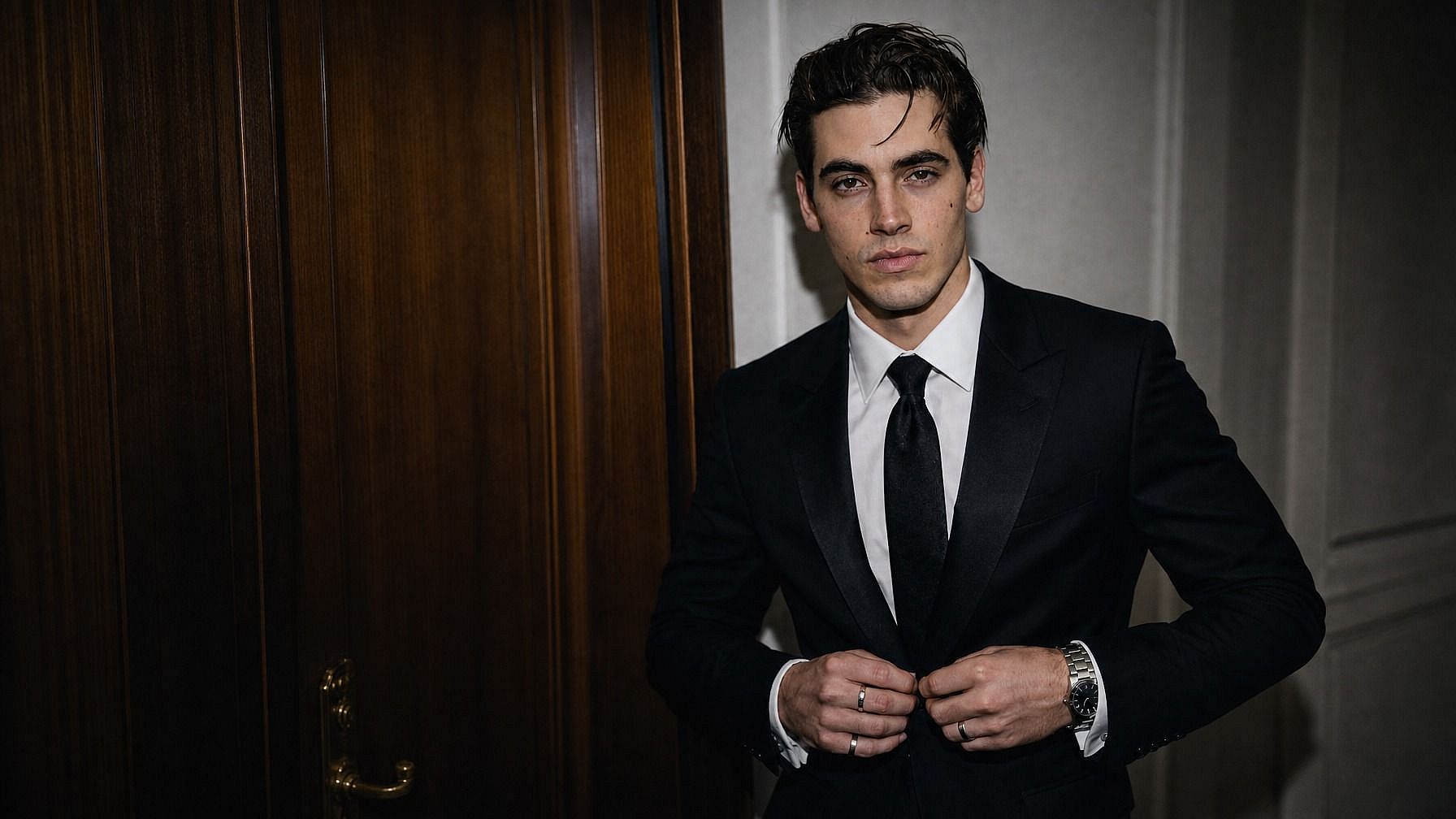
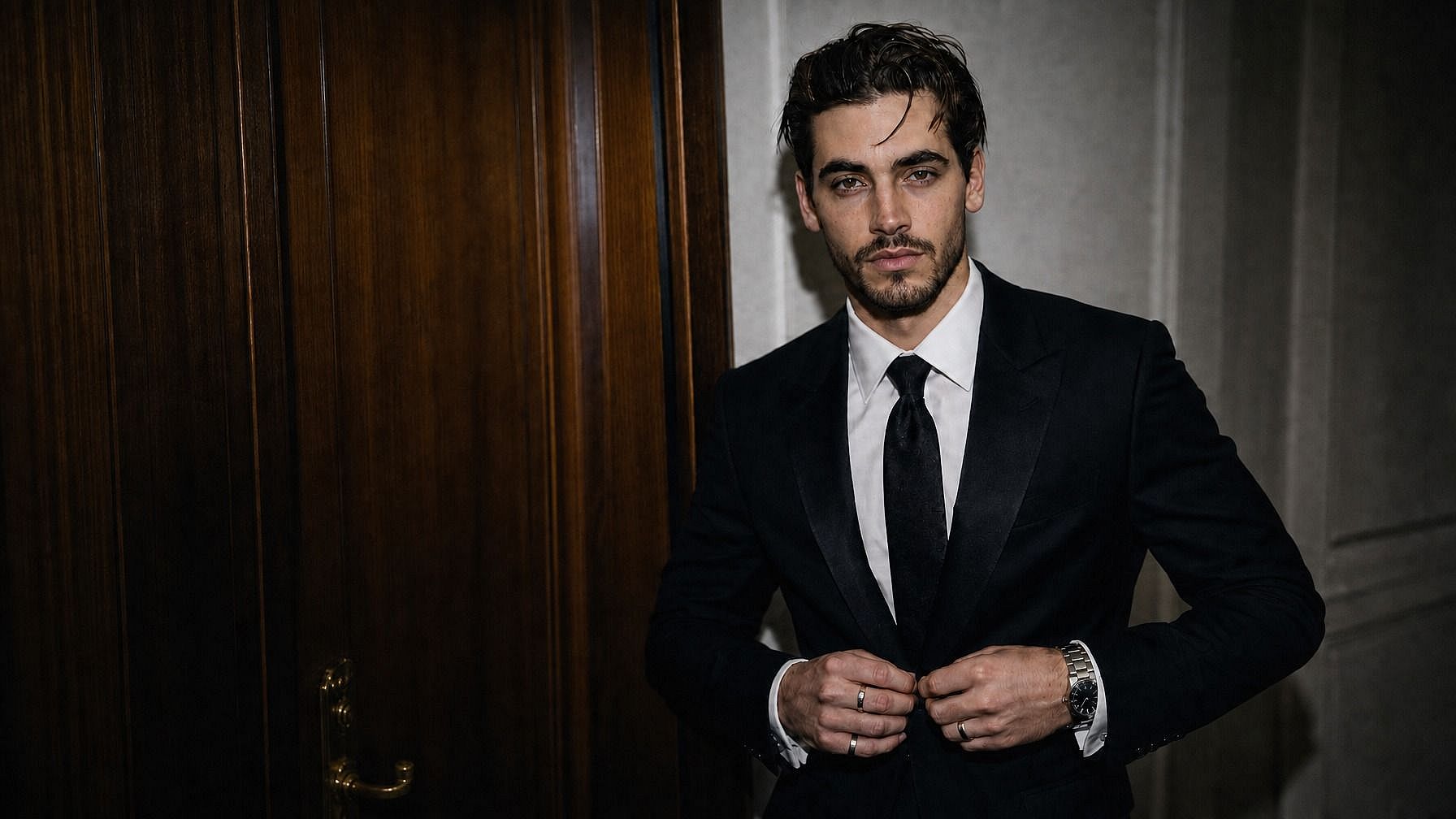
Content Creators and Fun Photo Edits
Add beards to your photos for content, give your dad a Viking beard for his birthday card, or play around with character design ideas. Beard edits are an easy way to add fun variety to portraits. Perfect for thumbnails, posts, memes, or just a laugh.
Try it NowFrequently Asked Questions
It's an AI tool by OpenArt that lets you preview how a photo would look with a beard added. You upload an image, describe the beard style, and the AI generates a realistic version of the photo with that beard in place.
Yes. Describe whatever style you want: full beard, goatee, stubble, handlebar mustache, mutton chops, lumberjack, chin strap, soul patch, anything in between. The AI renders the beard based on your description.
Yes. The tool works on any face, your friends, family, characters, whoever's in the photo. Upload it and describe the beard you want.
JPEG, PNG, and WEBP all work. You can upload from your phone, computer, or any cloud drive.
Use a clear, well-lit photo where your face is visible. Front-facing or three-quarter angle works best. Be specific about the style and length you want: "neatly trimmed full beard with light gray streaks" gets you a closer result than just "beard." If the first try doesn't quite work, tweak the prompt and rerun.
Yes. The AI matches the beard to your skin tone, face shape, and the lighting in your photo, so the result blends in like actual facial hair. Strands follow the contours of your jaw, pick up shadows, and sit at realistic angles instead of looking like a flat overlay.
Yes! That's actually one of the main use cases. The AI generates a beard from scratch based on your face structure, hair color, and the style you describe.
Yes. The beard tool is part of OpenArt's wider editing suite, so you can also change hairstyles, swap backgrounds, sharpen the photo to HD, or even try a bald look afterward, all in the same window.
OpenArt offers a free trial with limited credits, so you can try the beard tool on a few photos before upgrading for more image and video editing tools.
Get Insights from Experts Blog
Get the insights you need. Our experts share actionable hacks, break down the hottest topics, and provide essential how-to guides to help you create, optimize, and scale.
Read More
