

Create Fashion & Beauty Ads by Just Chatting — 2222
Photoshoots cost thousands and still won't fill your ad catalog. Chat with OpenArt instead: upload a product photo, describe your direction, get hundreds of on-brand variations.
Create Fashion & Beauty Ads by Just Chatting
Photoshoots cost thousands and still won't fill your ad catalog. Chat with OpenArt instead: upload a product photo, describe your direction, get hundreds of on-brand variations.
How to Create Fashion and Beauty Ads with OpenArt
Three steps, from one product photo to a finished ad.
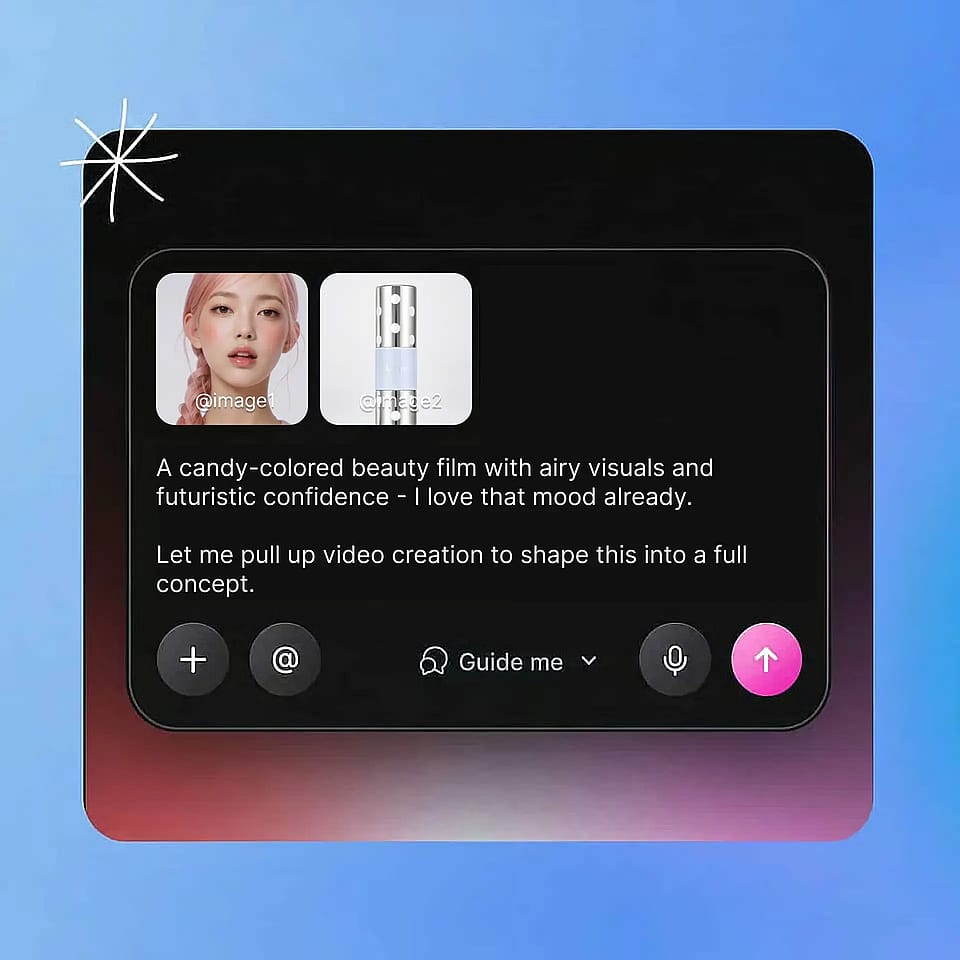
Prompt and add your references
Open the AI video generator, describe the ad you want, and upload your product photo as a reference image. Add your Brand Kit so the ad comes out in your colors and fonts.
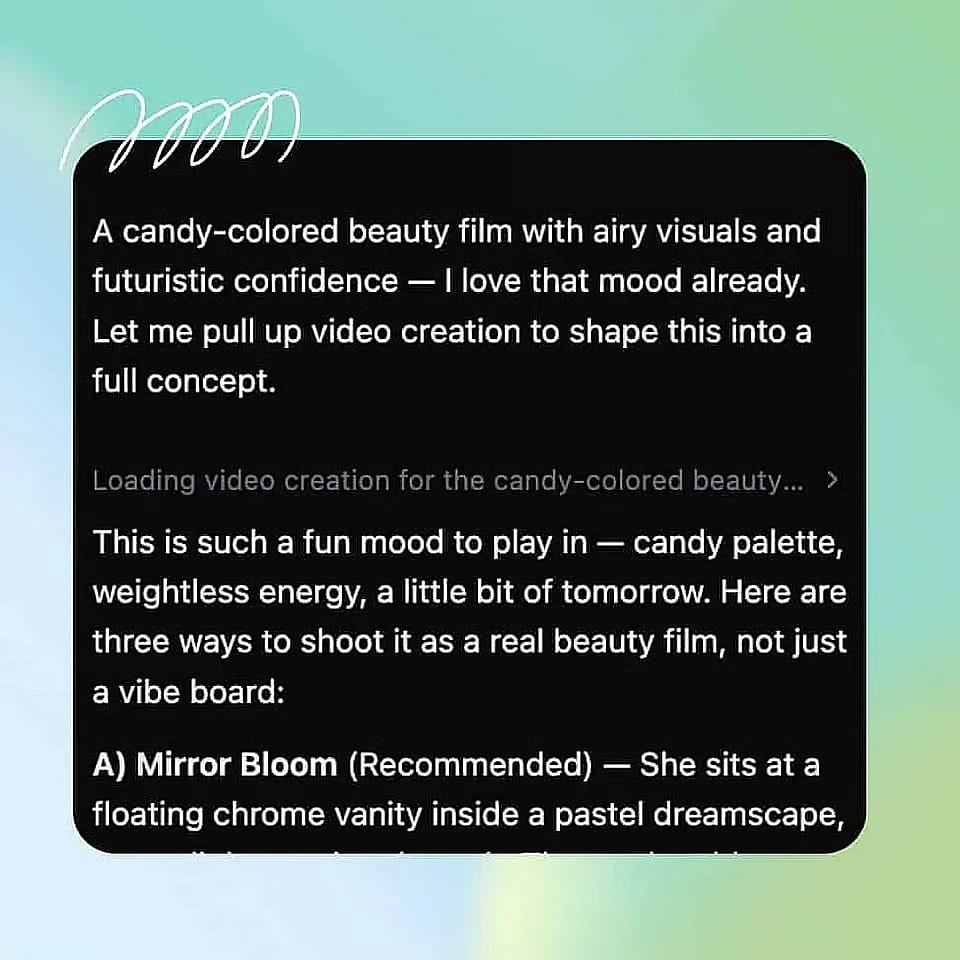
Configure your settings
Pick your video model, generation quality, resolution, aspect ratio, and length, then generate.
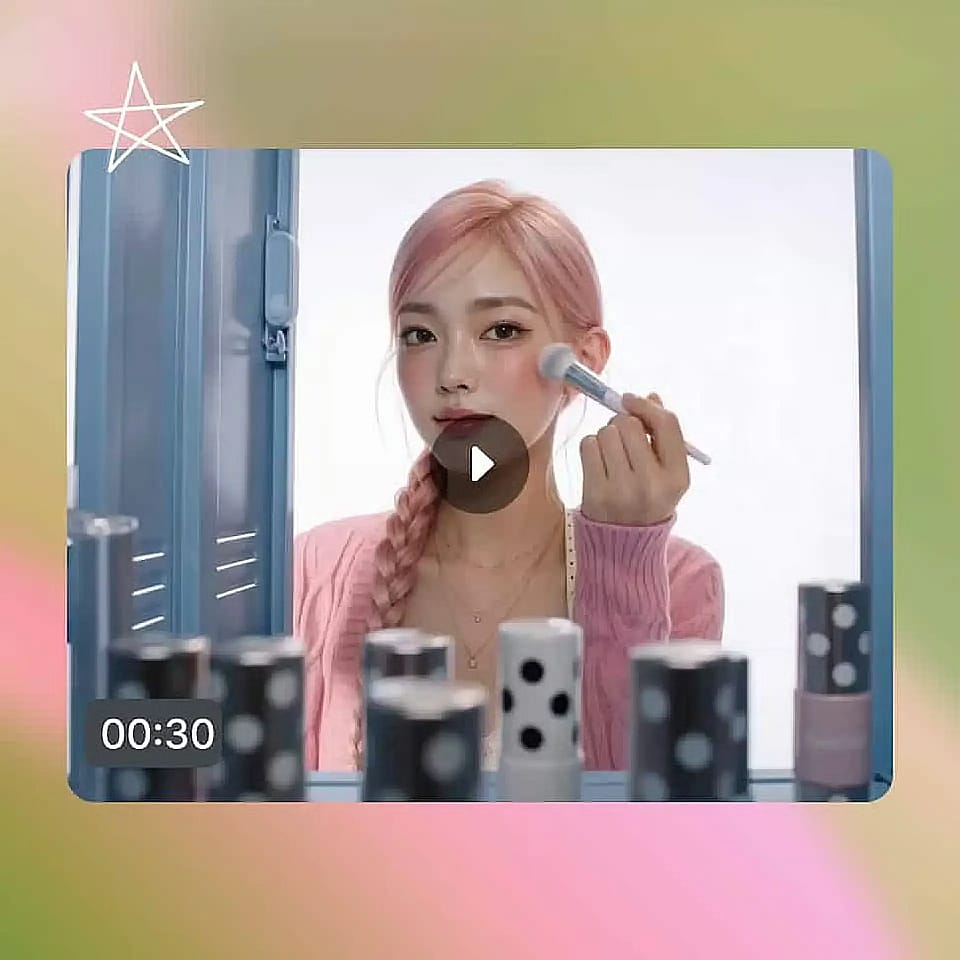
Refine and download
Check the results, adjust your prompt and regenerate, or create more variations from the outputs you like. Download the ones you want to run.
Frequently Asked Questions
Yes. You upload a product photo and describe the ad you want in normal words, and OpenArt's AI video generator handles the scene, the camera, and the motion for you. There is no timeline to learn and no editing experience needed, though you can adjust the cut yourself if you want to.
The AI video generator works from the product photo you upload, so the shape, the color, the packaging, and the label carry into the ad. For fabrics, textures, and cosmetic shades, upload the sharpest photo you have and generate a few versions, then keep the one that matches your product most closely.
Set up a Brand Kit for the project with your logo, color palette, typography, and brand rules, and every ad you generate applies them automatically. A full set of fashion or beauty ads then comes out in your exact colors and fonts without a manual brand check on each one. Note: Brand Kit feature works only on Seedance 2.0 model in the AI video generator currently.
No. A clean photo of your product is enough, because the AI video generator builds the scene, the lighting, and the setting around the product you upload. You can also generate the ad from a text description alone if you do not have a photo ready yet.
Yes. Save the person you want on screen in your OpenArt Characters library and use them in every ad you generate, so your whole campaign features the same face. This works for a model you created in OpenArt, a creator you work with, or your own face.
You can generate and export in every standard aspect ratio from the same product photo: 9:16 for TikTok, Reels, and Stories, 1:1 and 4:5 for Instagram and Meta feeds, and 16:9 for YouTube. You do not rebuild the ad for each placement, so every channel gets a version that fits its frame.