

技術図面ジェネレーター
CADを一度も開かずに洗練された技術図面が欲しいですか?OpenArtの技術図面ジェネレーターにプロンプトを入力すれば、設計図、エンジニアリング図、特許風のライン画、分解図、正投影図、アイソメトリックの技術イラストを数秒で作成できます。コンセプトワーク、ピッチ資料、特許用ビジュアル、マーケティング素材、そしてエンジニアリング図面の雰囲気を必要とするあらゆる場面に最適です。
コミュニティの作品
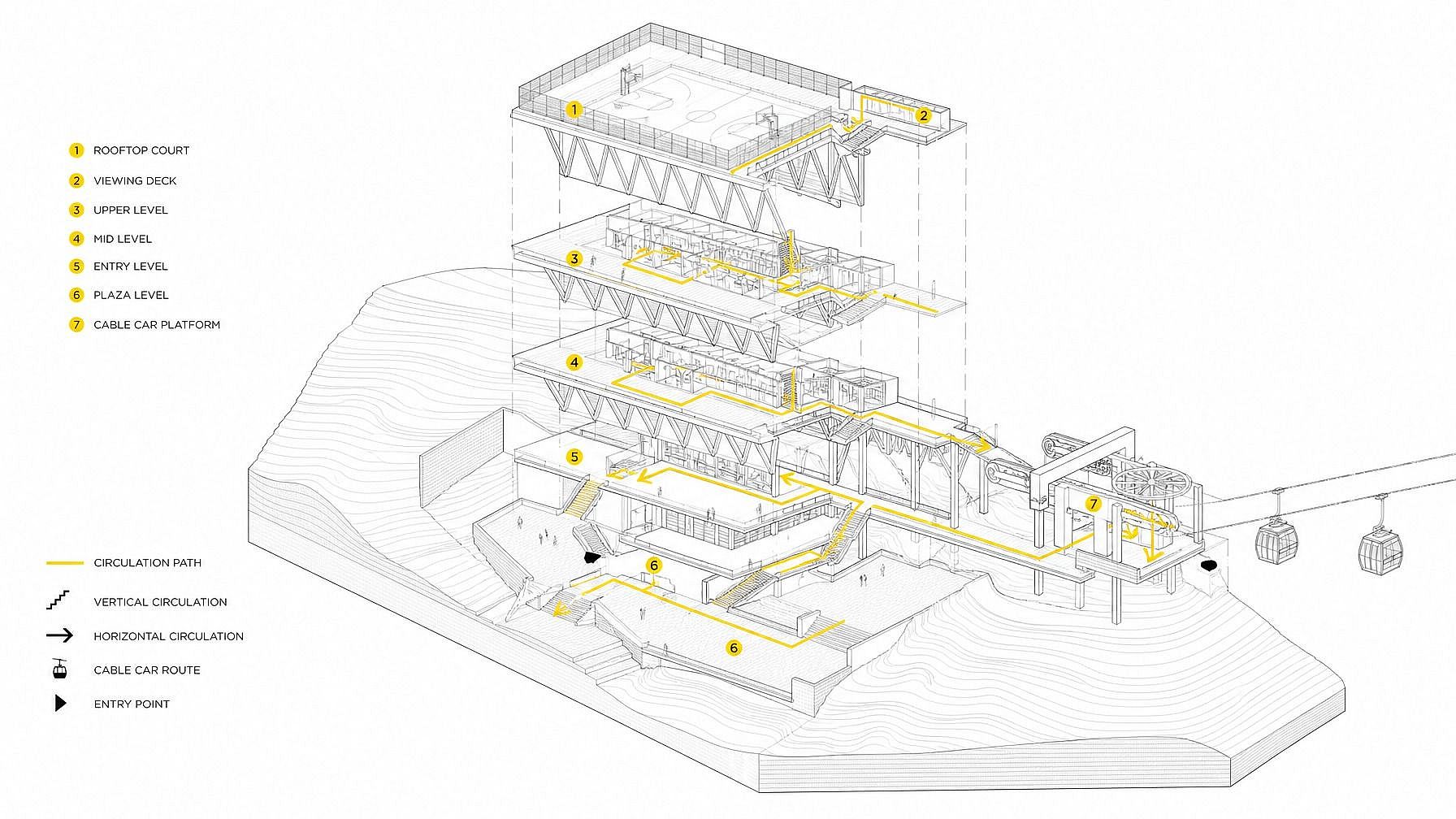
みんながどんなものを生成しているかチェックしましょう。特許風のライン画を作る発明家や、アイソメトリックのコンセプトシートを組み立てるプロダクトデザイナーから、設計図風のブランドグラフィックを作るマーケターや、コンセプト立面図を描く建築家まで、テクニカルドローイングジェネレーターの活用例を見てみましょう。
テクニカルドローイングジェネレーターの主な機能
OpenArtの技術図面ジェネレーターは、業界トップクラスの画像モデル(GPT Image 2.0、Nano Banana Pro、Seedream 4.0、FLUX.2、FLUX Kontext、Ideogram V3)を搭載し、きれいな線画や引き出し線、読みやすいラベルに強みを発揮します。その結果、まるでエンジニアリングマニュアルや特許出願書類から出てきたような、洗練された技術図面ビジュアルが得られます。
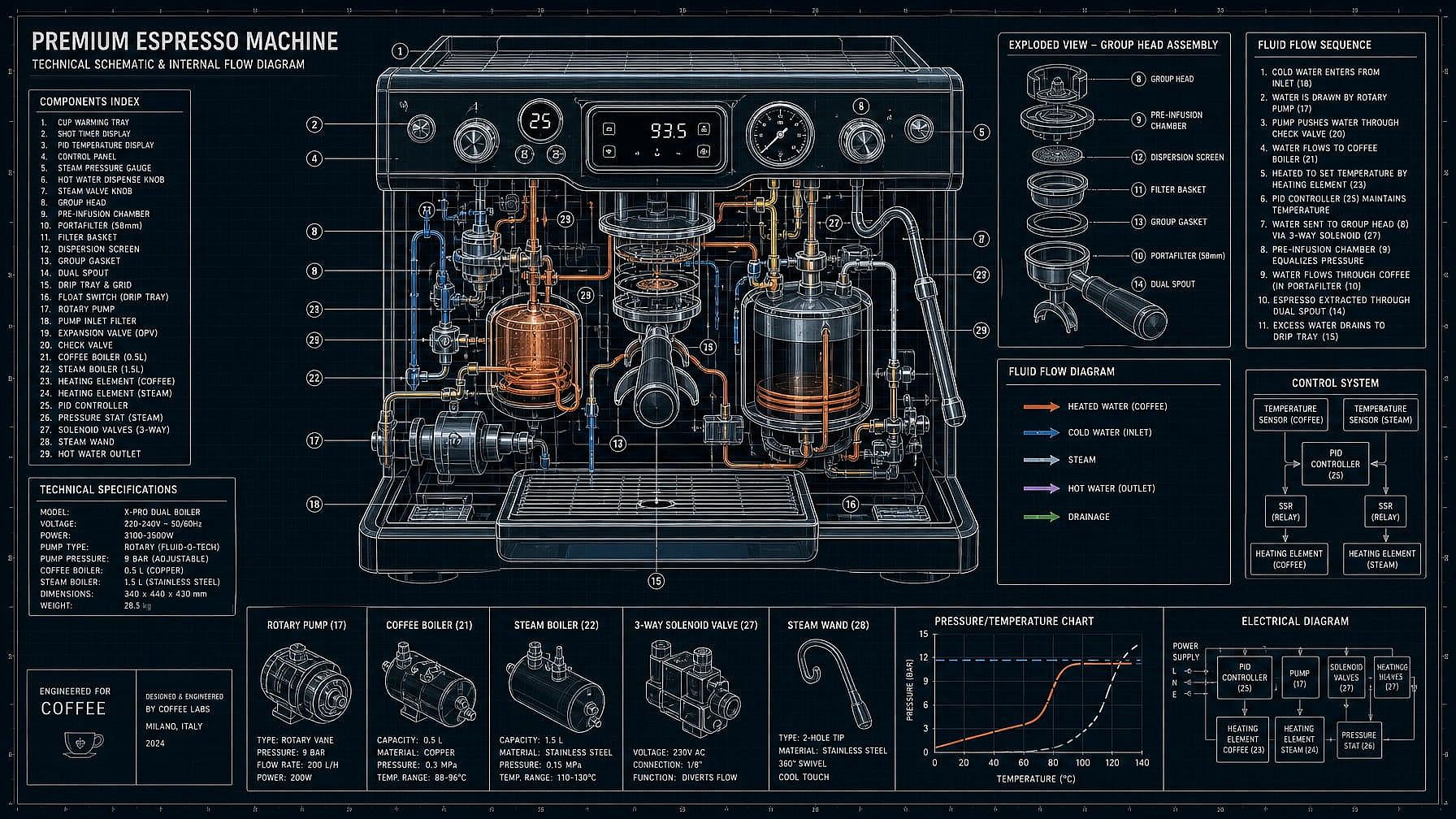
設計図・回路図を生成
被写体を説明すれば――「小さな木造キャビンの設計図」「内部にラベル付きのコーヒーマシンの図解」「シンセサイザーの回路図風の図解」――AIがそれをクリーンな技術図面として生成します。青地に白の設計図、白地に黒の図解、クラシックな製図用紙、モダンでミニマルな線画などを選べます。
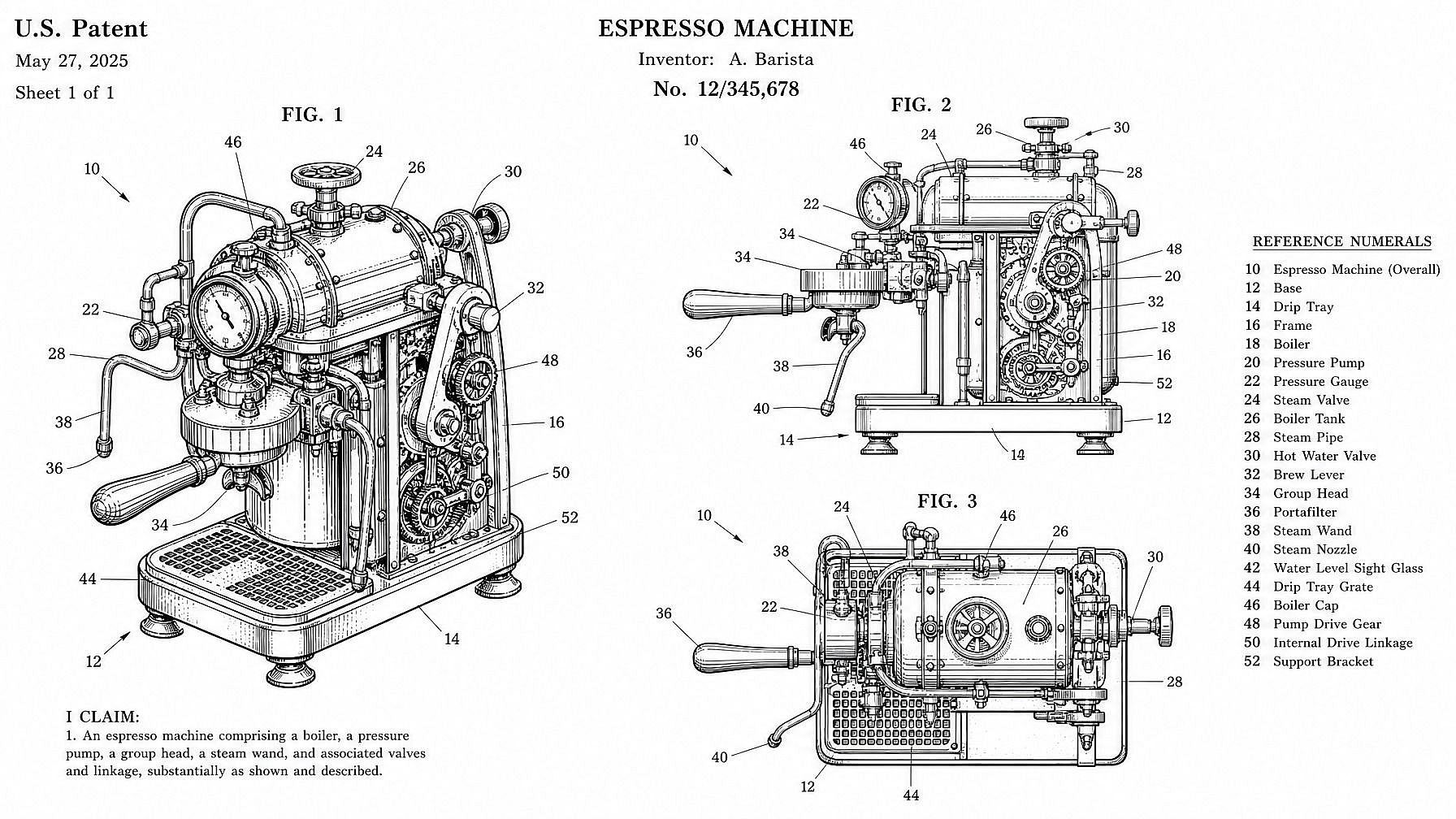
特許図面風のラインアート
特許図面風のイラストをその場で生成——白地にクリーンな黒い線画、番号付きの引き出し線、1 シートに複数のビュー、あの USPTO らしいクラシックなテイスト。出願コンセプトを準備する発明者、「〇〇の特許」風グラフィックを作るコンテンツクリエイター、ポスターやピッチにあの独特な線画の雰囲気を取り入れたいデザイナーに便利です。
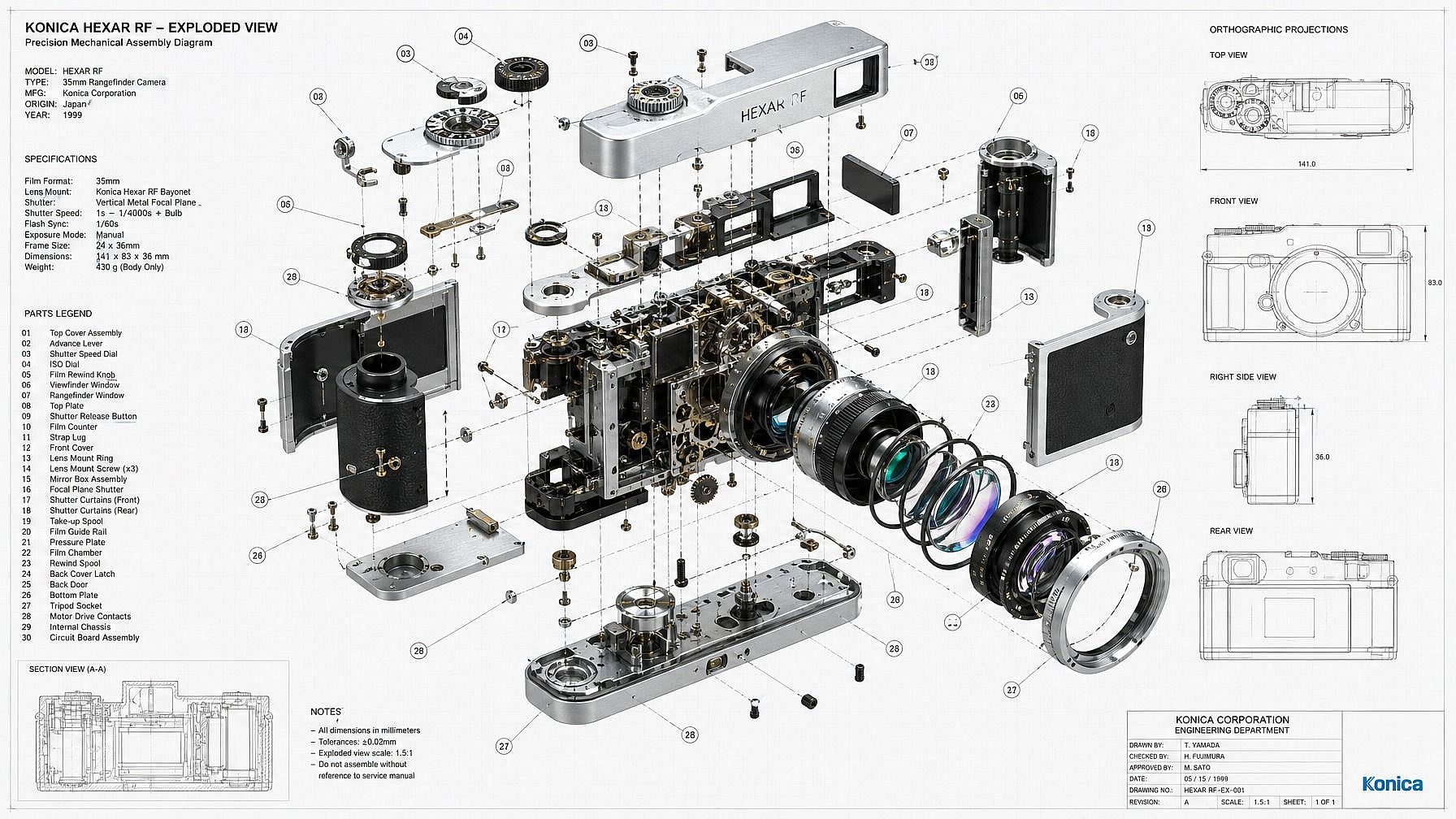
分解図と正投影図
製品や機械をボルト、ケーシング、内部機構などのパーツに分解し、ラベル付きの分解図で見せましょう。あるいは定番の上面・正面・側面の三面図、アイソメ投影図、断面図も生成できます。製品コンセプトシート、説明用グラフィック、パッケージ風ビジュアルに最適です。
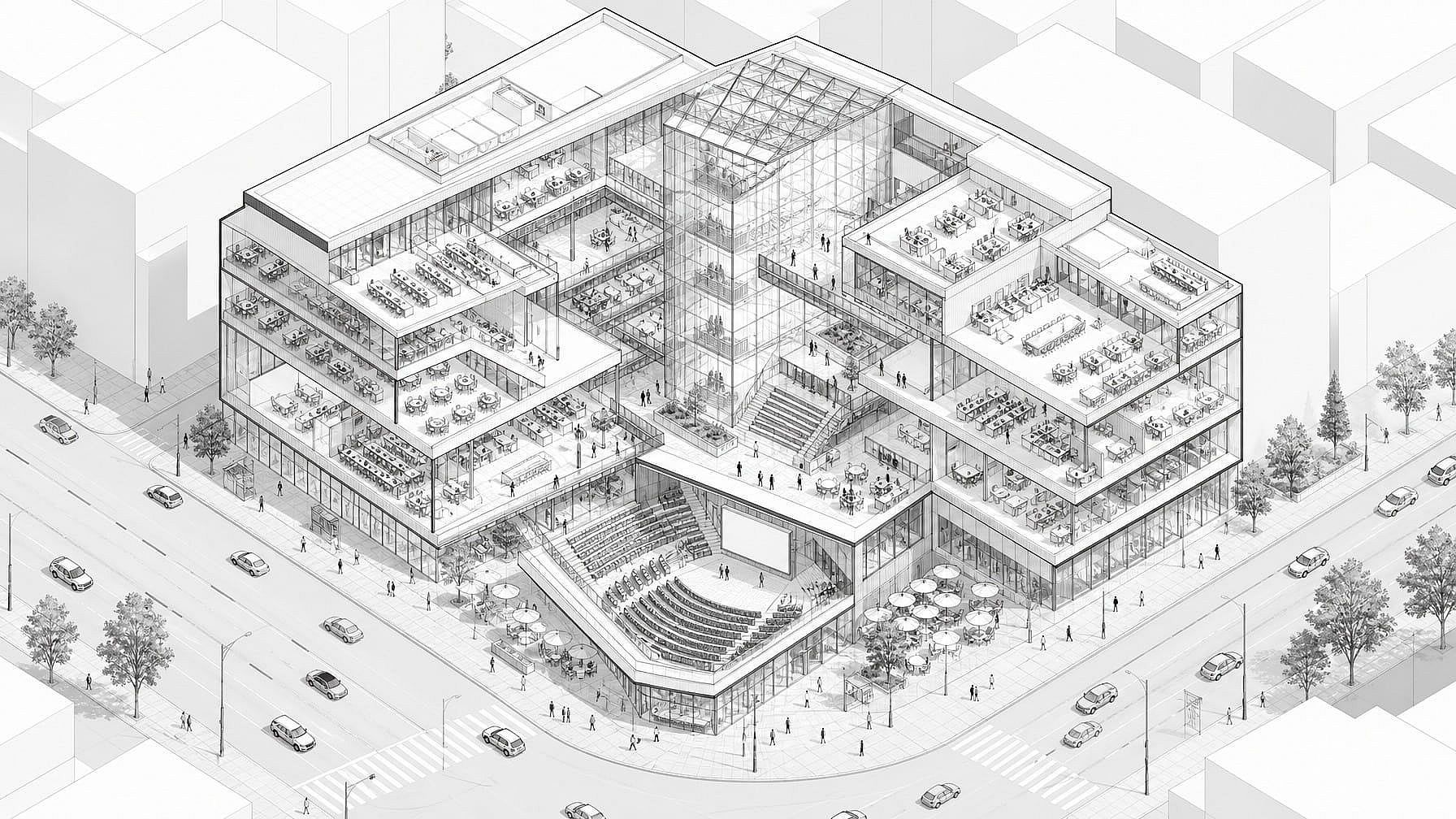
アイソメトリックなテクニカルイラスト
アイソメトリックなテクニカルイラストを生成——建物、機械、ガジェット、乗り物、回路基板を、テクニカルでインフォグラフィックにも馴染むあの鮮明な3/4アングルで。マーケティング資料やランディングページ、解説動画とすっきり組み合わせられます。
製図ジェネレーターの使い方
洗練されたテクニカルドローイングを3ステップで生成。
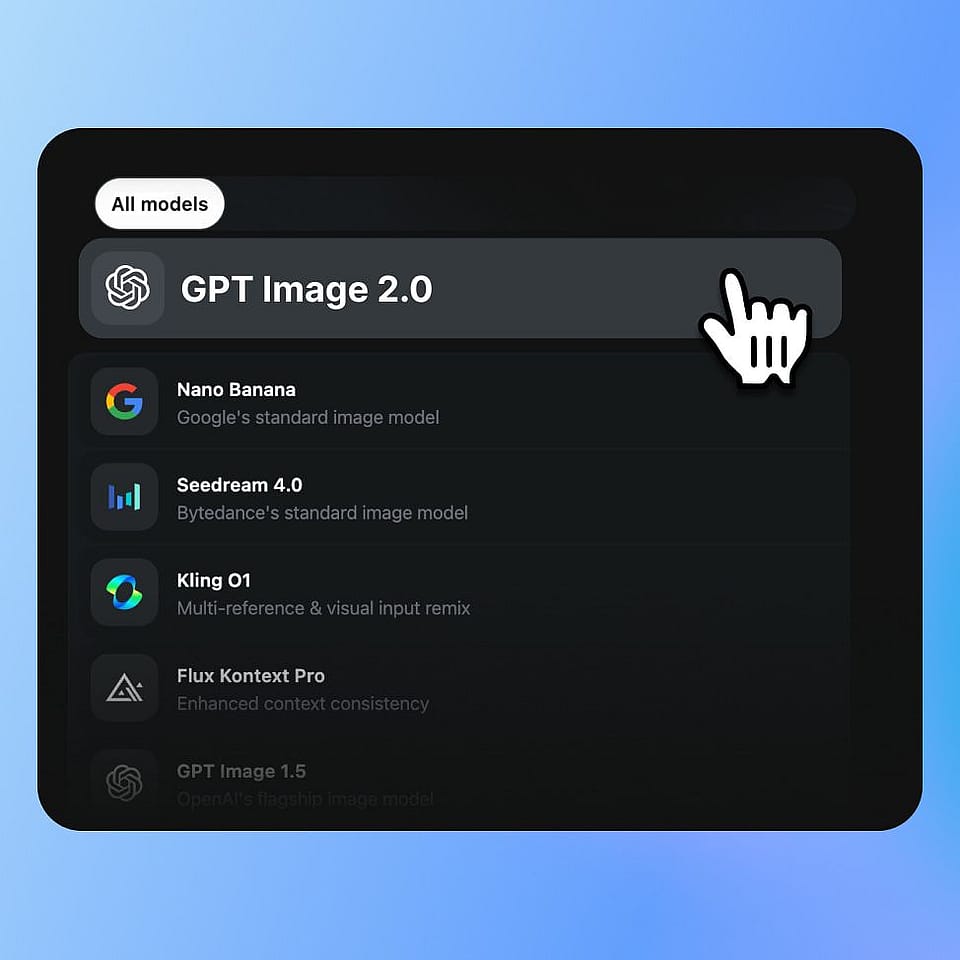
被写体を描写する
OpenArtの画像ジェネレーターを開いてプロンプトを入力しましょう。「部屋にラベルを付けた小さな木造キャビンの設計図」「折りたたみ椅子の複数視点の特許図風ライン画」「機械式時計の分解図」「コーヒーメーカーのアイソメトリック技術イラスト」など。パーツやラベル、視点について好きなだけ具体的に指定できます。
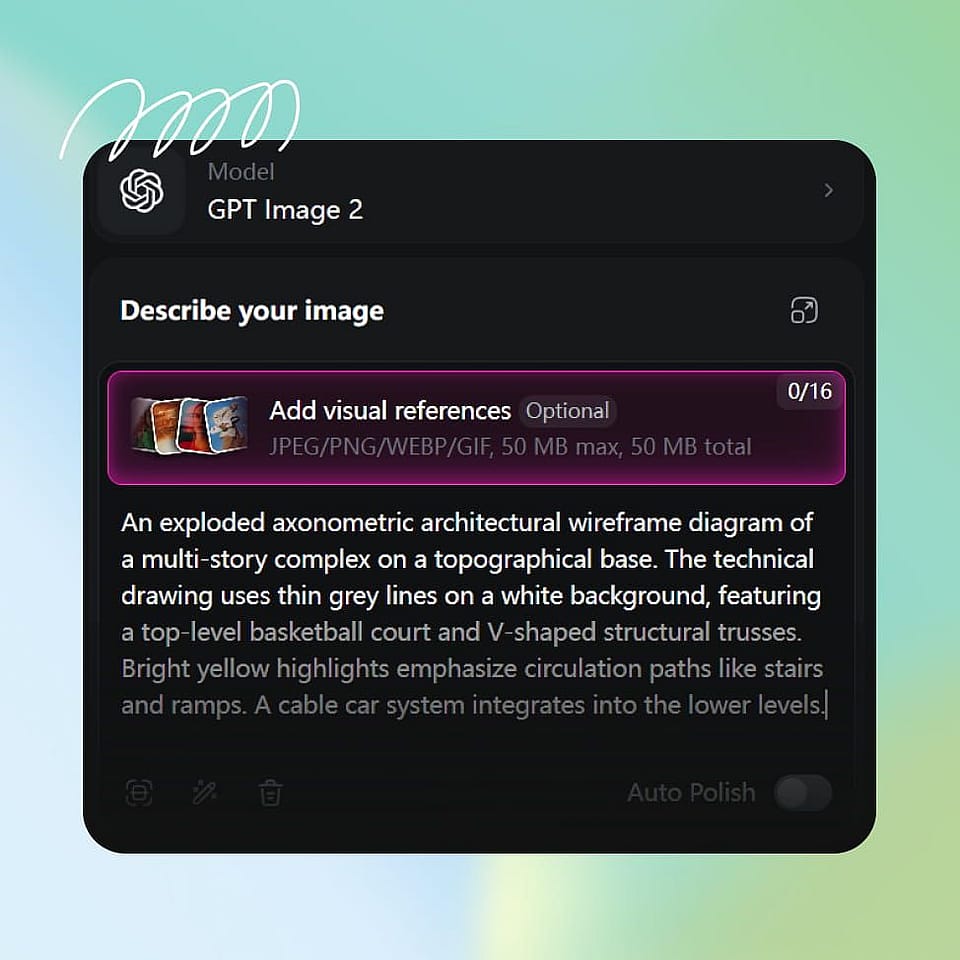
描画スタイルを選ぶ
テクニカルドローイングのスタイルを選択しましょう。設計図、回路図、特許図面、分解図、アイソメトリック、正投影図、手描きスケッチなどから選ぶか、プロンプト内で直接指定できます。好みがあればモデルを選択してください。Nano Banana ProとIdeogram V3は、クリーンな線と読みやすい注釈が特に得意です。
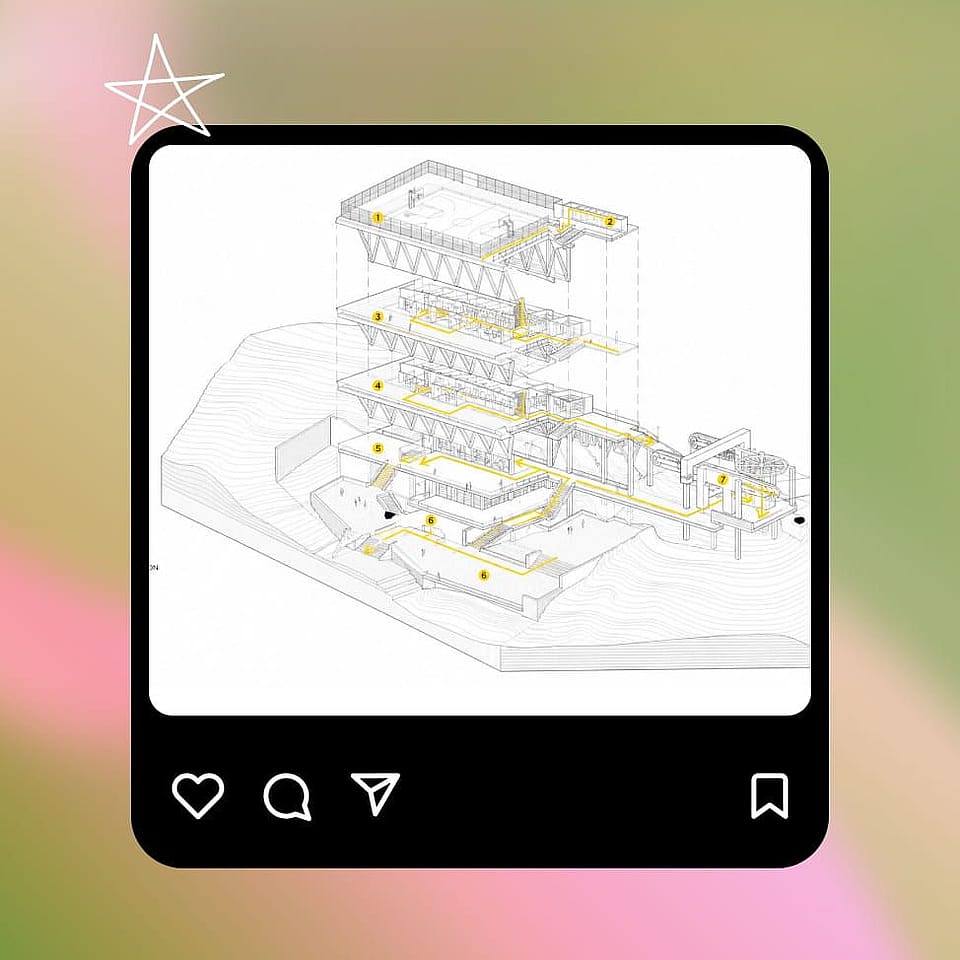
生成と調整
実行して描画をプレビューし、必要ならプロンプトを調整しましょう。ラベルを追加・削除したり、アングルを変えたり、線の太さを切り替えたり、あるいは数パターン生成して、あなたのスライド、ページ、プロジェクトにぴったり合う一枚に仕上げましょう。
デザイナー、発明家、マーケター、教育者のために
コンセプト、資料、特許、ポスター、コンテンツにふさわしい本格的な技術図面を生成しましょう。
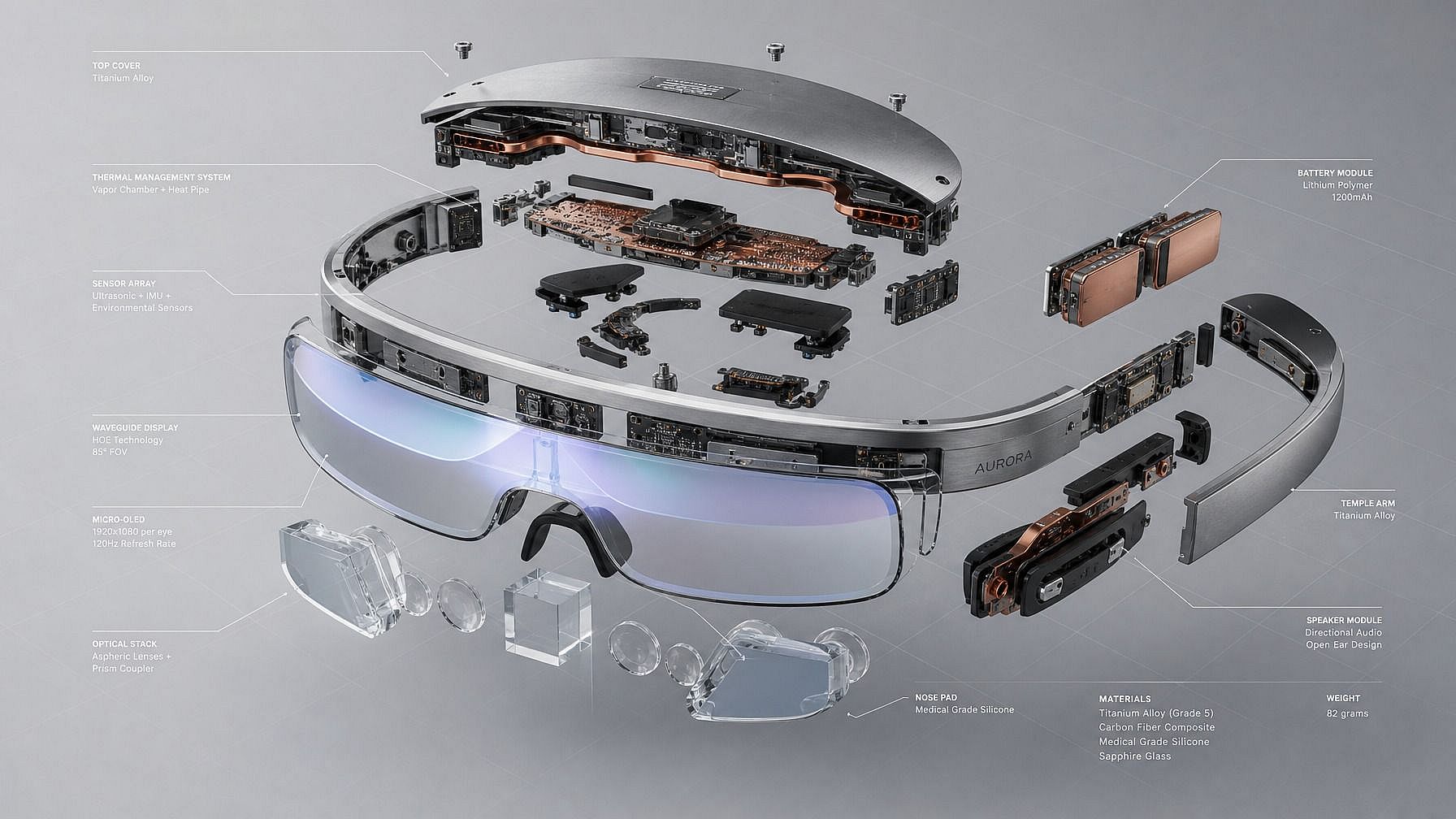
プロダクトデザイナーと工業デザインのコンセプトワーク
実際のCADモデルに着手する前に、製品コンセプトを分解図、正投影図、アイソメトリックイラストとしてモックアップしましょう。初期段階のコンセプト検討、ピッチデッキ、社内レビュー、そして製品がどう見えるかを役員やクライアントに見せる場面で役立ちます。まずCADで作る手間とコストをかける必要はありません。
今すぐ試す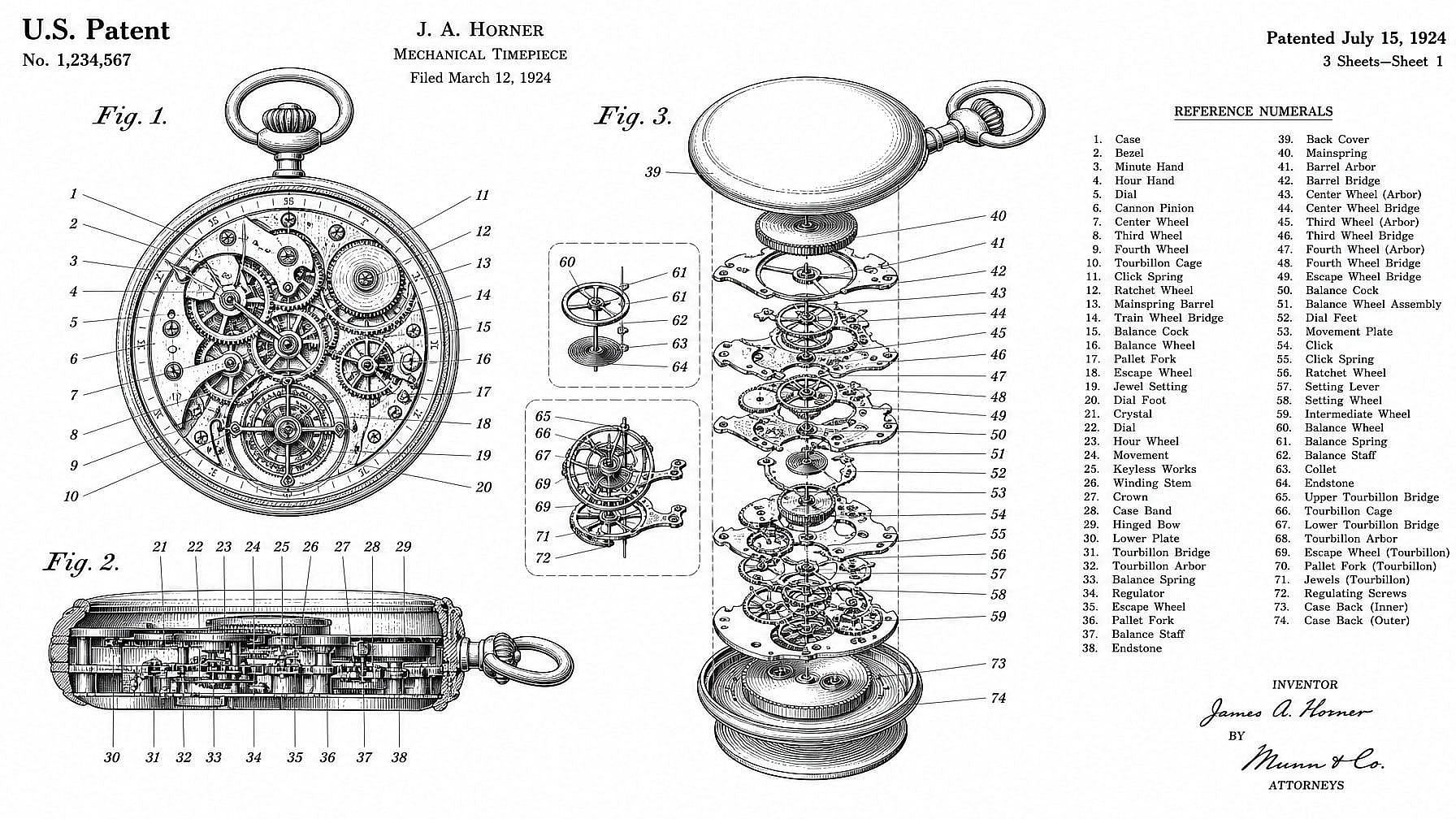
発明家と特許図面風イラスト
発明のピッチ資料、仮出願のコンセプト、ブログ記事、「Xの特許」コンテンツ向けに、特許図面風のラインアートを生成します。出力されるのは特許スタイルのビジュアルコンセプト図であって、そのまま出願できる書類ではありませんが、アイデアの仕組みをひと目で伝えるのに最適です。
今すぐ試す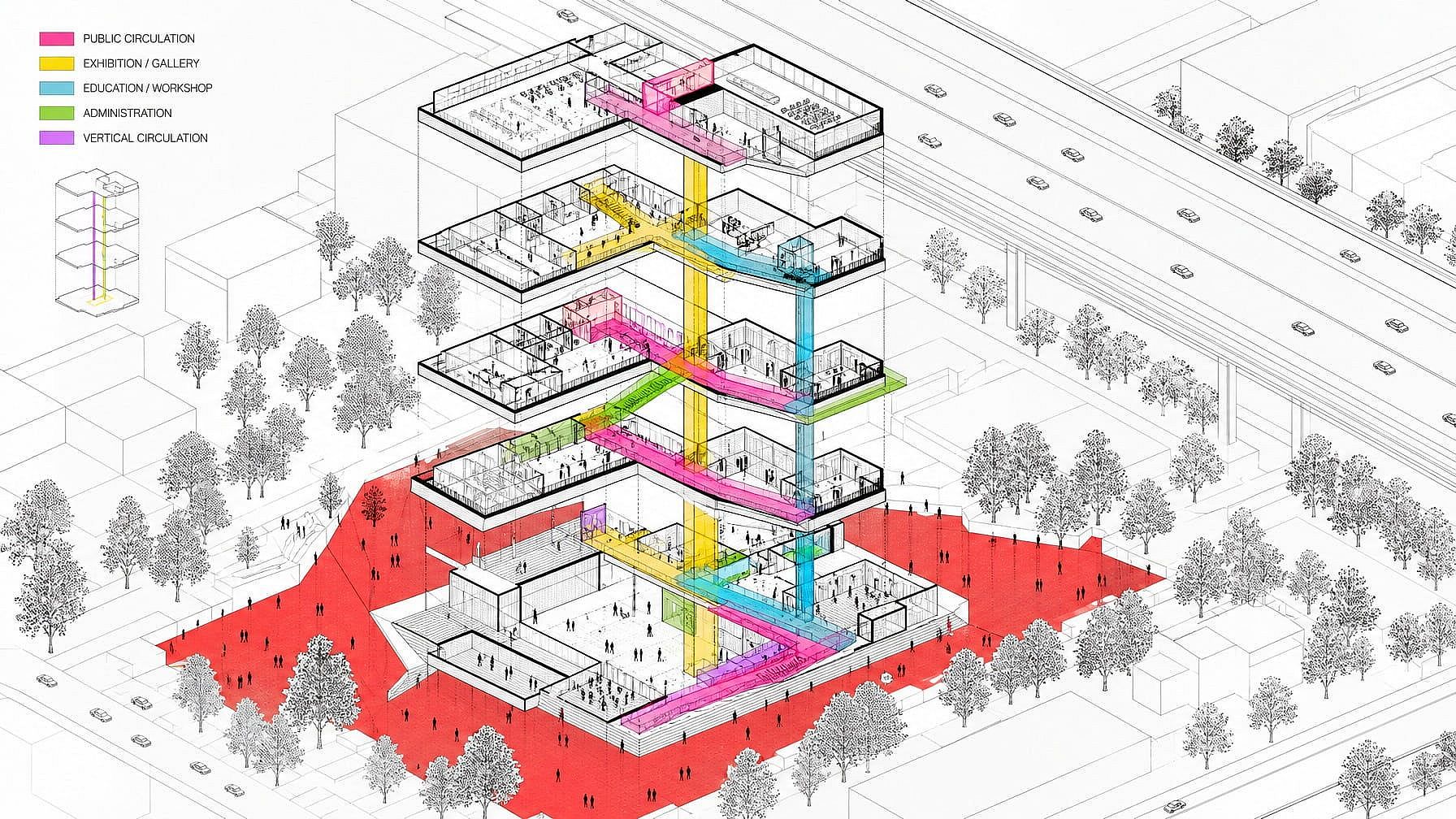
マーケティング、ブランディング、エディトリアルグラフィック
ランディングページ、スライド資料、広告クリエイティブ、エディトリアルイラストに、設計図・回路図・アイソメトリックの作図スタイルを活用しましょう。テクニカルドローイングの美学は、真面目で、考え抜かれた、エンジニアリング水準の印象を与えます。特にSaaS、ハードウェア、フィンテック、そしてより地に足のついたビジュアルを求めるBtoBブランドに効果的です。
今すぐ試す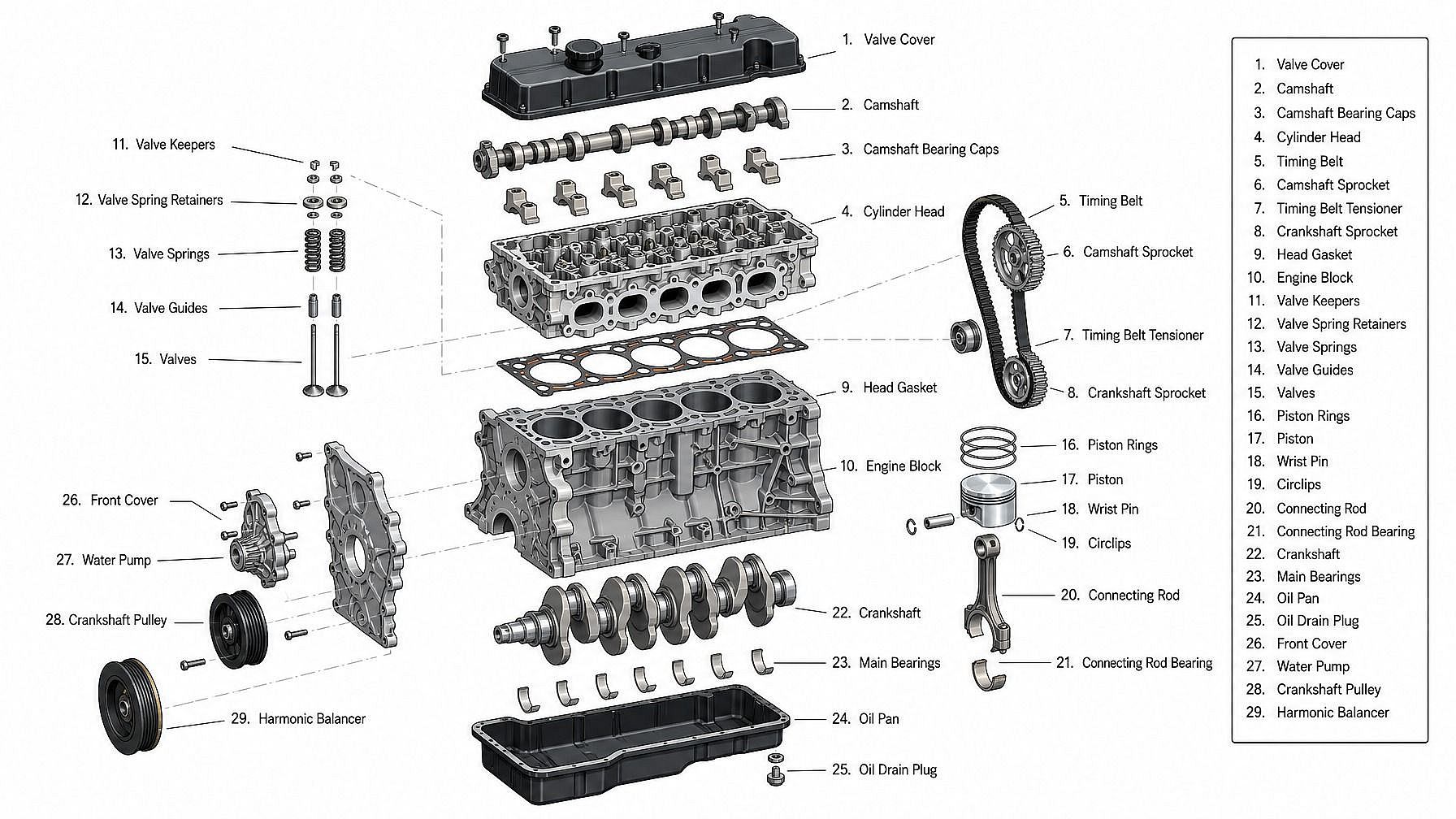
教育者・著者・コンテンツクリエイター
教科書、講座、YouTube解説、ブログ記事、スライド資料向けに、クリーンな技術図解を生成しましょう。機械の仕組みを示したり、エンジンの各部にラベルを付けたり、建物の間取り図を描いたり、ガジェットを構成部品に分解したり――図解のたびに技術イラストレーターに依頼する必要はありません。
今すぐ試すよくある質問 よくある質問
テキストプロンプトを設計図風の画像に変換するAIツールです。ブループリント、回路図、特許風のラインアート、分解図、正投影図、アイソメトリックイラストなどに対応。被写体を説明してスタイルを選ぶだけで、AIが洗練された設計図風の画像を生成します。
設計図(青地に白)、エンジニアリング図面、特許風のラインアート、分解図、正投影図(上/正面/側面)、アイソメトリックのテクニカルイラスト、断面図、建築立面図、手描きのテクニカルスケッチ、そしてモダンでミニマルなラインワーク。プロンプトでスタイルを説明すれば、AIがそれに合わせます。
はい。「折りたたみ椅子の平面図、正面図、側面図、アイソメ図を含む特許図面風シート」のように明示的にプロンプトを書きましょう。AIが複数視点のシートを1枚の画像にまとめます。視点間で正確な精度を求めるなら、やはりCADツールが必要です。
製図ジェネレーターは OpenArt の画像スタック — GPT Image 2.0、Nano Banana Pro、Seedream 4.0、FLUX.2、FLUX Kontext、Ideogram V3 — で動作し、クリーンな線画、読みやすい引き出し線、一貫した多視点レイアウトに最適化されています。
はい、無料でお試しいただけます。新規アカウントには40クレジットが付与され、クレジットカード不要で製図ジェネレーターをお試しいただけます。
いいえ。テクニカルドローイングジェネレーターは、テクニカルドローイング風の画像——設計図や特許図、回路図のように見える完成ビジュアルを生成します。CADファイル(DWG、STEP、IGES)ではなく、寸法を測れるものでもなく、製造や建設の正式な根拠として使うべきものではありません。あくまでコンセプトレンダー、イラスト、マーケティングビジュアルであり、エンジニアリングの成果物ではありません。機能的なエンジニアリング作業には、本物のCADツールが必要です。
はい。Nano Banana Pro、GPT Image 2.0、Ideogram V3などのモデルは、テキストラベル、注釈、番号付きパーツをうまく処理します。「1から6まで番号付きの注釈ラベル」「スモールキャップスの製図フォントのラベル」など、欲しいラベルをプロンプトで指定してください。長文や技術的なテキストは調整が必要な場合があります。
出力は特許図面風のイラストで、発明のプレゼン資料、ブログ記事、仮のコンセプトに最適です。実際の出願には、特許庁は通常、記載された請求項と一致する正確な図面を求めます。これは特許図面士や CAD 書き出しで用意するのが一般的です。コンセプト作りには AI ツールを、出願には正式な図面士を使いましょう。
はい。対象の有料プランでは商用利用権が付与されるため、マーケティング、プレゼン資料、製品、書籍、ブランドコンテンツに図面をご利用いただけます。詳しくは 料金 現在のプランについてはこちらのページをご覧ください。
被写体、スタイル(「設計図」「特許のライン画」「アイソメトリックな技術イラスト」など)、必要なビュー(上/正面/側面、分解図、断面図)、ディテールの度合い(ラベル付き注釈、番号付きパーツ、ハッチング)を具体的に指定しましょう。最初の生成が惜しいところまで来ていたら、プロンプトを調整したり、モデルを切り替えたり、線の太さの指示を変えたりしてみてください——同じ被写体でも、描画スタイルによって仕上がりは大きく変わります。