AI Video to Videoジェネレーター
OpenArt の AI Video to Video ジェネレーターは、すでにお持ちの動画クリップをリミックス・リスタイルします。元の動きはそのままに、アートスタイルをアニメやクレイメーションに変えたり、背景やキャラクターを差し替えたりできます。
AI動画から動画メーカーの主なメリット




元の動きをそのまま維持
OpenArtは、元のクリップの動き、タイミング、構造を保ちながら映像のスタイルを変換します。被写体はこれまでどおりに動くので、崩れたり歪んだりせず、新バージョンも自然なままです。




テイクはそのままに、見た目だけを変える
実写映像をアニメに変えたり、ジブリ風やピクサー風のスタイルを適用したり、新たに撮影せずにシーン全体の雰囲気を一変させたり。ゼロから作り直すのではなく、すでにあるクリップのビジュアルスタイルを変換します。

再撮影は不要
クルーやロケ地、新しいタレントを手配せずに、1つのクリップをキャンペーン向けの複数のルックに展開。制作の時間とコストを削減しながら、すべてのバージョンをオリジナルと一貫させます。
AI動画から動画ジェネレーターの主な機能
動きを保ったままクリップを自在にリスタイル
Restyle Videoは、アップロードした映像に新しいビジュアルスタイルを適用しながら、元の動きをすべて保持します。アニメ、LEGO、ジブリ、ピクサー、リック・アンド・モーティ、レトロ、クレイアニメ、サイバーパンクなどのプリセットから選ぶか、自分だけのルックを描写しましょう。動き、テンポ、タイミングはそのままで、スタイルだけが変わります。
背景の差し替えとシーンの照明調整
背景置き換えツールは、手前のアクションに手を加えることなく、被写体の背後の設定を新しい環境に差し替えます。動画ライティング調整は、シーンの照明を調整し、フラットな光で撮影したクリップを暖かく、雰囲気豊かに、あるいはシネマティックに見せます。これらの機能を組み合わせれば、 AI動画ジェネレーター 雰囲気を丸ごとリセットできます。
撮り直しなしでキャラクターを差し替え
Replace Characterは、クリップ内の特定の人物や人型を変更したり、キャラクターを直接引き込んだりします。 OpenArt Characters ライブラリからショットに取り込みます。差し替えは元の動きに従うため、新しいキャラクターは映像とまったく同じように動きます。
モーションシンク、リップシンク、サウンド追加
Motion Syncはある動画の動きやジェスチャーを新しい動画にコピーし、パフォーマンスをクリップ間で引き継げます。Lip Syncは動画の口の動きを、あなたが用意したセリフに合わせます。Add Sound Effectはpromptで説明した音を重ねます。これらのツールで、映像と音声がぴったり揃ったリスタイル済みのクリップに仕上がります。
AI Video to Video クリエイターの使い方
既存のクリップから3ステップで動画のバリエーションを作成。
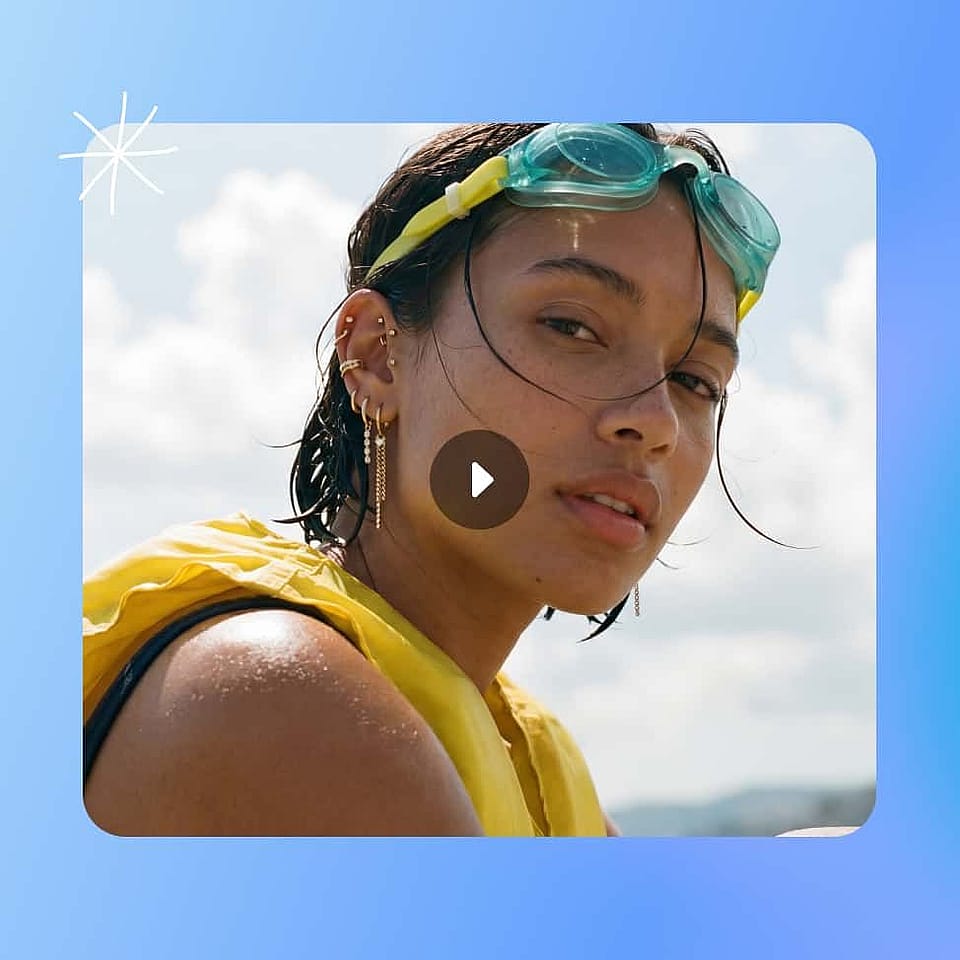
動画をアップロード
OpenArtのAI Video to Videoジェネレーター内でRestyle Videoツールを開き、変換したいクリップをアップロードします。鮮明で安定したソース動画ほど、モデルに最も多くのディテールが与えられ、最もクリーンな結果が得られます。
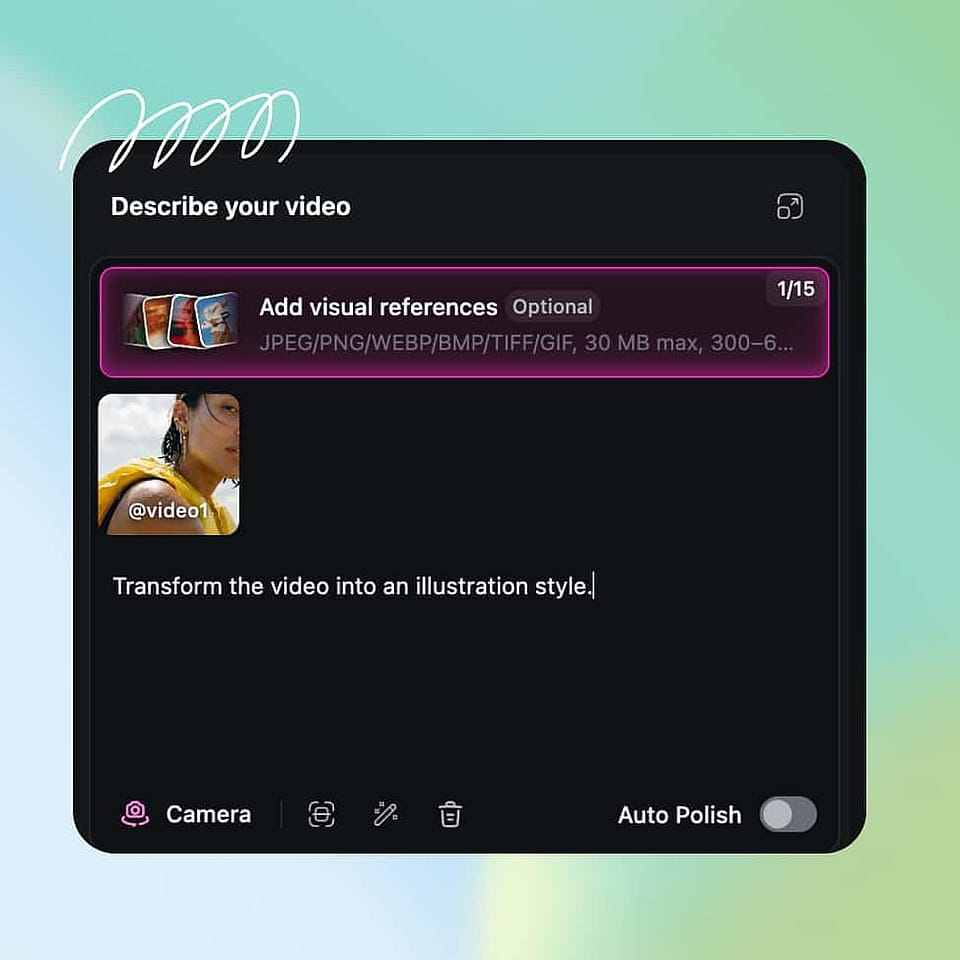
新しい変更内容を説明
アニメ、ジブリ風、ピクサー風、サイバーパンクなどのプリセットを選ぶか、欲しい雰囲気を短いpromptで記述しましょう。生成する前に、解像度やエクスポート品質などの出力オプションを設定してください。
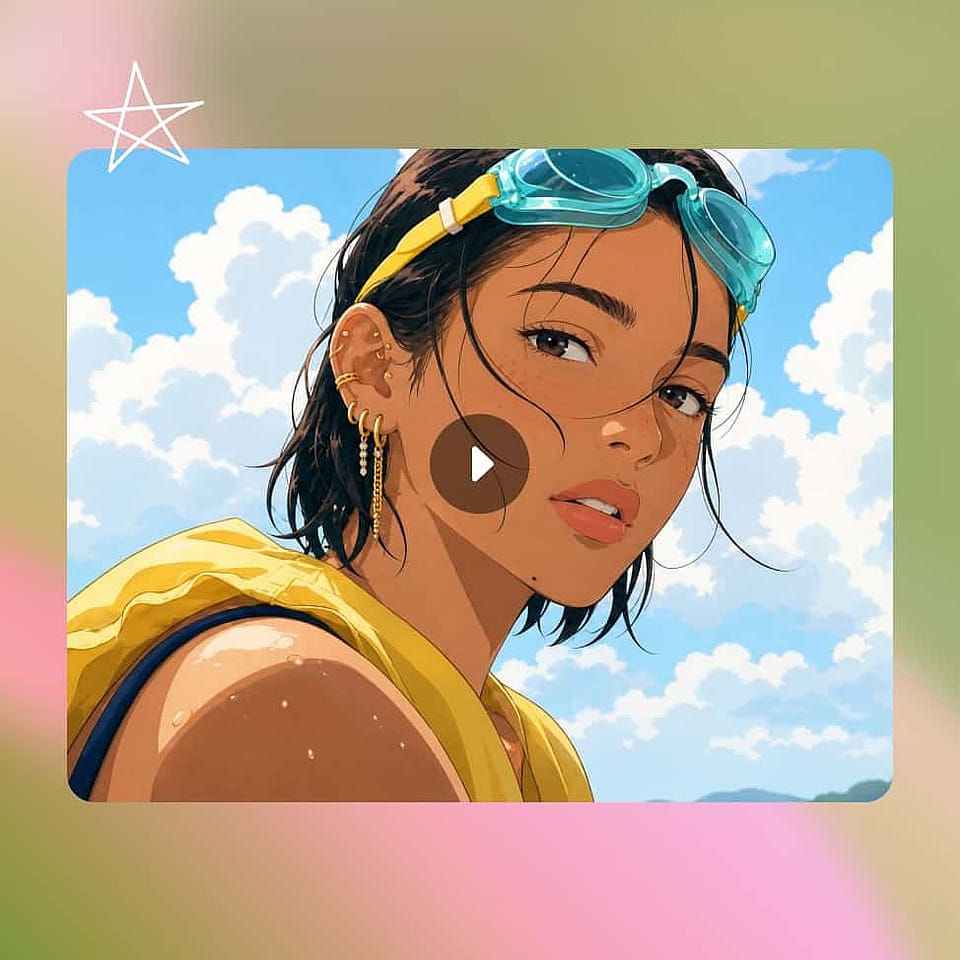
生成してダウンロード
スタイルを変えたクリップを生成し、新しい見た目が動画全体で保たれているか確認します。別の結果が欲しい場合はスタイルやプロンプトを調整し、最終版をアップスケールしてプラットフォーム向けに書き出しましょう。
AI動画変換ジェネレーターのおすすめ活用法
AI Video to Video ジェネレーターは、幅広いクリエイターやチームにぴったりです。
SNSキャンペーン向けに映像をリスタイル
コンテンツクリエイターは1本のクリップを、TikTok・Reels・Shorts向けにさまざまなスタイルのバージョンへと展開できます。一度の撮影がアニメ調・レトロ調・サイバーパンク調に生まれ変わり、それぞれのプラットフォームに合った仕上がりに。新たに撮影しなくてもフィードを新鮮に保てます。撮影量を大幅に減らしつつ、投稿頻度を上げられるのです。
今すぐ試すブランド動画に新しい表情を
代理店やブランドチームは、既存のブランド映像を異なるオーディエンスやシーズン向けの新しいビジュアル方向へと応用できます。動きと商品はそのまま保たれるため、リスタイルしたクリップはブランドに沿ったままルックを進化させられます。これにより、新たな制作予算なしでキャンペーンを刷新することが実現します。
今すぐ試す実写映像をアニメやカートゥーンに変換
ファンやクリエイターは、元の演技を保ったまま実写動画をアニメ・カートゥーン・イラスト風のスタイルに変換できます。AI がフレームをリスタイルしつつ動きを維持するので、実写クリップが自然な質感のスタイライズされたシーンに生まれ変わります。実写とアニメの相互変換は、動画から動画への最も要望の多い使い方です。
今すぐ試す撮り直しなしで古い映像を蘇らせる
古いクリップのライブラリを抱えているチームなら、ライティングやスタイルを変えたり、背景を作り直したりして、その映像を再び使えるようにできます。撮り直す代わりに、すでに手元にある素材の見た目をアップデートするのです。OpenArtの機能と組み合わせて活用しましょう AI画像から動画生成 静止画から新しい動きを生み出してギャップを埋めたいときに使えるジェネレーター。
今すぐ試すよくある質問 よくある質問
AIによる動画から動画への変換は、シーンをゼロから生成する代わりに、すでにある映像を作り変えるシンプルなワークフローです。AIが元のクリップを読み取り、動き、タイミング、構成を保ちながら、スタイル、背景、ライティング、キャラクターを変えます。
はい。Restyle Videoにはアニメのプリセットのほか、ジブリ、ピクサー、クレイアニメなどのスタイルが用意されているので、実写映像をアニメーションに変換できます。ツールが元の動きを保持するため、変換後のクリップは元と同じアクションをたどります。
ほとんどのモデルで最大15秒、一部の新しいモデルでは最大30秒のクリップを扱えます。さらに長いシーケンスが必要なときは、Extend Videoで最大10秒ショットを延長できます。これでほとんどのSNS投稿、広告、短いシーンをカバーできます。
対応モデルでは、すべての標準アスペクト比で最大4K解像度まで書き出せます(標準は1080p)。Upscale Video を使えば、完成したクリップを4Kにシャープ化し、ぼやけやピクセル化もクリーンアップできます。
クリップをOpenArtのAI動画→動画ジェネレーターにアップロードし、「Restyle Video」を開いて、プリセットスタイルを選ぶか希望の雰囲気を記述して生成しましょう。AIが元の動きをそのままに、クリップ全体へ新しいスタイルを適用します。
はい。AI Video to Videoジェネレーターは、見た目だけを変えつつ、元クリップの動き、テンポ、タイミングを保つよう作られています。だからこそ、スタイルを変えたりキャラクターを差し替えたりした動画が、歪まずに自然に見えるのです。
はい。Replace Backgroundは被写体の背景を差し替え、Replace Characterはクリップ内の人物を変更したり、OpenArt Charactersライブラリから引っ張ってきたりできます。どちらも元の動きに沿って処理されるため、変更後も自然に見えます。
はい。OpenArt では Seedance 2.5、Wan 3.0、MiniMax H3 が、プロンプトと並べて短い動画クリップを参照として受け付けます。AI は参照クリップの被写体(製品や人物など)を保ちながら、あなたが説明する新しいシーンに配置します。