AI Image to Videoジェネレーター
OpenArt の AI Image to Video ジェネレーターで、どんな写真も動く動画に。1 枚の画像をアップロードして、動かしたい動きを説明するだけで、数分でシネマティックなクリップが完成します。
AI画像から動画メーカーの主なメリット




どんな写真もアニメーション化
商品写真、ポートレート、イラスト、スクリーンショットから始めれば、OpenArtがリアルな動きを加えます。動く動画を作るのに、映像素材もカメラも編集ソフトも必要ありません。




動きをコントロール
顔へのゆっくりしたズームから、風景を横切るパン、フレームに歩み込んでくる被写体まで、ショットの動きはあなた次第。カメラワークとアクションを指定すれば、AIがその指示どおりに動きます。

数分で完成
1枚の静止画が、丸一日の制作ではなく数分で洗練されたクリップに。同じ写真から複数のモーションオプションを生成し、最も良いバージョンを残しましょう。
AI画像→動画ジェネレーターの主な機能
同期サウンドを追加し、最初と最後のフレームを設定して、最長30秒のクリップを作成できます。
1枚の画像からフル動画を生成
商品写真やポートレートから、イラスト、コンセプトレンダー、スクリーンショットまで、あらゆる種類の画像をアニメーション化。 AI動画ジェネレーター は、画像内の被写体、背景、ライティングを読み取り、元のシーンに忠実なまま、滑らかな動き、カメラワーク、シネマティックな雰囲気を加えます。
あらゆる動きとアクションを演出
顔にゆっくりズームインしたり、風景を横切ってパンしたり、ドリーで押し込んだり、被写体の周りを旋回したりと、ショットの動きを思いのままにコントロールできます。さらに最初と最後のフレームを設定して、動画の始まりと終わりを指定することも可能。1枚目の写真を最初のフレーム、2枚目の写真を最後のフレームとしてアップロードすれば、AIがその間の動きを生成します。つぼみが満開に咲き開くような表現もお手のものです。
延長・アップスケール・サウンド追加
クリップが惜しくも短すぎるときは、Extend Videoでショットを最大10秒延長でき、Upscale Videoで最終結果を4Kにシャープ化してぼやけやピクセル化を解消できます。Add Sound Effectツールならプロンプトで説明した音声を重ねられ、同じ被写体をOpenArtの他のツールに引き継ぐこともできます OpenArt Characters.
AI画像→動画生成ツールの使い方
AIで写真を3ステップで動画に変換。
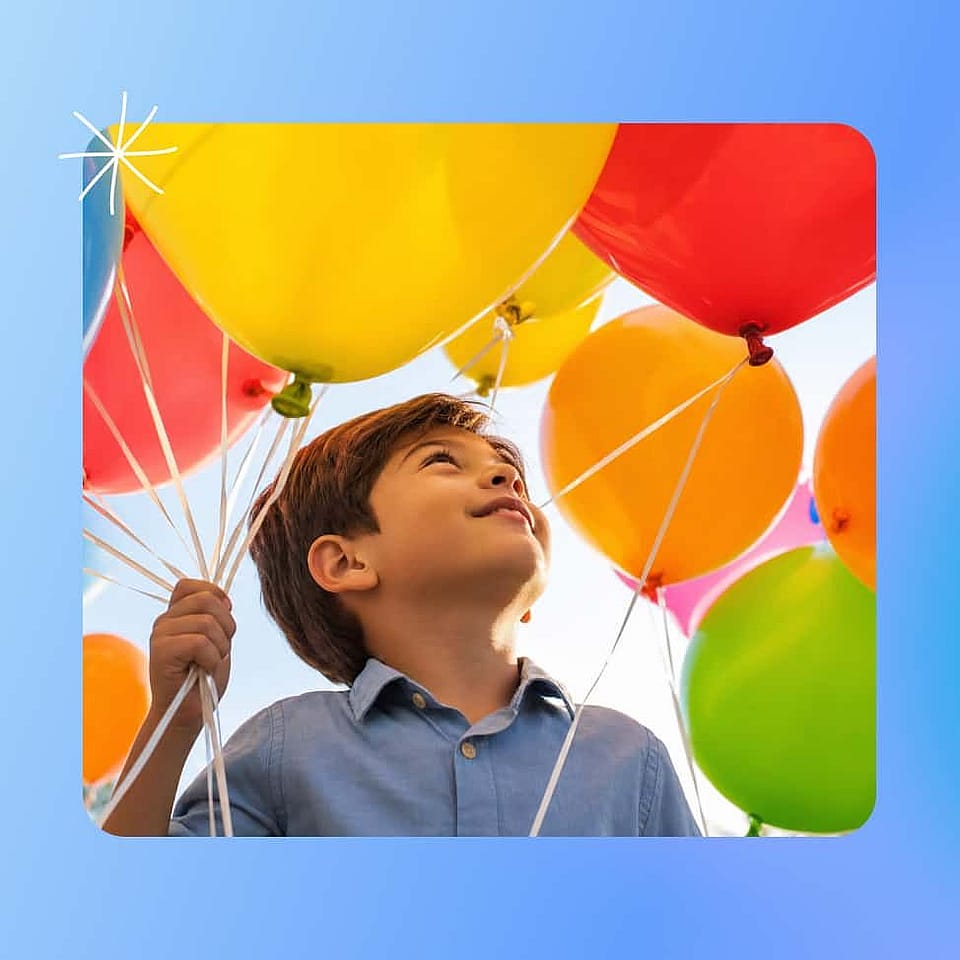
写真をアップロード
サブジェクトがはっきりした鮮明で高品質な画像を選び、AI画像から動画ジェネレーターを開きましょう。ぶれのないシャープな写真ほど、モデルが扱えるディテールが多くなり、最もクリーンなモーションが得られます。
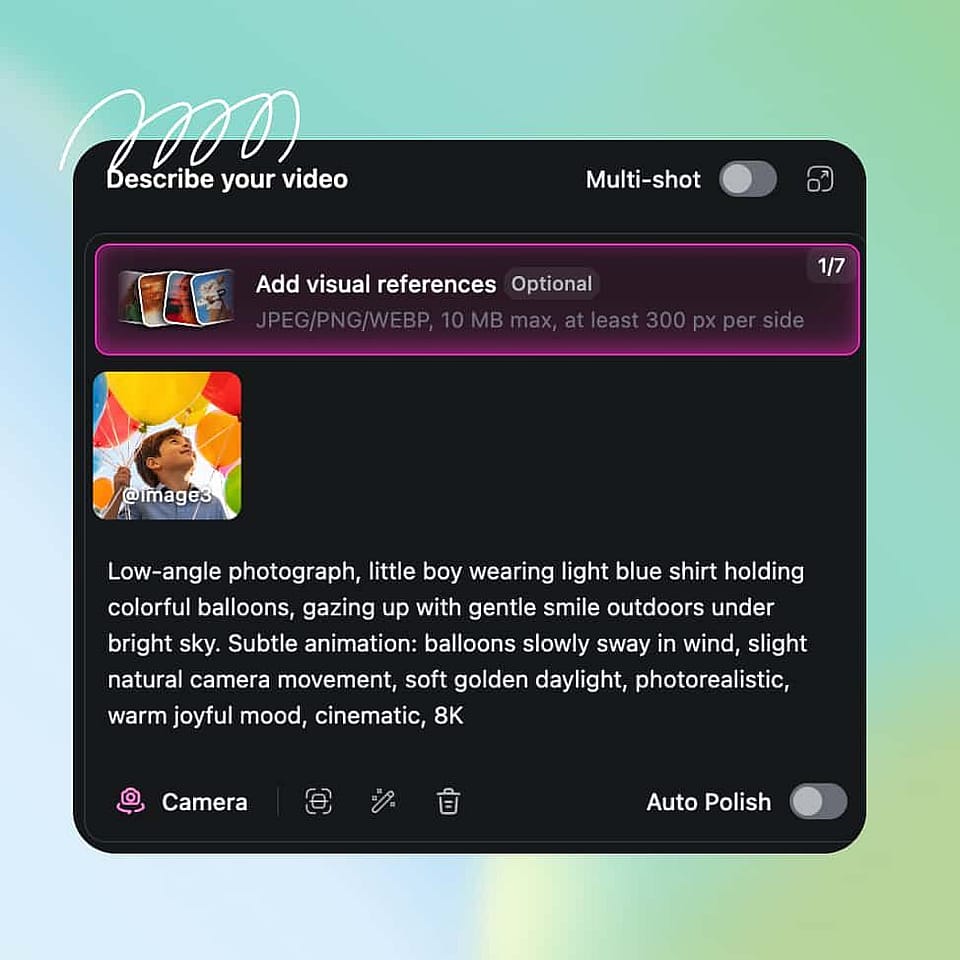
シーンを説明
望むカメラの動きとアクションについて短いプロンプトを書き、モデル、長さ、アスペクト比、解像度を選びましょう。OpenArtに説明文をブラッシュアップしてほしい場合は、Auto-Polish Promptをオンにしてください。
生成してダウンロード
クリップを生成し、モーションを確認したら、プロンプトや設定を調整して思い描いたショットに近づけましょう。モーションが決まったら、動画を延長またはアップスケールして、プラットフォーム向けに書き出します。
AI画像→動画ツールのおすすめの使い方
AI画像→動画ジェネレーターは、幅広いクリエイターやチームに適しています。
商品写真を広告に変える
ECの出品者やマーケターは、1枚の商品写真を動きのある短い広告にアニメーション化できます。撮影を手配する代わりに、商品を魅力的に見せる動くクリップを生成して、SNSや有料キャンペーンにそのまま使えます。同じ商品で複数のアングルを手早くテストするのも簡単です。
今すぐ試すポートレートや思い出をアニメーション化
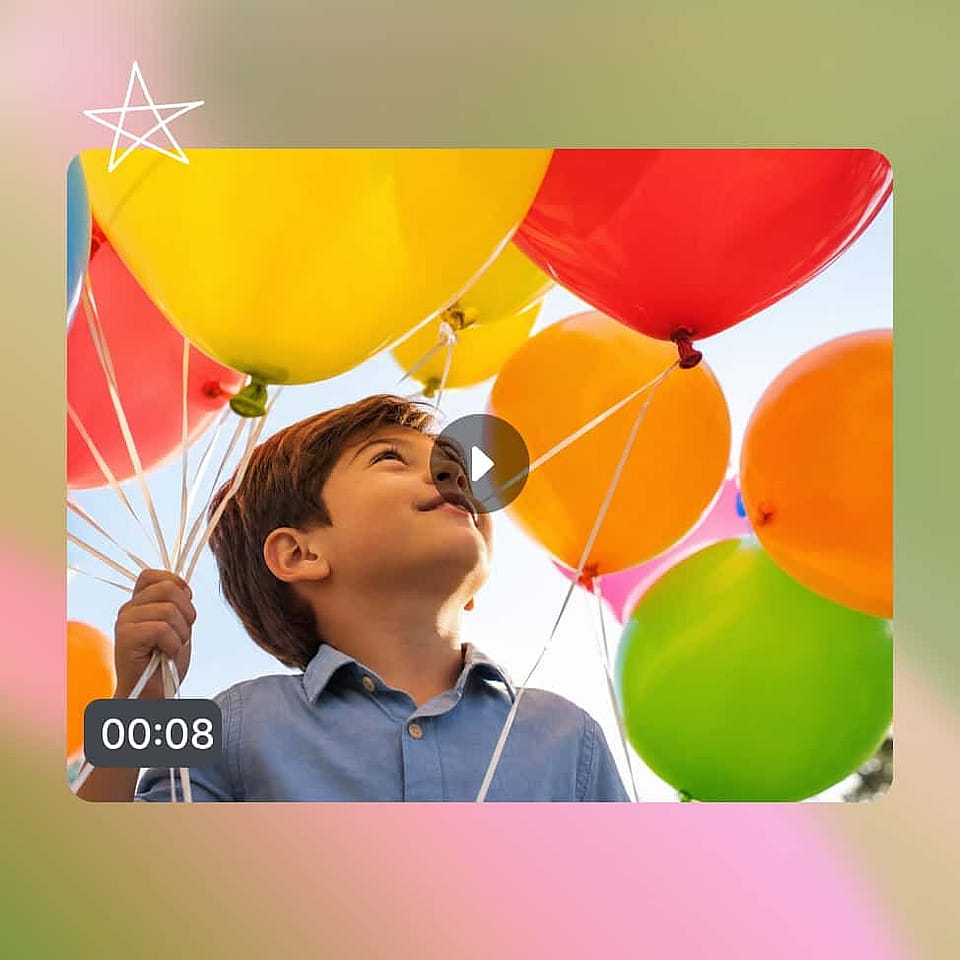
家族写真やポートレート、古い写真に、優しく自然な動きで命を吹き込みましょう。さりげないズームや柔らかなカメラの流れを加えれば、静止した思い出がシェアしたくなる短いクリップに変わります。編集スキルがなくても、個人の写真をシネマティックに仕上げられる手軽な方法です。
今すぐ試すイラストやアートに命を吹き込む
アーティスト、イラストレーター、デザイナーは、自分のアートワークやキャラクターデザイン、コンセプト作品を動くショーケースへとアニメーション化できます。AIが元画像の見た目を保ちながら動きを加えるので、スタイルはそのまま。動くアートは、静止画よりもポートフォリオやソーシャルフィードで格段に目を引きます。
今すぐ試すソーシャル&UGCクリップを大量に作成
クリエイターや SNS チームは、写真ライブラリを TikTok・Reels・Shorts 向けのショート動画の安定した供給源に変えられます。各クリップは数分で完成するため、毎週新しい映像を撮影しなくても活発な投稿ペースを維持できます。さらに AI 動画→動画ワークフロー を使ってそれらのクリップを新しいルックに変換しましょう。
今すぐ試すよくある質問 よくある質問
AI画像→動画ジェネレーターは、静止画を動く動画に変えるツールです。画像をアップロードすると、AIが自動でモーション、カメラの動き、シネマティックな効果を加えるので、自分で撮影や編集をしなくても動画クリップが手に入ります。
ほとんどのクリップは数分で生成されます。選んだモデル、解像度、そのときの混雑状況によって変わります。Fast出力ならすぐにドラフトが手に入り、Quality出力ならより洗練された最終動画に仕上がるまで少し時間がかかります。
はい。promptでカメラの動きと被写体のアクションの両方をコントロールできるので、スローズーム、パン、トラッキングショット、フレーム内を動く被写体などを指示できます。具体的なpromptほど最終ショットを細かく調整できます。
最適な画像から動画へのモデルは、作りたいショットによって変わります。OpenArtでは、Seedance 2.5とWan 3.0が最長30秒の単一ショットを生成できます。Kling 3.0とVeo 3.1は同期サウンド付きで4Kまで対応。MiniMax H3はシャープな2K動画を、PixVerse V6は滑らかなカメラワークが特徴の低コストな選択肢です。同じ写真を2つのモデルで試して、より良い動画を選びましょう。
はい。OpenArtでは、Seedance 2.5、Veo 3.1、Kling 3.0、Wan 3.0、Gemini Omni Flash、Grok Imagine 1.5が、動画と同じ生成プロセスでサウンドを作成します。ビーチの写真なら波の音、街並みの写真なら交通音というように、映像に合ったサウンドが生成されます。生成後に「サウンドエフェクトを追加」ツールで、お好みのサウンドを説明して加えることもできます。
写真をOpenArtのAI画像→動画ジェネレーターにアップロードし、希望するカメラの動きとアクションを説明する短いプロンプトを書いて、設定を選び、生成します。AIが数分で画像を動画にアニメーション化し、プロンプトを調整してモーションを微調整できます。
ほとんどのモデルで最大15秒、より高性能な新しいモデルなら最大30秒のクリップを生成できます。さらにExtend Videoを使えば、ショットを10秒以上延長して長めのシーケンスにすることも可能。SNS投稿や広告、ショートショーケースには十分な長さです。
対応モデルではすべての標準アスペクト比と最大4K解像度で生成でき、標準デフォルトは1080pです。つまり、TikTok、Reels、YouTube、横長広告向けに、追加の編集なしで最適な形式でエクスポートできます。
はい。OpenArtの画像から動画への生成ツールでは、開始写真と終了写真をアップロードすると、AIがその間の動きを生成します。最初と最後のフレームのコントロールを使えば、製品のお披露目、ビフォーアフター、昼から夜への変化などを表現できます。Seedance 2.5、Kling 3.0、Veo 3.1、Wan 3.0、PixVerse V6などのモデルで利用可能です。
優れた画像から動画へのプロンプトは、1つのショットを描写します。被写体の動き、カメラの動き、テンポ、そしてショットの締めくくり方です。例えば「雨が降る中、カメラがスニーカーの周りをゆっくり旋回。穏やかでスロー。ロゴで締める」。写真に写っているものはAIがすでに認識しているので、プロンプトは動きに焦点を当てましょう。