お気に入りのモデルがすべてここに。生成は無制限。

期間限定・最大27%OFF! ›

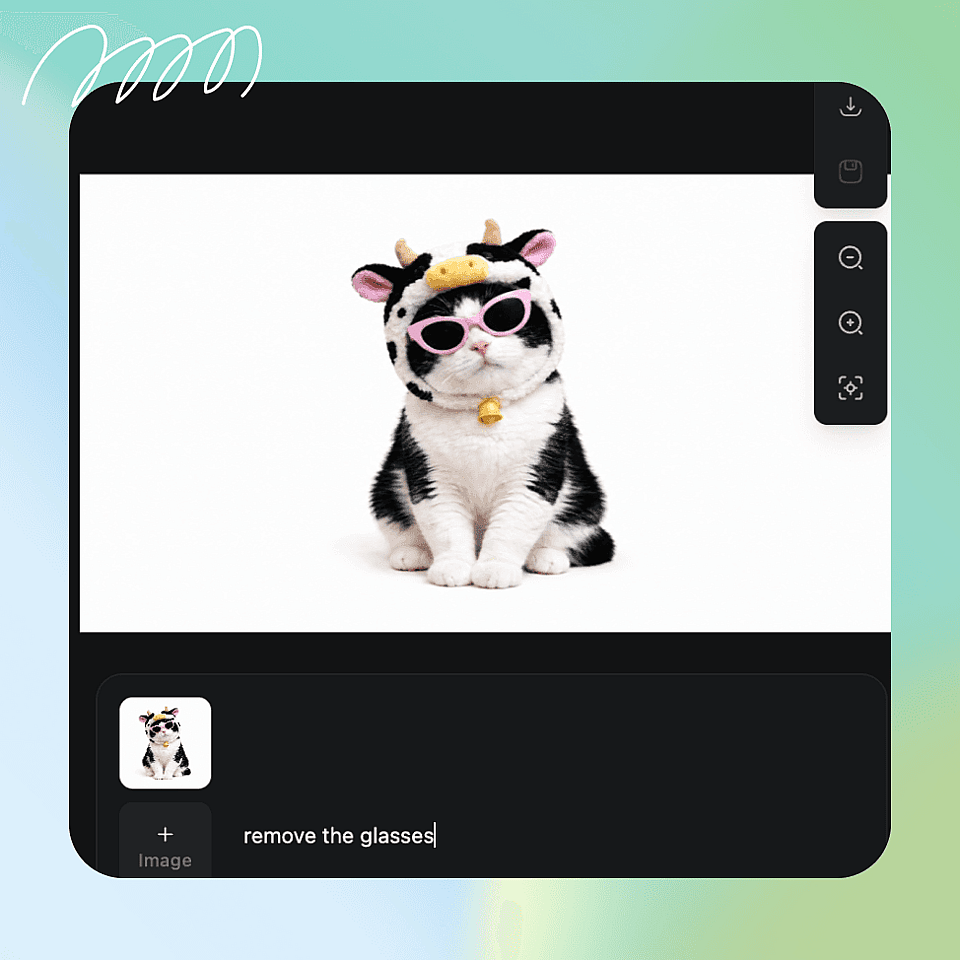
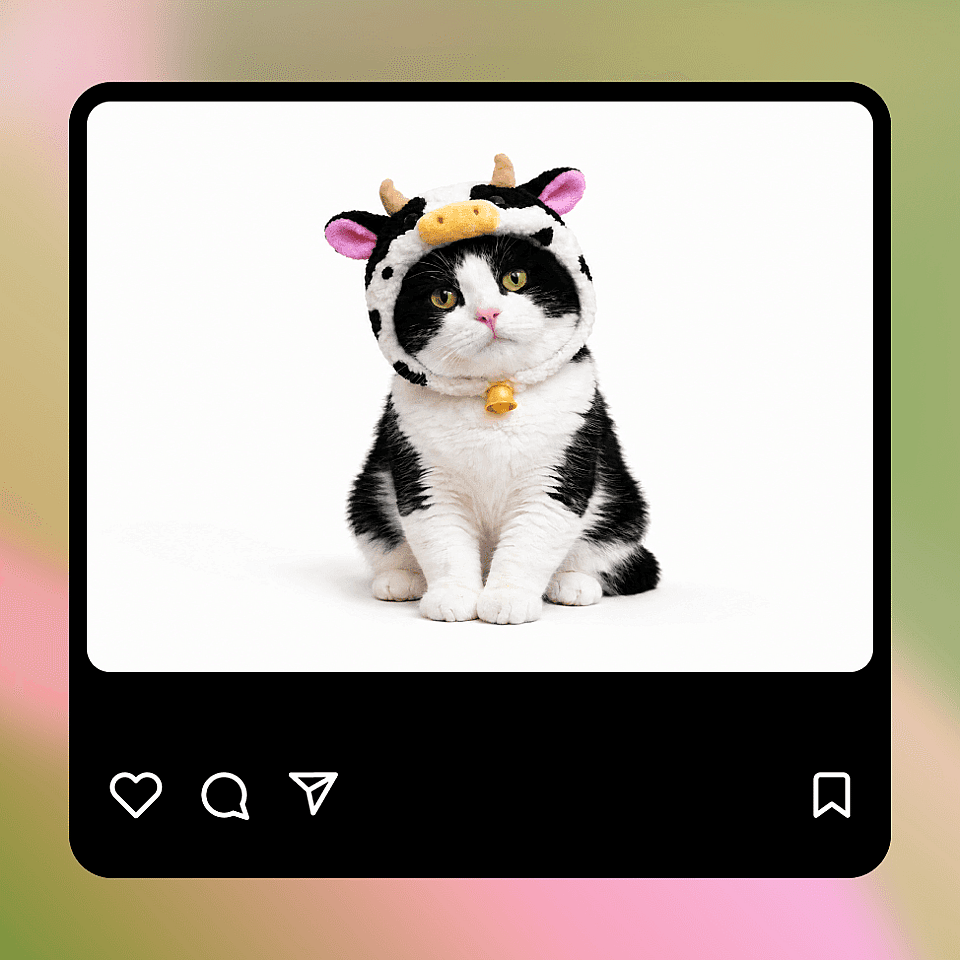
写真から不要物を削除

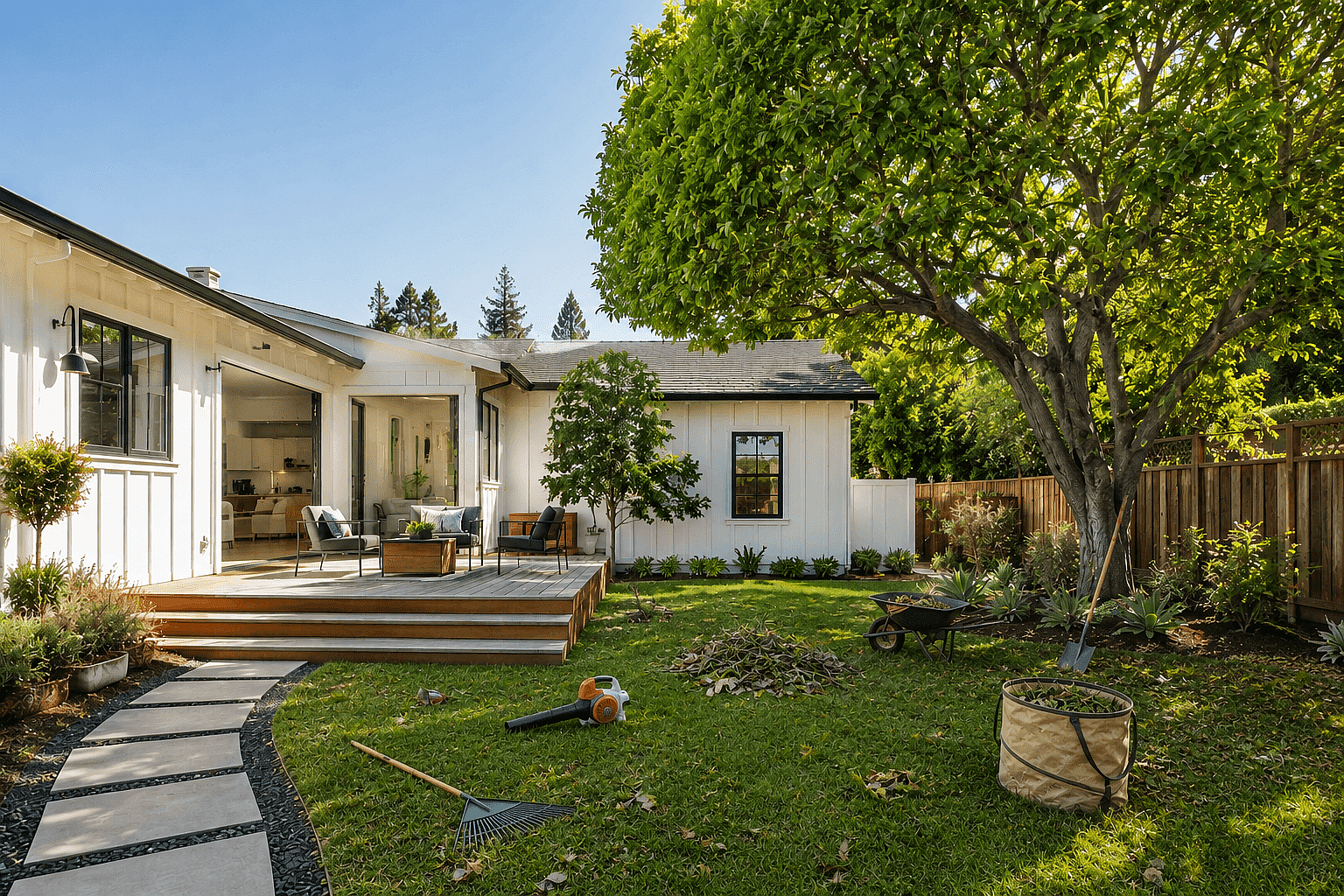
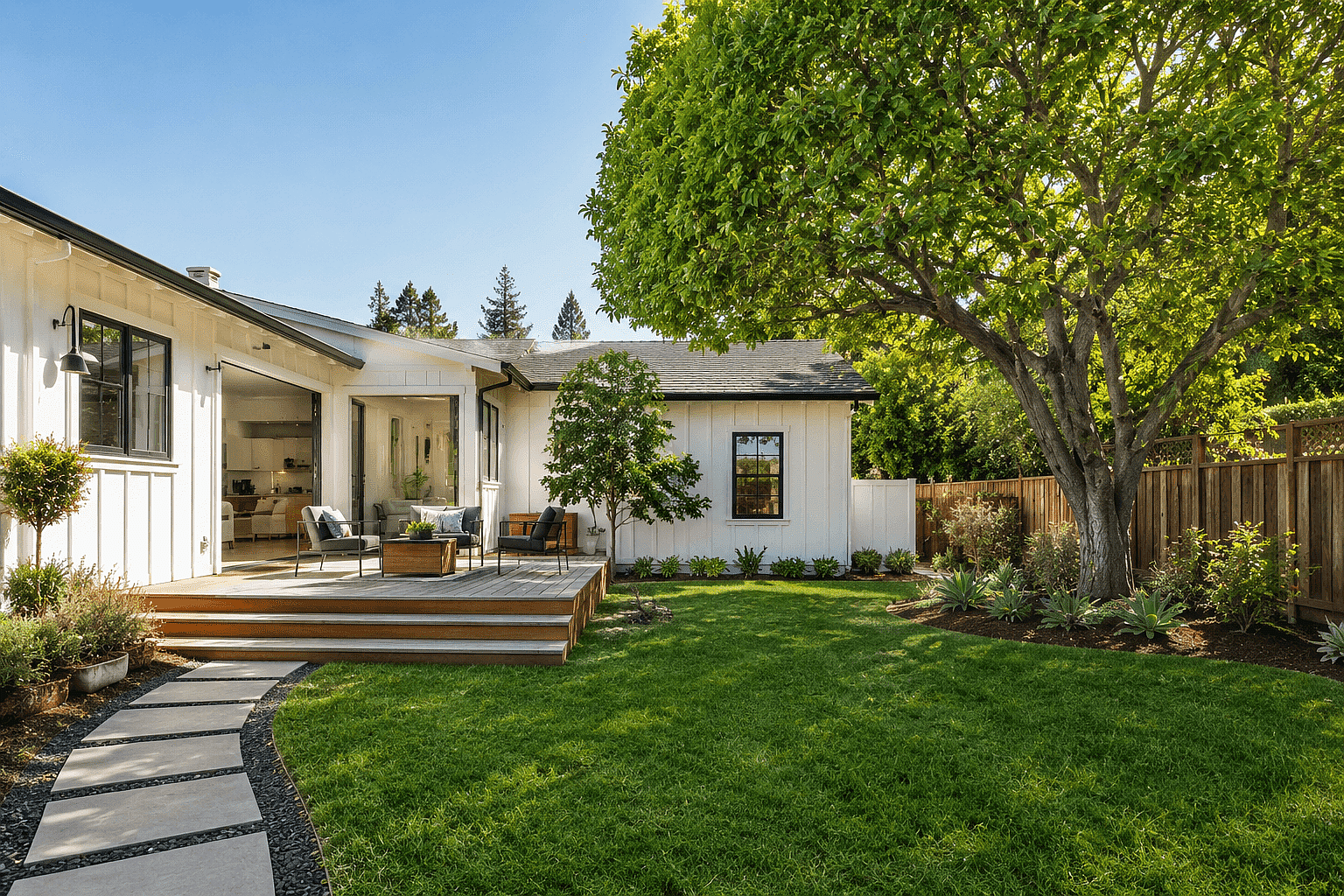
不要なオブジェクト、人物、ウォーターマーク、背景の邪魔なものを写真から数秒で消去。OpenArtのAIが、テクスチャや照明、影を自然に合わせて欠けた部分を補完します。ブラシもマスクも不要です。

画像参照を追加
今すぐオブジェクトを削除

シームレスな再構築を備えたAIオブジェクト除去

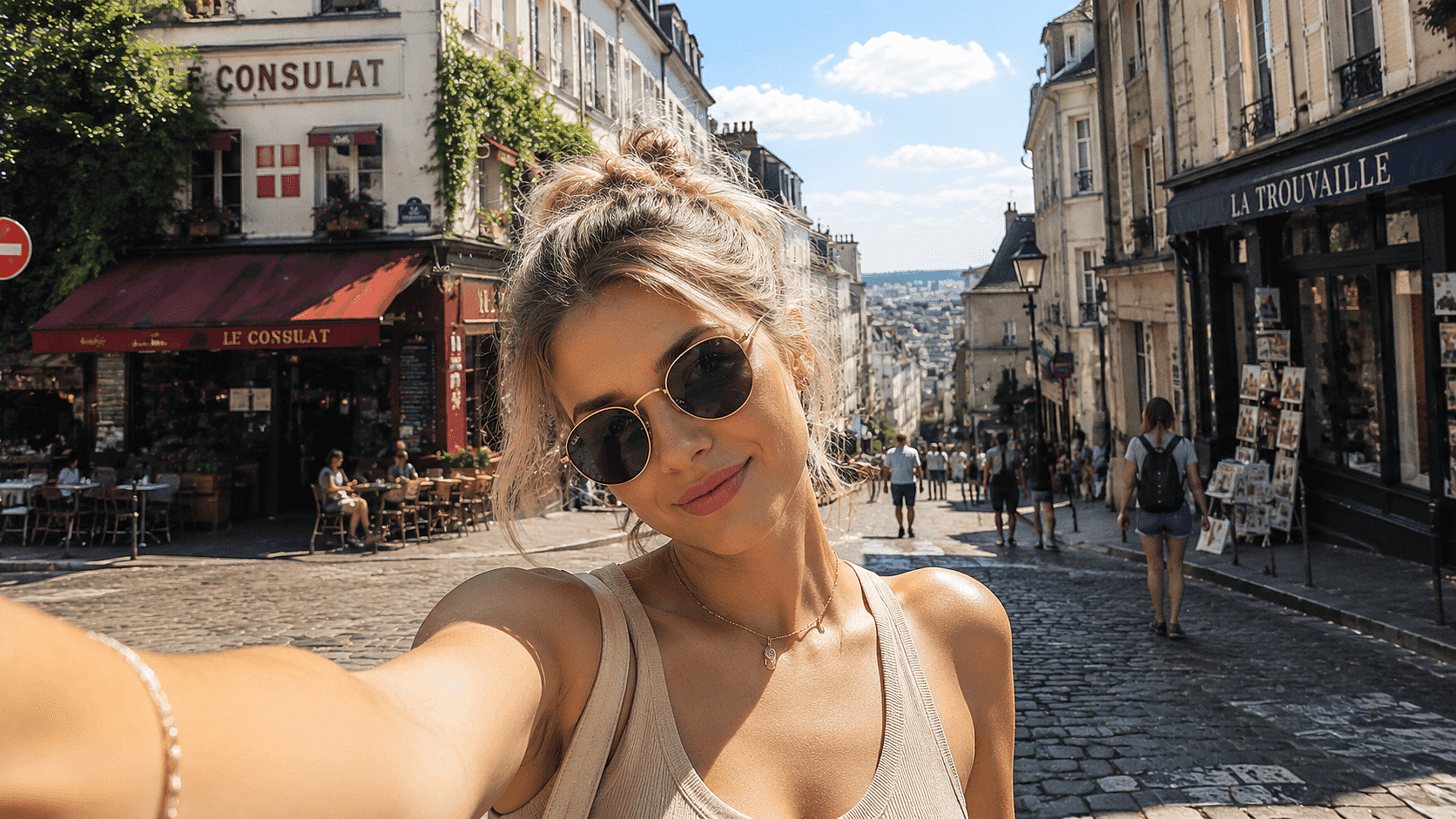
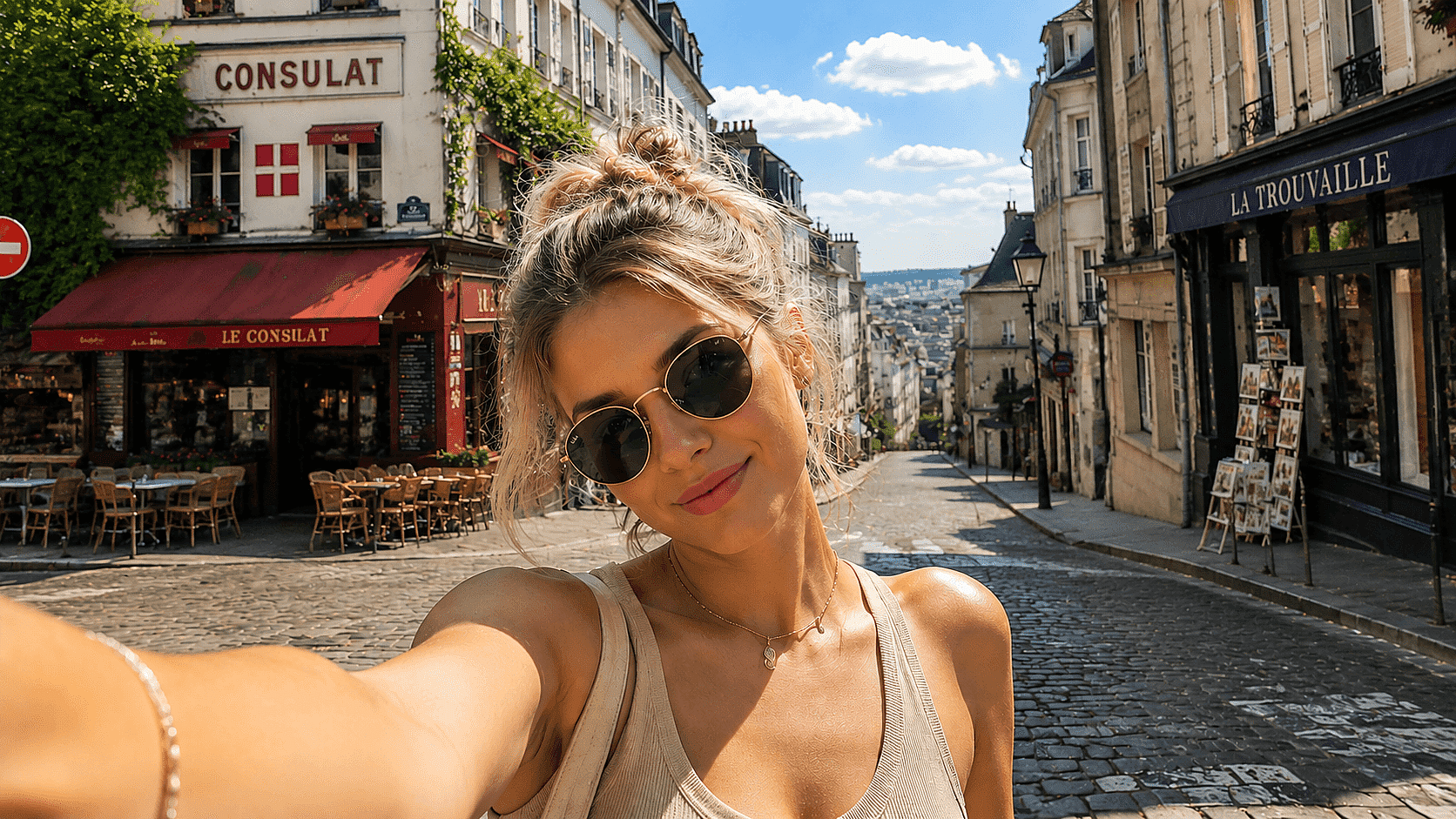
Powered by Seedream 5.0, GPT Image 2, and more, reconstructed areas match the surrounding texture, lighting, and shadow with no visible seams.

Before
After
ビフォー 編集後

Magic Eraser

どんな物体もタップまたはドラッグするだけで、数秒で消えます。写り込んだ人物、コーン、レンズフレア、混雑した背景にも対応。周囲のテクスチャ、色、奥行きを使って物体の背後を再構築し、さらに次に通します AI画像アップスケーラー を使えば、書き出し前にフル解像度のシャープさを復元できます。

Before
After
ビフォー 編集後

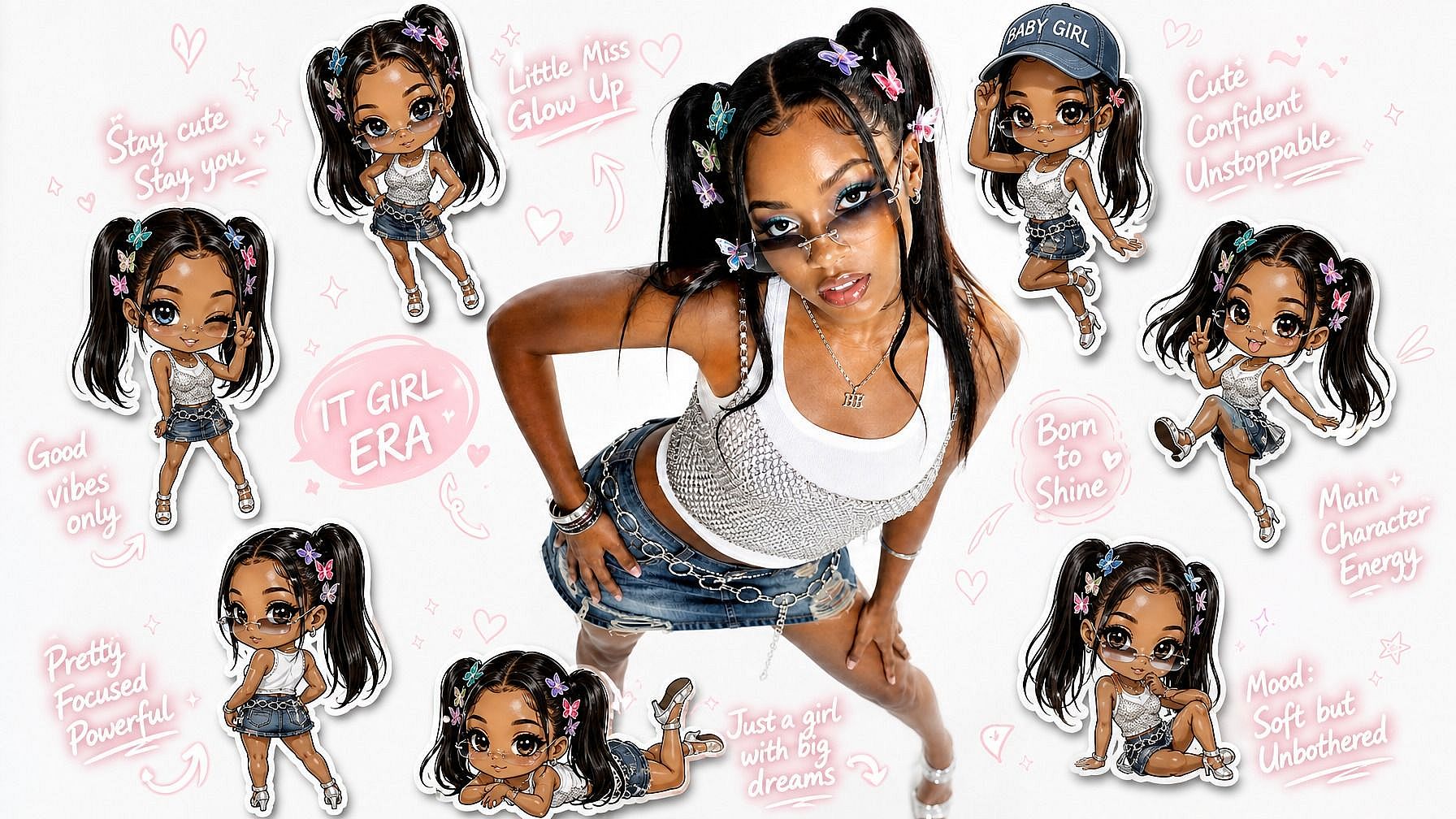
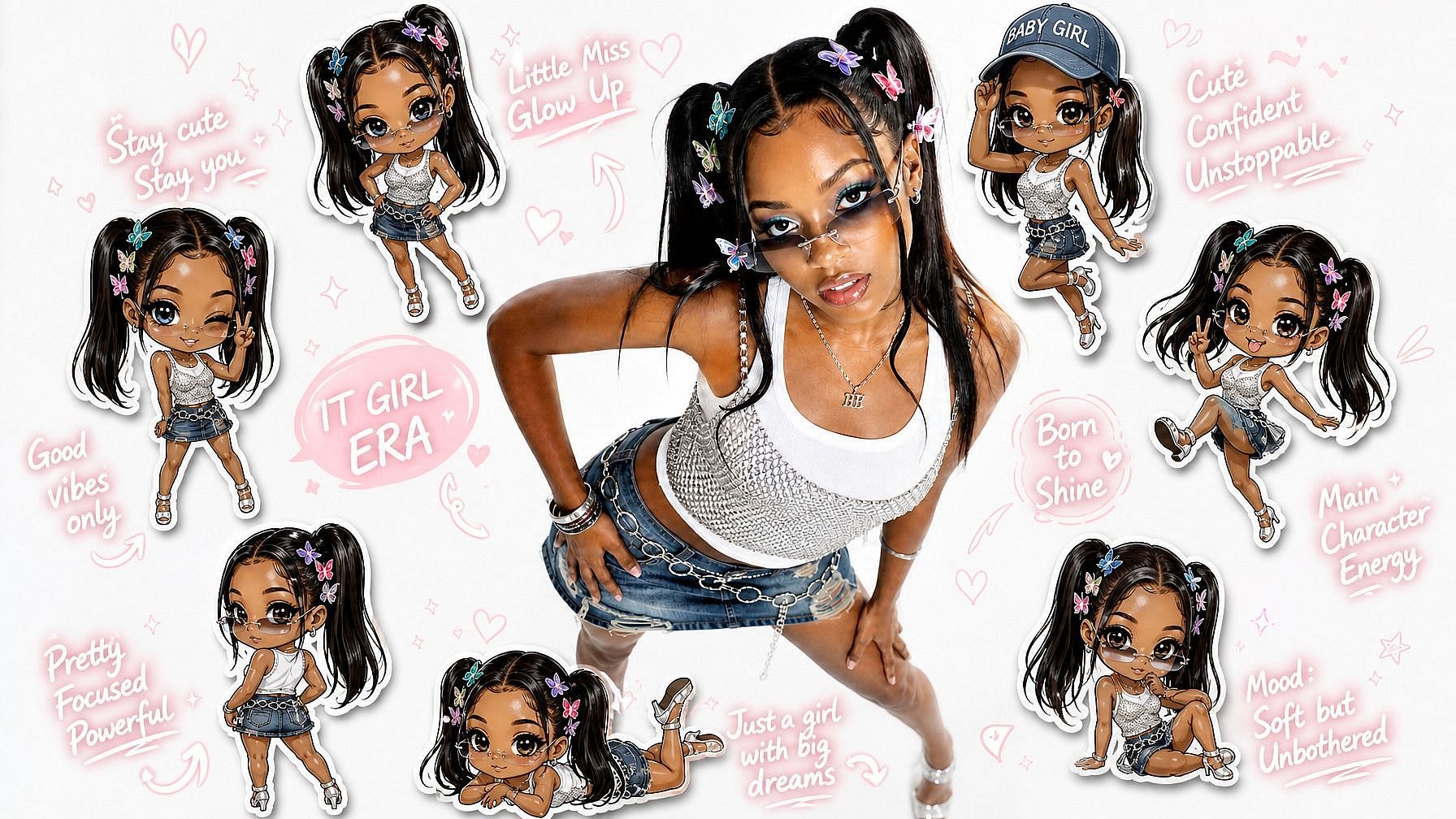
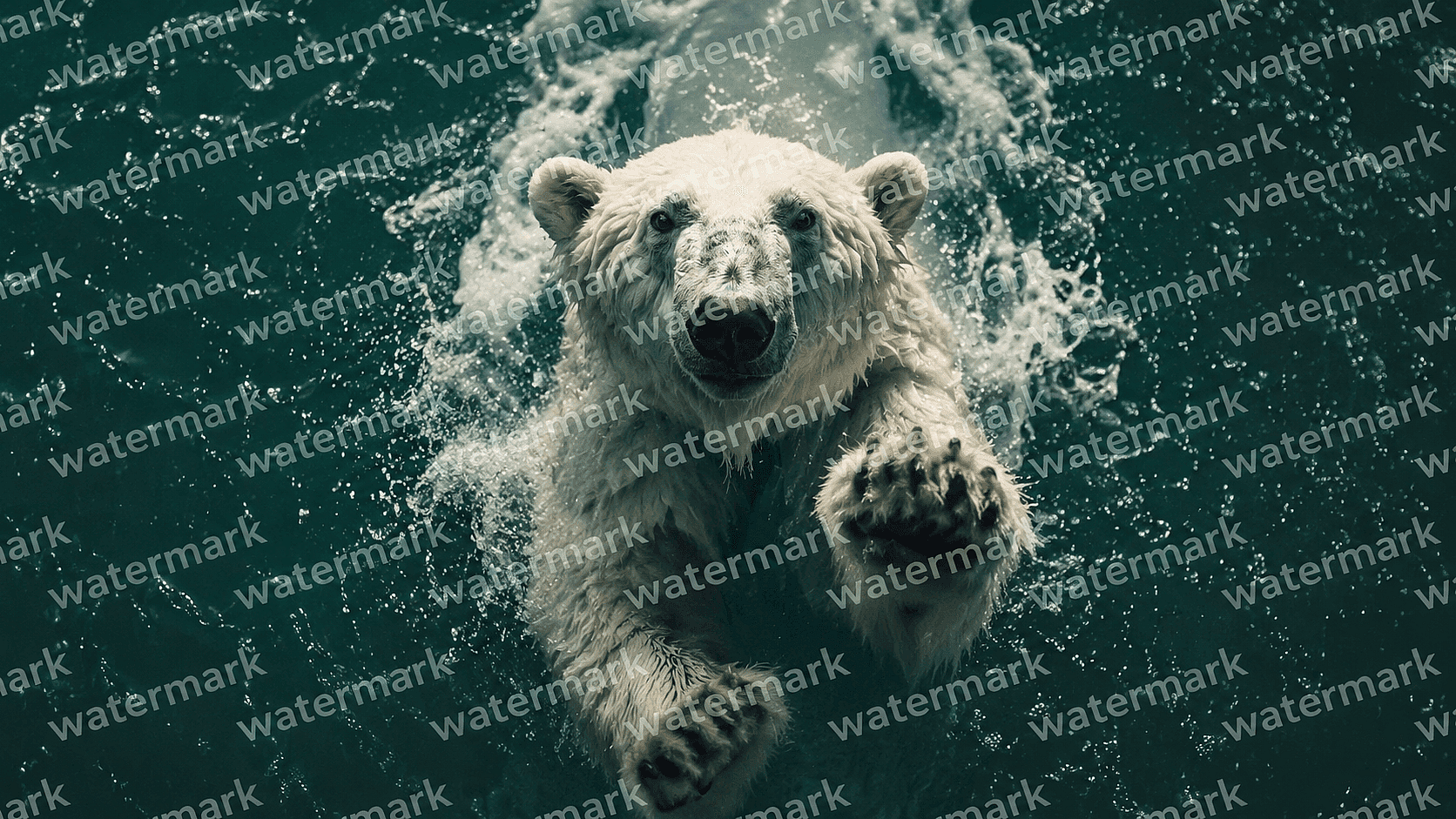
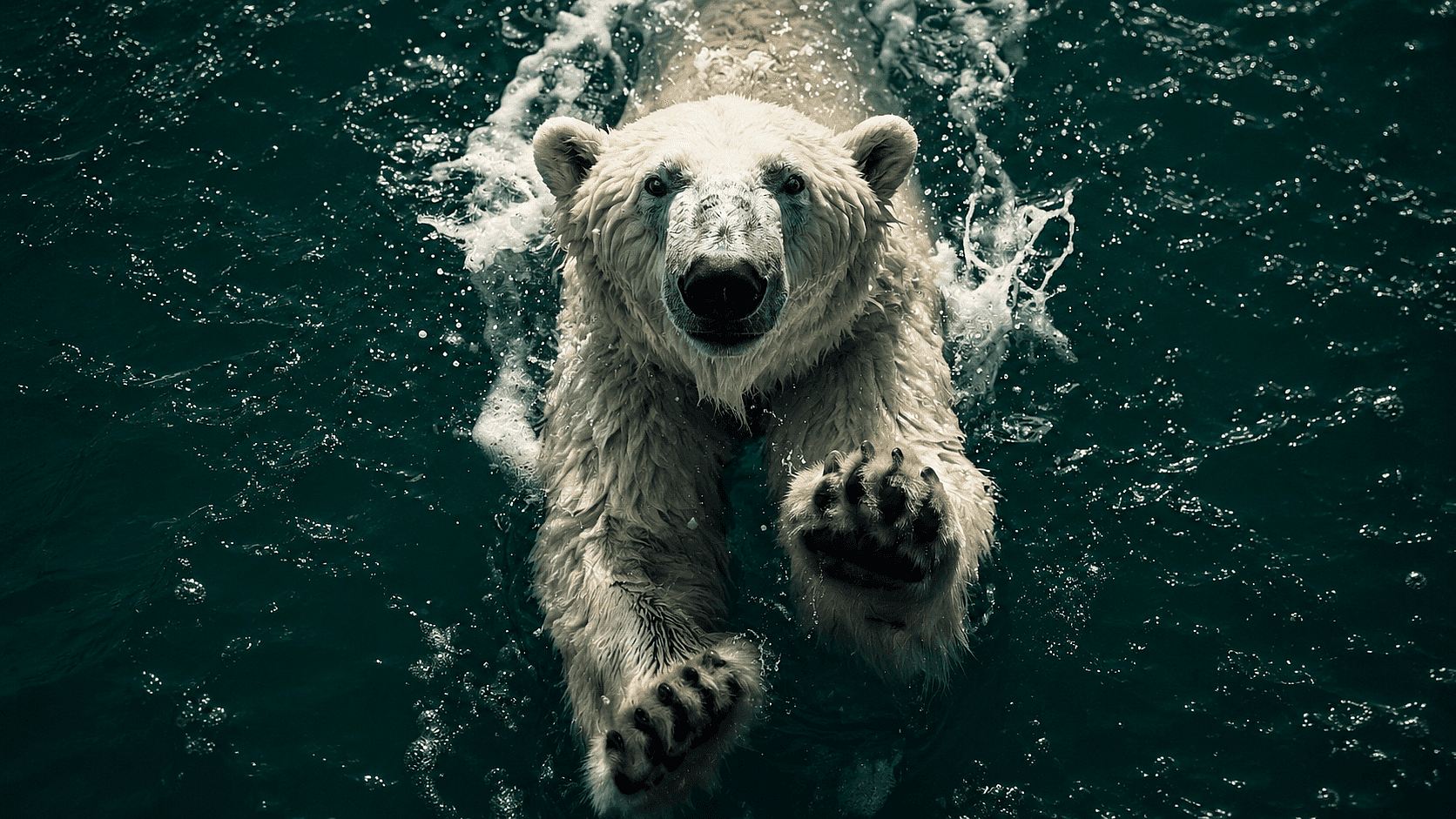
Watermark and Text Removal

商品画像、SNS投稿、リファレンス写真から、透かし、タイムスタンプ、キャプション、ストックフォトのロゴを除去します。ムードボード、社内プレゼン、ブランドアセットの整理に便利です。商品の切り抜きには、次と組み合わせてお使いください 背景除去ツール 1回のセッションで作業を完了できます。

Before
After
ビフォー 編集後

人物や通行人の除去

旅行写真や不動産の撮影、イベント記録から見知らぬ人を消せます。要素が重なり合う込み入ったシーンでも、背後の背景を自然に復元します。

Before
After
ビフォー 編集後

Object Replacement

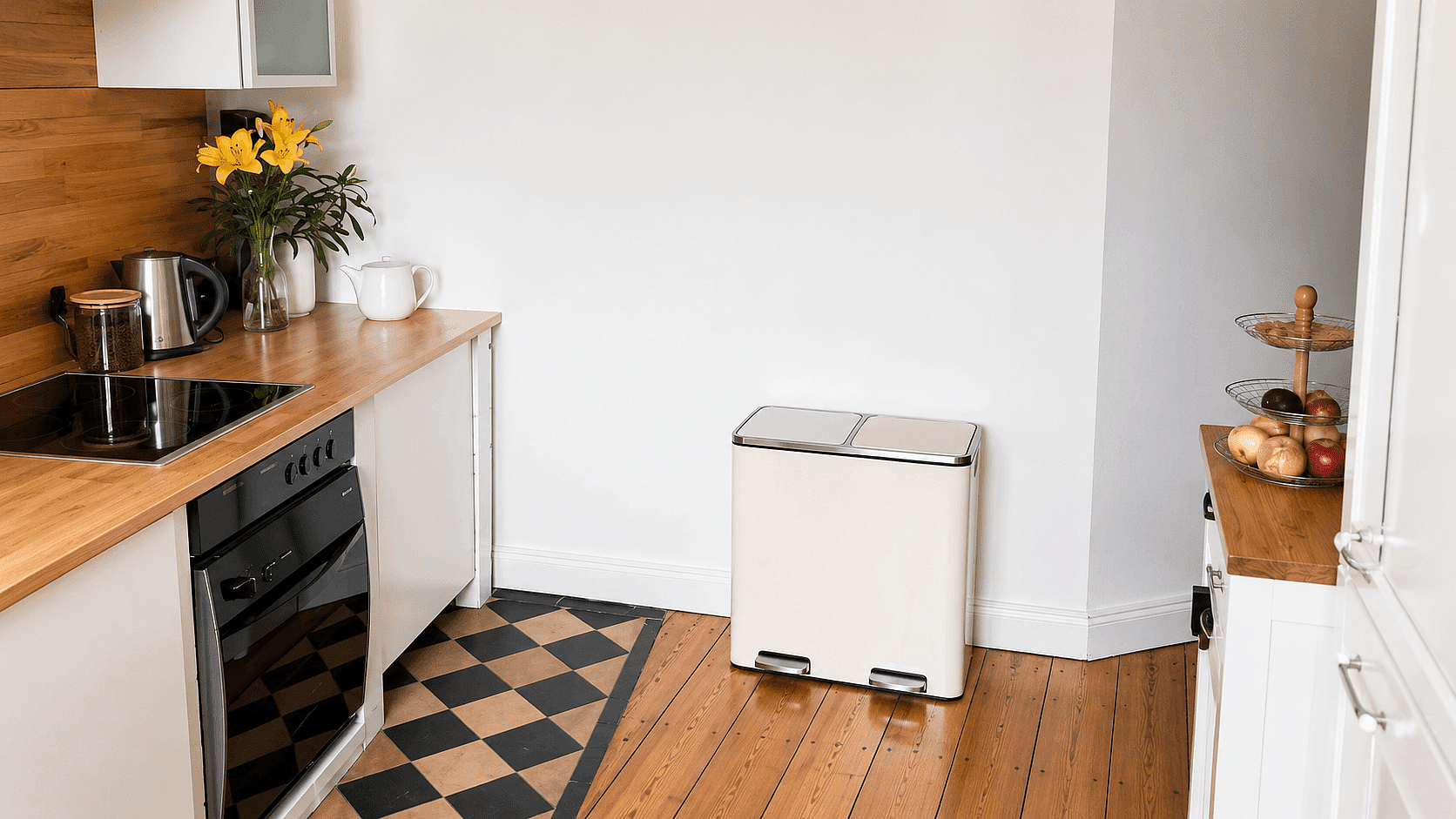
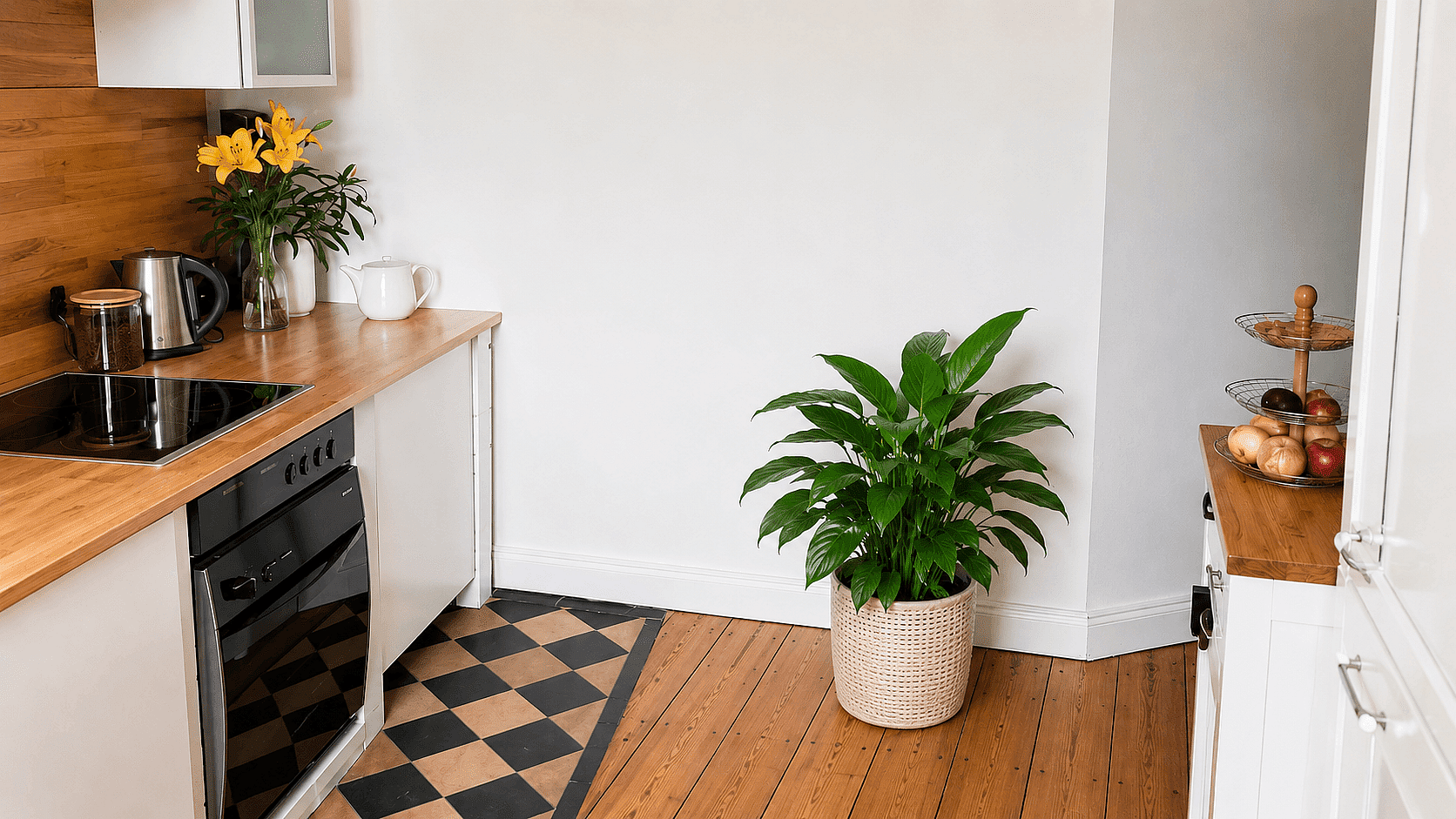
ここではオブジェクトの削除だけが選択肢ではありません。Find & Replaceを使えば、同じステップで対象のオブジェクトを別のものに置き換える(「ゴミ箱をプランターに置き換える」など)こともできます。

写真から不要なものを消す方法

きれいなショットまで3ステップ。
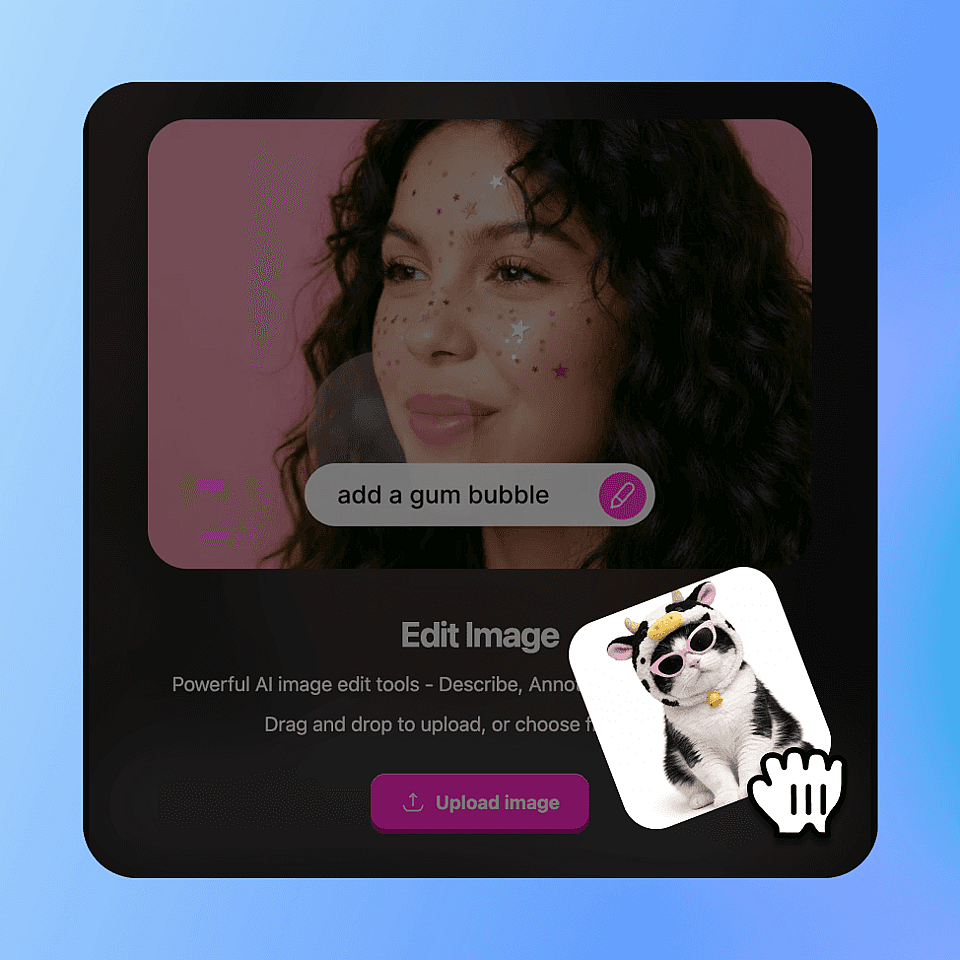
Upload the Photo
ステップ01

Upload the Photo

Drop in your JPG, PNG, or HEIC file up to 4K resolution.

Mark What to Remove
ステップ02

削除する部分をマーク

Tap the object, brush over it, or type "remove the orange traffic cone." Multiple objects can be marked at once.

Export the Clean Image
ステップ03

クリーンな画像を書き出す

Review the result, refine with follow-up prompts if needed, then export at original or upscaled resolution.

Remove Unwanted Objects Without Reshooting

One click removes the distraction. Keep the shot, skip the reshoot.

Before
After
ビフォー 編集後

不動産写真

Remove parked cars, garbage bins, garden hoses, and reflections of the photographer in mirrors. MLS-ready in under a minute per photo.

今すぐ試す
Before
After
ビフォー 編集後

Travel and Lifestyle Content

Erase strangers from beaches, monuments, and tourist sites. Keeps the destination clean and the subject as the focal point of every shot.

今すぐ試す
Before
After
ビフォー 編集後

商品・EC写真

Strip price tags, stickers, reflections, and stray hands from product shots. One clean source image generates dozens of listing variants.

今すぐ試す
Before
After
ビフォー 編集後

SNS向けクリーンアップ

再投稿する前に、元カレ・元カノや写り込んだ人、古いロゴを昔の写真から消去。思い出はそのまま、余計なものだけを取り除きます。

今すぐ試す

よくある質問 よくある質問

写真をアップロードし、対象物をタップまたは説明するだけで、OpenArtが数秒で消去し背景を再構築します。
はい。AIは周囲のテクスチャや光を利用して、壁、空、草、水、床を再構築します。にぎやかな街並みや群衆といった複雑な背景は、2回目の処理が必要になる場合があります。
自然言語のテキストプロンプトでその領域を調整しましょう(「ここの壁の質感をなめらかに」「残っている影を消して」など)。ほとんどの問題は追加プロンプト1回で解決します。
Upload JPG, PNG, HEIC, and WebP. Export as JPG, PNG, or transparent PNG.
Seedream 5.0、GPT Image 2、Nano Banana Pro、Recraft V4を、再構築の複雑さに応じて選定しています。
You can remove people, vehicles, signs, watermarks, text, timestamps, power lines, trash, reflections, lens flares, photobombers, and any other unwanted element.
Yes. Mark several objects in one go, or describe them in a single prompt ("remove the trash can, the bicycle, and the dog leash").
Both. You can erase a person, a face in the background, a tattoo, or any specific facial element.
Only from your own photos or from images you have rights to. Removing watermarks from images you don't own may violate copyright and usage terms.
Yes, on the Plus plan and above, provided you own or have rights to the original photo.

エキスパートブログで知見を得る

必要なヒントをここで。専門家が実践的なテクニックを紹介し、話題のトピックを解説。制作・最適化・スケールに役立つ必須のハウツーガイドをお届けします。

もっと見る

制限なく、思いのままに

OpenArtを使う何千人ものクリエイターの仲間入りを。魅力的な画像や動画などを、すべてひとつのプラットフォームで生成できます。

無料で始める →