

AIストーリーボードジェネレーター
OpenArtのAIストーリーボードジェネレーターは、予算を投じる前にショットシーケンスを確認したい映像制作者、動画チーム、マーケター向けに作られています。脚本、ショットリスト、大まかなアイデアを貼り付けるだけで、数分で一貫性のあるビジュアルパネルが得られ、描画スキルは一切不要です。撮影、クライアントへのプレゼン、制作への引き渡しの前に、カメラアングル、ブロッキング、テンポをプレビューできます。
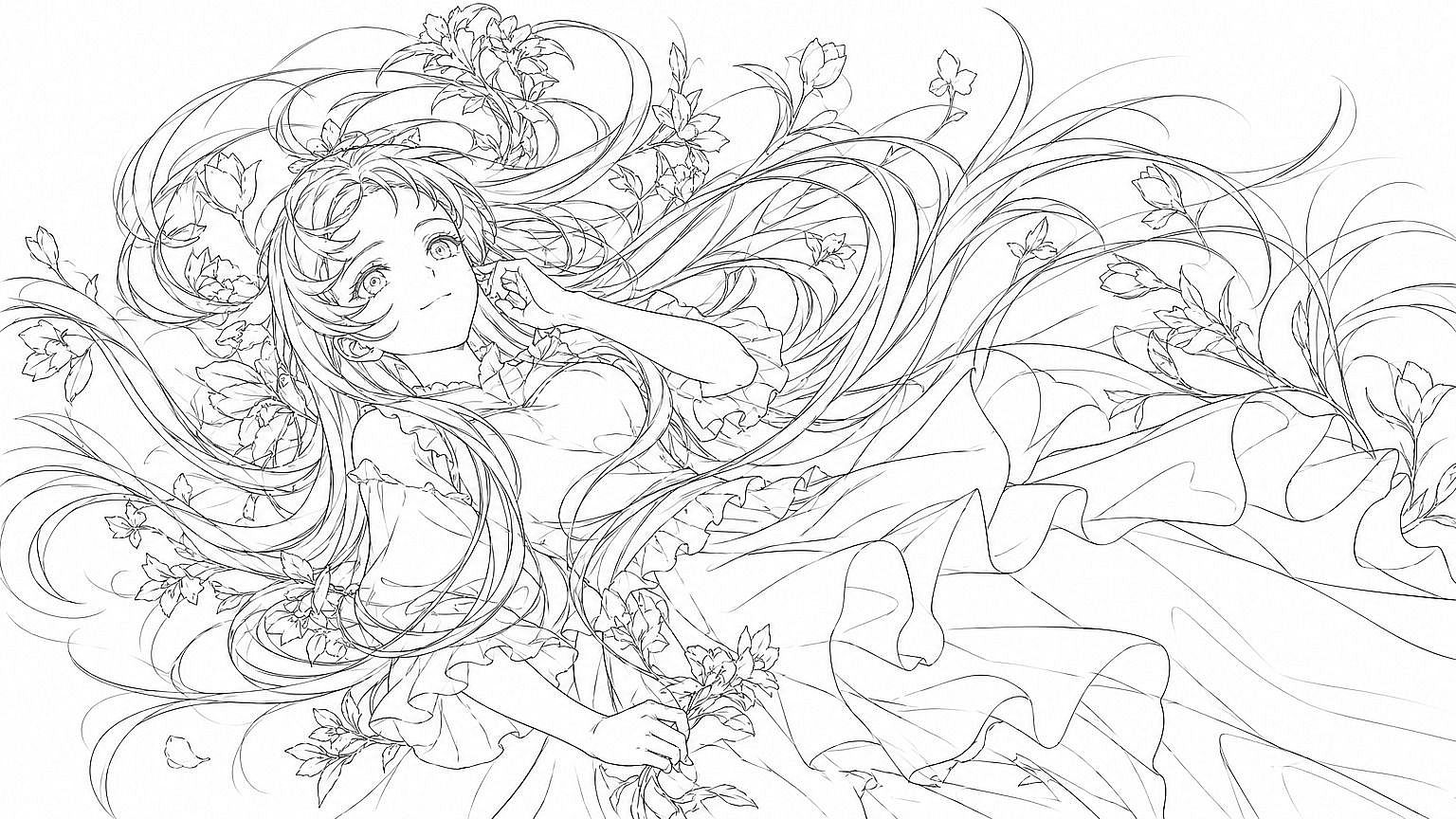
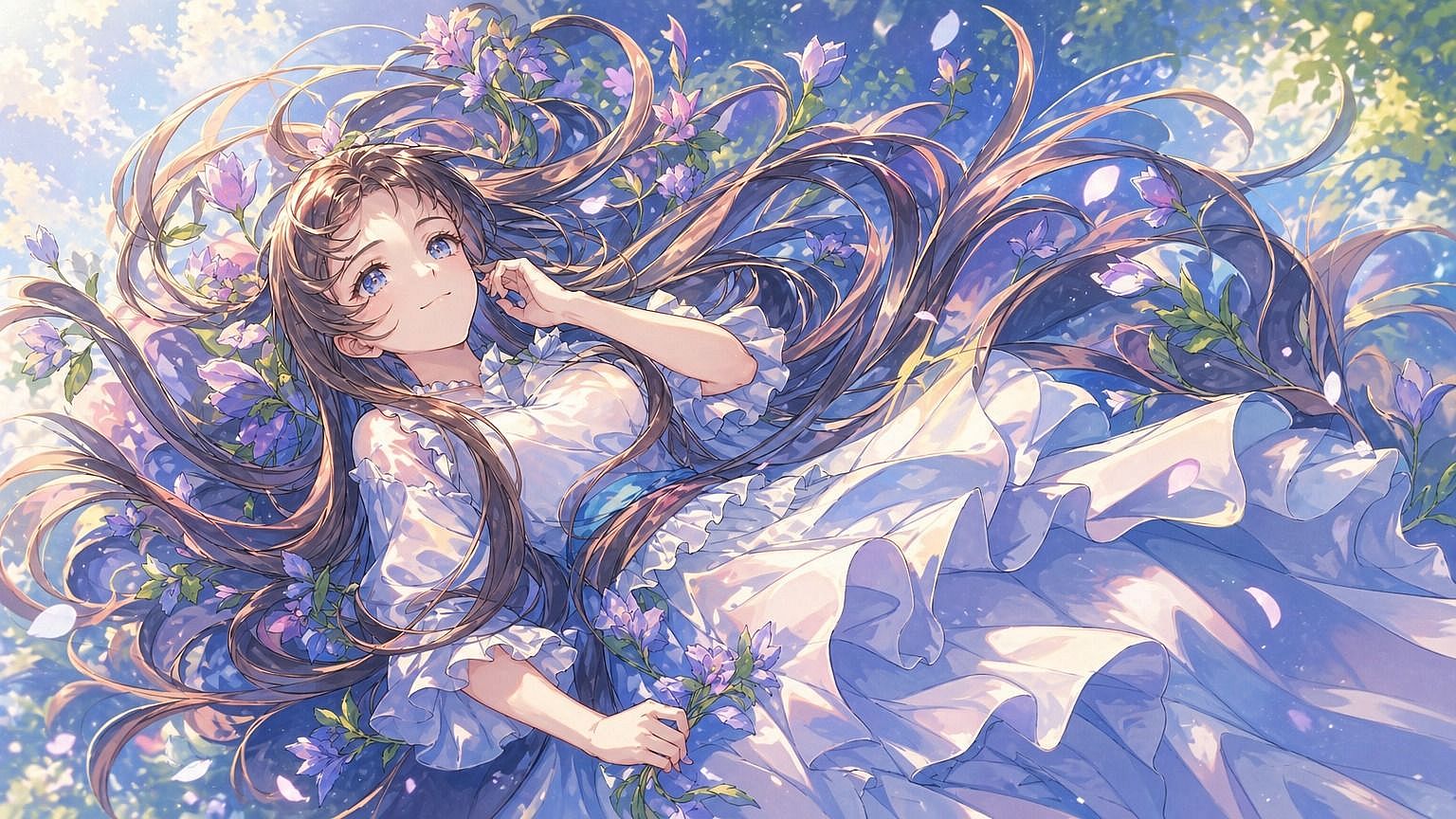
AIでストーリーボードを作る方法



ステップ1:ショットごとにプロンプトを書く
AI画像ジェネレーターを開き、1つのパネルずつシーン、アクション、カメラアングルを説明しましょう。Character Builderからキャストを追加すれば、すべてのパネルで同じ顔と設定を引き継げます。



ステップ2:各パネルを生成して調整する
プロンプトからパネルを生成し、フレーミングとアクションがショットリストに合うまで文言を調整して再生成しましょう。他のパネルには触れずに、1枚ずつ修正できます。
ステップ3:シーケンスを書き出す
すべてのパネルが理想通りになったら、そのセットを番号付きのフレームシーケンスとして書き出しましょう。撮影のブリーフィング、クライアントへのプレゼン、あるいはそのままAI動画ジェネレーターへの移行に活用できます。
実際の制作ワークフローのために作られたAIストーリーボードジェネレーター
一貫したキャラクターからカメラ制御まで、OpenArtのAIストーリーボードジェネレーターが脚本を最初のドラフトから制作可能なショットシーケンスへと進化させる方法と、それを毎日活用しているのが誰なのかをご紹介します。
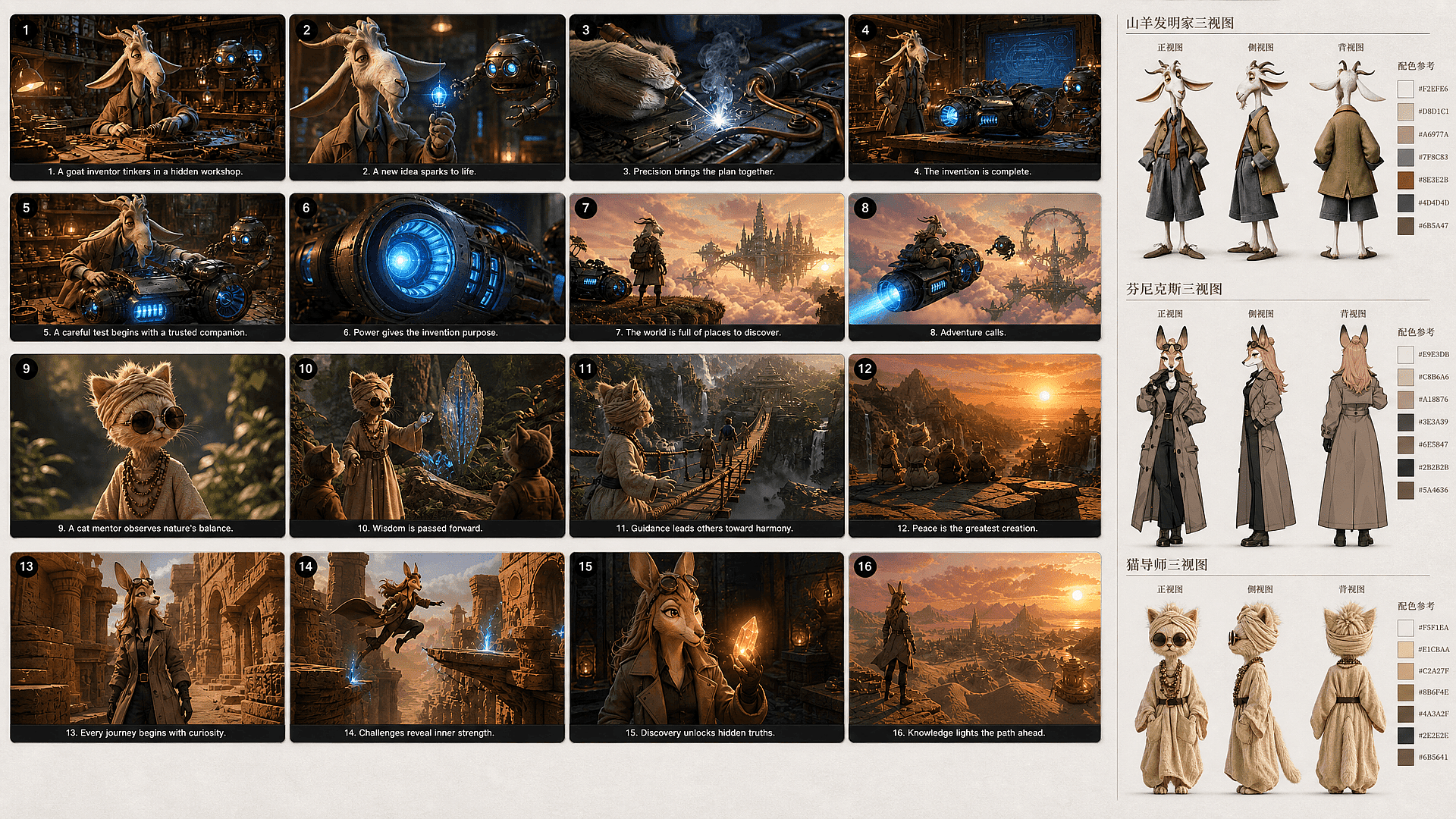
キャラクターと設定の一貫性を保つ
OpenArtなら、ストーリーボードが複数のバラバラな作品のように見えることを防げます。 キャラクタービルダー は各キャストメンバーを持続的なライブラリに保存するため、すべてのパネルで同じ顔とアイデンティティを再利用できます。確立した設定の参照を後のショットに引き継ぐこともでき、カメラ位置やアクションが変わってもロケーションを識別可能なまま保てます。
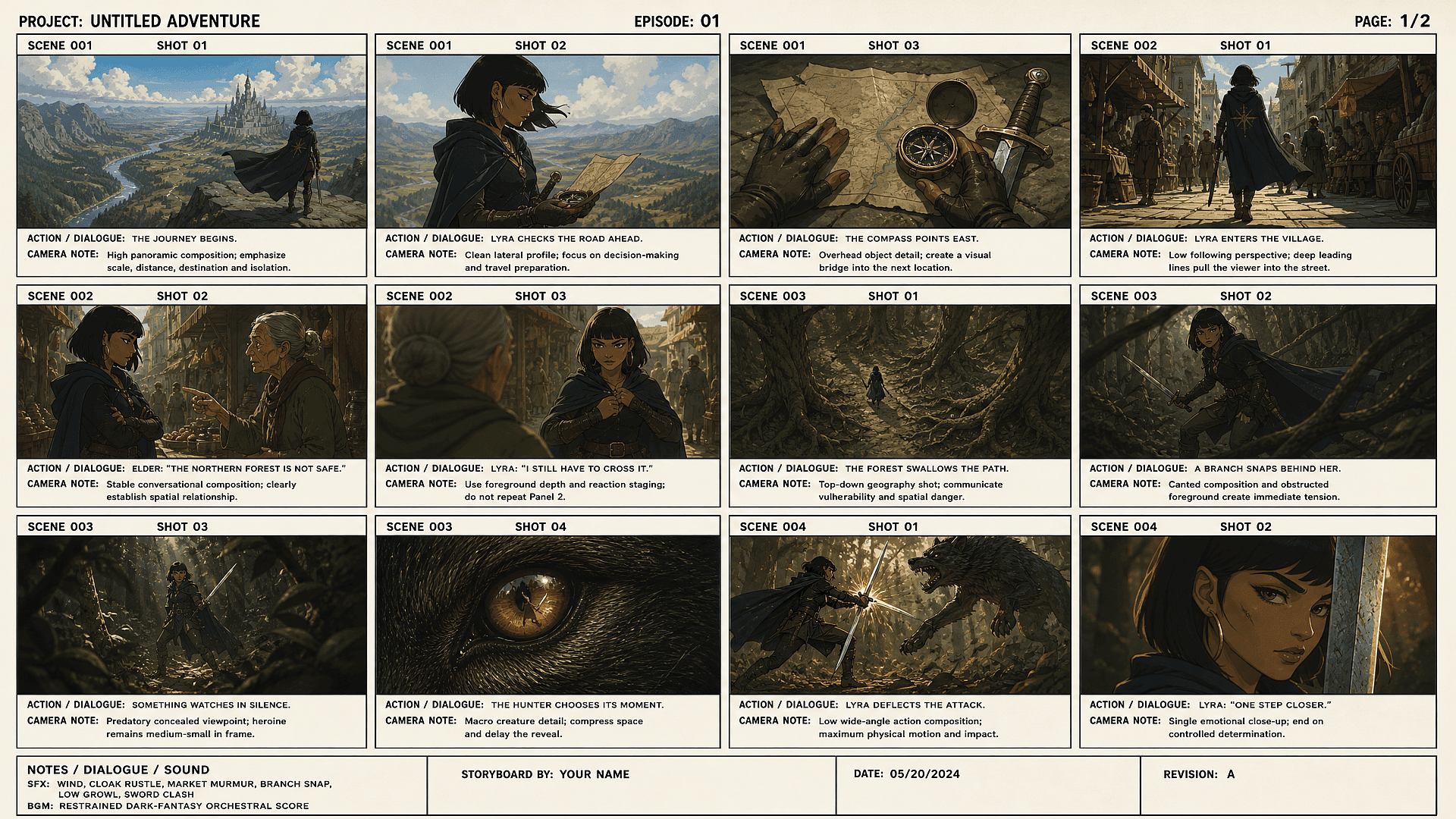
パネルごとにカメラアングルとショットタイプを制御
各パネルをワイドショット、クローズアップ、特定のカメラアングルで演出できます。 AI画像ジェネレーター。ショットの種類を普通の言葉で書くだけで、パネルがそれに従います。フレーミングを正しく決めるのに、技術的なプロンプトやカメラ用語は必要ありません。
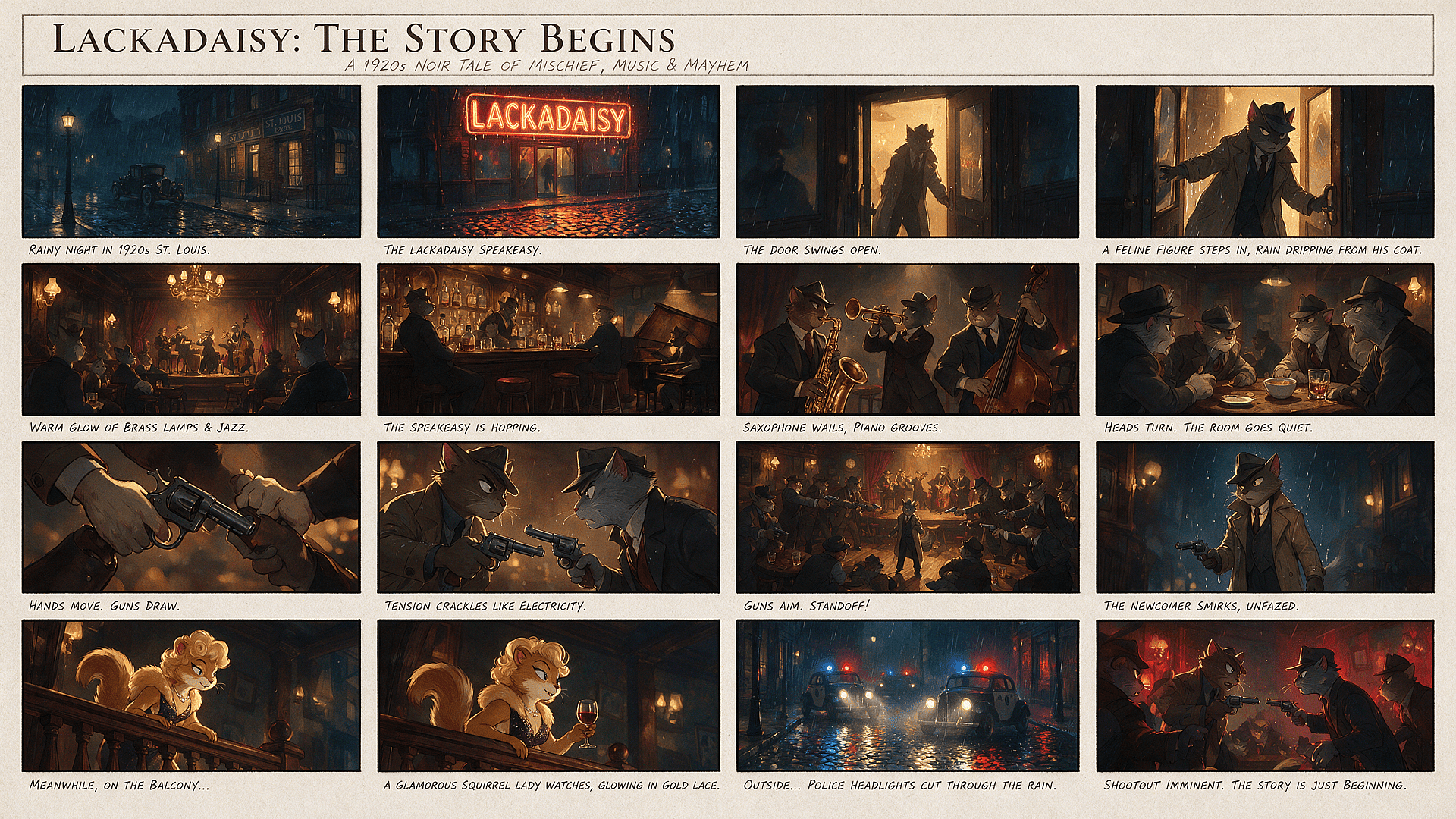
ボード全体をやり直さず、1つのパネルだけを再生成
OpenArtでは、ストーリーボードの残りをそのまま保ちながら1つのパネルだけを再生成できます。承認済みのショットを作り直さずに、弱い表情、構図、カメラアングルを修正可能です。代替案を試している間もシーケンスは安定し、ボード全体の再生成によって生じる遅延や連続性の問題を回避できます。
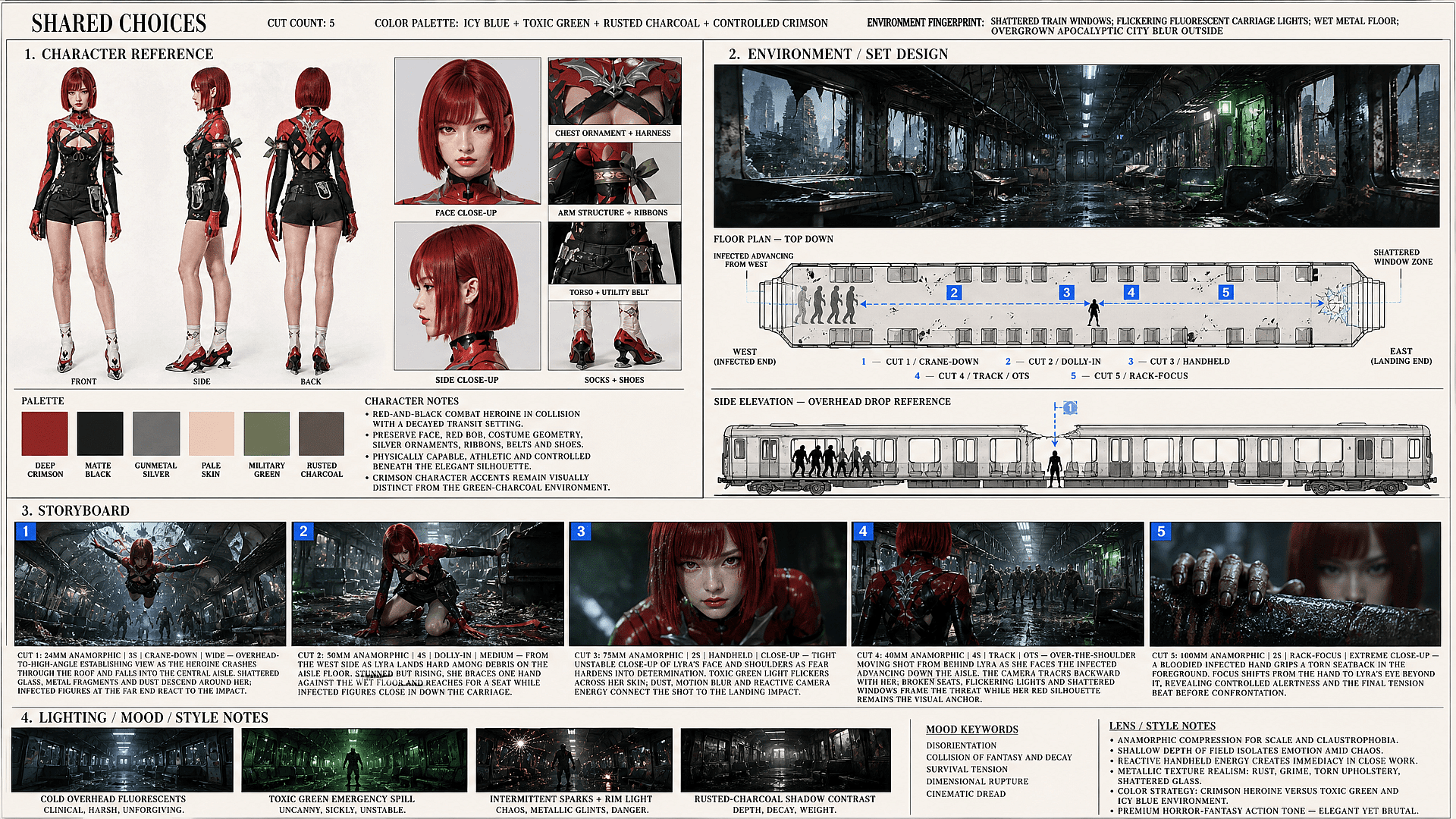
完成したストーリーボードをアニメーション動画に
承認された各パネルを、OpenArtのモーション生成の開始フレームとして使いましょう AI動画ジェネレーター。Image-to-videoモデルは、パネルの構図に従いながら、キャラクターの動き、環境の動き、カメラワークをアニメーション化できます。各ショットを個別に生成し、すでに確立されたビジュアルプランのまま制作を続けられます。
最新のAI画像・動画モデルを探す
1枚の画像からフル動画まで、OpenArtで作れるすべてを支えるモデルたちです。
よくある質問 よくある質問
AIストーリーボードジェネレーター(AIストーリーボードメーカーとも呼ばれます)は、脚本やシーンのアイデアを順序立てたビジュアルパネルに変換し、撮影や動画生成の前にフレーミング・アクション・シーケンスを確認できるようにします。
手作業のストーリーボード制作では、すべてのフレームを自分で描く必要があり、汎用的なAI画像ツールは1つのショットが次にどうつながるかを計画せず、別々の画像を生成するだけです。一方OpenArt Smart Shotは、カメラアングル・構図・シーンの詳細といった目に見えるショットプランを構築し、パネルをレンダリングする前に確認・修正できます。さらにOpenArt Character Builderが、保存したキャラクターを全体を通して認識可能に保つため、パネルは無関係な画像の寄せ集めではなく、1つの作品として読み取れます。
撮影が始まる前に、各ショット、カメラアングル、アクション、フレーミングを計画するので、監督やクライアントは事前にシーンの流れを確認できます。
カメラアングル、被写体の位置、ライティングは具体的に指定しましょう。「キッチンのシーン」よりも「ワイドショット、キッチンのテーブルに座る2人、左の窓からの朝の光」の方がうまくいきます。1フレームずつ調整し、同じような構図には設定をコピーして活用しましょう。
プロンプトにショットの種類(ワイドな確立ショット、クローズアップ、オーバーザショルダー)を直接記述すれば、パネルがそれに従います。
各シーンにプロンプトを書きましょう。「ドアノブに手を伸ばすクローズアップ、薄暗い廊下、頭上の照明」。ジェネレーターがそのフレームを生成します。ショットごとに繰り返し、フレーミングやディテールを調整。すべてのフレームを連番のシーケンスとして書き出します。
OpenArt のキャラクター一貫性機能は、コマごとにブレることなく、シーケンス全体で顔と衣装をしっかり固定します。
はい。シーケンスができたら、OpenArtの画像から動画へのツールで動きを加えられます:カメラのプッシュ、キャラクターの動き、トランジションなど。静止したボードが、クライアントレビュー用のアニマティックに変わります。
そのパネル1枚だけを再生成・編集でき、残りのシーケンスはそのまま維持されます。

