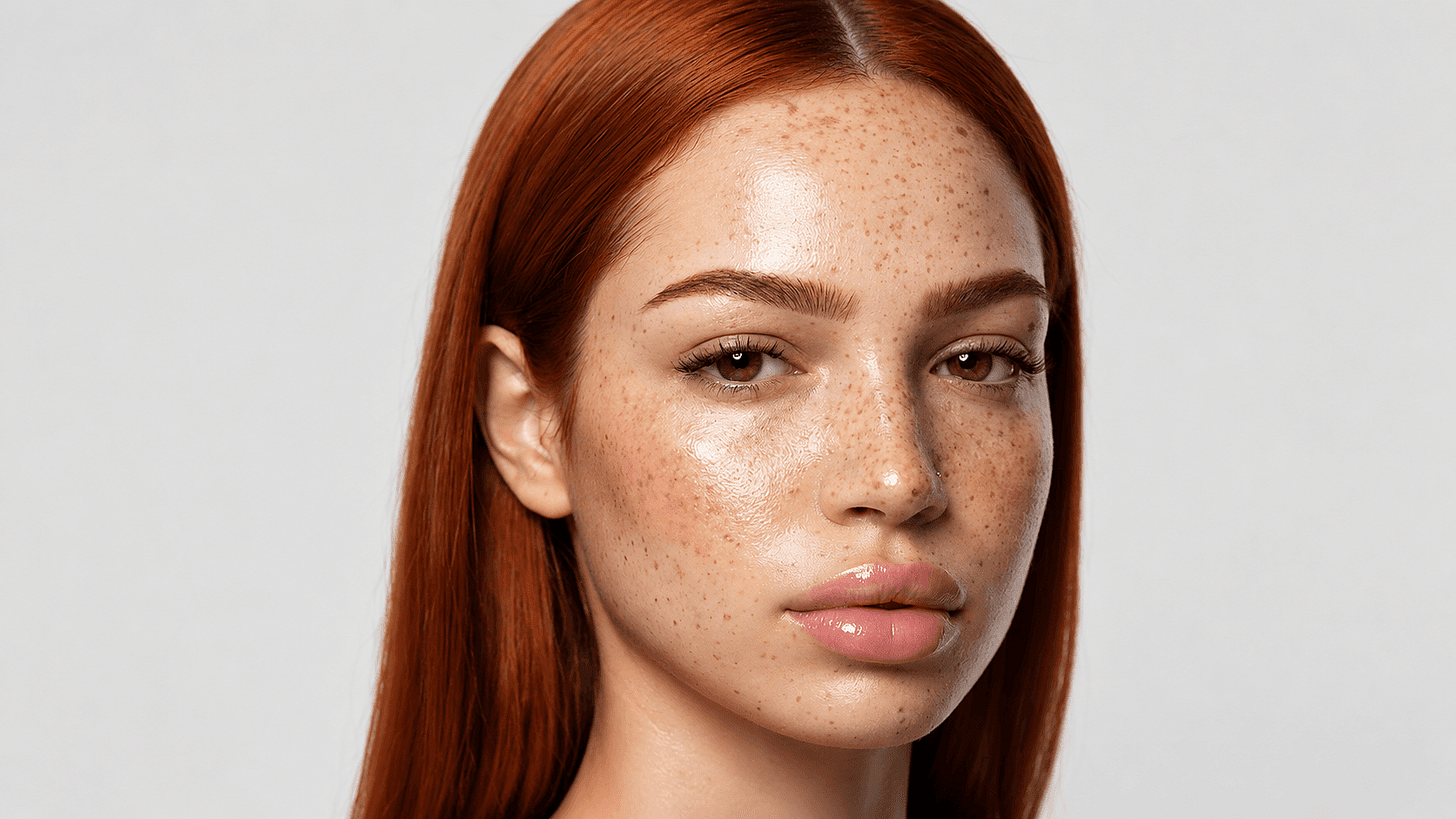
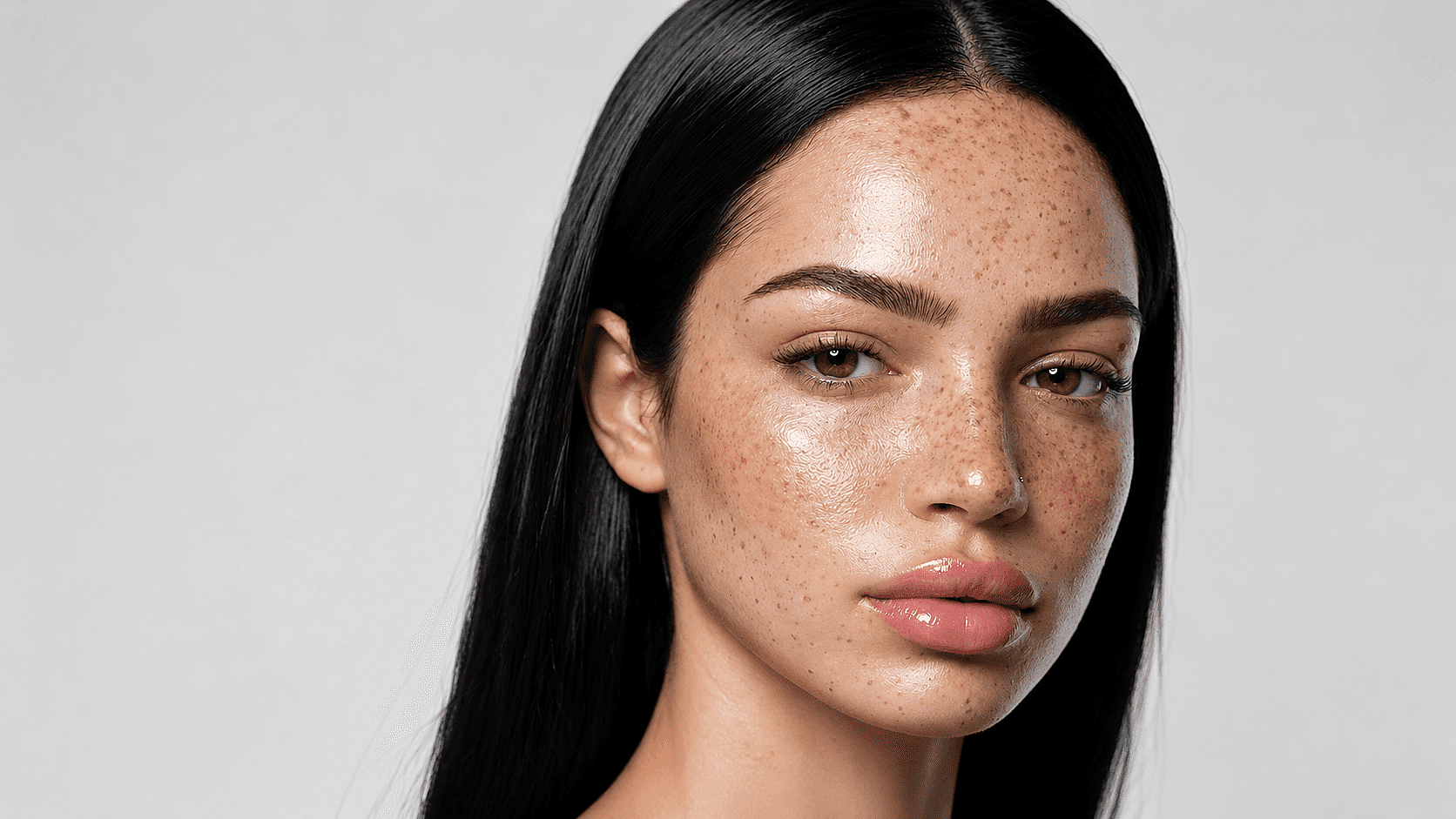
お気に入りのモデルがすべてここに。生成は無制限。

期間限定・最大27%OFF! ›

AIヘアカラーチェンジャー

See yourself in any hair color before you commit. Upload a photo, describe the shade you want, and preview the change in seconds, free and online.

画像を追加 またはここにドラッグ&ドロップ · JPEG、PNG、WEBP
髪の色を無料で変更

How to Change Hair Color on a Photo

3ステップでサロン品質のプレビューを。

Upload Your Selfie
ステップ01

Upload Your Selfie

Drop in a clear, front-facing or three-quarter photo as JPG, PNG, or HEIC. Good lighting helps.

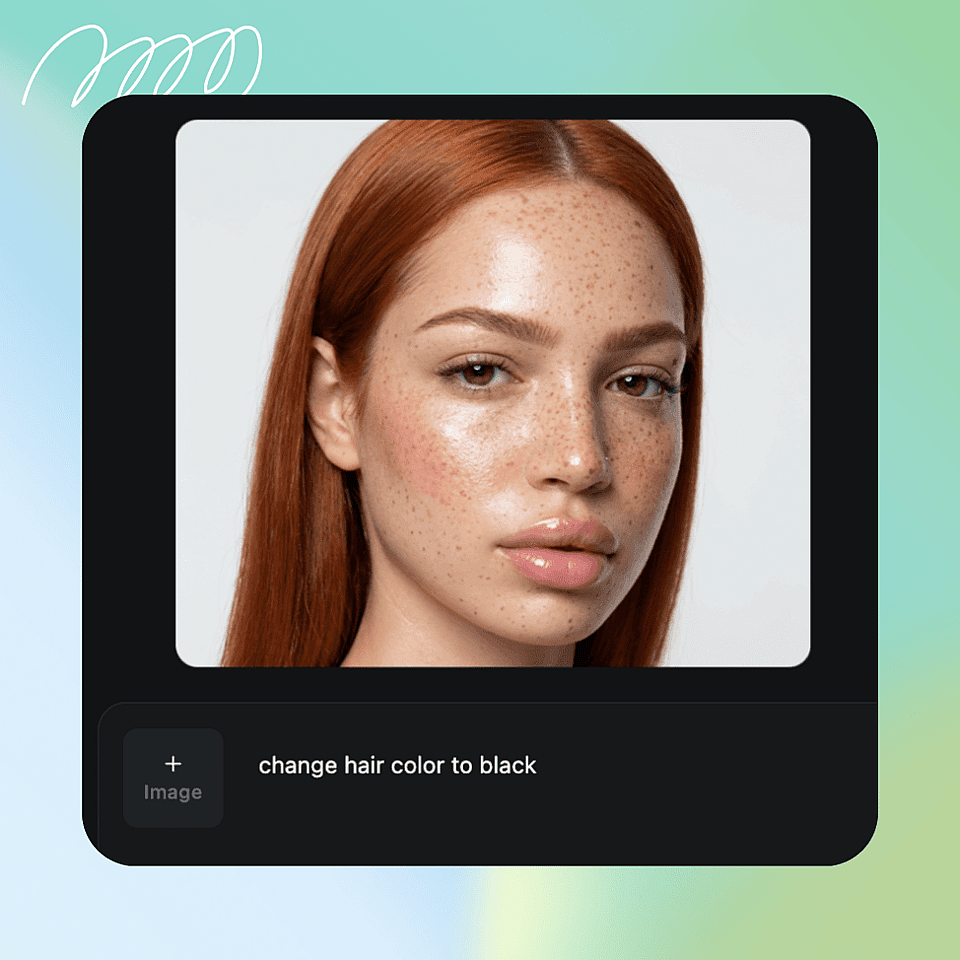
Describe the Hair Color You Want
ステップ02

希望の髪色を入力

アッシュブロンドのようなナチュラルな色合いから、パステルピンクのような大胆なカラーまで、好みの色味を入力してください。
Generate and Download
ステップ03

Generate and Download

Get your result in seconds and download it, or try another shade right away.

Built for Anyone Curious About a New Look

髪色に興味を持ち始めた10代から現役スタイリストまで、あらゆるヘアカラー選びに役立つツールです。
Pre-Salon Previews

サロン前のプレビュー

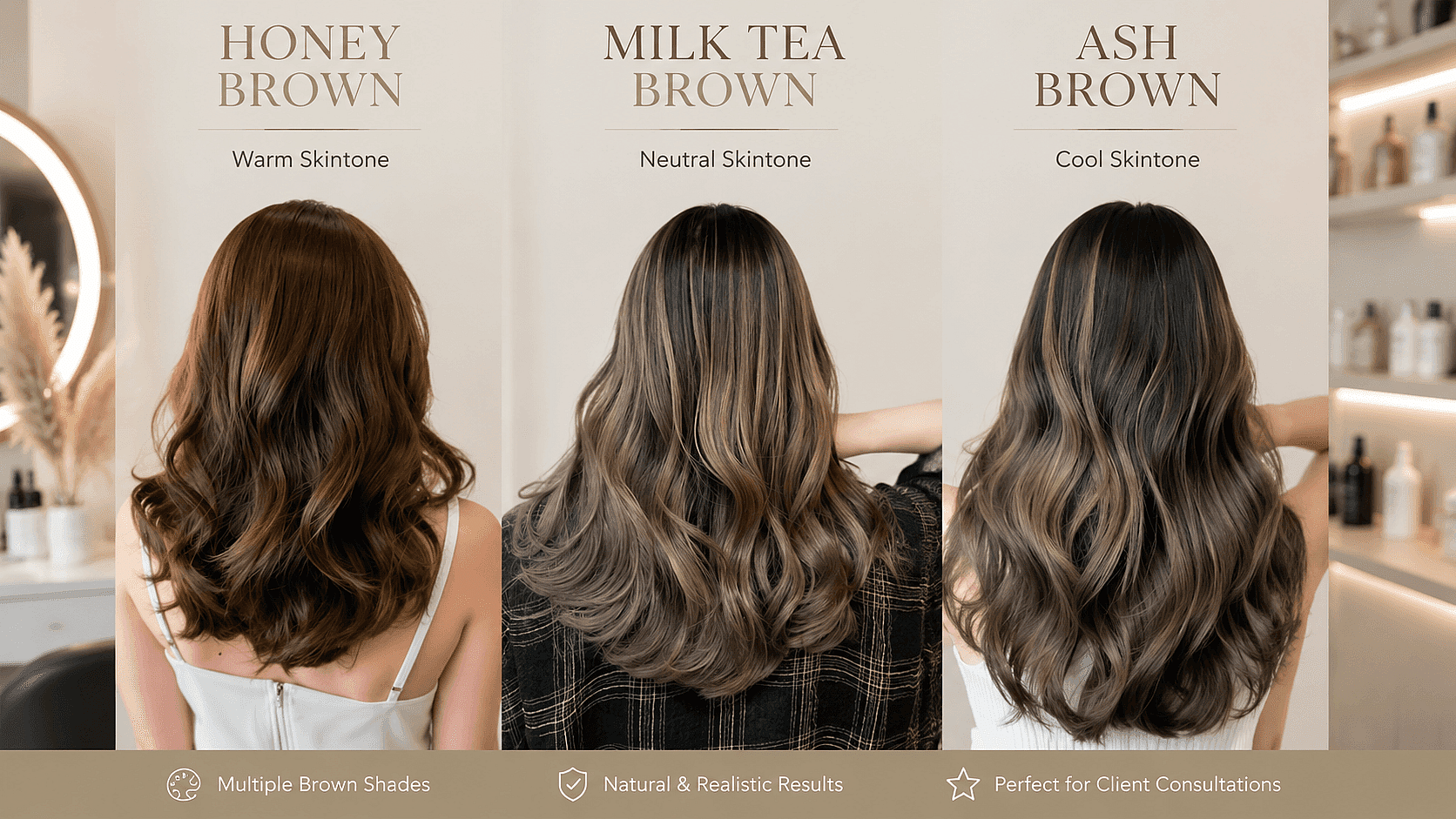
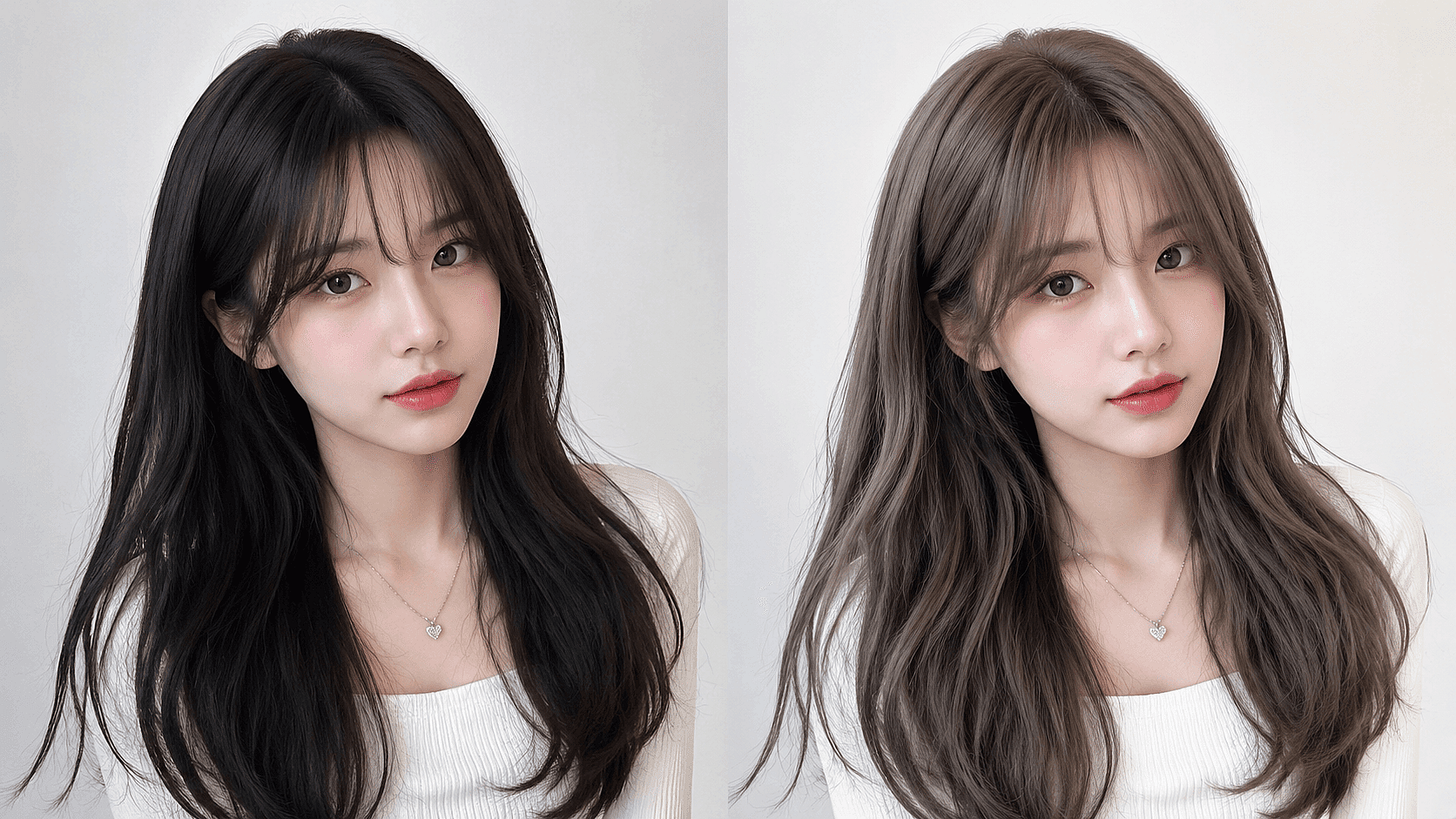
フォトリアルなモックアップで、なりたいイメージをスタイリストに正確に伝えましょう。「アッシュにしたかったのに、ハニーになった」といった行き違いを減らせます。

今すぐ試す
Social Media Creation

Social Media Creation

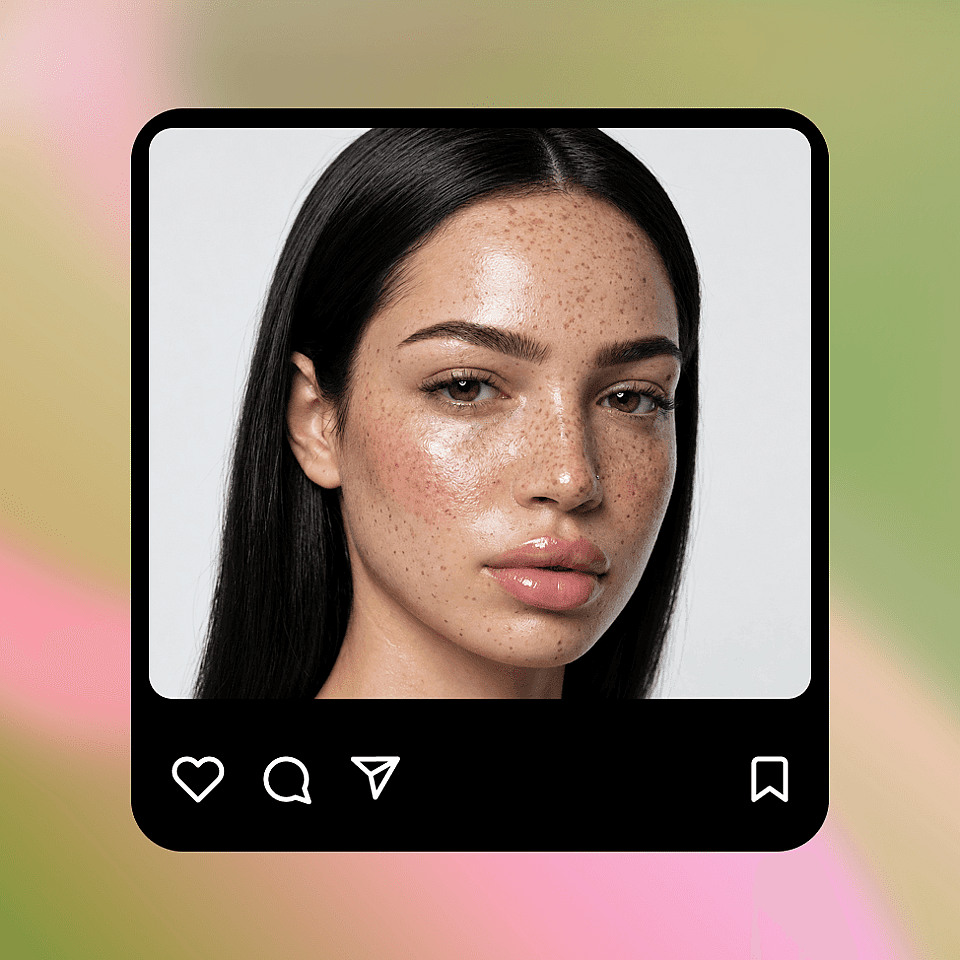
Create before-and-after posts, color transformation reels, or styled photos for your feed without touching your real hair.

今すぐ試す
Hair and Beauty Businesses

美容・ヘアサロン事業者

Salons, stylists, and hair color brands can show clients or customers a realistic preview of shades before a service or purchase.

今すぐ試す

よくある質問 よくある質問

Upload a clear selfie, pick a color preset or type a custom shade, and OpenArt generates a photoreal preview in seconds.
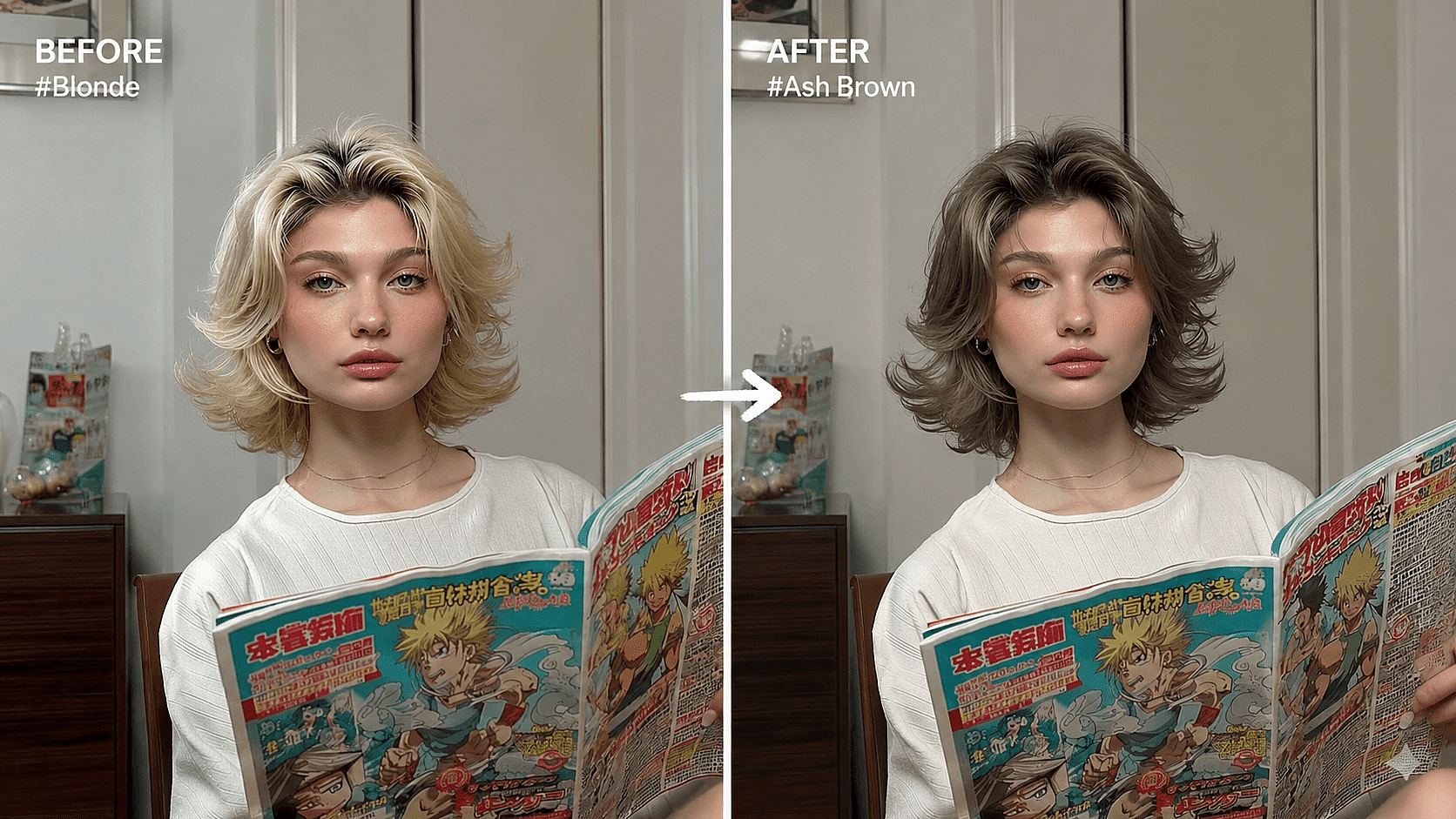
Yes. Only hair color changes. Face, skin, makeup, expression, and background stay intact.
はい。テキストプロンプトを使えば、同じ自撮り写真でカットの長さ、前髪、カール、坊主、特定のヘアスタイル(「フレンチボブ、ブラントカット」など)を試せます。
Refine through text prompts ("less warm, more ash") or pick a different preset. Most adjustments resolve in one follow-up prompt.
はい。ハイライト、シャドウ、ルートフェード、毛束の質感は、写真本来の光の中でもリアルに保たれます。根元も新しいカラーへ自然になじみます。
All natural shades (blonde, brown, black, red), bold fashion colors (lavender, mint, fire red), and complex looks (balayage, ombre, money piece, split color, sombre, highlights).
はい。ストレート、ウェーブ、カール、コイル、ロック、ブレイド、ナチュラルスタイルに対応します。最良の結果を得るには、プロンプトで髪質を指定してください。
Yes, on the Plus plan and above. Salons can use it in consultations and in marketing assets.

エキスパートブログで知見を得る

必要なヒントをここで。専門家が実践的なテクニックを紹介し、話題のトピックを解説。制作・最適化・スケールに役立つ必須のハウツーガイドをお届けします。

もっと見る

制限なく、思いのままに

OpenArtを使う何千人ものクリエイターの仲間入りを。魅力的な画像や動画などを、すべてひとつのプラットフォームで生成できます。

無料で始める →