AI音楽ジェネレーター
ストック音源探しはもう不要。ジャンルや楽器、狙いの雰囲気を説明するプロンプトを入力するか、画像を投入してムードを決めれば、OpenArt がオリジナル楽曲をゼロから作り上げます。ショート向けの30秒ループから3分のフル楽曲まで、すべてあなたのクリエイティブな指示で形づくられ、Google Lyria 3 が駆動します。




オリジナル楽曲をその場で生成
たった1行のテキストから、数秒で完成した楽曲へ。30秒のタイトなループなら「Quick Clip」、最大3分ほどの本格的な楽曲なら「Full Song」を選択。どちらもあなたのpromptで形作られる、まったく新しいオリジナル音源として生成されます。




スタイル、ムード、エネルギーを合わせる
ジャンル、時代、楽器編成、ボーカルのトーン、ダイナミクスを細かく設定するもよし、大まかにしてモデルにプロンプトを解釈させるもよし。グリッチの効いたローファイループ、壮大でシネマティックな盛り上がり、パンチの効いたポップフックのどれを目指すにせよ、どこまで方向性を与えるかに応じてコントロールが変化します。

すぐ使える音楽出力
外部エディターやライセンスポータルを行き来する手間は不要です。トラックは OpenArt 内で納品品質で制作され、ダウンロードしてすぐに、プラットフォームで作成済みの画像・キャラクター・動画と組み合わせられます。
AI音楽ジェネレーターの主な機能
OpenArt の音楽生成は Google Lyria 3 を採用しています。これはサンプルをリミックスするのではなくゼロから作曲するモデルで、テキストと画像の両方のヒントに応えます。その結果、既製サンプルの固定ライブラリから引っ張ってくるのではなく、あなたの描写を軸に形づくられるオーディオが生まれます。
画像から音楽を即座に生成
Already made an image, character, or world on OpenArt? Use it as a reference and the model composes around its atmosphere — pulling cues from palette, subject matter, lighting, and overall energy to inform instrumentation choices and pacing. A neon-lit cyberpunk alley might pull synth bass and industrial percussion; a sunlit meadow might lean into airy strings and gentle piano. You can attach up to 10 visual references (JPEG, PNG, or WEBP, 20MB max each), pair them with a text prompt for tighter control, or let the visuals do the talking on their own.
あらゆるスタイル、雰囲気、エネルギー
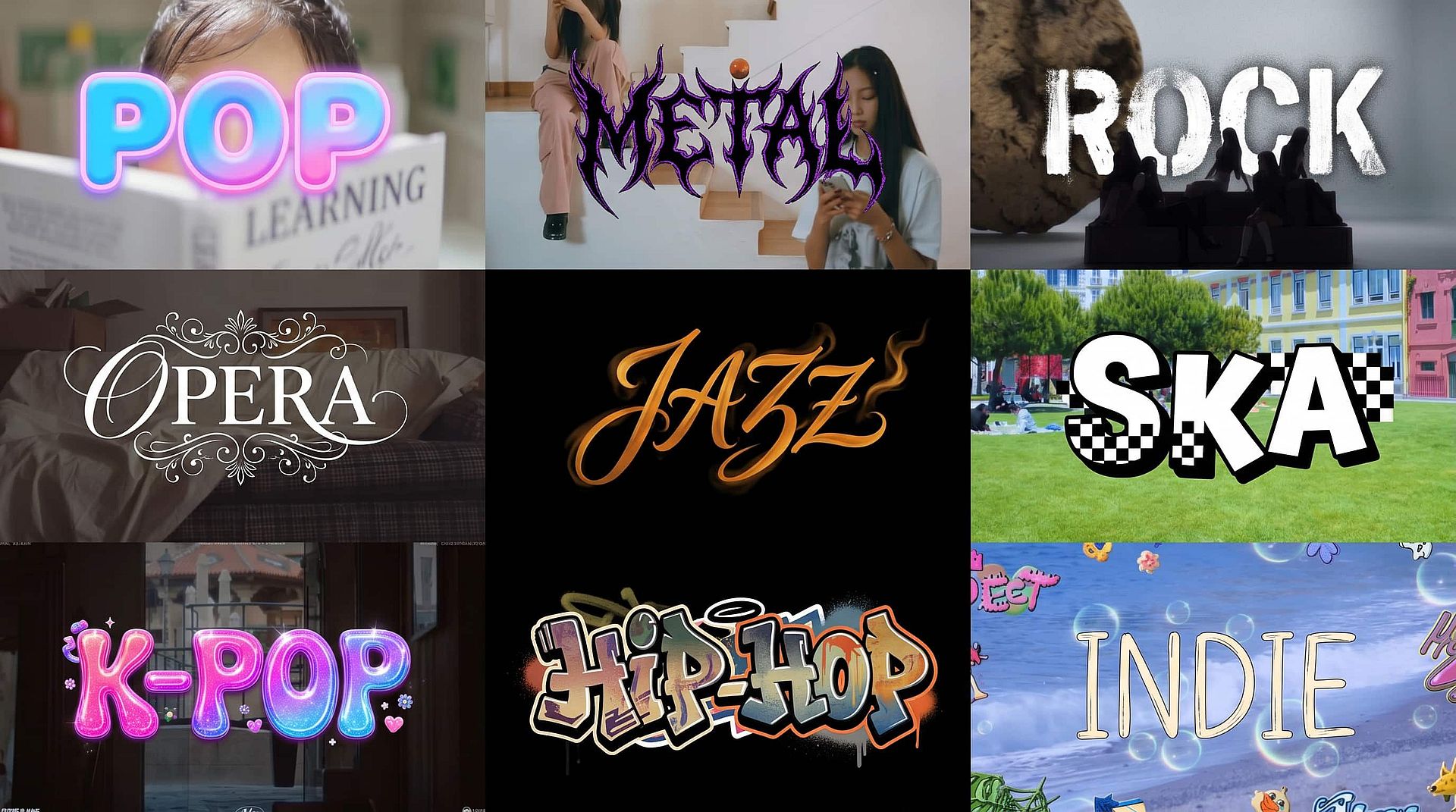
There's no fixed menu of presets boxing you in. Lo-fi, folk, ambient, rock, cinematic, dramatic, dance, hip-hop, classical — describe what you want and the model adjusts instrumentation, tempo, and dynamics accordingly. Quick-start chips for R&B, Lo-fi, Folk, and Cinematic sit below the prompt for fast seeding, and you can hand-set BPM, Intensity, Key (root note plus Major or Minor), and — in Full Song mode — Duration when you need precision. Leave the song controls on Auto and the model fills in what fits your prompt; switch any of them off and you get a slider or picker to set the value yourself.
テキストプロンプト制御
Write your prompt the way you'd brief a producer. A short line like "moody jazz piano with brushed drums" gets you somewhere quickly; a richer prompt like "1970s Motown soul with three-piece brass and a gospel-tinged tenor lead" gets you somewhere specific. You can also dictate vocals — toggle Instrumental on or off, set vocal gender and tone, prefix your own words with "Lyrics:" or hand the AI a theme and let it write the lyrics for you. Backing vocals go in round brackets, the same way you'd notate them on a chart.
すぐ使える音楽出力
すべての生成結果は、すぐにダウンロードしてプロジェクトの他の部分で使える洗練された音声として仕上がります。別途エクスポートも、ミキシング用の別アプリも、ライセンスの手続きも不要です。音楽は、それが彩るビジュアルのすぐ隣で作られるため、画像・動画・サウンドトラックというパイプライン全体が1つのタブに収まります。
AI音楽ジェネレーターの使い方
プロンプトから再生可能なトラックまで、3ステップで完成。
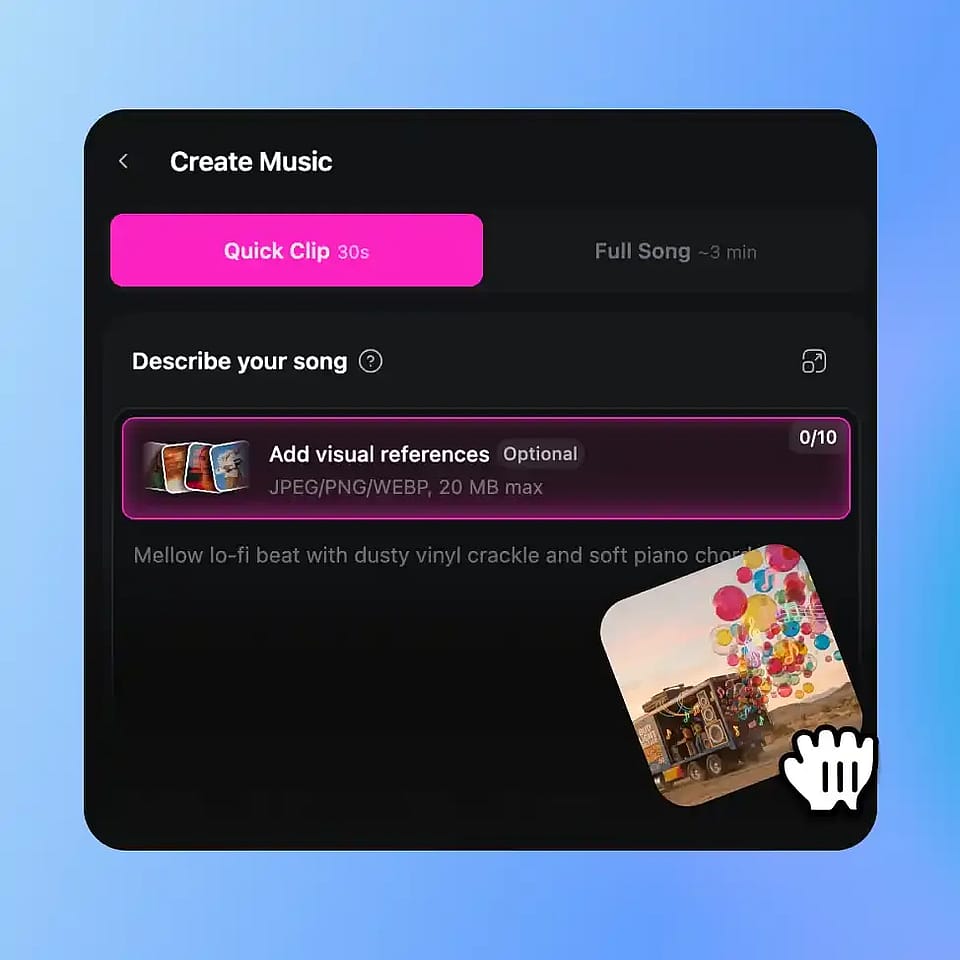
トラックを説明する
ジャンル、楽器、雰囲気、ボーカルスタイルを盛り込んだプロンプトを書くか、ジャンルチップ(R&B、Lo-fi、フォーク、シネマティック)をタップして始めましょう。さらに雰囲気を高めるために、ビジュアルリファレンスを最大10点まで添付できます。
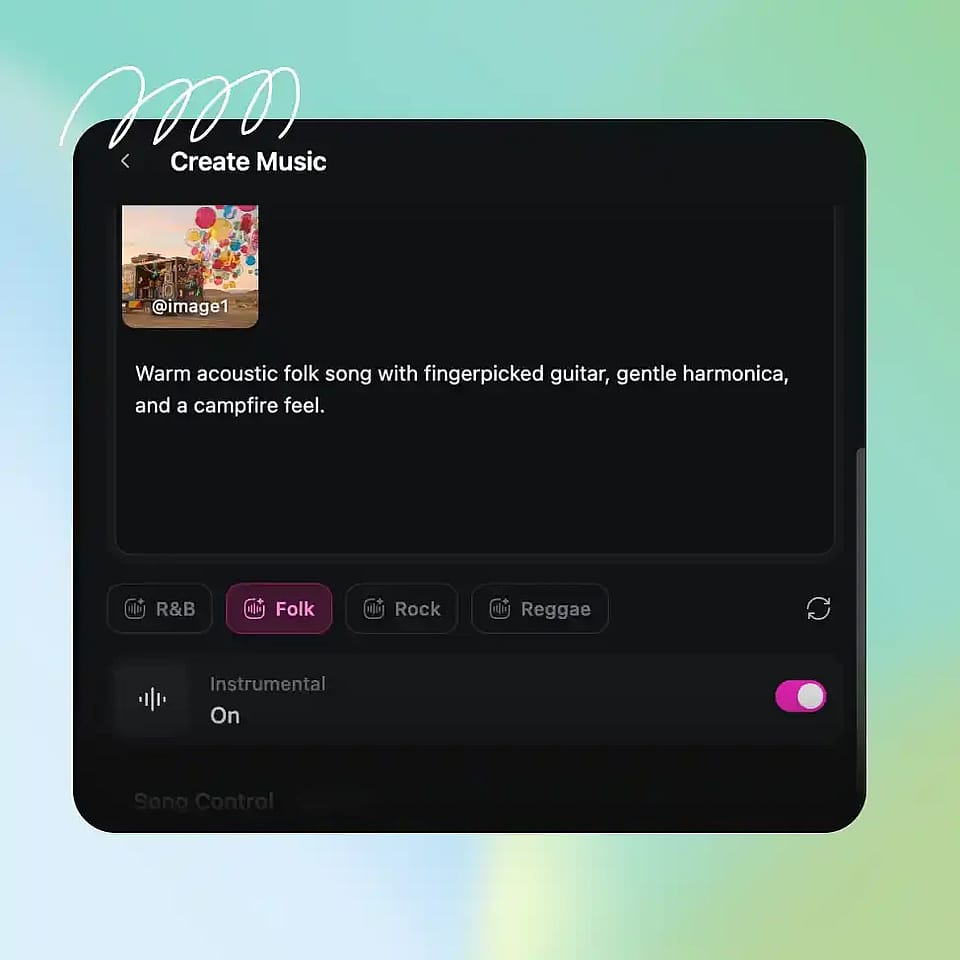
モードと設定を選択
クイッククリップ(30秒)かフルソング(約3分)を選び、必要ならインストゥルメンタルを切り替えます。オプションで、Song ControlからBPM、強度、キーを微調整できます。
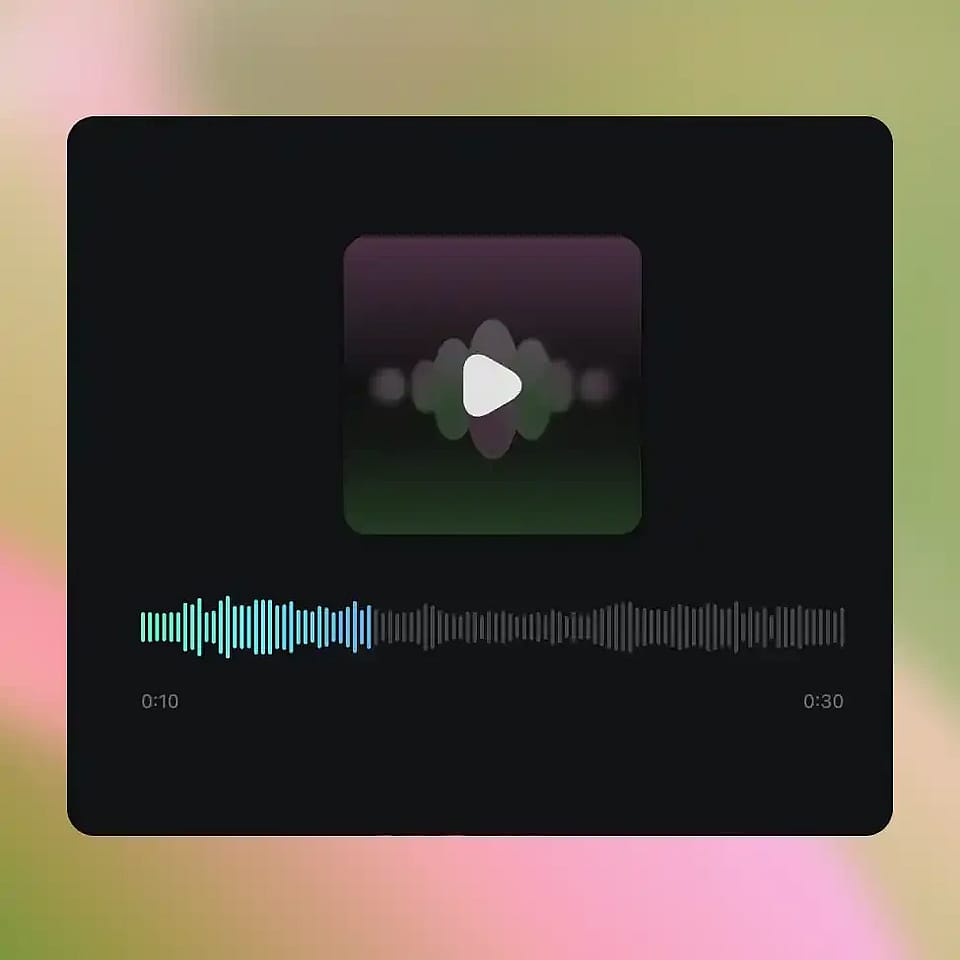
生成してダウンロード
「生成」を押して、トラックを聴いて、プロジェクト・SNS投稿・あらゆる用途にすぐ使える状態でダウンロード!
AI音楽ジェネレーター — あらゆるジャンル・あらゆるシーンのためのオリジナルサウンドトラック
15秒のクリップから3分のトラックまで、別のアプリを開くことなく、制作中のどんな作品にも音楽をつけられます。
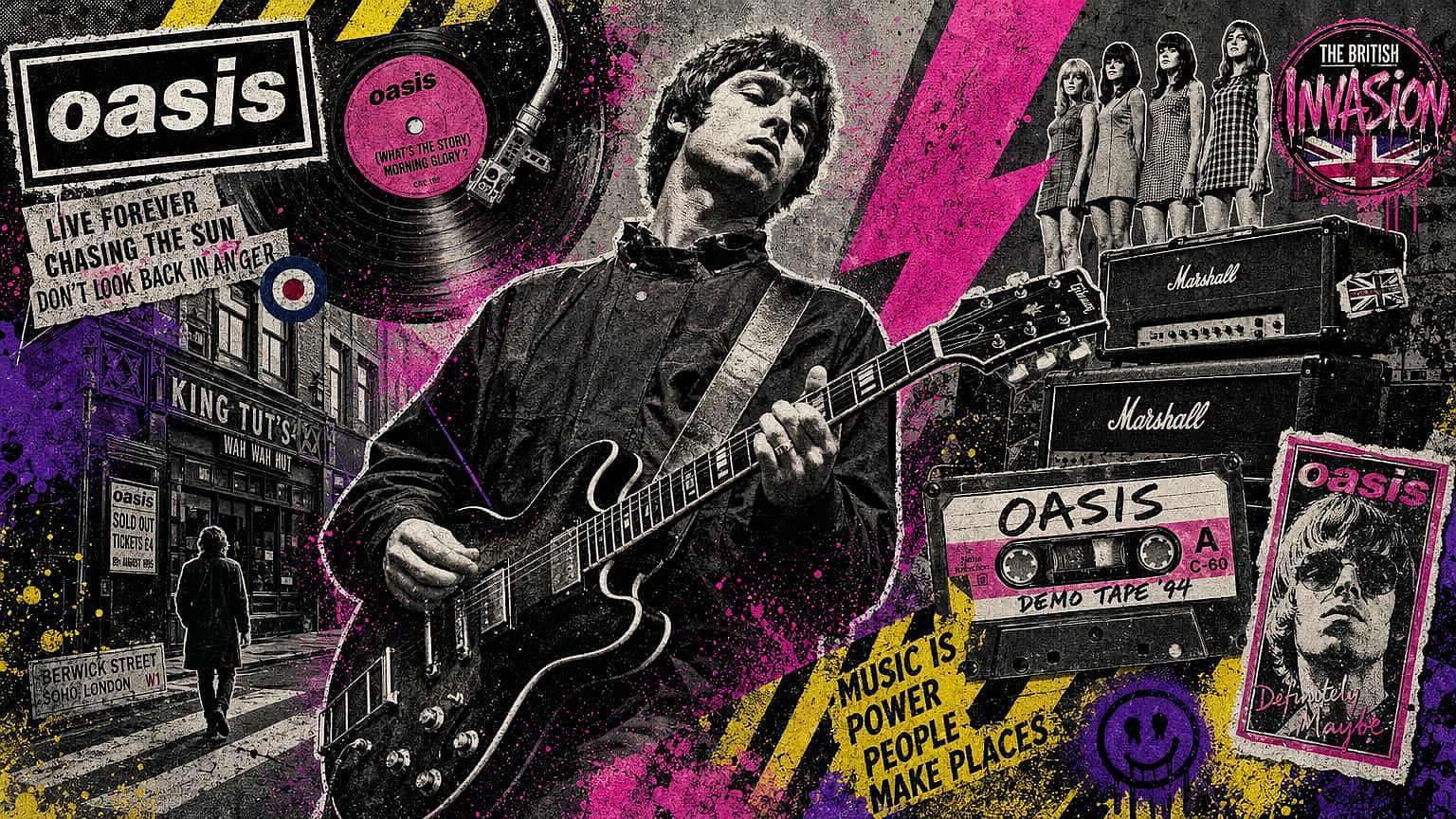
コンテンツクリエイター&動画プロデューサー
音楽の調達は、動画制作のワークフローでたいていボトルネックになります。ストックのカタログにある曲は、どれも使い古された感じか、ほんの少しズレて感じるもの。AIで仕様どおりに生成すれば、その常識が変わります。必要なジャンル、テンポ、感情の起伏をプロンプトで指定すれば、モデルが実際に映像にフィットする曲を作り出します。シリーズものなら、エピソード間でプロンプト構造を統一することで、スコアリングに一貫したアイデンティティを持たせられます。ライブラリを漁る時間を減らし、編集にもっと時間を。
今すぐ試す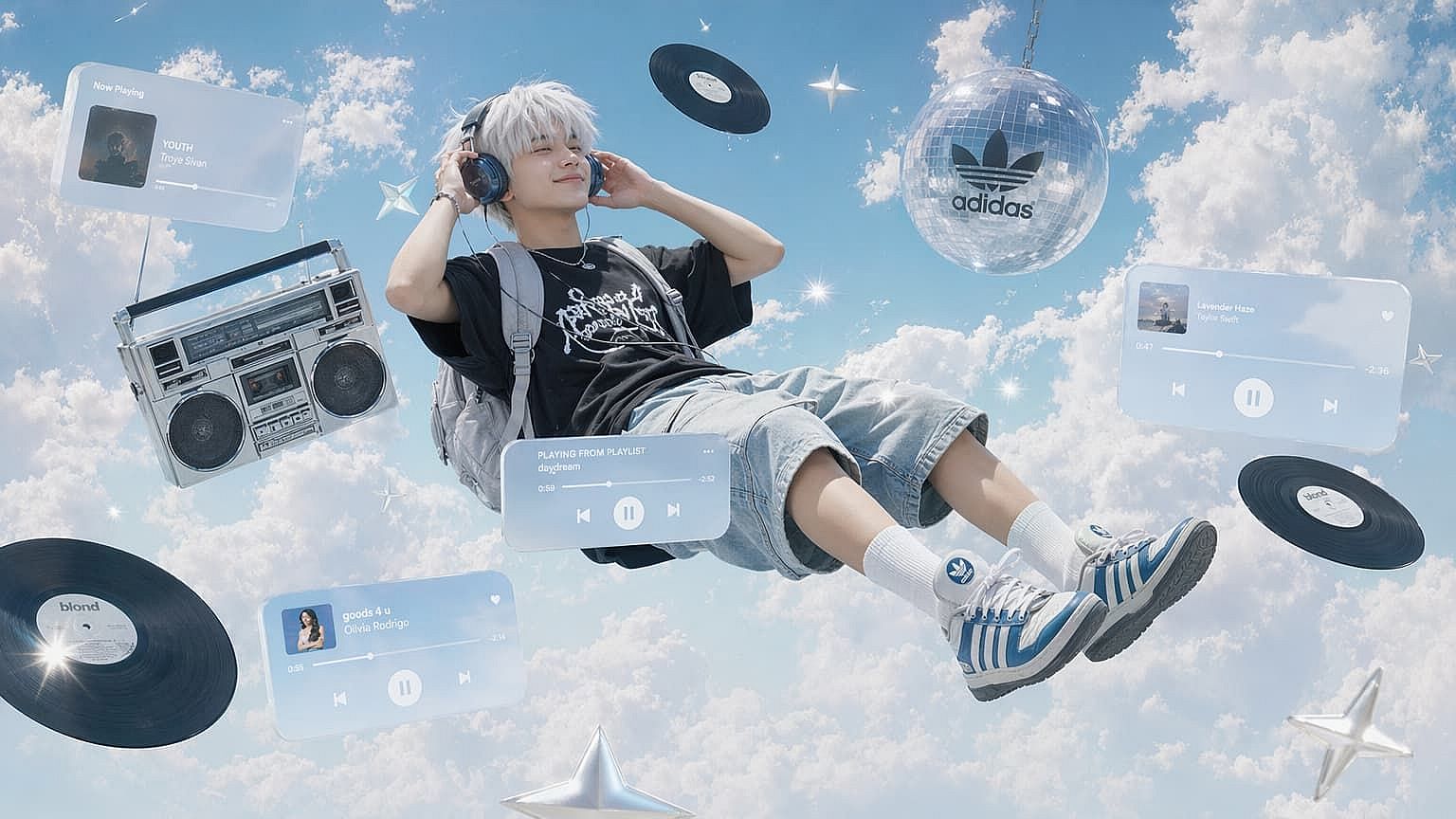
ビジュアルアーティストと写真家
静止画だけでは表現に限界があります。オーディオと組み合わせることで、鑑賞者はより没入した形で作品と向き合えます。ポートレート、風景、実験的な作品の雰囲気を反映したトラックを生成すれば、1枚のアートワークがショートフィルムに近いものへと変わります。ポートフォリオの公開、ギャラリー展示、より長く注目を集めたいSNS投稿などで特に役立ちます。
今すぐ試す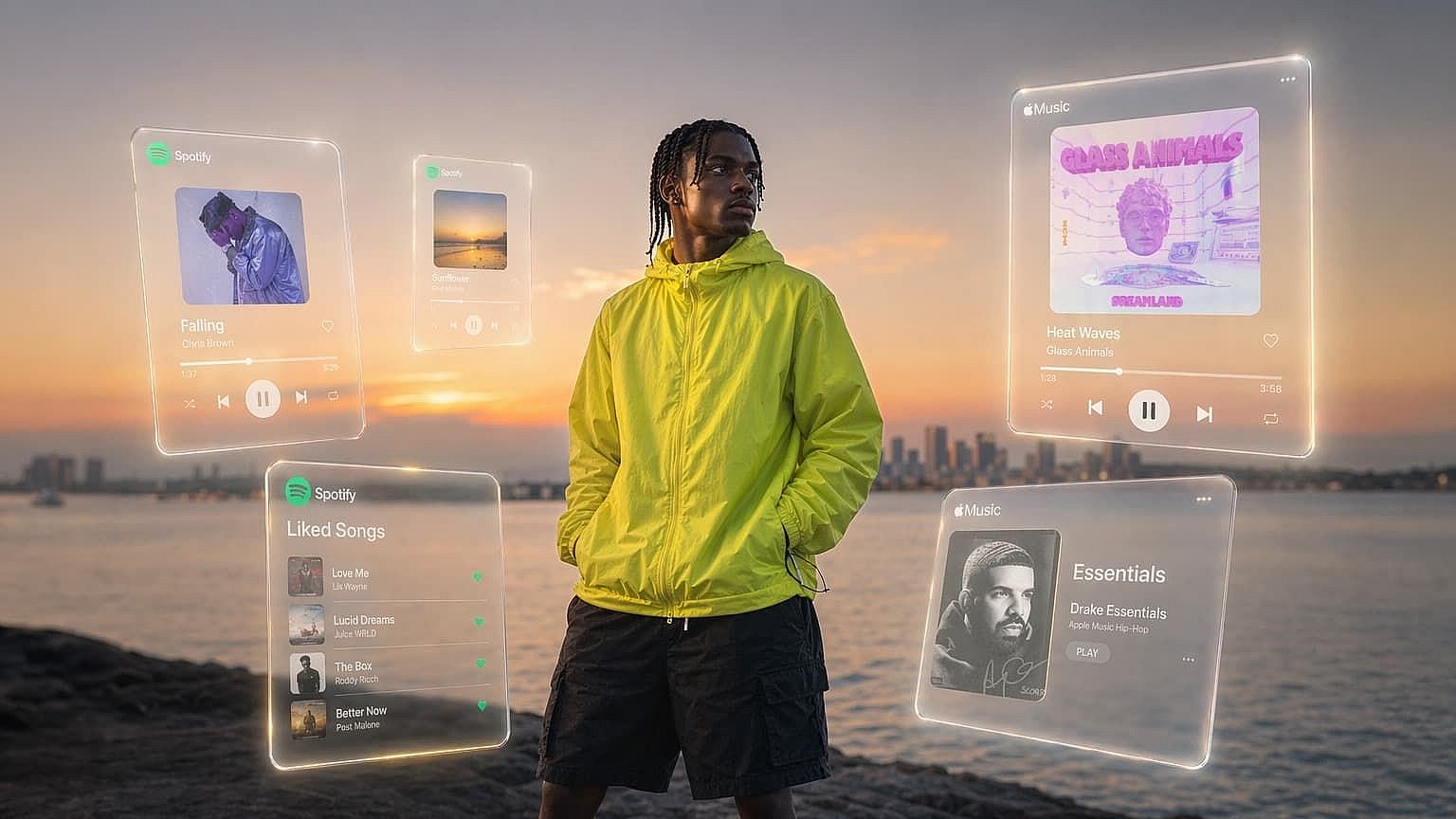
SNSクリエイター
最初の1秒で視聴者を引き込めるかどうかが勝負の半分。しかも、みんなと同じ使い古されたトレンド音源では差がつきません。オリジナルの30秒クリップを生成すれば、誰も使っていないオーディオでリールやショートを彩れます。ときにはインパクトのあるつかみに合わせたオリジナル歌詞、ときにはブランドに合わせたlo-fiループ。いずれにせよ、そのオーディオは借り物ではなく、あなたのアイデンティティの一部として響きます。
今すぐ試す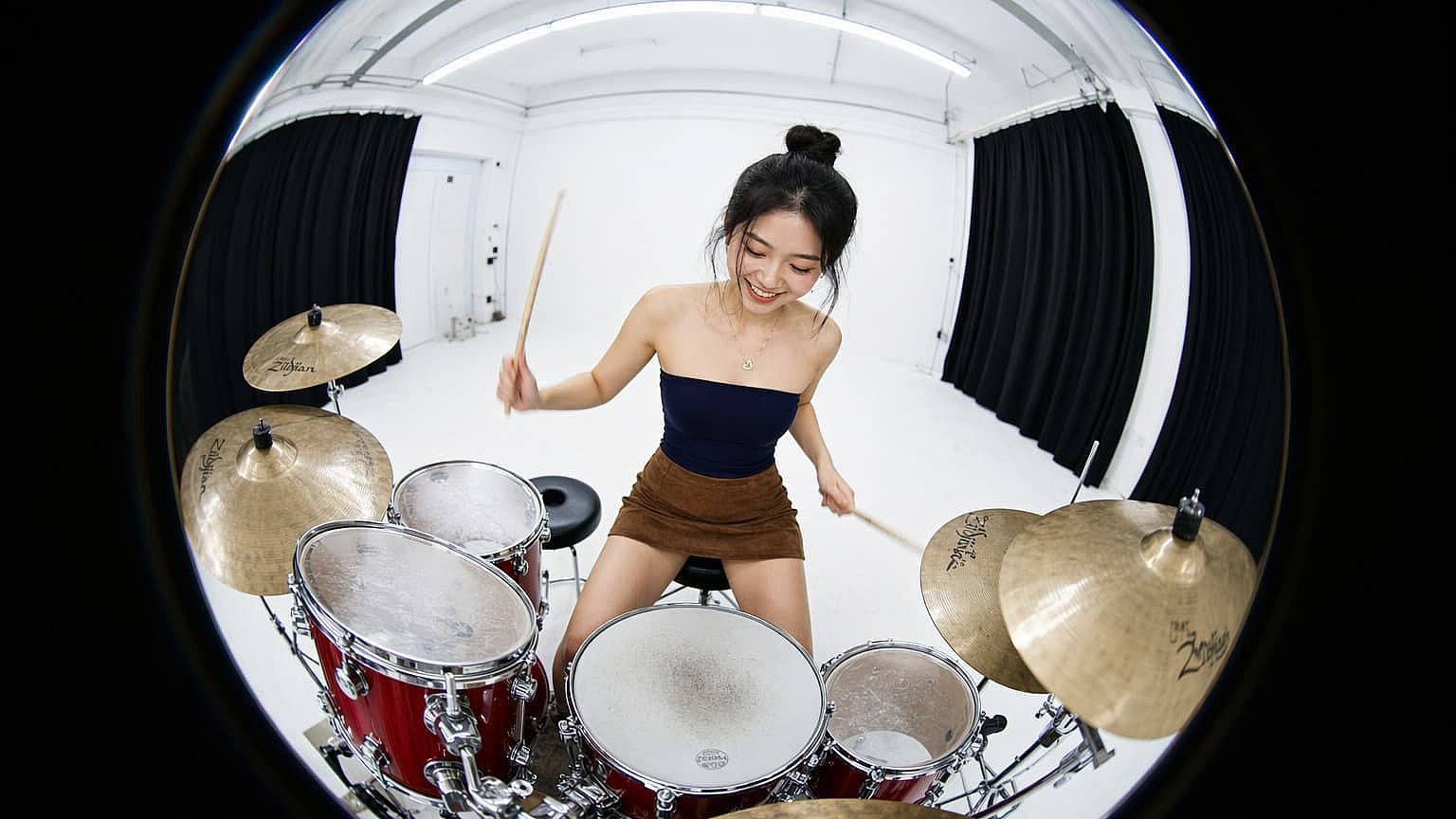
映画制作者とゲームデザイナー
シーンやレベル、短編映画のプロトタイプ制作では、いまいちしっくりこない仮の音源で済ませがちです。代わりにFull Songを生成すれば、コンセプトの下に約3分のオリジナル音源を敷けます。完成品に近いクオリティなので、ピッチやバーティカルスライス、さらには出荷ビルドにも使えます。プロジェクトの進化に合わせて新しいプロンプトで再生成し、映像とスコアを常に同期させましょう。
今すぐ試すよくある質問 よくある質問
入力内容をもとにオリジナル楽曲を作るAIツールです。テキストでプロンプトを与えたり、ムードの手がかりとして画像を読み込ませたり、その両方を組み合わせることもできます。システムは既存の音源を引っ張ってくるのではなく、あなたの説明に合った新しいオーディオトラックを生成します。
単体の音楽アプリは通常テキストpromptしか扱えず、独自のエコシステム内で完結しています。OpenArtは、画像・キャラクター・動画がすでに存在する同じワークスペースに音楽を組み込み、ビジュアルを入力素材として受け付け、同じセッション内で作品にスコアを付けられます。書き出しもアプリの切り替えも不要です。
はい。デフォルトではボーカルが含まれます。インストゥルメンタルモードをオンにすればボーカルを外せます。声を調整するには、性別・音域・質感を記述してください(例:「かすれたアルト」「洗練されたポップテナー」)。歌詞は、プロンプト内で「Lyrics:」を前につけて自分で用意するか、テーマを記述してモデルに書かせることができます。バッキングボーカルは丸括弧内に入れてください。
トラックはAIによってゼロから生成され、ダウンロードしてあなたのプロジェクトで利用できます。最新のライセンス条件については、OpenArtの公式ガイドラインをご確認ください。
文字起こしというより、ムードのヒントとして考えてください。画像は楽器編成、テンポ、感情的なトーンを導きますが、視覚的な要素を特定の音符に変換するわけではありません。日差しの降り注ぐビーチの写真は温かく爽やかな質感へと誘い、嵐の夜のシーンはスコアをより暗く、よりゆったりとした方向へ押し進めます。
Google DeepMindが開発したGoogleのLyria 3。ジャンル、時代、ボーカルスタイルを横断して構成されたトラックを生成できる最先端の生成オーディオモデルで、条件付けシグナルとしてテキストと画像の両方の入力を受け付けます。
Quick Clipは、リール、ショート、TikTok、ループ再生の背景音などのショートフォーム向けに調整された、固定30秒の生成です。Full Songは約3分に近い構成のある楽曲を生成し——モンタージュやシネマティックなシーン、単独の楽曲にも十分な長さで——さらにトラックの長さを微調整できるDurationスライダーが付いています。
はい—BPM(スロー→ファストのスライダー)、強度(穏やか→激しいのスライダー)、キー(CからBまでのルート音とメジャーまたはマイナー)はすべて手動で設定できます。フルソングモードでは長さも調整可能です。各コントロールは初期状態でオートになっており、Lyriaがプロンプトに合ったものを選びます。オートをオフにすると、その設定のスライダーやピッカーが表示されます。
はい!1回の生成につき最大10個の参照を添付できます。JPEG、PNG、WEBPファイル(各20MBまで)に対応しており、OpenArtで以前作成した画像・キャラクター・ワールドを生成の参照に指定することもできます。
30秒のクイッククリップは25クレジット。約3分のフルトラックは50クレジット。作りたいコンテンツに合わせてフォーマットを選びましょう。