

4K画像アップスケーラー
AIによるアップスケーリングで、画像をよりシャープでクリーンに仕上げましょう。写真やAIアートから、商品ショット、グラフィックまで、OpenArtがあらゆる画面やプロジェクトに対応した高解像度ビジュアルの制作をサポートします。
 画像を追加 またはここにドラッグ&ドロップ · JPEG、PNG、WEBP、HEICJPEG、PNG、WEBP、HEIC
 画像をオンラインで4Kにアップスケールする方法
画像のアップスケールは3ステップで完了します。
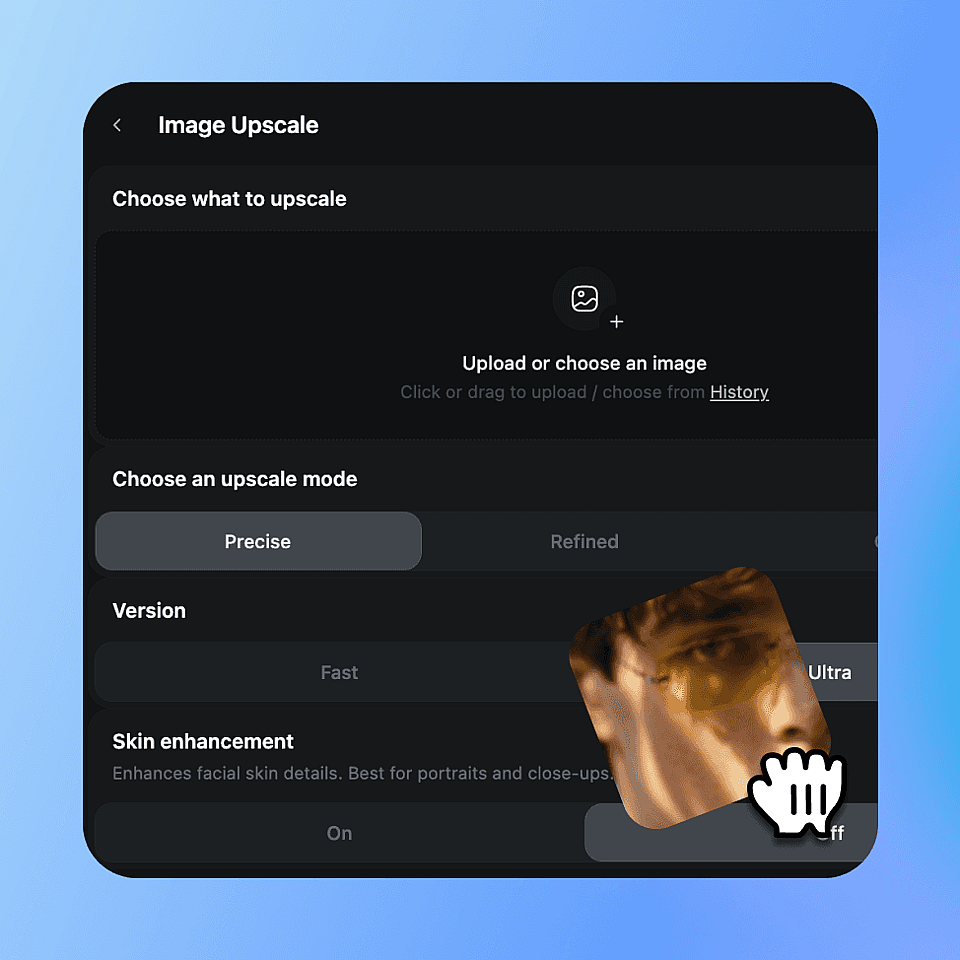
画像をアップロード
写真、AIアート、商品写真、ポートレート、グラフィックなど、どんな画像でもドロップ。JPG、PNG、WEBPすべて対応しています。最良の結果を得るには、できるだけきれいなバージョンから始めましょう。
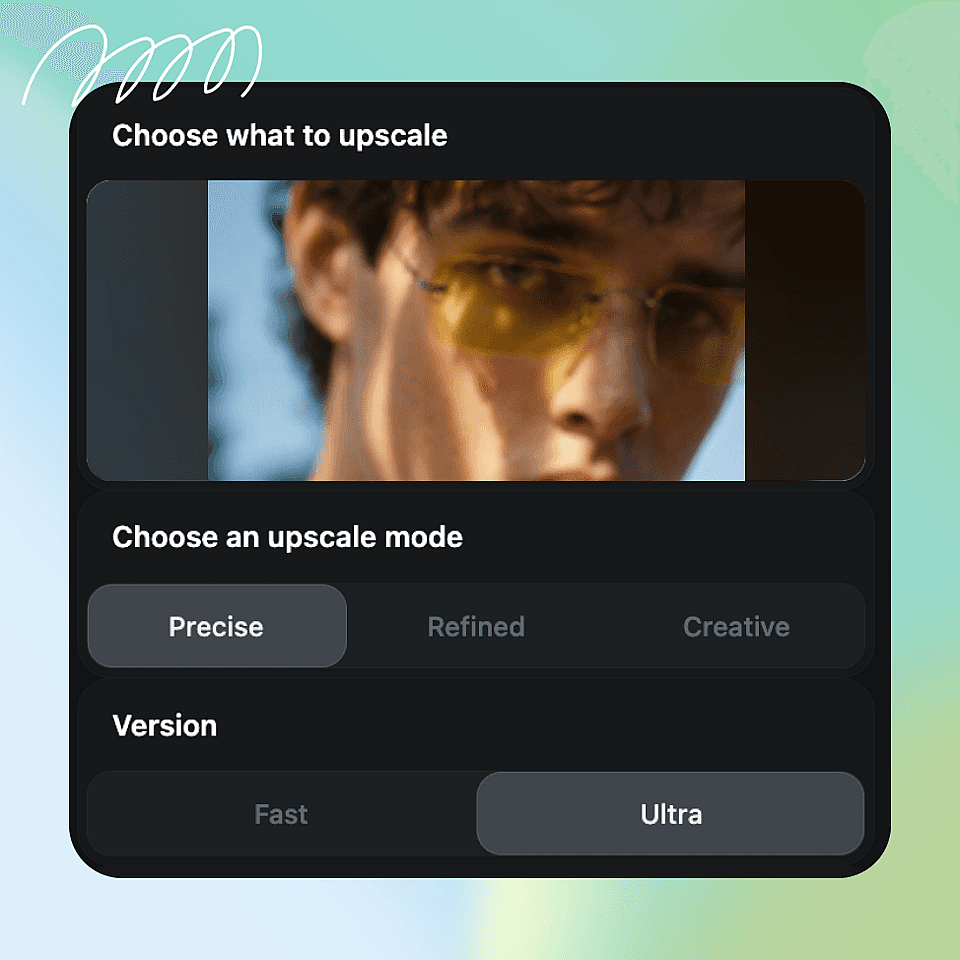
設定を選択
アップスケールモードを選びましょう。オリジナルに忠実な「Precise」、クリーンでバランスの取れた仕上がりの「Refined」、質感とディテールを加える「Creative」から選べます。画像に顔が含まれる場合は肌補正をオンに。次に出力品質を設定します。手早く仕上げるなら「Fast」、最高品質なら「Ultra」を選びましょう。
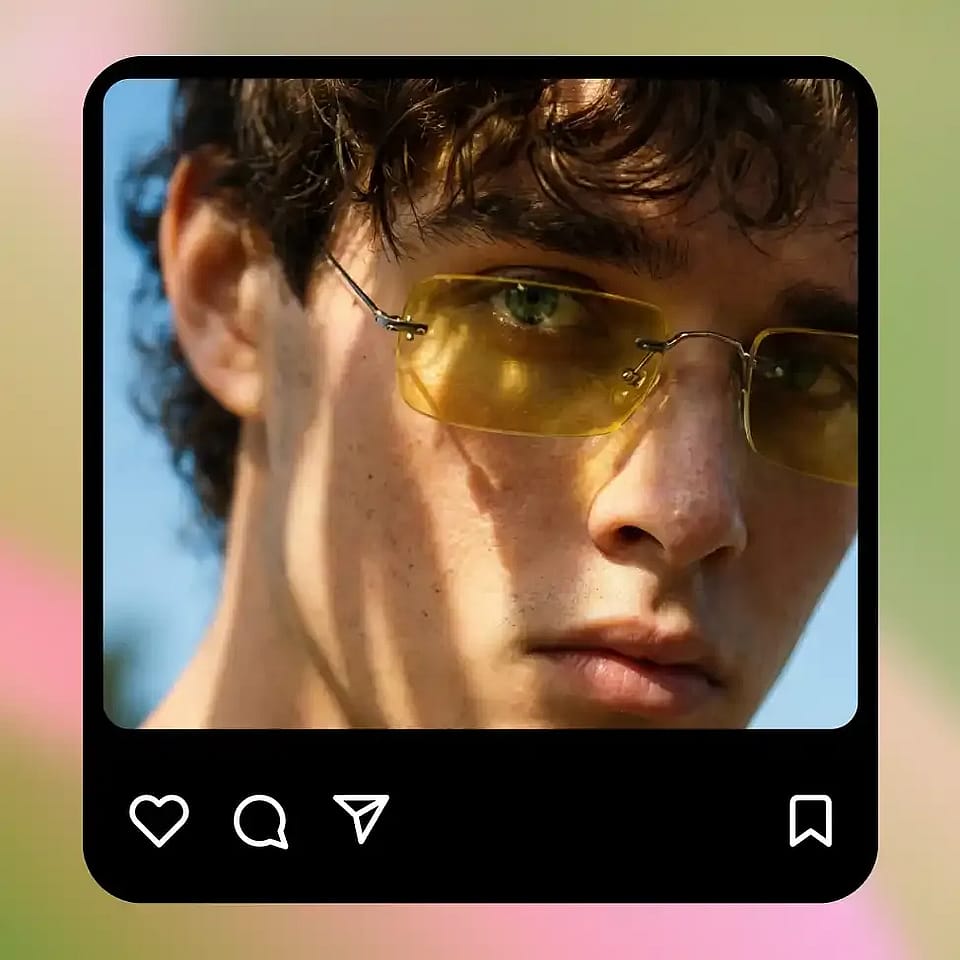
アップスケールしてダウンロード
アップスケーラーを実行して、出力を確認しましょう。調整が必要ならモードを切り替えます。仕上がりが良ければ、高解像度ファイルをダウンロードして、必要な場所で自由に使えます。
あらゆる画像タイプに対応
画像が小さすぎたりぼやけていたりする場合でも、4Kアップスケーラーツールが優れた品質へと引き上げます。
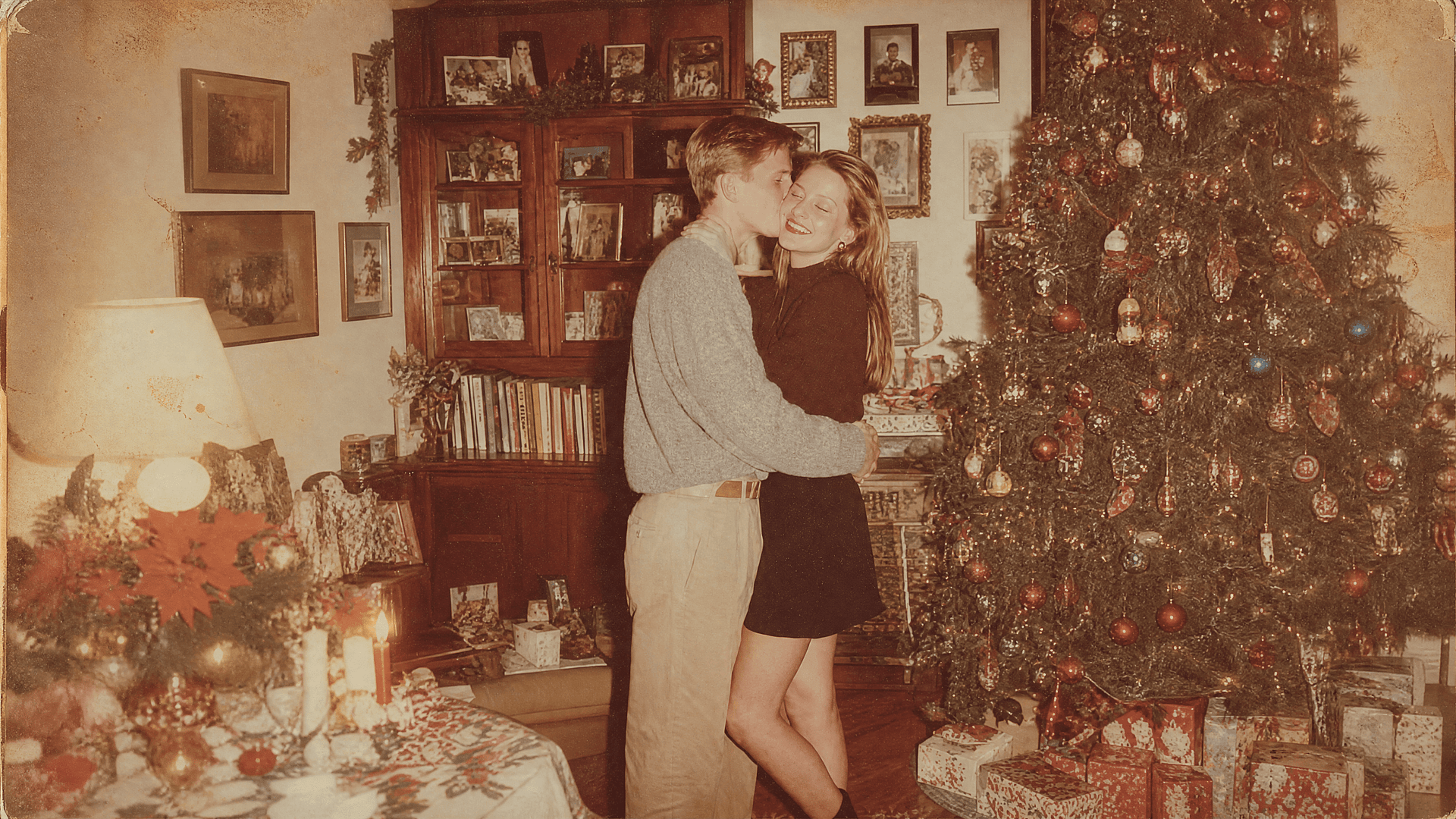
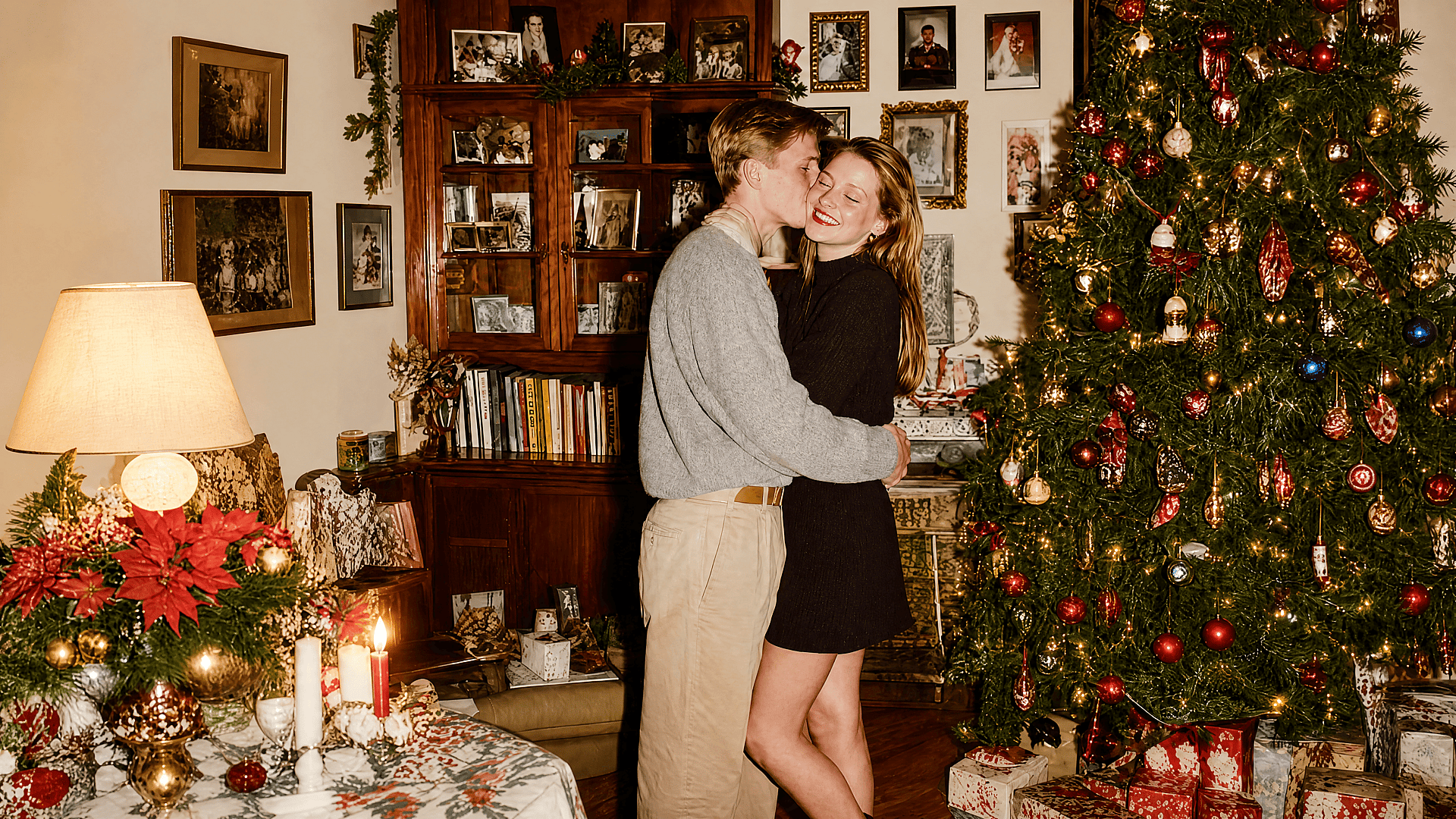
古い写真と個人の思い出
古い画像は小さかったり、スキャンやJPEG圧縮でぼやけていることがよくあります。OpenArtなら拡大してディテールを再構築し、最新の画面でもクリーンに見せられます。家族写真やヴィンテージプリント、古いデジタルファイルには、まず元の思い出らしさを残す忠実度の高いモードをお試しください。
今すぐ試す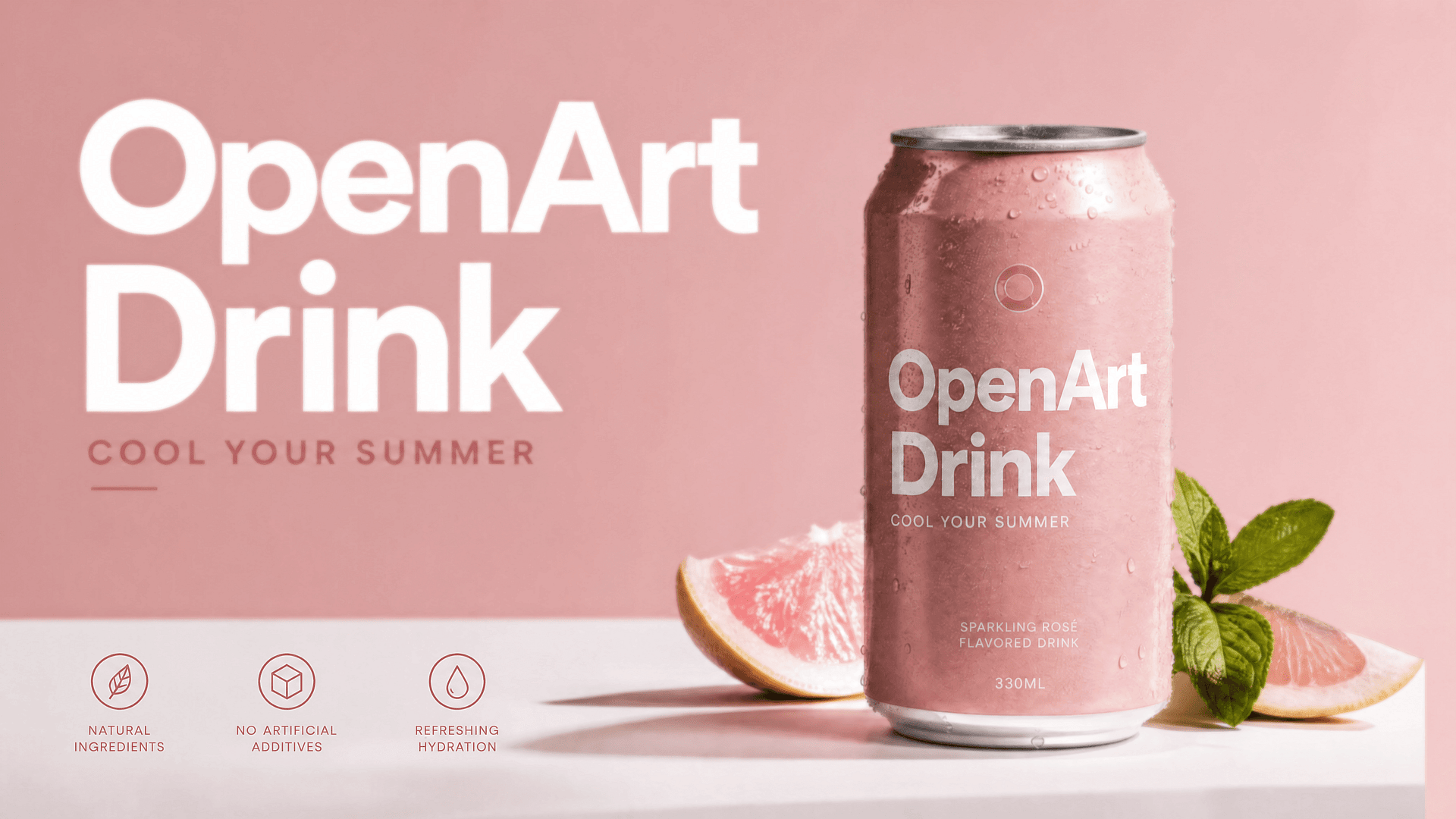
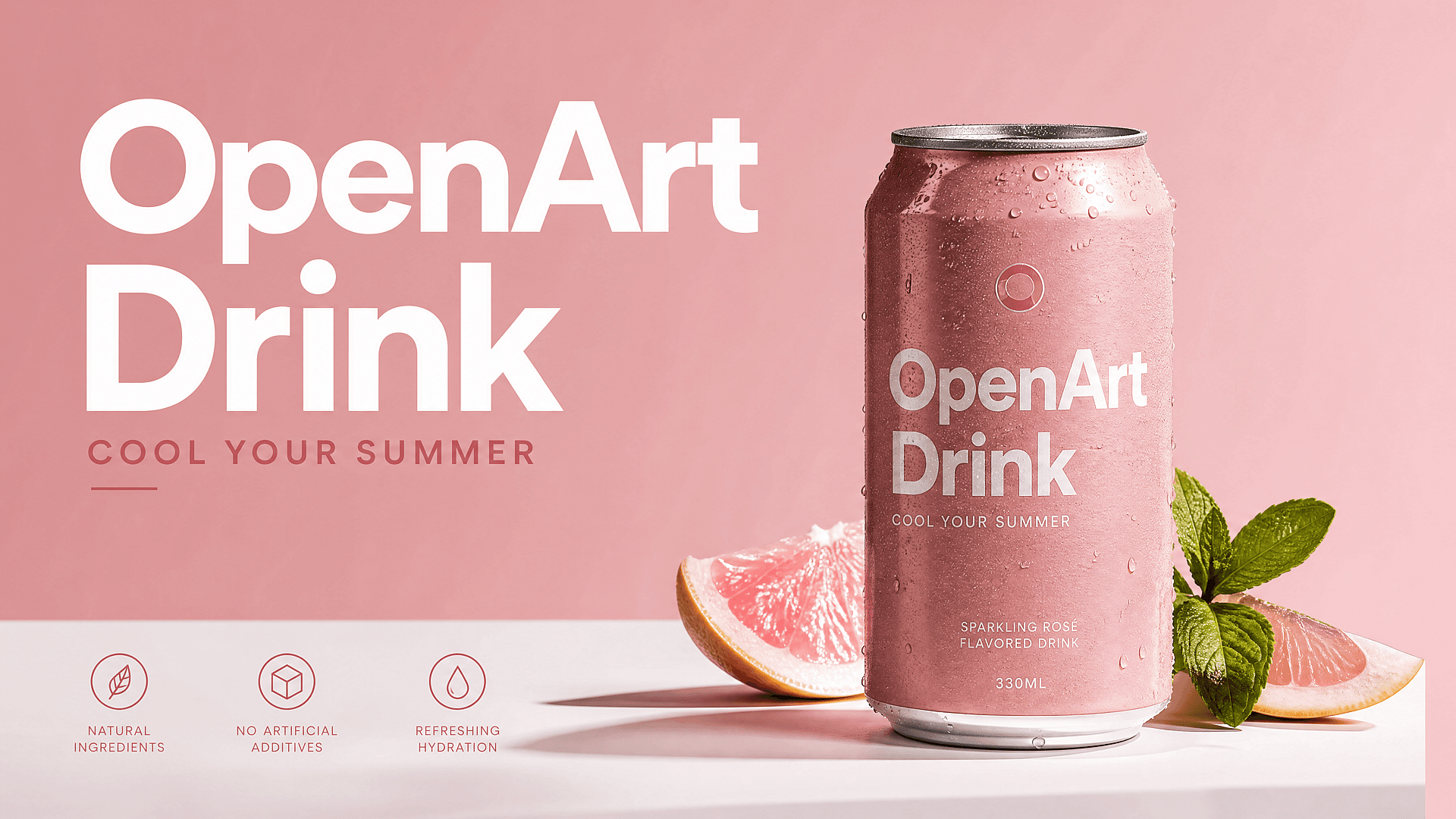
商品写真とEコマース画像
商品写真が小さいと、ストアの信頼感が下がります。4K画像アップスケーラーを使って、エッジや生地の質感、パッケージのディテール、ライフスタイルショットをくっきりさせてから、商品ページやマーケットプレイスの出品、広告、バナーに掲載しましょう。画像が鮮明になるだけで、撮り直しなしでも商品がよりプレミアムに見えます。
今すぐ試す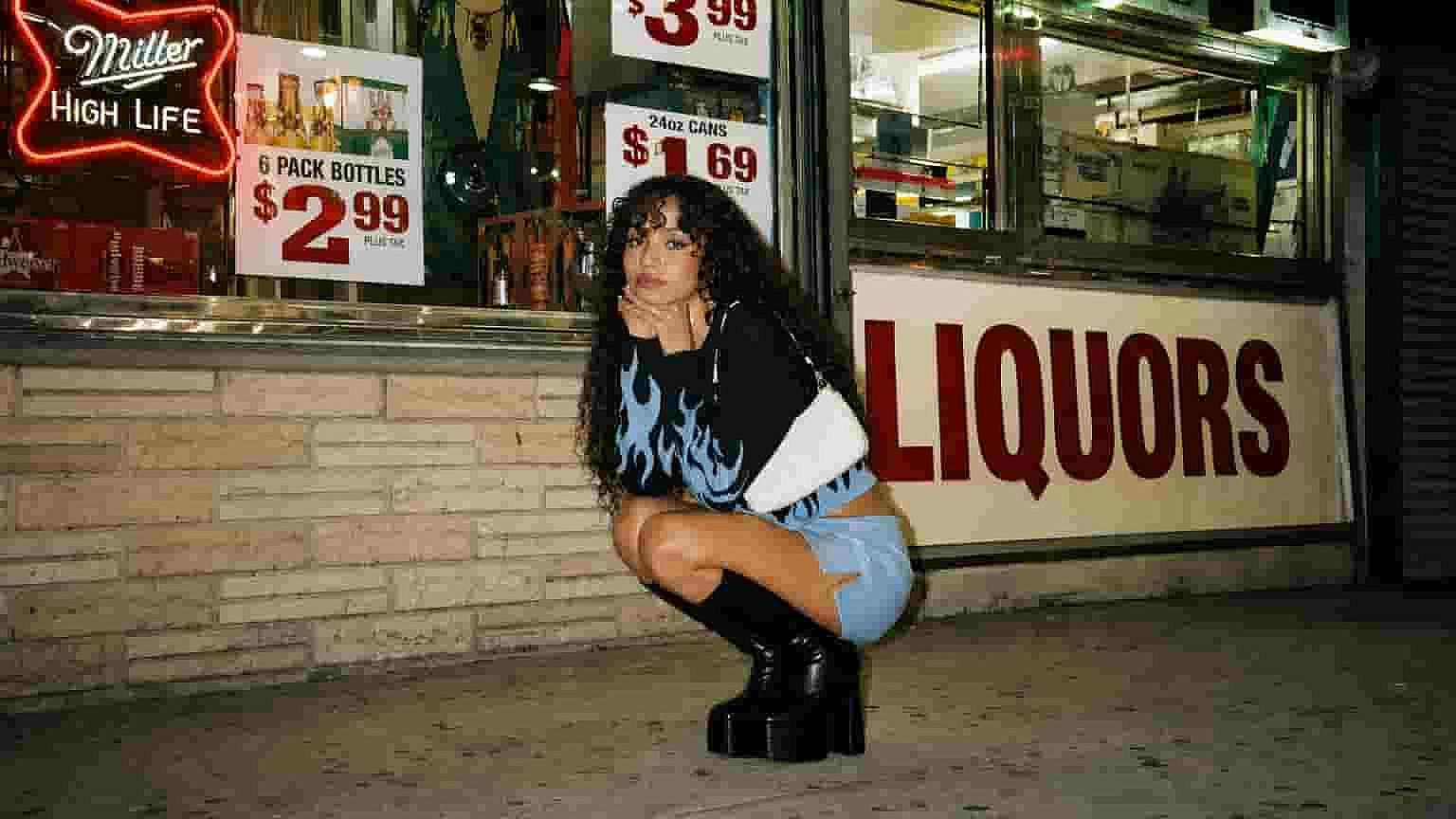
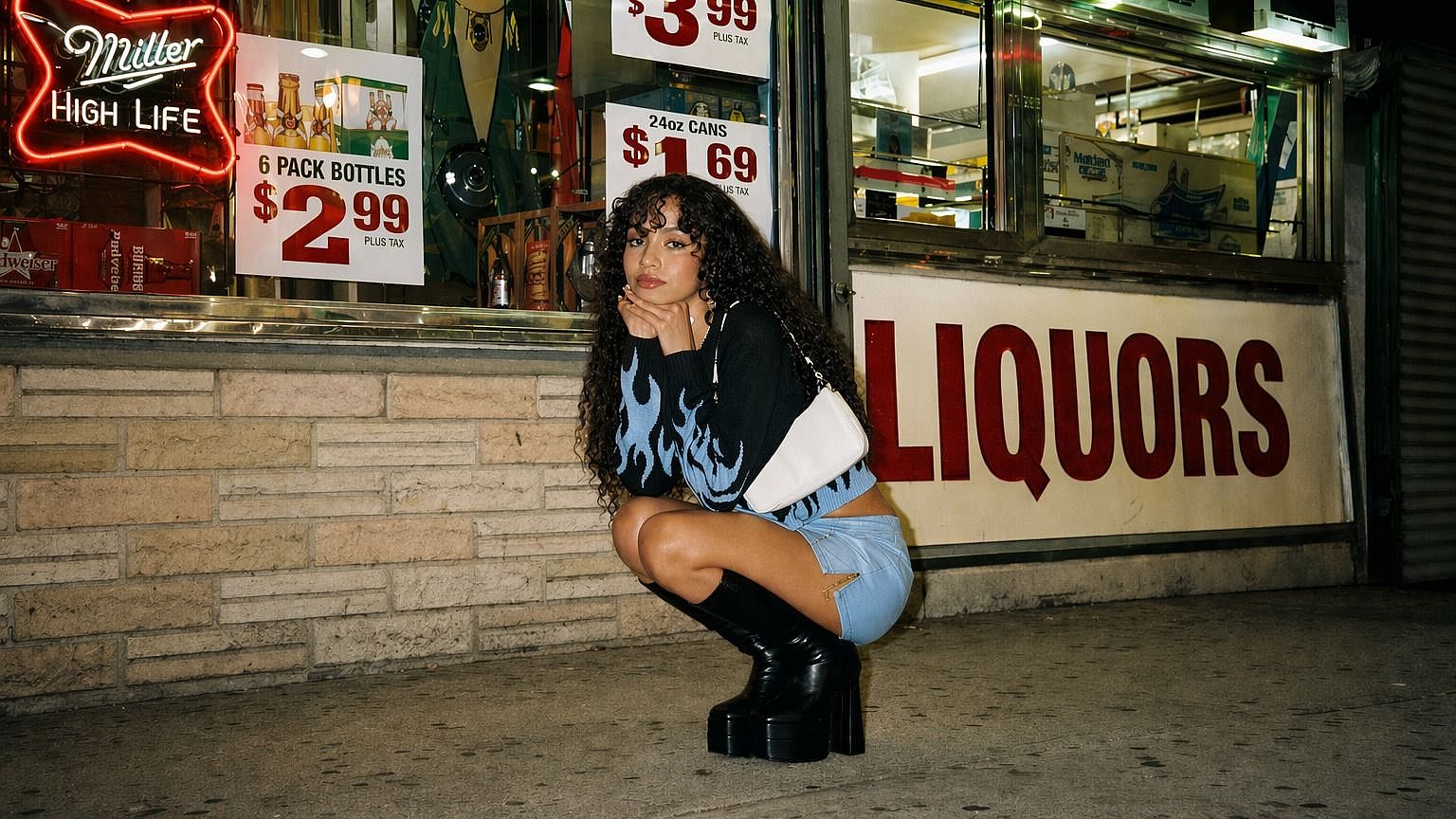
AI生成アート&イラスト
AIアートはプレビューでは美しく見えても、公開するにはサイズが小さすぎることがよくあります。AI生成画像を高解像度化すれば、壁紙やポスター、サムネイル、ブックカバー、SNS用グラフィック、印刷素材としても見劣りしません。より豊かな質感、シャープなライン、洗練された仕上がりを求めるなら、Creativeモードが特に効果的です。
今すぐ試す
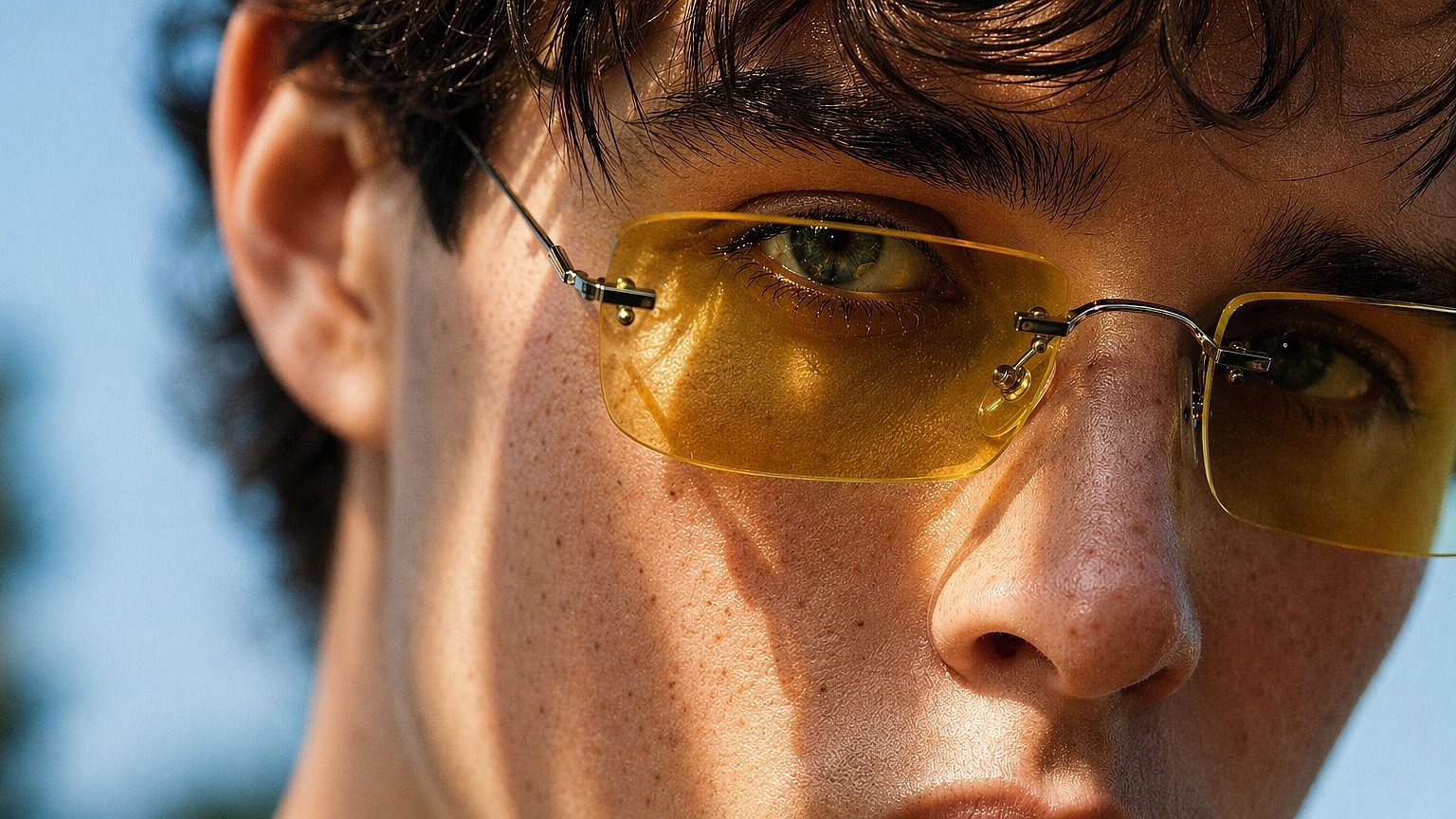
ポートレートとヘッドショット
AIアップスケーリングで、ぼやけたポートレートやプロフィール写真、クリエイターのヘッドショット、キャラクター画像をよみがえらせましょう。肌補正機能により、顔を自然に保ちながらクリアさを加えられます。LinkedInの画像、クリエイタープロフィール、プレスキット、ウェブサイトのプロフィール、キャンペーン用ポートレートに最適です。
今すぐ試す
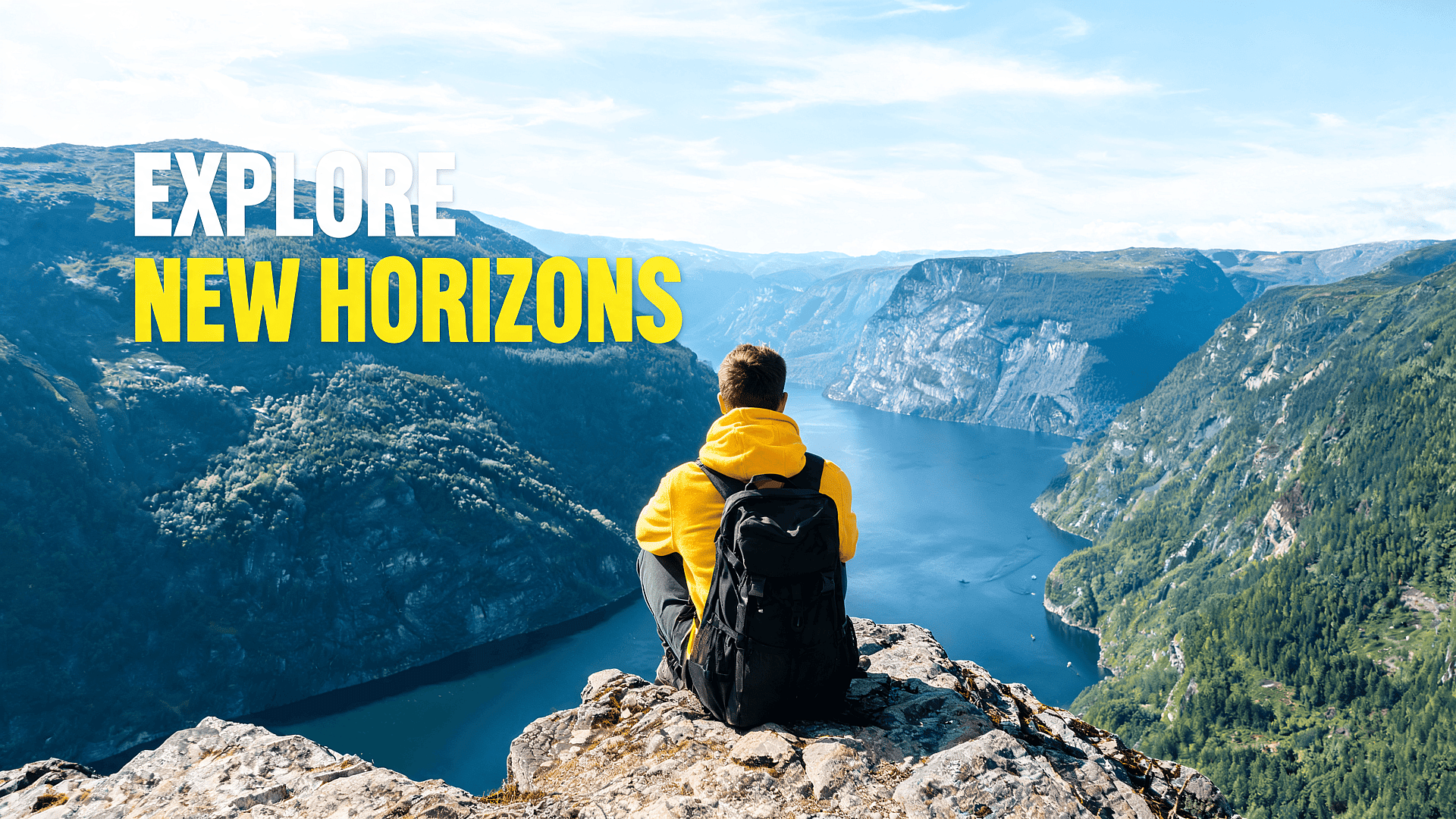
SNS投稿、サムネイル、バナー
ぼやけたビジュアルはすぐにスルーされます。YouTube のサムネイル、TikTok のカバー、Instagram の投稿、Pinterest のピン、X のバナー、ブログのヒーロー画像などを高画質化しましょう。特に元ファイルがトリミングされていたり他所からダウンロードしたものだったりする場合、くっきりした画像はモバイルでメインの被写体を際立たせてくれます。
今すぐ試す画像タイプ別のおすすめ設定
ポートレート向け
まずは Precise か Refined を使いましょう。肌の補正をオンにします。目的は、人物の顔立ちを変えたり肌を不自然に見せたりせずに、シャープさを高めることです。最初の処理でまだ顔がぼやけて見える場合は、Creative に進む前に Refined を試してください。
製品写真向け
商品の輪郭やパッケージのディテールをくっきり出したいときはPreciseを使いましょう。元画像にノイズが多かったり圧縮されている場合は、Refinedで整えてみてください。商品を正確に見せる必要があるなら、クリエイティブな加工のかけすぎは避けましょう。公開前には必ずフルサイズで最終結果を確認してください。
AIアート向け
ディテールの追加、より豊かな質感、力強い線の表現が活きる画像にはCreativeを使いましょう。AI生成アートは現実のリファレンスに厳密に合わせる必要がないため、たいていクリエイティブなアップスケールがうまくいきます。やり過ぎに感じたらRefinedに戻しましょう。
古い写真向け
「Precise」か「Refined」から始めましょう。古い写真には鮮明さが必要ですが、同時に敬意も必要です。過度なクリエイティブなディテールは、顔や背景を作り物っぽく感じさせることがあります。仕上がりが変わりすぎたと感じたら、クリエイティブ設定を下げてもう一度実行してみてください。
ロゴとテキスト向け
Preciseを使いましょう。AIアップスケーラーはエッジを改善できますが、小さな文字やロゴは慎重な確認が必要です。Creativeモードは細い線や文字の形を誤って解釈してしまうことがあります。ブランドやクライアント案件で使う前に、必ず原寸大で最終ファイルを確認してください。
スクリーンショットとUIキャプチャ向け
Preciseを使いましょう。スクリーンショットは、シャープなエッジ、読みやすいテキスト、ピクセル単位で正確なレイアウトに依存します。Creativeモードは、インターフェース要素をぼかしたり、小さなアイコンを不自然に解釈したりすることがあります。スクリーンショットに細かいテキストやUIコンポーネントが含まれる場合は、使用前に原寸大で出力を確認してください。
よくある質問 よくある質問
優れた4Kアップスケーラーは、単に画像を拡大するだけでは不十分です。ディテールを再構築し、顔を自然に保ち、一般的なフォーマットに対応し、AIがどれだけ結果を変えるかをコントロールできる必要があります。OpenArtはそんなワークフローのために作られています。画像をアップロードし、アップスケールのモードと品質を選ぶだけで、よりシャープな高解像度版を書き出せます。
単純なリサイズでは画像がぼやけてしまうことがよくあります。OpenArtのAIアップスケーラーは、画像を拡大する際にディテールを再構築することで、その問題を軽減するよう設計されています。最終的な品質は元画像に左右されます。きれいなオリジナルは、極端に小さい画像や高圧縮のファイルよりも良い結果になります。
はい。OpenArtはAI生成画像、デジタルアート、キャラクターアート、コンセプト画像、イラストにしっかり対応します。アップスケールは生成後の最終ステップになることが多く、プレビューでは良く見えても公開前にはより高い解像度が必要になるためです。
はい。商品写真、ECサイト画像、パッケージ写真、マーケットプレイス素材をくっきりさせるのに使えます。商品の正確さを重視するなら、元画像に近いモードを使い、最終出力をフルサイズで確認してください。
OpenArtでは画像のアップスケールを無料で始められます。無料利用はクレジットやアカウント設定によって制限される場合があるため、ずっと無制限に使えるのではなく、無料で始められるものと考えるのがおすすめです。
2Kは、Webやソーシャルメディアでよりくっきりした画像が必要なときに便利です。4Kは、大画面や高解像度レイアウト、大きめの書き出しでも耐えられる画質が求められる場合に適しています。ファイルサイズが気になるなら、両方を試して、くっきり見える範囲で最も小さいバージョンを使いましょう。
はい。肌の補正機能を使い、忠実またはバランスモードでアップスケールを始めましょう。OpenArtは、肌の質感を自然に保ちながら(過度に滑らかにせず)顔をシャープに仕上げるよう設計されています。
いいえ。OpenArtの4K画像アップスケーラーはブラウザ上でオンライン動作します。画像をアップロードし、設定を選び、アップスケールして結果をダウンロードするだけです。
世界中のクリエイターに愛用されています
コミュニティの声をチェック
数多くのAIプラットフォームを試してきましたが、キャラクター制作、画像から動画への変換品質、豊富なモデルの選択肢では今もOpenArtが一番です。
OpenArtは優れたAIツールが揃っています。機能を覚えれば創作の可能性は無限大で、サポートチームも素晴らしいです。
OpenArtは、多彩な画像・動画モデル、一貫したキャラクター生成、強力な編集ツールを備えた、とても汎用性の高いAIプラットフォームです。
便利なAIツールがひとつに——画像・動画の生成、編集など…複数のサブスクは不要です。
カスタマーサポートはいつも迅速で頼りになります…しかも新機能やツールがどんどん追加されて、プラットフォームは進化し続けています。
数多くのAIプラットフォームを試してきましたが、キャラクター制作、画像から動画への変換品質、豊富なモデルの選択肢では今もOpenArtが一番です。
OpenArtは優れたAIツールが揃っています。機能を覚えれば創作の可能性は無限大で、サポートチームも素晴らしいです。
OpenArtは、多彩な画像・動画モデル、一貫したキャラクター生成、強力な編集ツールを備えた、とても汎用性の高いAIプラットフォームです。
便利なAIツールがひとつに——画像・動画の生成、編集など…複数のサブスクは不要です。
カスタマーサポートはいつも迅速で頼りになります…しかも新機能やツールがどんどん追加されて、プラットフォームは進化し続けています。
数多くのAIプラットフォームを試してきましたが、キャラクター制作、画像から動画への変換品質、豊富なモデルの選択肢では今もOpenArtが一番です。
OpenArtは優れたAIツールが揃っています。機能を覚えれば創作の可能性は無限大で、サポートチームも素晴らしいです。
OpenArtは、多彩な画像・動画モデル、一貫したキャラクター生成、強力な編集ツールを備えた、とても汎用性の高いAIプラットフォームです。
便利なAIツールがひとつに——画像・動画の生成、編集など…複数のサブスクは不要です。
カスタマーサポートはいつも迅速で頼りになります…しかも新機能やツールがどんどん追加されて、プラットフォームは進化し続けています。
数あるAIプラットフォームの中でも、OpenArtは際立った選択肢でした。どんなクリエイターにもおすすめします。
このプラットフォームには、画像、動画、キャラクター、オーディオ、複数のAIモデルまで、AIコンテンツ制作に必要なすべてが一つに揃っています。
OpenArtはAI動画制作の限界を押し広げています。クリエイター体験の向上にチームが本気で取り組んでいるのが伝わってきます。
OpenArtで初めてのAIミュージックビデオを作りました。サポートチームの対応は、これまで受けた中で最高でした。
サポートには大満足です。問題がすぐに解決し、チームのおかげでスムーズに進みました。
数あるAIプラットフォームの中でも、OpenArtは際立った選択肢でした。どんなクリエイターにもおすすめします。
このプラットフォームには、画像、動画、キャラクター、オーディオ、複数のAIモデルまで、AIコンテンツ制作に必要なすべてが一つに揃っています。
OpenArtはAI動画制作の限界を押し広げています。クリエイター体験の向上にチームが本気で取り組んでいるのが伝わってきます。
OpenArtで初めてのAIミュージックビデオを作りました。サポートチームの対応は、これまで受けた中で最高でした。
サポートには大満足です。問題がすぐに解決し、チームのおかげでスムーズに進みました。
数あるAIプラットフォームの中でも、OpenArtは際立った選択肢でした。どんなクリエイターにもおすすめします。
このプラットフォームには、画像、動画、キャラクター、オーディオ、複数のAIモデルまで、AIコンテンツ制作に必要なすべてが一つに揃っています。
OpenArtはAI動画制作の限界を押し広げています。クリエイター体験の向上にチームが本気で取り組んでいるのが伝わってきます。
OpenArtで初めてのAIミュージックビデオを作りました。サポートチームの対応は、これまで受けた中で最高でした。
サポートには大満足です。問題がすぐに解決し、チームのおかげでスムーズに進みました。

