

 ChatGPT
 Perplexity
 Claude
 Gemini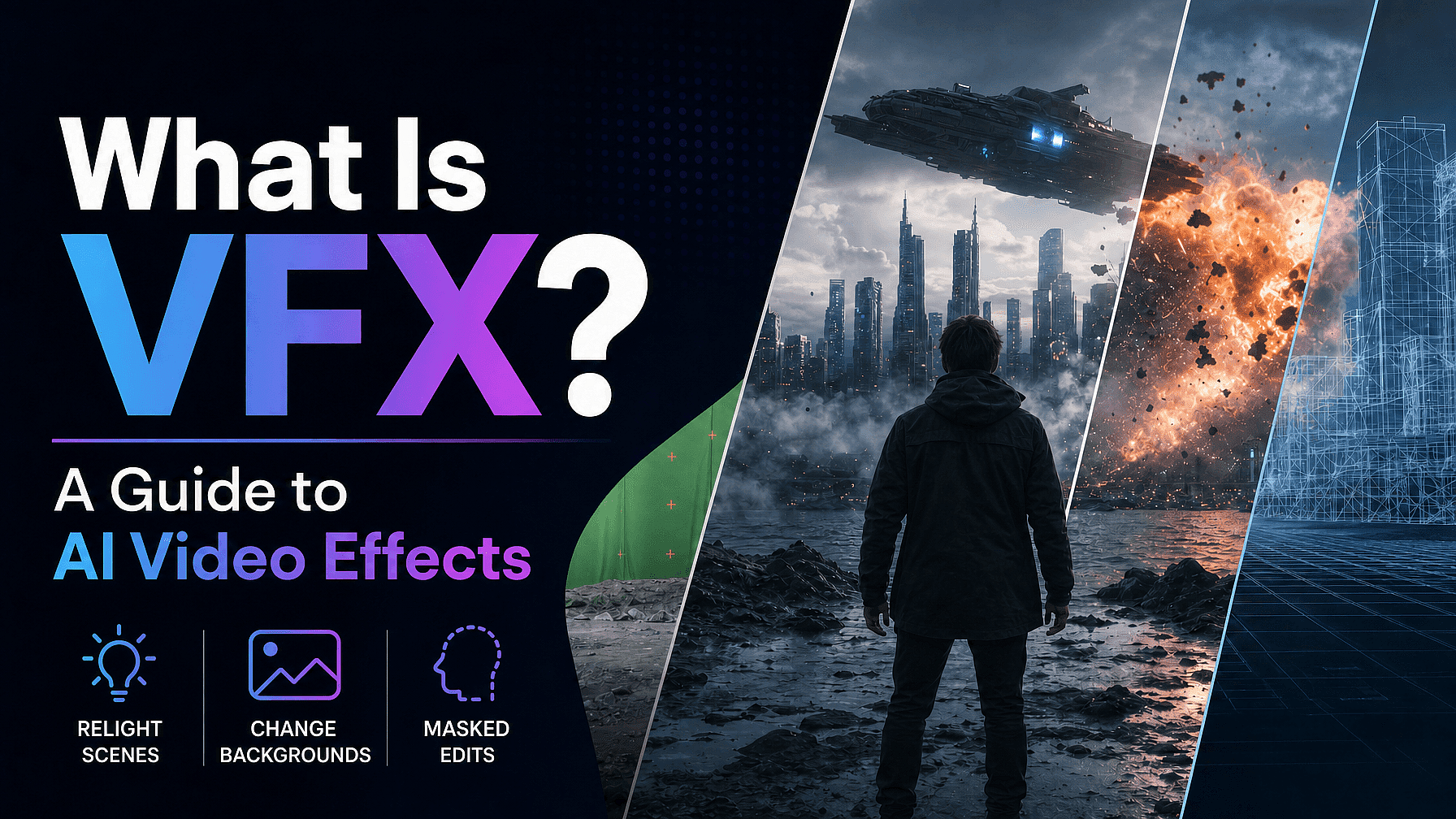
VFXとはビジュアルエフェクト(視覚効果)のこと。撮影後に作り出したり変更したりする映像を指します。空の差し替えからフルCGのクリーチャーまで幅広く、あなたが目にするほぼすべての映画・番組・広告に使われています。
これまでVFXといえば、グリーンスクリーンと高価なソフト、そして専門家チームが必要でした。しかしAIが動画一本のアップロードから同じ作業の大部分をこなせるようになり、その状況は急速に変わりつつあります。
このガイドでは、VFXとは何か、CGIやSFXとどう違うのか、よく出会う主なタイプ、そしてグリーンスクリーンや本格的なスタジオなしでAI動画エフェクトを使う方法を解説します。
要点
- VFX(ビジュアルエフェクト)とは、撮影後のポストプロダクションで作成・加工された映像のことです。
- CGIはVFXの一部(すべてコンピューターで作られた映像)で、SFXは撮影現場でライブで行う実写エフェクトです。
- VFXの一般的な種類には、合成、CGI、モーションキャプチャ、マットペイント、ロトスコープがあります。
- 従来のVFXには、グリーンスクリーン、コンポジター、NukeやAfter Effectsのようなソフトウェアが必要です。
- AI動画エフェクトなら、1回のアップロードから背景の差し替え、ライティングの再調整、マスク編集を実行できます。グリーンスクリーンも編集経験も不要です。
VFXとは?
VFXは視覚効果を意味します。実写ショットの外側で映像を作り出したり変更したりし、それを本物に見えるように映像へ溶け込ませるプロセスです。
VFXが存在するのは、コストがかかりすぎたり、危険すぎたり、あるいはカメラでは単純に撮影不可能なショットがあるからです。破壊された都市、遠い惑星、散らかった部屋の背後にあるクリーンな背景。いずれも撮影現場よりポストプロダクションで作るほうが簡単です。
重要なのはタイミングです。VFXは撮影中ではなく撮影後に行われます。それが実写エフェクトとの違いであり、AIがこれほど多くの作業を担えるようになった理由でもあります。
VFX・CGI・SFXの違い
これら3つの用語は同じ意味で使われがちですが、それぞれ意味が異なります。違いを知っておくと、AI動画エフェクトツールが実際に何をするのかがぐっと理解しやすくなります。
VFX は幅広い総称です。コンポジット、マットペイント、モーショントラッキング、CGIなど、ポストプロダクションで作成・加工されるあらゆる映像を指します。
CGI(コンピューターグラフィックス)はVFXの一分野です。3Dのクリーチャーや完全なデジタル環境など、コンピューターだけで作り出された映像を指します。すべてのCGIはVFXですが、すべてのVFXがCGIというわけではありません。
SFXつまり特殊効果とは、撮影現場でライブに実現される実践的な効果のこと。制御された爆発、疑似的な雨、特殊メイク、アニマトロニクスはすべてSFXです。ポストプロダクションではなく、カメラの前で実際に起きるからです。
VFXの主な種類
ほとんどの視覚効果はいくつかのカテゴリーに分けられます。AI 動画エフェクトも同じ考え方に対応するので、まずは従来の手法を知っておくと役立ちます。
レイヤーの合成 別々の画像を1つのフレームに合成します。最も一般的なのはグリーンスクリーン合成で、被写体をグリーンの背景の前で撮影し、後から新しい背景を合成します。
CGI はキャラクターから世界全体まで、要素をコンピューター上でゼロから作り上げます。マットペイントは絵画やデジタルの風景でセットを拡張し、モーショントラッキングはCGI要素を動く映像に固定して、位置がずれないようにします。
モーションキャプチャ は俳優の動きを記録し、それをデジタルキャラクターに反映させます。ロトスコープは、被写体を背景から切り離すためにフレームごとに手作業でトレースする作業です。
従来のVFXの仕組みと、それが難しい理由
従来のVFXパイプラインは強力ですが、時間もコストもかかります。AI動画エフェクトは、まさにそのギャップを埋めるために作られました。
一般的な撮影には、グリーンスクリーンのスタジオ、管理された照明、そしてクリーンプレートが必要です。撮影後はコンポジターが背景をキーで抜き、エッジを手作業で整え、照明を合わせて新しいシーンがリアルに見えるようにします。
こうした作業はNukeやAdobe After Effectsのようなソフトで、しばしばレンダーファームを使って行われ、わずか数秒の映像に数日かかることもあります。さらに本格的なトレーニングも必要で、従来のVFXはほとんどの個人クリエイターや小規模チームには手が届きません。
AIがVFXをどう変えたか
AI動画エフェクトは、このパイプラインのほとんどを省略します。キーイングやロトスコープ、合成を手作業で行う代わりに、AIモデルが映像を読み取り、切り抜きを自動でこなします。
最新の動画モデルは、被写体を切り出し、フレーム全体のライティングを再構築し、グリーンバックや手作業の切り抜きなしで特定の領域を編集できるように学習されています。通常のクリップをアップロードし、欲しい仕上がりを説明するだけで、数分で生成されます。
すでに動画コンテンツを制作している場合、これはさらに便利です。 AI動画ジェネレーター 従来の撮影の代わりに。
オン OpenArt VFX、これは以下で動作します BeebleのSwitchXクリーンな被写体分離、フルフレームのライティング調整、マスク領域編集のために作られた動画から動画へのモデル。元の映像を直接ガイドとして使うため、フレームごとにブレることなく、被写体の動きと同一性が保たれます。
従来のVFXに対応した、3つのAI VFXモード
OpenArt VFXは、1回のアップロードから3つのモードを使えます。それぞれが従来のビジュアルエフェクト技術をAIで再現したものです。
グリーンスクリーンなしで背景を差し替え
動画の背景チェンジャー は、合成とクロマキーのAI版です。被写体を切り抜き、その背景を差し替えます。グリーンバックも手作業の切り抜きも不要。プリセットを選ぶか、画像をアップロードするか、AIで新しい環境を生成できます。
シーン全体をライティングし直す
AI動画リライティング モードは、ライティングのセットアップとカラーグレーディングを同時にこなします。フラットなフィルターを重ねるのではなく、フレーム全体のライティング・カラー・ムードを再構築するので、影やハイライトが本物のように見えます。演技やカメラワークは撮影したままに保たれます。
マスクした領域を保護し、それ以外を変換
インペイントモード はロトスコープとマスキングのAI版です。顔や商品など残したいフレームの部分にマスクを描くと、その領域は撮影したままの状態で保たれ、マスクの外側だけが変化します。マスクするのは最初のフレームだけで、モデルがそれ以降のすべてのフレームで保護領域を追跡します。
こちらのYouTube動画で、OpenArt VFXでこれを実現する実用的な方法がわかります:
クリップにAI動画エフェクトを加える方法
全体のワークフローは3ステップ、わずか数分で完了。インストールは一切不要です。
動画をアップロードしましょう。
MP4やMOVのクリップをドロップするだけ。AI動画エフェクトは、グリーンスクリーンやスタジオ設備なしで、どんな部屋で撮った映像でも使えます。
モードを選択。
Background、Relight、Inpaintingから選択。プリセット、参照画像、テキストpromptで指示できます。
生成して比較。
SwitchXは数分でクリップをレンダリングします。結果を左右並べたビューでプレビューし、必要に応じて調整して、MP4でダウンロードできます。
AI動画エフェクトを使っているのは
参入ハードルがここまで下がったことで、その魅力は幅広い層に広がっています。ソーシャルクリエイターは、セットを組まなくても背景を差し替えたり自宅で撮った映像をリライティングしたりして、自分ならではのルックを作り出しています。
映像作家や監督は、NukeやAfter Effectsなしでコンポジットやリライティングができ、再撮影をマスクとプロンプトで済ませられます。ブランドやマーケティングチームは一度撮影すれば、キャンペーンごとに異なる背景やムードを適用でき、一回の撮影が丸ごとコンテンツライブラリになります。
結論
VFXとは、撮影後に映像を作り込んだり変更したりする技術で、何十年もの間、スタジオ、コンポジター、専門ソフトが必要でした。AIビデオエフェクトは、同じコントロールを保ちながら、グリーンスクリーンもパイプラインも学習コストも取り払います。
すでにお持ちの映像で試してみたい方は、 OpenArt VFX BeebleのSwitchXモデルを活用し、1枚のアップロードから背景の差し替え、再ライティング、マスク編集を実行します。
よくある質問
VFXとは何の略ですか?
VFXとはビジュアルエフェクトのことです。シーンの撮影後に作成・変更した映像を素材に合成し、元のショットの一部のように見せる技術です。
VFXとCGIは同じものですか?
いいえ。CGI(コンピューターグラフィックス)はVFXの一種で、完全にコンピューターで作られます。VFXはさらに広いカテゴリーで、合成、マットペイント、モーショントラッキングなども含みます。つまりすべてのCGIはVFXですが、すべてのVFXがCGIというわけではありません。
VFXとSFXの違いは何ですか?
VFXは撮影後のポストプロダクションで行われます。SFX(特殊効果)は、爆発、偽の雨、特殊メイクなど、撮影現場でライブで作られる実写効果です。
グリーンスクリーンなしでVFXはできますか?
はい。AI動画エフェクトは被写体を切り出し、グリーンスクリーンや手動の切り抜きなしにシーンを差し替えたりライティングを変えたりします。OpenArt VFXなら1回のアップロードで背景の差し替え、ライティング調整、マスク編集が可能です。
VFXを作るには経験が必要ですか?
今はもう違います。背景モードとリライトモードは、プリセットやリファレンスを使ったワンクリック操作向けに作られています。マスク領域の編集は丁寧なマスキングで効果を発揮しますが、合成ソフトやポストプロダクションの知識は一切必要ありません。
VFXにはどんなソフトが必要ですか?
従来のVFXはNukeやAdobe After Effectsのようなツールで、多くの場合レンダーファームを使って動きます。AI動画エフェクトはブラウザで動くので、クリップをアップロードしてモードを選び、結果をダウンロードするだけ。インストールは一切不要です。