

GPT Image 2 - AI画像ジェネレーター
OpenArtのGPT Image 2で、ほぼ完璧なテキスト、一貫したディテール、最大4倍速のイテレーションを備えた高品質なビジュアルを生成しましょう。

コミュニティの作品
クリエイターたちが、読みやすいテキスト、整った構図、一貫した特徴を備えた広告クリエイティブ、UIモックアップ、商品ビジュアルをどう生成しているかをご覧ください。
GPT Image 2 の主な機能
OpenAIの最新画像モデルがOpenArtで利用可能になりました。高速な生成と、指示ベースの素早い編集が行えます。
ほぼ完璧なテキストレンダリング
GPT Image 2.0 generates visuals with text that doesn’t mutate or break unlike in other AI image models. In fact, this AI model achieves ~99% text rendering accuracy in common scenarios. This makes GPT Image 2.0 highly effective for advertising, product marketing, branded content, and UI/UX design. Moreover, this means that you save time and effort on post-generation edits or iterations, and even if they are required, GPT Image 2.0 is amazingly precise and consistent with editing images based on your prompts.
今すぐ試す最大4倍高速な生成と反復
GPT Image 2.0の標準生成は、前身のGPT Image 1.5に比べて最大4倍高速。画像をぐっと速く生成できます。しかも嬉しいことに、速度アップは品質の低下を意味しません。実際、GPT Image 2.0は従来の画像モデルと比べて、より高い品質とより速い速度を同時に実現しています。この高速性は画像編集でも明らかで、生成済みの画像に手を加える作業もほんの数秒で完了します!
今すぐ試す再生成なしの精密編集
Older AI image models used to regenerate major parts of the image or alter some features when applying edits. With GPT Image 2.0, that problem doesn’t exist anymore. OpenArt offers region selection when editing images so you can make highly accurate edits when you make changes on our platform. You can precisely change the color of some hair streaks, or change the buttons on a shirt, simply by highlighting those areas and explaining your desired changes in the text prompts. This enables multi-step edits without quality degradation.
今すぐ試すGPT Image 2 の使い方
OpenArt の GPT Image 2.0 で、たった3ステップで画像を生成・編集できます。
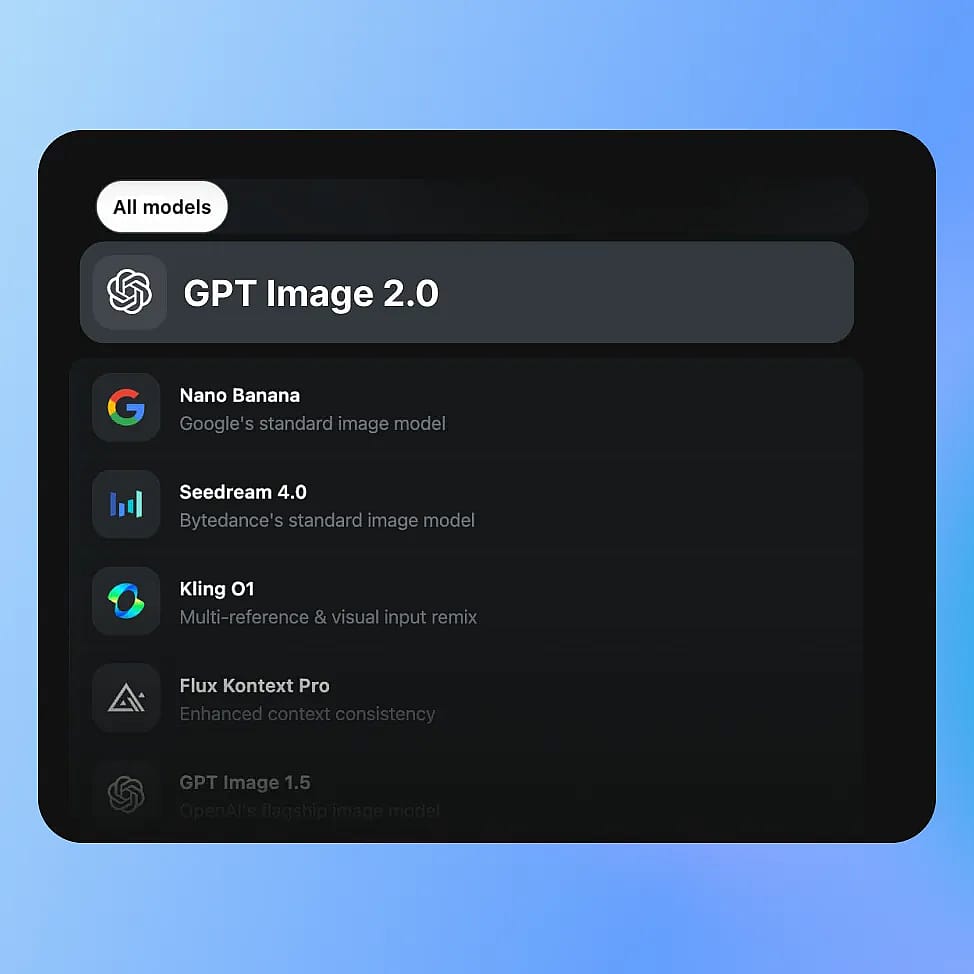
モデルを選択
OpenArtのImageツールに移動してモード(画像を作成、画像を編集、または画像バリエーション)を選択し、利用可能なモデルからGPT Image 2.0を選びます。
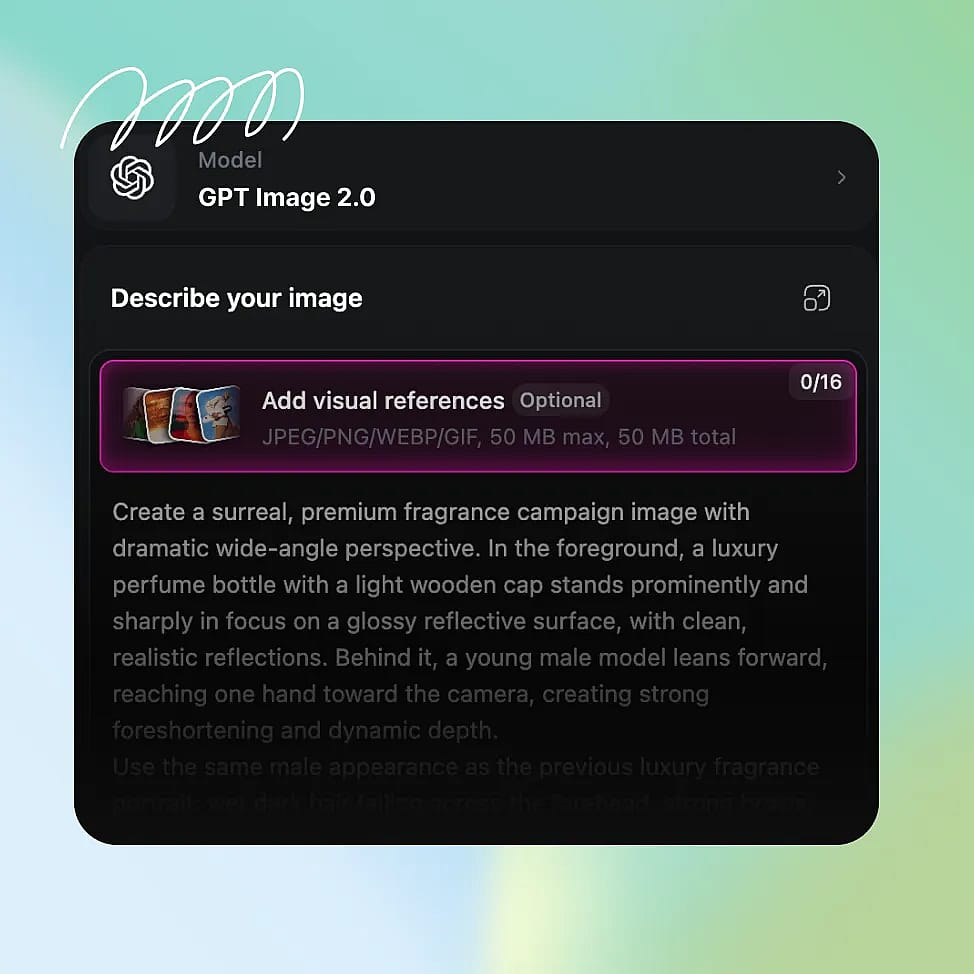
プロンプトを書く
被写体、構図、ライティング、含めたいテキストやレイアウト要素など、具体的なディテールで画像を説明しましょう。より細かくコントロールしたい場合は、参照画像をアップロードすることもできます。
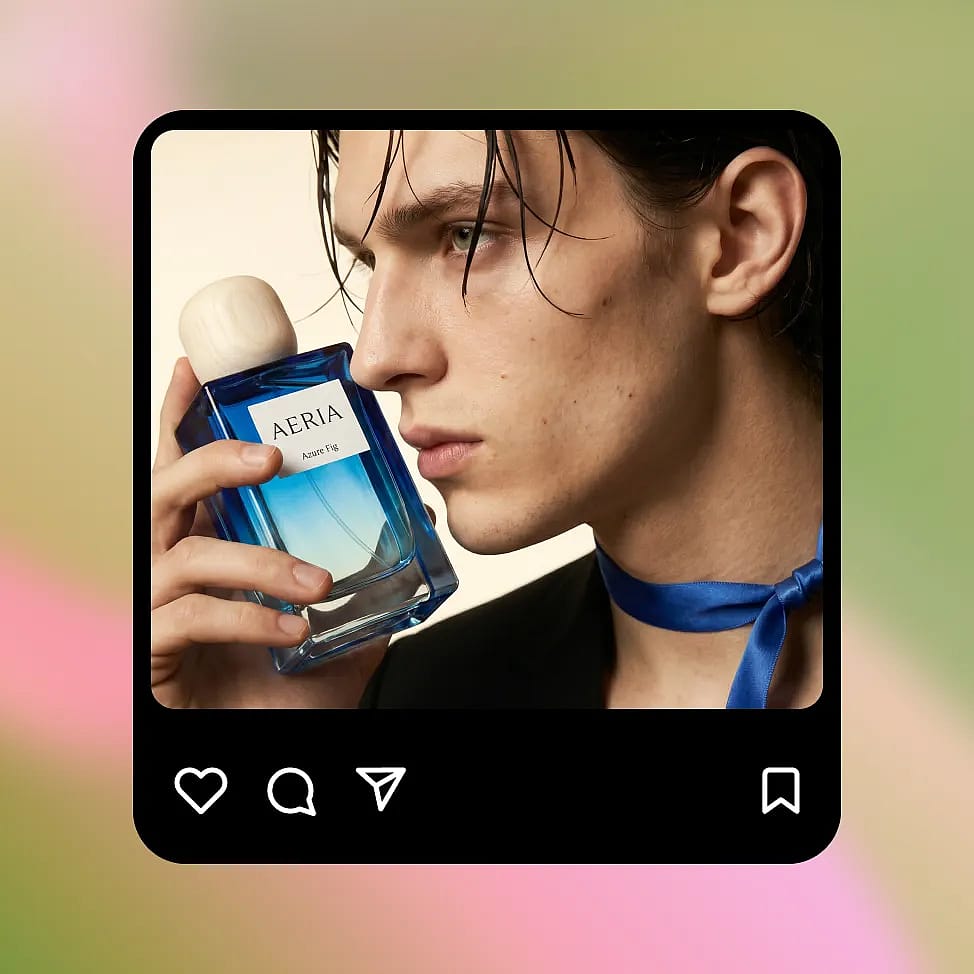
生成して繰り返し調整
解像度とアスペクト比を選択してから画像を生成します。狙いを定めた編集や小さなプロンプト調整で、一貫性を保ちつつ出力を仕上げましょう。
GPT Image 2 は、最高品質のアウトプットを、より速く、より安く提供できるよう設計されています
正確なテキスト、一貫したビジュアル、そして高速でコントロールしやすい反復で、マーケティングビジュアルや商品画像、UXモックアップ、楽しい編集を作りましょう。
実際のコピーを添えたマーケティングクリエイティブ
Create ad banners and social posts that already include usable text instead of placeholder gibberish. You can ask for a clear headline, short supporting line, and a button, and the model places them in a logical order. For example, a simple product ad can include a readable headline at the top, a product image in the center, and a call-to-action at the bottom. If you want to test variations, you can change only the headline or button text and keep everything else the same. This makes it easy to create multiple versions of the same ad without rebuilding the layout each time.
今すぐ試すパーソナル編集と楽しい変身
GPT Image 2.0 also works great for more casual, creative use like transforming selfies or generating stylized edits. You can upload a photo and ask for changes like a new background, different lighting, or a themed look, and the model will keep your face and key details consistent. For example, you can turn a normal selfie into a cinematic portrait, a studio-style headshot, or place yourself in a completely different setting. You can also experiment with celebrity-style edits or visual mashups while keeping the image coherent. Because edits are targeted, you can keep refining the same image instead of starting over each time.
今すぐ試す大規模なプロダクトマーケティングビジュアル
You can create product images in different settings while keeping the product itself consistent. Start with a clean studio shot, then place the same product in a kitchen, outdoors, or in a lifestyle scene. The shape, color, and branding stay stable across changes, so the product does not get distorted as you iterate. This is useful when you need multiple images for a product page or campaign but do not want to organize a full photoshoot. You can also test different lighting or backgrounds quickly, and keep refining the same image instead of generating a completely new one each time.
今すぐ試すUI/UX画面と構造化ビジュアル
GPT Image 2.0 can generate simple app screens and layouts with readable labels and clear structure. If you describe a screen with a title at the top, content in the middle, and a button at the bottom, the model follows that layout instead of placing elements randomly. Text like “Balance” or “Send Money” appears clearly and in the right place. You can then update specific parts, like changing button text or adding a new section, without affecting the rest of the screen. This makes it useful for quickly visualizing ideas before moving into a proper design tool.
今すぐ試すよくある質問 よくある質問
GPT Image モデルは画像生成が最大4倍高速。編集時は変更した部分のみを再生成するため、さらに効率的です。
はい。GPT Image 2.0は、以前のバージョンと比べてフォトリアリズム、ライティングの正確さ、ディテールの一貫性が大きく向上しています。
GPT Image 2.0 は、高速な生成、精密な編集、正確なテキストレンダリング、レイアウトを考慮したアウトプットを兼ね備えており、従来の拡散ベースのモデルよりも実際のクリエイティブワークフローに適しています。
GPT Image 2.0はテキストレンダリングが大幅に向上し、UIラベルや広告コピーなど多くの一般的な用途でほぼ完璧な精度(約99%)を実現します。
はい。複数のオブジェクトを含むシーンや構造化されたレイアウトをより確実に処理し、要素間の関係を維持しながら、よくある生成エラーを減らします。
GPT Image 2 で最高の結果を出すためのヒント
ブログで知見をチェック
必要なヒントをここで。専門家が実践的なテクニックを紹介し、話題のトピックを解説。制作・最適化・スケールに役立つ必須のハウツーガイドをお届けします。
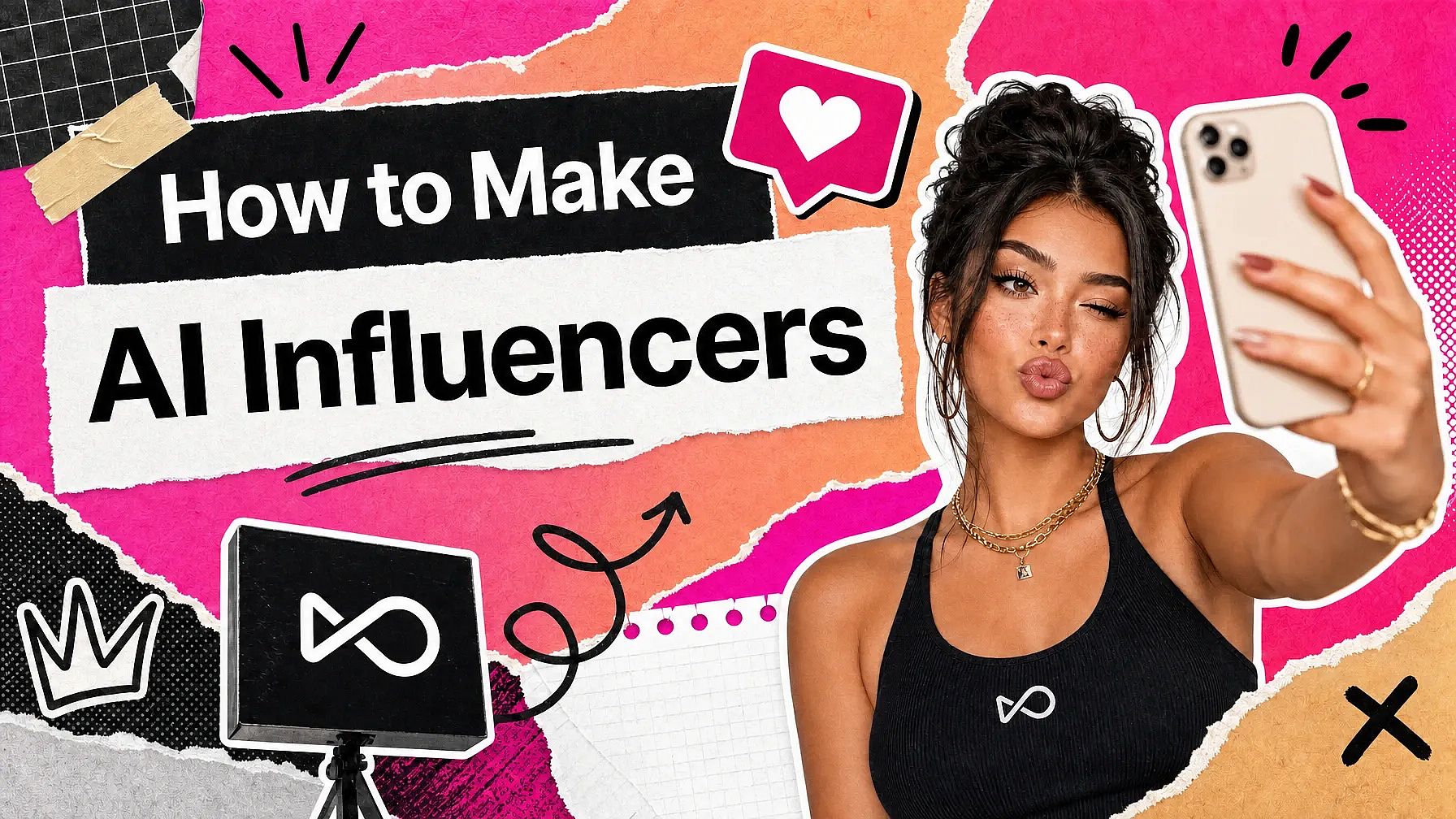
SNSでバズるAIインフルエンサーの作り方
SNS向けのAIインフルエンサーの作り方、素早く成長するための適切なメディア戦略、そしてスケーラブルなコンテンツによる収益化の方法を学びましょう。
一つのモデルに縛られない:マルチモデルで創作するという選択
新しいモデルが登場し、古いモデルは進化し、状況は絶えず書き換えられ続けます。こんな時代に最も報われるクリエイティブな取り組み方は、特定のツールに固執するのではなく、柔軟性を軸に築かれたものです。
AI画像・動画の著作権侵害をチェックする方法
AI生成コンテンツで著作権リスクを避ける方法を学び、商用利用の前に知的財産の問題がないか確認しましょう。
クリエイターに愛用されています
多くのAIプラットフォームを試してきましたが…キャラクター作成、画像から動画への品質、そして利用できるモデルの豊富さで、OpenArtは今も一番です。
OpenArtには優れたAIツールが揃っていて…機能を覚えれば、クリエイティブの可能性は無限大。サポートチームも本当に素晴らしいです。
OpenArtは、多彩な画像・動画モデル、一貫したキャラクター生成、強力な編集ツールを備えた、とても汎用性の高いAIプラットフォームです。
便利なAIツールがひとつに集約 - 画像・動画の生成、編集など…複数のサブスクリプションは不要です。
カスタマーサービスはいつも迅速で頼りになります…新しい機能やツールで、プラットフォームもどんどん良くなっています。
多くのAIプラットフォームを試してきましたが…キャラクター作成、画像から動画への品質、そして利用できるモデルの豊富さで、OpenArtは今も一番です。
OpenArtには優れたAIツールが揃っていて…機能を覚えれば、クリエイティブの可能性は無限大。サポートチームも本当に素晴らしいです。
OpenArtは、多彩な画像・動画モデル、一貫したキャラクター生成、強力な編集ツールを備えた、とても汎用性の高いAIプラットフォームです。
便利なAIツールがひとつに集約 - 画像・動画の生成、編集など…複数のサブスクリプションは不要です。
カスタマーサービスはいつも迅速で頼りになります…新しい機能やツールで、プラットフォームもどんどん良くなっています。
多くのAIプラットフォームを試してきましたが…キャラクター作成、画像から動画への品質、そして利用できるモデルの豊富さで、OpenArtは今も一番です。
OpenArtには優れたAIツールが揃っていて…機能を覚えれば、クリエイティブの可能性は無限大。サポートチームも本当に素晴らしいです。
OpenArtは、多彩な画像・動画モデル、一貫したキャラクター生成、強力な編集ツールを備えた、とても汎用性の高いAIプラットフォームです。
便利なAIツールがひとつに集約 - 画像・動画の生成、編集など…複数のサブスクリプションは不要です。
カスタマーサービスはいつも迅速で頼りになります…新しい機能やツールで、プラットフォームもどんどん良くなっています。
数あるAIプラットフォームの中でも、OpenArtは際立った選択肢でした。どんなクリエイターにもおすすめします。
このプラットフォームには、画像、動画、キャラクター、オーディオ、複数のAIモデルまで、AIコンテンツ制作に必要なすべてが一つに揃っています。
OpenArtはAI動画制作の可能性を広げ続けています…クリエイター体験の向上に真剣に取り組んでいるのが伝わってきます。
OpenArtで初めてのAIミュージックビデオを作りました…サポートチームは今まで受けた中で最高の対応でした。
サポートには大満足です。問題がすぐに解決し、チームのおかげでスムーズに進みました。
数あるAIプラットフォームの中でも、OpenArtは際立った選択肢でした。どんなクリエイターにもおすすめします。
このプラットフォームには、画像、動画、キャラクター、オーディオ、複数のAIモデルまで、AIコンテンツ制作に必要なすべてが一つに揃っています。
OpenArtはAI動画制作の可能性を広げ続けています…クリエイター体験の向上に真剣に取り組んでいるのが伝わってきます。
OpenArtで初めてのAIミュージックビデオを作りました…サポートチームは今まで受けた中で最高の対応でした。
サポートには大満足です。問題がすぐに解決し、チームのおかげでスムーズに進みました。
数あるAIプラットフォームの中でも、OpenArtは際立った選択肢でした。どんなクリエイターにもおすすめします。
このプラットフォームには、画像、動画、キャラクター、オーディオ、複数のAIモデルまで、AIコンテンツ制作に必要なすべてが一つに揃っています。
OpenArtはAI動画制作の可能性を広げ続けています…クリエイター体験の向上に真剣に取り組んでいるのが伝わってきます。
OpenArtで初めてのAIミュージックビデオを作りました…サポートチームは今まで受けた中で最高の対応でした。
サポートには大満足です。問題がすぐに解決し、チームのおかげでスムーズに進みました。