

YouTube動画メーカー
OpenArtのYouTube動画メーカーなら、手作業で撮影・編集する代わりに、YouTube向けのAI動画をバイブ・ディレクティングできます。各シーンを設計し、ショットごとにディレクションしてセリフを加え、チャットで繰り返し調整しながら、完璧な動画に仕上げましょう。
YouTube動画メーカー
OpenArtのYouTube動画メーカーなら、手作業で撮影・編集する代わりに、YouTube向けのAI動画をバイブ・ディレクティングできます。各シーンを設計し、ショットごとにディレクションしてセリフを加え、チャットで繰り返し調整しながら、完璧な動画に仕上げましょう。
YouTube動画メーカーの主なメリット




長尺動画もショート動画も思いのままに
チャットで動画の内容を説明し、指示を出すだけ。OpenArt Directorがシーン構成、テンポ、カットを設計するので、技術的な手間なしで完成度の高い動画が仕上がります。




顔出しなしチャンネルを運営
カメラに映る必要は一切ありません。台本やトピックを完成した動画に変え、音声とキャプションを追加。編集者なしで、顔出しなしのチャンネルを予定どおり投稿し続けられます。
一貫したルックを保つ
チャンネルのスタイル、カラー、定番のホストを一度読み込めば、あなたが演出するすべての動画とShortが一貫性と統一感を保ちます。
コミュニティの作品
解説やカウントダウンを量産する顔出しなしのチャンネルから、1つのアイデアを長尺動画に変えるクリエイターまで、OpenArtで人々が手がけているYouTube動画をご覧ください。
AI YouTube動画ジェネレーターの主な機能
AI YouTube動画クリエイターは、Seedance 2.0やGPT Image 2をはじめとする最高クラスの動画・画像モデルを搭載しています。
最長5分の動画をディレクション
Directorは最長5分の動画を作成できます。これはショート、イントロ、解説動画、そして多くの顔出しなし動画にちょうど良い長さです。より長い動画には、 vibe direct それをチャプターやショートシリーズとして扱い、パートごとに1つのチャンネルで公開しましょう。そうすればテーマの長さがアップロードの妨げになることはありません。
顔出しなしのチャンネルをすばやく構築
スクリプト、トピック、または1行のセリフから始めて、 OpenArt Director がシーンを生成し、ボイスを加え、キャプションを入れるので、誰もカメラに映る必要がありません。ナレーションも動画ごとの編集もせずに、顔出しなしのYouTubeチャンネルを回し続ける最速の方法です。
1本の長尺動画をShortsに
メイン動画を一度ディレクションしたら、いちばん盛り上がる瞬間を切り出して縦型 Shorts に。ひとつのアイデアが1本の本編アップロードと1週間分の Shorts になり、長尺動画の合間もチャンネルを稼働させ続けられます。毎回ゼロから作り直す必要はありません。
一貫したペルソナとビジュアル
保存済みのキャラクターをタグ付け OpenArt Characters そしてYouTube動画メーカーは、すべての動画で同じホスト、ペルソナ、顔、スタイルを維持します。あなたのチャンネルには、いつでも見分けのつくプレゼンターと一貫したルックが宿ります。
OpenArtでYouTube動画を作る方法
YouTube動画の演出は3ステップで完了します。
prompt を入力
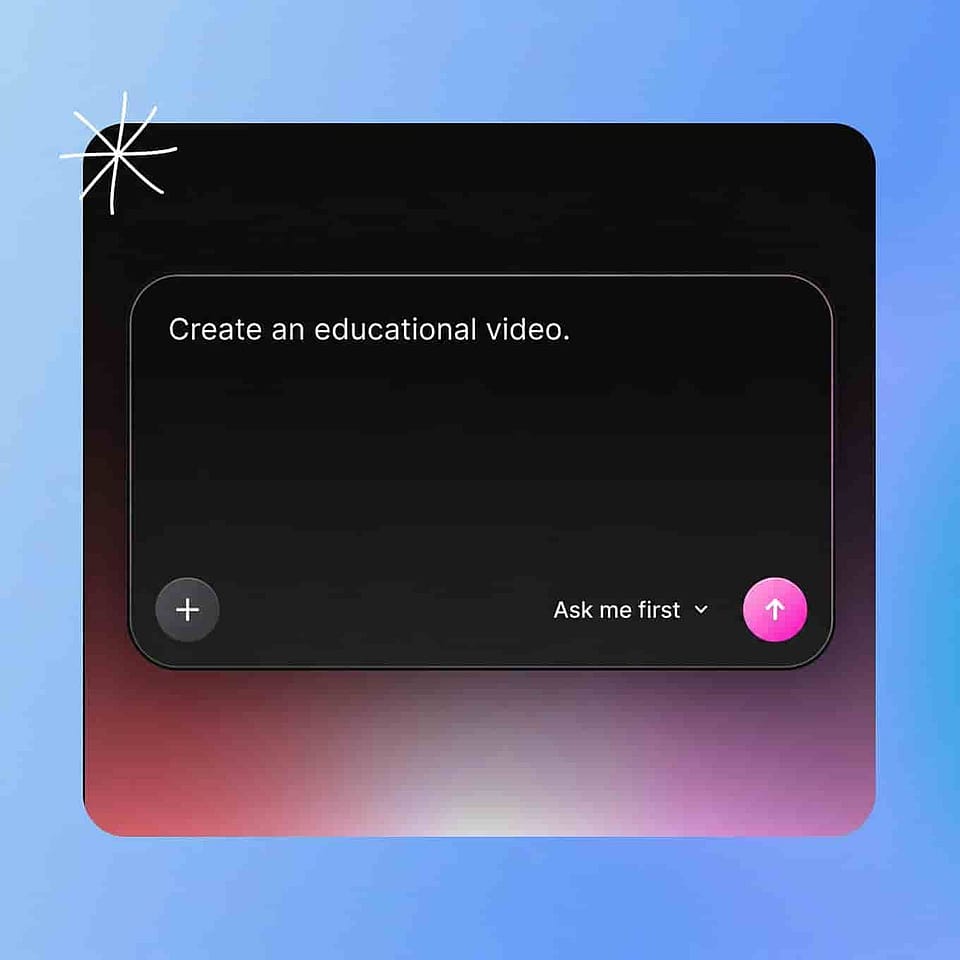
プロンプトボックスに、作りたい動画を入力するか、台本を貼り付けるか、自分のクリップや画像をアップロードします。曲を軸に構成したいなら音楽トラックを追加し、司会役を一貫させたいなら保存済みのキャラクターをタグ付けして、「Start Directing」を押しましょう。
各ショットを監督
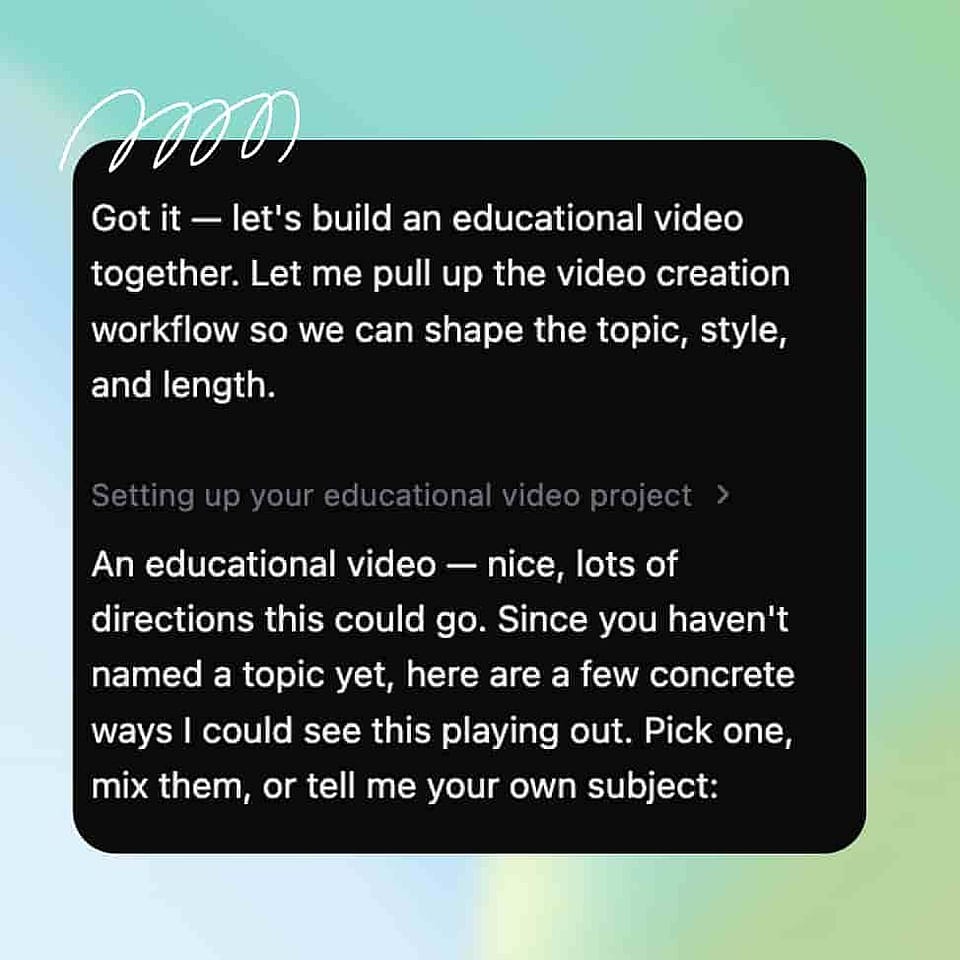
DirectorのアシスタントであるOriがシーンを設計し、カットを組み立てます。「先に確認する」のままにしておけば、長さ、アスペクト比、ボイス、トーンを各ステップで確認できます。「自動実行」に切り替えれば、プロンプトに最適な設定でそのまま進めます。
仕上げてダウンロード
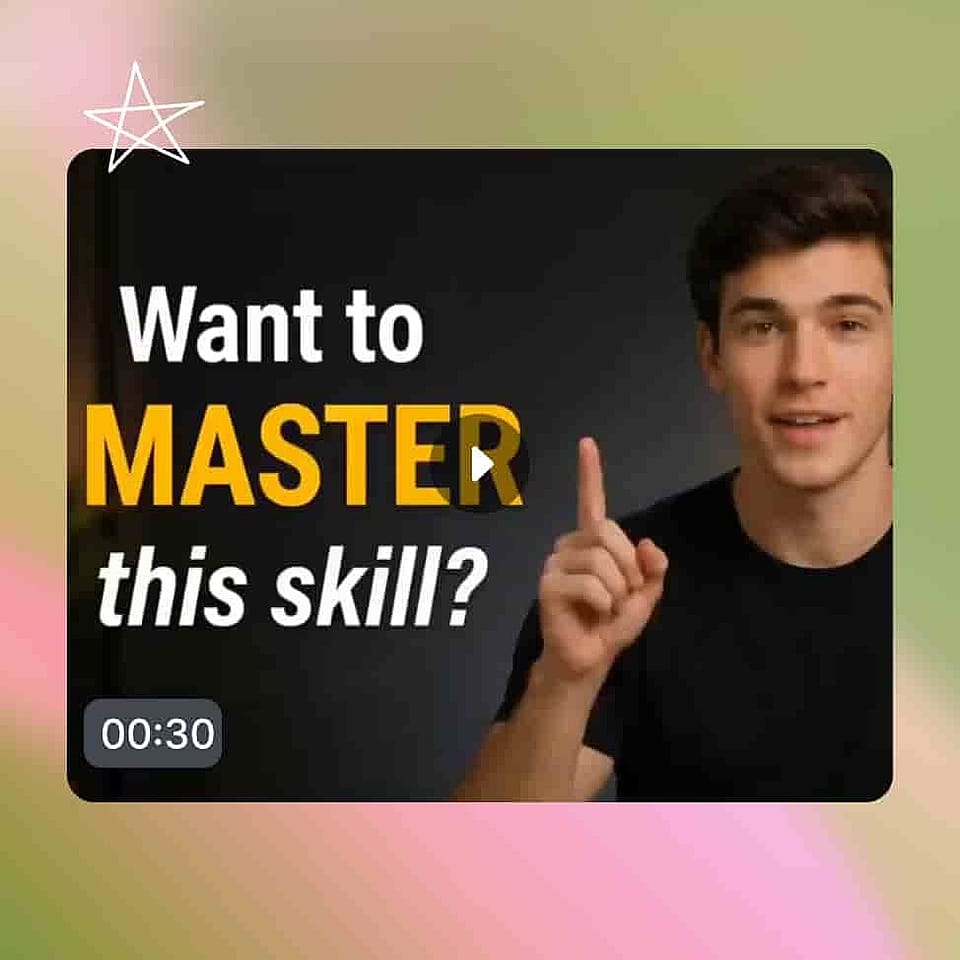
Scenesタブではストーリーボードとして、Timelineタブでは完成カットとして仕上がる様子をご覧ください。チャットで編集の指示を出し、イメージ通りになったらエクスポートしましょう。
Vibe DirectingでYouTube動画を作るのに最適な使い方
顔出しなしの自動化チャンネル
顔出しなしでチャンネルを成長させられます。スクリプトから解説動画、カウントダウン、ストーリー動画をディレクションし、ナレーションとキャプションを追加。1フレームも撮影せずにチャンネルを定期投稿し続けられます。
今すぐ試すクリエイター・YouTuber
長尺動画とYT Shortsの両方が必要なのに、いつも時間が足りない。まずメインの動画をDirectorで作り、ベストな瞬間をShortsに切り出せば、一週間ずっと編集に張りつかなくてもチャンネルを活発に保てます。
今すぐ試すブランドとマーケティングチーム
制作予算をかけずにYouTubeで存在感を出したい方へ。ブランドに沿った商品動画・広告・チャンネルコンテンツを演出し、アイデアごとに撮影チームを手配せずに安定した投稿を続けられます。
今すぐ試す教育者や解説系チャンネル
トピックを教えたいとき、画面上でわかりやすく伝えられます。一貫したホスト、キャプション、すっきりしたビジュアルでステップバイステップの解説を演出し、一つひとつ自分で撮影しなくてもレッスンシリーズ全体を作り上げられます。
今すぐ試すよくある質問 よくある質問
アイデア、台本、あるいは自分の映像をYouTube向けの完成動画に変えるツールです。OpenArtのYouTube動画メーカーはDirectorで動作します。あなたが動画を説明すると、Directorが構成しカットするので、編集者も撮影もなしにチャンネル動画やShortsが手に入ります。
台本やトピックから始めれば、OpenArt Director がシーン・ナレーション・字幕を生成。誰もカメラに映る必要はありません。ニッチを選び、1本の動画でスタイルを決めたら、そのスタイルを再利用して顔出しなしのチャンネルを定期的に運用できます。
Directorは最長5分の動画を作成でき、ショート動画、イントロ、解説動画、そして多くの顔出しなしコンテンツに最適です。より長い動画にしたい場合は、チャプターやショートシリーズとして演出し、各パートをまとめて一つのチャンネル配信として公開しましょう。
はい、完成した動画はあなたのもので、収益化チャンネルを含め、自分のチャンネルや商用でご利用いただけます。参照画像や他所のコンテンツを使った場合は、OpenArtでIPチェックを行ってください。
プロンプト欄に動画の内容を入力するか、脚本を貼り付け、希望の長さとフォーマットを選びます。OpenArt Directorが動画を組み立て、音声とキャプションを追加。あとは話しかけて指示を出せば、あなたのチャンネルやShorts向けの完成版を書き出します。
はい。Shortsフィード向けに縦型動画を演出したり、長尺動画からベストな瞬間を抜き出してShortsにしたりできるので、ひとつのアイデアでメイン投稿とShortsのまとめの両方をカバーできます。
はい。プロンプト欄に映像素材を取り込めばDirectorがそれを軸に組み立て、スクリプトや一行から始めれば新しいシーンを生成します。
動画を組み立てるのではなくvibe directし、OpenArt Directorはテンプレートを埋めるのではなくオリジナル映像を生成します。スクリプト、プロンプト、または自分のクリップから長尺動画もShortsも作成できるため、出力は組み立てが必要なレイアウトではなく、そのままアップロードできる完成作品になります。