

マーケティング動画メーカー
OpenArtのAIマーケティング動画メーカーは、シンプルなキャンペーン概要を、チャットで指示するだけで完成したプロモ、広告、商品動画、ブランドフィルムに変えます。すべての動画はブランドに沿い、投稿したいプラットフォームにぴったりのサイズで出力されます。
マーケティング動画メーカー
OpenArtのAIマーケティング動画メーカーは、シンプルなキャンペーン概要を、チャットで指示するだけで完成したプロモ、広告、商品動画、ブランドフィルムに変えます。すべての動画はブランドに沿い、投稿したいプラットフォームにぴったりのサイズで出力されます。
マーケティング動画メーカーの主なメリット




AIでキャンペーン全体を制作
プロモ動画、広告カット、メール用のティザーが、すべて1つのブリーフから生まれ、統一されたルックを共有します。バラバラなクリップの寄せ集めではなく、すべての動画が揃ったキャンペーンが手に入ります。



チャットで動画を思いのままにディレクション
他の何千ものブランドが使い古したレイアウトにクリップをドラッグする必要はありません。作りたい動画を説明し、返ってきた結果にフィードバックを加えれば、あなたのメッセージに合わせた最終動画が完成します。

どのチャンネルにも合うサイズに動画を調整
各動画は、投稿先のプラットフォームに合わせたテンポとサイズで届きます。有料SNS向けの3秒フックから、ホームページのヒーロー用1分動画まで対応。どんな編集アプリでも手動リサイズは不要です。
コミュニティの作品
個人創業者の初めてのプロモ動画から、四半期分のキャンペーンを前倒しで仕上げるブランドチームまで。OpenArtで人々が手がけるマーケティング動画をご覧ください。
マーケティング動画ジェネレーターの主な機能
OpenArtのマーケティング動画メーカーは、Seedance 2.0やGPT Image 2など最高のAI画像・動画モデルで動作します。あなたがキャンペーンのアイデアを用意すれば、制作はOpenArtにお任せです。
1つのブリーフをまるごとキャンペーンに
オファー、ターゲット、雰囲気を一度説明するだけ。 OpenArt Director 同じストーリーとスタイルを保った補助カット、ティーザー、バリエーションとともに、マーケティング動画をお届けします。
マーケティングに必要なあらゆるフォーマット
プロモ動画、商品スポット、UGC風広告、解説動画、イベントティザー、メール用動画まで、すべて同じチャットから生まれます。マーケティング計画が変わっても、私たちのAIマーケティング動画ジェネレーターはしっかり追随します。
会話形式の手軽な編集
動画のどこを変えたいかを伝えるだけで、冒頭のつかみからラストのフレームまで、指定した部分だけが変わります。あなたは vibe direct 動画全体をわかりやすい言葉で指定でき、1つのショットに精密な作業が必要なときにはタイムラインビューも使えます。
ブランドに沿ったビジュアルの一貫性
ロゴ、フォント、カラー、ブランドキットを読み込みましょう。OpenArt Charactersライブラリから、繰り返し登場する人物も追加できます。以降のマーケティング動画はすべて自動でブランドガイドラインに沿うので、チーム全体のブランドレビューがスピードアップします。
マーケティング動画クリエイターの仕組みは?
マーケティング動画を感覚で演出するのは3ステップです。
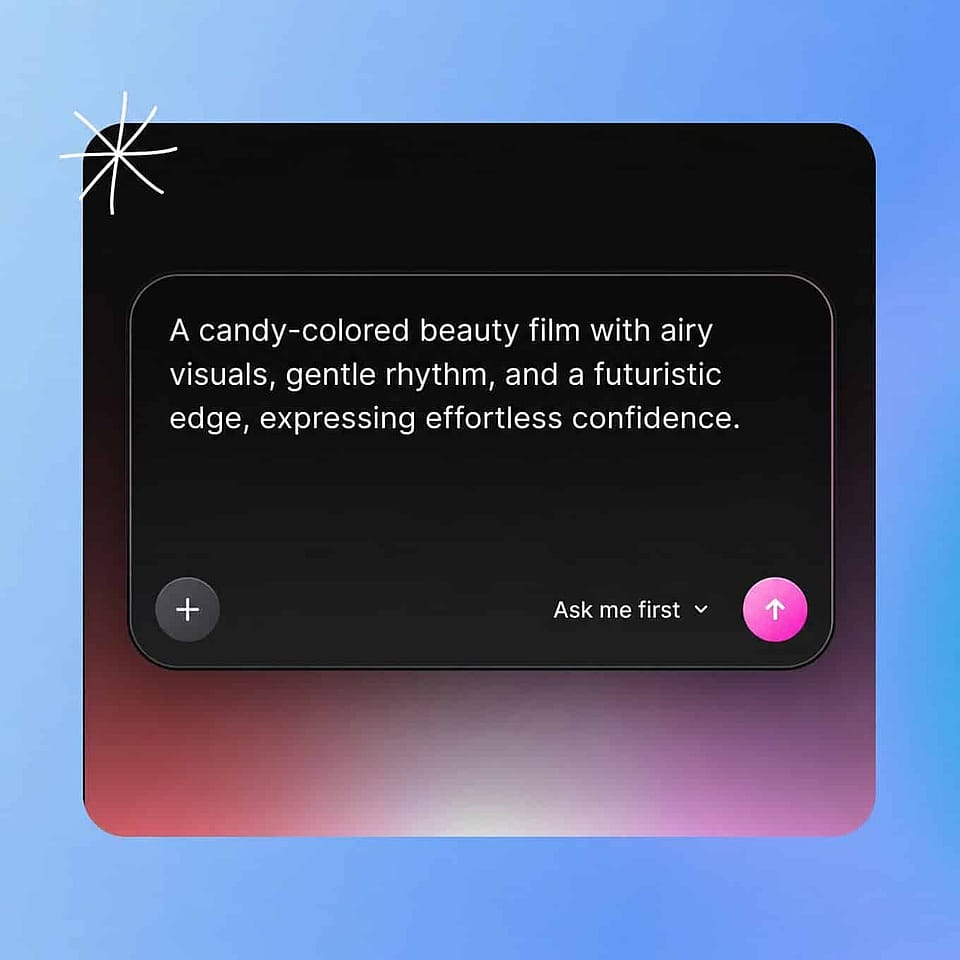
キャンペーンを説明する
オファー内容、ターゲット層、動画に持たせたい雰囲気を記述しましょう。ブランドキットや商品写真、サウンドトラックを追加して方向性を導けます。
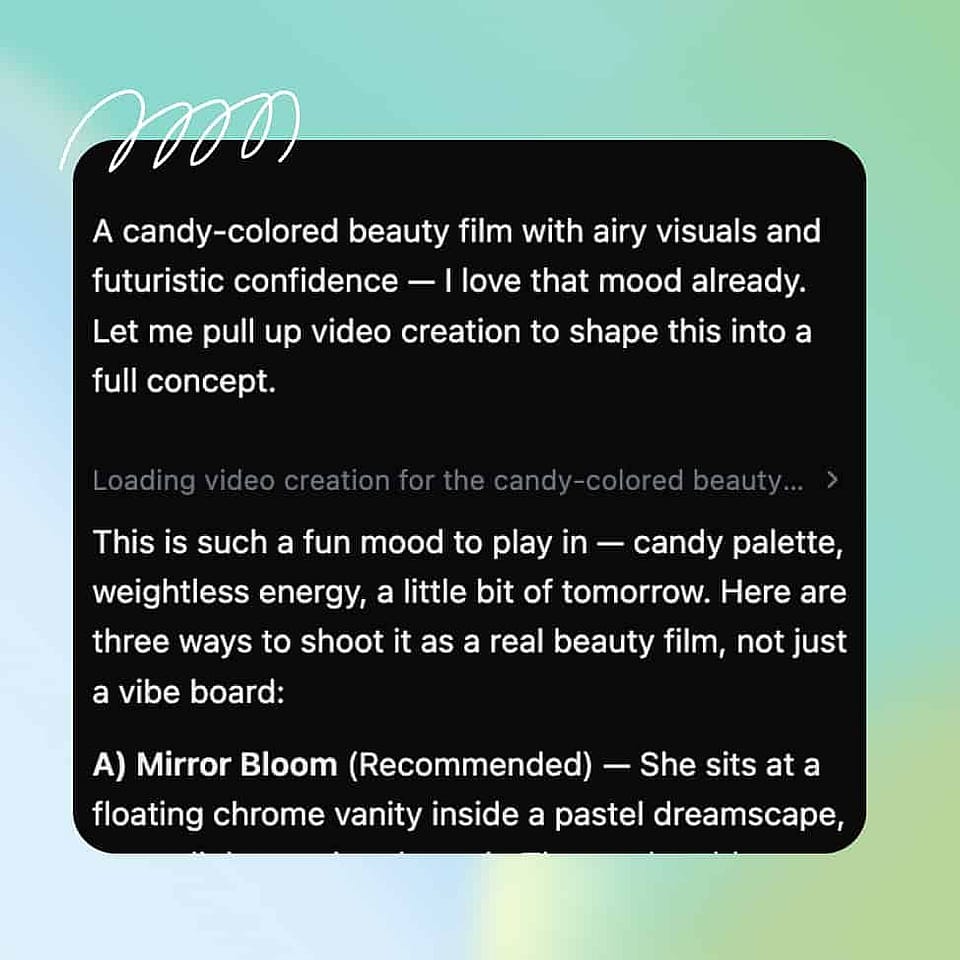
ショットを演出する
フック、シーン、メッセージをチャットで組み立てましょう。内蔵アシスタントのOriが、気になる判断を確認したり、最適な設定でそのまま進めたりします。
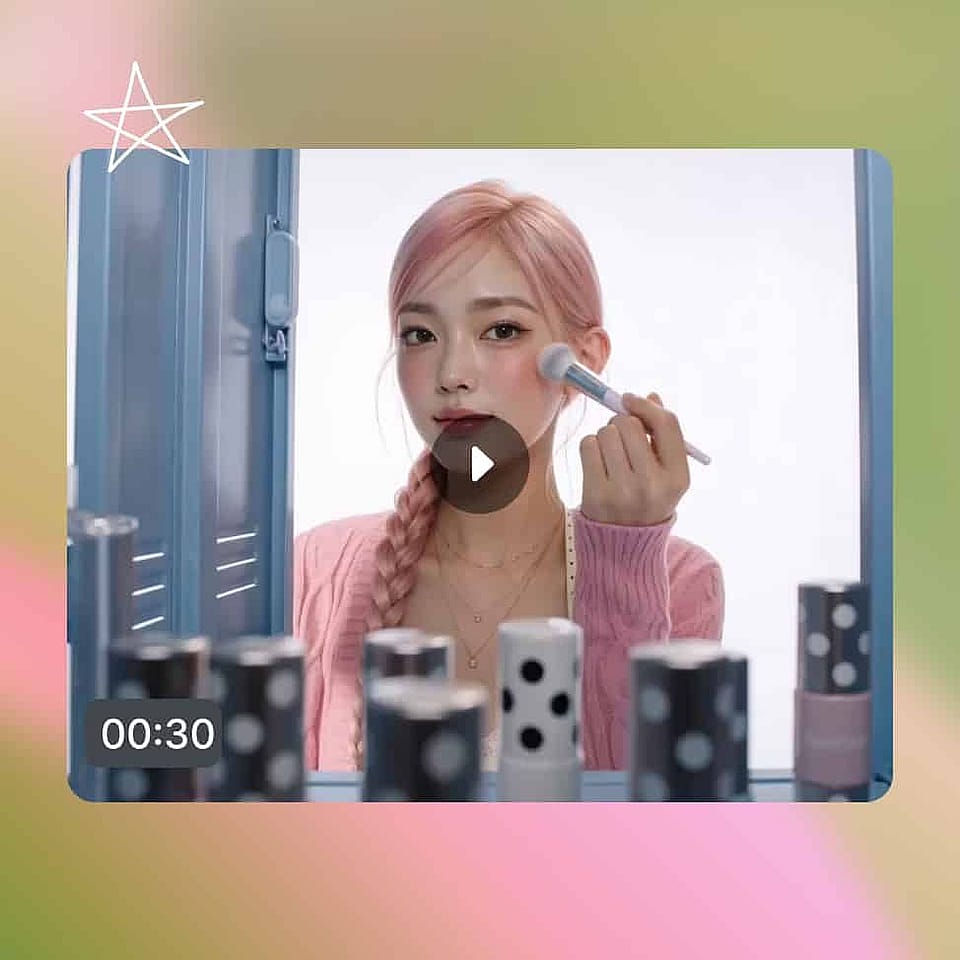
すべてのバージョンを世に出そう
Scenesタブでストーリーボードを、Timelineタブで完全版を確認できます。変更を指示し、完成したらダウンロードしましょう。
Vibe Directing でマーケティング動画を作るおすすめの使い方
製品プロモーション・ローンチ
新しい何かがリリースされ、そのローンチにはムービーが必要です。商品の価値をしっかり伝えるプロモーション動画を制作し、ローンチ当日に向けて盛り上げるティザーやカウントダウン投稿を作りましょう。
今すぐ試す有料広告とテスト用の候補群
広告アカウントはクリエイティブを次々と消費し、常にもっと欲しがります。ブランドに合った広告バリエーションをMeta、TikTok、YouTubeへ途切れなく供給し、制作がメディアバイイングのボトルネックにならないようにしましょう。
今すぐ試すメール&ランディングページ動画
あなたのメッセージは、静止しているより動いているほうが伝わります。ランディングページの上部やキャンペーンメールの中に、周りのコピーと合わせたキレのある商品動画を置きましょう。
今すぐ試すシーズンごとのお知らせやオファー
ブラックフライデー、四半期末、来週火曜のフラッシュセール。タイムリーなプロモ動画を午後の間に作り上げれば、動画が完成する前にそのタイミングを逃すことはありません。
今すぐ試すよくある質問 よくある質問
これは、キャンペーンのアイデアをマーケティングチャネル向けの完成動画に変えるツールです。OpenArt の AI マーケティング動画メーカーは演出方式で動作します。動画を説明し、チャットで指示を出し、あらゆる配信先向けにブランドに沿ったカットを書き出せます。
プロモ、商品動画、UGC風広告、ブランドフィルム、解説動画、イベントティーザー、メール動画。すべて1つのワークフローから。キャンペーン一式が、たった1つのブリーフから生まれます。
はい。同じコンセプトを縦・正方形・横それぞれの形式で、各配信先が求める長さに合わせて書き出せます。だから有料ソーシャル、Web サイト、メールのすべてにネイティブなカットが用意できます。
はい、完成したマーケティング動画はあなたのものとして商用利用できます。他の場所の参照画像やコンテンツを使った場合は、OpenArtでIPチェックを実行してください。
OpenArtはAIでマーケティング動画を作るのに最適な場所です。オファー、ターゲット、伝えたい感情を説明し、あとは普段の言葉でメモを添えて仕上げを指示するだけ。OpenArtがシーン、ナレーション、音楽を組み立て、ブリーフどおりの動画になったらエクスポートできます。
はい。ロゴ、フォント、カラー、キャラクターを一度読み込めば、すべてのマーケティング動画にそれらが反映されるので、どのチャネルでもキャンペーンがひとつのブランドとして伝わります。
いいえ。あなたは普通の言葉でディレクションするだけで、映像・編集・音声のミックスはOpenArtが処理します。キャンペーンのブリーフが書ければ、動画も作れます。
テンプレートツールは埋めるためのレイアウトを渡すだけで、完成した動画は同じテンプレートを使った他のブランドと同じ見た目になります。OpenArtはあなたのディレクションからオリジナル動画を生成し、あなたのメモでどんなディテールも作り直せるので、動画がキャンペーンに合わせられます。その逆ではありません。