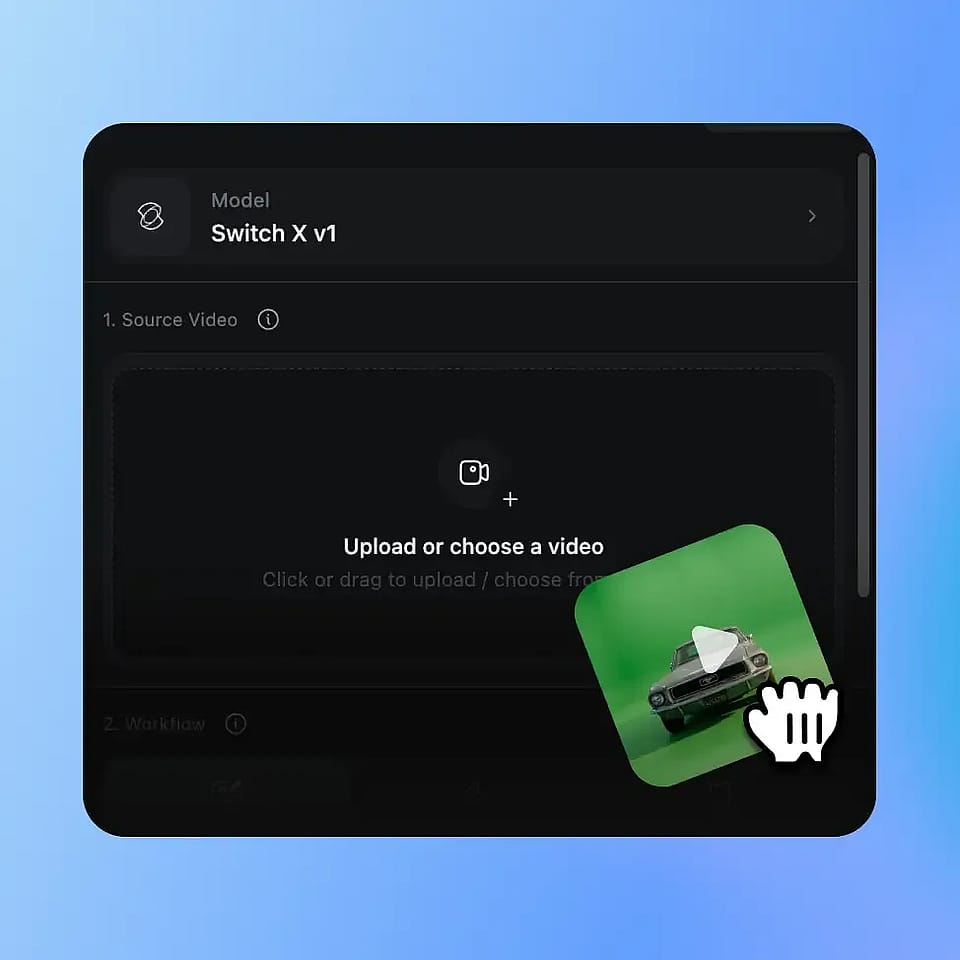
お気に入りのモデルがすべてここに。生成は無制限。

期間限定・最大27%OFF! ›

AI VFX

すでに撮影した映像に、映画のようなAI VFXを追加。背景の差し替え、シーン全体のライティング調整、部分的な変換まで、1回のアップロードで数分で完成します。
あなたの動画 挿入したいキャラクター動画を追加
ターゲット画像 置き換えたいキャラクターが写った写真
今すぐ試す

1回のアップロードで3つのモード

AI VFXジェネレーターなら、1本のクリップから背景の入れ替え、シーン全体のライティング調整、マスク付きインペインティングが可能になります。

スタジオ不要、パイプライン不要

グリーンスクリーンも合成ソフトもレンダーファームも不要。カラーグレーディングやビジュアルエフェクトまで、かつてVFXチームが担っていた作業をAIがこなします。

何時間もかけず、数分で

すべてのVFX AIタスクは数分で完了し、追加されたAIビデオエフェクトを確認できる並列比較ビューが標準搭載されています。

コミュニティの作品

クリエイターや映像作家、ブランドが、すでに撮影した映像をOpenArt VFXでどう変換しているかをご覧ください。

3つのVFXモード、1回のアップロード

OpenArtのAI VFXは、高精細な被写体の分離、フルフレームのライティング調整、マスク領域の編集のために作られた動画モデル、BeebleのSwitchXで動作します。同じアップロードが、必要なあらゆるAI VFXエフェクトに変わります。

どんな背景も差し替え

背景モードは被写体を切り出し、背後のシーンを差し替えます。グリーンスクリーンも手作業の切り抜きも不要です。プリセットを選ぶ、画像をアップロードする、あるいは最高のAI VFXジェネレーターで新しい世界を生み出しましょう。

シーンをリライティング

Relight mode rebuilds the lighting, color, and mood across the full frame. It relights the scene instead of adding a filter, so shadows and highlights look real. Your performance and motion stay exactly as shot.

Mask Objects, Transform The Rest

インペイントモードなら、フレームの一部を守りながら残りを変更できます。人物や小道具など、そのまま残したい部分にマスクを塗るだけ。その領域は全フレームで維持され、AIはプロンプトに従ってそれ以外をすべて変換します。

すべての結果を思いのままに

All three modes take the same inputs: a preset, your own reference image, or an AI-generated scene. Add a text prompt to fine-tune the look. Your creative direction works the same way every time. Everything from AI cinematic effects and AI color grading to full AI video transformation is handled smoothly.

OpenArt VFXの使い方

3ステップ、3モード。数分で完成へ。

Upload Your Video
ステップ01

動画をアップロード

Drop in any MP4 or MOV clip. AI VFX works on footage from any room, with no green screen or studio setup.

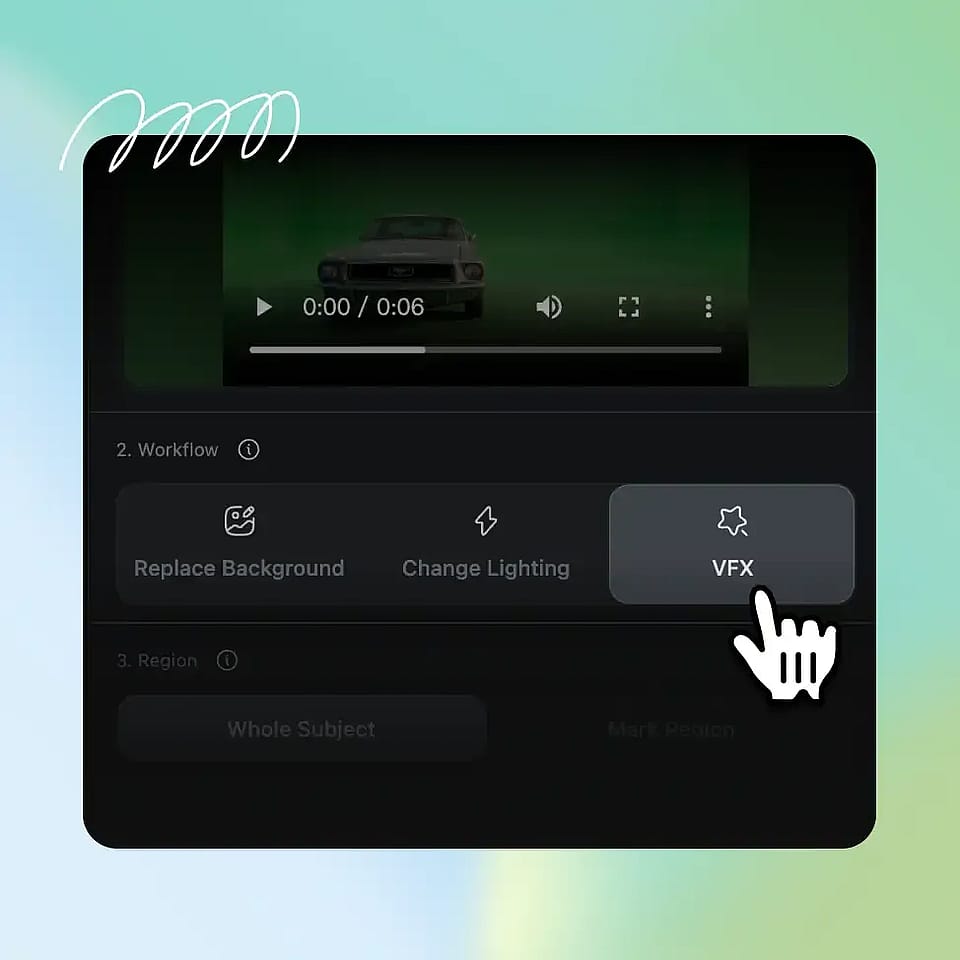
Pick Your VFX Option
ステップ02

Pick Your VFX Option

Choose Background, Relight, or Inpaint. Direct it with a preset, a reference image, or a text prompt.

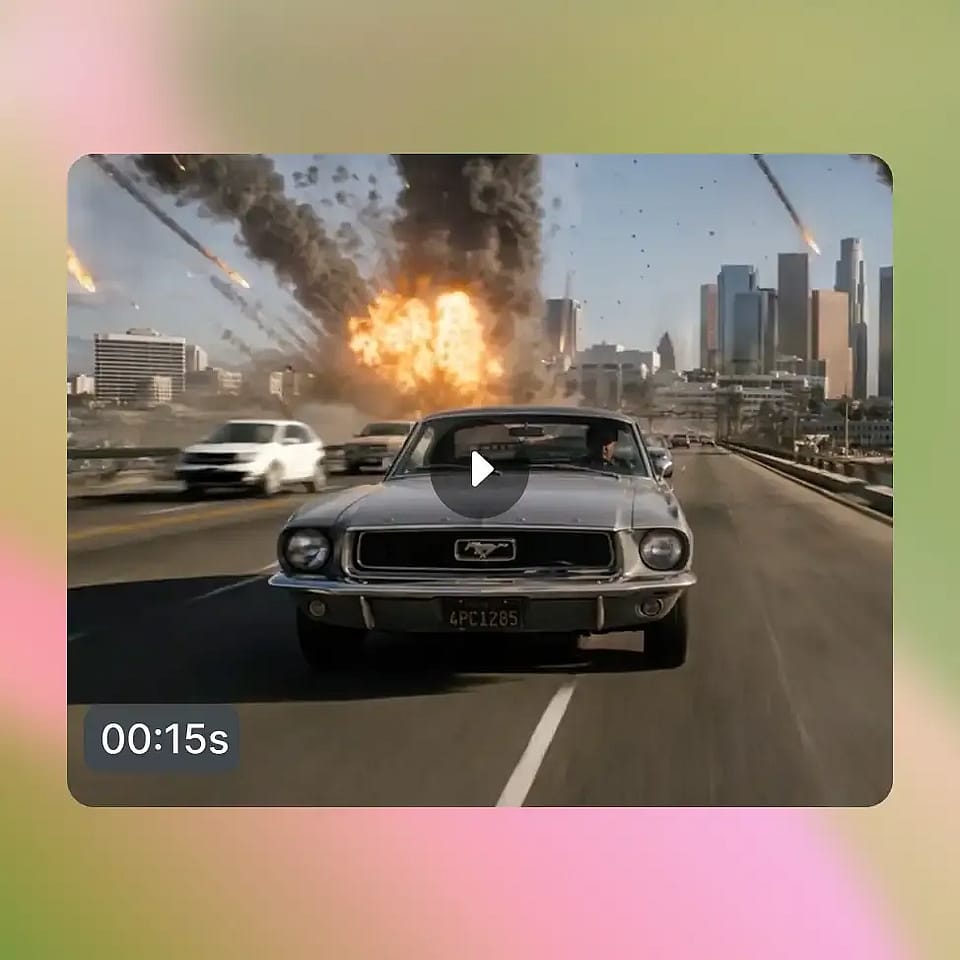
Generate and Compare
ステップ03

生成して比較

The AI model renders your clip in a few minutes. Preview the result, refine if needed, and download an MP4.

AI VFX for Every Creator

個人クリエイターからブランドチームまで、AI VFXジェネレーター&エディターの活用方法をご紹介します。

SNSクリエイター

YouTuber、TikToker、ポッドキャスターが自宅で撮影し、より見栄えのする映像を求めています。背景を差し替えたり、ライティングを変えて自分らしいスタイルに。同じ映像が、数分で新しい世界に生まれ変わります。

今すぐ試す

Filmmakers and Directors

Directors get AI-assisted VFX without Nuke or After Effects. Protect a performer and restyle the scene around them. Reshoots and compositing become a mask and a prompt.

今すぐ試す

ブランド・マーケター向け

ブランドや製品チームは、制作規模を増やさずにコンテンツを拡大できます。一度撮影すれば、キャンペーンごとに背景やムードを変えて活用可能。一回の撮影が丸ごとコンテンツライブラリになります。

今すぐ試す

教育者・プレゼンター向け

Coaches, teachers, and remote teams record from home offices. Replace any room with a clean, on-brand background. Look professional every time you hit record.

今すぐ試す

よくある質問 よくある質問

AI VFX is the use of artificial intelligence to add video effects to footage you have already shot, such as replacing backgrounds, relighting scenes, and transforming specific regions. It does this without a green screen or a traditional compositing pipeline. On OpenArt, the VFX AI generator is one suite with three modes (Background, Relight, and Inpaint), all powered by the SwitchX model. The AI VFX software can handle everything including AI visual effects, AI video effects, AI video color grading, and AI cinematic effects.
いいえ。BackgroundとRelightはワンクリックで使えるよう設計されています。プリセットか参照を選んで生成するだけです。Inpaintは少し高度で、丁寧なマスキングで真価を発揮しますが、コンポジットソフトやポスプロの訓練は不要です。プロの訓練なしで、最高のAI VFXエフェクトと編集をすべて手に入れられます。
AI VFXはH.264またはHEVCのMP4・MOV入力に対応し、720pまたは1080pで書き出せます。2Kと4K出力は現在サポートされていません。
従来の視覚効果には、グリーンスクリーンやロトスコープ、コンポジター、レンダーファーム、NukeやAfter Effectsといったソフトが必要でした。AI VFXなら同じコントロールで、撮影した映像と視聴者が見る映像を分離でき、Webで1回アップロードするだけで数分で完成。インストールも不要です。
Three core video FX workflows. Background mode swaps the whole environment behind your subject. Relight mode restyles the lighting, color, and mood of the full frame. Inpaint mode protects a masked region and transforms everything else.
Most jobs finish within minutes, depending on clip length and resolution. Generation runs in the background, so you can leave the tab and come back when your video effects are ready.
The mask protects. You paint over the region you want to keep, and that area stays exactly as shot while the rest of the frame transforms. You only mask the first frame, and the AI tracks the protected region across every frame after it.

制限なく、思いのままに

OpenArtを使う何千人ものクリエイターの仲間入りを。魅力的な画像や動画などを、すべてひとつのプラットフォームで生成できます。

無料で始める →