

AI製品デモ動画メーカー
OpenArtのAI商品デモ動画メーカーは、あなたの商品を、実際に動作する機能を見せる完成したデモに変えます。写真、画面録画、テキストの説明からスタートし、チャットでデモのウォークスルーを演出できます。
AI製品デモ動画メーカー
OpenArtのAI商品デモ動画メーカーは、あなたの商品を、実際に動作する機能を見せる完成したデモに変えます。写真、画面録画、テキストの説明からスタートし、チャットでデモのウォークスルーを演出できます。
AI製品デモ動画メーカーの主なメリット



商品の特長を見せる
スペックシートは機能を説明するだけですが、製品デモはそれをオーディエンスに証明します。商品が実際に使われる様子を機能ごとに見せることで、視聴者はその真の価値を目の当たりにできます。




製品に忠実
画面に映る商品は、どのシーンでも形状・ラベル・細部までそのまま保たれます。ソフトウェアなら画面録画やスクリーンショットを持ち込めば、実際のインターフェースを軸にデモが組み立てられます。

古いデモ動画を作り直す
古い製品デモ動画は、新機能のリリース後に色あせてしまうかもしれません。OpenArt Directorなら、古い動画を渡すだけで、新しく最新の内容に作り直せます。
コミュニティの作品
ローンチ前にアプリを紹介する創業者から、ガジェットを解説するハードウェアチームまで、みんながOpenArtでどのように商品デモを演出しているかをご覧ください。
AI製品デモ動画ジェネレーターの主な機能
OpenArtのAI商品デモ動画メーカーは、OpenArt Directorと、Seedance 2.0やGPT Image 2をはじめとする最高峰のAI画像・動画・音声モデルで動作します。
製品の完全なウォークスルーを作成
写真、画面録画、または製品の機能をシンプルに説明した文章から始めましょう。プロダクトデモ動画メーカーがそれをもとに、フック、機能の実演、そして見込み客に価値を届けるオチのシーンまで、完全なデモを構成します。
実際のUIと機能をそのまま維持
AI動画を作ると、これまでは細かな商品のディテールが失われがちでしたが、もうそんなことはありません。 OpenArt Director は、UI のスクリーンショットや提供した製品機能画像を、そのまま製品デモ動画に仕上げる際に驚くほど一貫しています。見落としもなければ、偽物が付け足されることもありません。
機能ごとに動画のテンポを組み立てる
どの機能を主役にし、特定の機能を扱う各シーンをどれくらい見せるかを決めましょう。あなたは vibe direct チャットで商品の見どころの順番や強調ポイントを調整。完成したウォークスルー動画は、まるで対面での商談のように魅力を伝えます。
プレゼンターやホストキャラクターを追加
あなたの素材を使って、動画全体で一貫したキャラクターを起用しましょう OpenArt Characters ライブラリで商品を手に持たせたり、アプリを操作して見せたり、視聴者に解説したりできます。ボイスオーバーと字幕は、お好みの言語で自動的に追加されます。
AI製品デモ動画メーカーの仕組み
製品デモ動画の作成は3ステップです。
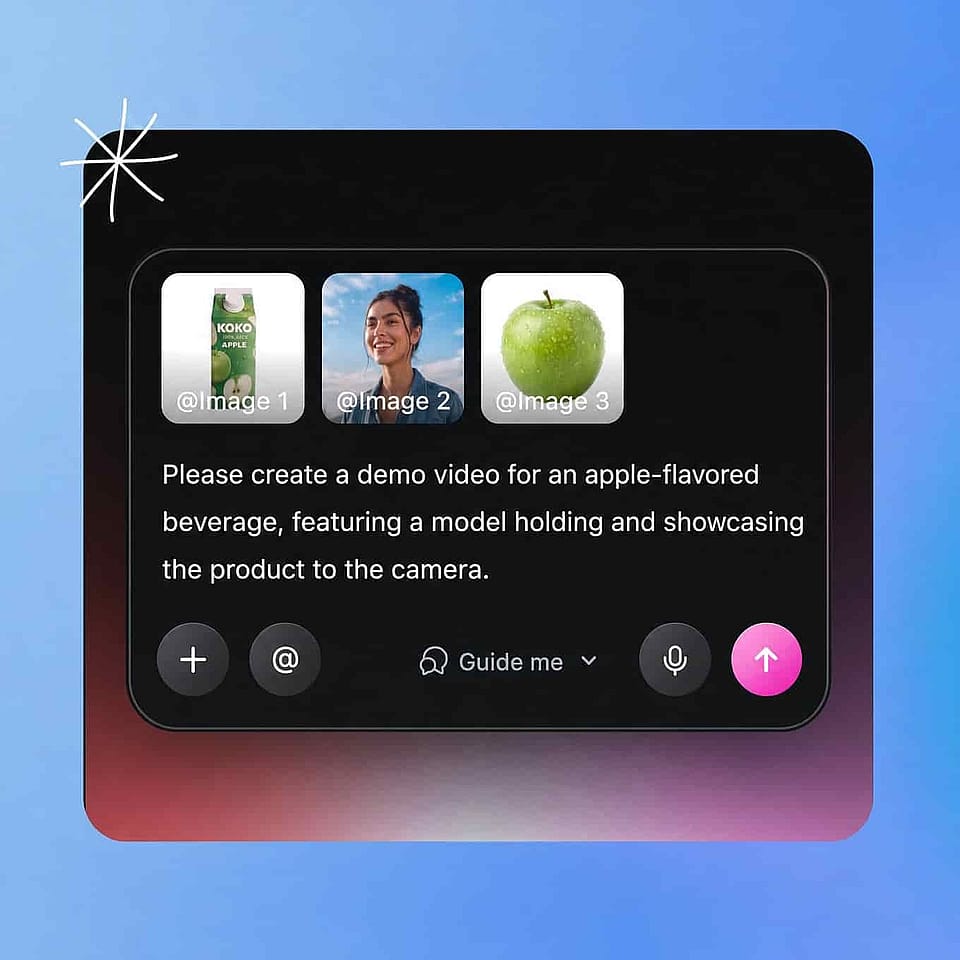
商品を追加
商品写真やスクリーンショットをアップロードするか、その商品の機能を説明してください。ロゴ、保存したキャラクター、参考にしたいルックを追加して方向性を調整できます。
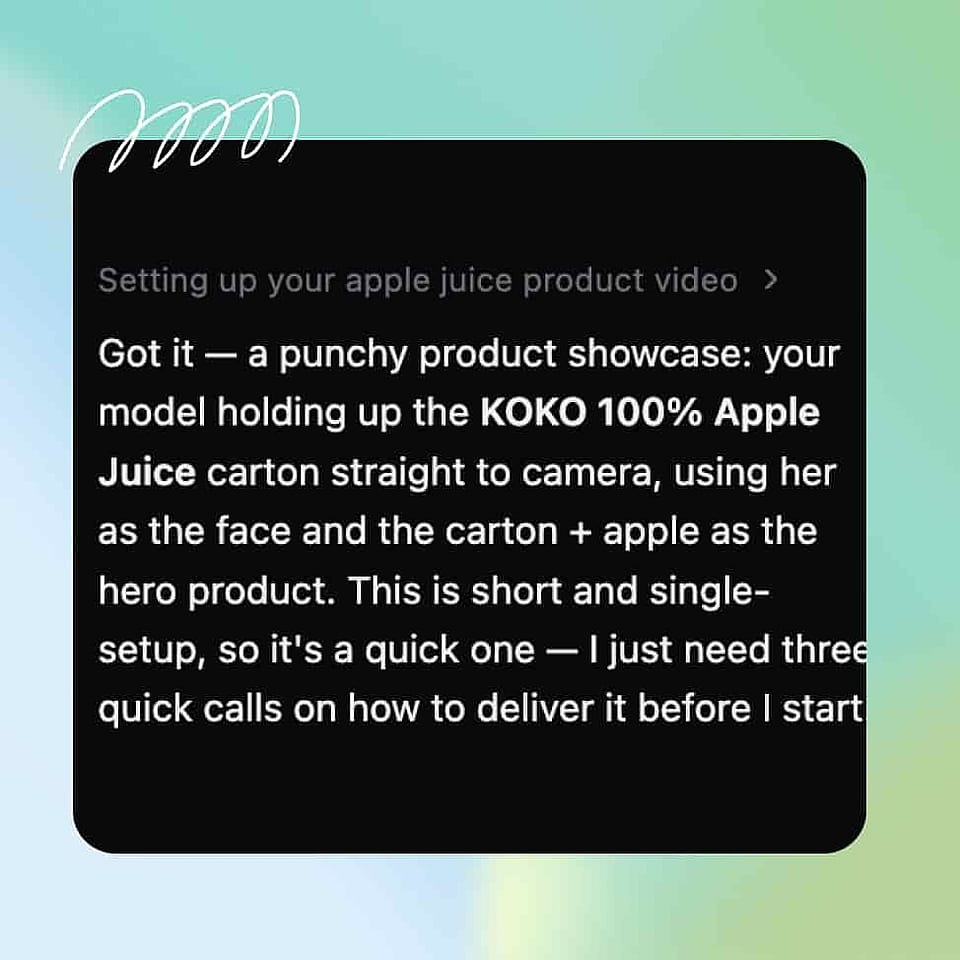
プロダクトデモを演出する
機能の順序、トーン、テンポをチャットで設定できます。組み込みアシスタントのOriが各呼び出しをあなたに確認するか、最適な設定で自動的に進めます。
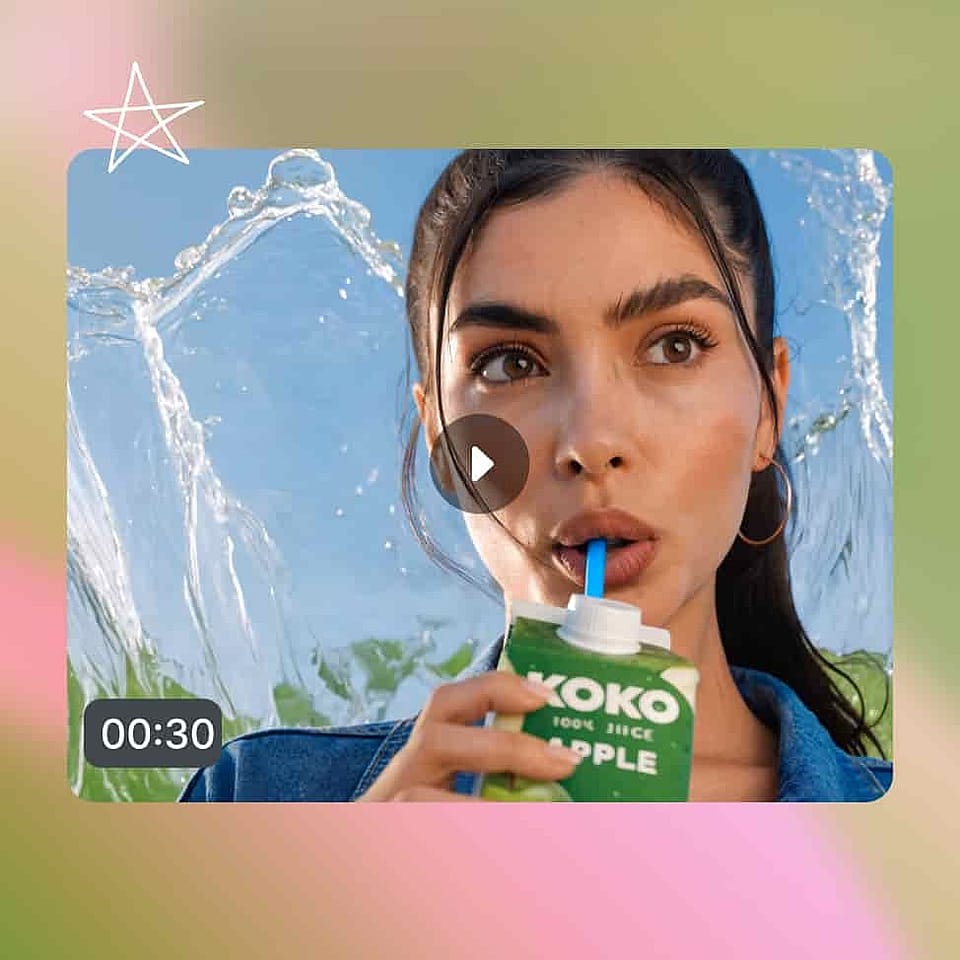
確認して公開
まずSceneタブでストーリーボードを、あるいはTimelineタブで完全なデモ動画を確認し、変えたいところだけを変更しましょう。
バイブディレクティングによる製品デモ動画の活用シーン
よくある質問 よくある質問
あなたの製品を、実際に使っている様子が伝わる完成デモ動画に変えるツールです。OpenArtのAI製品デモ動画メーカーは、写真・画面録画・説明文をもとにウォークスルーを組み立て、チャットで調整しながら製品の魅力がしっかり伝わる仕上がりに磨き上げます。
はい。画面録画をアップロードすれば、実際のUIを中心にデモが組み立てられ、プレゼンターの追加、シーンのフレーミング、ナレーションが加わります。製品はそのままリアルに保ちつつ、制作部分は生成されます。
はい。プレゼンをしたり、製品を持ったり、アプリを操作したりするキャラクターをキャスティングすれば、作成するすべてのデモで同じ顔と声を保てます。ナレーションのみのボイスオーバーにも対応しています。
いいえ。商品を説明し、出てきた結果に反応できれば、デモをディレクションできます。映像、編集、サウンドはOpenArtにお任せください。
商品写真や画面録画を追加し、その商品の機能を説明して、普段の言葉によるメモでウォークスルーをディレクションします。すると、ビジュアル・ナレーション・テンポの揃った完成デモが仕上がります。
はい!商品写真をアップロードすれば、実際の手や場面の中でアイテムを表現し、どのシーンでも形状・ラベル・ディテールを正確に保ちます。
ほとんどのデモは2分以内で最もコンバージョンが高く、コアとなる価値は最初の30秒で見せるのが効果的です。メーカーはテンポを引き締め、同じウォークスルーからより短いティーザー版を切り出すこともできます。