

AIムービーメーカー
OpenArtのAIムービーメーカーは、アイデアや脚本、たった1つのプロンプトを映画的なムービーに変えます。ストーリーを構成し、シーンを生成し、まるで本物の映画のように再生されるまで見た目を作り込みましょう。
AIムービーメーカー
OpenArtのAIムービーメーカーは、アイデアや脚本、たった1つのプロンプトを映画的なムービーに変えます。ストーリーを構成し、シーンを生成し、まるで本物の映画のように再生されるまで見た目を作り込みましょう。
AIムービーメーカーの主なメリット




テキストから動画へのワークフロー
テキスト、脚本、プロンプトからスタート。AI動画ジェネレーターが、あなたの持ち込んだものを映画のようなシーンへと変え、ラフなアイデアが本物の映画になります。



フルシネマティック
あらゆるシーンで映画品質のライティング、レンズワーク、モーションを。仕上がりは、ストック素材を重ねて曲を乗せただけのものではなく、まさに映画のようです。

筋の通ったストーリーテリング
冒頭のショットからエンドロールまで、物語の流れと一貫したキャストを保ち、映画がバラバラの断片ではなくひとつの物語として仕上がります。
AI映画ジェネレーターの主な機能
ストーリーはあなたが持ち込む。カメラ、編集、サウンドはこちらが担当します。
テキストまたは画像から始める
アイデアの形はどんなものでもOK。プロンプトを入力しても、台本まるごと貼り付けても、リファレンス画像をドロップしても、メーカーがシネマティックな映像に仕上げます。テキストから動画、台本から動画、画像から動画のすべてが同じフローで動くので、プロンプトから動画まで数分で完成。何日もの制作スケジュールは要りません。
物語の起承転結をストーリーボードに
何かがレンダリングされる前に、 OpenArt Director あなたのムービーをシーンごとにストーリーボードとして展開するので、まず全体の流れを見渡せます。ビートを並べ替えたり、導入を強化したり、結末を引き締めたりしてから、手作業でクリップをつなぎ合わせるのではなく、ひと続きのマルチシーンムービーを生成しましょう。
チャットで雰囲気を演出
最後までクリエイティブなコントロールはあなたの手に。広めの確立ショット、ゆっくりとしたプッシュイン、手持ちカメラ風の質感などをリクエストすれば、シーン生成があなたのシネマティックなスタイルに従います。フィードバックひとつで対象のショットだけが作り直され、思い描いたとおりに映画が進みます。柔軟性は無限大です— vibe directing OpenArt で。
一貫したキャラクターと世界観
OpenArtのCharactersライブラリからキャラクターを引き出すか、参照画像から固定すれば、その顔立ち、衣装、スタイルがすべてのシーンで保たれます。キャラクターの一貫性こそが、生成ムービーを似た者の寄せ集めではなく、ひとつの作品として成立させる鍵です。
高品質なナレーションと効果音
映画は映像だけでなく音でもあります。スコアを加え、どんな言語でもリップシンクの合ったセリフやナレーションを書き、シーンに重みが必要な場所へサウンドデザインを配置しましょう。あなたのAIストーリーテリングは、フルオーディオ付きで最終カットにレンダリングされます。
OpenArt で映画を演出する方法
AI Movie Creatorで映画を感覚的にディレクションするのは、たった3ステップです。
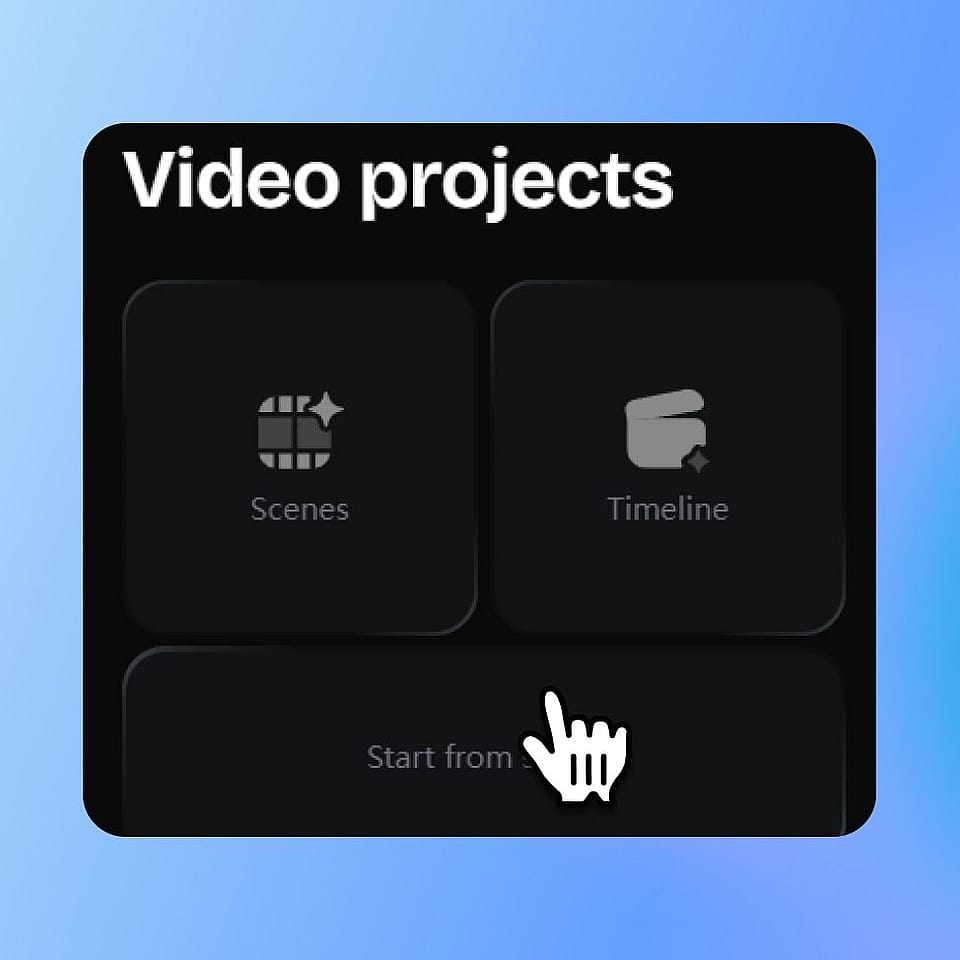
あなたの映画を説明してください。
プロンプトボックスにアイデアを入力するか、スクリプトを貼り付けるか、参考画像を放り込みましょう。サウンドトラックや保存済みのキャラクターを加えれば、見た目を思いどおりに導けます。
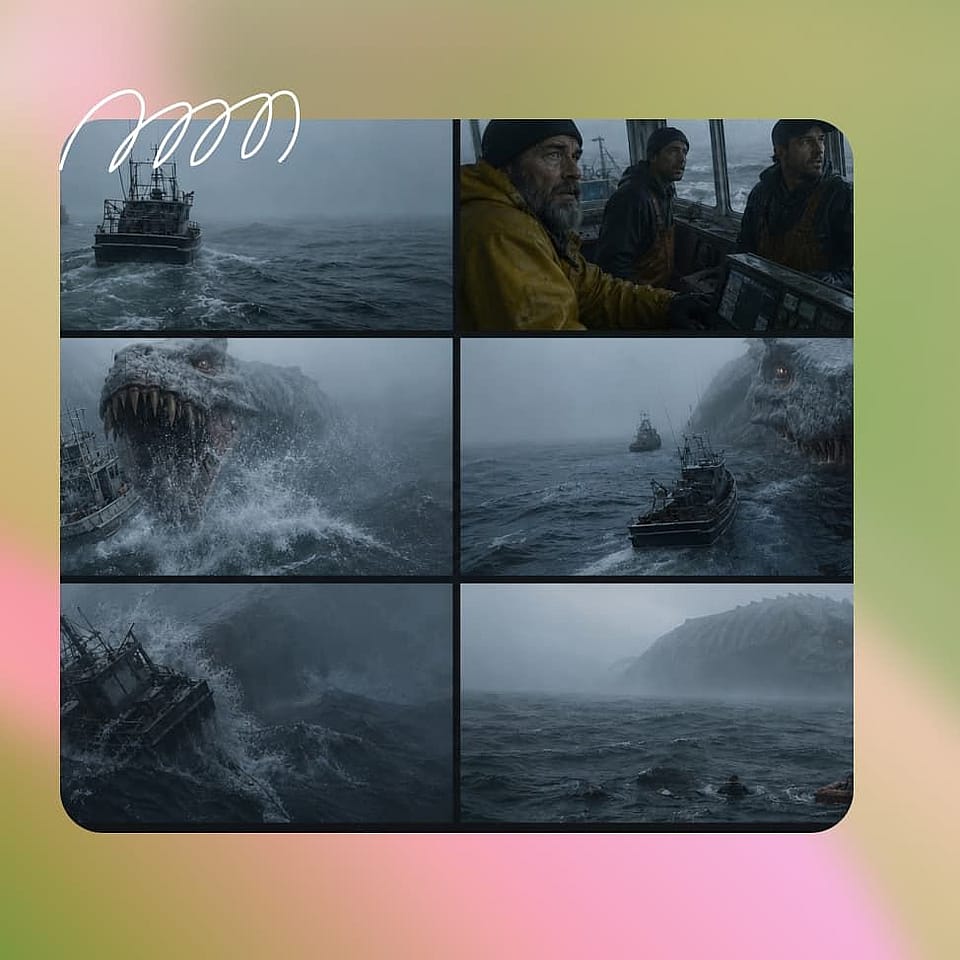
方向性を決めましょう。
アスペクト比、シネマティックなスタイル、トーンを確認しましょう。AI アシスタントは一つひとつの選択を尋ねることも、最適な設定で自動的に進めることもでき、その後に生成を開始します。
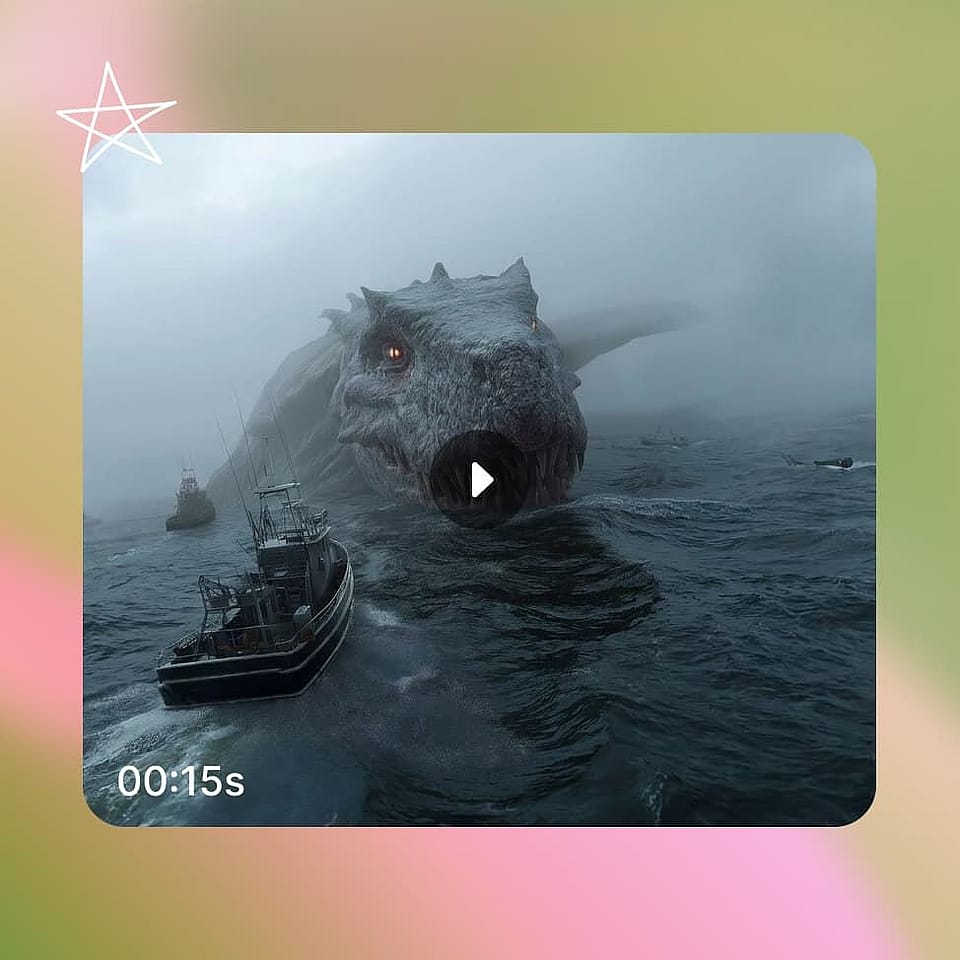
仕上げてエクスポート。
シーンタブでストーリーボードを、タイムラインビューで完成カットを確認。気になるショットにフィードバックして調整を重ね、最大4Kで完成した映像を書き出せます。
AI Movie Makerはあらゆるビジョンのために
短編映画からブランドストーリーまで、人々がOpenArt Directorを使う用途はこちら:
AIショートフィルム
ストーリーはあるけれど、予算もスタッフもいない。そんなときは、脚本やpromptを映画的なAIショートフィルムに変えましょう。ナレーション(TTS)や効果音も完備し、上映もできる作品を、たった1日の午後でシーンごとに組み上げていけます。
今すぐ試すジャンル・コンセプト系ムービー
特定の世界観を見たい――ノワール、SF、ホラー、ファンタジー。シネマティックスタイルを設定すれば、メーカーがライティング、カラー、カメラをそれに合わせて調整し、生成された映像がそのジャンルらしく仕上がります。
今すぐ試す既存の台本を活用
すでにページに言葉が書かれているなら、それを台本として活用しましょう。台本を映画にするツールが脚本を読み込み、絵コンテを作り、あなたのシーンを共有やプレゼンに使える鑑賞可能なカットに仕上げます。
今すぐ試すストーリー性のあるブランドフィルム
コンテンツを制作したりブランドを運営していて、ただのクリップではなく映画のようなストーリーテリングを求めているあなたへ。視聴者を惹きつけるナラティブ広告やショートフィルムを作り、さまざまなチャンネル向けにアレンジしましょう。
今すぐ試すよくある質問 よくある質問
AIムービーメーカーは、テキスト、脚本、画像を完成度の高いシネマティックな映画に変えるツールです。OpenArtのAIムービージェネレーターはシーン生成、ショット制御、キャラクター、サウンドまで一括で扱うので、カメラもスタッフも編集ソフトもなしにAIで映画を作れます。
はい。テキストからムービーを作るAIとして、promptをシネマティックなシーンに変えます。スクリプトからムービーを作るAIとして脚本から始めることも、静止画から作品を組み立てることもできます。
はい。BGMを追加し、あらゆる言語のナレーションやセリフをリップシンクさせて書き込み、シーンに必要なサウンドデザインを配置できます。すべて最終カットにレンダリングされます。
はい。無料で映画作りを始められ、より長いプロジェクト、より多くの生成、高解像度の書き出しが必要になったら、OpenArtの動画プランに移行できます。
多くのAI映像制作ツールは、promptから1本のクリップを返すだけ。OpenArtは本格的なAIシネマティック動画メーカーです。物語の弧をストーリーボード化し、あらゆるショットを自分で演出でき、キャストの一貫性を保ち、音まで描き出す。だから出力は本物の映画になります。
アイデアを説明したり、スクリプトを貼り付けたり、画像をドロップするだけ。OpenArtが物語の流れをストーリーボード化し、あなたがショットやテンポにフィードバックを加えると、映画のような映像と音声を備えたつながりのあるマルチシーンムービーが生成されます。
はい。ムービーメーカーはレンダリング前に完全なストーリーボードを組み立てるので、全体の流れを確認・調整したうえで、クリップをつなぎ合わせるのではなく、マルチシーンのムービーを一度に生成できます。
AI Movie Makerは、長編ではなくシネマティックな短編映画やマルチシーンのシーケンス向けに作られています。複数のシーンを一つのつながった映画に結合でき、シーンを延長して続けることも可能です。
はい、完成した動画はOpenArtの規約に従って商用利用いただけます。他所の参照画像、映像、キャラクターを使用した場合は、必ずIPチェックを行ってください。