

AI 画像復元:古い写真を数秒でよみがえらせる
OpenArtのAI写真復元ツールは、失われたディテールを復元し、色褪せを補正し、傷を除去し、ノイズを軽減し、鮮明さを数秒で向上させます。古い家族写真の修復、傷んだポートレートの復元、出版用の歴史的画像の復元など、OpenArtは手作業の編集なしで写真を蘇らせる、速くて無料の方法を提供します。
 画像を追加 またはここにドラッグ&ドロップ · JPEG、PNG、WEBP、HEICJPEG、PNG、WEBP、HEIC
 AI画像復元機能
傷、色あせ、ノイズ、損傷を自動で除去
OpenArtは古い写真によく見られる経年劣化や損傷のサインを検出し、狙いを定めた復元処理で素早くきれいにします。傷の除去から色あせの補正、ノイズの軽減まで、最初から最後まで自動で処理します。
顔・質感・細部までを高精度で復元
家族写真、ウェディング写真、古いアーカイブ画像は、リアルさを生む細部が失われがちです。OpenArtは、写真の自然さを保ちながら、顔立ちや質感、輪郭、繊細なディテールを復元します。
無料でお試し - 最初の1枚を数秒で復元
オンラインで無料で古い写真を修復でき、確定する前に仕上がりを確認できます。だから複雑な編集ワークフローや有料の壁なしに、大切な写真を安心して試せます。
コミュニティが復元した写真
色あせた結婚式のポートレートから、傷ついた幼少期の写真、損傷した歴史的画像まで、人々はかつて失われたと思われた写真を復元するためにOpenArtを使っています。AI写真修復が目に見える損傷を取り除き、鮮明さを取り戻し、大切な画像を再び使えるようにする様子を、ビフォーアフターの復元例でご覧ください。
どんな状態の写真も復元
傷、破れ、物理的な損傷を自動で修復
古い紙焼き写真には、傷やしわ、ほこりの跡、経年による色あせがつきものです。OpenArtのAI写真修復は、傷んだ部分を検出し、自然で美しいディテールに再構築。フレームごとの手作業レタッチなしで、傷んだ写真をよみがえらせます。
色あせを復元し、変色を補正
古い写真の多くは、時間とともにコントラストが失われたり、黄色や赤に変色したり、色あせたりします。OpenArtは色あせた色彩を復元し、変色を整え、階調の精度を高めて、古い画像を元の姿に近づけます。
粒状ノイズや低解像度の写真から細部を復元
スキャンしたプリントや圧縮ファイル、経年劣化した画像は、顔・服・背景のディテールが鮮明さを失いがちです。OpenArtは画像修復AIを使い、粒状ノイズを抑え、質感を取り戻し、重要な部分をシャープにしながら、過度な加工に見えない自然な仕上がりを保ちます。
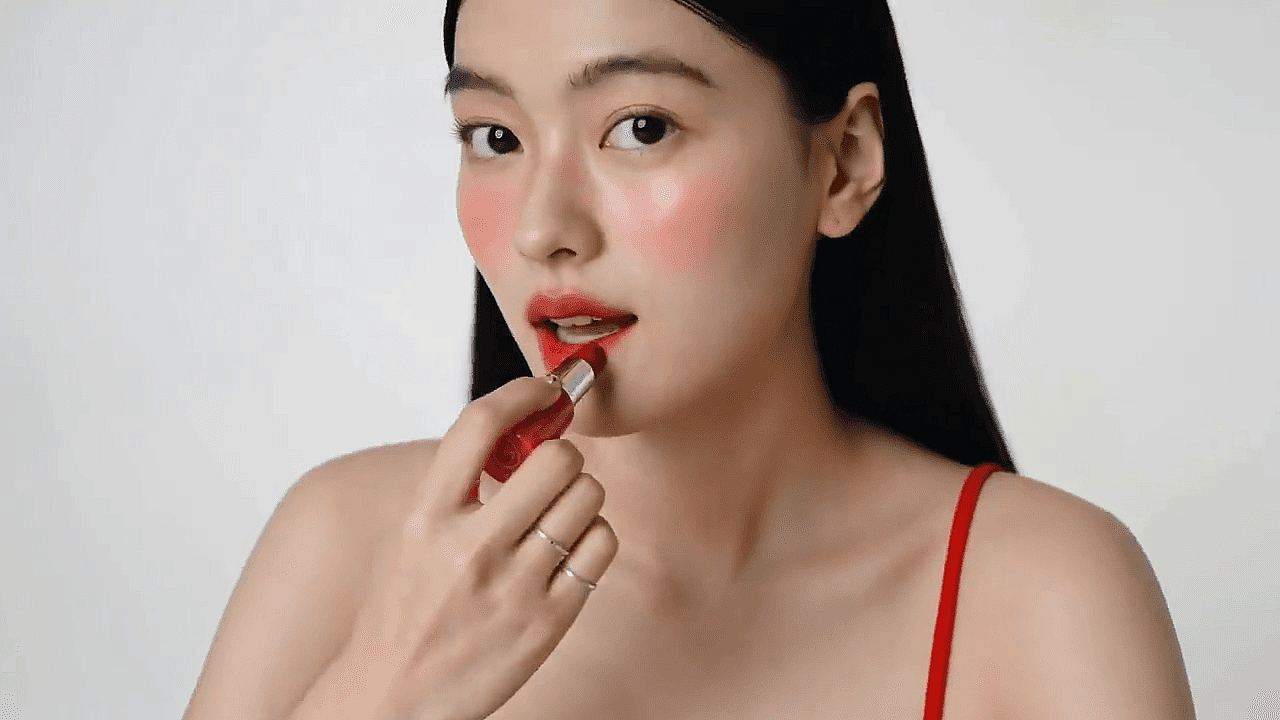
バッチ処理でアルバムまるごと修復
家族のアーカイブ、クライアントワーク、美術館のスキャン、古い商品写真などを扱っていると、1枚ずつ復元していては全体が遅くなってしまいます。OpenArtならバッチ処理でアルバム全体をより速く復元でき、大量の写真セットを一貫した品質で扱いやすくなります。
AIで古い写真を復元する方法

古い写真や傷んだ写真をアップロード
スキャン画像、印刷物をスマホで撮った写真、デジタル画像ファイルから始められます。OpenArtは古い家族写真、傷んだ肖像、白黒写真などに対応しています。
AIがあらゆるディテールを解析して復元
OpenArtが傷、色あせ、粒状ノイズ、ぼやけ、失われたディテールを検出し、適切な補正を自動で適用します。よりクリアで鮮明、より完璧なバージョンが数秒で手に入ります。
復元した写真をダウンロード
結果をプレビューし、ビフォーアフターを見比べて、仕上がりに納得したら復元した写真をダウンロード。完成した画像は、印刷・共有・公開・クリエイティブプロジェクトへの活用にすぐ使えます。
あらゆる写真、あらゆる思い出のためのAI画像復元
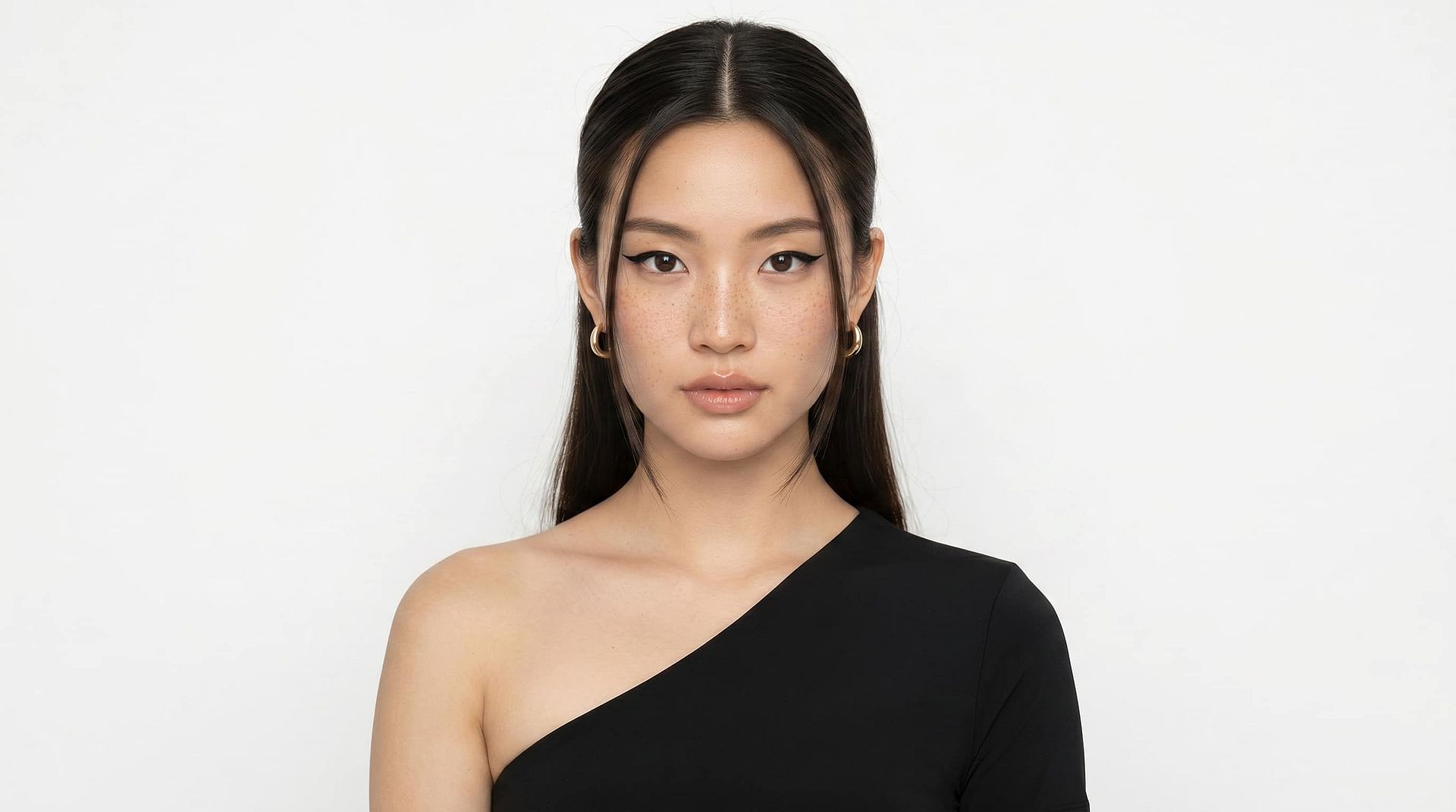
家族や思い出を大切にする方へ
Some photos aren’t just images, they’re the only record of moments you can’t recreate. Whether it’s your grandmother’s wedding portrait, your parents’ early years, or childhood birthday memories, damage like fading, scratches, and blur can make them feel lost over time. OpenArt helps you restore old family photos by repairing visible damage, recovering facial detail, and bringing clarity back to moments that matter most. You can safely restore photos without risking the original, preview results instantly, and create versions ready to print, share, and preserve for future generations.
今すぐ試す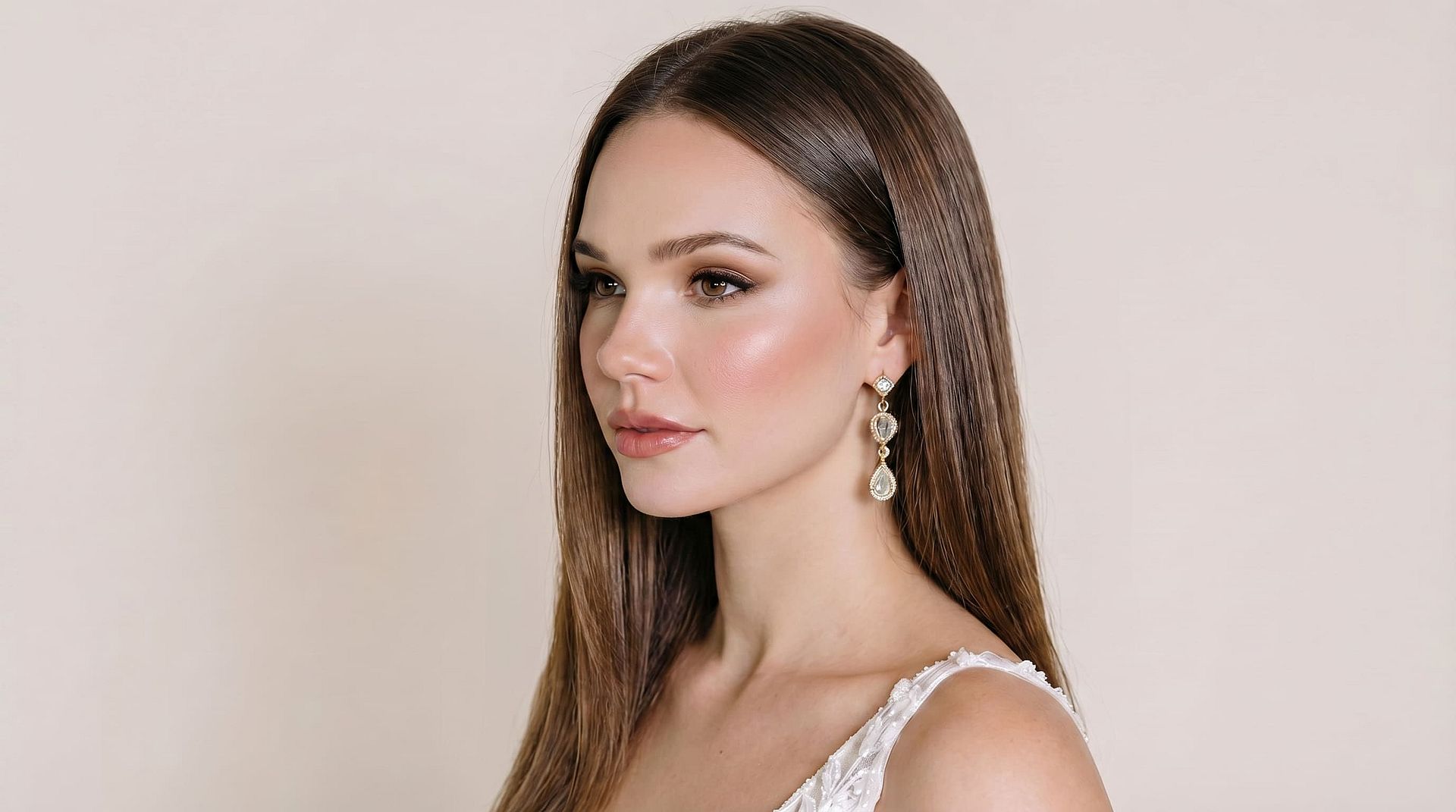
写真家やアーキビストの方へ
Restoring large photo collections manually is slow and inconsistent. OpenArt is built for photographers, scanning studios, and archivists who need reliable restoration at scale. Whether you’re working with damaged prints, low-resolution scans, or ageing negatives, the AI handles scratch removal, grain reduction, colour correction, and detail recovery automatically. With batch processing, you can restore entire albums while maintaining consistent output quality — ideal for client work, digitization, and archival workflows.
今すぐ試す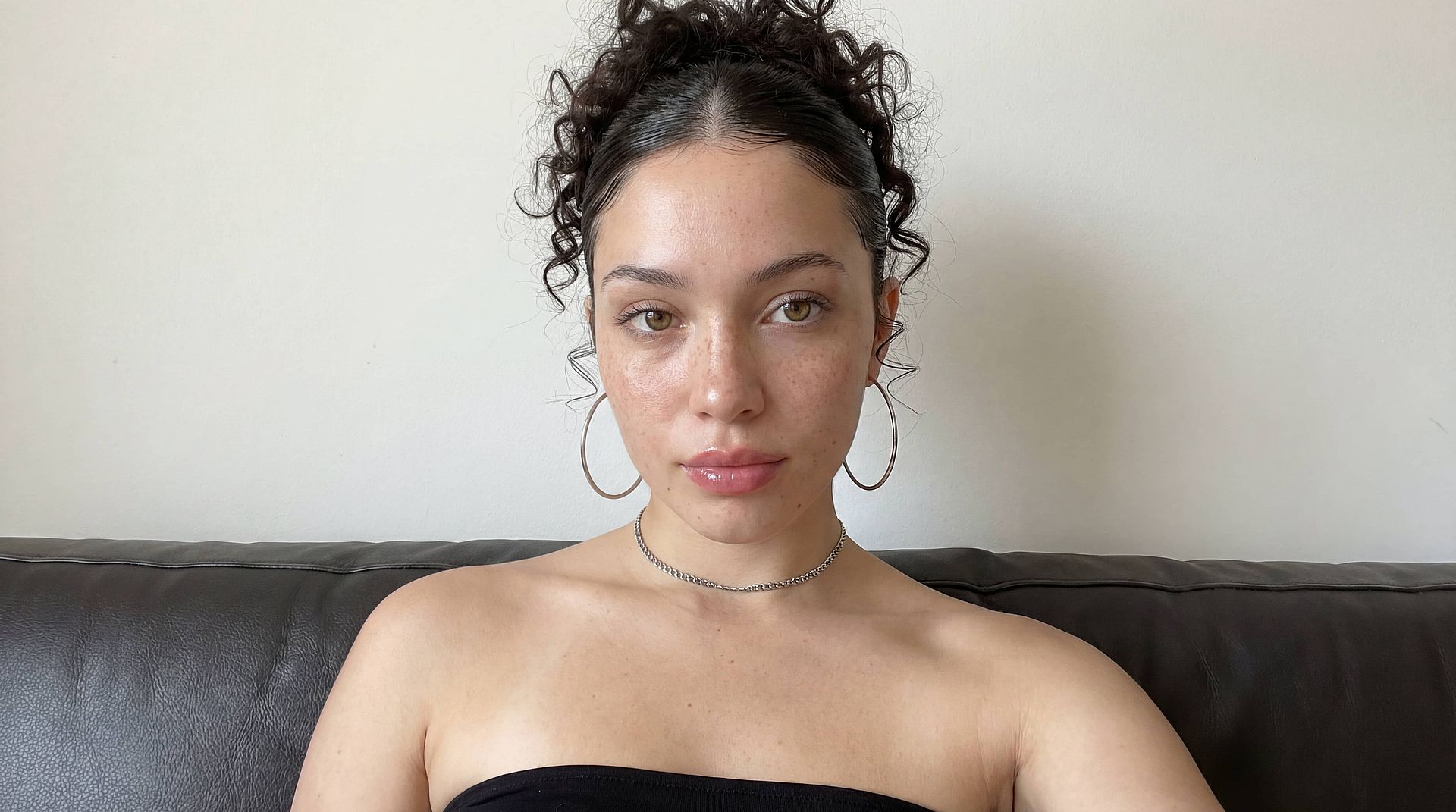
コンテンツクリエイターや歴史家の方へ
歴史的な画像は、使えるようにするために基本的な補正以上の処理が必要な場合がよくあります。OpenArtは、鮮明さの向上、損傷の修復、ディテールの公開しやすさを高めることで、クリエイター、研究者、歴史家が資料写真を復元するのを支援します。ドキュメンタリー、ブログ、博物館アーカイブ、研究プロジェクトのいずれに取り組んでいても、AI画像復元は劣化したビジュアルを、真正性と歴史的な整合性を保ちながら公開可能な素材へと変えます。
今すぐ試す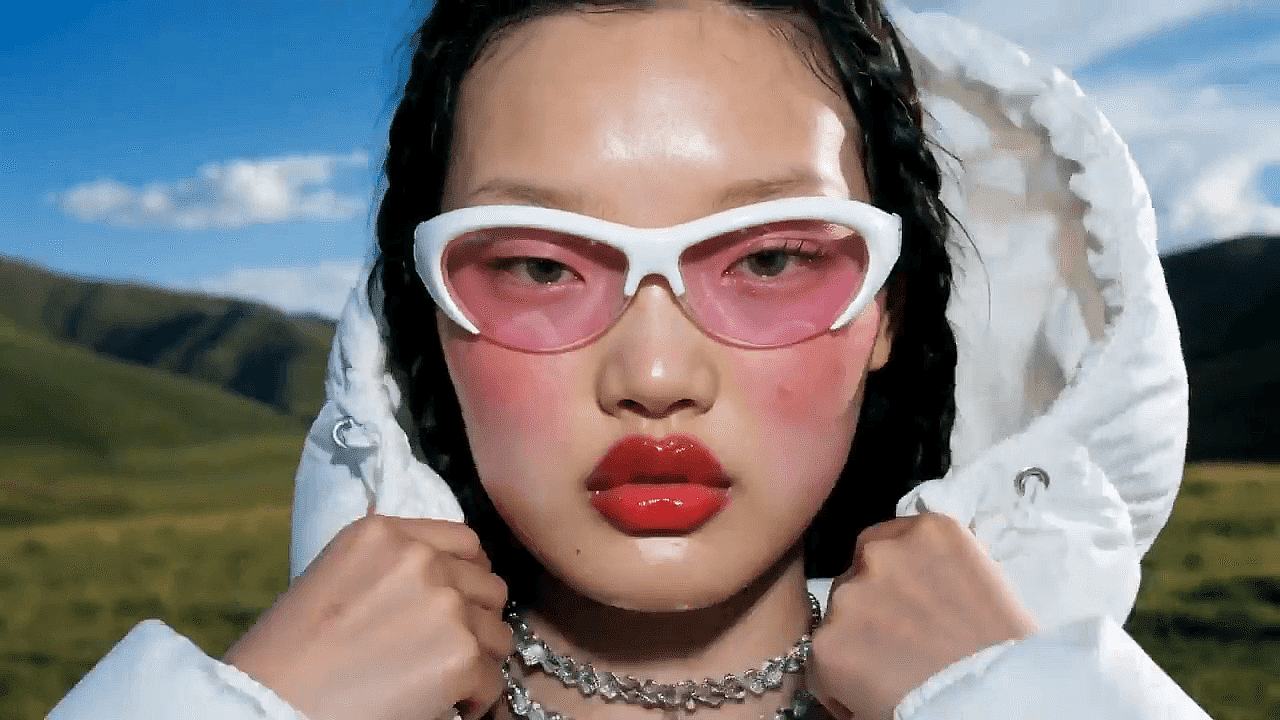
EC・商品チーム向け
古い商品写真は、ノイズや退色、低解像度、目に見える傷みなどで使えなくなることがよくありますが、撮り直しがいつでもできるとは限りません。OpenArtは、鮮明さを高め、色を補正し、不備を取り除くことで、こうした過去の商品画像を最新の掲載基準に合うよう復元します。これにより、ブランドは追加の制作コストなしに、既存の素材を商品ページや広告、カタログで再利用できます。
今すぐ試すよくある質問 質問 AI画像復元について
OpenArtは、古くて色あせた写真や、傷や損傷のある写真をすばやく復元できる、最高のAI写真修復ツールの1つです。傷の除去、色の復元、粒子の低減、顔の復元、細部の強調を、無料から始められる1つのワークフローにまとめており、日常のユーザーからプロまで幅広く役立ちます。
AI画像復元は、写真の損傷した部分を解析し、失われたり劣化したディテールをどう再構築すべきかを予測して機能します。OpenArtは傷、色あせ、ノイズ、ぼやけ、変色といった問題をそれぞれ個別に特定し、的確な補正を加えて、より自然な復元画像を仕上げます。
はい、元のスキャンや画像に十分な情報が残っていれば、AIで非常に古い写真を復元できます。OpenArtは傷の修復、色あせの軽減、顔のディテールの復元、鮮明度の向上ができますが、損傷の激しい写真は復元前に高品質でスキャンし直すとより良い結果が得られます。
はい、AIはコントラストを高め、色あせたトーンを補正し、カラーバランスを取り戻すことで、色褪せた写真を復元できます。これにより、古い家族写真やアーカイブ画像がより鮮明で見やすくなり、本来の姿に近づきます。
はい、AIはOpenArtのようなツールで古い写真や傷んだ写真を無料で復元できます。色あせた、傷ついた、または低画質の画像をアップロードすれば、AIが損傷を修復し、鮮明さを高め、ディテールを数秒で自動復元します。
はい、白黒写真をAIで修復できます。OpenArtは白黒画像の傷、ノイズ、色あせ、ディテールの欠落を、トーンのバランスを保ちながら修復します。その後、リアルな色を加えたい場合はカラー化ツールも使えます。
はい、AIは損傷した線・欠けた部分・表面の摩耗した箇所を検出し、それらの領域を自動的に再構築することで、傷ついた写真を修復できます。OpenArt の傷除去機能は、経年・保管・取り扱いによって傷んだプリント写真をきれいにするのに役立ちます。