

AIブランドキット
ロゴ、カラー、フォント、ブランドルールを一度設定すれば、OpenArtのAIブランドキット機能がそのプロジェクトで生成するすべての画像や動画に自動適用します。素材を再アップロードしたり、スタイルガイドを毎回プロンプトに打ち込んだりする必要はもうありません。
主なメリット



一度セットアップするだけ
ロゴ、カラーパレット、タイポグラフィ、使用ルールを一度保存するだけ。キットがそれらを保持してくれるので、毎回プロンプトにカラーコードやスタイルのメモを貼り付ける必要はありません。



どこにでも適用
あなたのブランドは、プロジェクト内のすべての画像と動画に自動的に反映されます。キットは画像・動画の AI モデルをまたいで適用されるため、毎回作り直す必要はありません。
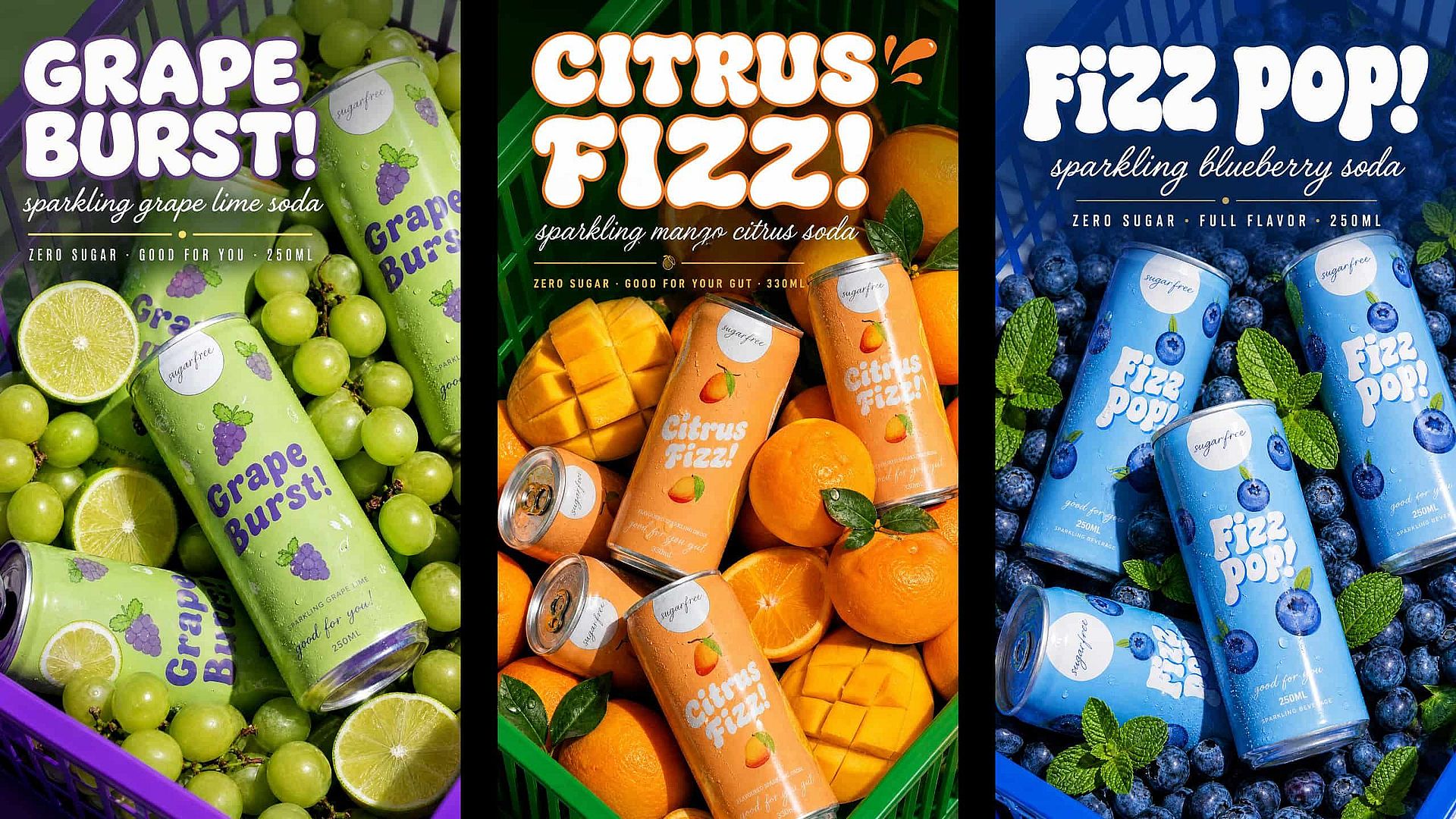
大規模でも一貫性を
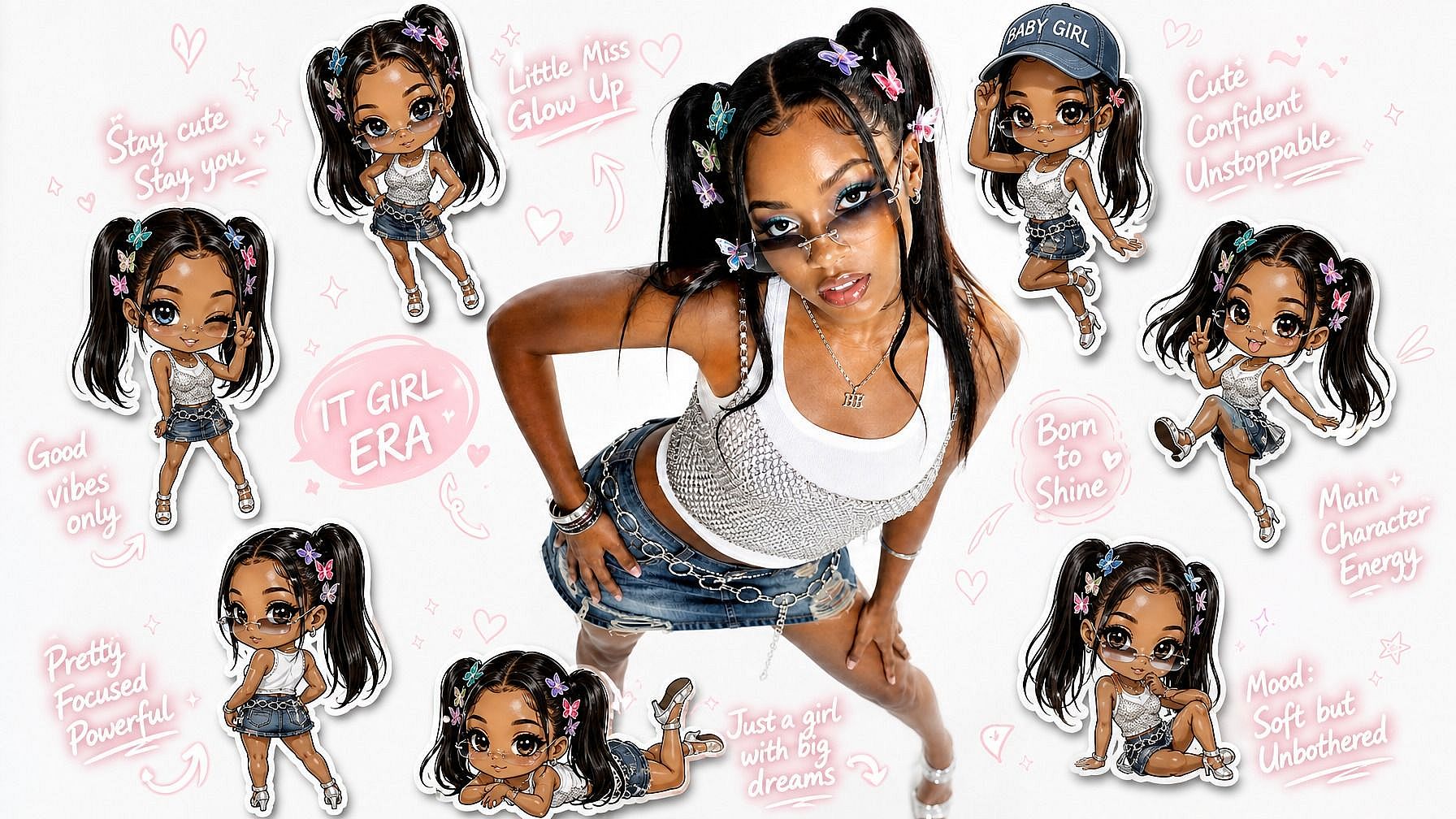
カラーグレーディングからタイポグラフィまで、間違いなくあなたらしいと感じられるアセットを何百と生成。回転する商品カタログでも、変わらず一つのブランドとして見えます。
AIブランドキットの主な機能
ブランド全体を一度に保存
OpenArt のブランドキットには 6 つの要素が含まれます。ロゴ、カラーパレット、タイポグラフィ、ブランドアセット、スタイルリファレンス、そしてブランドルールです。ブランドアセットは商品写真、パッケージ、マスコットなど具体的なアイテムで、スタイルリファレンスは全体を通して貫きたいルックや雰囲気を捉えます。ブランドルールは、常にやること・絶対にやらないことをわかりやすくまとめたリストです。
すべての生成で確実に反映
カラーパレット、タイポグラフィ、ブランドルールはテキストレイヤーに保存されるので、すべての生成に適用されます。参照スロットが2つしかないモデルでも、あなたの正確なHEXコード、フォント、そして「絶対にしないこと」のリスト全体を受け取れます。この3つは画像参照が使えないテキスト専用モデルにも引き継がれます。
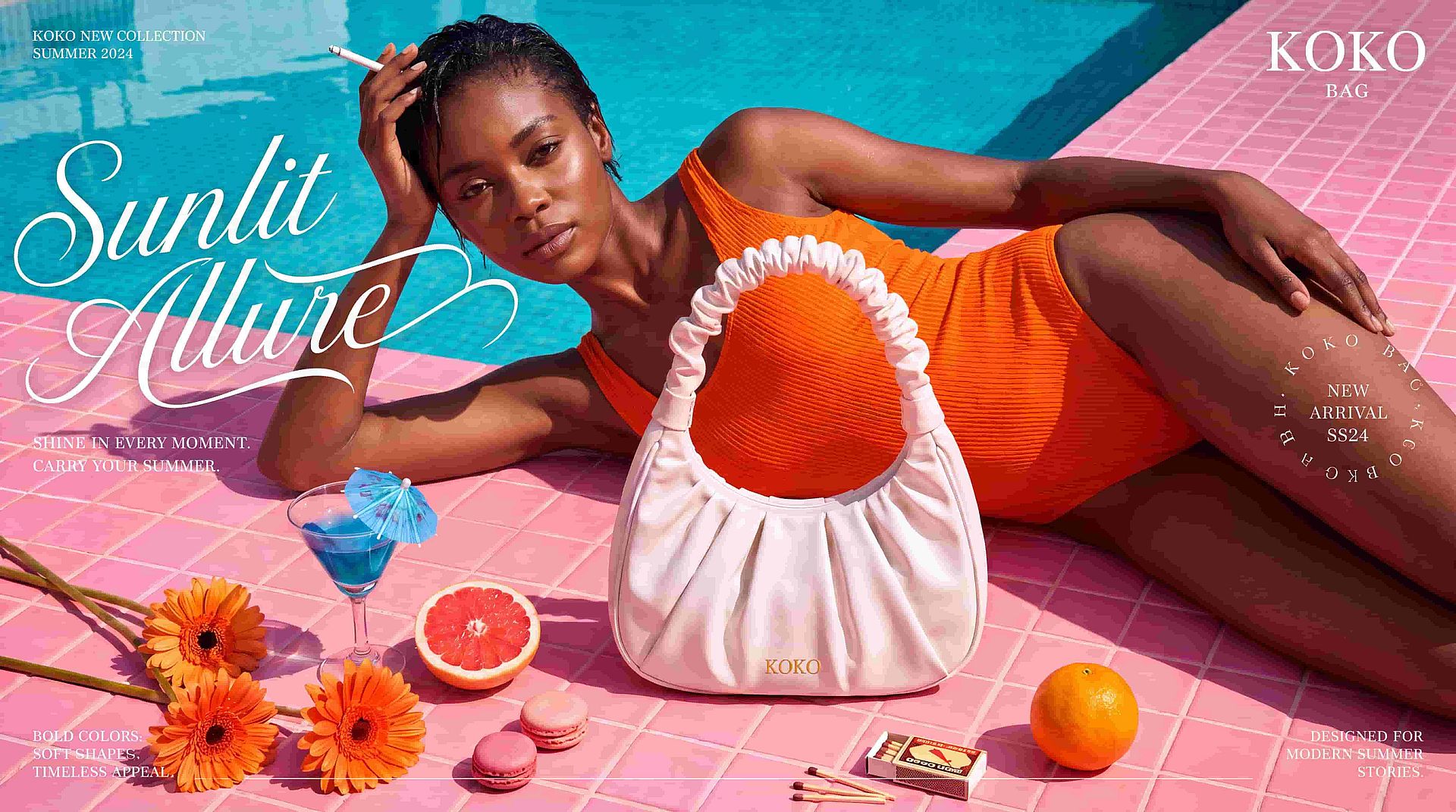
最も重要なリファレンスを優先する
ロゴ、ブランドアセット、スタイル参照は、選んだモデルが対応する画像参照スロットを共有します。スロットが足りない場合は、参照の優先項目(全体のスタイル、商品、マスコット、ロゴ、カラーパレット)を設定すると、Brand Kit がそれを最優先で保護し、代わりに何を外したかを黙って入れ替えずに教えてくれます。生成時に一度きりのキャンペーンアセットを追加することもでき、同じ参照枠を共有しつつ、保存したブランド設定を上書きしません。
生成しながらキットを育てる
気に入った生成物を、新しいブランドアセットやスタイルリファレンスとしてそのままキットに保存できます。各キットは初日にアップロードした内容のまま固定されるのではなく、使うほどに強化されていきます。キットはデフォルトで各プロジェクトごとに独立しているので、別々のクライアントやキャンペーンを混同せずに進められます。
OpenArtのAIブランドキットの使い方
一度ブランドを設定すれば、3ステップでブランドに沿ったコンテンツを生成できます。
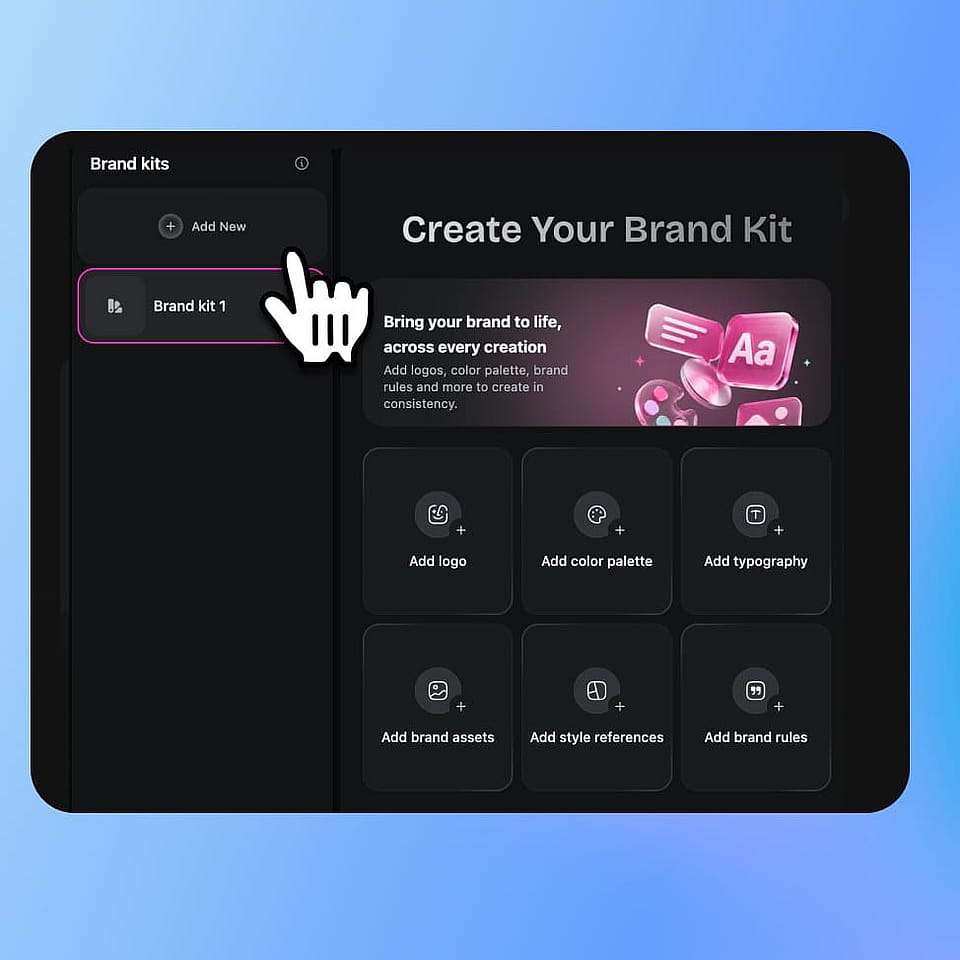
Brand Kitを作成
サイドバーのAssetsからBrand Kitを開き、Add Newをクリック。各キットはデフォルトでそれぞれのプロジェクトに独立して保持されるので、対象となるクライアントやキャンペーンの名前を付けましょう。
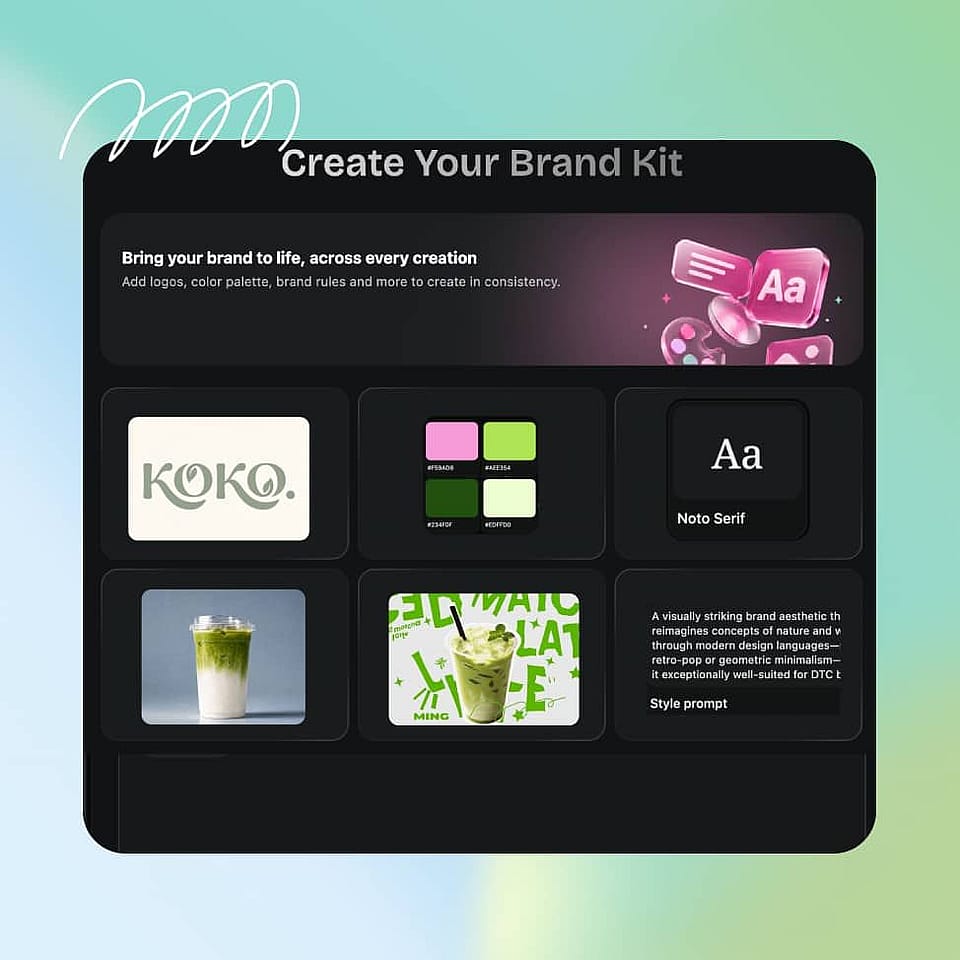
詳細を入力
ロゴ、カラーパレット(正確なHEXコード)、タイポグラフィ、ブランドアセット、スタイルリファレンス、ブランドルールを追加しましょう。そのうえで、モデルのリファレンス枠が足りなくなったときに最も大切なアセットが残るよう、Brand Kitに何を優先して守るかを伝えておきましょう。
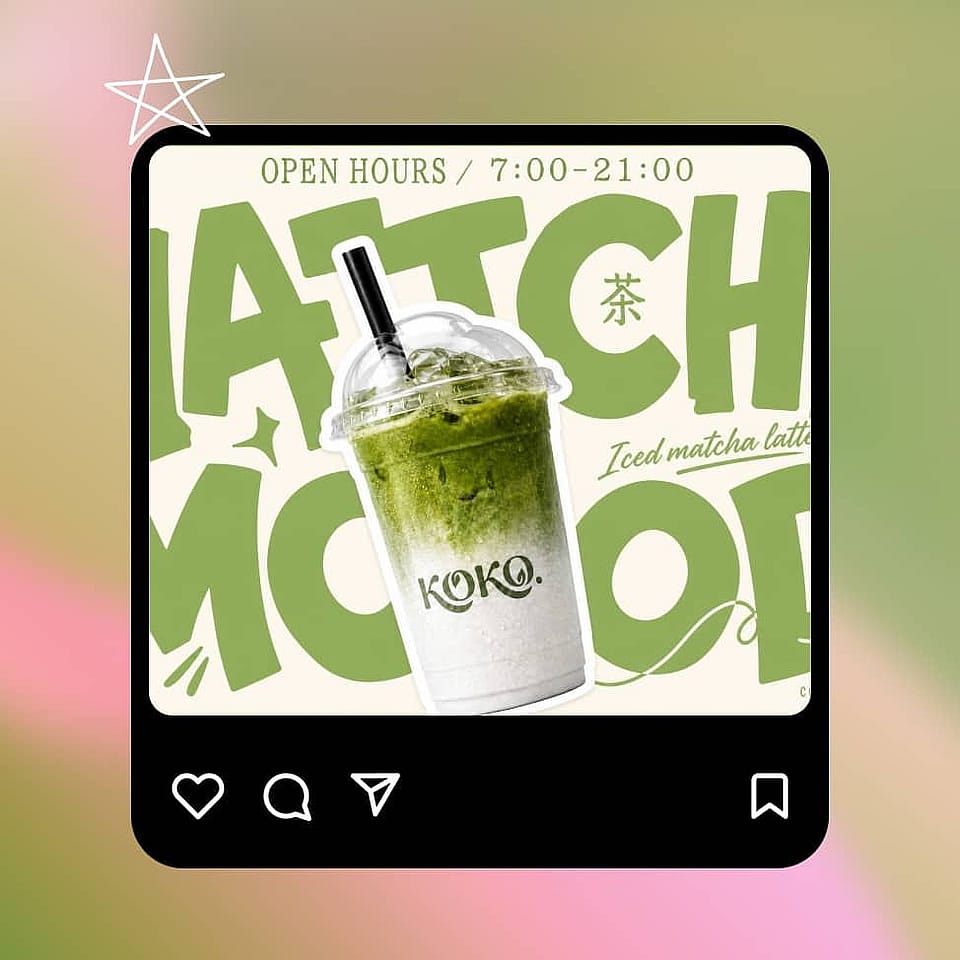
ブランドに沿ったビジュアルを生成
「画像を作成」または「テキストから動画」に切り替えれば、そのプロジェクト内のすべての生成が自動的にキットを反映します。すでに保存した内容に手を加えることなく、いつでも単発のキャンペーン素材を追加できます。
あらゆるブランドコンテンツにAIブランドキットを活用
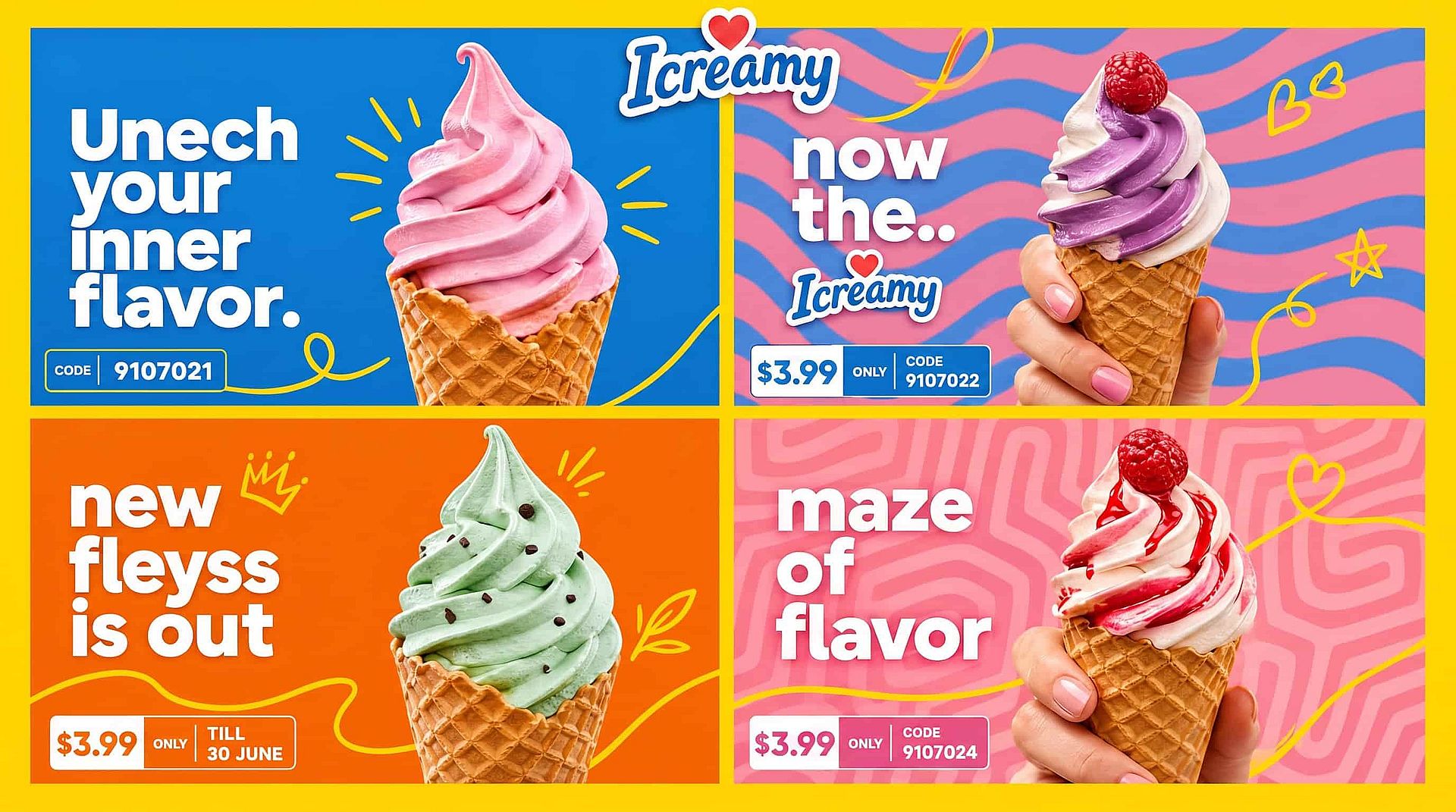
クリエイティブ系の広告代理店
5社、10社、20社のクライアントアカウントを運用する代理店は、各クライアントに専用キットを用意し、プロジェクトごとに分離できるので、アカウント間で情報が混ざる心配がありません。各クライアントは、独自のロゴ、トーン、「これはやらない」リストを1つのワークスペースで管理できます。Brand Kitを次と組み合わせましょう: AI動画ジェネレーター すべてのアカウント向けにブランドに合った広告クリエイティブを生み出します。
今すぐ試す社内マーケティングチーム
ブランドの一貫性が誰かの実際の仕事になっているチームでは、ブランドキットがブランド定義を個々のプロンプトからモデルが毎回チェックするレイヤーへと移します。生成ごとに色がぶれることはなくなり、キャンペーン全体でタイポグラフィが固定されます。チーム全員が同じ保存済みアイデンティティから生成できます。
今すぐ試す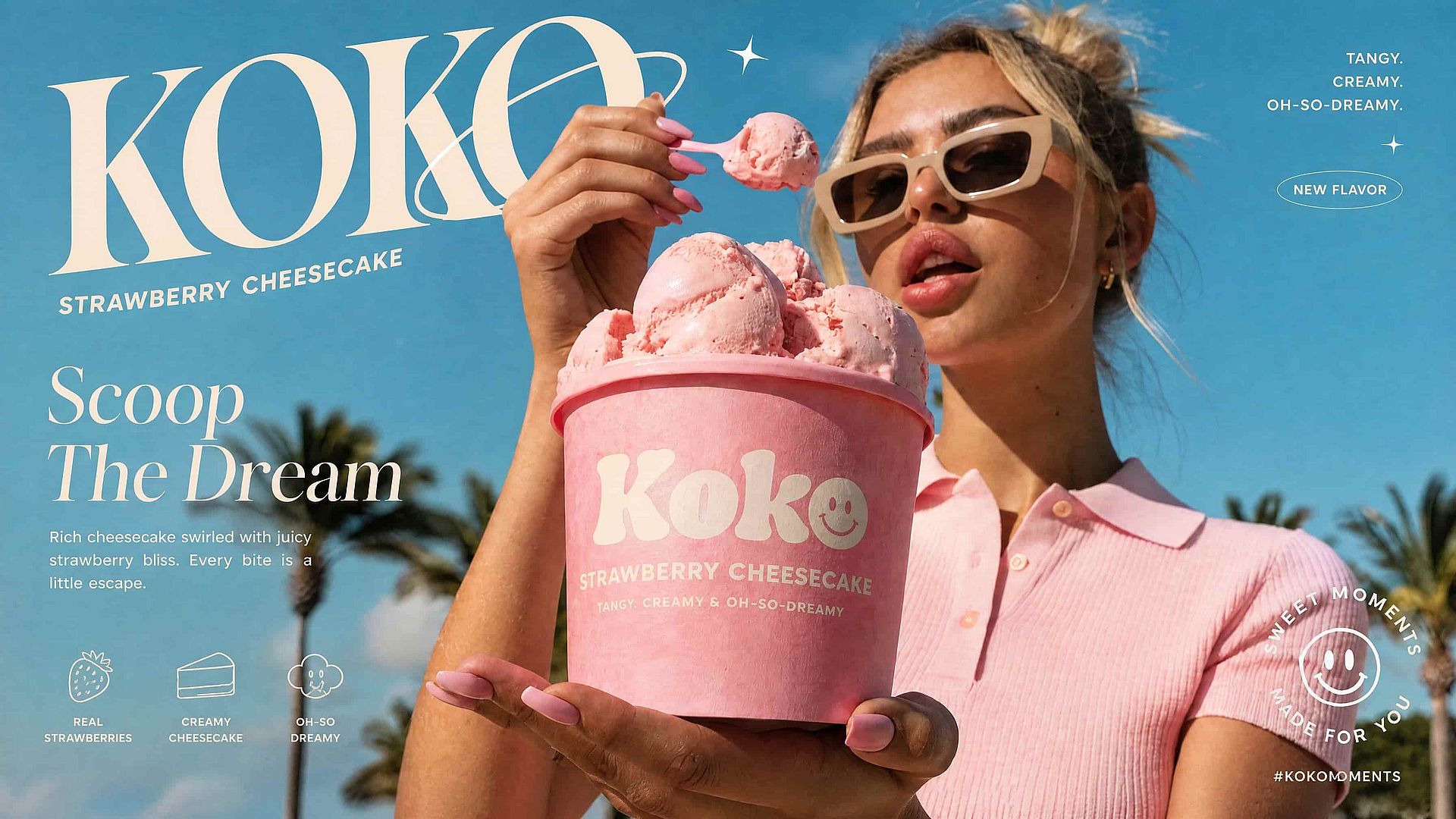
フリーランサー・クリエイター
複数のクライアント向けにブランドコンテンツを制作するフリーランサーは、プロジェクトごとにスタイルガイドを一から作り直す代わりに、各クライアントのアイデンティティを一度保存して再利用できます。Brand Kitを次と組み合わせれば、ブランドに沿ってマスコットやスポークスパーソンを一貫して保てます OpenArt Characters。クライアントの切り替えは、セットアップし直すことなくワンクリックで完了します。
今すぐ試す
ECおよびDTCブランド
カタログが毎週変わるオンラインブランドでも、シーズンごとの新作や新SKUにわたって1つの固定アイデンティティを保てます。商品自体が変わっても、商品写真は同じパレットとスタイルを維持します。Brand Kitを使えば、すべてが可能になります。使う場所は私たちの AI画像ジェネレーター.
今すぐ試すよくある質問 よくある質問
ブランドキットとは、ロゴ、カラー、フォント、トーン、使用ルールなど、あなたのビジュアルアイデンティティを保存したセットで、毎回入力し直す代わりにツールが自動で適用してくれるものです。OpenArtでは、ブランドキットに6つの項目(ロゴ、カラーパレット、タイポグラフィ、ブランドアセット、スタイルリファレンス、ブランドルール)があり、すべてプロジェクトに紐づけられ、生成のたびに適用されます。
ブランドアセットとは、商品写真、パッケージ、マスコットなど具体的なものを指します。スタイルリファレンスは全体的なルックや雰囲気、被写体そのものが変わっても引き継ぎたいビジュアルのムードに関するものです。どちらもモデルの画像リファレンス枠を共有しますが、カラーパレット、タイポグラフィ、ブランドルールはテキストレイヤーに置かれるため共有しません。
はい。キットはデフォルトでプロジェクト単位に区切られているので、クライアントやキャンペーンごとに独立し、アカウント間で情報が混ざることはありません。複数のプロジェクトで同じアイデンティティが必要なときは、ワークスペース全体でキットを共有することもできます。
両方です。Brand Kitは現在、Create ImageとText to Videoの中で機能するので、保存した同じアイデンティティが静止画とモーションコンテンツの両方に反映されます。
ほとんどのAIツールはプロンプト単位で動作するため、同じプロンプトでもブランドカラーの色合いが微妙に変わったり、「親しみやすいアイコン」といったルールの解釈が毎回違ったりします。Brand Kitは、あなたの定義をモデルが毎回参照するレイヤーに保持することで、このギャップを解消します。
サイドバーの「アセット」からBrand Kitを開き、「新規追加」をクリックしてキットに名前を付けます。次にロゴ、カラーパレット、タイポグラフィ、ブランドアセット、スタイルの参照、ブランドルールを入力し、参照フォーカスを設定すれば、参照スロットが足りなくなったときにAI Brand Kitが何を最優先で守るべきかを把握できます。
ブランドのprompt、カラー、ルールは、テキストレイヤーを通じて対応するすべてのモデルに適用されます。ロゴや商品写真などの画像参照は、選択したモデルがサポートする参照スロット数に依存し、スロットが足りない場合はBrand Kitがどれを優先したかを教えてくれます。
はい。生成時にアップロードすれば、保存済みのキット素材を置き換えるのではなく、同じ参照枠を共有します。固定したアイデンティティはそのまま維持され、入れ替わるカタログと並行して機能します。
多くのAIブランドキットジェネレーターは、プロンプトからロゴとカラーパレットを生成し、ブランドアイデンティティをゼロから作り上げます。OpenArtのAIブランドキット機能は、すでにお持ちのアイデンティティを、生成するすべての画像・動画に適用します。だから既存のブランドがスケールしても一貫性を保てます。
OpenArtのBrand Kitで作成したコンテンツは、広告、製品ページ、ソーシャルキャンペーンなどの商用プロジェクトに利用できます。プランに適用される詳細については、OpenArtの最新利用規約をご確認ください。