

AI広告ジェネレーター
デザイナーやストック素材ライブラリなしで、ソーシャル、ディスプレイ、動画キャンペーン向けの広告ビジュアルを生成。
AI広告ジェネレーター
デザイナーやストック素材ライブラリなしで、ソーシャル、ディスプレイ、動画キャンペーン向けの広告ビジュアルを生成。
AI広告メーカーの主なメリット




あらゆる広告を、1つのワークフローで
UGCスポット、商品広告、ブランディング映像、SNSクリップ、すべてが同じチャットから生まれます。1つのワークフローでメディアプラン全体をカバーできるので、フォーマットごとに別々のツールを使い分ける必要はもうありません。



チャットで反復
変更したい点を伝えれば、その部分だけが変わります。気に入ったフックはそのままに、エンディングだけを直せる——広告全体を丸ごと新しく生成し直す賭けをする必要はありません。

あなたのブランドを、しっかり記憶
ロゴ、フォント、カラーを一度アップロードすれば、以降のすべての広告にそれが反映されます。一四半期分のキャンペーンが、まるで一つのチームが手がけたかのように仕上がります。一貫したディレクションがあるからです。
AI広告ジェネレーターの主な機能
あなたはメッセージを決めるだけ。ビジュアル、編集、すべてのショットはAIにお任せください。
会話形式の広告生成
商品、ターゲット、伝えたい雰囲気を説明すれば、シーン、セリフ、テンポまで揃った完成度の高い広告が返ってきます。編集ソフトで救済すべき粗いクリップはありません。そのまま配信できる形で出力されるからです。
1つの広告を、あらゆるチャンネルへ
コンセプトを一度ディレクションすれば、あとは配置ごとにカットするだけ。TikTokやReels用の縦型、フィード用の正方形、YouTubeやCTV用のワイドスクリーンへ。ストーリー・製品・ブランドはそのままに、形だけが変わります。
一貫性のあるリアルなキャラクター
プレゼンター、顧客、マスコットをキャスティングすれば、作るすべての広告で同じ顔と声を保てます。視聴者が見覚えを持ち始める一人のキャラクターを軸に、シリーズまるごとのスポット広告を展開しましょう。
ボイス・音楽・効果音を収録
すべての広告に、ナレーション、サウンドトラック、エフェクトがあらかじめ組み込まれた状態で仕上がります。もっと落ち着いた読み上げ、もっとインパクトのある音楽、ロゴの下での無音などをリクエストすれば、それに合わせてミックスが再構成されます。
AI広告ジェネレーターの仕組み
OpenArtで広告をディレクションするには3ステップです。
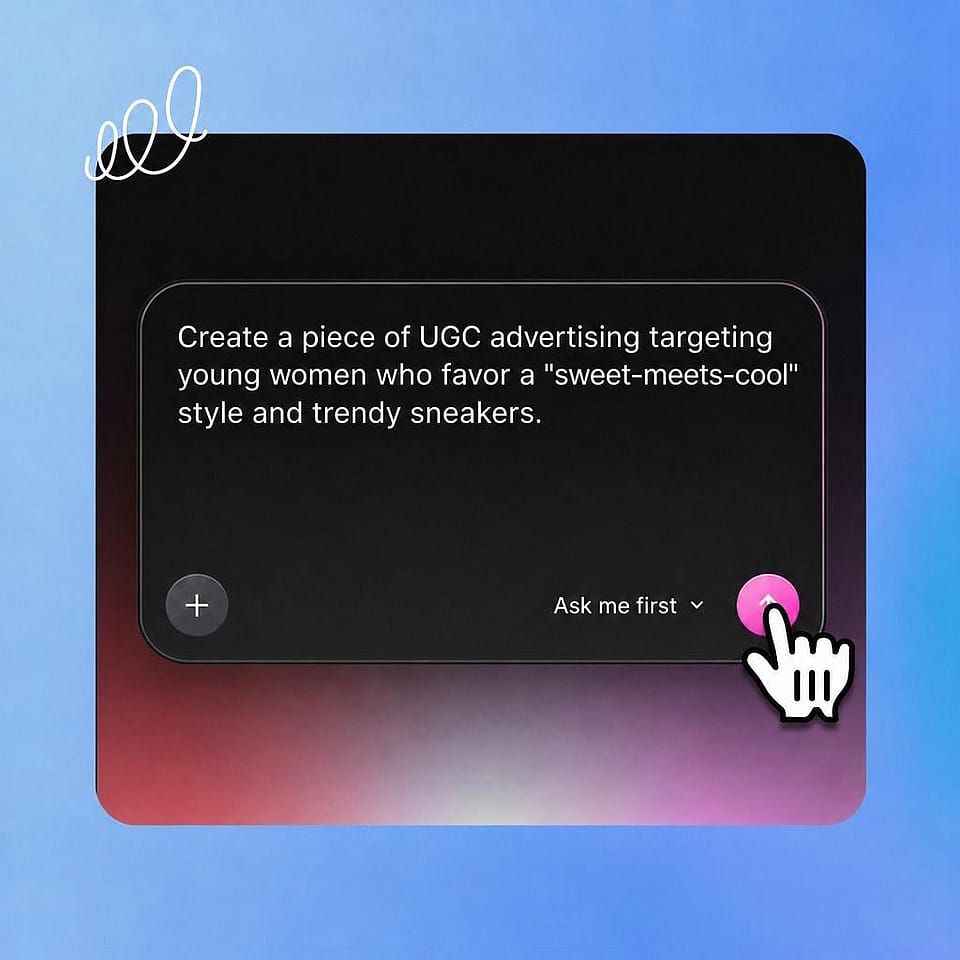
広告のブリーフを作成
何を売るのか、誰のためのものか、どんな雰囲気にしたいかを記述しましょう。商品写真、ロゴ、サウンドトラック、保存したキャラクターを追加して方向づけできます。
メモを渡す
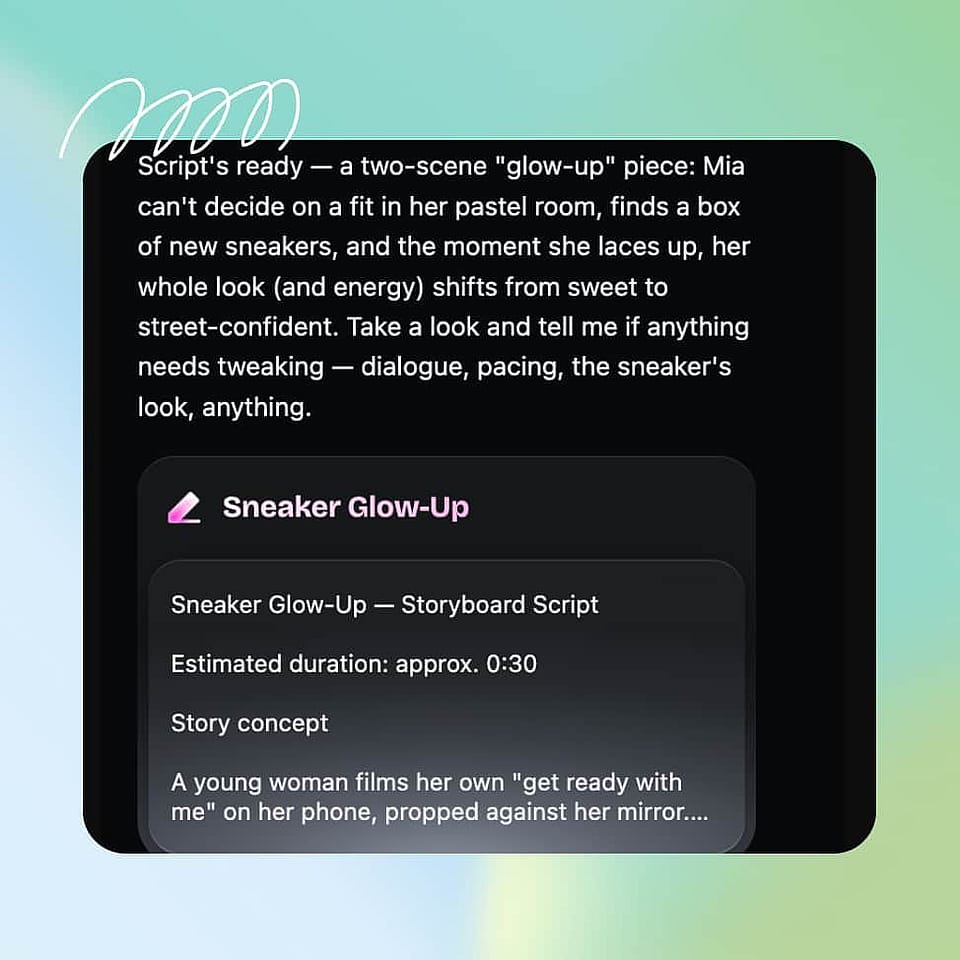
フック、シーン、セリフを、クリエイティブチームにブリーフィングするようにチャットで作り込みましょう。内蔵アシスタントのOriが、あなたが気にするポイントを確認したり、最適な設定でそのまま進めたりします。
バージョンをカット
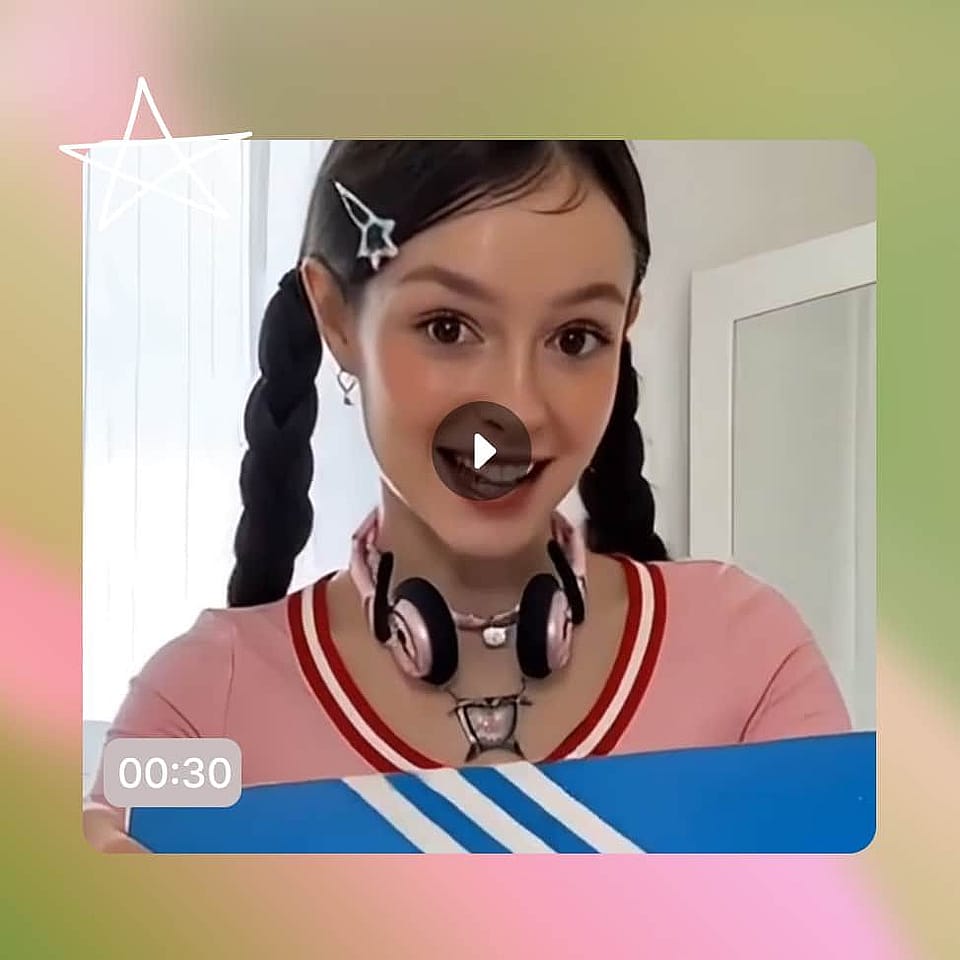
広告を確認し、指定した部分だけを変更してエクスポート。あとはチャネル別、フック別、オーディエンス別にバリエーションを展開し、成果に勝者を選ばせましょう。
Vibe Directingで広告を作る際のベストな使い方
製品ローンチのプッシュ
ローンチ日は1回、埋めるべき配置は数十。まずメインとなる映像を演出し、そこからティザー、縦型、リターゲティング用のバリエーションを切り出せば、すべて同じルックで統一されます。ローンチが一気に全プラットフォームをカバーします。
今すぐ試す新しいクリエイティブなバリエーション
有料ソーシャル広告は、どんなチームの撮影スピードよりも速くクリエイティブを消費します。新鮮なフック、フォーマット、アングルを常に用意し、制作を待つことなくキャンペーンに投入し続けましょう。
今すぐ試すマルチブランドの代理店業務
どのクライアントもブランドに合った広告を必要としていますが、コンセプトごとに撮影する予算はどこにもありません。各ブランドのアイデンティティを別々に保持し、すべての広告を1つのシートから提案スピードでディレクションできます。
今すぐ試すよくある質問 よくある質問
あなたの商品、オファー、アイデアを完成した動画広告に変えるツールです。OpenArtのAI広告ジェネレーターは演出方式で動きます。広告を説明し、チャットでフィードバックを伝え、配信できる状態になるまで磨き上げます。
UGC広告、商品広告、ブランディング広告、CM、SNS向けの短尺、すべてが一か所に。同じAI広告メーカーのワークフローであらゆるフォーマットをカバーするので、1つのブリーフからキャンペーン全体を作れます。
もちろんです。同じ広告を縦型・正方形・ワイドスクリーンでカットし、各プラットフォームに合った尺で仕上げ、あらゆるチャンネル向けにそのままアップロードできるファイルを書き出せます。
宣伝したいものを説明し、あれば製品写真やロゴを追加して、わかりやすい言葉のメモで仕上がりをディレクションしましょう。OpenArtがシーン、ナレーション、サウンドを作り上げ、思い描いたイメージに合ったところでエクスポートできます。
はい。商品写真をアップロードすれば、形・ラベル・色がどのシーンでも正確に保たれるので、実際に発送する商品そのものを広告で訴求できます。
テンプレートツールはあなたの商品を他人のレイアウトに当てはめるだけで、ほとんどのAI広告ジェネレーターはプロンプトごとに1クリップしか返しません。OpenArtはあなたの指示を中心に広告を組み立て、メモに応じてどんな細部も作り直すので、テンプレートではなくあなたのブランドに合った仕上がりになります。