

AI加齢フィルター
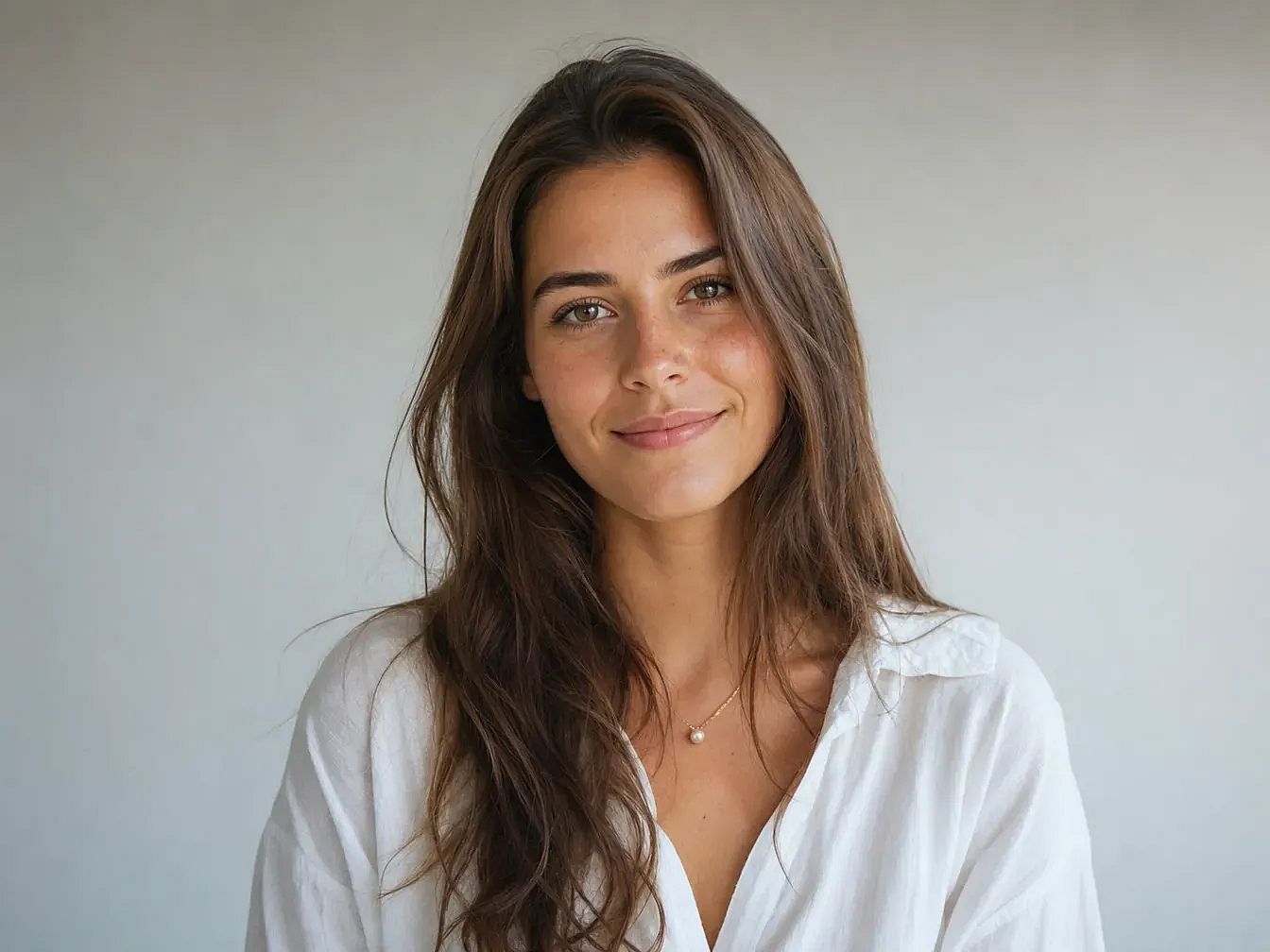
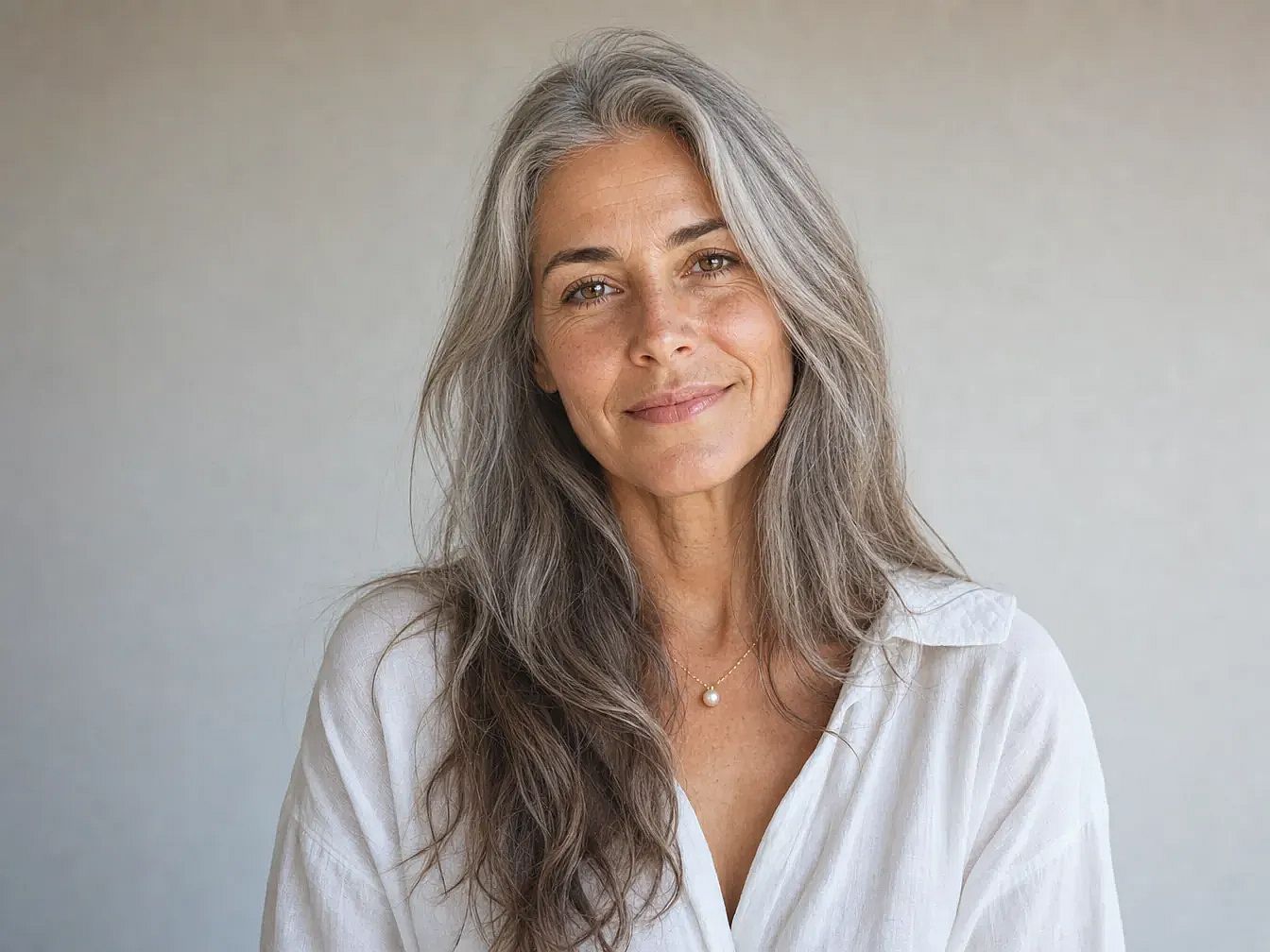
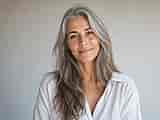
どんな顔でも、年齢を変えたらどう見えるかを数秒で確認できます。年齢を足して未来の姿を垣間見たり、若返らせたりしても、本人だとはっきりわかる自然さはそのまま。OpenArt随一のAI画像モデルが、リアルで自然な加齢を実現します。
 画像を追加 またはここにドラッグ&ドロップ · JPEG、PNG、WEBP、HEICJPEG、PNG、WEBP、HEIC
 人気のテンプレートをもっと見る
さまざまなアイデア、スタイル、可能性を組み合わせて、最初の一歩を踏み出しましょう。

よくある質問 よくある質問
OpenArtには加齢フィルターツールがあります。写真をアップロードし、加齢スタイルを選んで生成をタップすれば、数秒で結果ができあがり、そのままダウンロードしてInstagramに投稿できます。ライブカメラフィルターではなく写真から写真への変換なので、実際の顔立ちを保ちつつ、しわや白髪などの加齢効果を加えます。
はい。OpenArtでは無料creditsで加齢エフェクトを作成できます。写真をアップロードし、年齢のpromptを入力して生成するだけ。結果をダウンロードして、必要に応じてさらに画像を作れます。
ご利用プランについてはOpenArtの利用規約をご確認ください。生成された画像のほとんどは商用利用が可能です。実在する人物の顔を加齢させる場合は、元の写真に対する権利を確保し、プラットフォームのガイドラインに従ってください。
ポートレートをアップロードし、希望する年齢層を説明するだけ(「70歳」や「白髪の高齢者」など)。AIがリアルなしわ、シミ、顔の変化を加えた新しい画像を生成します。マスキングやレイヤー作業は不要です。
しわ、白髪やグレーの髪、シミ、たるんだ肌、そして顔の骨格の変化。数十年分の加齢を加えたり、微妙な「10歳年上」効果を作ったりできます。AIがテキストの説明に合わせて調整します。
明るく照らされた鮮明なポートレートから始めましょう。曖昧な言葉ではなく「65歳、深い額のしわ、白髪」のように具体的なpromptを使ってください。最初の結果が完璧でなくても、説明を調整して再生成すればOK。ほんの数秒で完了します。