

 ChatGPT
 Perplexity
 Claude
 Gemini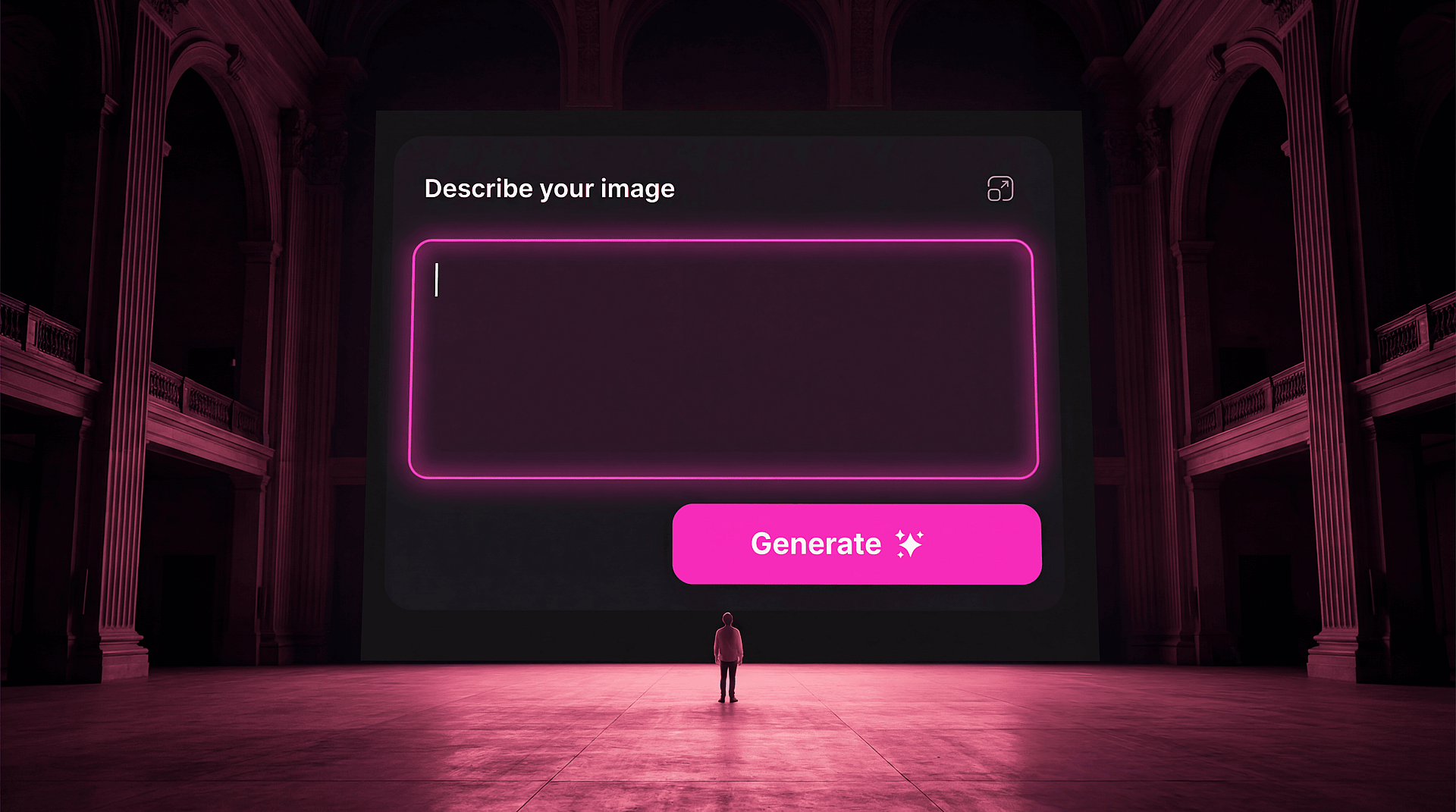
初めてAI画像生成ツールを開いたとき、私は曖昧な文章を入力して、ありきたりな結果を受け取り、なんとなくがっかりしました。やり方を間違えていると思いましたが、正確には間違ってはいませんでした。ただ、ツールが何であり、私に何を求めているのかをまだ理解していなかっただけなのです。
AI クリエイティブツールを始めたばかりの方へ。気に入らないものを2週間も生成し続けて「何がそんなにすごいの?」と悩む前に、誰かに教えてほしかったことをお伝えします。
01 — 最初の50回はたぶん失敗する。でもそれこそが狙いです
やり方が間違っているからではなく、新しいビジュアル言語を学んでいる最中だからです。そして流暢さは繰り返しでしか身につきません。最初の50枚は、このツールが自分の感覚をどう扱うのかを知る過程であり、初日から新しい表現手法に感覚がぴったり合う人はほとんどいません。とにかくたくさん生成しましょう。ほとんどが的外れになると思っておいてください。それでも続けること。時間を無駄にしているのではなく、感覚を調整しているのですから。
02 — プロンプトは検索クエリではない
The single biggest mistake beginners make is treating a prompt like a Google search: a few keywords describing what they want, entered in a rush, with the expectation that the right answer will come back. A prompt is closer to a creative brief — it needs to tell the model not just what to make but how to make it. What's the light like? What's the mood? What does this remind you of? What shouldn't be in it? The more specific and considered your prompt, the less the model has to guess, and its guesses are what produce generic output.
03 — 一文字書く前に参考画像を1枚見つける
モデルを開く前に、あなたが求めている雰囲気を持つ写真や絵画、映画のワンシーン、あるいはスクリーンショットを見つけましょう。それを真似るためではなく、自分の中に「よりどころ」を作るためです。目指すものがはっきりすれば、プロンプトは自然と具体的になります。さらに、モデルがimage-to-image入力に対応していれば、その参照画像をアップロードすることで、漠然とした指示ではなく具体的な手がかりに応じて生成させられます。
04 — モデルによって得意分野が違う
There is no single "best AI image model", but using whichever one loads first for every project is like hiring the same specialist for every job, regardless of what the job actually is. Some models are exceptional at photorealism. Some render illustration and graphic styles better. Some handle type. Some are built for cinematic quality video. The same logic applies to video models: knowing when to reach for Seedance versus Kling versus Wan, and what each one does with motion, texture, and timing, is its own skillset worth developing. Getting to know what each tool does well, and where it reliably fails, is one of the most valuable investments you can make early on. OpenArt's multi-model workspace lets you move between them without switching tabs, which makes this kind of comparison much easier to do in practice.
05 — 生成は終わりではなく、始まり
モデルから出てくるものはあくまで出発点です。AIを活用した優れた作品には、ほぼ必ず生成後のひと手間があります。カラーグレーディング、合成、トリミング、テクスチャ、ペイントオーバー、アップスケール、編集。AI出力のように見える作品と、あなたらしい作品との違いは、ほぼ常に、生成物を完成ファイルとして扱ったか、下書きとして扱ったかにあります。
06 — プロンプトの書き手ではなく、クリエイティブディレクターのように考える
Stop thinking of yourself as someone who uses AI to make images, and start thinking of yourself as a creative director who uses AI as a production tool. The distinction matters more than it sounds. A creative director comes to the work with a brief, a reference, a vision, a rejection criteria. They know what they want before the tool opens. They direct, select, iterate, and refine while the tool executes. That division of labor, your vision and the model's execution, is what separates work that feels intentional from work that feels generated.
これらに専門知識やモデルの仕組みへの深い理解は必要ありません。必要なのは、あなたがすでに持っている創造的な発想と、すぐに身につく試行錯誤への意欲です。ツールは本当に驚くほど優秀で、あなたに求めているのは「視点」だけです。
まだ手探りの段階なら、OpenArt は始めるのにうってつけです。複数のモデル、参照画像ツール、そして初期のクリエイティブ作業に本来つきものの、試行錯誤を重ねる探索的なプロセスに合わせて設計されたワークスペースが揃っています。好奇心を持って飛び込み、たくさん生成して、自分らしいと感じる一枚を残しましょう。