


AI Avatar Video Generator
Turn a photo, a prompt, or a reference image into a talking AI avatar that moves, blinks, and lip-syncs to any script or audio. Use it in presentations, YouTube videos, courses, VTuber streams, or faceless content.



Lip-Synced Video Avatars
Your avatar talks, blinks, and moves in sync with any script or audio track, ready to present, narrate, or perform.



Start From Anything
Build your avatar from a photo of yourself, a text prompt, or your own reference image. Whatever you bring, the AI takes it from there.
Any Use Case, Free To Start
Drop your avatar into presentations, courses, faceless videos, VTuber streams, and brand content. Free to try, no account required.
Community Creations
See how creators, educators, and brands are using AI avatars to host YouTube channels, run courses, present pitch decks, and stream as fully animated VTuber characters.
A Talking Avatar That Actually Looks Like Someone
Powered by the latest AI image and video models including Seedream 5.0, GPT Image 2, Nano Banana Pro, Kling Omni, Veo 3.1, Seedance 2.0, and many more.
Build A Talking Avatar From Any Photo
Upload a clear photo of a face and the AI builds a realistic talking avatar from it, with facial structure, expression, and likeness preserved. The avatar holds together across angles, lighting, and motion, so it reads as the same person frame to frame. No 3D rig, no scanning booth, no studio setup. One photo is enough to get a presenter-ready avatar you can use across every video on your channel.
Lip-Sync, Motion, And Expression
Once your avatar exists, the AI animates it to match any script or audio you bring. Lip movement syncs to the words, eyes blink and shift, and subtle head motion makes the performance feel alive instead of frozen. Drop in a voiceover, a generated voice, or a text script and the avatar speaks it back with believable timing. The result is a talking head you can actually publish, not a stiff mascot waving at the camera.
Drop Your Avatar Into Any Video
Your avatar is not locked into one template or one background. Place it inside a presentation, a course module, a YouTube intro, a product walkthrough, a social clip, or a faceless explainer. Mix it with OpenArt's other image and video tools to change backgrounds, restyle the scene, or extend the avatar into longer sequences. One avatar, every format your channel needs.
Build Your AI VTuber Persona
If you want to stream or post as a character instead of yourself, the AI Avatar Generator builds a full VTuber persona from a prompt or reference. Pick a style, anime, 3D, illustrated, photoreal, or anything in between, and the AI generates a recurring character with a consistent look, expression range, and lip-sync. Use the same persona across streams, shorts, and uploads so your audience starts to recognize the character on sight.
How to Use the AI Avatar Generator
Three steps from a photo or prompt to a talking, lip-synced video avatar.
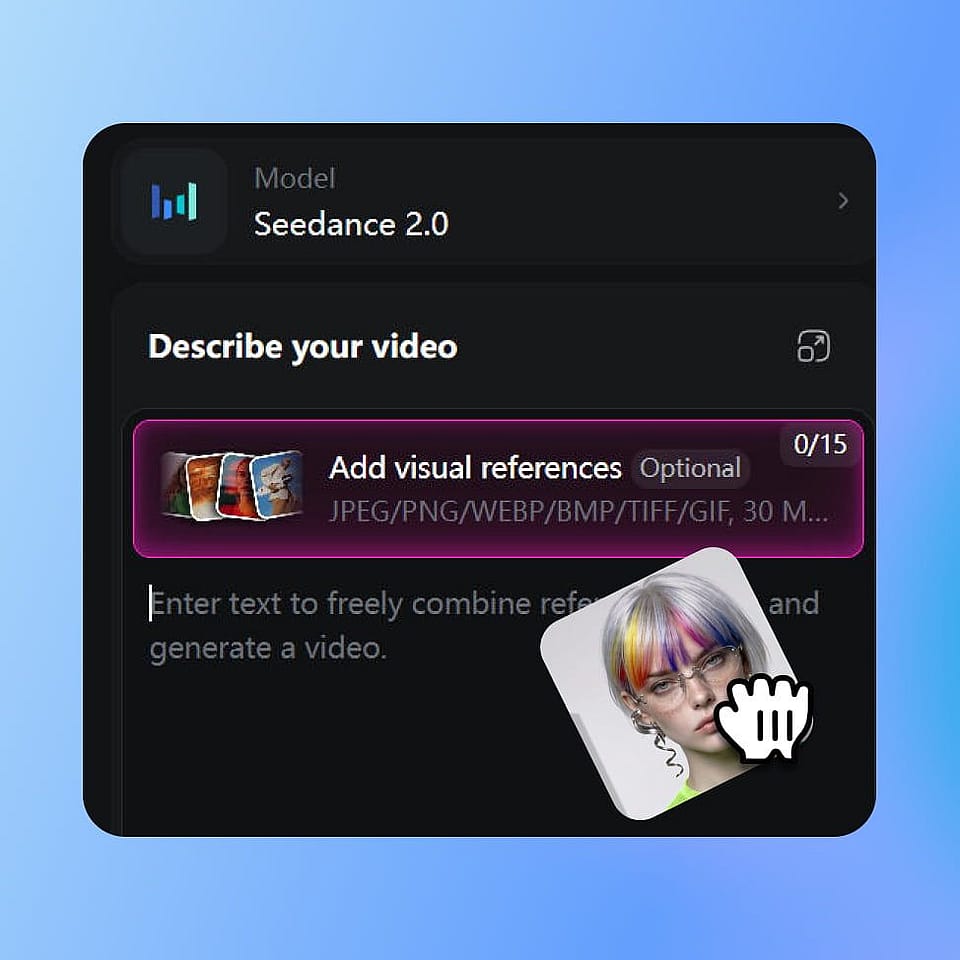
Build Your Avatar
Upload a photo, type a description, or bring a reference image. The AI generates an avatar that captures the likeness or style you want, ready to animate.
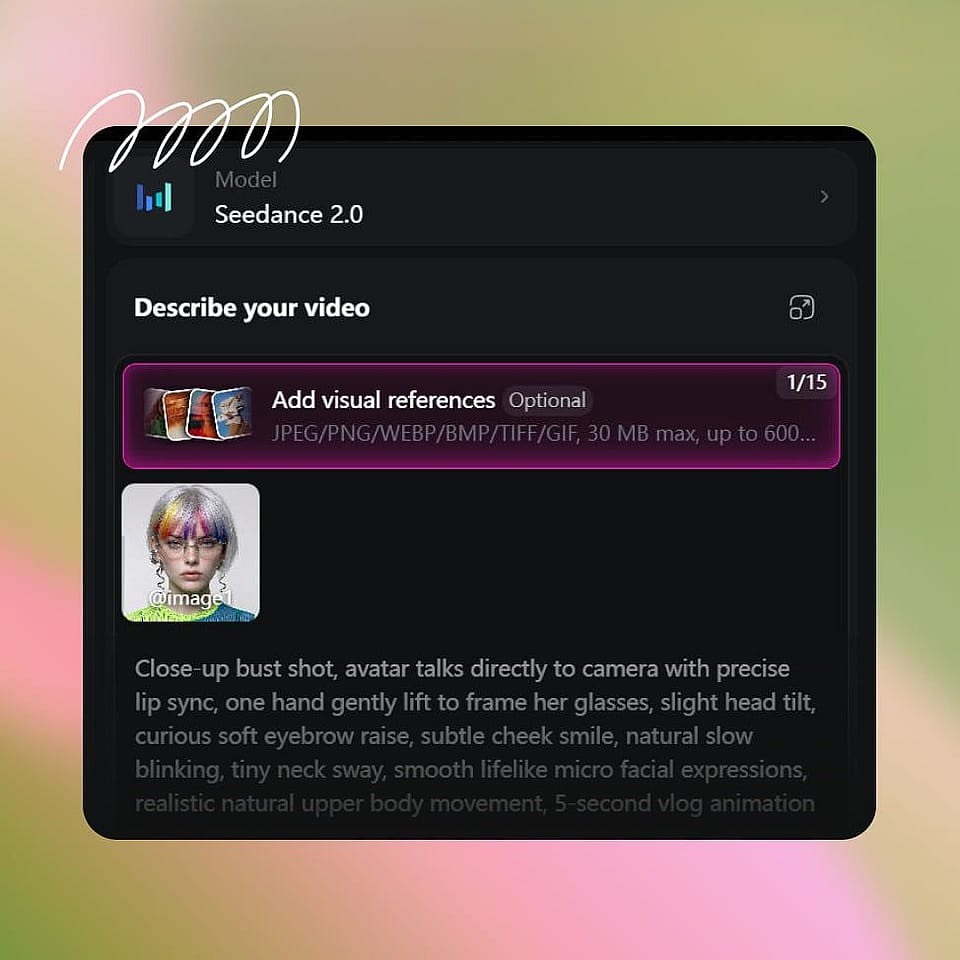
Add A Voice And Script
Type in a script, paste a voiceover, or upload an audio file. The AI lip-syncs your avatar to the audio with matching expression and head motion.

Generate And Use Anywhere
Generate the talking avatar video, preview it, regenerate if you want a different take, and download it as MP4 for any platform you publish to.
Built for Anyone Who Speaks To Camera
From YouTube to classrooms to streams, here is how creators are using the AI Avatar Generator.
For Content Creators And YouTubers
Run a full YouTube channel with a talking AI avatar as your host. Record once, generate hundreds of clips, or skip the camera entirely and let the avatar deliver every script in a consistent voice and look. Useful for creators who want a recognizable on-screen identity without filming themselves, and for established creators who want to scale uploads without burning out on shoot days.
Try it NowFor Educators And Course Creators
Build entire course modules narrated by an AI avatar instead of recording yourself on camera for every lesson. Update a script, regenerate the video, and the avatar delivers the new version with the same look and tone. Especially useful for online educators, corporate training teams, and creators selling cohort-based or evergreen courses where re-shooting lessons is a tax on every iteration.
Try it NowFor Business And Marketing Teams
Spin up branded video content with a consistent AI avatar presenter for product walkthroughs, internal updates, sales enablement clips, and marketing campaigns. One avatar can host weekly company updates, narrate explainers, and front product launches across every channel, so your video output stops being bottlenecked by who is free to film.
Try it NowFor VTubers And Streamers
Create a VTuber persona that streams, reacts, and posts content as a stylized character built from a single prompt or reference. Run live streams, record YouTube uploads, and ship shorts with the same recurring character, so your audience builds a connection to the persona instead of a placeholder.
Try it NowFor Faceless Video Creators
Run a faceless YouTube channel, TikTok account, or Reels feed with an AI avatar as your on-screen presence instead of stock footage and voiceover. The avatar adds a face to the content without putting your face in it, which raises trust, watch time, and channel identity for niches like finance, health, productivity, and self-improvement.
Try it Now