

Eliminador de emojis en caras
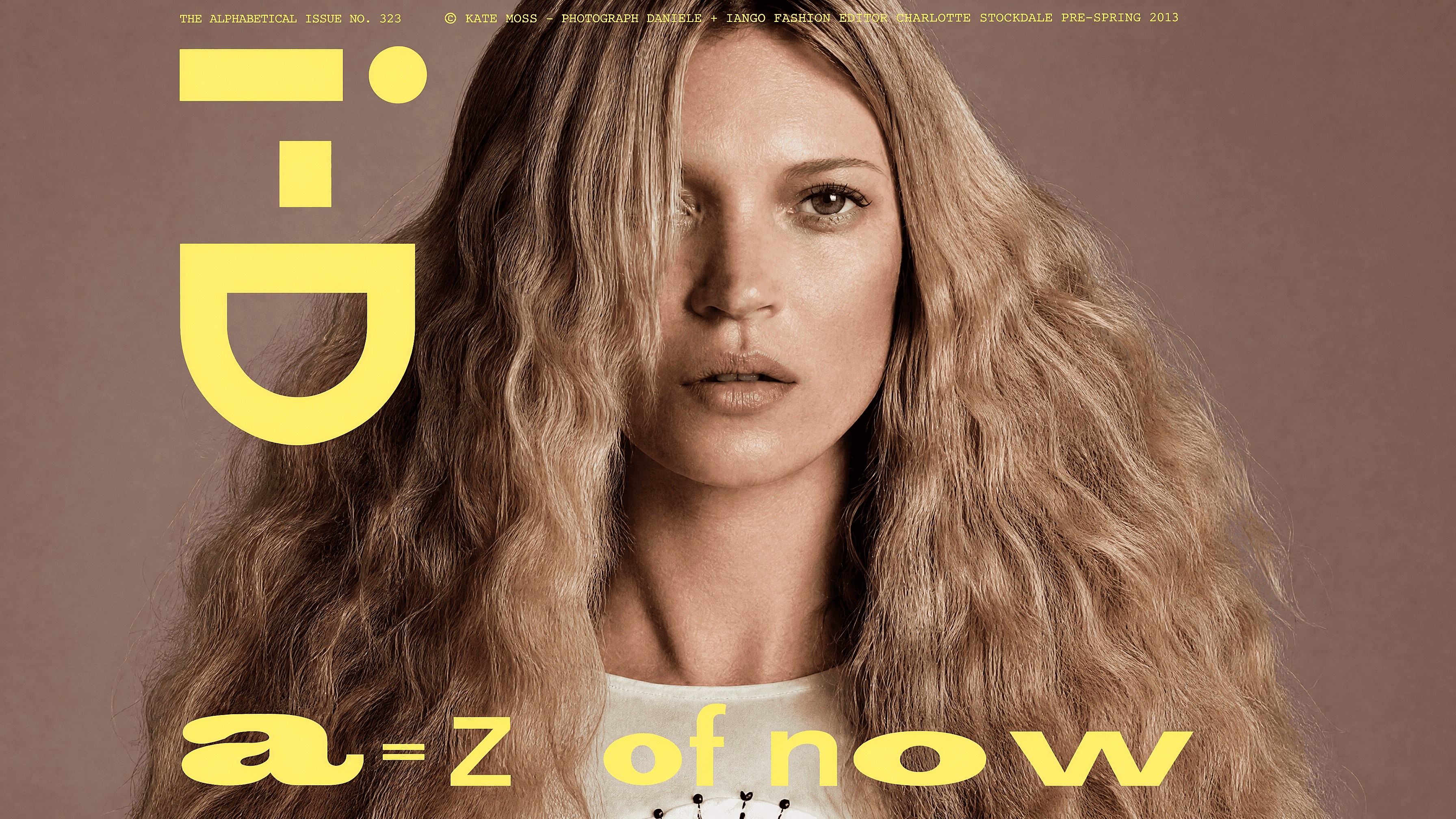
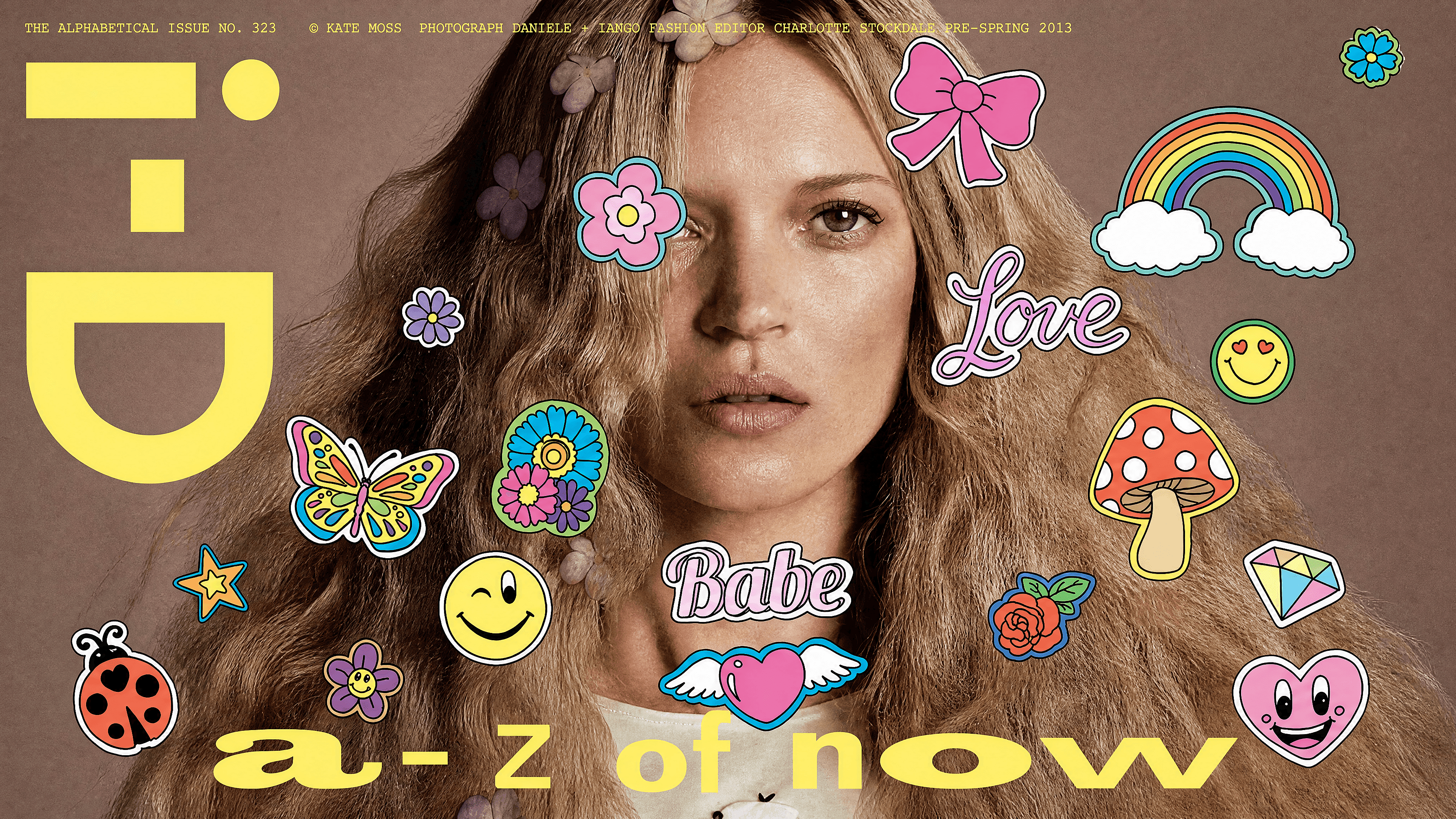
¿Tienes una foto donde un emoji tapa la cara de alguien? Selecciona la zona y deja que la IA la rellene con detalle limpio y de aspecto natural, sin parches raros ni ediciones visibles. Reconstruye rasgos plausibles a partir de la imagen circundante, así que el resultado se ve completo y creíble incluso cuando los píxeles originales desaparecieron hace tiempo.
 Añade una imagen O arrástralo y suéltalo aquí · JPEG, PNG, WEBP, HEICJPEG, PNG, WEBP, HEIC
 Funciones clave de la herramienta para eliminar emojis con IA
El editor de imágenes con IA de OpenArt utiliza modelos avanzados como GPT Image 2.0, Nano Banana Pro y Recraft V4 para generar ediciones realistas con detalle y coherencia precisos. Esto permite reconstruir de forma natural las áreas eliminadas en lugar de dejar huecos.
Marca la zona a cubrir
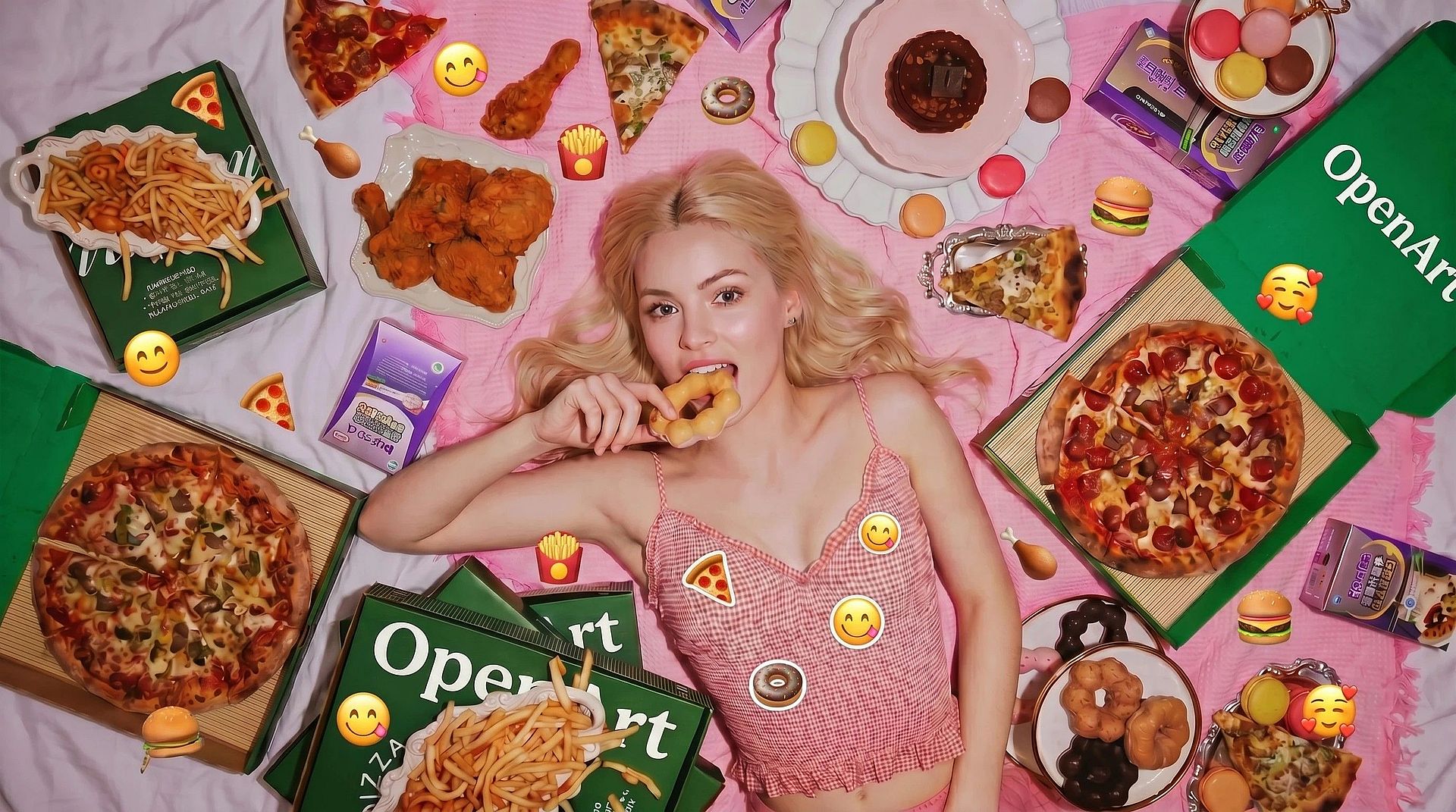
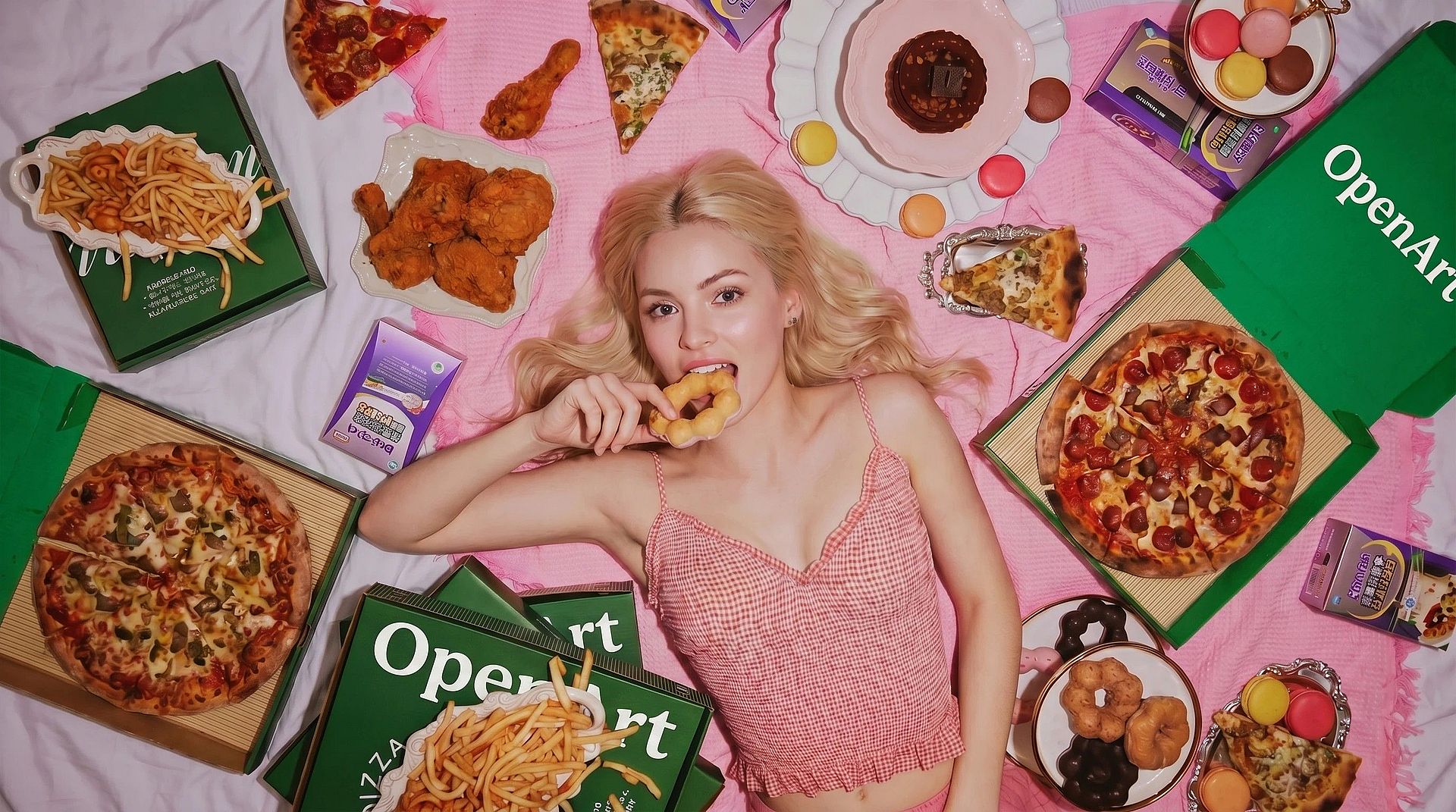
Dibuja una selección alrededor del emoji en la cara. Cuanto más ajustada y precisa sea tu selección, mejor podrá la IA interpretar lo que hay alrededor y decidir qué debe ir ahí.
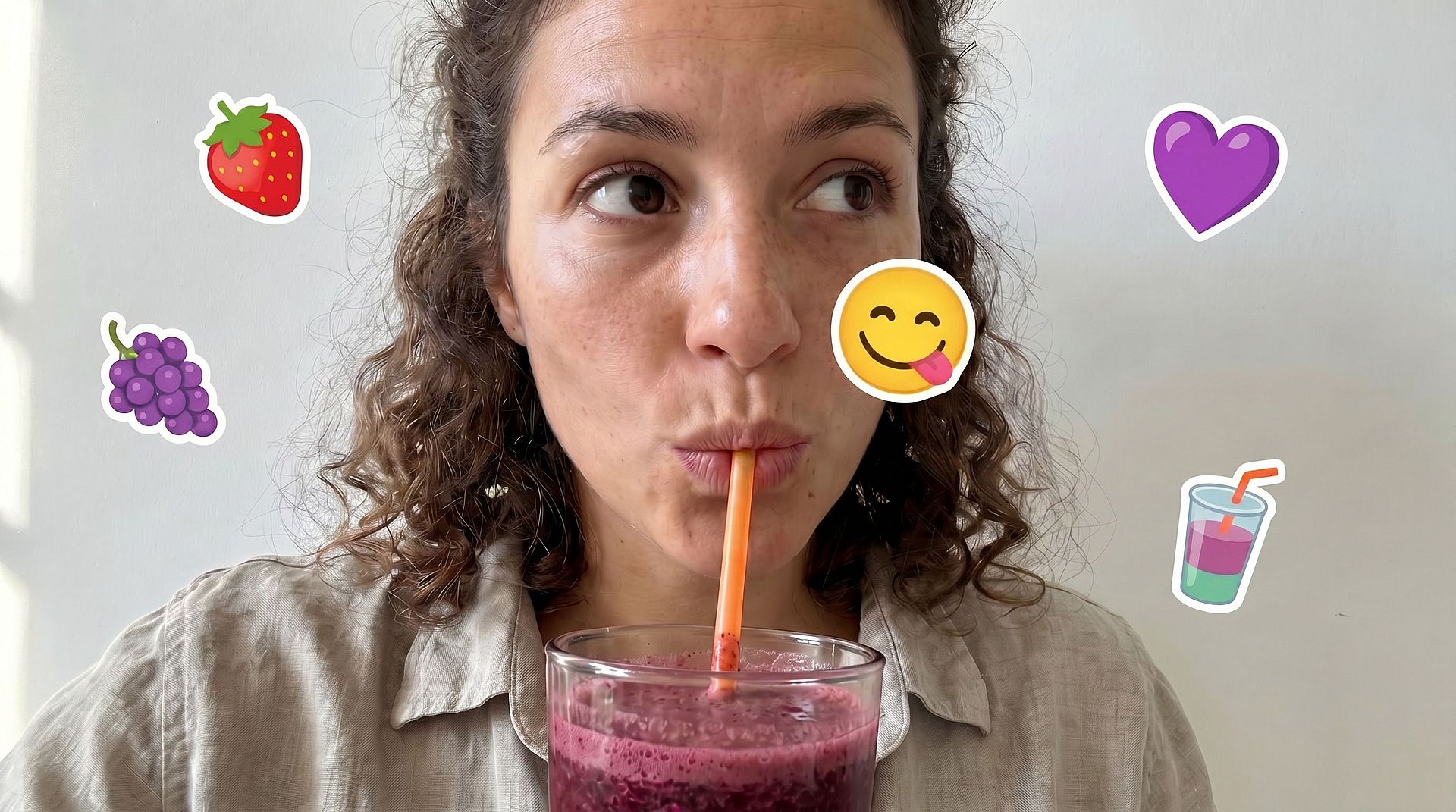
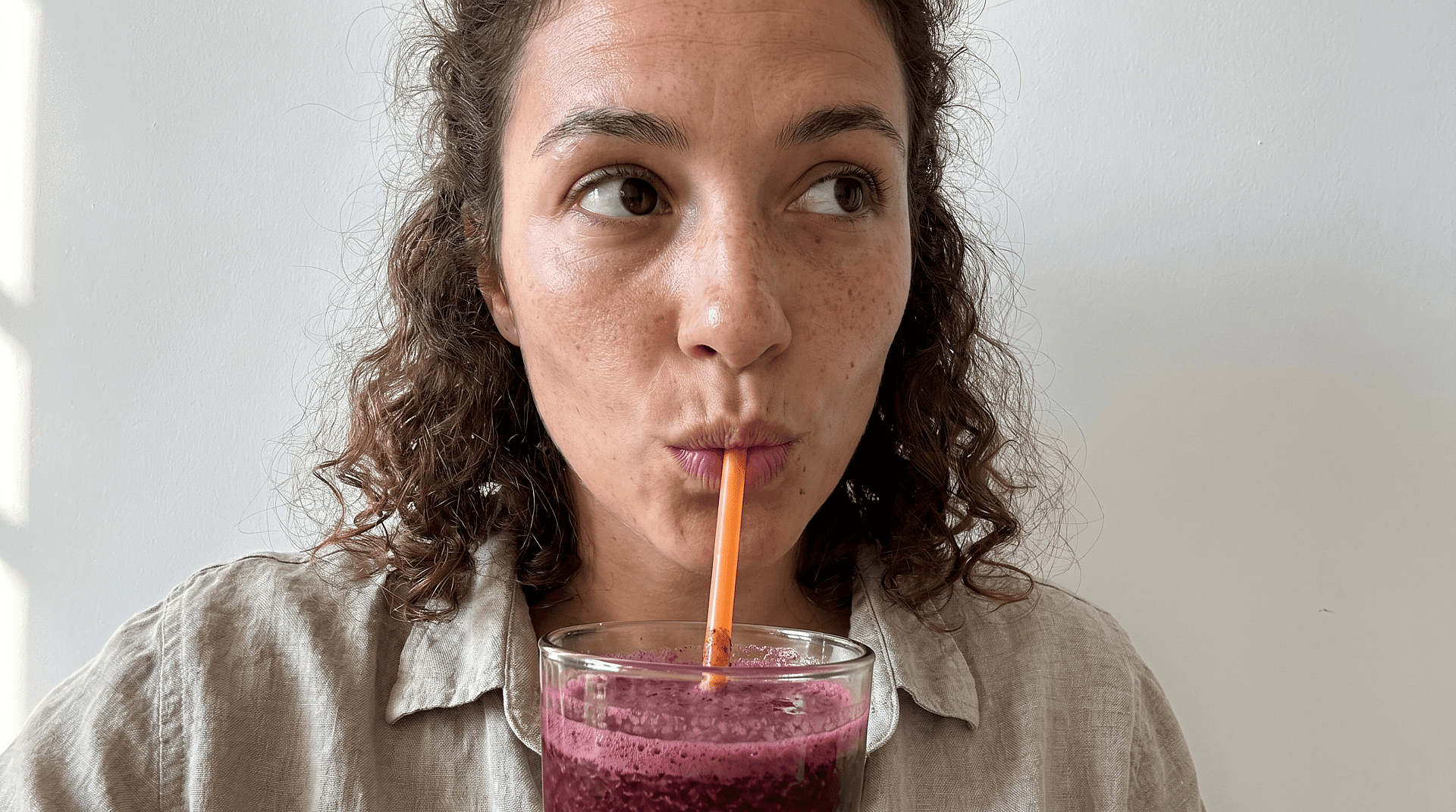
Reconstruye caras, no solo rellena huecos
Rellenar un trozo de pared es fácil. Rellenar una cara es más difícil: la IA tiene que deducir los ojos, el tono de piel, la expresión y las proporciones a partir de las partes de la cara que aún se ven. Ese es justo el problema para el que se ha diseñado esta herramienta.
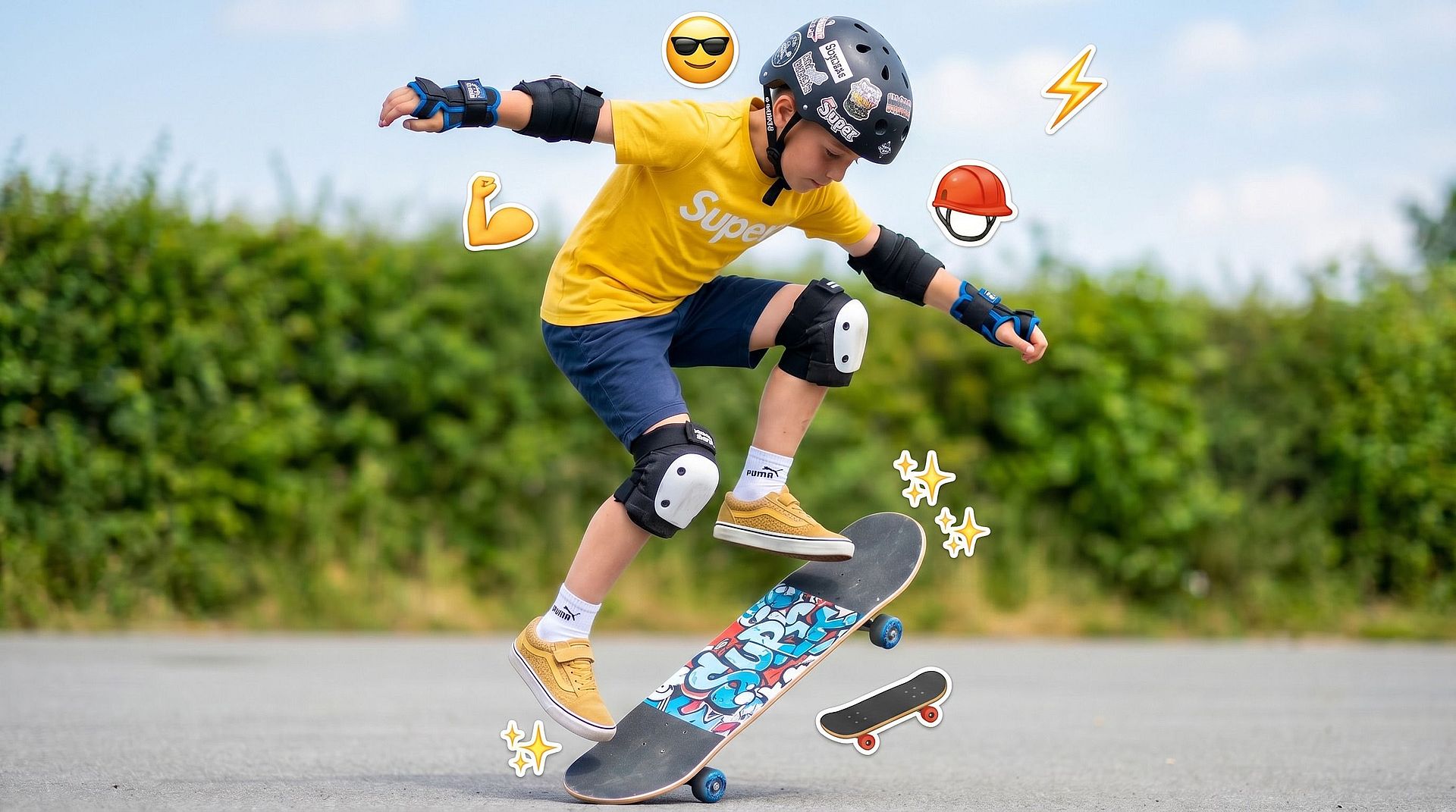
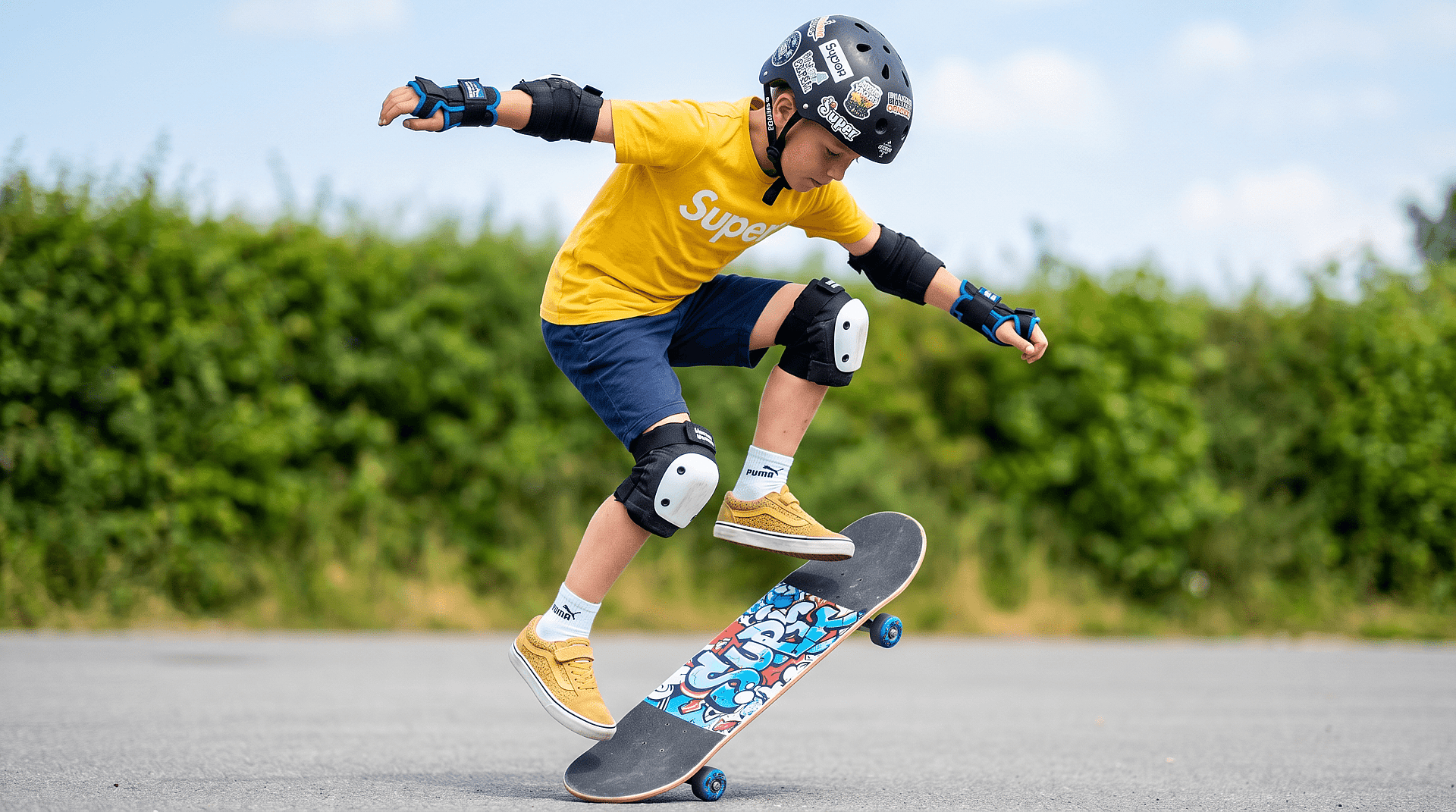
Limpia todo lo que tocó el emoji
A veces el emoji invade el pelo, los hombros o el fondo. La herramienta trata toda la región cubierta, no solo la cara, para que todo el área quede natural.
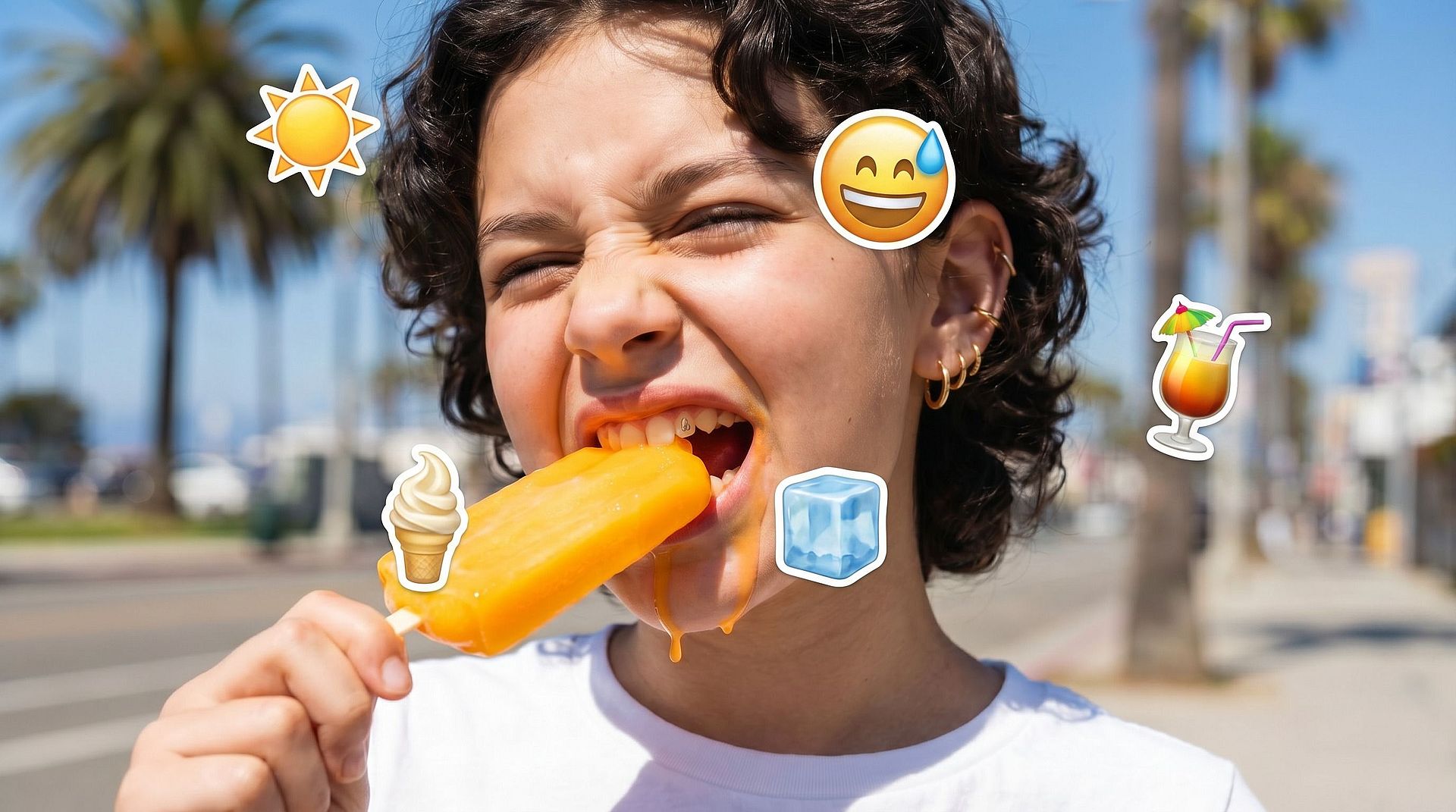
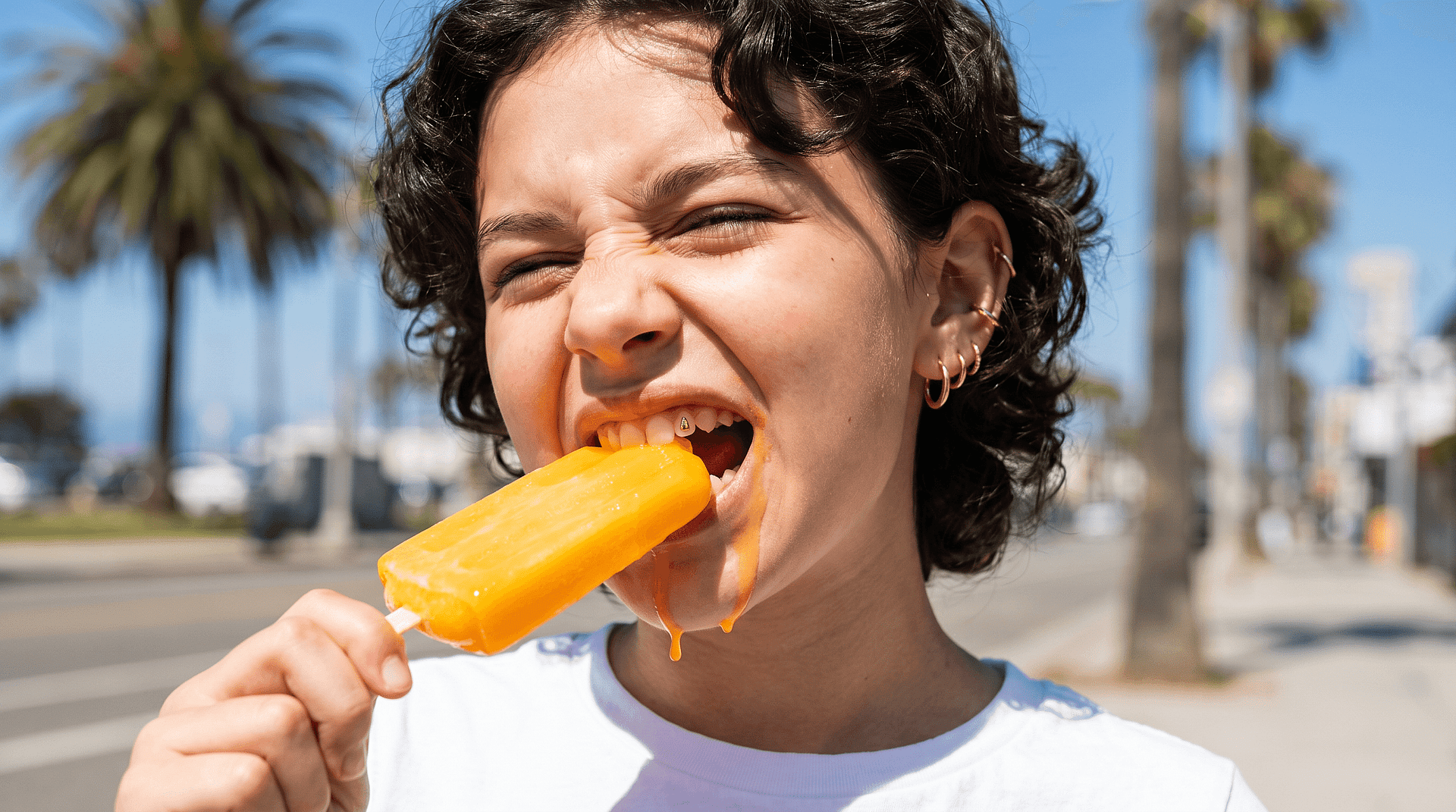
Itera hasta que la cara quede perfecta
Las caras no perdonan. Un ojo ligeramente desviado y el resultado ya parece raro. Vuelve a ejecutar la edición, ajusta la selección y retoca hasta que la cara reconstruida convenza a una distancia de visualización normal.
Cómo usar el eliminador de emojis de cara de OpenArt
Tres pasos te llevan de una foto tapada a una limpia.
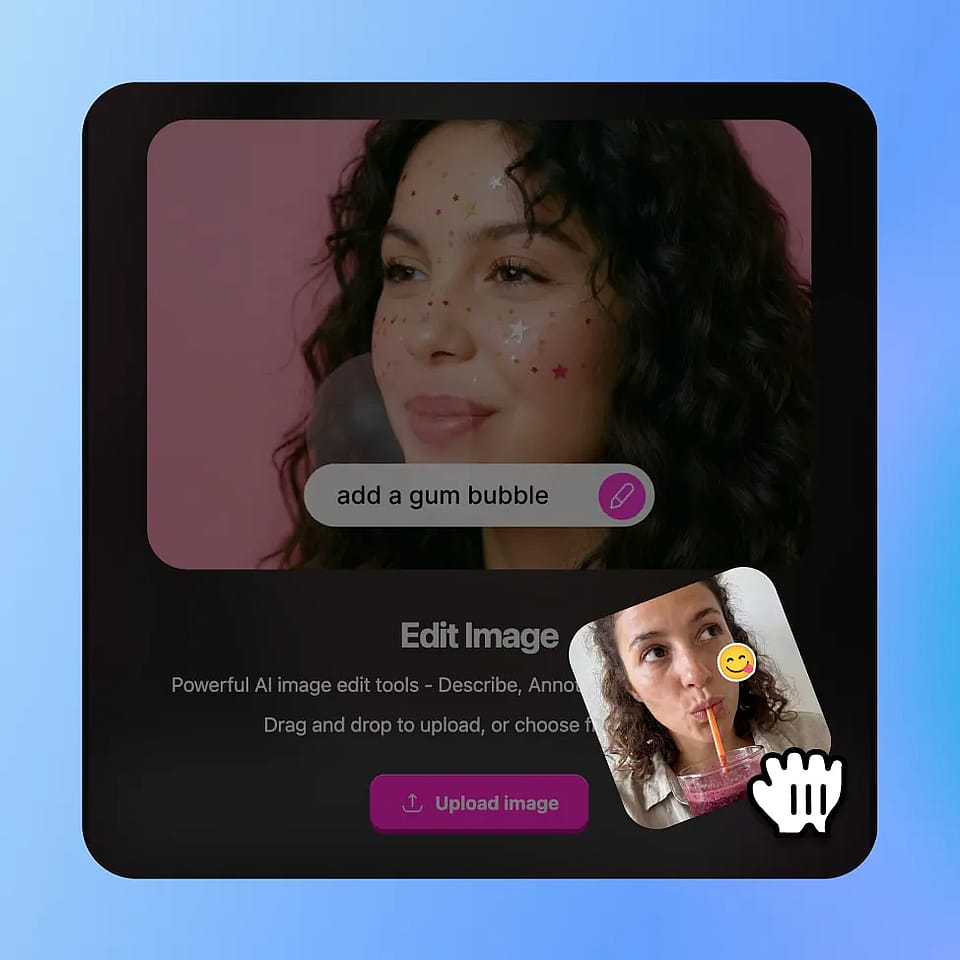
Abre el editor y sube tu archivo
Ve a las herramientas de imagen de OpenArt, selecciona el modo Editar imagen y sube tu foto. Funcionan JPEG, PNG y WEBP.
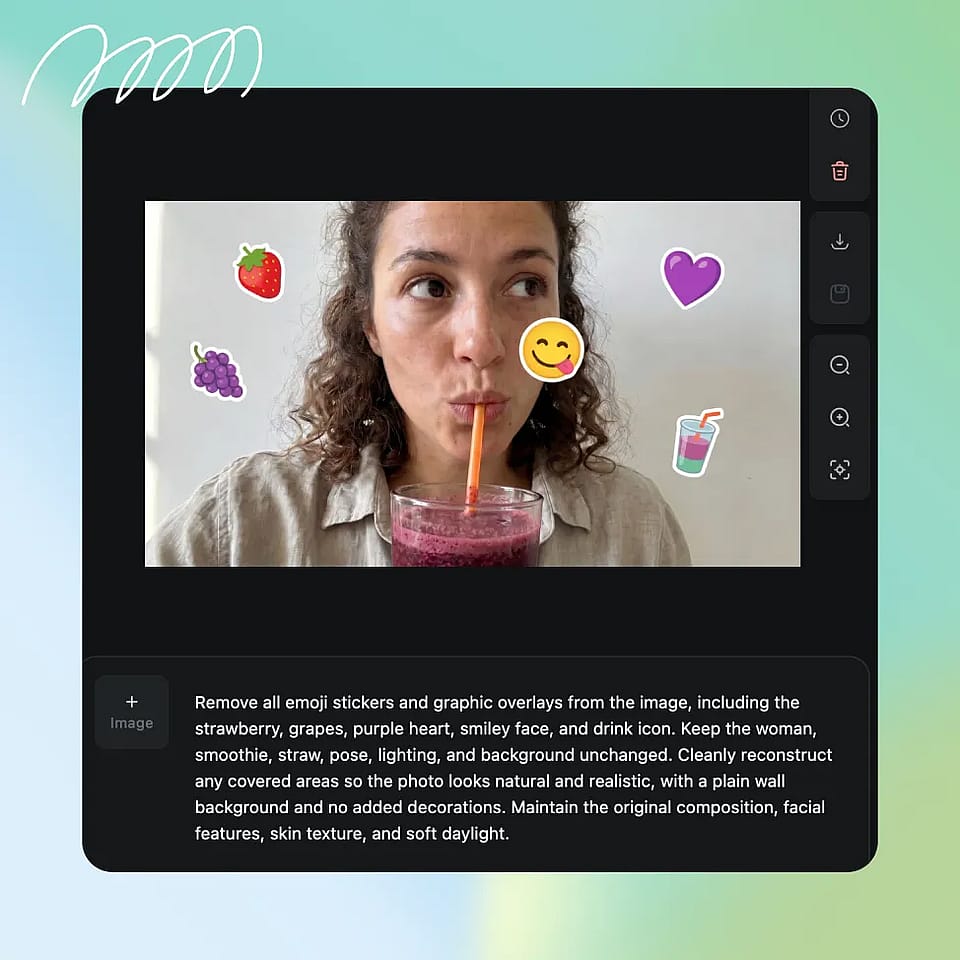
Selecciona la zona del emoji
Resalta o selecciona el emoji o la región cubierta. Sé un poco generoso con los bordes para que la IA tenga margen para mezclar.
Genera y perfecciona
Ejecuta la edición y revisa el resultado. Si la selección se dejó una esquina o el relleno no queda bien, afina la selección y vuelve a ejecutarla hasta que la imagen quede como quieres.
Casos de uso: limpia cualquier foto con un emoji sobre una cara
Corrige imágenes editadas o tapadas y recupera los detalles originales rápidamente sin edición manual.
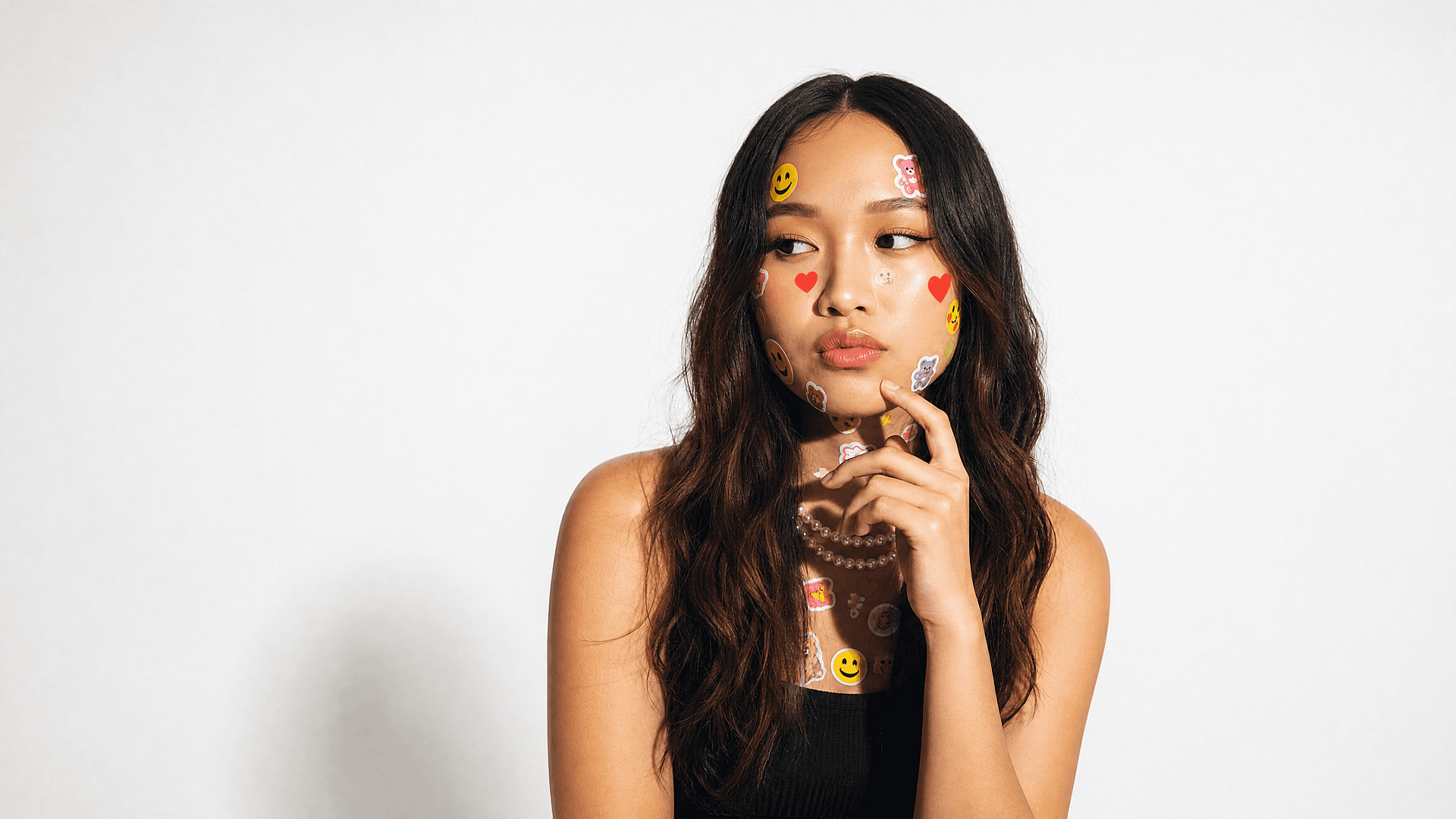
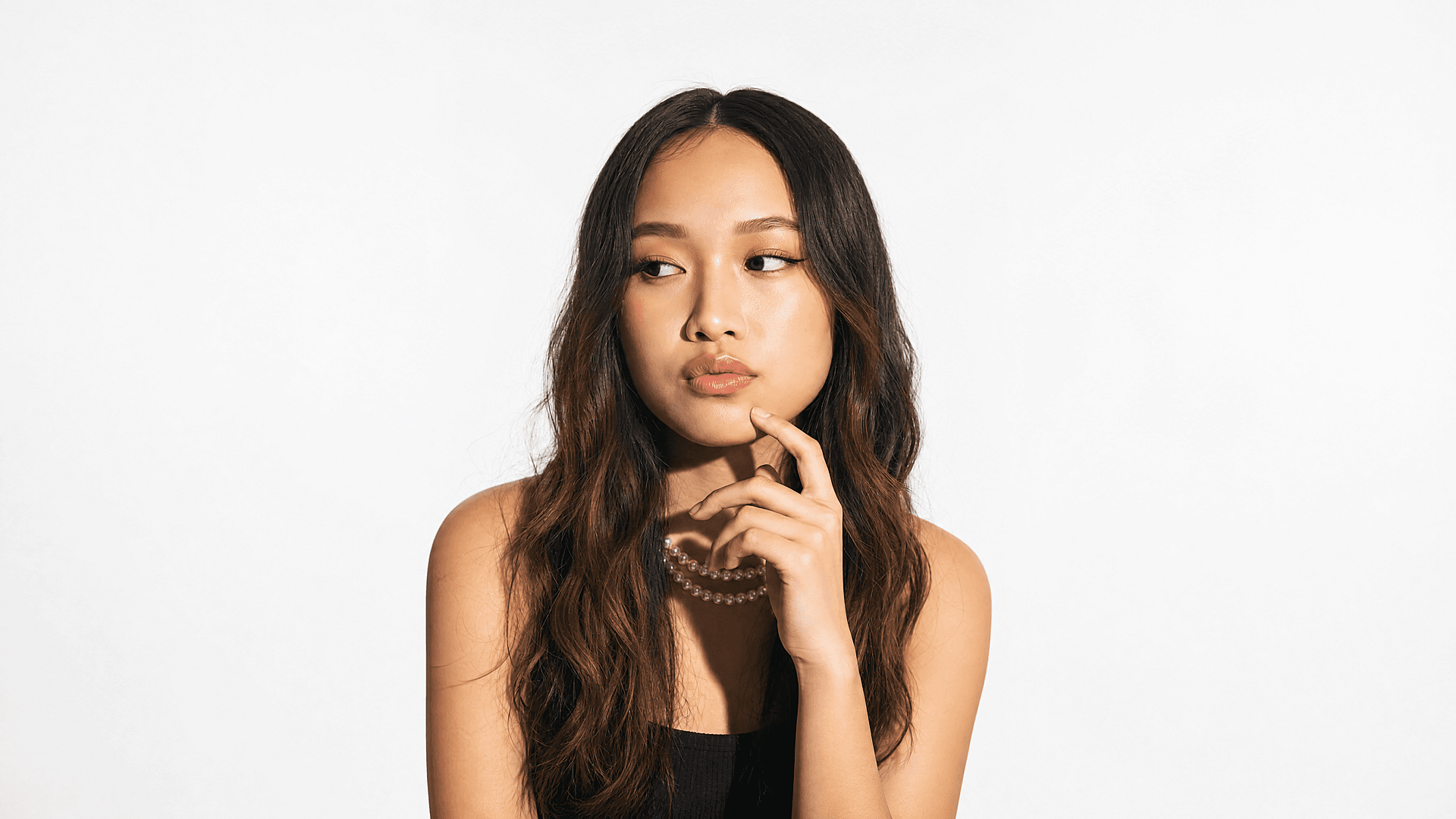
Restaura caras censuradas por privacidad
La gente tapa las caras antes de compartir y luego quiere una versión completa para un álbum personal o una impresión. La herramienta reconstruye una zona facial natural para que la foto vuelva a verse completa, una reconstrucción limpia, no una identidad recuperada, pero para uso personal es exactamente lo que necesitas.
Pruébalo ahora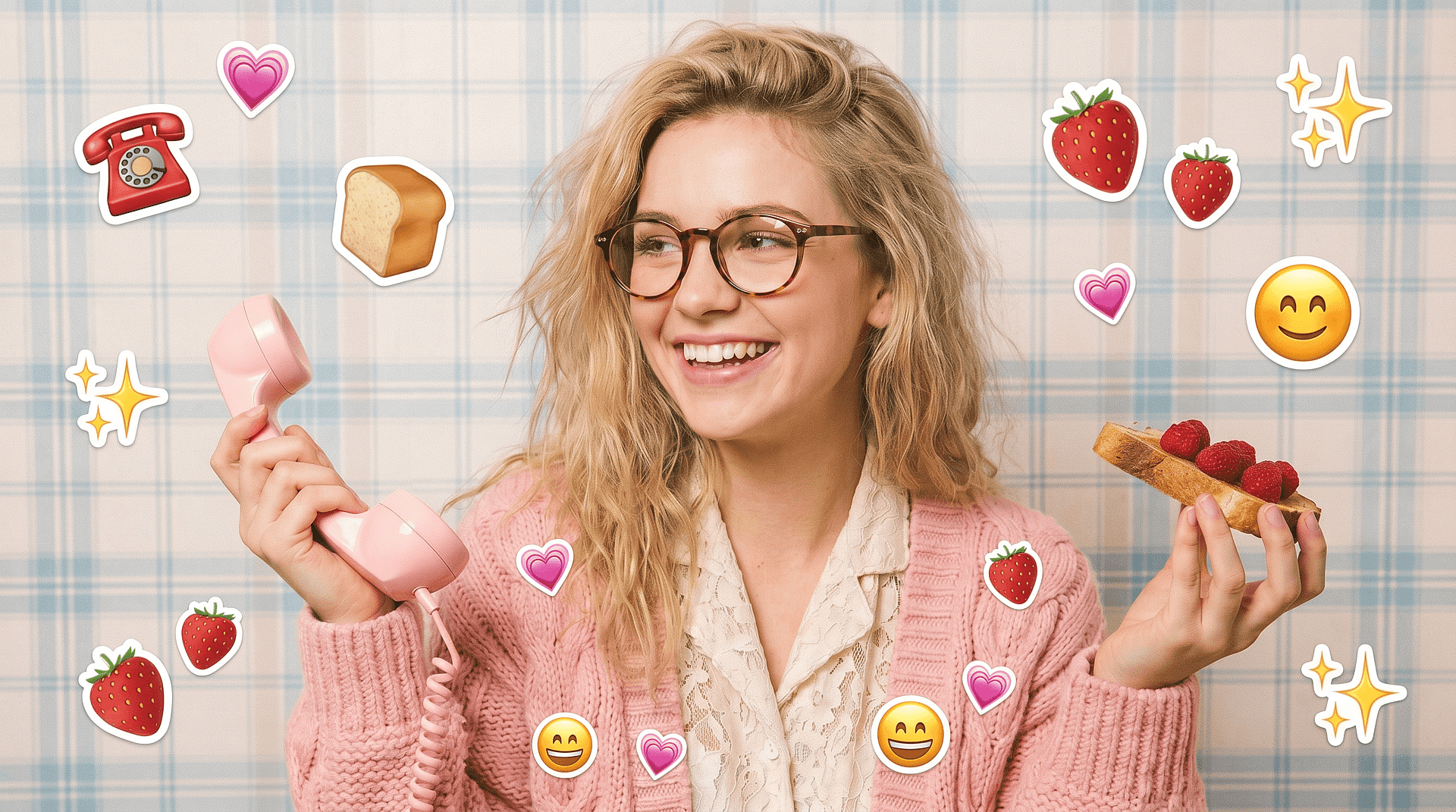

Ordena las capturas y guardados de redes sociales
Las publicaciones guardadas y las capturas suelen llevar stickers y emojis superpuestos. Los creadores que reutilizan este contenido lo necesitan limpio. El eliminador de emojis de caras borra esas superposiciones para que una imagen guardada vuelva a ser presentable, algo que combina muy bien con el más amplio quitar emoji de foto flujo de trabajo para superposiciones que no sean caras.
Pruébalo ahora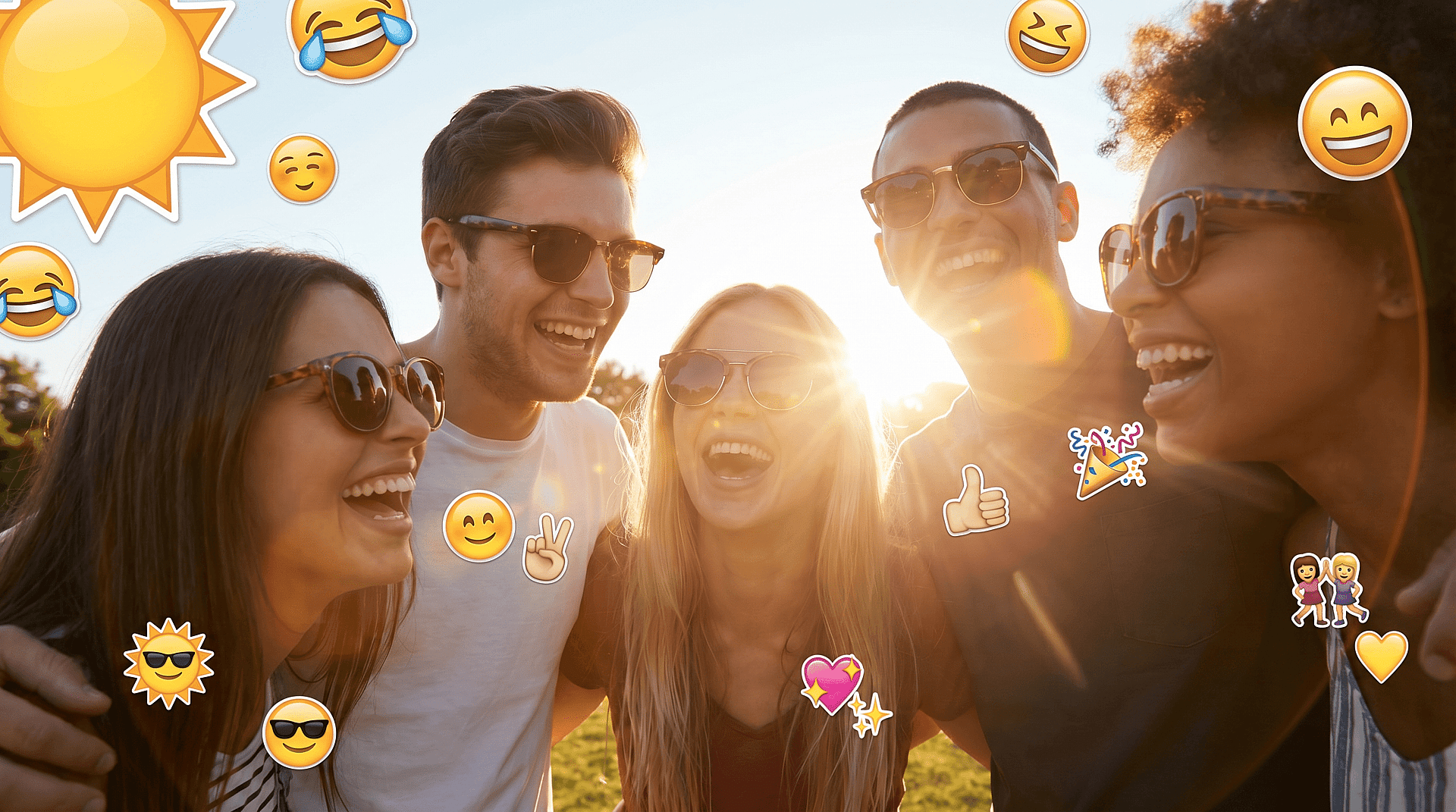
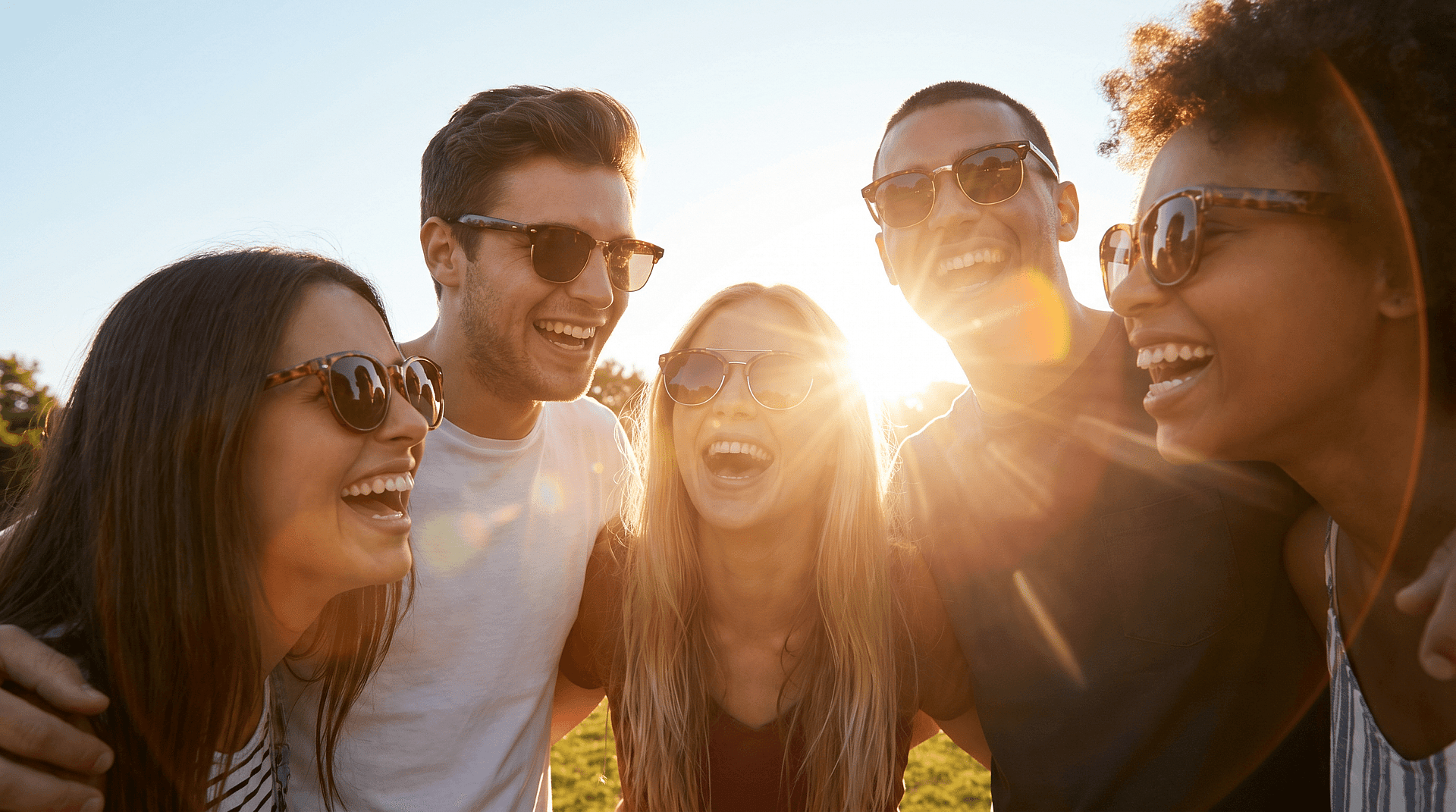
Arregla fotos de grupo donde una cara queda tapada
A veces un solo emoji sobre una persona arruina una gran foto de grupo. Selecciona esa zona de la cara, recompónla y todo el grupo vuelve a verse natural.
Pruébalo ahora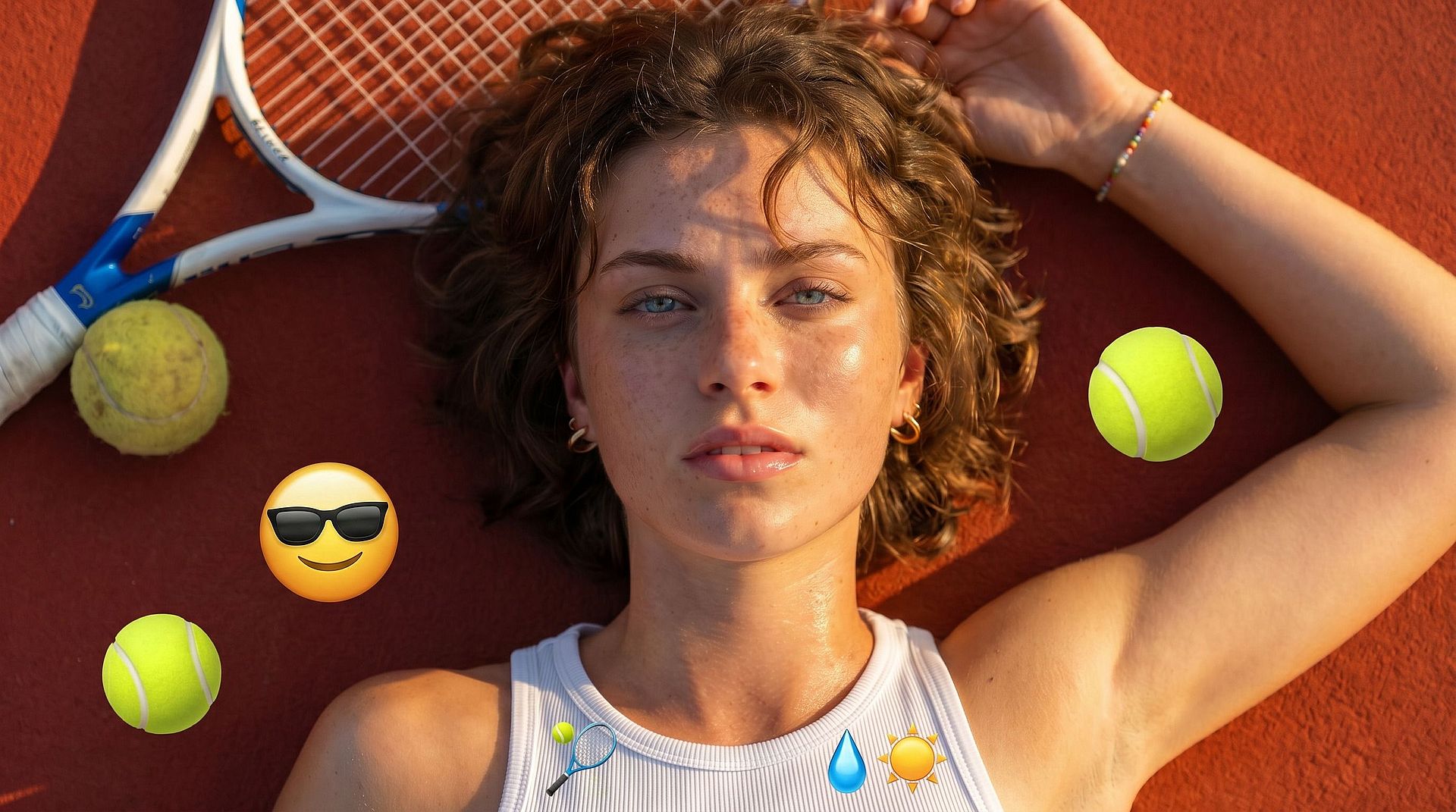
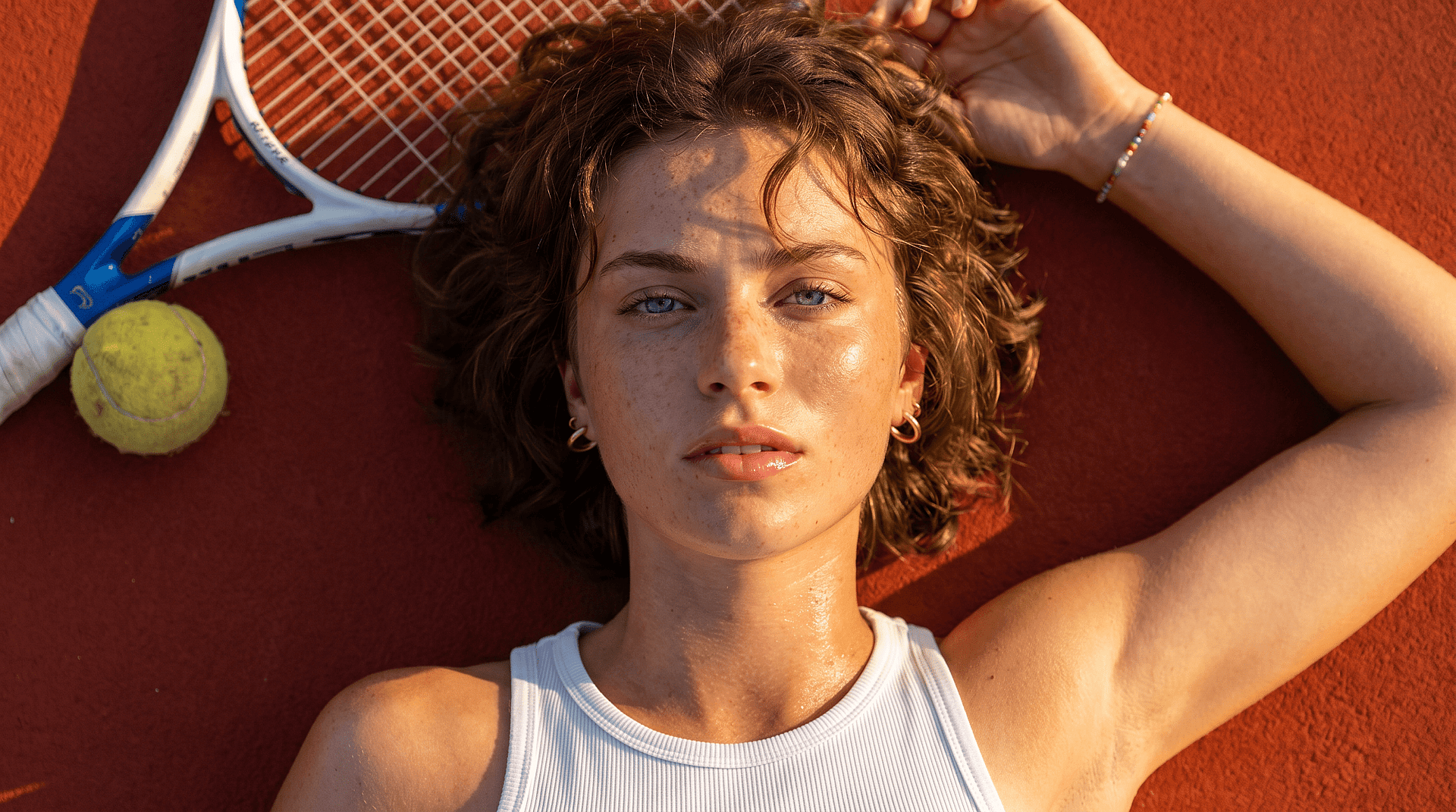
Prepara imágenes de producto y marketing
Las fotos de producto y los recursos de marketing a veces llegan con emojis tipo marca de agua o pegatinas de marcador de posición. Eliminarlos te da una base limpia con la que trabajar antes de colocar la imagen en un diseño o pasarla a un Generador de imágenes con IA para más variaciones.
Pruébalo ahora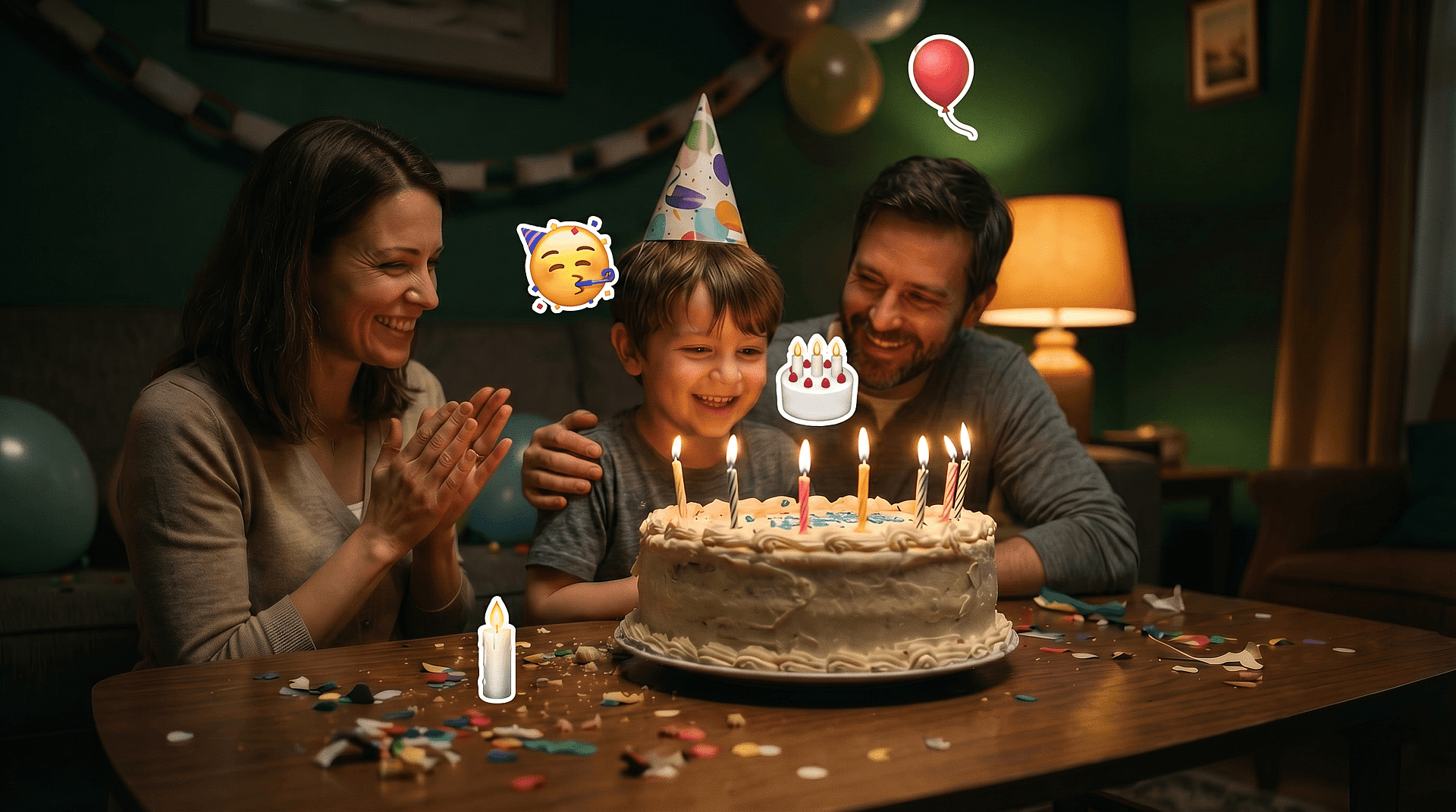
Elimina las pegatinas decorativas
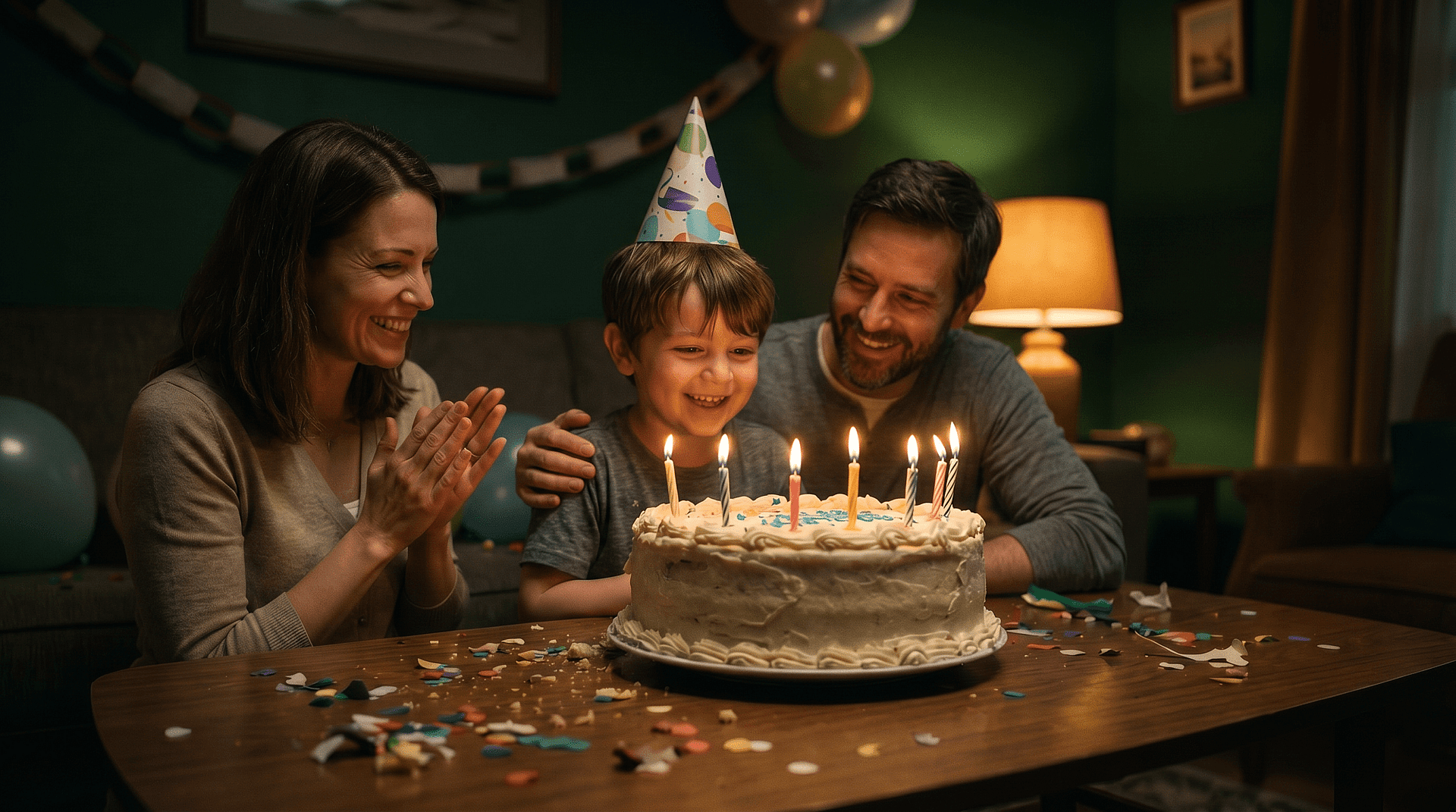
Las pegatinas de cumpleaños, las etiquetas de ubicación y los emojis decorativos recargan la imagen. Quítalos y deja que el relleno de fondo reconstruya lo que había detrás, dejando una composición limpia.
Pruébalo ahoraPreguntas frecuentes Preguntas
No. Una vez que un emoji queda integrado en una imagen, los píxeles originales desaparecen y ninguna herramienta puede recuperarlos. Lo que hace el eliminador de emojis de caras es generar una reconstrucción de aspecto natural a partir del contexto que lo rodea. El resultado es una imagen limpia y de aspecto completo, no una revelación de lo que realmente había.
Sí, con la salvedad honesta de arriba. La función de reconstrucción de rostro y detalle reconstruye rasgos faciales como los ojos, la textura de la piel y la expresión a partir de la información visible del entorno, para lograr un retrato de aspecto natural. Reconstruye, no revela.
Los modelos trabajan para mantener la edición coherente con el resto de la foto, igualando la textura y la iluminación para que no haya parches evidentes. La calidad se mantiene bien, sobre todo en los fondos. En los rostros, la región reconstruida se crea para integrarse de forma natural, y el paso de refinado te permite mejorar cualquier zona que no cuadre.
Es una herramienta online basada en navegador dentro del conjunto de edición de OpenArt. No necesitas una app móvil independiente: la usas en la web desde tu navegador, lo que la mantiene accesible sin instalar nada.
Sí, puedes empezar gratis. Las cuentas nuevas incluyen créditos para probar la herramienta con tus propias fotos. Mejora tu plan cuando necesites más, sin falsas promesas de "gratis ilimitado para siempre", solo una prueba gratuita de verdad.
La herramienta funciona con archivos JPEG, PNG y WEBP. Sube cualquiera de ellos y ya puedes editar.
Sí. El mismo enfoque de seleccionar y rellenar sirve para pegatinas decorativas, etiquetas de ubicación y varios emoji en una imagen. Selecciona cada área que quieras eliminar y recréala. Para superposiciones que no sean caras en concreto, la herramienta hermana herramienta para quitar emojis de fotos cubre lo mismo.
Esas apps prometen revelar caras ocultas y suelen fallar, porque los datos simplemente no están ahí para revelarlos. Esta es una herramienta de restauración que es honesta al reconstruir un resultado natural. El objetivo es una foto limpia y utilizable, no una revelación falsa.
Consigue consejos de expertos en el blog
Consigue la información que necesitas. Nuestros expertos comparten trucos prácticos, analizan los temas más candentes y ofrecen guías esenciales para ayudarte a crear, optimizar y escalar.
Leer más
OpenArt Director es el n.º 1 en el benchmark de agentes de anuncios de vídeo con IA de Physion Labs

¿Qué es OpenArt? – La plataforma de creación con IA todo en uno, explicada
OpenArt presenta OpenArt Arena, un nuevo referente de modelos de IA hecho a medida para y por creativos
Crea sin límites
Únete a miles de creadores que usan OpenArt para generar imágenes, vídeos y mucho más impresionantes, todo en una sola plataforma.
Empieza gratis →