

 ChatGPT
 Perplexity
 Claude
 Gemini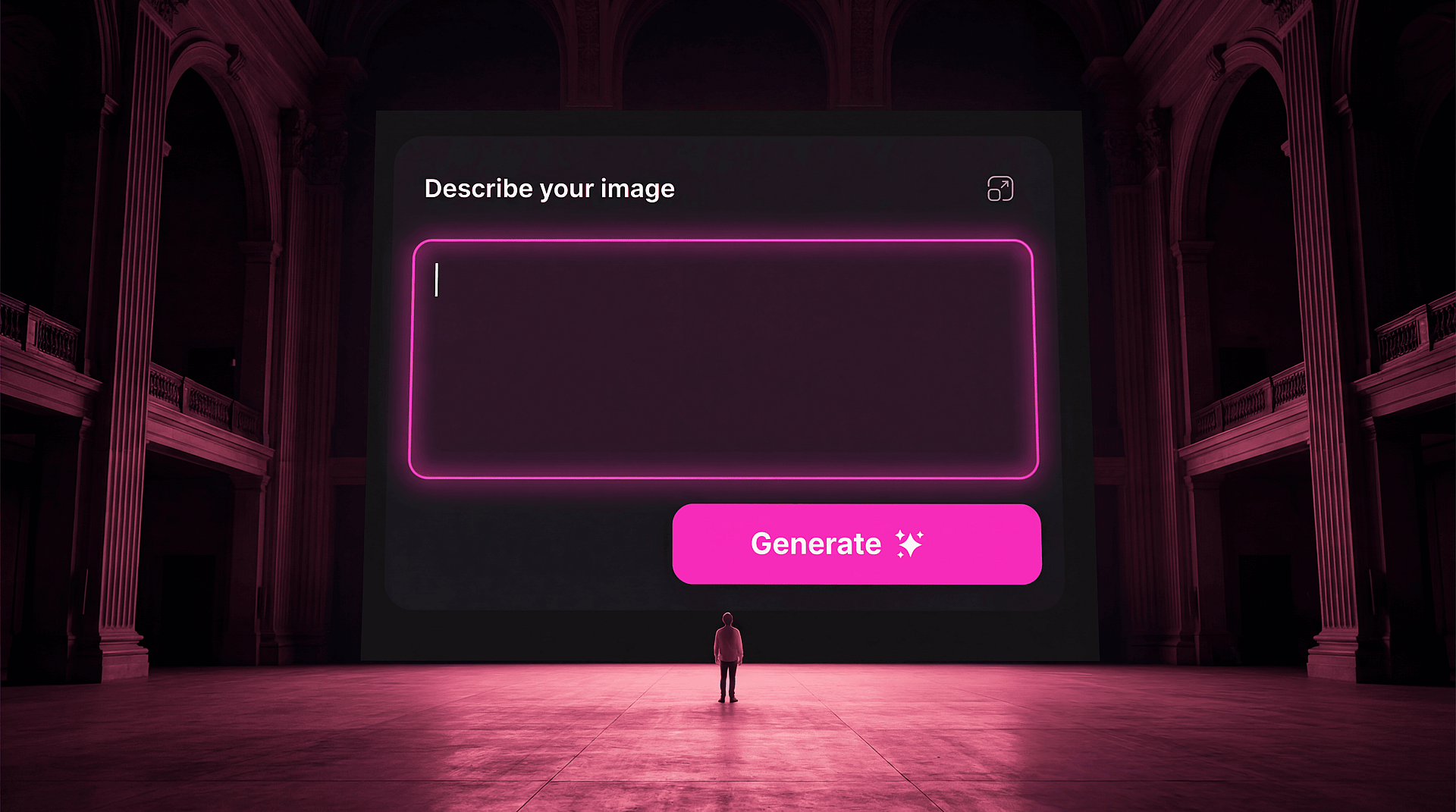
The first time I opened an AI image generator, I typed something vague and received something generic and felt vaguely disappointed. I thought I was doing it wrong, and I wasn't doing it wrong exactly, I just didn't understand yet what the tool was and what it needed from me.
If you're just starting out with AI creative tools, here's what I wish someone had told me before I spent two weeks generating things I didn't love and wondering what the hype was about.
01 — Your first 50 generations will probably be bad, and that's kinda the point
Not because you're doing it wrong, but because you're learning a new visual language, and fluency takes repetition. The first fifty are the part where you find out what the tool does with your instincts, and almost nobody's instincts are well-calibrated to a new medium on day one. Generate a lot. Expect most of it to miss. Keep going anyway, because you're not wasting time, you're calibrating.
02 — A prompt is not a search query
The single biggest mistake beginners make is treating a prompt like a Google search: a few keywords describing what they want, entered in a rush, with the expectation that the right answer will come back. A prompt is closer to a creative brief — it needs to tell the model not just what to make but how to make it. What's the light like? What's the mood? What does this remind you of? What shouldn't be in it? The more specific and considered your prompt, the less the model has to guess, and its guesses are what produce generic output.
03 — Find 1 reference image before you write a single word
Before you open a model, find a photograph, a painting, a film still, or even a screenshot of something that has the feeling you're after. Not to copy it, but to give yourself an anchor. When you know what you're reaching for, your prompt gets more specific automatically. And if the model supports image-to-image input, uploading that reference gives it something concrete to respond to rather than generating from an open invitation.
04 — Different models are good at different things
There is no single "best AI image model", but using whichever one loads first for every project is like hiring the same specialist for every job, regardless of what the job actually is. Some models are exceptional at photorealism. Some render illustration and graphic styles better. Some handle type. Some are built for cinematic quality video. The same logic applies to video models: knowing when to reach for Seedance versus Kling versus Wan, and what each one does with motion, texture, and timing, is its own skillset worth developing. Getting to know what each tool does well, and where it reliably fails, is one of the most valuable investments you can make early on. OpenArt's multi-model workspace lets you move between them without switching tabs, which makes this kind of comparison much easier to do in practice.
05 — The generation is the beginning, not the end
Whatever comes out of the model is a starting point. The best AI-assisted work almost always has a post-generation layer: color grading, compositing, cropping, texture, paint-overs, upscaling, editing. The difference between work that looks like AI output and work that looks like yours is almost always whether you treated the generation as a final file or a draft.
06 — Think like a creative director, not a prompt writer
Stop thinking of yourself as someone who uses AI to make images, and start thinking of yourself as a creative director who uses AI as a production tool. The distinction matters more than it sounds. A creative director comes to the work with a brief, a reference, a vision, a rejection criteria. They know what they want before the tool opens. They direct, select, iterate, and refine while the tool executes. That division of labor, your vision and the model's execution, is what separates work that feels intentional from work that feels generated.
None of this requires technical expertise or a deep knowledge of how the models work. It requires creative thinking, which you already have, and a willingness to iterate, which you'll develop fast. The tools are genuinely extraordinary, and what they need from you is a point of view.
OpenArt is a good place to start if you're just finding your footing: multiple models, reference image tools, and a workspace designed for the kind of iterative, exploratory process that early creative work actually looks like. Come in curious, generate a lot, and keep the one that feels like you.