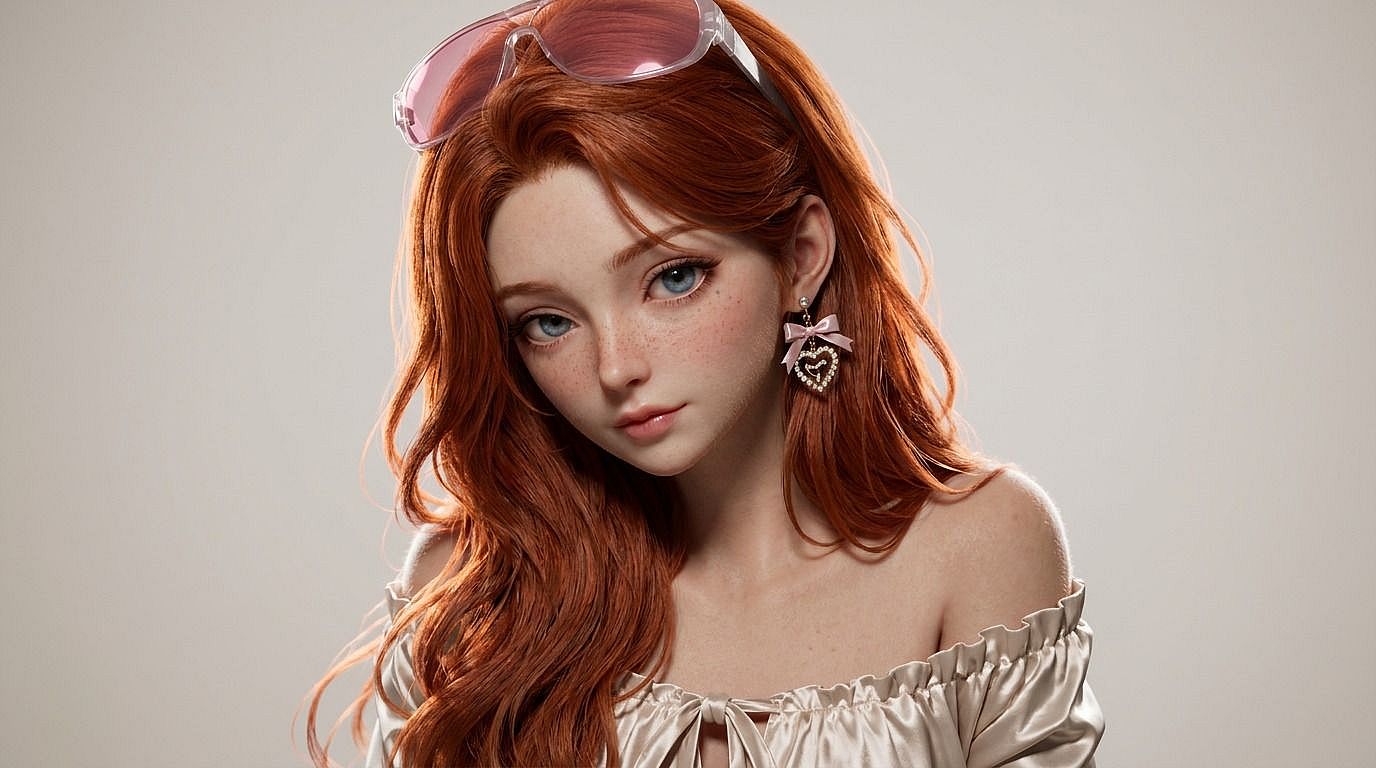
De foto a 3D
¿Quieres ese look 3D entre Pixar y Disney en tus fotos? Sube tu imagen a la herramienta de foto a 3D de OpenArt y consigue una foto 3D estilizada de ti mismo, de tu mascota o de cualquier sujeto en segundos.
 Añade una imagen O arrástralo y suéltalo aquí · JPEG, PNG, WEBP, HEICJPEG, PNG, WEBP, HEIC
 Por qué elegir Foto a 3D



Render en estilo 3D a partir de cualquier foto
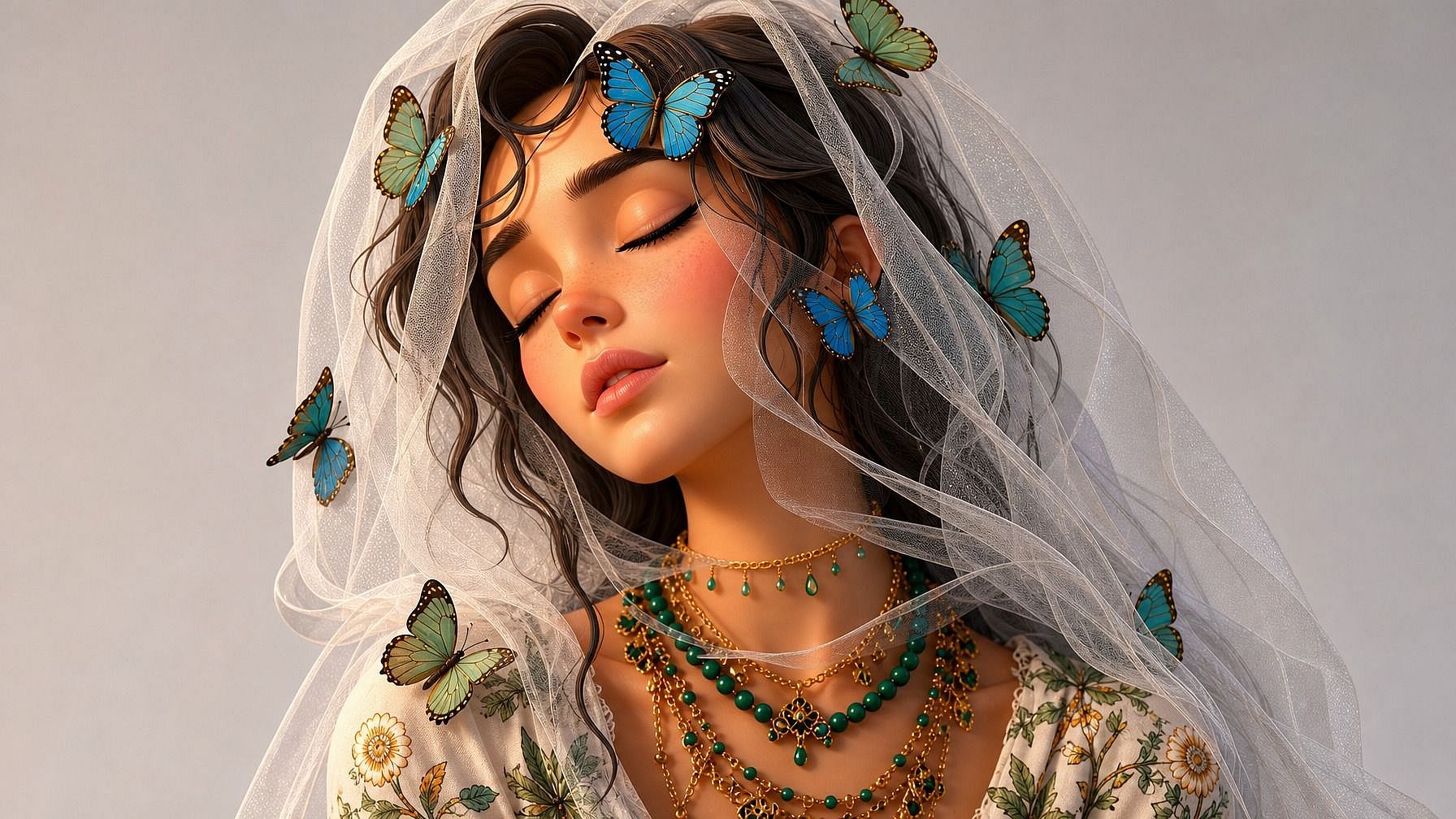
Sube una foto y la IA la vuelve a renderizar en un estilo 3D pulido —iluminación volumétrica suave, superficies lisas, esa sensación de "fotograma de película de animación"— sin que toques ninguna herramienta 3D.



Elige tu estilo 3D
Estilo Pixar, 3D de Disney, plastilina, figurita de plástico, juguete de vinilo, CGI de videojuego, low-poly, CGI hiperrealista — describe el estilo y la IA adapta tu foto a él.
Sigue siendo reconocible
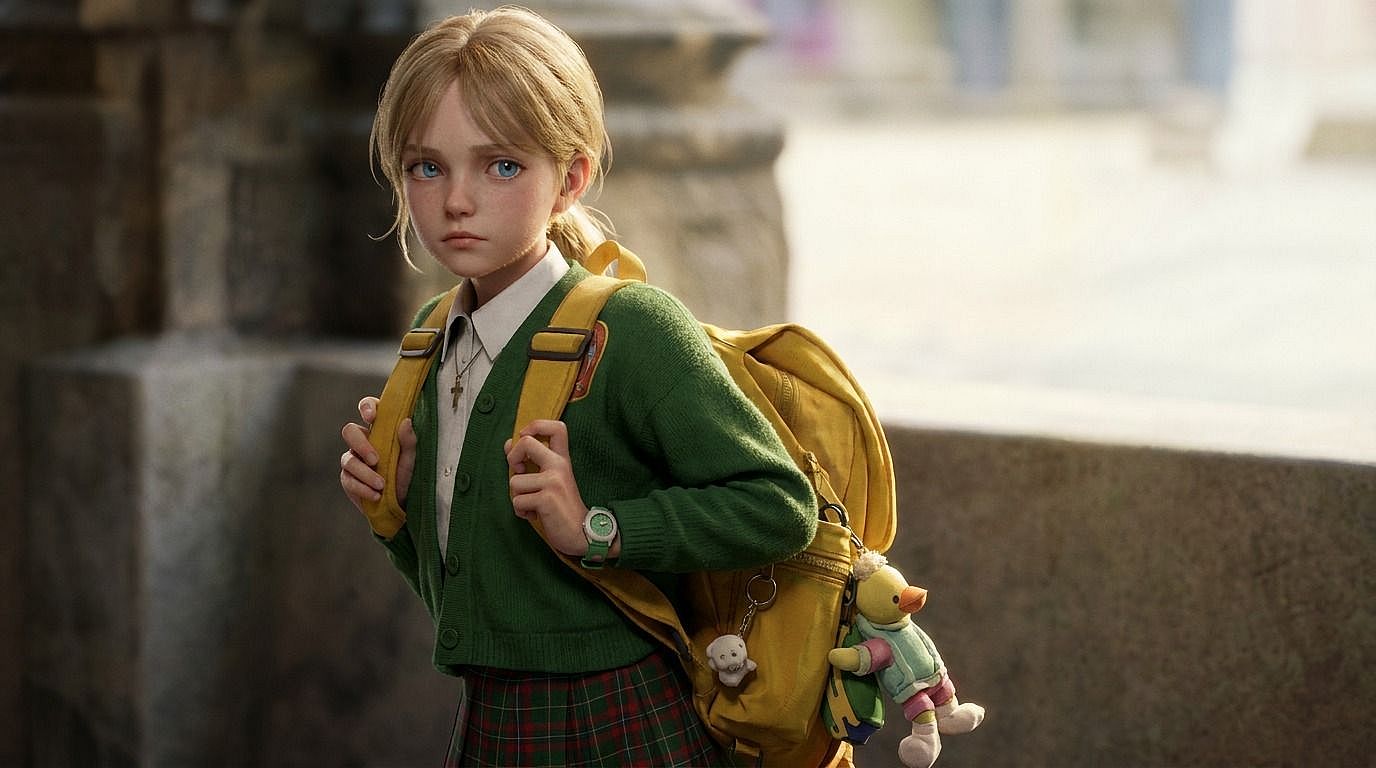
Tu sujeto sigue siendo reconocible. La IA conserva la forma del rostro, la expresión, la pose y los detalles del atuendo, y luego los representa en el estilo 3D que elegiste en lugar de inventar un personaje aleatorio.
Funciones clave de Foto a 3D
El editor de imágenes con IA de OpenArt usa modelos avanzados como GPT Image 2.0, Nano Banana Pro y Seedream 4.5 para convertir fotos en imágenes de estilo 3D que parecen fotogramas de una película de animación.
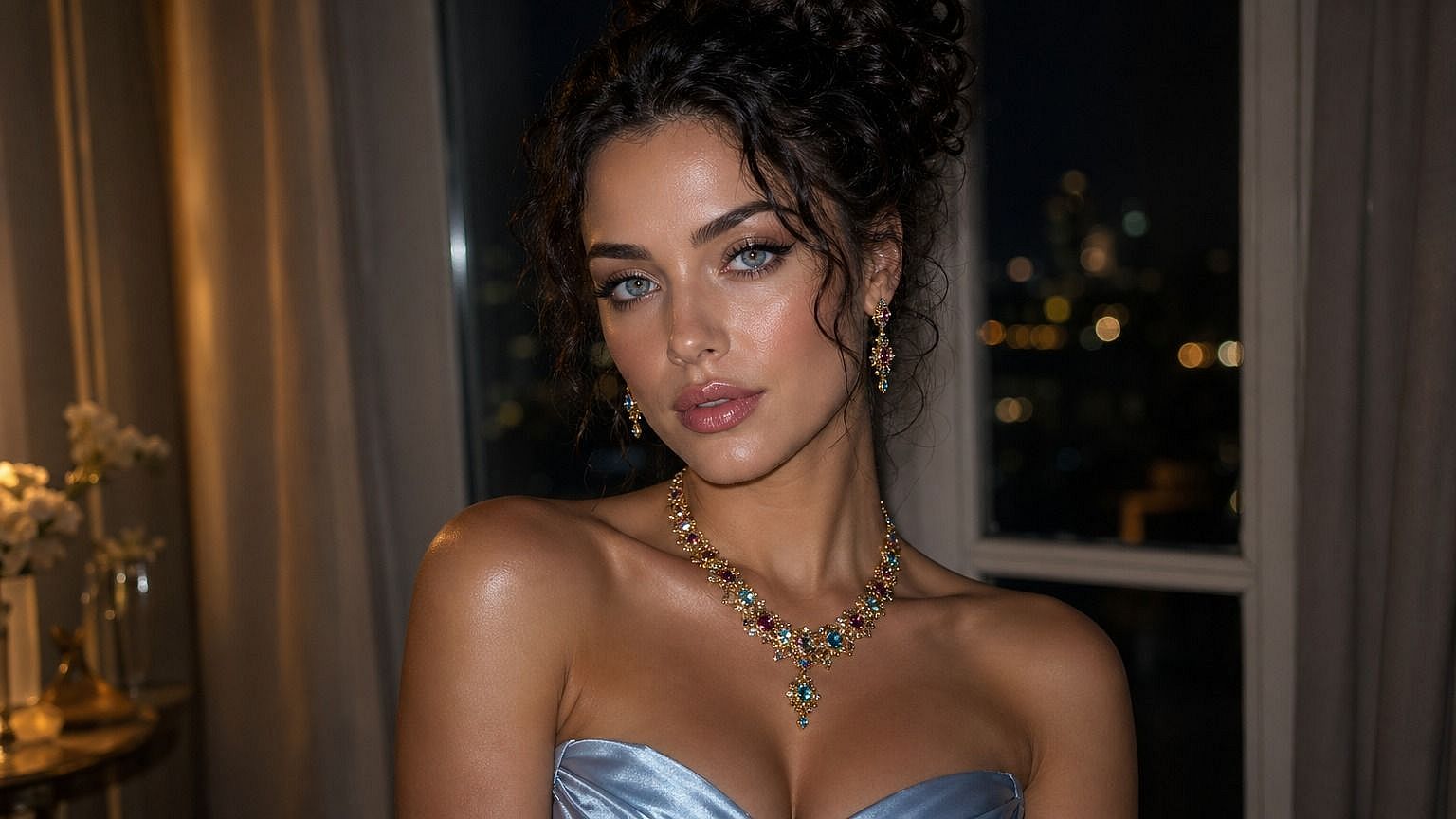
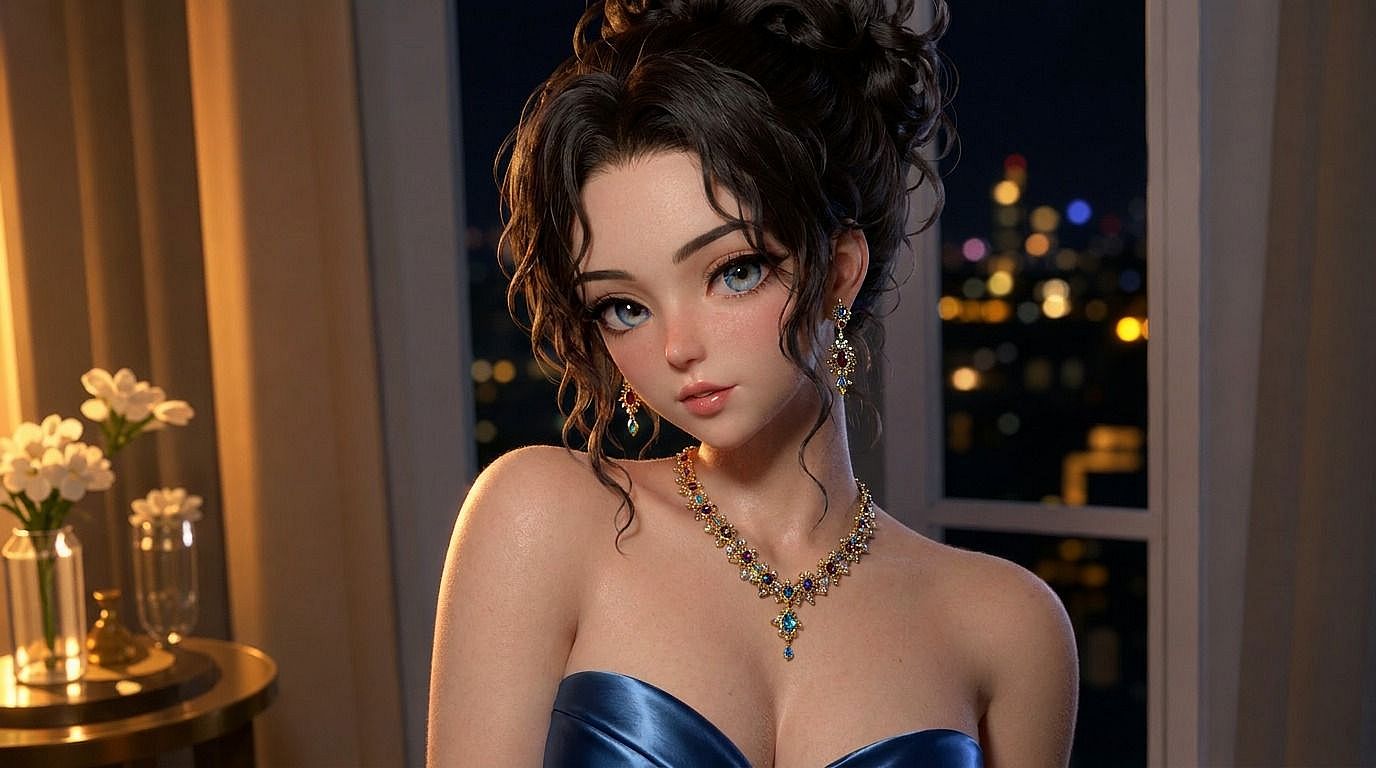
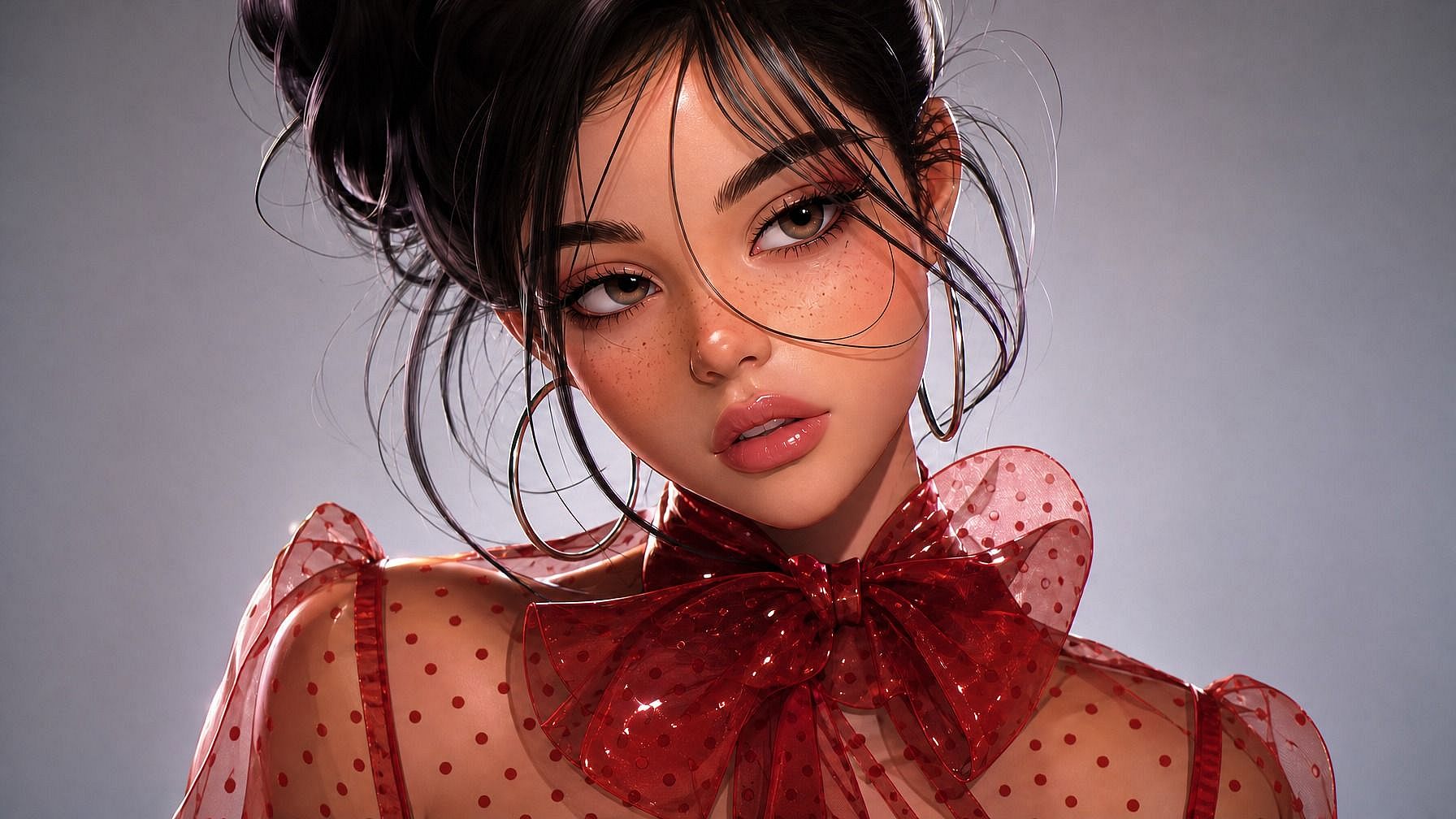
Retratos estilo Pixar a partir de una foto
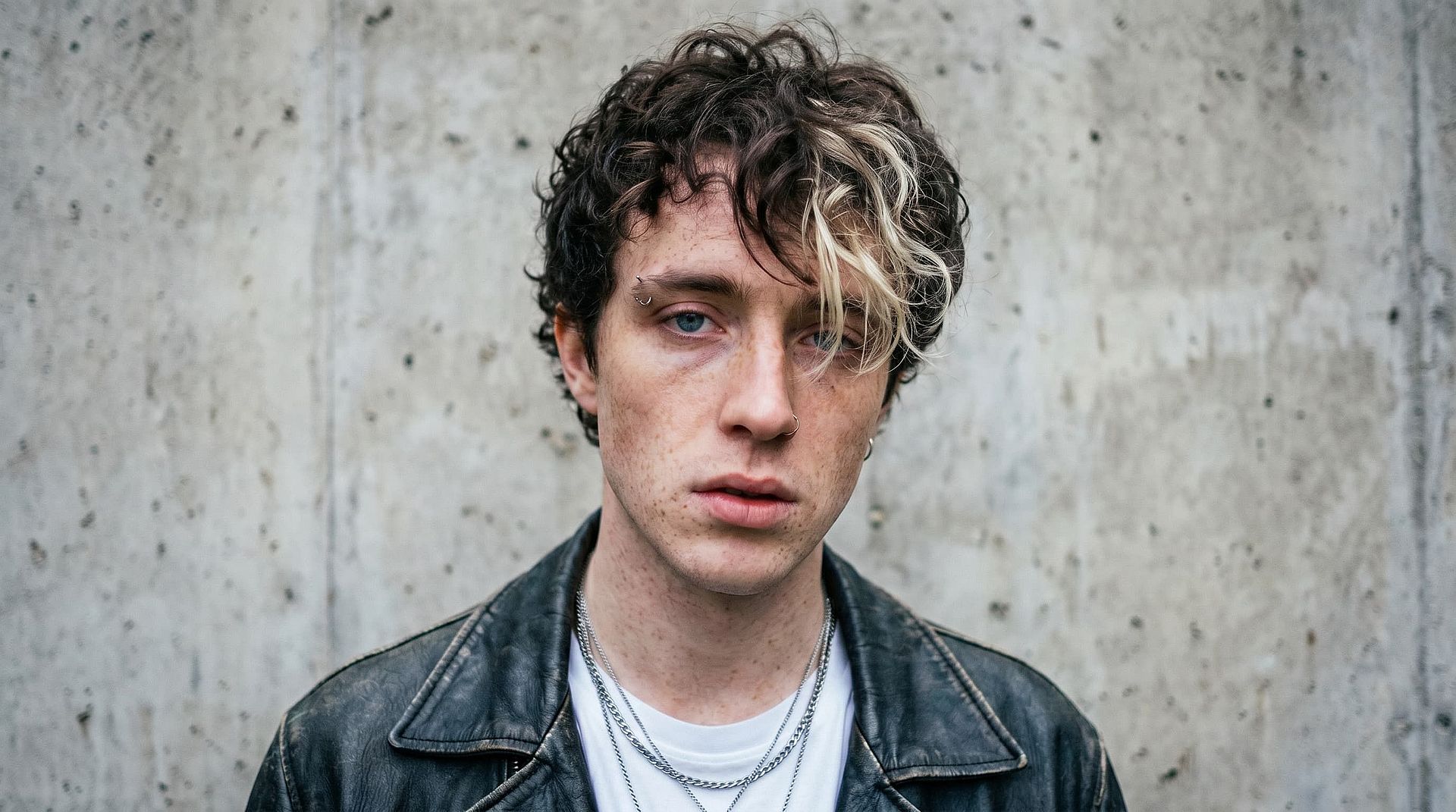
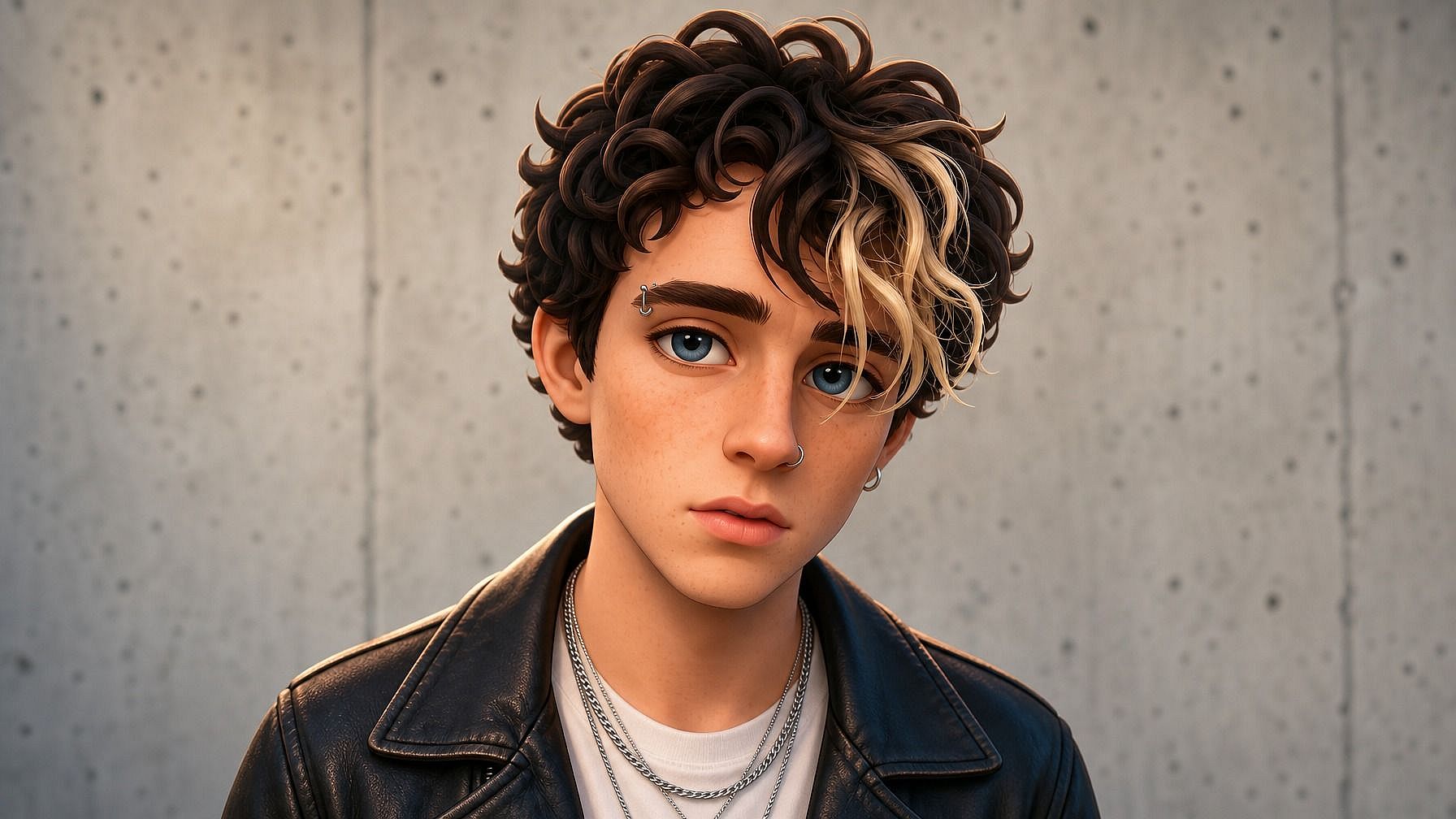
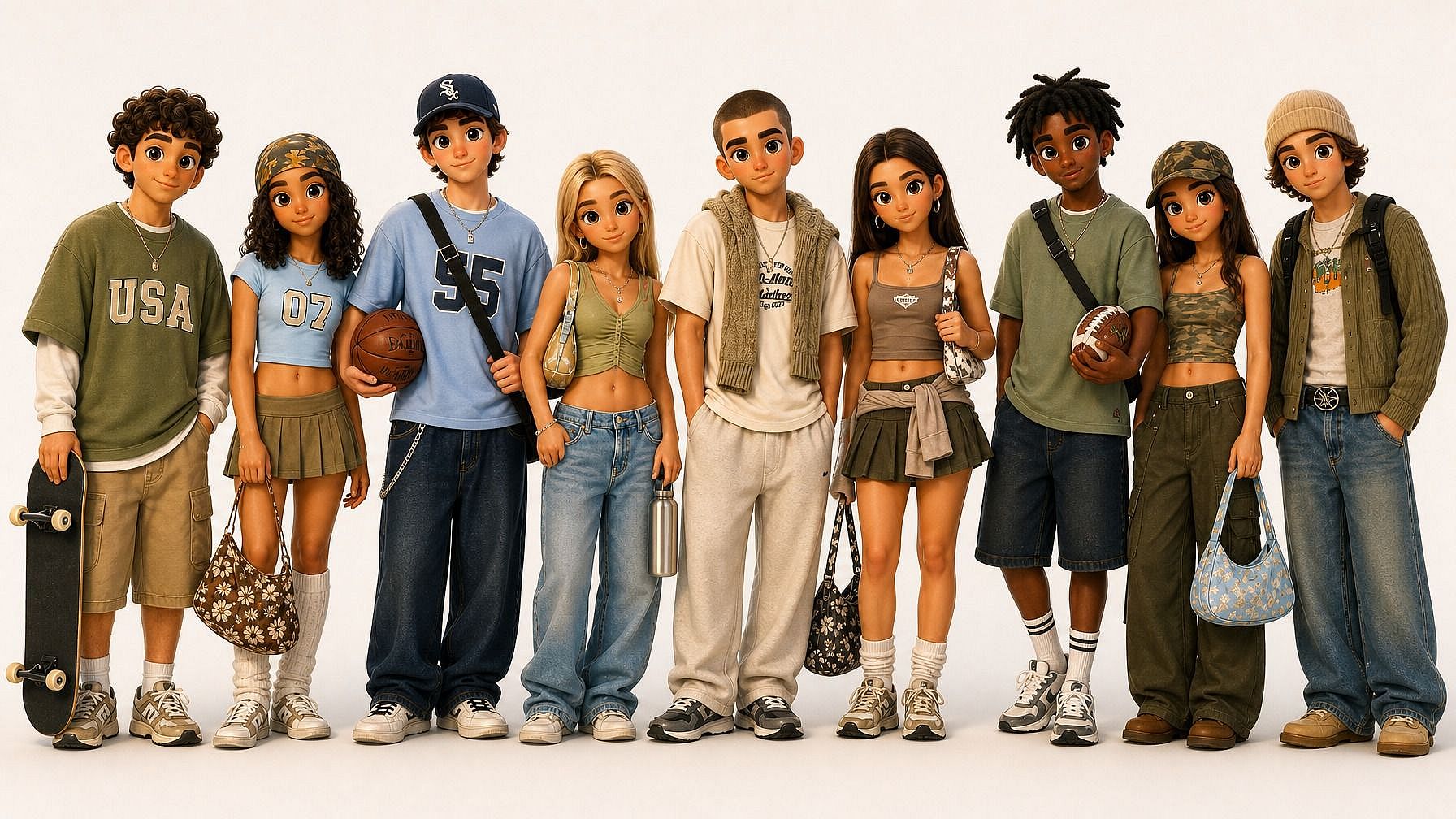
Sube cualquier foto y la IA vuelve a renderizar al sujeto como un personaje 3D al estilo Pixar/Disney. Ojos grandes y expresivos, sombreado suave, iluminación cinematográfica, ese acabado de película de animación. Tu cara, tu expresión y tu pose se conservan y luego se traducen al look 3D.
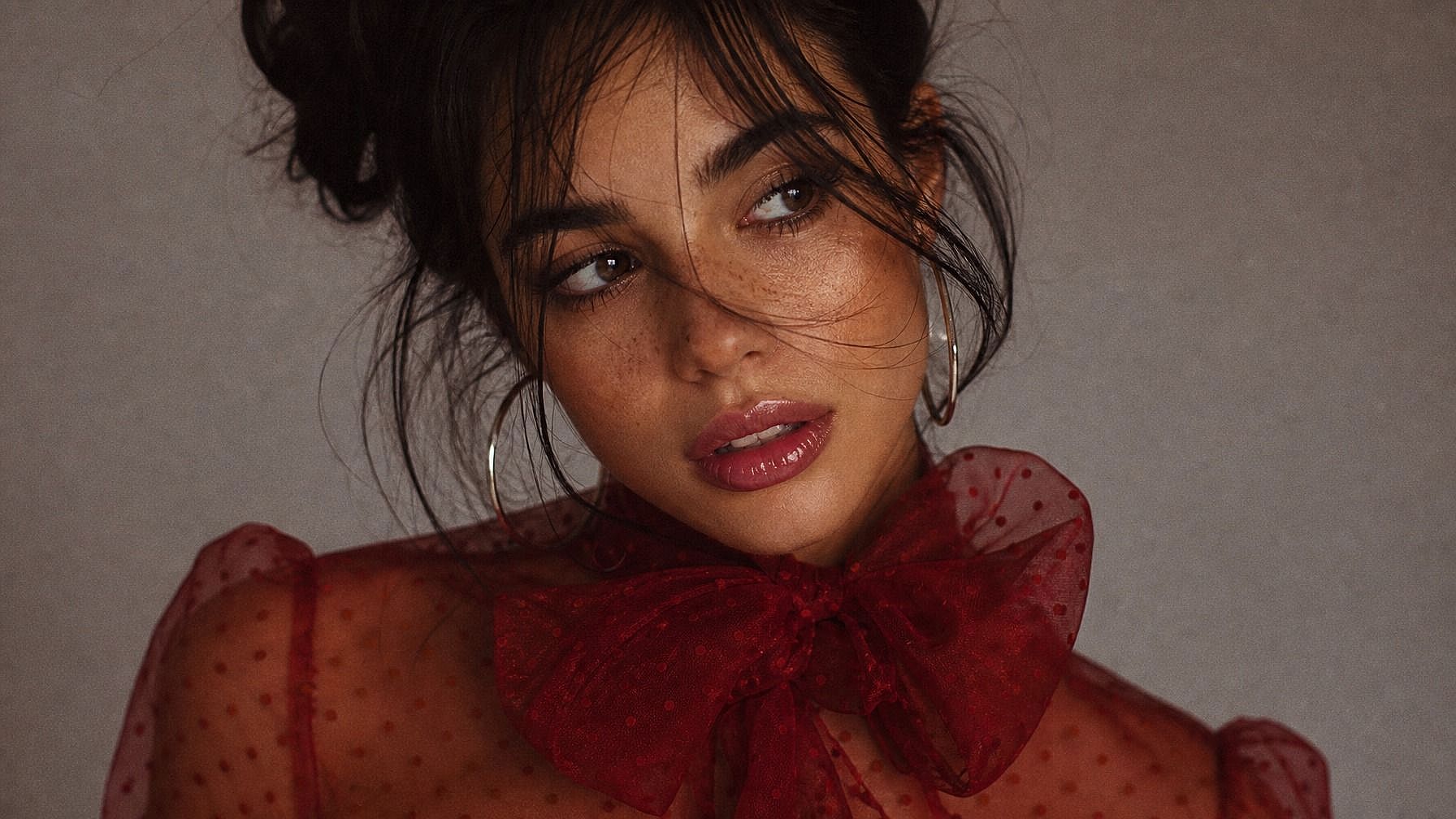
Estilos que van desde la claymation hasta el CGI
3D estilo Pixar/Disney, plastilina, figurita de plástico, juguete de vinilo, personaje de videojuego low-poly, CGI hiperrealista, estatua esculpida o diorama en miniatura. La IA se adapta al estilo que describas, para que la nueva imagen encaje en el mundo que buscas en vez de parecer un filtro genérico.
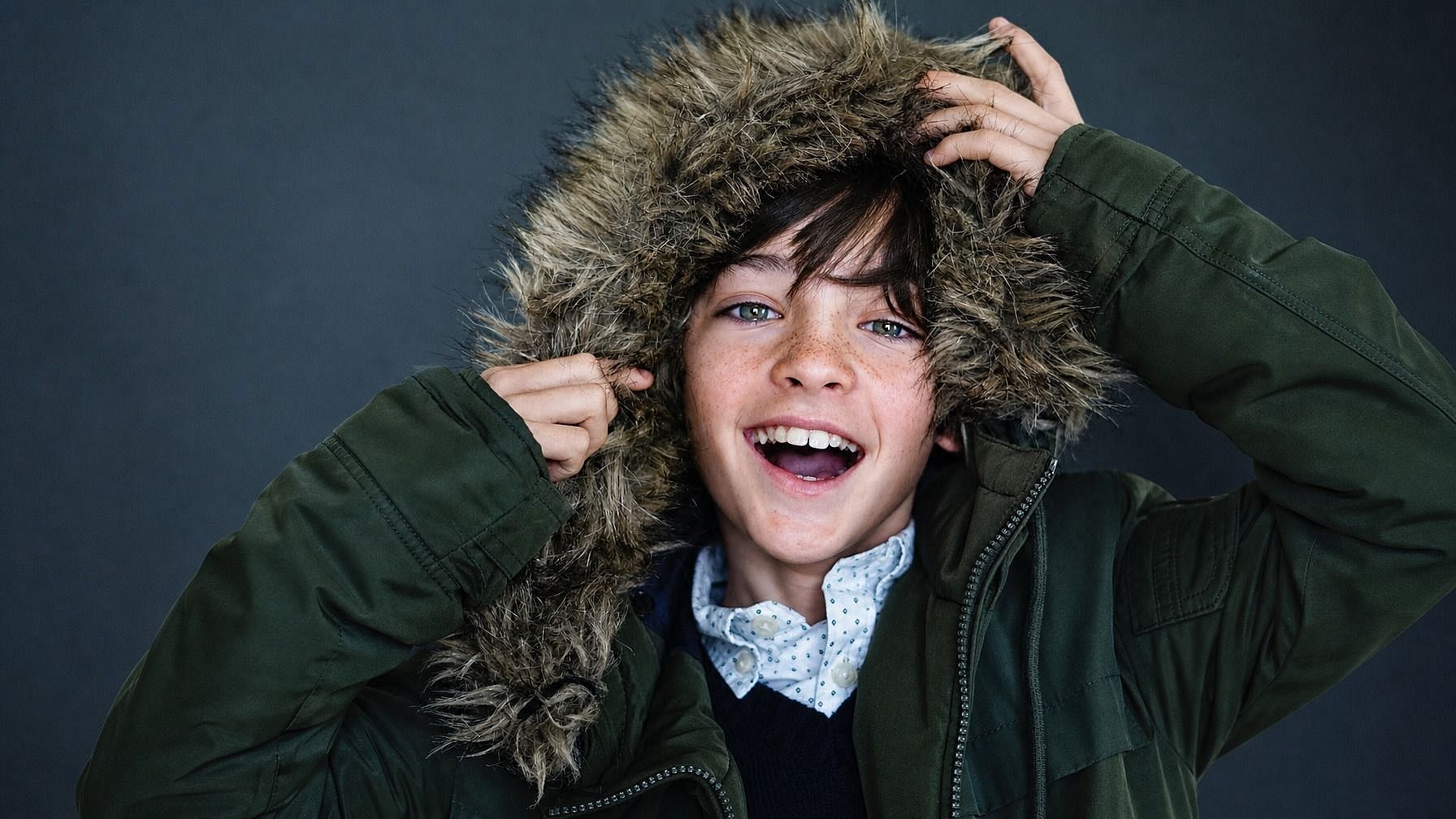
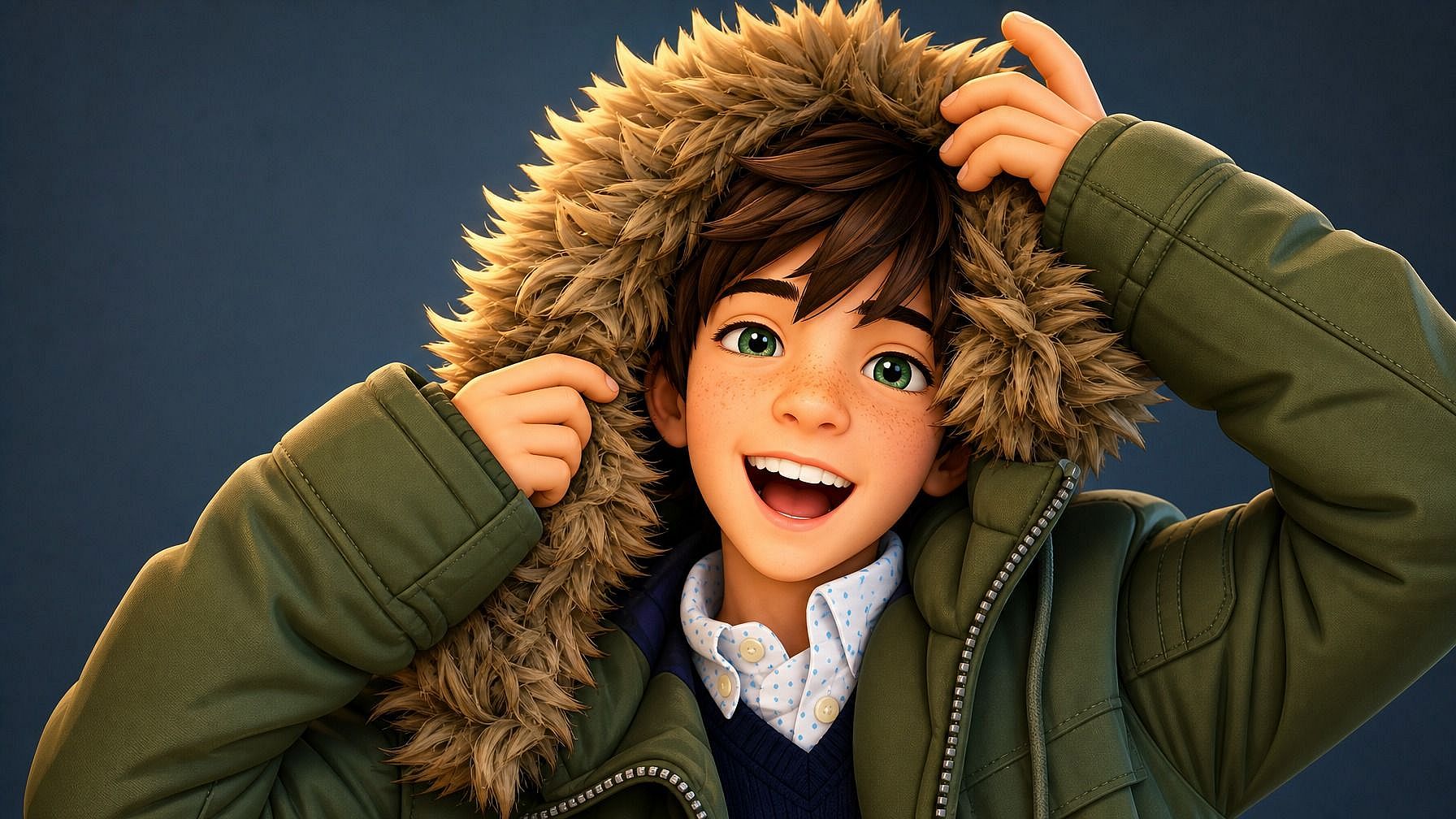
Parecido reconocible y coherente
Incluso con toda la estilización, la IA conserva los rasgos que hacen reconocible una cara: la forma de los ojos, el peinado, la mandíbula, los gestos de la expresión y los detalles que hacen que una escena se sienta tuya, como la ropa y la pose.
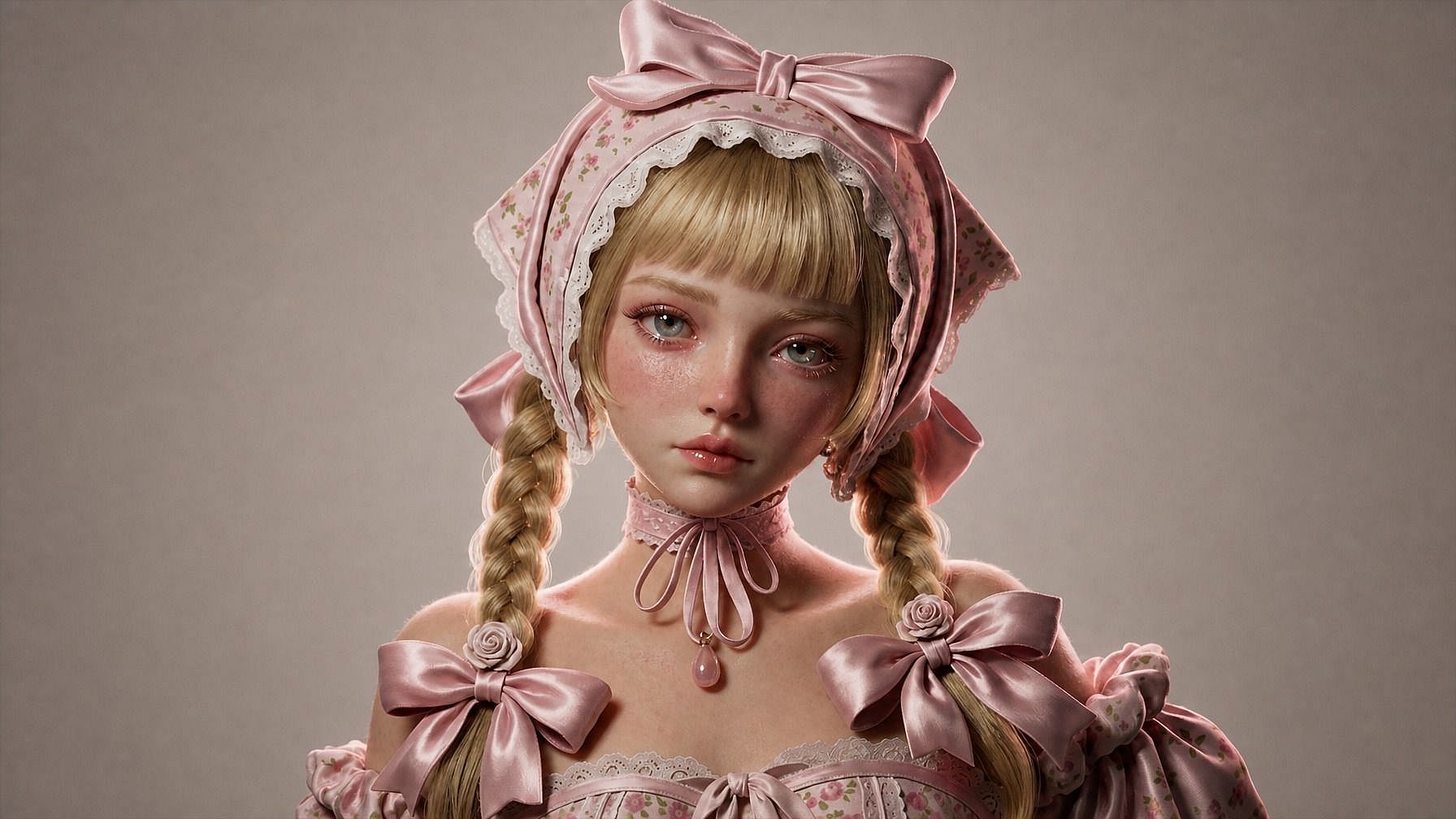
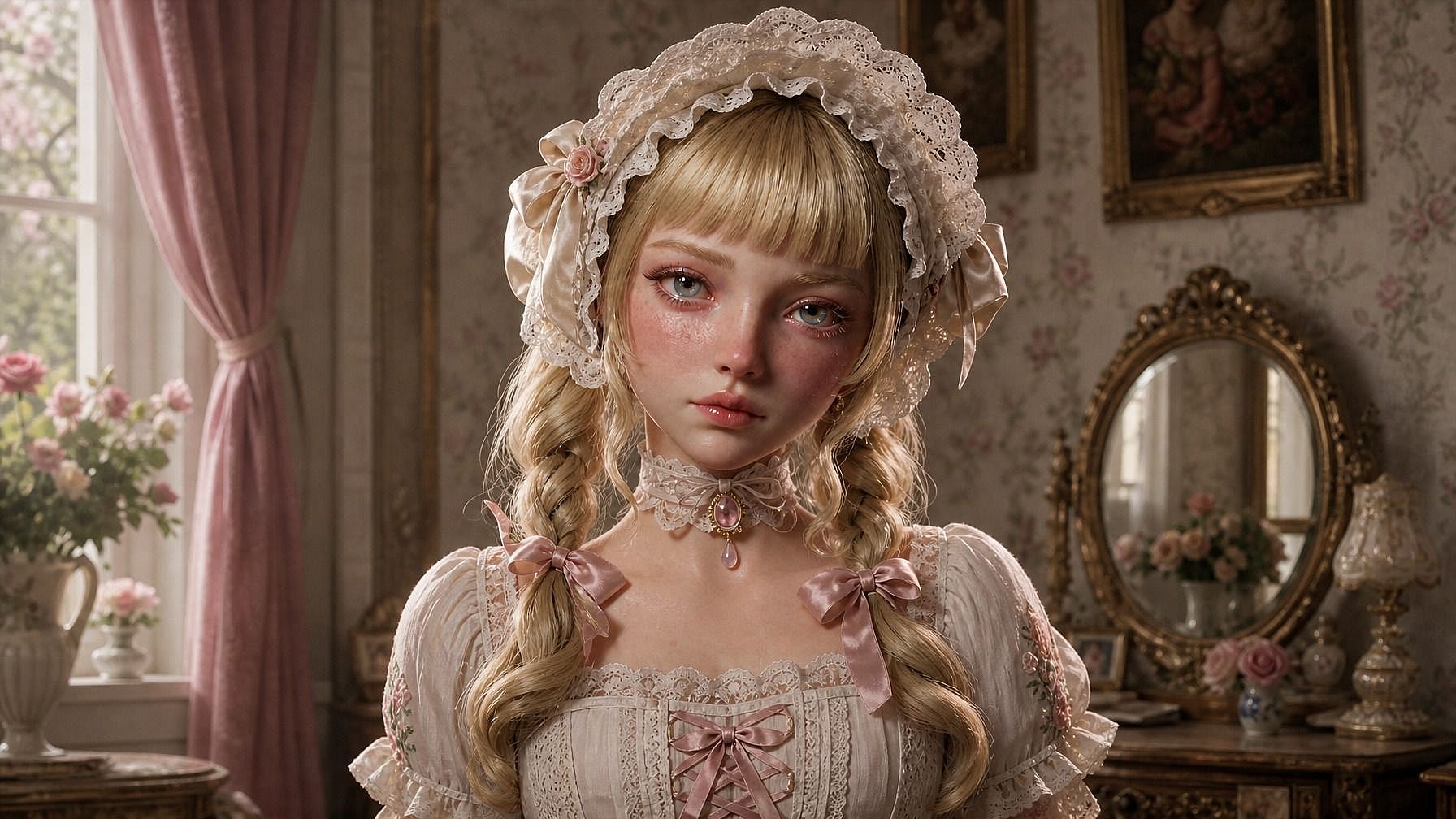
Integrado en un flujo de edición de imágenes completo
Una vez generada tu imagen en estilo 3D, puedes seguir perfeccionándola en la misma ventana. Ajusta el fondo, cambia el atuendo, retoca la iluminación, genera variaciones desde distintos ángulos o prueba varios estilos 3D en paralelo.
Cómo usar Foto a 3D
Convierte tu foto en un render con estilo 3D en tres pasos.
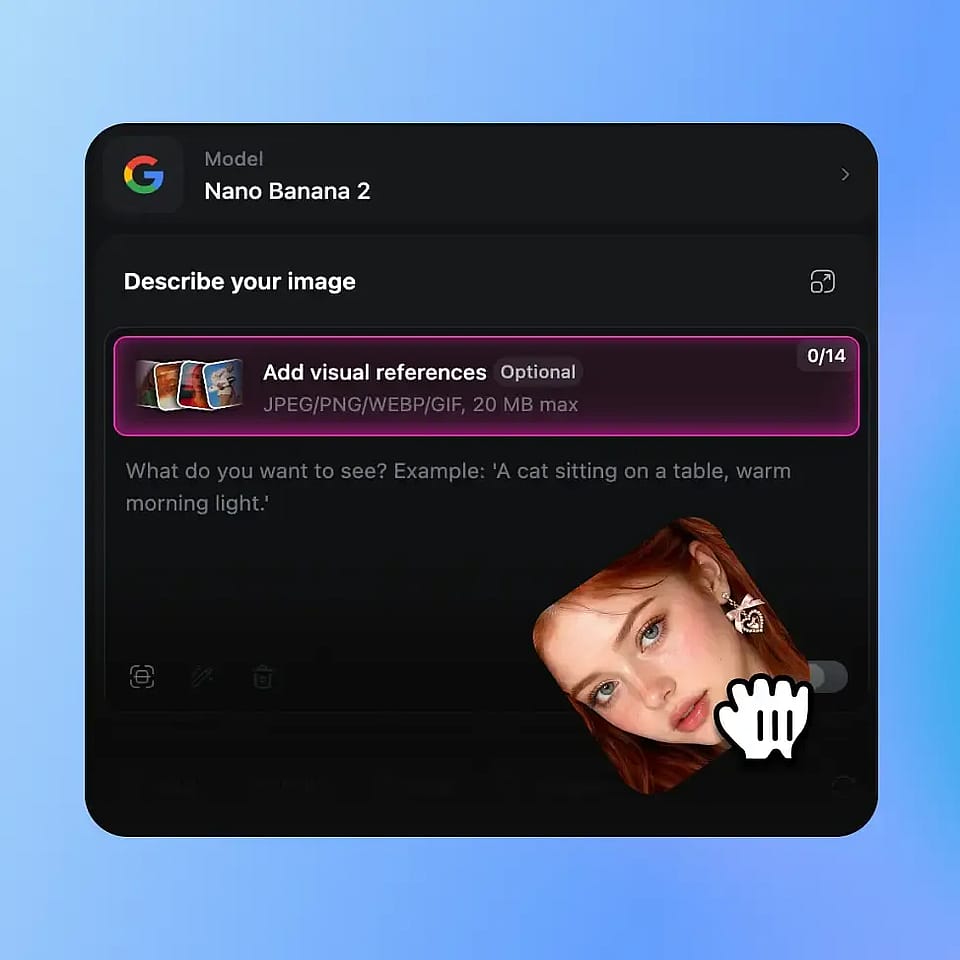
Sube tu foto
Abre las herramientas de imagen de OpenArt y sube una foto nítida de tu sujeto. Lo mejor es una toma bien iluminada con la cara o el sujeto principal claramente visible, pero la IA también funciona con cuerpos enteros, ángulos laterales, fotos de grupo e imágenes de mascotas.
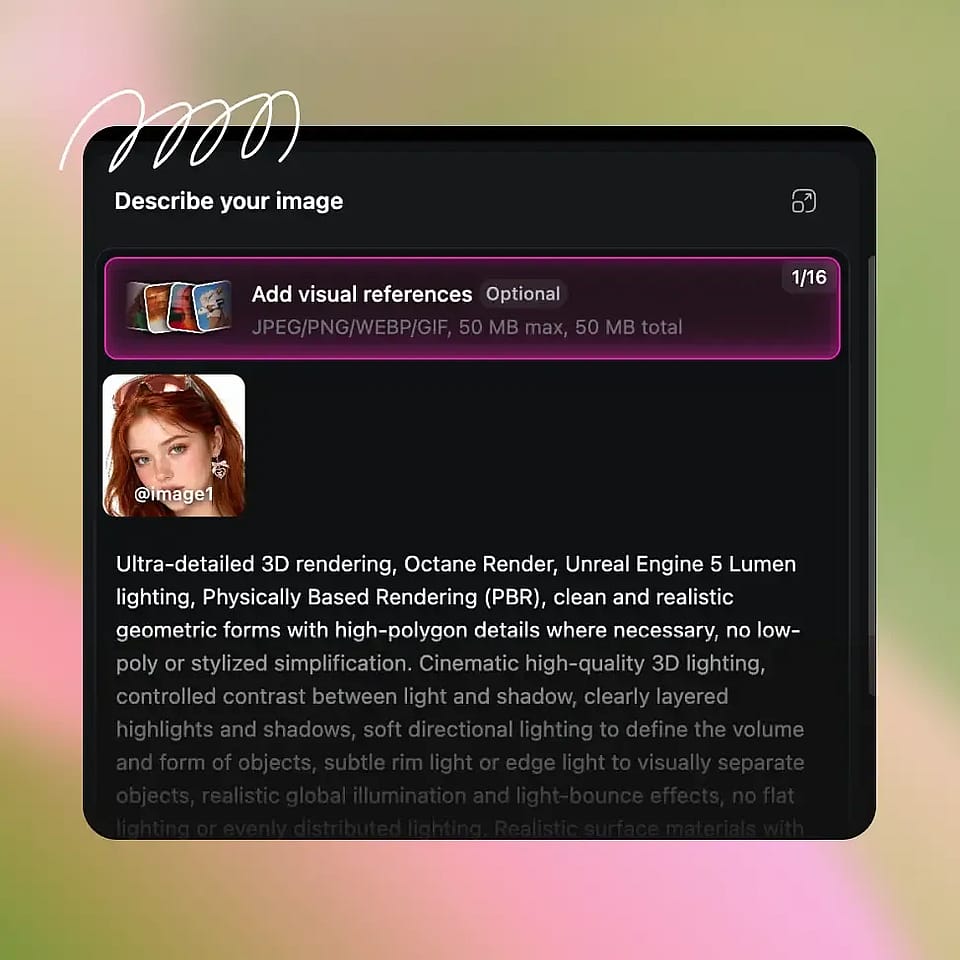
Describe tu estilo 3D
Escribe el look 3D que quieres: «retrato 3D estilo Pixar», «personaje animado 3D de Disney», «figura de plastilina», «versión mía en muñeco de vinilo», «personaje de juego low-poly», «primer plano CGI hiperrealista». Sé todo lo específico o libre que quieras.
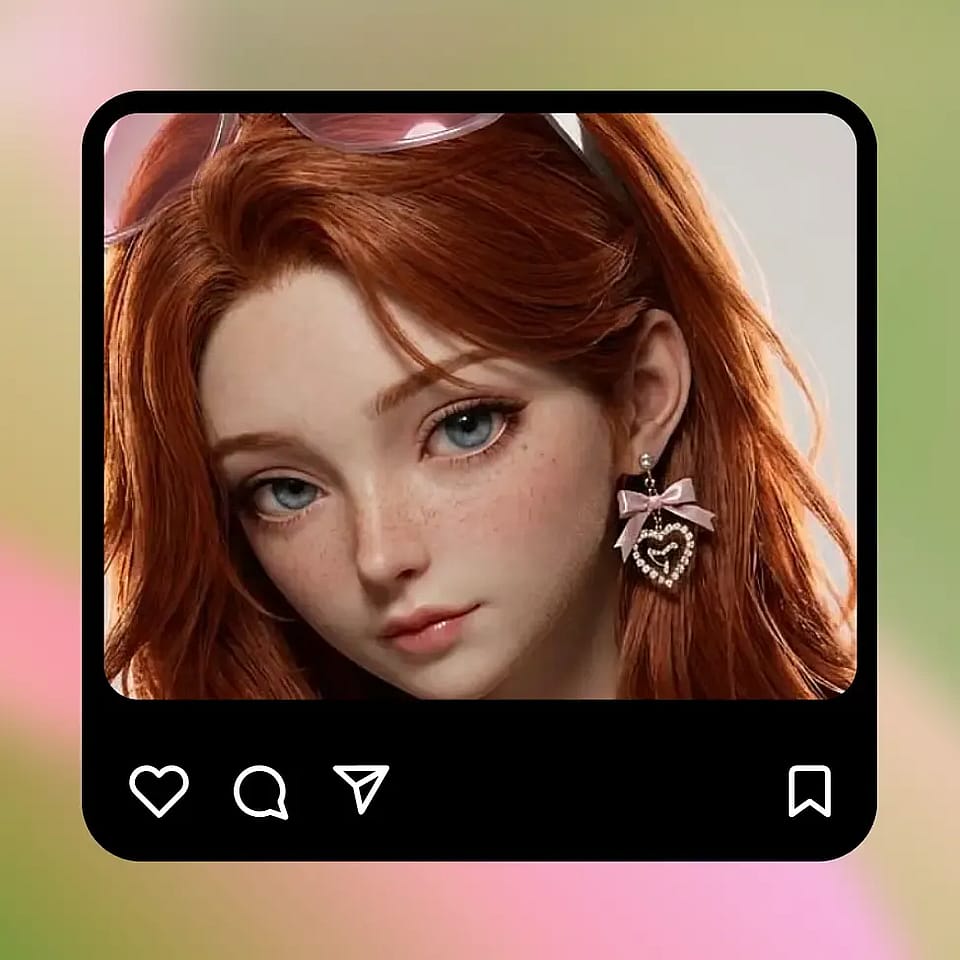
Genera y perfecciona
Ejecútalo, previsualiza el render y ajústalo si hace falta. Prueba otro estilo 3D, retoca la iluminación, cambia el fondo o genera varias variaciones hasta dar con la que te encaje.
Creado para acabados 3D impecables en cualquier tipo de imagen
Haz una foto y conviértela en un render con estilo 3D listo para publicar, compartir o imprimir.
Fotos de perfil y publicaciones en redes
Usa un retrato 3D estilo Pixar como foto de perfil en Instagram, X, Discord o LinkedIn, o publícalo como contenido independiente. Es un estilo reconocible al instante que funciona muy bien en redes y que sigue pareciéndose a ti.
Pruébalo ahora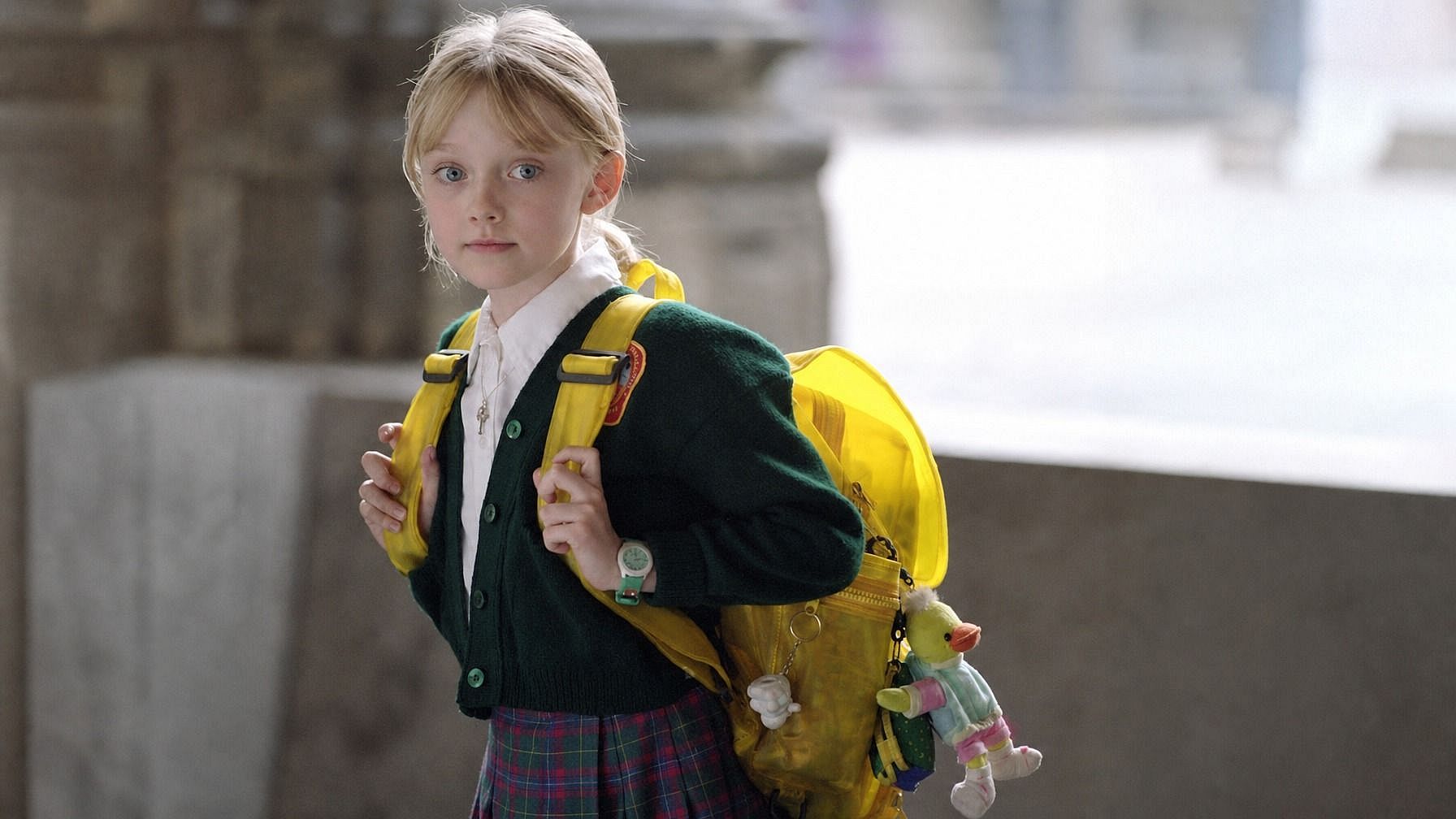
Regalos personalizados y recuerdos
Convierte la foto de tu pareja, un familiar, un niño o una mascota en una imagen de estilo 3D. Elige cualquier estilo, como retrato al estilo Pixar, figura de plastilina o versión en juguete de vinilo, y úsala en una impresión, una taza, una camiseta o una tarjeta.
Pruébalo ahora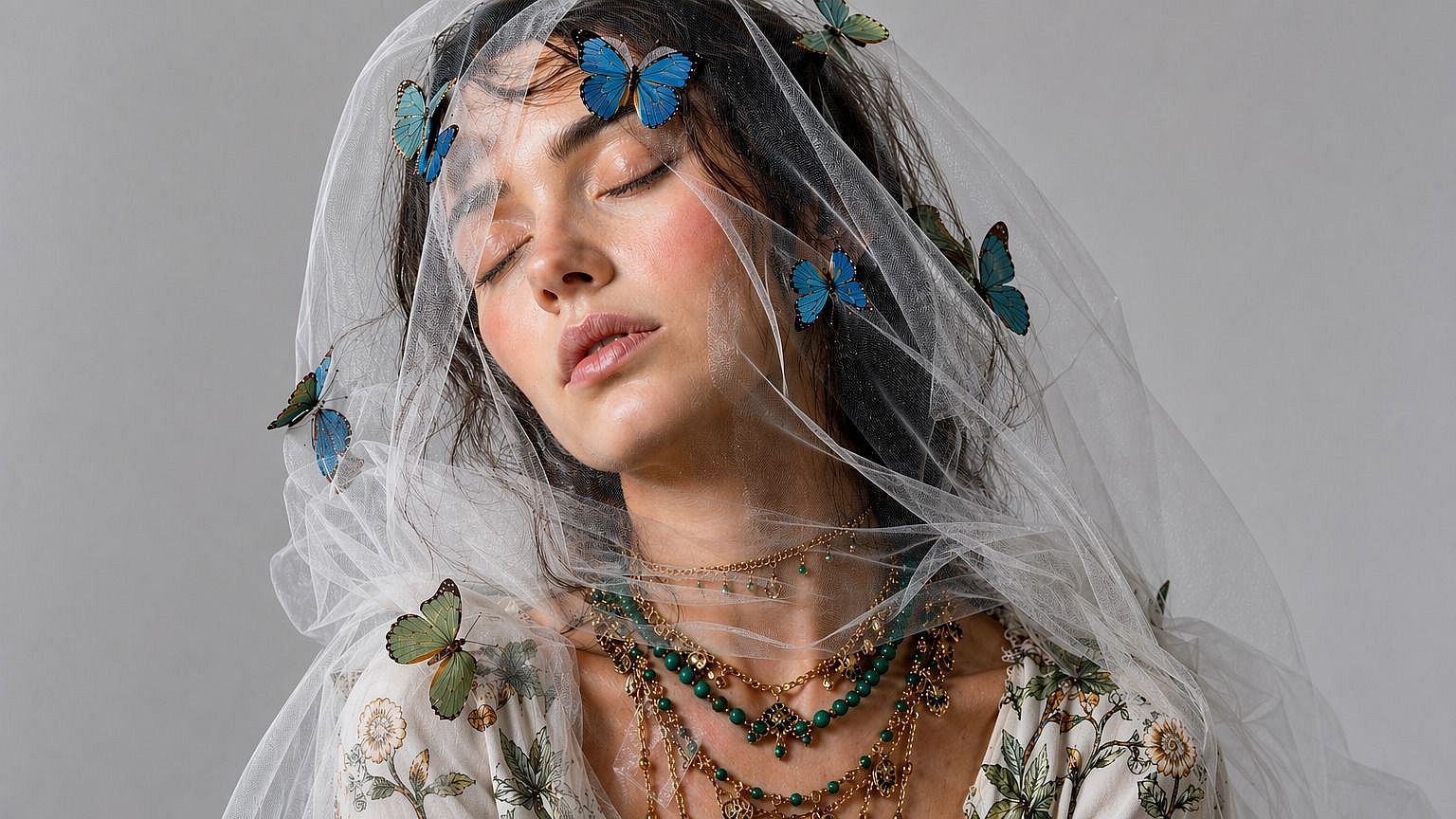
Creadores de contenido y miniaturas
Genera versiones de ti mismo en estilo 3D para miniaturas de YouTube, portadas de pódcast, contenido de TikTok u overlays de directos. El look CGI pulido destaca en un feed lleno de fotos normales, y puedes crear una versión 3D coherente de ti mismo para usarla en todo el contenido que crees.
Pruébalo ahora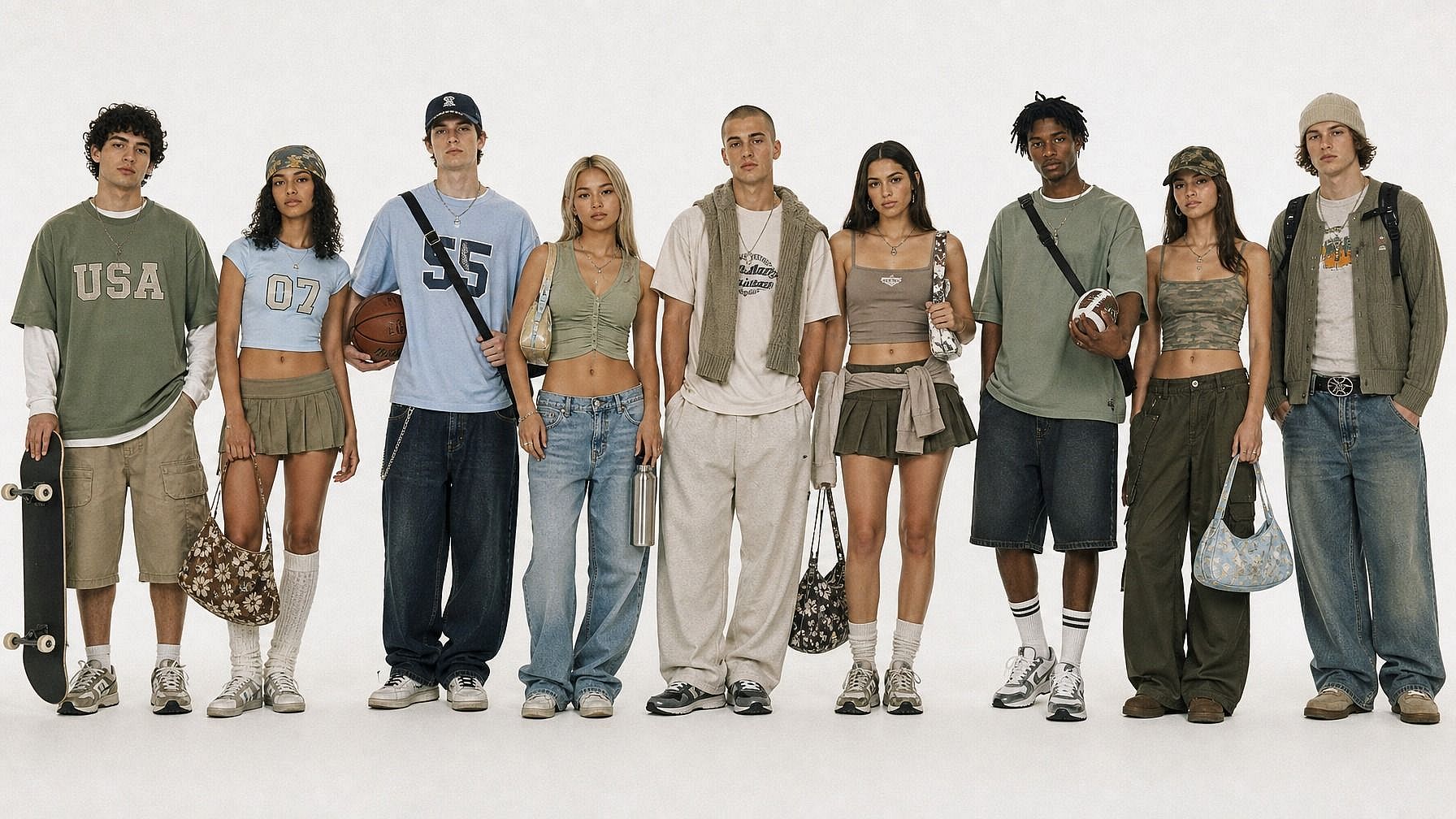
Marketing, marca y campañas
Convierte fotos de producto, del equipo o de tu mascota en imágenes con estilo 3D para gráficos de marketing, creatividades publicitarias o publicaciones de marca en redes. Es una forma rápida de lograr un aspecto CGI. Consigue ese acabado exacto de Pixar, el encanto de la plastilina o la ternura de una figurita de juguete.
Pruébalo ahoraPreguntas frecuentes Preguntas
Es una herramienta de IA que toma tu foto y la reinterpreta en un estilo 3D: 3D estilo Pixar/Disney, plastilina, figura de vinilo, CGI y más. Subes una imagen, describes el estilo 3D y la IA genera un render pulido en estilo 3D de tu sujeto. Es una imagen estilizada, no un archivo de modelo 3D.
Sí, esa es la idea. La IA conserva los rasgos que hacen que una cara sea reconocible (la forma del rostro, el pelo, la expresión) y los traduce al estilo 3D que elijas. Así que un render tuyo al estilo Pixar realmente se parece a ti, solo que en 3D.
Sí. La herramienta funciona con cualquier sujeto: amigos, familia, mascotas, fotos de grupo e incluso objetos. Sube la foto, elige el estilo y la IA renderiza toda la escena en 3D. En las fotos de grupo, todos los sujetos del encuadre reciben el mismo tratamiento 3D.
Foto a Avatar es flexible en estilos: anime, 3D, ilustrado, píxel retro, fantasía. Foto a 3D está enfocado específicamente en el look pulido de 3D / CGI / película de animación (Pixar, Disney, plastilina, figurita). Si buscas esa sensación de "fotogramas de una película animada", esta es la herramienta más especializada.
El uso comercial está incluido en los planes Plus y superiores de OpenArt. Si usas los renders para anuncios, productos, contenido de marca o cualquier cosa monetizada, el nivel Plus, Pro o Wonder te cubre.
No: es un filtro con estilo 3D, no una herramienta de modelado 3D. Obtienes una imagen 2D terminada renderizada con un estilo 3D (imagina un «fotograma de una película animada»), no una malla, un OBJ, un FBX ni nada que puedas rotar o importar en software 3D. Si quieres una imagen pulida con aspecto 3D, esto es para ti. Si necesitas un asset 3D real para impresión, animación o videojuegos, mejor usa una herramienta 3D específica.
Prácticamente cualquier estilo 3D que puedas describir. Pixar/Disney 3D, plastilina, figura de plástico, juguete de vinilo, personaje de videojuego low-poly, CGI hiperrealista, estatua esculpida, diorama en miniatura, cinemática de videojuego. Describe el estilo en tu prompt y la IA adapta tu foto a él.
Por supuesto. Una vez generada y descargada, trátala como cualquier otra imagen: súbela donde usarías una foto normal. El formato PNG la mantiene impecable en todas las plataformas.
Funcionan JPEG, PNG y WEBP. Puedes subir archivos desde el móvil, el ordenador o cualquier unidad en la nube.
Empieza con una foto clara y bien iluminada donde el sujeto se vea con nitidez. Nombrar un estilo de referencia («Pixar 3D», «figura de plastilina», «juguete de vinilo», «retrato Disney 3D») suele ayudar a que la IA lo capte más rápido. Si el primer intento falla, ajusta el prompt, cambia la indicación de iluminación o prueba otro estilo 3D; a veces la misma foto queda muy distinta en plastilina que en Pixar.
Consigue consejos de expertos en el blog
Consigue la información que necesitas. Nuestros expertos comparten trucos prácticos, analizan los temas más candentes y ofrecen guías esenciales para ayudarte a crear, optimizar y escalar.
Leer más