Generador de texto a vídeo con IA
Crea vídeos completos con IA en resolución de hasta 4K a partir de simples prompts de texto, con el generador de texto a vídeo con IA de OpenArt. Solo describe la escena, la acción y los movimientos de cámara que quieres, configura los ajustes de salida y genera un clip cinematográfico con sonido en cuestión de minutos.
Principales ventajas del generador de vídeo con IA a partir de texto




Sin metraje necesario
Empiezas solo con palabras, así que no hay cámara, ni actores, ni clips de stock que buscar. Describe lo que quieres ver y OpenArt genera el vídeo por ti desde cero.




Escenas completas, no clips
Genera una escena completa con varias tomas a partir de un solo prompt, en lugar de unir fragmentos cortos a mano. OpenArt planifica las tomas por ti para que el vídeo final fluya de un corte al siguiente.
Mejores modelos de vídeo con IA
Elige entre los mejores modelos de vídeo con IA dentro de una sola herramienta, para adaptar el modelo al estilo que buscas. Compara resultados del mismo prompt y quédate con la versión que mejor funcione.
Funciones clave de la IA de texto a vídeo
Genera vídeos completos a partir de un prompt de texto
Describe la escena que quieres
Escribe un prompt para el escenario, la acción y el movimiento de cámara, como «un plano con dron sobrevolando una ciudad costera al atardecer». El de OpenArt Generador de vídeo con IA convierte esa descripción en un vídeo con movimiento natural y una escena coherente de hasta 30 segundos, en resolución 4K. Cuanto más específico sea tu prompt, más se acercará el resultado a la toma que tienes en mente.
Crea vídeos multitoma con facilidad
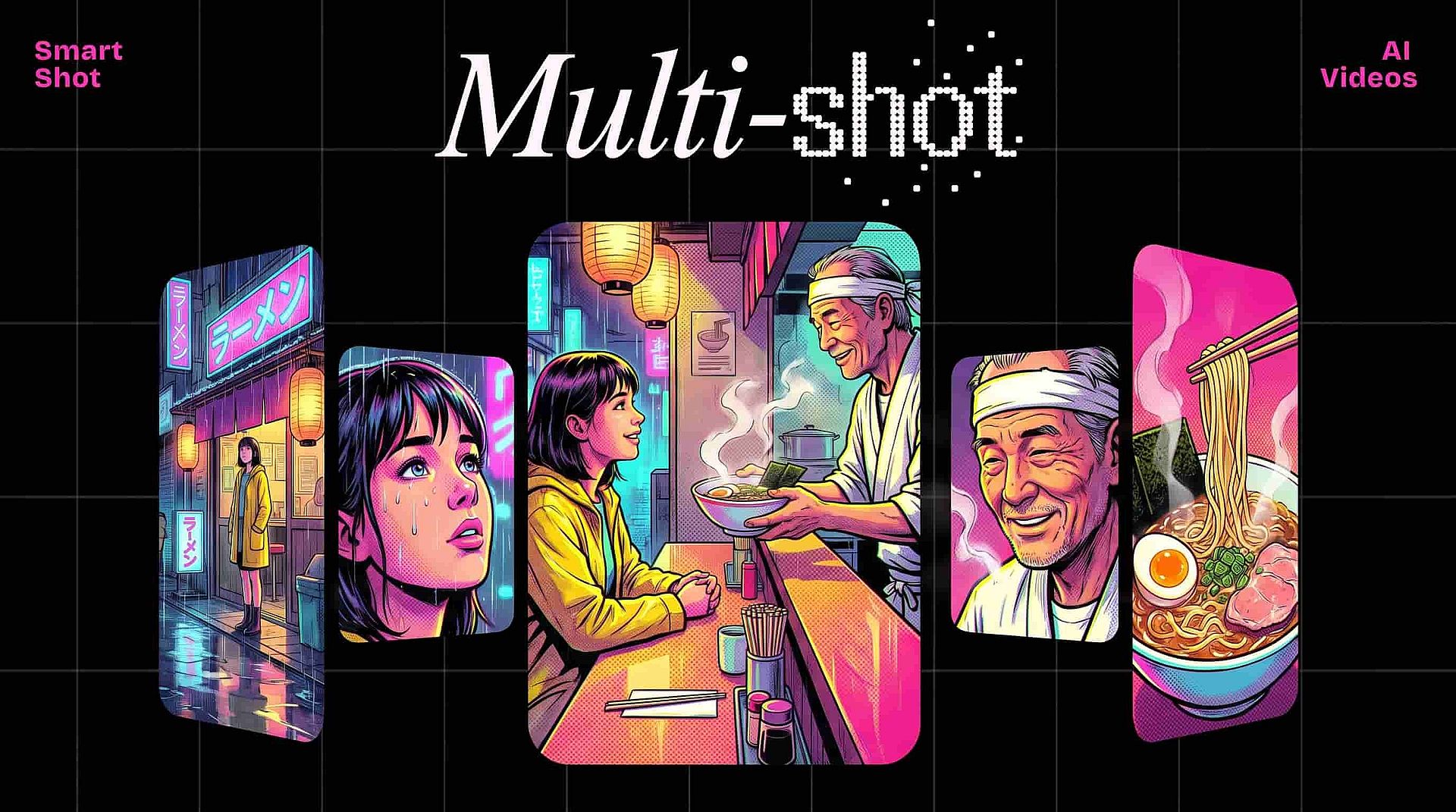
Smart Shot genera un storyboard completo a partir de tu prompt y luego produce un único vídeo más largo que fluye a través de varios cortes. En lugar de crear cada plano por separado, obtienes una secuencia completa que se sostiene como una sola escena. Es la forma más rápida de crear un vídeo narrativo solo con texto.
Configura tu modelo, duración y calidad
Elige el Modelo de vídeo con IA que se ajuste a tu prompt y, a continuación, define una duración de hasta 30 segundos, la relación de aspecto y una resolución de hasta 4K. Cambia entre la salida Rápida para borradores ágiles y la salida de Calidad para la entrega final, y activa los sonidos ambientales para dar atmósfera. Pulir prompt automáticamente refina tu texto para lograr un vídeo más preciso.
Añade sonido y locución a tu vídeo
Añade capas de efectos de sonido describiéndolas en tu prompt, para que el audio coincida con la escena que generaste. El Lip Sync ajusta los movimientos de la boca de un personaje al diálogo que proporciones, y puedes extender un plano hasta 10 segundos o escalar el clip final a 4K. En conjunto, dan el acabado a un vídeo generado a partir de texto para que imagen y audio funcionen como una sola cosa.
Cómo usar la herramienta de texto a vídeo con IA
Crea un vídeo a partir de prompts de texto en tres sencillos pasos.
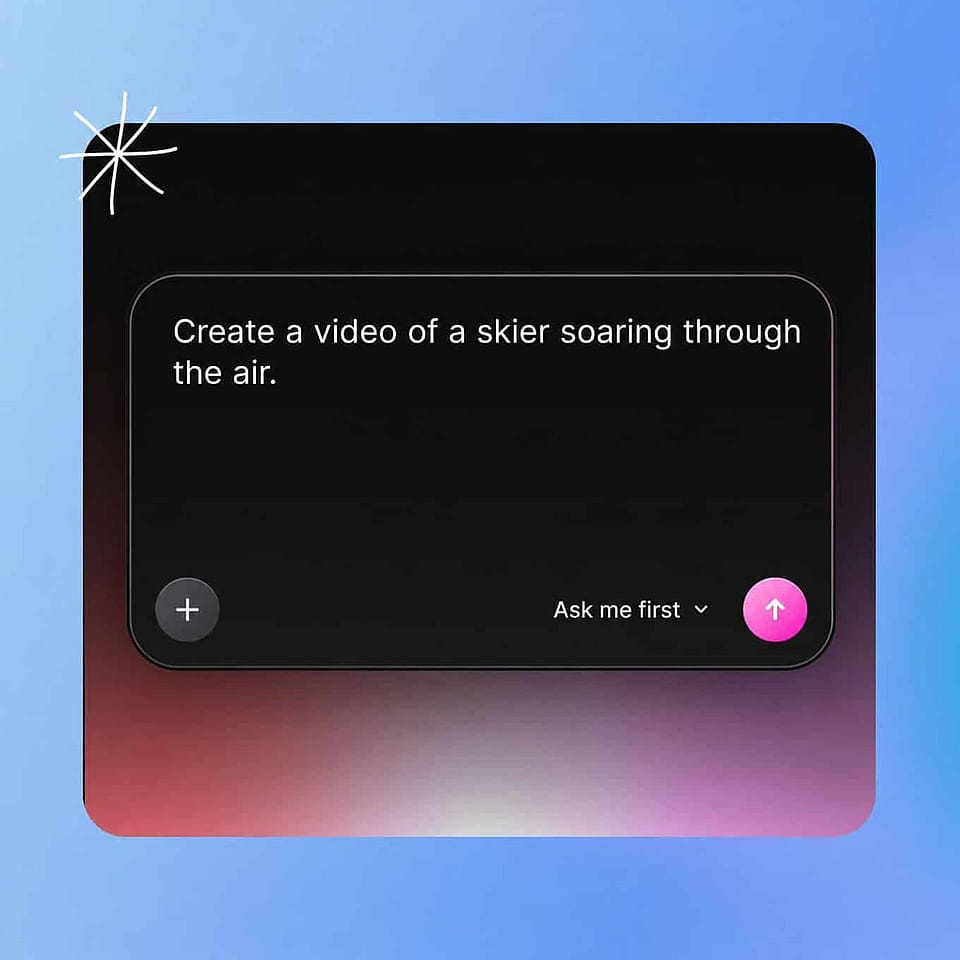
Escribe tu prompt
Abre el generador de Texto a Vídeo y describe la escena, la acción y el movimiento de cámara que quieres en lenguaje sencillo. Un prompt claro y específico le da al modelo más con lo que trabajar y produce el resultado más fiel.
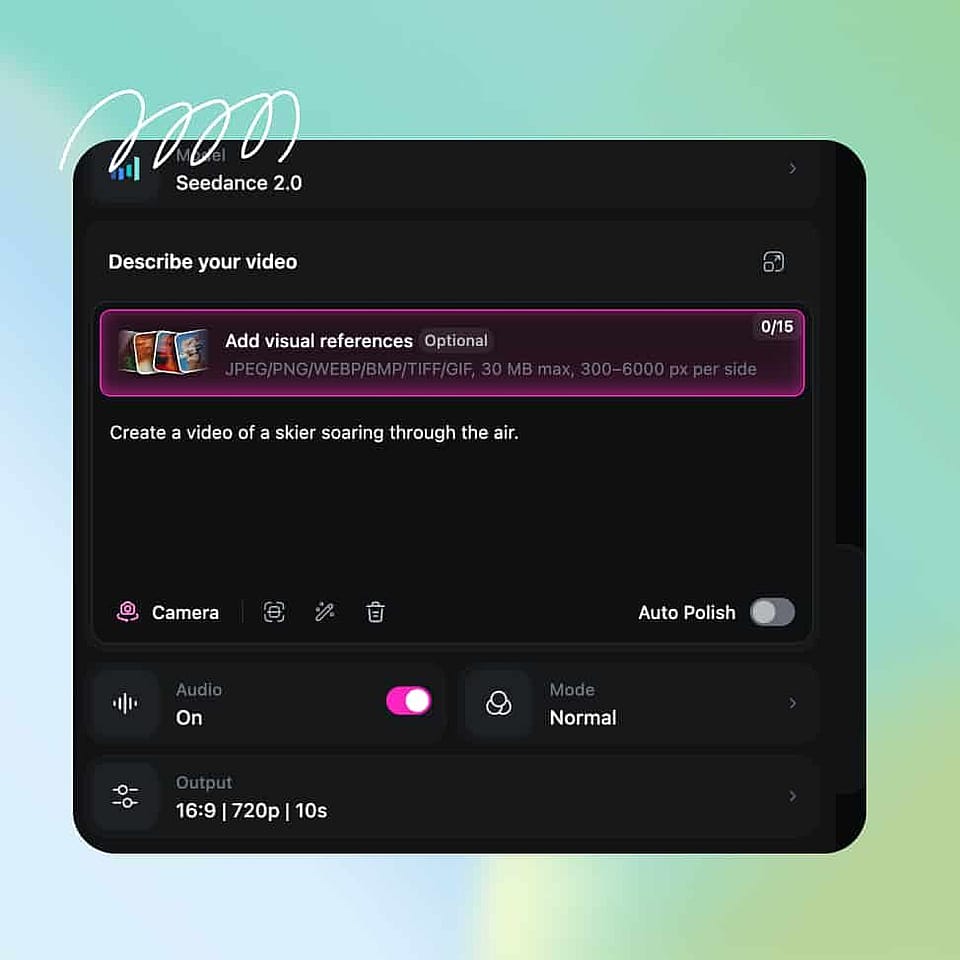
Elige tu modelo y ajustes
Elige el modelo de vídeo con IA que mejor se ajuste a tu escena y luego define la duración, la relación de aspecto, el número de generaciones y la resolución. Usa Auto-Polish Prompt si quieres que OpenArt refine tu redacción.
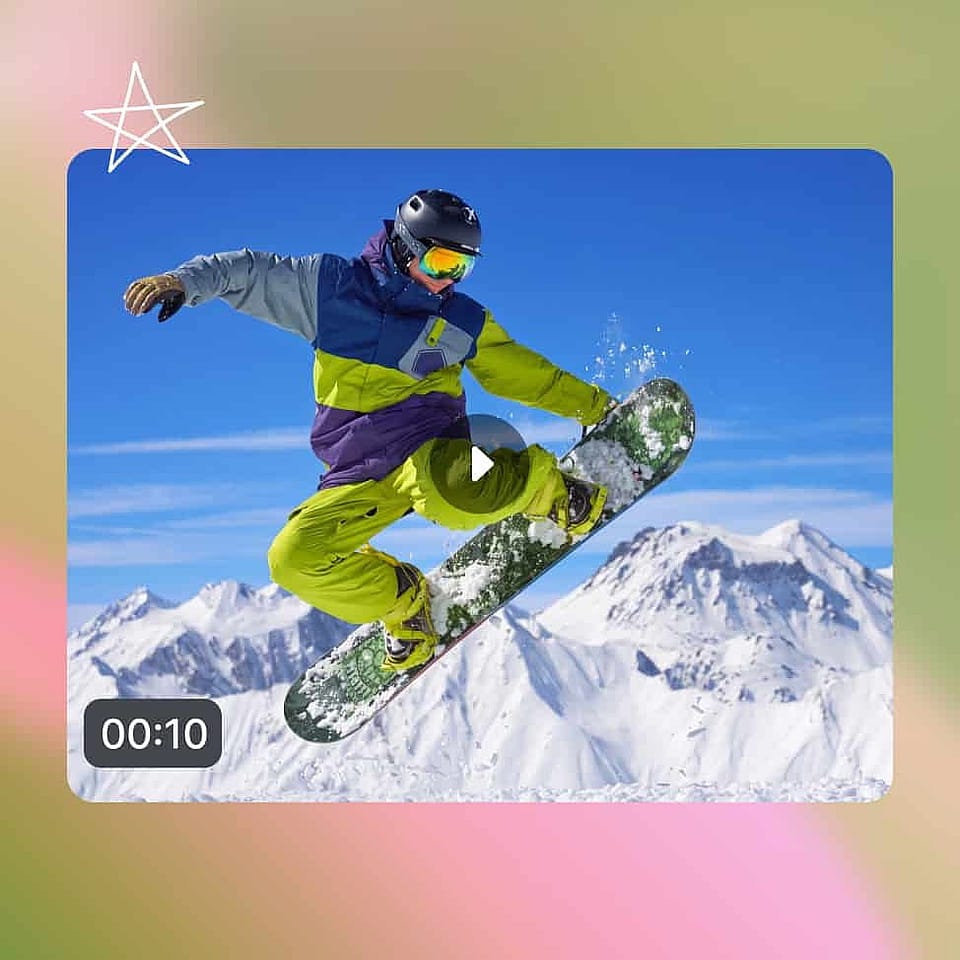
Generar y exportar
Genera el vídeo, revisa el movimiento y el ritmo, y ajusta tu prompt o la configuración para acercarte a la escena que buscas. Cuando quede bien, añade sonido, amplía o mejora el clip y descárgalo.
Mejores usos del generador de texto a vídeo con IA
Usa el generador de texto a vídeo con IA para proyectos profesionales y personales.
Convierte un guion en un anuncio de vídeo
Los profesionales del marketing pueden escribir un guion o concepto corto y generar una escena publicitaria terminada sin reservar una sesión de rodaje. Describes el momento de producto que quieres, generas varias versiones y eliges la que mejor vende la idea. Esto hace práctico probar conceptos de anuncios antes de comprometerte con una producción completa.
Pruébalo ahoraVisualiza conceptos y storyboards
Las agencias y los cineastas pueden convertir una idea escrita en un storyboard en movimiento para mostrárselo a un cliente o a un equipo. Con Smart Shot, un solo prompt se convierte en una secuencia de varios cortes que transmite el ritmo y el tono mucho mejor que un guion estático. Es una forma rápida de presentar una escena antes de que nadie coja una cámara.
Pruébalo ahoraCrea explicativos a partir de un prompt
Creadores y educadores pueden generar vídeos explicativos y tutoriales describiendo cada escena con texto. Te ahorras la grabación y el montaje y aun así consigues un material claro y ameno que transmite tu mensaje. Como cada clip tarda minutos, puedes producir una serie de lecciones rápidamente.
Pruébalo ahoraGenera planos de recurso y de relleno
Los editores de vídeo pueden crear planos de recurso y escenas de fondo personalizados que encajen exactamente con un proyecto, en lugar de buscar entre bibliotecas de stock. Describe el plano que te falta y genéralo en la relación de aspecto que necesites.
Pruébalo ahoraPreguntas frecuentes Preguntas
Un generador de vídeo con IA a partir de texto es una herramienta que convierte un prompt escrito en un vídeo. Describes una escena, una acción o un movimiento de cámara en lenguaje natural y la IA genera metraje en movimiento con sonido, así obtienes un clip terminado sin grabar ni editar nada tú mismo.
Sí. Puedes activar sonidos ambientales durante la generación, usar Añadir efecto de sonido para incorporar sonidos que describas y usar Sincronización labial para ajustar el movimiento de la boca de un personaje al diálogo. Esto significa que un prompt de texto puede producir tanto la imagen como el audio de una escena.
La mayoría de los clips se generan en unos minutos, según el modelo, la resolución y la demanda del momento. La salida Rápida devuelve borradores al instante, mientras que la salida Calidad tarda un poco más para ofrecer un vídeo final más pulido.
Sé específico con el escenario, la acción del sujeto y el movimiento de cámara, e indica el ambiente o estilo que quieres. Un detalle claro ayuda al modelo a captar tu intención, y puedes activar Auto-Pulir Prompt para que OpenArt refine tu redacción automáticamente.
Sí. El Kit de marca guarda tu logo, colores hex, fuentes, recursos de marca, referencias de estilo y reglas de marca. Después, OpenArt los aplica a cada generación de Texto a vídeo del proyecto, y tus colores, fuentes y reglas se mantienen en cualquier modelo que elijas.
El texto a vídeo construye toda la escena a partir de las palabras que escribes, así que la IA decide cómo se ve todo. Imagen a vídeo con IA parte de una foto que subes, por lo que el vídeo conserva tu sujeto exacto. Usa texto a vídeo para ideas nuevas e imagen a vídeo cuando un producto o una persona tenga que coincidir con una foto real.
Abre el generador de texto a vídeo con IA de OpenArt, escribe un prompt que describa la escena y la acción que quieres, elige tu modelo y ajustes, y genera. La IA convierte tu descripción en un vídeo en minutos, y puedes afinar el prompt para perfeccionar el resultado.
OpenArt te ofrece una selección de modelos líderes, como Seedance 2.5, Wan 2.7, Kling Omni, LTX 2.3 y Google Veo 3.1. El mejor modelo depende de la escena y el aspecto que busques, así que puedes generar con el mismo prompt en varios modelos y compararlos antes de decidirte.
En la mayoría de modelos puedes generar clips de hasta 15 segundos, y en algunos hasta 30, y luego la herramienta Ampliar vídeo puede prolongar la toma hasta 10 segundos más.
Puedes generar en todas las relaciones de aspecto estándar y hasta resolución 4K en los modelos compatibles, con 1080p como valor predeterminado. Así puedes exportar el formato adecuado para TikTok, Reels, YouTube o un anuncio horizontal sin edición manual adicional.
Sí. Crea un personaje una vez en OpenArt Characters y luego etiquétalo en tu prompt de Texto a vídeo. La misma cara y el mismo estilo aparecen en cada clip, así que una serie o una campaña publicitaria mantiene una persona reconocible.
Consigue consejos de expertos en el blog
Consigue la información que necesitas. Nuestros expertos comparten trucos prácticos, analizan los temas más candentes y ofrecen guías esenciales para ayudarte a crear, optimizar y escalar.
Leer más