Generador de imagen a vídeo con IA
Convierte cualquier foto en un vídeo con movimiento con el generador de imagen a vídeo con IA de OpenArt. Sube una sola imagen, describe el movimiento que quieres y consigue un clip cinematográfico terminado en minutos.
Ventajas clave del creador de vídeo a partir de imágenes con IA




Anima cualquier foto
Empieza con una foto de producto, un retrato, una ilustración o una captura de pantalla, y OpenArt le añade movimiento realista. No necesitas grabaciones, una cámara ni programas de edición para conseguir un vídeo en movimiento.




Controla el movimiento
Tú decides cómo se mueve la toma, desde un zoom lento sobre un rostro hasta un barrido por un paisaje o un sujeto que entra en cuadro. Describe el movimiento de cámara y la acción, y la IA sigue tus indicaciones.

Listo en minutos
Una imagen fija se convierte en un clip pulido en unos minutos, no en toda una jornada de producción. Genera varias opciones de movimiento a partir de la misma foto y quédate con la versión que mejor funcione.
Características clave del generador de imagen a vídeo con IA
Añade sonido sincronizado, define el primer y el último fotograma y crea clips de hasta 30 segundos.
Vídeos completos a partir de una imagen
Anima cualquier tipo de imagen, desde la foto de un producto o un retrato hasta una ilustración, una render de concepto o una captura de pantalla. El Generador de vídeo con IA lee el sujeto, el fondo y la iluminación de tu imagen, y luego añade movimiento fluido, movimiento de cámara y una atmósfera cinematográfica fiel a la escena original.
Da forma a cada movimiento y acción
Elige exactamente cómo se mueve la toma, desde un zoom lento sobre un rostro hasta una panorámica de un paisaje, un travelling de acercamiento o una órbita alrededor de tu sujeto. También puedes definir el primer y el último fotograma, lo que te permite controlar dónde empieza y dónde termina tu vídeo. Sube una foto como primer fotograma y una segunda foto como último fotograma. La IA crea el movimiento entre ambas, como una flor cerrada que se abre en plena floración.
Principales modelos de vídeo con IA
Elige el Modelo de IA que mejor encaje con tu imagen, con Seedance 2.5, Gemini Omni Flash, Kling Omni, PixVerse V6 y Google Veo 3.1 disponibles todos en un solo lugar. Cada modelo maneja el movimiento y el estilo de forma algo distinta, así que puedes generar a partir de la misma foto en varios modelos y quedarte con los mejores resultados.
Extiende, mejora la resolución y añade sonido
Alarga una toma hasta 10 segundos con Extender vídeo cuando un clip está casi listo pero se queda corto, y define el resultado final a 4K con Escalar vídeo para eliminar cualquier desenfoque o pixelado. La herramienta Añadir efecto de sonido te permite superponer el audio que describas en un prompt, y puedes llevar el mismo sujeto a las demás herramientas de OpenArt con OpenArt Characters.
Cómo usar el generador de imagen a vídeo con IA
Convierte una foto en un vídeo con IA en tres pasos.
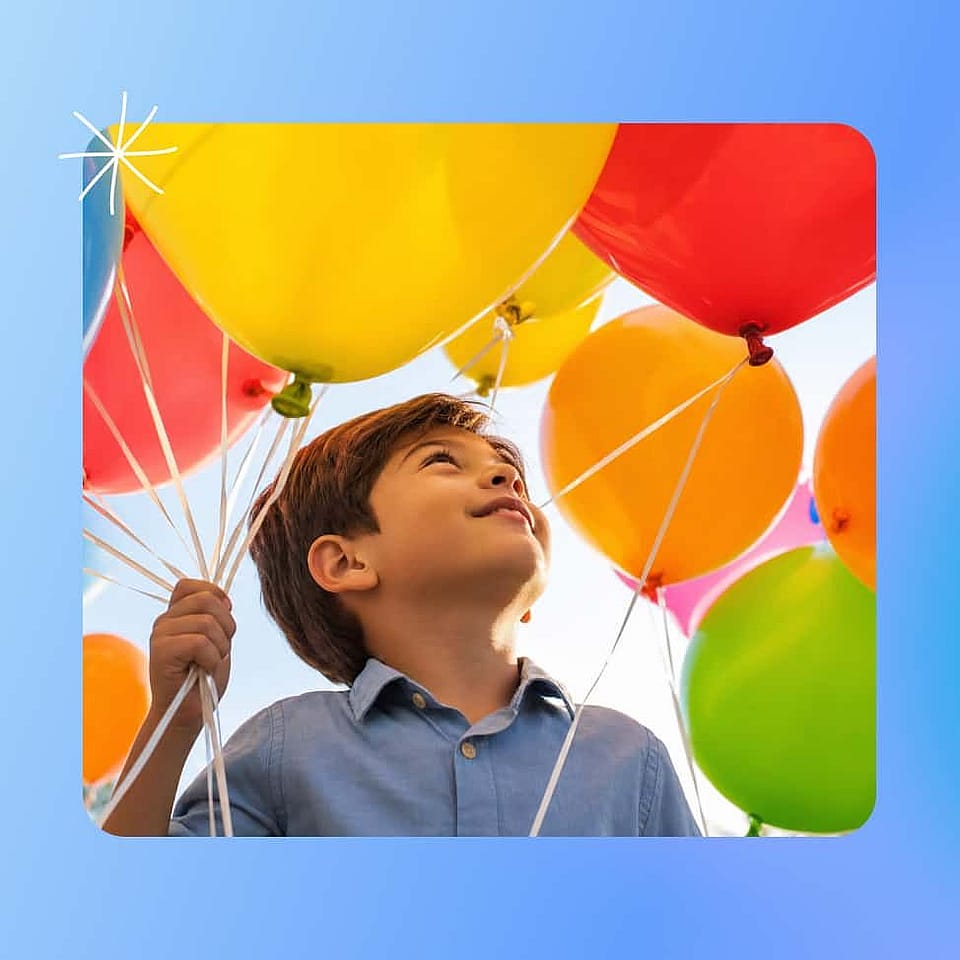
Sube tu foto
Elige una imagen nítida y de alta calidad con un sujeto bien definido y abre el generador de imagen a vídeo con IA. Las fotos nítidas y sin desenfoque le dan al modelo más detalle con el que trabajar y producen el movimiento más limpio.
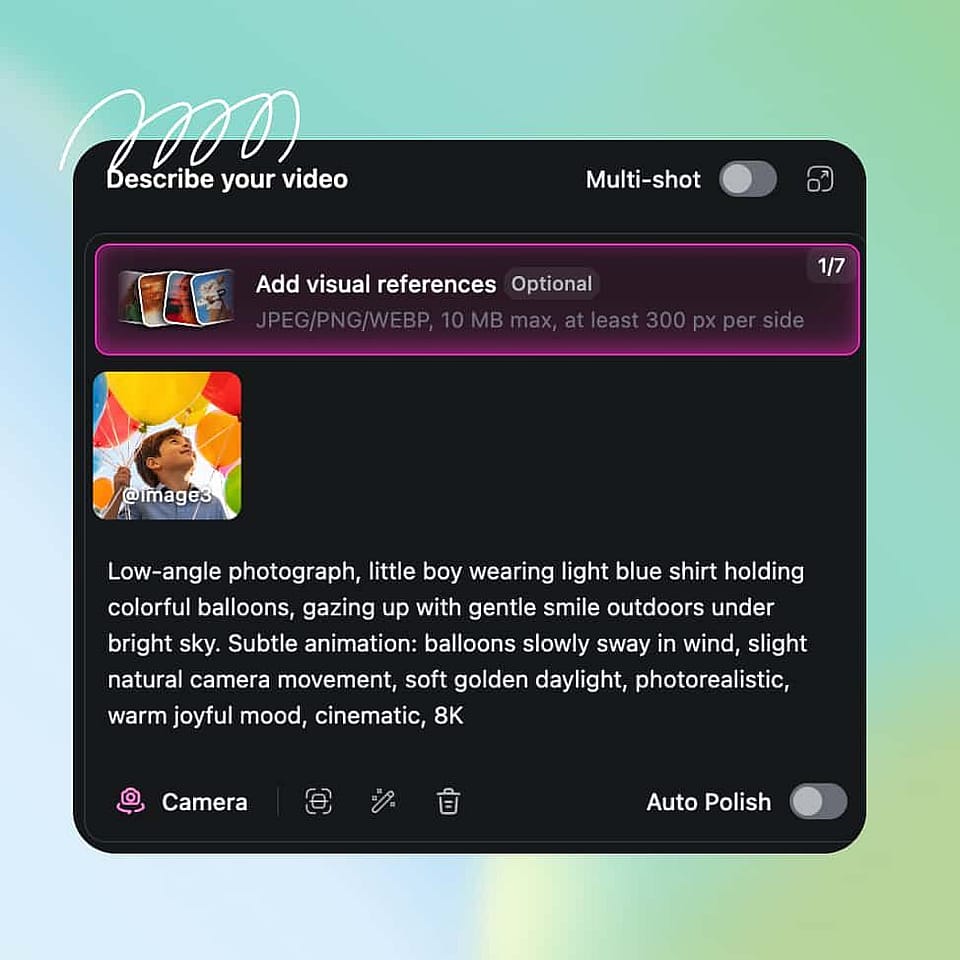
Describe la escena
Escribe un prompt breve con el movimiento de cámara y la acción que quieres, luego elige el modelo, la duración, la relación de aspecto y la resolución. Activa Auto-Polish Prompt si quieres que OpenArt pula tu descripción por ti.
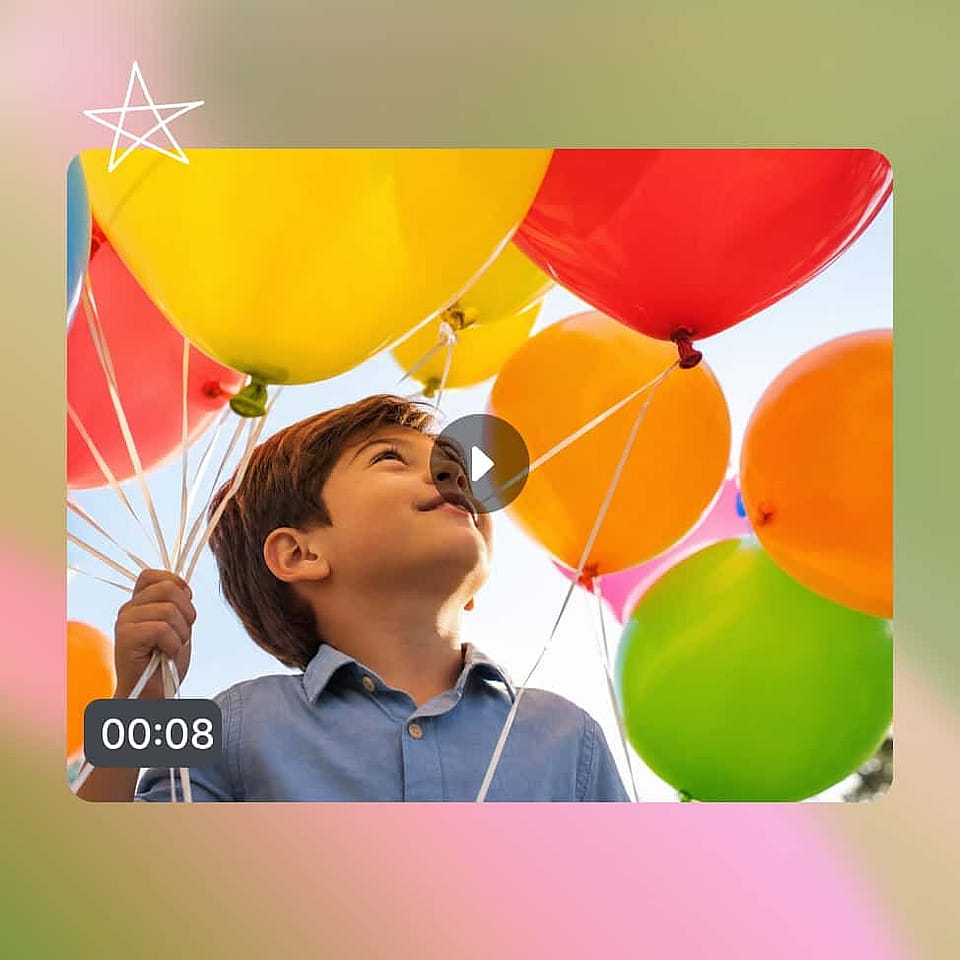
Generar y descargar
Genera el clip, revisa el movimiento y ajusta tu prompt o la configuración para acercarte a la toma que quieres. Cuando el movimiento esté bien, amplía o mejora la resolución del vídeo y expórtalo para tu plataforma.
Mejores usos de la herramienta de imagen a vídeo con IA
El generador de Imagen a Vídeo con IA se adapta a una gran variedad de creadores y equipos.
Convierte fotos de producto en anuncios
Los vendedores y responsables de marketing de comercio electrónico pueden animar la foto de un solo producto para convertirla en un breve anuncio que muestra el artículo en movimiento. En lugar de reservar una sesión de fotos, generas un clip animado que resalta el producto y encaja directamente en una campaña social o de pago. Así resulta fácil probar rápidamente varios ángulos del mismo producto.
Pruébalo ahoraAnima retratos y recuerdos
Da vida a fotos familiares, retratos y viejas imágenes con un movimiento suave y natural. Puedes añadir un zoom sutil o un ligero deslizamiento de cámara que convierte un recuerdo estático en un clip corto digno de compartir. Es una forma sencilla de hacer que las fotos personales resulten cinematográficas sin necesidad de saber editar.
Pruébalo ahoraDa vida a ilustraciones y arte
Artistas, ilustradores y diseñadores pueden animar sus obras, diseños de personajes y piezas conceptuales para convertirlos en escaparates en movimiento. La IA añade movimiento manteniendo el aspecto de tu imagen original, así que tu estilo se conserva intacto. El arte animado destaca en un portafolio y en las redes mucho más que una imagen plana.
Pruébalo ahoraCrea clips sociales y UGC a gran escala
Los creadores de contenido y los equipos de redes pueden convertir una biblioteca de fotos en un flujo constante de vídeos cortos para TikTok, Reels y Shorts. Como cada clip tarda minutos, puedes mantener un calendario de publicaciones activo sin grabar material nuevo cada semana. Después usa el Flujo de trabajo de IA de vídeo a vídeo para reestilizar esos clips y darles un aspecto nuevo.
Pruébalo ahoraPreguntas frecuentes Preguntas
Un generador de imagen a vídeo con IA es una herramienta que convierte una foto fija en un vídeo en movimiento. Subes una imagen y la IA añade movimiento, movimientos de cámara y efectos cinematográficos de forma automática, así que consigues un clip de vídeo sin grabar ni editar nada tú mismo.
La mayoría de los clips se generan en unos minutos, según el modelo que elijas, la resolución y la demanda del momento. La salida Rápida devuelve borradores al instante, mientras que la salida de Calidad tarda un poco más para lograr un vídeo final más pulido.
Sí. Tu prompt controla tanto el movimiento de cámara como la acción del sujeto, así que puedes pedir un zoom lento, un paneo, un plano de seguimiento o un sujeto que se desplaza por el encuadre. Cuanto más específicos sean los prompts, más control tendrás sobre el plano final.
El mejor modelo de imagen a vídeo depende de la toma que quieras. En OpenArt, Seedance 2.5 y Wan 3.0 crean las tomas individuales más largas, de hasta 30 segundos. Kling 3.0 y Veo 3.1 llegan hasta 4K con sonido sincronizado. MiniMax H3 genera vídeo nítido en 2K, y PixVerse V6 es una opción económica con movimiento de cámara fluido. Prueba la misma foto en dos modelos y quédate con el mejor vídeo.
Sí. En OpenArt, Seedance 2.5, Veo 3.1, Kling 3.0, Wan 3.0, Gemini Omni Flash y Grok Imagine 1.5 generan sonido en la misma creación que el vídeo. El sonido encaja con la imagen, como las olas en una foto de playa o el tráfico en una foto de calle. También puedes añadir después cualquier sonido que describas con la herramienta Añadir efecto de sonido.
Sube tu foto al generador de IA de imagen a vídeo de OpenArt, escribe un prompt breve describiendo el movimiento de cámara y la acción que quieres, elige tus ajustes y genera. La IA anima tu imagen en un vídeo en cuestión de minutos, y puedes afinar el prompt para ajustar el movimiento.
Puedes generar clips de hasta 15 segundos en la mayoría de los modelos y de hasta 30 segundos en los modelos más nuevos y potentes. Además, puedes usar Extender vídeo para prolongar un plano más de 10 segundos y crear una secuencia más larga. Es suficiente para publicaciones en redes, anuncios y presentaciones breves.
Puedes generar en todas las relaciones de aspecto estándar y hasta resolución 4K en los modelos compatibles, con 1080p como valor predeterminado. Eso significa que puedes exportar el formato adecuado para TikTok, Reels, YouTube o un anuncio horizontal sin edición adicional.
Sí. El generador de imagen a vídeo de OpenArt te permite subir una foto inicial y una foto final, y la IA crea el movimiento entre ambas. Usa el control del primer y último fotograma para revelar un producto, un antes y después o un cambio de día a noche. Funciona con modelos como Seedance 2.5, Kling 3.0, Veo 3.1, Wan 3.0 y PixVerse V6.
Un buen prompt de imagen a vídeo describe una sola toma: qué hace el sujeto, cómo se mueve la cámara, el ritmo y cómo termina la toma. Por ejemplo: «La cámara rodea lentamente la zapatilla mientras cae la lluvia a su alrededor. Calmado y lento. Termina en el logotipo». Centra el prompt en el movimiento, porque la IA ya ve lo que hay en tu foto.
Consigue consejos de expertos en el blog
Consigue la información que necesitas. Nuestros expertos comparten trucos prácticos, analizan los temas más candentes y ofrecen guías esenciales para ayudarte a crear, optimizar y escalar.
Leer más