AI 图像
生成器
用 OpenArt 的 AI 图像生成器,把任何灵感变成惊艳图像。从文字 prompt 或参考照片创作图像,几秒钟内生成从逼真人物到动漫画作、产品图像和营销视觉的一切内容。
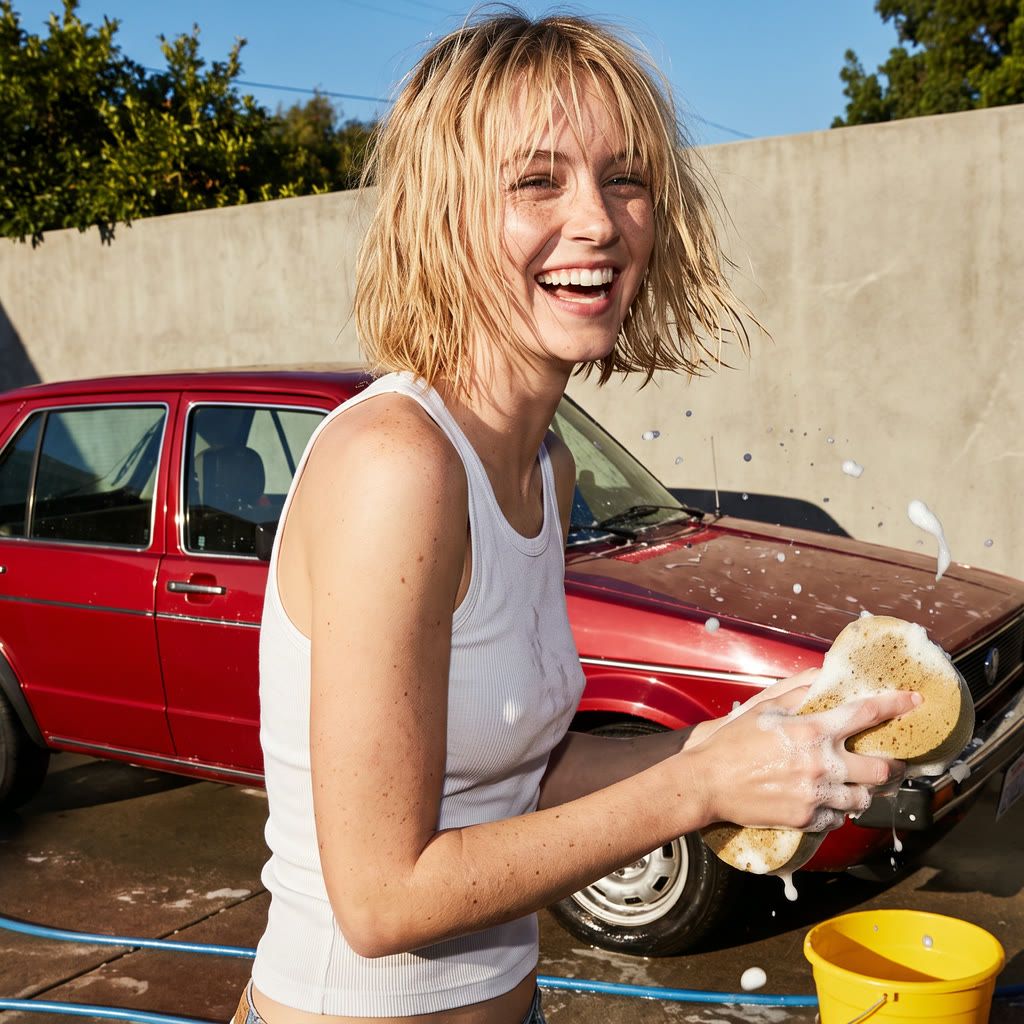
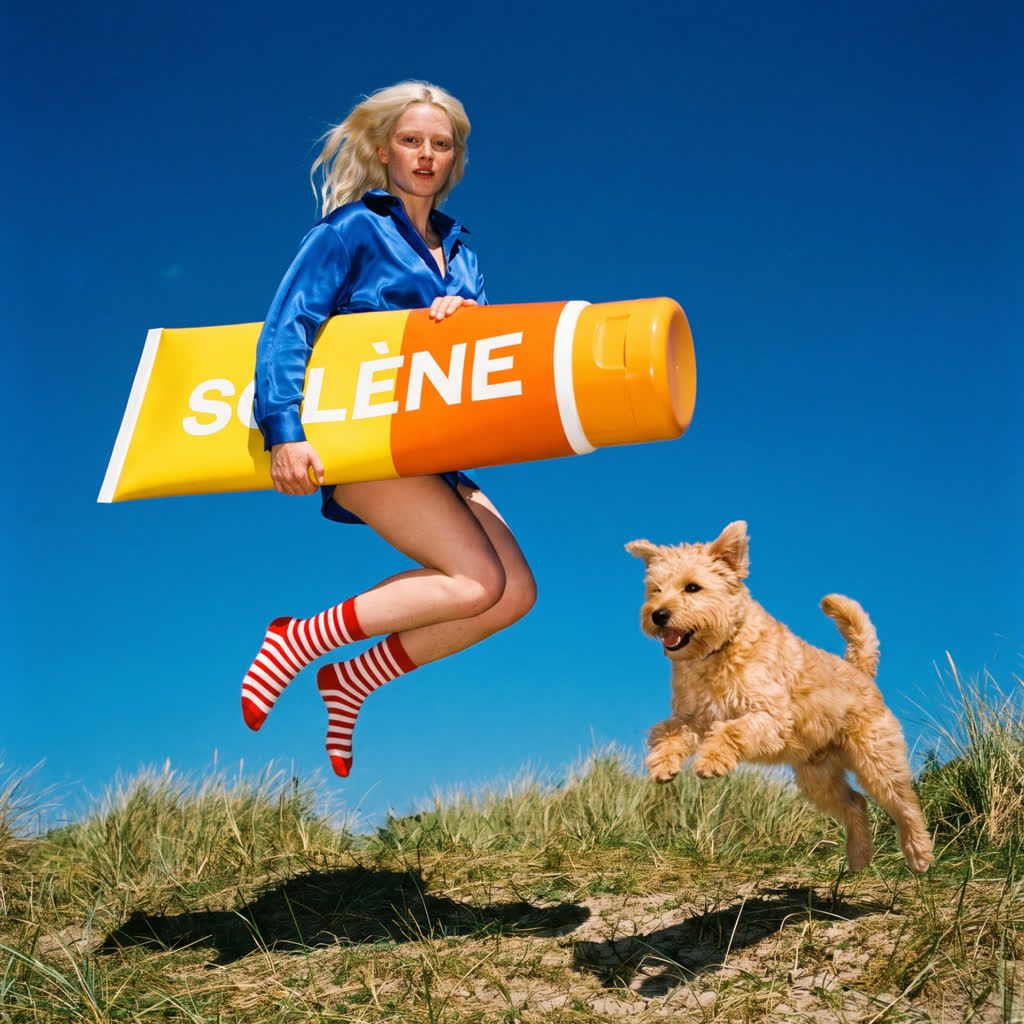
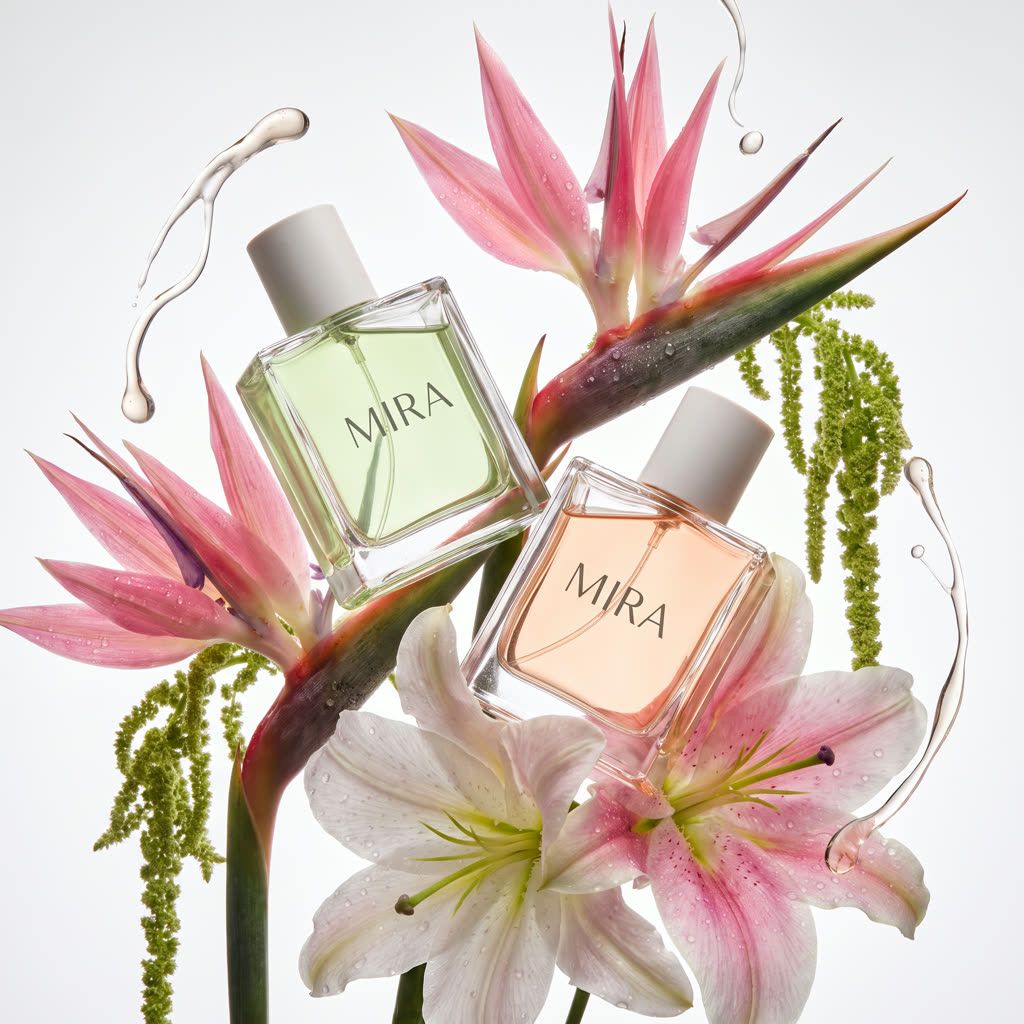
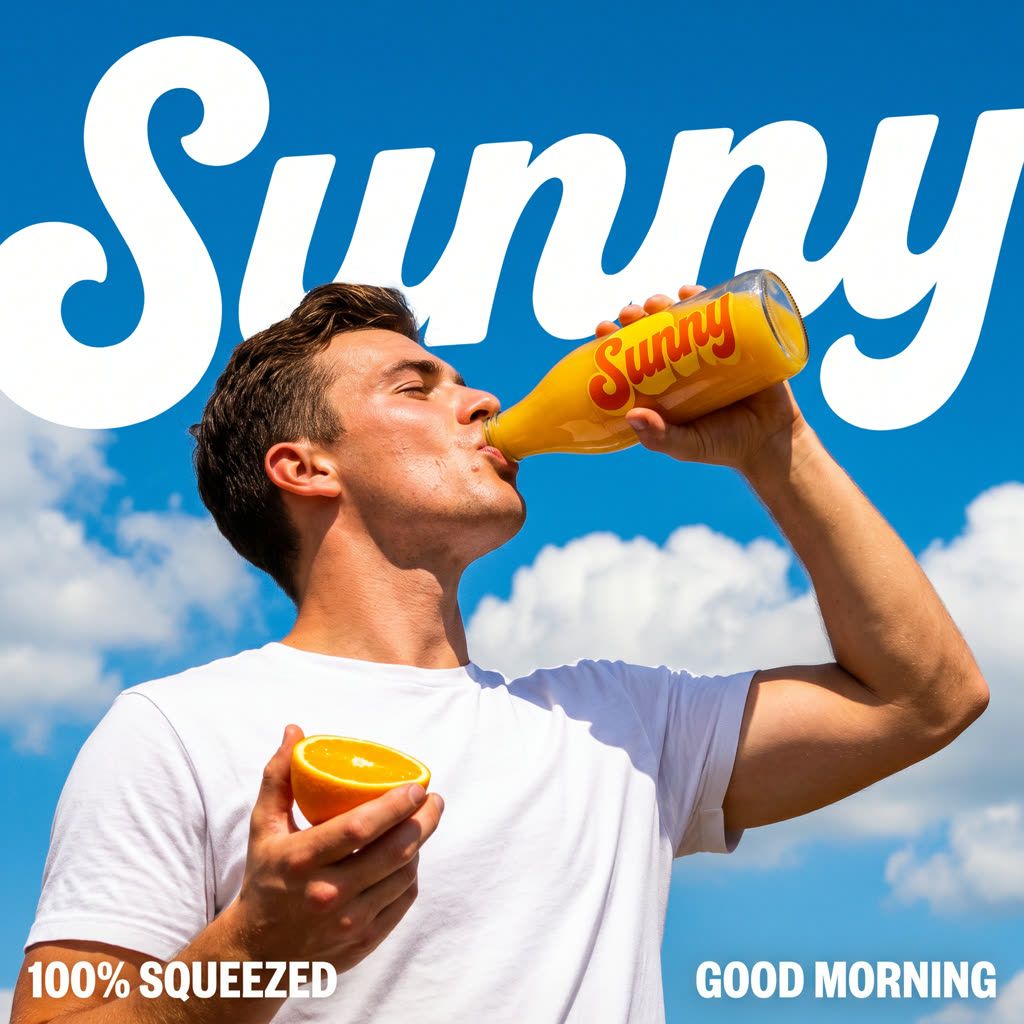
探索 AI 图像示例和 prompt
看看营销人员、设计师和创作者用 OpenArt 的 AI 图像生成器都做出了什么。浏览用于逼真人像、产品样机、动漫画作和海报的文生图 prompt,试用一个 prompt,或写下你自己的。

促销横幅 A wide 16:9 e-commerce promotional web banner for a sunscreen brand called "AIRVEIL". Right half: product shot on the white wooden deck of a sailing yacht at sea, white sail, mast and ropes behind. A large white squeeze tube with a light-blue cap labelled "AIRVEIL WATERY ESSENCE SUNSCREEN SPF 50 PA++++", a smaller matching tube labelled "AIRVEIL MILD TONE-UP SUNSCREEN SPF 50 PA++++" and a short mint-green stick labelled "AIRVEIL AIRY SUN STICK SPF 50", each with thin blue wave lines on the packaging; beside them a folded blue-and-white striped beach towel and a white straw sun hat with a pale-blue ribbon. Left half: soft-focus bright blue sky with fluffy white clouds over a sparkling sea with bokeh highlights, overlaid with clean cornflower-blue typography: huge rounded sans-serif headline "Sun-ready", below it a white pill-shaped tag with dark navy text "Lightweight SPF 50 for every day out", then small "UP TO" above a very large "40% OFF", a solid cornflower-blue rounded button with white text "Shop sun care", and a widely letter-spaced wordmark "AIRVEIL" at the bottom. Airy, fresh summer mood, high-key natural sunlight, shallow depth of field, premium skincare advertising, 16:9.
立即试用 →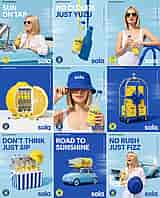
广告创意(同一产品的多个广告版本) A 3x3 grid of nine vertical social media ad posters for a yuzu sparkling tonic brand called "sola", one consistent campaign system, thin white gutters between tiles, 4:5 overall. Palette: sky blue, cobalt blue, lemon yellow and white; clean art-directed summer advertising. Every tile has small black text "[25] SOLA YUZU [330 ML]" top-left, tiny vertical text "YUZU SPARKLING TONIC" along the right edge, a round "FRESH YUZU" badge with a yuzu icon bottom-left and a large bold lowercase "sola" wordmark bottom-right. The product is a clear glass bottle of pale cloudy yuzu soda with a cobalt-blue cap and a yellow label reading "sola" with a yuzu-slice illustration. Tiles left to right, top to bottom: (1) sky blue, white headline "SUN ON TAP", smiling blonde bob-haired woman in sunglasses and a white linen shirt sipping the bottle through a yellow straw while leaning out of a pale-blue vintage convertible; (2) sky blue, headline "NO CLOUDS" in white and "JUST YUZU" in cobalt, a sola bottle hanging from a yellow ribbon casting a long cobalt shadow; (3) sky blue, blonde bob woman in yellow sunglasses and a white swimsuit holding the bottle, arm on a blue pool ladder rail; (4) cobalt background on a white floor, a giant halved lemon opened like a mini fridge stocked with rows of sola bottles, a few bottles spilled on the floor; (5) sky blue, close-up of a blonde woman pulling a cobalt bucket hat printed "sola" down over her eyes, holding the bottle; (6) cobalt, a chrome hotel luggage cart stacked with yellow "SOLA" crates tied with a big cobalt satin bow; (7) sky blue, cobalt headline "DON'T THINK JUST SIP", a cobalt-and-white striped cooler full of ice and sola bottles with a yellow sola bucket hat on top; (8) cobalt, white headline "ROAD TO SUNSHINE", a pale-blue Fiat 500 with a giant sola bottle and a folded yellow umbrella strapped to its roof; (9) sky blue, cobalt headline "NO RUSH JUST FIZZ", a laughing blonde woman in white holding the bottle and a cobalt bucket hat in front of a pale-blue vintage Mustang convertible, a swirl of golden light trails. Heavy bold geometric sans-serif headlines, soft motion-blurred sky backgrounds, bright high-key sunlight, crisp commercial photography.
立即试用 →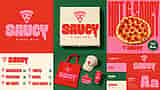
Logo 和品牌视觉 A 16:9 brand identity presentation board for a pizza restaurant called "SAUCY PIZZA BAR", laid out as a 3x2 grid of flat panels with no gutters. Brand palette: tomato red #E8382B, bubblegum pink #FF8FC0, basil green #1E5E3A and cream #FFF1DF. Logo: a pink pizza-slice icon with three round pepperoni holes above the word "SAUCY" in a chunky, heavy, rounded display typeface whose letters drip like sauce (the Y has a long drip), with "PIZZA BAR" in widely spaced small caps below. Panels: (1) top-left, solid tomato-red panel with the pink logo centred; (2) top-middle, basil-green surface with an overhead shot of a cream cardboard pizza box printed with the logo in red and pink; (3) top-right, pink poster with giant ultra-condensed red letters "HOT & SAUCY" filling the background behind a whole pepperoni pizza, the logo at the bottom and a dark-green starburst badge "OPEN TILL 2AM"; (4) bottom-left, cream menu panel with the logo and a two-column menu in red condensed type with pink slice bullets and green prices: "MARGHERITA 14", "PEPPERONI 16", "HOT HONEY 17", "TRUFFLE 19", "VODKA 17", "GREEN GODDESS 18"; (5) bottom-middle, basil-green surface with merch flat lay: a red canvas tote bag with the pink logo, a cream baseball cap with a red slice icon, a pink die-cut logo sticker and a red paper cup with the logo; (6) bottom-right, colour palette swatches labelled "TOMATO #E8382B", "PINK #FF8FC0", "BASIL #1E5E3A", "CREAM #FFF1DF" next to a red panel with the pink logo, a type specimen "SAUCY DISPLAY" with a huge pink "Aa" and small caption "A chunky, bold custom display type with playful curves and a saucy personality." Flat, bold, playful graphic design, crisp product photography with soft shadows, 16:9.
立即试用 →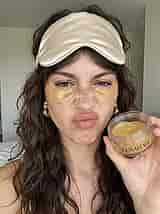
UGC 风格广告图 Authentic iPhone front-camera selfie in UGC skincare-review style, 3:4 vertical. A young woman in her mid-20s with long voluminous dark-brown curly hair and curtain bangs, light olive skin with natural freckles across her nose and cheeks, brown eyes, visible pores and real skin texture, no retouching. A champagne-gold satin sleep mask is pushed up onto her forehead and two translucent gold hydrogel under-eye patches sit under her eyes. Playful, goofy expression: nose scrunched, lips pushed into an exaggerated pout, looking straight into the lens. Chunky gold twisted hoop earrings. Her right hand holds an open clear plastic jar of gold eye patches up close to the camera, the jar labelled "LUMIÈRE" in an elegant black serif font. Background: a soft, slightly blurred, minimal bright bedroom with white walls and a white bed, flat natural morning window light. Slight smartphone wide-angle distortion, casual unposed framing, candid, realistic, shot on iPhone, 3:4.
立即试用 →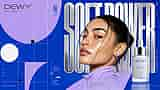
海报与平面设计 A 16:9 editorial beauty campaign poster for a skincare brand "DEWY", Swiss-style graphic design meets glossy beauty photography. Background cobalt blue with large lavender geometric shapes (a big quarter circle top-left, half-circles and arcs bottom-left), a thin white grid of lines, a solid white circle, two small black squares and crosshair registration marks. Top-left: black thin geometric logo "DEWY™" with tagline "SKIN IS POWER" in spaced caps. Small blue text "ISSUE 06 GLOW ERA" with a large condensed "06". Left side small white labels "A1 B2 C3", "SKIN / SYSTEM 06", copy "Glow is your edge. Lead with it.", a small black-to-white grayscale swatch bar and "Hydrate. Plump. Illuminate." Right side: huge ultra-condensed 3D polished chrome letters "SOFT POWER" spanning the height behind the model. Model: a young woman with tan skin, freckles, dark hair slicked back into a low bun with a few loose wispy strands across her face, glowing dewy highlighted skin, glossy nude lips, thick brushed brows, small silver hoop earring, wearing a lavender textured high-neck top, three-quarter turn looking over her shoulder at the camera. Bottom-right: a frosted-glass dropper bottle with a silver collar and white bulb, printed "DEWY GLOW SERUM SERUM ÉCLAT" with a small sparkle icon and "30 ML ⊝ 1.0 FL OZ", with a lens-flare twinkle. Top-right "20 26" and three "+" marks, vertical text "GLOW SERUM · 30 ML · 29 USD" on the right edge, underlined white "SHOP THE DROP" with a long arrow at bottom-right. High-end studio beauty lighting, crisp, 16:9.
立即试用 →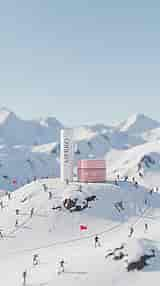
季节性营销视觉 Whimsical tilt-shift miniature product advertisement in a winter alpine setting, 9:16 vertical. Two oversized lip-care products stand on top of a rounded snowy hill like giant monuments: a tall matte white lip balm tube printed vertically with "MERRO" and small "LIP BALM" in a thin grey serif font, and a glossy pastel-pink jar with a pink lid printed "MERRO" in white serif with "LIP MASK" underneath. Dozens of tiny miniature skiers and snowboarders in colourful jackets ride down the groomed slope around the products, with red slalom flags, curving ski tracks and a few dark rock outcrops poking through the snow. Behind, majestic snow-capped mountain ranges under a clear pale-blue sky, gentle falling snowflakes. The upper half of the frame is empty sky for copy space. Tilt-shift diorama look, shallow depth of field, soft bright daylight, clean premium beauty campaign, photorealistic 3D render, 9:16.
立即试用 →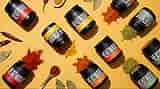
包装与样机 Overhead flat-lay packaging photograph of a spice brand "HEATWAVE" on a solid warm mustard-yellow background, 16:9. About ten matte black cylindrical jars with black screw lids are arranged in diagonal rows, some lying on their sides with spice powder spilling out of the open mouths. Each jar has a bold white ultra-condensed sans-serif "HEATWAVE" printed vertically and a colour-coded band label: red, yellow, orange or sage green. Spilled piles of red paprika, bright turmeric yellow, orange chili powder and green herb powder. Props: dried red chili peppers, dried bay leaves, a wooden-handled ceramic spoon filled with red paprika and a small white dish of turmeric. Hard direct studio light with crisp drop shadows, saturated colours, clean modern packaging design, commercial product photography, 16:9.
立即试用 →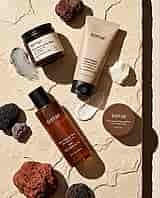
产品照片与模特拍摄 Overhead flat-lay product photograph of a volcanic-clay skincare line called "terrae", 4:5 vertical. Products lie on a pale beige cracked limestone slab under hard direct sunlight with crisp long diagonal shadows; the slab's right edge drops into a dark brown shadow strip with a pale blush-pink background beyond. Products: an amber glass jar with a black ribbed lid and cream label "terrae Pore Clearing Clay Mask with Volcanic Clay Wash Off Mask PORE CLEARING SOLUTION 100 mL" with a small pebble illustration; a matte beige squeeze tube with a black flip cap "terrae Pore Clearing Facial Foam with Volcanic Clay Cleansing Foam PORE CLEARING SOLUTION 150 mL / 5.07 Fl. Oz."; a tall amber bottle with a black cap and white print "terrae Pore Clearing Toner with Volcanic Clay Toner PORE CLEARING SOLUTION 6.76 Fl. Oz. / 200 mL"; a round brown tin "terrae Pore Clearing Cleansing Balm with Volcanic Clay Net Wt. 80 g". Texture swatches: a smear of grey clay mask, a chunk of white balm, a smear of white scrub with brown speckles and two clear liquid droplets. Props: porous volcanic rocks — red lava rock, black pumice and a purple stone. Minimalist lowercase serif branding, earthy neutral palette, editorial beauty still life, sharp focus, 4:5.
立即试用 →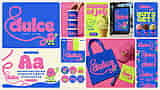
菜单、标签、贴纸与周边 A 16:9 brand identity mood board for a gelato shop called "dulce", bento-style grid of rounded-corner panels on an off-white background. Palette: cobalt blue #2F5BEA, bubblegum pink, acid lime green and cream. Logo: "dulce" in a chunky bubbly rounded pink typeface whose "d" starts from a long looping pink script line, with "GELATO · EST. 2026" in small spaced caps. Mascot: a cute retro cartoon pink ice-cream scoop with a smiley face, a lime waffle-cone body, lime gloves and shoes, waving. Panels: (1) large cobalt panel with the pink logo, looping line and waving mascot; (2) pink panel with a hand stacking three cobalt gelato tubs printed with the logo; (3) lime poster "scoop of joy" in pink bubble letters with a line-art mascot walking and a pistachio gelato waffle cone, a small "dulce" pill logo; (4) a cobalt logo poster in a city bus-shelter billboard with palm trees, text "GELATO · NOW OPEN"; (5) cobalt poster "BUY 2 GET 1" in lime bubble letters, "dulce · THIS WEEKEND", three gelato cones (strawberry, chocolate, pistachio) in cobalt sleeves; (6) cream typography panel with blue tag "TYPOGRAPHY", a huge pink "Aa", the full alphabet "ABCDEFGHIJKLMNOPQRSTUVWXYZ" and "0123456789" in cobalt, the mascot waving and a pink pill "SWEET VIBES"; (7) colour palette swatches with hex codes above a small cobalt logo card; (8) six circular stickers with mascot poses and the logo; (9) pink surface merch flat lay: cobalt tote bag with the logo, pink baseball cap with the mascot, cobalt plastic spoon and lime napkin; (10) tall cobalt panel with a repeating logo-and-mascot pattern. Playful flat Y2K graphic design, clean product mockup photography, 16:9.
立即试用 →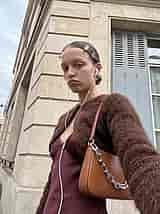
生活方式照片 Candid low-angle iPhone front-camera selfie, street-style lifestyle photo, 3:4 vertical. A young white woman with fair skin and a small beauty mark, light brown hair slicked back with a centre part into a low bun, several silver snap clips in her hair, silver ear cuffs and earrings, white wired earphones in her ears with the cable hanging down, unimpressed pouty bored expression looking down at the camera. Outfit: a fuzzy chocolate-brown mohair cropped cardigan over a burgundy satin slip dress, a tan leather shoulder bag with a chunky silver chain strap. Her arm is extended out of frame holding the phone. Background: the corner of a classic Parisian Haussmann limestone building with grey-blue louvered wooden shutters, overcast white sky, shot from below with slight wide-angle distortion. Soft diffused daylight, natural skin texture, unedited Instagram story aesthetic, 3:4.
立即试用 →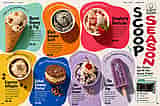
信息图 Colourful magazine double-page spread infographic about ice cream, 3:2 landscape. Cream paper background, header "LOCAL FLAVORS • ISSUE 32" top-left and "SWEET FINDS • SUMMER 2024" top-right, page numbers "48" and "49". Seven organic blob-shaped colour panels each with an overhead food photo, a curved handwritten-script tagline, a bold condensed black title, a short serif description and a price: teal "Burnt Honey & Fig" waffle cone, "made fresh every morning!", "Caramelized honey swirled with jammy figs and a pinch of sea salt in a creamy base of milk and cream.", "$6.50"; orange "Black Sesame Swirl" in a white cup, "toasted, nutty, totally dreamy!", "Toasted black sesame ice cream ribboned with black tahini ripple and crunchy sesame brittle for the perfect bite.", "$6.00"; red "Strawberry Shortcake" bowl with a fresh strawberry, "shortcake dreams come true!", "Sweet cream ice cream with bright strawberry swirls and buttery shortcake crumbles in every scoop.", "$6.50"; yellow "Espresso Affogato" with coffee beans, "hot espresso, cold bliss!", "A scoop of vanilla bean ice cream "drowned" in bold espresso. Simple, classic, and absolutely unbeatable.", "$5.50"; cobalt "Salted Caramel Pretzel" ice cream cookie sandwich with pretzels, "sweet, salty, perfectly balanced!", "Salted caramel ice cream with crunchy pretzel pieces sandwiched between chewy chocolate cookies.", "$7.00"; lavender "Ube Coconut Sundae" with a cherry and toasted coconut, "tropical vibes, in every bite!", "Ube ice cream, toasted coconut, and coconut condensed milk topped with whipped cream and a cherry.", "$7.00"; lavender "Ube Coconut Pop" purple popsicle with coconut flakes, "creamy, dreamy, and dairy-free!", "Creamy ube and coconut milk in a refreshing popsicle that's naturally dairy-free.", "$5.50". Right side: huge vertical brush-lettered "SCOOP" in black and "SEASON" in hot pink, a "SCOOP THEORY" logo with a line-drawn ice-cream cone, handwritten "Six flavors worth the brain freeze" with a green underline, and a teal-bordered "DATA" box with a shopfront photo of "SCOOP THEORY" and icons: "Scoop Theory", "77 Bay St", "Daily 12–10pm", "@scooptheory". Bright overhead food photography with hard shadows, playful editorial layout, 3:2.
立即试用 →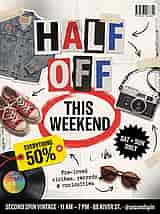
海报与传单 Retro punk zine-style sale flyer for a vintage store, 3:4 vertical. Off-white crumpled newsprint paper background with black halftone dot textures, torn paper edges, photocopy grain and strips of beige masking tape. Headline "HALF OFF" in ransom-note style cut-out letters, each letter on its own torn paper tile in black, red, blue and white with halftone patterns. Below it "THIS WEEKEND" in heavy bold black condensed sans-serif, circled by a rough red brushstroke ellipse. A bright yellow price tag with a red string reading "EVERYTHING 50%", a black starburst badge with white text "SAT + SUN ONLY", and typewriter-font text "Pre-loved clothes, records & curiosities". Cut-out photo stickers with white borders: a faded denim trucker jacket with enamel pins (top-left), worn red Converse high-top sneakers (left), a vintage silver rangefinder film camera with strap (right), round tortoiseshell sunglasses (bottom-right) and a black vinyl record with a rainbow label (bottom-left). Hand-drawn black arrows pointing around, a barcode sticker top-right. A black bottom bar with white condensed text "SECOND SPIN VINTAGE · 11 AM – 7 PM · 88 RIVER ST. · @secondspin". Collage graphic design, 3:4.
立即试用 →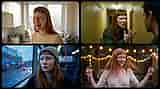
角色(同一角色跨场景) A 16:9 character-consistency film still grid: four rounded-corner 16:9 cinematic frames in a 2x2 layout on a near-black background, all showing the same young woman — very pale skin with light freckles, long straight copper-red hair with short blunt micro bangs. (1) Top-left: in a small bright British kitchen with a backlit window, kettle and dish rack, wearing a cream waffle-knit sweater, laughing with her mouth open, a dab of white flour on her nose and cheek. (2) Top-right: in a narrow yellow-painted apartment hallway lit by a fluorescent tube, wearing a dark green jacket, furious, shouting and gesturing with an open hand at a dark-haired man seen from behind in the right foreground. (3) Bottom-left: sitting on a city bus at dusk wearing a grey-green knit beanie and black top, a single tear on her cheek, staring sadly, rain-streaked window with blurred blue and red city lights, cold blue tone. (4) Bottom-right: dancing joyfully with eyes closed in a backyard at night under warm string lights, wearing a loose linen V-neck top, hair flying in motion. Naturalistic indie drama cinematography, 35mm film look, shallow depth of field, consistent face and hair across all frames, 16:9.
立即试用 →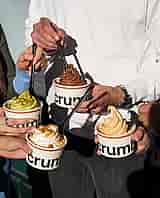
社交媒体帖子 Editorial lifestyle social media photo for a soft-serve brand "crumb", 4:5 vertical. Close crop of a group of friends' hands and torsos holding four cream paper cups of soft-serve, each cup with a thin terracotta stripe near the rim and the word "crumb" in bold black lowercase sans-serif. Flavours: pistachio-green soft serve topped with chopped pistachios, swirled chocolate topped with cacao nibs, vanilla topped with golden biscuit crumbs, and plain peach-caramel swirl. Black plastic spoons dug into the cups. Centre: a man in an oversized white crewneck sweatshirt and dark trousers wearing a silver steel wristwatch; at the edges a hand in a light-blue ribbed knit sleeve, an olive knit sweater, silver rings and natural manicured nails. Harsh direct afternoon sunlight with strong hard shadows, pale blue-grey wall behind, candid documentary flash-like look, slight film grain, 4:5.
立即试用 →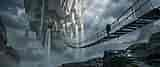
分镜与概念艺术 Epic cinematic fantasy concept art matte painting, ultra-wide 21:9. A massive floating rock island hangs over a misty abyss, a medieval stone monastery town with towers and warm glowing windows built into its overhanging white cliff face, several waterfalls pouring off its edges into fog. A long sagging rope suspension bridge with broken wooden planks stretches from wet dark rocky ledges in the right foreground toward the island; a lone traveler with a large trekking backpack walks across it, seen from behind. Dark dramatic storm clouds with god rays breaking through, a colossal sci-fi megastructure tower with thin glowing blue lines on the right, a dark pylon with blue energy beams and a distant bridge on the left. Moss on the rocks, atmospheric haze, desaturated cool grey-blue palette with warm window light, sense of scale, highly detailed digital painting, cinematic composition, 21:9.
立即试用 →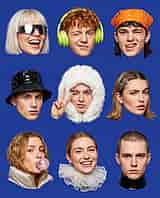
缩略图与轮播图 A 4:5 vertical 3x3 grid of nine cut-out head-and-shoulder portraits of stylish young white Gen-Z models, each cleanly cut out like a sticker with a soft drop shadow on a flat cobalt-blue background, bright even studio lighting, expressive faces. Row 1: a woman with a platinum-blonde bob and blunt bangs wearing futuristic chrome wraparound shield sunglasses, laughing with her mouth open; a young man with curly ginger hair wearing lime-green over-ear headphones, winking with a smirk; a young man with a dark mullet and an orange paisley bandana on his head, winking with his tongue out. Row 2: a young man in a glossy black vinyl bucket hat with a serious stare; a young man inside a fluffy white faux-fur hood, winking and making a peace sign; a woman with shoulder-length light-brown hair, a silver star hair clip and snap clips, an eyebrow piercing and ear piercings, raising one eyebrow skeptically. Row 3: a woman with wavy strawberry-blonde hair blowing a pink bubblegum bubble, in a beige puffer jacket collar; a woman with slicked-back hair smiling widely, wearing a white sheer organza ruffle collar; a young man with a buzz cut wearing a glossy black latex turtleneck, serious expression. Bold playful fashion editorial, high detail, 4:5.
立即试用 →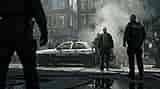
背景与场景 Cinematic action movie still, 16:9. A city street in New York right after an explosion: smoke billowing, burning debris and flames on the ground, a fire hose snaking across wet asphalt with puddle reflections. In the centre a rugged detective in a black overcoat, grey shirt and black tie walks toward camera beside a damaged white police cruiser with a blue stripe, the word "POLICE" on the door and a red-and-blue light bar. Police officers in navy tactical uniforms: one in the right foreground seen from behind with "POLICE" printed on his vest, another officer beside the detective, one at the far right, and a dark out-of-focus silhouetted officer with a holstered gun filling the left foreground. Red-brick apartment buildings with fire escapes and AC units behind, onlookers in the background. Hard low-angle sunlight with haze and volumetric smoke, desaturated teal-and-steel grade, gritty realistic crime-thriller look, anamorphic lens, 16:9.
立即试用 →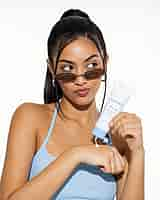
UGC 防晒模特拍摄 Bright studio beauty portrait for a sunscreen ad, 4:5 vertical, plain white seamless background. A young mixed-race woman with tan glowing skin, thick groomed dark brows and brown eyes, glossy black hair pulled into a sleek high ponytail with a few face-framing strands. Small oval silver wire-frame sunglasses with brown lenses slid down her nose, large chunky silver hoop earrings. Playful sassy expression: eyes glancing to the side, lips pursed into a pout. She wears a light-blue ribbed knit halter tank top. She holds a white sunscreen tube with a light-blue flip cap at an angle and squeezes a small dollop of white lotion onto the back of her other hand; the tube reads "AIRVEIL" in light-blue thin caps, "SPF 50" and small text "BROAD SPECTRUM PA++++ SUNSCREEN" and "50ml / 1.69 fl oz". Crisp high-key flash lighting, real skin texture, editorial UGC-meets-campaign beauty photography, 4:5.
立即试用 →
视频起始帧 Cinematic western fantasy film frame, 16:9. A lone woman rider seen from behind on a black horse at the edge of a desert canyon cliff at sunset. She wears a weathered wide-brim felt cowboy hat, a long dusty canvas duster coat with a shoulder cape, a long braid down her back, leather gloves, a revolver holster and spurs. Below, clouds of golden dust swirl through a vast red-rock canyon with layered mesas; on the right, a giant ancient moss-covered stone statue of a Greek Spartan warrior with a crested helmet rises from the canyon floor as if climbing out. Low golden-hour backlight with sun rays through the dust, warm orange and amber palette, epic scale, shallow depth of field, film still, 16:9.
立即试用 →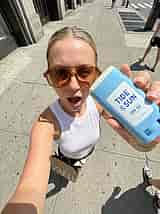
UGC 防晒棒自拍 Authentic UGC iPhone selfie taken with an ultra-wide 0.5x front camera from above on a sunny New York City sidewalk, 3:4 vertical. A young white woman with sleek slicked-back blonde hair in a centre part, slightly sweaty glowing skin, oversized amber-tinted aviator sunglasses, mouth open in an excited "oh!" expression, wearing a white ribbed racerback tank top, black pants, a thin gold necklace and a gold bracelet, a brown "ZARA" paper shopping bag hanging from her other hand. Her outstretched hand pushes a light-blue twist-up sunscreen stick toward the lens, big and close in the foreground, with its white top uncapped; the white label reads "TIDE & SUN" in bold blue caps with an ampersand and "SPF 50" with tiny "1 oz / 30 g". Grey concrete sidewalk with dark speckles, stone building facade with dark doors on the left, a crosswalk at the top, passers-by legs in sneakers at the edges. Harsh midday sun with hard shadows, wide-angle distortion, candid unfiltered TikTok aesthetic, 3:4.
立即试用 →
常驻角色 A 16:9 social media creator promo graphic on a clean white background. Seven vertical smartphone story frames fanned out in a slightly overlapping row, each with a red dot and "REC" top-left, "STORY" top-right, blue corner brackets and a white "STORY" pill at the bottom. All frames show the same young woman with long wavy honey-blonde hair, curtain bangs, light freckles and small gold hoop earrings, wearing a light-blue T-shirt: (1) laughing through a ring light holding a pink lip gloss; (2) street selfie on a sunny New York sidewalk holding an iced coffee; (3) surprised with her hand over her mouth holding a cardboard package; (4) centre and slightly larger, peeking around a white door frame making a peace sign; (5) in a kitchen wearing a cream tank top, tasting from a wooden spoon over an orange pot; (6) group selfie laughing with two friends; (7) close-up winking and pointing at the camera. Floating glossy 3D UI elements around the frames: a lime-green speech bubble "OBSESSED", lime and white hearts, lime and white sparkles, a pill "+12.4K" with two avatar circles, a light-blue speech bubble "PART 2 PLS", lime smiley faces, a cream speech bubble "PART 2 PLS", a pill "+12.4K" with a blue user icon, a light-blue speech bubble "she's back!!", a blue thumbs-up, a blue camera icon and a lime heart-eyes speech bubble. Bright natural photos, cobalt-blue and lime-green accents, playful 3D clay render style for the icons, 16:9.
立即试用 →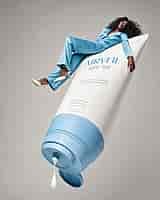
超现实巨型防晒霜广告 Surreal high-fashion sunscreen campaign, 4:5 vertical, plain light-grey studio background. A gigantic white squeeze tube floats diagonally across the frame, its light-blue flip cap open at the bottom-left with a thick drop of white lotion dripping out. The tube is printed in light-blue: a thin elegant wordmark "AIRVEIL", "SPF 50", "HYDRATING SUNSCREEN BROAD SPECTRUM SPF50", "UVA / UVB PROTECTION", "WEIGHTLESS FINISH", "FOR ALL SKIN TYPES" and "6.7 FL OZ / 200 ML", with a wide light-blue band at the base. A Black female model with dark skin and voluminous long curly black hair lounges on top of the tube, lying back with one arm draped over the side, wearing a light-blue satin blazer and wide-leg satin trousers, white pointed kitten-heel mules and round dark sunglasses, cool and relaxed. Soft studio lighting, clean shadows, oversized-product surrealism, minimal editorial advertising, photorealistic, 4:5.
立即试用 →
头像与证件照 A 16:9 profile-picture collage: eleven circular avatar crops of different colours scattered on a dark charcoal-black textured background, some circles cropped by the frame edges, studio fashion portraits with bold solid colour backdrops. Centre and largest: a hot-pink circle with a young white man with a short pink-dyed buzz cut, a navy-and-cream varsity jacket, a silver chain and an earring, smirking at the camera. Around it: a mint-green circle with an East Asian woman with green eyeliner, a low ponytail and a green jacket; a lilac circle with a young Black man in a red varsity jacket; a light-blue circle with a Black woman with long box braids in a white blazer; a peach circle with a young Black man in an orange shirt holding a blue cloth, wearing a chain; a slate-blue circle with a woman in a rust-orange blazer shot from a low angle; a lime-green circle with a Black woman in profile with a high afro puff, white sunglasses and a glossy black top; a pale-yellow circle with a woman with a slick bun, dark rectangular sunglasses and a lace collar on a gingham top; a peach circle with a woman with dark hair and curtain bangs; a cobalt-blue circle with a black silhouette of a woman with a high afro puff in profile; an orange-to-lilac gradient circle with a woman with iridescent paint strokes on her face. Editorial fashion photography, vivid saturated colours, 16:9.
立即试用 →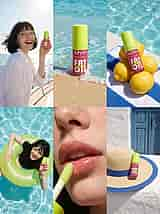
唇油夏日营销网格图 A 3x2 grid of six vertical summer campaign photos for a lip oil, 3:4 overall, no gutters. The product: a small rectangular bottle with a bright lime-green cap and a raspberry-pink body printed "NYX PROFESSIONAL MAKEUP" with a big white bubbly "FAT OIL" logo and a lime script "lip drip" over it, "0.16 fl. oz. / 4.8 ml". Panels: (1) top-left, a laughing young woman with a black bob with bangs and freckles, wind in her hair, in a white linen shirt on a yacht deck, holding up the bottle against the sparkling sea and sun flare; (2) top-middle, the bottle standing in wet golden sand as a turquoise wave foams around it; (3) top-right, the bottle propped on a pile of fresh lemons on a cobalt-and-white striped towel at the edge of a sunlit pool; (4) bottom-left, overhead shot of the same woman in a black T-shirt floating in a lime-green inflatable ring in a turquoise pool, smiling and holding the bottle; (5) bottom-middle, extreme macro close-up of glossy plump lips with water droplets and freckles on the nose, the lime-green doe-foot applicator touching the lower lip; (6) bottom-right, the bottle on a straw sun hat with a cobalt brim band, on a whitewashed Greek island wall in front of a weathered blue wooden door. Bright Mediterranean sunlight, vivid turquoise, lime and pink palette, glossy beauty campaign photography, 3:4.
立即试用 →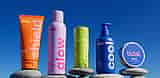
防晒产品系列 Bold colourful 3D product photography of a playful sunscreen brand called "tidal.", ultra-wide 2:1 banner. Five products stand in a row, each balanced on smooth grey river stones, against a clear gradient sky that goes from deep cobalt blue at the top to lighter blue at the bottom. Left to right: (1) a tangerine-orange squeeze tube standing on its cap, a pale-yellow "tidal." logo top-left, huge vertical pink lowercase word "shield" running up the tube, small text "tangerine squeeze", "complementary sunscreen", "50 ml / 1.2 fl oz"; (2) a tall lilac aluminium spray can with a lilac cap, magenta "tidal." logo, huge vertical hot-pink word "glow", small text "glow sunscreen", "30 ml / 1.5 fl oz"; (3) a lime-green twist-up sunscreen stick with a ribbed base, pink "tidal." logo, huge vertical pale-pink word "cool", small text "lime stick"; (4) a cobalt-blue pump bottle with a cobalt pump, pink "tidal." logo, huge vertical pale-pink word "cool", small text "cobalt pump", "20 ml / 1.6 fl oz"; (5) a round silver tin lying tilted with a cobalt lid printed with a large pink "tidal." logo and white text "tangerine sunscreen", "20 ml / 5 fl oz". Chunky rounded geometric sans-serif typography, matte soft-touch packaging, bright hard summer sunlight with crisp shadows, saturated Gen-Z colour palette of orange, lilac, lime, cobalt and pink, photorealistic 3D render, 2:1.
立即试用 →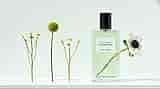
香水静物 Minimal luxury fragrance still life, 16:9 wide. A rectangular clear glass perfume bottle filled with pale green eau de toilette and a matte black cylindrical cap stands on the right on a white shelf, against a soft pale mint-green wall. A white letterpress paper label on the bottle reads "EAU DE TOILETTE", "FIGUIER VERT" in a larger elegant serif and "CASA VERDE" below. A white anemone flower with a dark navy centre rests diagonally behind the bottle, its green stem visible through the glass and its bloom poking out to the right. On the left, three single stems stand upright in a row like a botanical lineup: a sprig of small white chamomile daisies with yellow centres, a single green craspedia billy-button ball on a tall stem, and another sprig of chamomile daisies. Soft diffused daylight from the left with gentle shadows on the shelf, airy fresh green and white palette, lots of negative space, high-end editorial product photography, 16:9.
立即试用 → 促销横幅 A wide 16:9 e-commerce promotional web banner for a sunscreen brand called "AIRVEIL". Right half: product shot on the white wooden deck of a sailing yacht at sea, white sail, mast and ropes behind. A large white squeeze tube with a light-blue cap labelled "AIRVEIL WATERY ESSENCE SUNSCREEN SPF 50 PA++++", a smaller matching tube labelled "AIRVEIL MILD TONE-UP SUNSCREEN SPF 50 PA++++" and a short mint-green stick labelled "AIRVEIL AIRY SUN STICK SPF 50", each with thin blue wave lines on the packaging; beside them a folded blue-and-white striped beach towel and a white straw sun hat with a pale-blue ribbon. Left half: soft-focus bright blue sky with fluffy white clouds over a sparkling sea with bokeh highlights, overlaid with clean cornflower-blue typography: huge rounded sans-serif headline "Sun-ready", below it a white pill-shaped tag with dark navy text "Lightweight SPF 50 for every day out", then small "UP TO" above a very large "40% OFF", a solid cornflower-blue rounded button with white text "Shop sun care", and a widely letter-spaced wordmark "AIRVEIL" at the bottom. Airy, fresh summer mood, high-key natural sunlight, shallow depth of field, premium skincare advertising, 16:9.
立即试用 → 广告创意(同一产品的多个广告版本) A 3x3 grid of nine vertical social media ad posters for a yuzu sparkling tonic brand called "sola", one consistent campaign system, thin white gutters between tiles, 4:5 overall. Palette: sky blue, cobalt blue, lemon yellow and white; clean art-directed summer advertising. Every tile has small black text "[25] SOLA YUZU [330 ML]" top-left, tiny vertical text "YUZU SPARKLING TONIC" along the right edge, a round "FRESH YUZU" badge with a yuzu icon bottom-left and a large bold lowercase "sola" wordmark bottom-right. The product is a clear glass bottle of pale cloudy yuzu soda with a cobalt-blue cap and a yellow label reading "sola" with a yuzu-slice illustration. Tiles left to right, top to bottom: (1) sky blue, white headline "SUN ON TAP", smiling blonde bob-haired woman in sunglasses and a white linen shirt sipping the bottle through a yellow straw while leaning out of a pale-blue vintage convertible; (2) sky blue, headline "NO CLOUDS" in white and "JUST YUZU" in cobalt, a sola bottle hanging from a yellow ribbon casting a long cobalt shadow; (3) sky blue, blonde bob woman in yellow sunglasses and a white swimsuit holding the bottle, arm on a blue pool ladder rail; (4) cobalt background on a white floor, a giant halved lemon opened like a mini fridge stocked with rows of sola bottles, a few bottles spilled on the floor; (5) sky blue, close-up of a blonde woman pulling a cobalt bucket hat printed "sola" down over her eyes, holding the bottle; (6) cobalt, a chrome hotel luggage cart stacked with yellow "SOLA" crates tied with a big cobalt satin bow; (7) sky blue, cobalt headline "DON'T THINK JUST SIP", a cobalt-and-white striped cooler full of ice and sola bottles with a yellow sola bucket hat on top; (8) cobalt, white headline "ROAD TO SUNSHINE", a pale-blue Fiat 500 with a giant sola bottle and a folded yellow umbrella strapped to its roof; (9) sky blue, cobalt headline "NO RUSH JUST FIZZ", a laughing blonde woman in white holding the bottle and a cobalt bucket hat in front of a pale-blue vintage Mustang convertible, a swirl of golden light trails. Heavy bold geometric sans-serif headlines, soft motion-blurred sky backgrounds, bright high-key sunlight, crisp commercial photography.
立即试用 → Logo 和品牌视觉 A 16:9 brand identity presentation board for a pizza restaurant called "SAUCY PIZZA BAR", laid out as a 3x2 grid of flat panels with no gutters. Brand palette: tomato red #E8382B, bubblegum pink #FF8FC0, basil green #1E5E3A and cream #FFF1DF. Logo: a pink pizza-slice icon with three round pepperoni holes above the word "SAUCY" in a chunky, heavy, rounded display typeface whose letters drip like sauce (the Y has a long drip), with "PIZZA BAR" in widely spaced small caps below. Panels: (1) top-left, solid tomato-red panel with the pink logo centred; (2) top-middle, basil-green surface with an overhead shot of a cream cardboard pizza box printed with the logo in red and pink; (3) top-right, pink poster with giant ultra-condensed red letters "HOT & SAUCY" filling the background behind a whole pepperoni pizza, the logo at the bottom and a dark-green starburst badge "OPEN TILL 2AM"; (4) bottom-left, cream menu panel with the logo and a two-column menu in red condensed type with pink slice bullets and green prices: "MARGHERITA 14", "PEPPERONI 16", "HOT HONEY 17", "TRUFFLE 19", "VODKA 17", "GREEN GODDESS 18"; (5) bottom-middle, basil-green surface with merch flat lay: a red canvas tote bag with the pink logo, a cream baseball cap with a red slice icon, a pink die-cut logo sticker and a red paper cup with the logo; (6) bottom-right, colour palette swatches labelled "TOMATO #E8382B", "PINK #FF8FC0", "BASIL #1E5E3A", "CREAM #FFF1DF" next to a red panel with the pink logo, a type specimen "SAUCY DISPLAY" with a huge pink "Aa" and small caption "A chunky, bold custom display type with playful curves and a saucy personality." Flat, bold, playful graphic design, crisp product photography with soft shadows, 16:9.
立即试用 → UGC 风格广告图 Authentic iPhone front-camera selfie in UGC skincare-review style, 3:4 vertical. A young woman in her mid-20s with long voluminous dark-brown curly hair and curtain bangs, light olive skin with natural freckles across her nose and cheeks, brown eyes, visible pores and real skin texture, no retouching. A champagne-gold satin sleep mask is pushed up onto her forehead and two translucent gold hydrogel under-eye patches sit under her eyes. Playful, goofy expression: nose scrunched, lips pushed into an exaggerated pout, looking straight into the lens. Chunky gold twisted hoop earrings. Her right hand holds an open clear plastic jar of gold eye patches up close to the camera, the jar labelled "LUMIÈRE" in an elegant black serif font. Background: a soft, slightly blurred, minimal bright bedroom with white walls and a white bed, flat natural morning window light. Slight smartphone wide-angle distortion, casual unposed framing, candid, realistic, shot on iPhone, 3:4.
立即试用 → 海报与平面设计 A 16:9 editorial beauty campaign poster for a skincare brand "DEWY", Swiss-style graphic design meets glossy beauty photography. Background cobalt blue with large lavender geometric shapes (a big quarter circle top-left, half-circles and arcs bottom-left), a thin white grid of lines, a solid white circle, two small black squares and crosshair registration marks. Top-left: black thin geometric logo "DEWY™" with tagline "SKIN IS POWER" in spaced caps. Small blue text "ISSUE 06 GLOW ERA" with a large condensed "06". Left side small white labels "A1 B2 C3", "SKIN / SYSTEM 06", copy "Glow is your edge. Lead with it.", a small black-to-white grayscale swatch bar and "Hydrate. Plump. Illuminate." Right side: huge ultra-condensed 3D polished chrome letters "SOFT POWER" spanning the height behind the model. Model: a young woman with tan skin, freckles, dark hair slicked back into a low bun with a few loose wispy strands across her face, glowing dewy highlighted skin, glossy nude lips, thick brushed brows, small silver hoop earring, wearing a lavender textured high-neck top, three-quarter turn looking over her shoulder at the camera. Bottom-right: a frosted-glass dropper bottle with a silver collar and white bulb, printed "DEWY GLOW SERUM SERUM ÉCLAT" with a small sparkle icon and "30 ML ⊝ 1.0 FL OZ", with a lens-flare twinkle. Top-right "20 26" and three "+" marks, vertical text "GLOW SERUM · 30 ML · 29 USD" on the right edge, underlined white "SHOP THE DROP" with a long arrow at bottom-right. High-end studio beauty lighting, crisp, 16:9.
立即试用 → 季节性营销视觉 Whimsical tilt-shift miniature product advertisement in a winter alpine setting, 9:16 vertical. Two oversized lip-care products stand on top of a rounded snowy hill like giant monuments: a tall matte white lip balm tube printed vertically with "MERRO" and small "LIP BALM" in a thin grey serif font, and a glossy pastel-pink jar with a pink lid printed "MERRO" in white serif with "LIP MASK" underneath. Dozens of tiny miniature skiers and snowboarders in colourful jackets ride down the groomed slope around the products, with red slalom flags, curving ski tracks and a few dark rock outcrops poking through the snow. Behind, majestic snow-capped mountain ranges under a clear pale-blue sky, gentle falling snowflakes. The upper half of the frame is empty sky for copy space. Tilt-shift diorama look, shallow depth of field, soft bright daylight, clean premium beauty campaign, photorealistic 3D render, 9:16.
立即试用 → 包装与样机 Overhead flat-lay packaging photograph of a spice brand "HEATWAVE" on a solid warm mustard-yellow background, 16:9. About ten matte black cylindrical jars with black screw lids are arranged in diagonal rows, some lying on their sides with spice powder spilling out of the open mouths. Each jar has a bold white ultra-condensed sans-serif "HEATWAVE" printed vertically and a colour-coded band label: red, yellow, orange or sage green. Spilled piles of red paprika, bright turmeric yellow, orange chili powder and green herb powder. Props: dried red chili peppers, dried bay leaves, a wooden-handled ceramic spoon filled with red paprika and a small white dish of turmeric. Hard direct studio light with crisp drop shadows, saturated colours, clean modern packaging design, commercial product photography, 16:9.
立即试用 → 产品照片与模特拍摄 Overhead flat-lay product photograph of a volcanic-clay skincare line called "terrae", 4:5 vertical. Products lie on a pale beige cracked limestone slab under hard direct sunlight with crisp long diagonal shadows; the slab's right edge drops into a dark brown shadow strip with a pale blush-pink background beyond. Products: an amber glass jar with a black ribbed lid and cream label "terrae Pore Clearing Clay Mask with Volcanic Clay Wash Off Mask PORE CLEARING SOLUTION 100 mL" with a small pebble illustration; a matte beige squeeze tube with a black flip cap "terrae Pore Clearing Facial Foam with Volcanic Clay Cleansing Foam PORE CLEARING SOLUTION 150 mL / 5.07 Fl. Oz."; a tall amber bottle with a black cap and white print "terrae Pore Clearing Toner with Volcanic Clay Toner PORE CLEARING SOLUTION 6.76 Fl. Oz. / 200 mL"; a round brown tin "terrae Pore Clearing Cleansing Balm with Volcanic Clay Net Wt. 80 g". Texture swatches: a smear of grey clay mask, a chunk of white balm, a smear of white scrub with brown speckles and two clear liquid droplets. Props: porous volcanic rocks — red lava rock, black pumice and a purple stone. Minimalist lowercase serif branding, earthy neutral palette, editorial beauty still life, sharp focus, 4:5.
立即试用 → 菜单、标签、贴纸与周边 A 16:9 brand identity mood board for a gelato shop called "dulce", bento-style grid of rounded-corner panels on an off-white background. Palette: cobalt blue #2F5BEA, bubblegum pink, acid lime green and cream. Logo: "dulce" in a chunky bubbly rounded pink typeface whose "d" starts from a long looping pink script line, with "GELATO · EST. 2026" in small spaced caps. Mascot: a cute retro cartoon pink ice-cream scoop with a smiley face, a lime waffle-cone body, lime gloves and shoes, waving. Panels: (1) large cobalt panel with the pink logo, looping line and waving mascot; (2) pink panel with a hand stacking three cobalt gelato tubs printed with the logo; (3) lime poster "scoop of joy" in pink bubble letters with a line-art mascot walking and a pistachio gelato waffle cone, a small "dulce" pill logo; (4) a cobalt logo poster in a city bus-shelter billboard with palm trees, text "GELATO · NOW OPEN"; (5) cobalt poster "BUY 2 GET 1" in lime bubble letters, "dulce · THIS WEEKEND", three gelato cones (strawberry, chocolate, pistachio) in cobalt sleeves; (6) cream typography panel with blue tag "TYPOGRAPHY", a huge pink "Aa", the full alphabet "ABCDEFGHIJKLMNOPQRSTUVWXYZ" and "0123456789" in cobalt, the mascot waving and a pink pill "SWEET VIBES"; (7) colour palette swatches with hex codes above a small cobalt logo card; (8) six circular stickers with mascot poses and the logo; (9) pink surface merch flat lay: cobalt tote bag with the logo, pink baseball cap with the mascot, cobalt plastic spoon and lime napkin; (10) tall cobalt panel with a repeating logo-and-mascot pattern. Playful flat Y2K graphic design, clean product mockup photography, 16:9.
立即试用 → 生活方式照片 Candid low-angle iPhone front-camera selfie, street-style lifestyle photo, 3:4 vertical. A young white woman with fair skin and a small beauty mark, light brown hair slicked back with a centre part into a low bun, several silver snap clips in her hair, silver ear cuffs and earrings, white wired earphones in her ears with the cable hanging down, unimpressed pouty bored expression looking down at the camera. Outfit: a fuzzy chocolate-brown mohair cropped cardigan over a burgundy satin slip dress, a tan leather shoulder bag with a chunky silver chain strap. Her arm is extended out of frame holding the phone. Background: the corner of a classic Parisian Haussmann limestone building with grey-blue louvered wooden shutters, overcast white sky, shot from below with slight wide-angle distortion. Soft diffused daylight, natural skin texture, unedited Instagram story aesthetic, 3:4.
立即试用 → 信息图 Colourful magazine double-page spread infographic about ice cream, 3:2 landscape. Cream paper background, header "LOCAL FLAVORS • ISSUE 32" top-left and "SWEET FINDS • SUMMER 2024" top-right, page numbers "48" and "49". Seven organic blob-shaped colour panels each with an overhead food photo, a curved handwritten-script tagline, a bold condensed black title, a short serif description and a price: teal "Burnt Honey & Fig" waffle cone, "made fresh every morning!", "Caramelized honey swirled with jammy figs and a pinch of sea salt in a creamy base of milk and cream.", "$6.50"; orange "Black Sesame Swirl" in a white cup, "toasted, nutty, totally dreamy!", "Toasted black sesame ice cream ribboned with black tahini ripple and crunchy sesame brittle for the perfect bite.", "$6.00"; red "Strawberry Shortcake" bowl with a fresh strawberry, "shortcake dreams come true!", "Sweet cream ice cream with bright strawberry swirls and buttery shortcake crumbles in every scoop.", "$6.50"; yellow "Espresso Affogato" with coffee beans, "hot espresso, cold bliss!", "A scoop of vanilla bean ice cream "drowned" in bold espresso. Simple, classic, and absolutely unbeatable.", "$5.50"; cobalt "Salted Caramel Pretzel" ice cream cookie sandwich with pretzels, "sweet, salty, perfectly balanced!", "Salted caramel ice cream with crunchy pretzel pieces sandwiched between chewy chocolate cookies.", "$7.00"; lavender "Ube Coconut Sundae" with a cherry and toasted coconut, "tropical vibes, in every bite!", "Ube ice cream, toasted coconut, and coconut condensed milk topped with whipped cream and a cherry.", "$7.00"; lavender "Ube Coconut Pop" purple popsicle with coconut flakes, "creamy, dreamy, and dairy-free!", "Creamy ube and coconut milk in a refreshing popsicle that's naturally dairy-free.", "$5.50". Right side: huge vertical brush-lettered "SCOOP" in black and "SEASON" in hot pink, a "SCOOP THEORY" logo with a line-drawn ice-cream cone, handwritten "Six flavors worth the brain freeze" with a green underline, and a teal-bordered "DATA" box with a shopfront photo of "SCOOP THEORY" and icons: "Scoop Theory", "77 Bay St", "Daily 12–10pm", "@scooptheory". Bright overhead food photography with hard shadows, playful editorial layout, 3:2.
立即试用 → 海报与传单 Retro punk zine-style sale flyer for a vintage store, 3:4 vertical. Off-white crumpled newsprint paper background with black halftone dot textures, torn paper edges, photocopy grain and strips of beige masking tape. Headline "HALF OFF" in ransom-note style cut-out letters, each letter on its own torn paper tile in black, red, blue and white with halftone patterns. Below it "THIS WEEKEND" in heavy bold black condensed sans-serif, circled by a rough red brushstroke ellipse. A bright yellow price tag with a red string reading "EVERYTHING 50%", a black starburst badge with white text "SAT + SUN ONLY", and typewriter-font text "Pre-loved clothes, records & curiosities". Cut-out photo stickers with white borders: a faded denim trucker jacket with enamel pins (top-left), worn red Converse high-top sneakers (left), a vintage silver rangefinder film camera with strap (right), round tortoiseshell sunglasses (bottom-right) and a black vinyl record with a rainbow label (bottom-left). Hand-drawn black arrows pointing around, a barcode sticker top-right. A black bottom bar with white condensed text "SECOND SPIN VINTAGE · 11 AM – 7 PM · 88 RIVER ST. · @secondspin". Collage graphic design, 3:4.
立即试用 → 角色(同一角色跨场景) A 16:9 character-consistency film still grid: four rounded-corner 16:9 cinematic frames in a 2x2 layout on a near-black background, all showing the same young woman — very pale skin with light freckles, long straight copper-red hair with short blunt micro bangs. (1) Top-left: in a small bright British kitchen with a backlit window, kettle and dish rack, wearing a cream waffle-knit sweater, laughing with her mouth open, a dab of white flour on her nose and cheek. (2) Top-right: in a narrow yellow-painted apartment hallway lit by a fluorescent tube, wearing a dark green jacket, furious, shouting and gesturing with an open hand at a dark-haired man seen from behind in the right foreground. (3) Bottom-left: sitting on a city bus at dusk wearing a grey-green knit beanie and black top, a single tear on her cheek, staring sadly, rain-streaked window with blurred blue and red city lights, cold blue tone. (4) Bottom-right: dancing joyfully with eyes closed in a backyard at night under warm string lights, wearing a loose linen V-neck top, hair flying in motion. Naturalistic indie drama cinematography, 35mm film look, shallow depth of field, consistent face and hair across all frames, 16:9.
立即试用 → 社交媒体帖子 Editorial lifestyle social media photo for a soft-serve brand "crumb", 4:5 vertical. Close crop of a group of friends' hands and torsos holding four cream paper cups of soft-serve, each cup with a thin terracotta stripe near the rim and the word "crumb" in bold black lowercase sans-serif. Flavours: pistachio-green soft serve topped with chopped pistachios, swirled chocolate topped with cacao nibs, vanilla topped with golden biscuit crumbs, and plain peach-caramel swirl. Black plastic spoons dug into the cups. Centre: a man in an oversized white crewneck sweatshirt and dark trousers wearing a silver steel wristwatch; at the edges a hand in a light-blue ribbed knit sleeve, an olive knit sweater, silver rings and natural manicured nails. Harsh direct afternoon sunlight with strong hard shadows, pale blue-grey wall behind, candid documentary flash-like look, slight film grain, 4:5.
立即试用 → 分镜与概念艺术 Epic cinematic fantasy concept art matte painting, ultra-wide 21:9. A massive floating rock island hangs over a misty abyss, a medieval stone monastery town with towers and warm glowing windows built into its overhanging white cliff face, several waterfalls pouring off its edges into fog. A long sagging rope suspension bridge with broken wooden planks stretches from wet dark rocky ledges in the right foreground toward the island; a lone traveler with a large trekking backpack walks across it, seen from behind. Dark dramatic storm clouds with god rays breaking through, a colossal sci-fi megastructure tower with thin glowing blue lines on the right, a dark pylon with blue energy beams and a distant bridge on the left. Moss on the rocks, atmospheric haze, desaturated cool grey-blue palette with warm window light, sense of scale, highly detailed digital painting, cinematic composition, 21:9.
立即试用 → 缩略图与轮播图 A 4:5 vertical 3x3 grid of nine cut-out head-and-shoulder portraits of stylish young white Gen-Z models, each cleanly cut out like a sticker with a soft drop shadow on a flat cobalt-blue background, bright even studio lighting, expressive faces. Row 1: a woman with a platinum-blonde bob and blunt bangs wearing futuristic chrome wraparound shield sunglasses, laughing with her mouth open; a young man with curly ginger hair wearing lime-green over-ear headphones, winking with a smirk; a young man with a dark mullet and an orange paisley bandana on his head, winking with his tongue out. Row 2: a young man in a glossy black vinyl bucket hat with a serious stare; a young man inside a fluffy white faux-fur hood, winking and making a peace sign; a woman with shoulder-length light-brown hair, a silver star hair clip and snap clips, an eyebrow piercing and ear piercings, raising one eyebrow skeptically. Row 3: a woman with wavy strawberry-blonde hair blowing a pink bubblegum bubble, in a beige puffer jacket collar; a woman with slicked-back hair smiling widely, wearing a white sheer organza ruffle collar; a young man with a buzz cut wearing a glossy black latex turtleneck, serious expression. Bold playful fashion editorial, high detail, 4:5.
立即试用 → 背景与场景 Cinematic action movie still, 16:9. A city street in New York right after an explosion: smoke billowing, burning debris and flames on the ground, a fire hose snaking across wet asphalt with puddle reflections. In the centre a rugged detective in a black overcoat, grey shirt and black tie walks toward camera beside a damaged white police cruiser with a blue stripe, the word "POLICE" on the door and a red-and-blue light bar. Police officers in navy tactical uniforms: one in the right foreground seen from behind with "POLICE" printed on his vest, another officer beside the detective, one at the far right, and a dark out-of-focus silhouetted officer with a holstered gun filling the left foreground. Red-brick apartment buildings with fire escapes and AC units behind, onlookers in the background. Hard low-angle sunlight with haze and volumetric smoke, desaturated teal-and-steel grade, gritty realistic crime-thriller look, anamorphic lens, 16:9.
立即试用 → UGC 防晒模特拍摄 Bright studio beauty portrait for a sunscreen ad, 4:5 vertical, plain white seamless background. A young mixed-race woman with tan glowing skin, thick groomed dark brows and brown eyes, glossy black hair pulled into a sleek high ponytail with a few face-framing strands. Small oval silver wire-frame sunglasses with brown lenses slid down her nose, large chunky silver hoop earrings. Playful sassy expression: eyes glancing to the side, lips pursed into a pout. She wears a light-blue ribbed knit halter tank top. She holds a white sunscreen tube with a light-blue flip cap at an angle and squeezes a small dollop of white lotion onto the back of her other hand; the tube reads "AIRVEIL" in light-blue thin caps, "SPF 50" and small text "BROAD SPECTRUM PA++++ SUNSCREEN" and "50ml / 1.69 fl oz". Crisp high-key flash lighting, real skin texture, editorial UGC-meets-campaign beauty photography, 4:5.
立即试用 → 视频起始帧 Cinematic western fantasy film frame, 16:9. A lone woman rider seen from behind on a black horse at the edge of a desert canyon cliff at sunset. She wears a weathered wide-brim felt cowboy hat, a long dusty canvas duster coat with a shoulder cape, a long braid down her back, leather gloves, a revolver holster and spurs. Below, clouds of golden dust swirl through a vast red-rock canyon with layered mesas; on the right, a giant ancient moss-covered stone statue of a Greek Spartan warrior with a crested helmet rises from the canyon floor as if climbing out. Low golden-hour backlight with sun rays through the dust, warm orange and amber palette, epic scale, shallow depth of field, film still, 16:9.
立即试用 → UGC 防晒棒自拍 Authentic UGC iPhone selfie taken with an ultra-wide 0.5x front camera from above on a sunny New York City sidewalk, 3:4 vertical. A young white woman with sleek slicked-back blonde hair in a centre part, slightly sweaty glowing skin, oversized amber-tinted aviator sunglasses, mouth open in an excited "oh!" expression, wearing a white ribbed racerback tank top, black pants, a thin gold necklace and a gold bracelet, a brown "ZARA" paper shopping bag hanging from her other hand. Her outstretched hand pushes a light-blue twist-up sunscreen stick toward the lens, big and close in the foreground, with its white top uncapped; the white label reads "TIDE & SUN" in bold blue caps with an ampersand and "SPF 50" with tiny "1 oz / 30 g". Grey concrete sidewalk with dark speckles, stone building facade with dark doors on the left, a crosswalk at the top, passers-by legs in sneakers at the edges. Harsh midday sun with hard shadows, wide-angle distortion, candid unfiltered TikTok aesthetic, 3:4.
立即试用 → 常驻角色 A 16:9 social media creator promo graphic on a clean white background. Seven vertical smartphone story frames fanned out in a slightly overlapping row, each with a red dot and "REC" top-left, "STORY" top-right, blue corner brackets and a white "STORY" pill at the bottom. All frames show the same young woman with long wavy honey-blonde hair, curtain bangs, light freckles and small gold hoop earrings, wearing a light-blue T-shirt: (1) laughing through a ring light holding a pink lip gloss; (2) street selfie on a sunny New York sidewalk holding an iced coffee; (3) surprised with her hand over her mouth holding a cardboard package; (4) centre and slightly larger, peeking around a white door frame making a peace sign; (5) in a kitchen wearing a cream tank top, tasting from a wooden spoon over an orange pot; (6) group selfie laughing with two friends; (7) close-up winking and pointing at the camera. Floating glossy 3D UI elements around the frames: a lime-green speech bubble "OBSESSED", lime and white hearts, lime and white sparkles, a pill "+12.4K" with two avatar circles, a light-blue speech bubble "PART 2 PLS", lime smiley faces, a cream speech bubble "PART 2 PLS", a pill "+12.4K" with a blue user icon, a light-blue speech bubble "she's back!!", a blue thumbs-up, a blue camera icon and a lime heart-eyes speech bubble. Bright natural photos, cobalt-blue and lime-green accents, playful 3D clay render style for the icons, 16:9.
立即试用 → 超现实巨型防晒霜广告 Surreal high-fashion sunscreen campaign, 4:5 vertical, plain light-grey studio background. A gigantic white squeeze tube floats diagonally across the frame, its light-blue flip cap open at the bottom-left with a thick drop of white lotion dripping out. The tube is printed in light-blue: a thin elegant wordmark "AIRVEIL", "SPF 50", "HYDRATING SUNSCREEN BROAD SPECTRUM SPF50", "UVA / UVB PROTECTION", "WEIGHTLESS FINISH", "FOR ALL SKIN TYPES" and "6.7 FL OZ / 200 ML", with a wide light-blue band at the base. A Black female model with dark skin and voluminous long curly black hair lounges on top of the tube, lying back with one arm draped over the side, wearing a light-blue satin blazer and wide-leg satin trousers, white pointed kitten-heel mules and round dark sunglasses, cool and relaxed. Soft studio lighting, clean shadows, oversized-product surrealism, minimal editorial advertising, photorealistic, 4:5.
立即试用 → 头像与证件照 A 16:9 profile-picture collage: eleven circular avatar crops of different colours scattered on a dark charcoal-black textured background, some circles cropped by the frame edges, studio fashion portraits with bold solid colour backdrops. Centre and largest: a hot-pink circle with a young white man with a short pink-dyed buzz cut, a navy-and-cream varsity jacket, a silver chain and an earring, smirking at the camera. Around it: a mint-green circle with an East Asian woman with green eyeliner, a low ponytail and a green jacket; a lilac circle with a young Black man in a red varsity jacket; a light-blue circle with a Black woman with long box braids in a white blazer; a peach circle with a young Black man in an orange shirt holding a blue cloth, wearing a chain; a slate-blue circle with a woman in a rust-orange blazer shot from a low angle; a lime-green circle with a Black woman in profile with a high afro puff, white sunglasses and a glossy black top; a pale-yellow circle with a woman with a slick bun, dark rectangular sunglasses and a lace collar on a gingham top; a peach circle with a woman with dark hair and curtain bangs; a cobalt-blue circle with a black silhouette of a woman with a high afro puff in profile; an orange-to-lilac gradient circle with a woman with iridescent paint strokes on her face. Editorial fashion photography, vivid saturated colours, 16:9.
立即试用 → 唇油夏日营销网格图 A 3x2 grid of six vertical summer campaign photos for a lip oil, 3:4 overall, no gutters. The product: a small rectangular bottle with a bright lime-green cap and a raspberry-pink body printed "NYX PROFESSIONAL MAKEUP" with a big white bubbly "FAT OIL" logo and a lime script "lip drip" over it, "0.16 fl. oz. / 4.8 ml". Panels: (1) top-left, a laughing young woman with a black bob with bangs and freckles, wind in her hair, in a white linen shirt on a yacht deck, holding up the bottle against the sparkling sea and sun flare; (2) top-middle, the bottle standing in wet golden sand as a turquoise wave foams around it; (3) top-right, the bottle propped on a pile of fresh lemons on a cobalt-and-white striped towel at the edge of a sunlit pool; (4) bottom-left, overhead shot of the same woman in a black T-shirt floating in a lime-green inflatable ring in a turquoise pool, smiling and holding the bottle; (5) bottom-middle, extreme macro close-up of glossy plump lips with water droplets and freckles on the nose, the lime-green doe-foot applicator touching the lower lip; (6) bottom-right, the bottle on a straw sun hat with a cobalt brim band, on a whitewashed Greek island wall in front of a weathered blue wooden door. Bright Mediterranean sunlight, vivid turquoise, lime and pink palette, glossy beauty campaign photography, 3:4.
立即试用 → 防晒产品系列 Bold colourful 3D product photography of a playful sunscreen brand called "tidal.", ultra-wide 2:1 banner. Five products stand in a row, each balanced on smooth grey river stones, against a clear gradient sky that goes from deep cobalt blue at the top to lighter blue at the bottom. Left to right: (1) a tangerine-orange squeeze tube standing on its cap, a pale-yellow "tidal." logo top-left, huge vertical pink lowercase word "shield" running up the tube, small text "tangerine squeeze", "complementary sunscreen", "50 ml / 1.2 fl oz"; (2) a tall lilac aluminium spray can with a lilac cap, magenta "tidal." logo, huge vertical hot-pink word "glow", small text "glow sunscreen", "30 ml / 1.5 fl oz"; (3) a lime-green twist-up sunscreen stick with a ribbed base, pink "tidal." logo, huge vertical pale-pink word "cool", small text "lime stick"; (4) a cobalt-blue pump bottle with a cobalt pump, pink "tidal." logo, huge vertical pale-pink word "cool", small text "cobalt pump", "20 ml / 1.6 fl oz"; (5) a round silver tin lying tilted with a cobalt lid printed with a large pink "tidal." logo and white text "tangerine sunscreen", "20 ml / 5 fl oz". Chunky rounded geometric sans-serif typography, matte soft-touch packaging, bright hard summer sunlight with crisp shadows, saturated Gen-Z colour palette of orange, lilac, lime, cobalt and pink, photorealistic 3D render, 2:1.
立即试用 → 香水静物 Minimal luxury fragrance still life, 16:9 wide. A rectangular clear glass perfume bottle filled with pale green eau de toilette and a matte black cylindrical cap stands on the right on a white shelf, against a soft pale mint-green wall. A white letterpress paper label on the bottle reads "EAU DE TOILETTE", "FIGUIER VERT" in a larger elegant serif and "CASA VERDE" below. A white anemone flower with a dark navy centre rests diagonally behind the bottle, its green stem visible through the glass and its bloom poking out to the right. On the left, three single stems stand upright in a row like a botanical lineup: a sprig of small white chamomile daisies with yellow centres, a single green craspedia billy-button ball on a tall stem, and another sprig of chamomile daisies. Soft diffused daylight from the left with gentle shadows on the shelf, airy fresh green and white palette, lots of negative space, high-end editorial product photography, 16:9.
立即试用 →AI 图像生成核心功能
在一处创作、编辑并完成 AI 图像。从文字 prompt 或参考照片生成,修改图像的某一部分,让角色在多张图像中保持一致,并挑选最适合任务的模型。Nano Banana 2.1、GPT Image 2.5、Ideogram 4.5 和 Seedream 5.0 Pro 都在同一个账户里。
优化你的 Prompt
输入一个粗略的想法,OpenArt 的 prompt 增强器会将其改写成包含风格、光线和氛围的详细 prompt。如果你有一张喜欢的图却不知如何描述,不妨试试 以图生 prompt 工具会将其转化为可直接使用的 prompt。你可以编辑结果,或直接送入生成流程。这是了解优质 prompt 长什么样的最快方式。
领先的图像模型
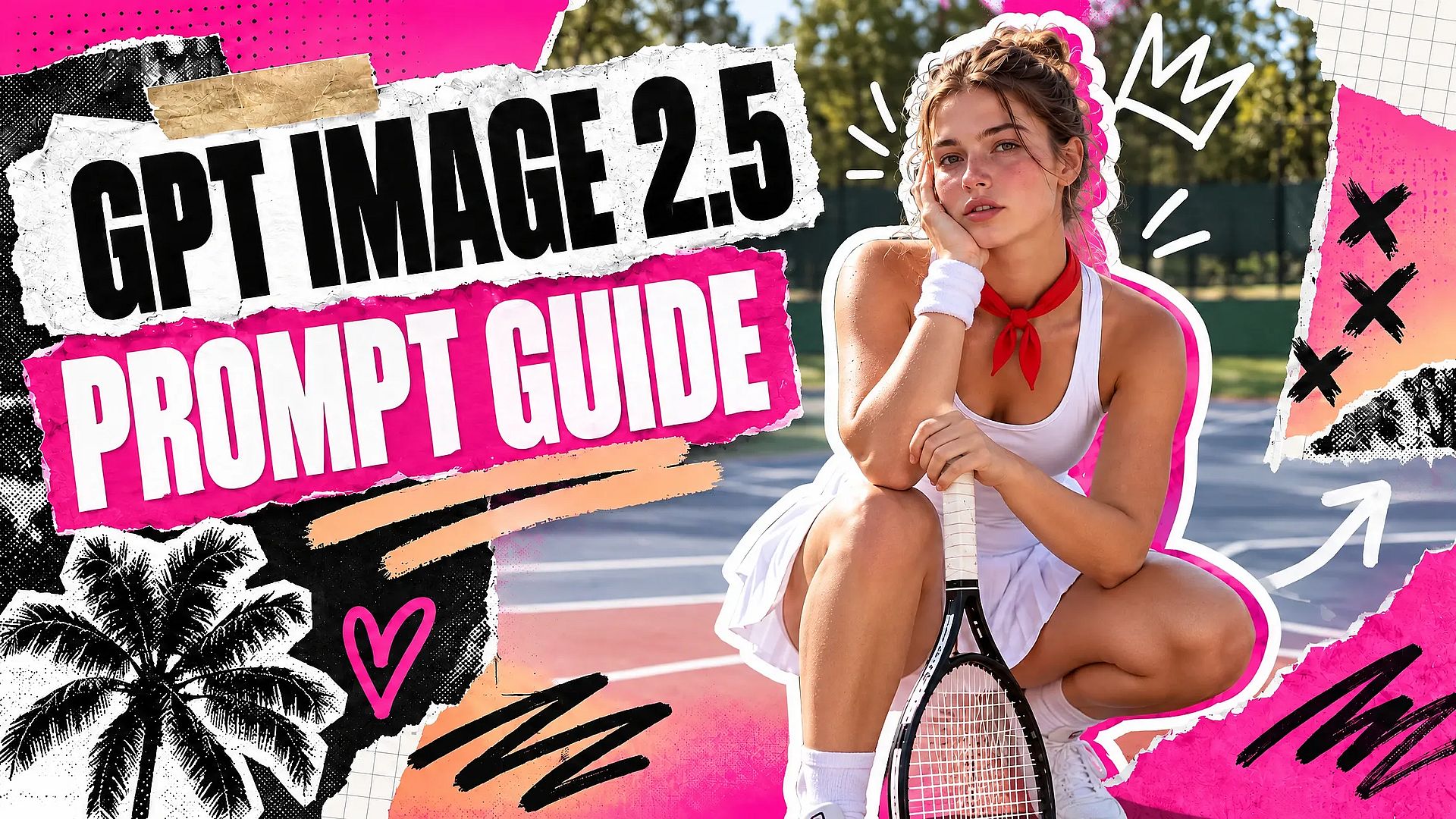
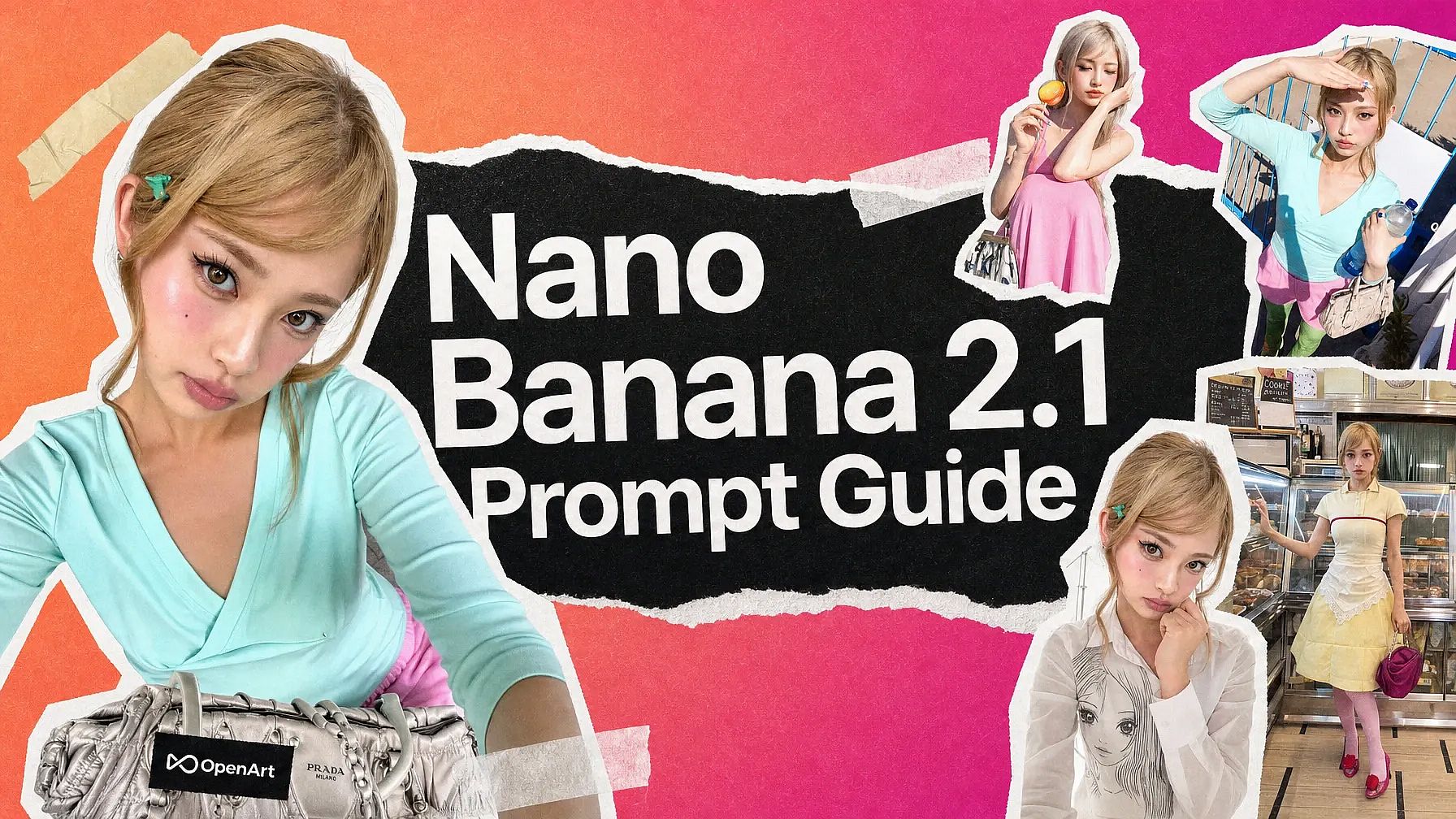
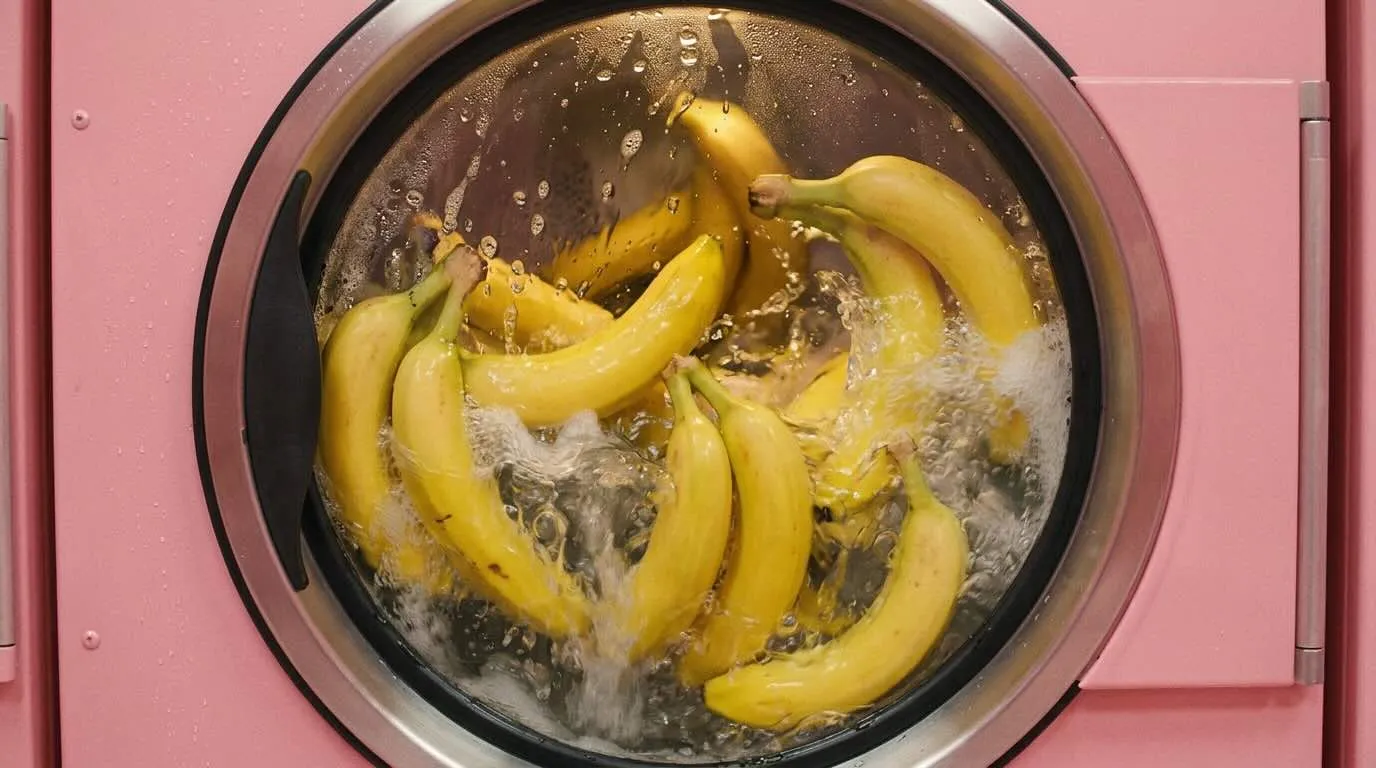
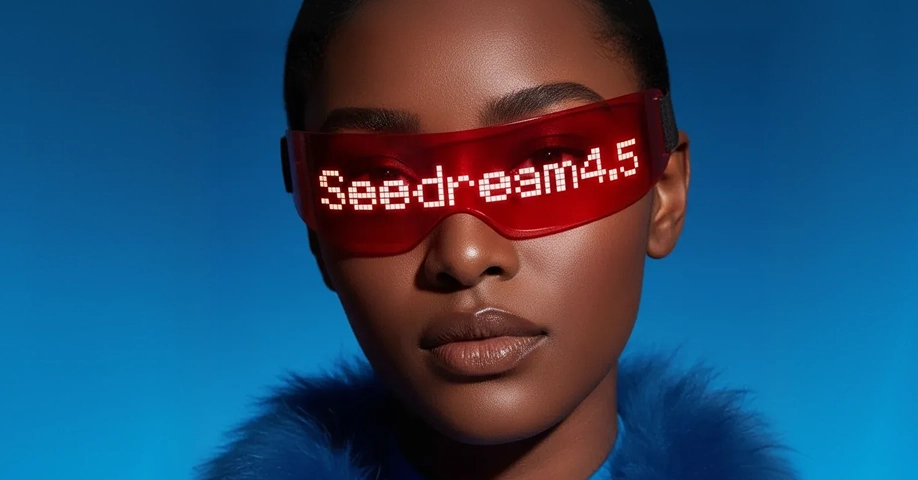
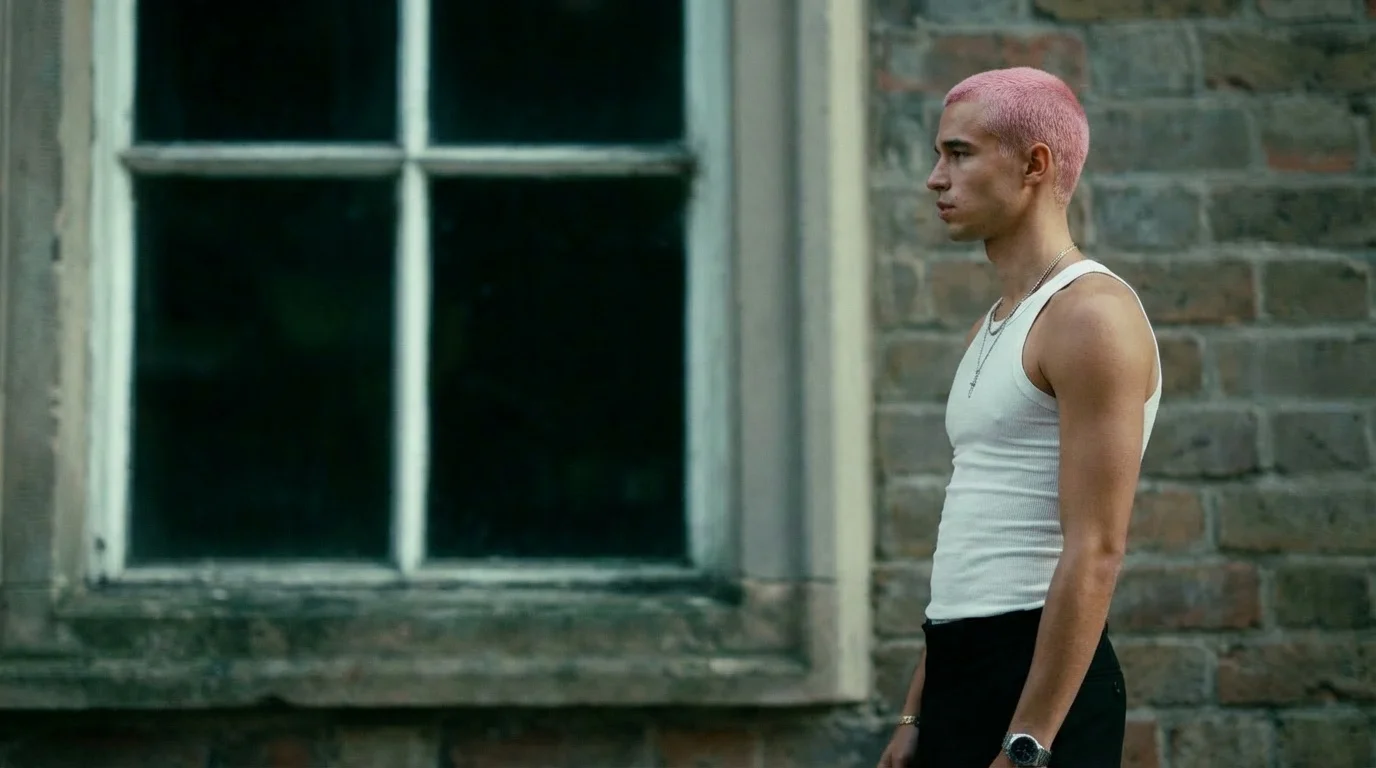
OpenArt 把所有最新、领先的图像模型集于一处。Nano Banana 2.1 是制作带清晰文字的广告、海报和包装的快速之选。GPT Image 2.5 打造高端产品和时尚大片。Seedream 5.0 Pro 擅长动漫和海报排版,Nano Banana Pro 则能处理图内长文字。把同一个 prompt 交给多个模型,留下最合适的那张。
更多创作与编辑方式
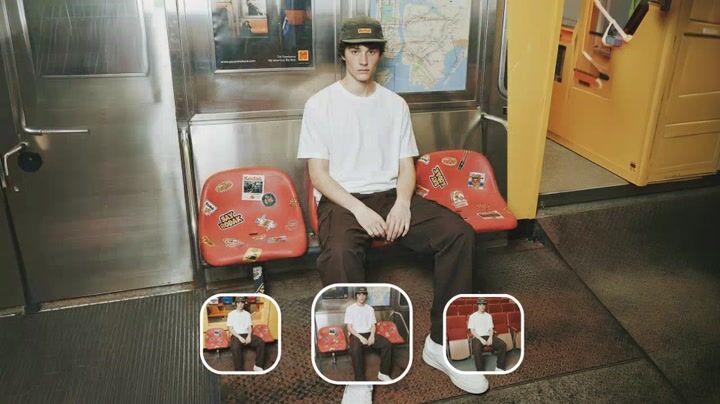
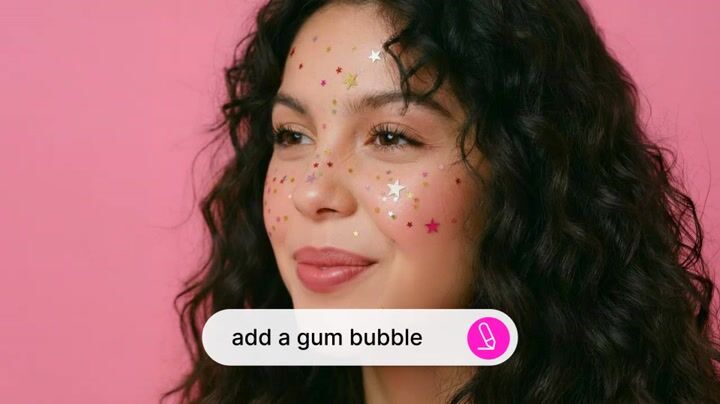
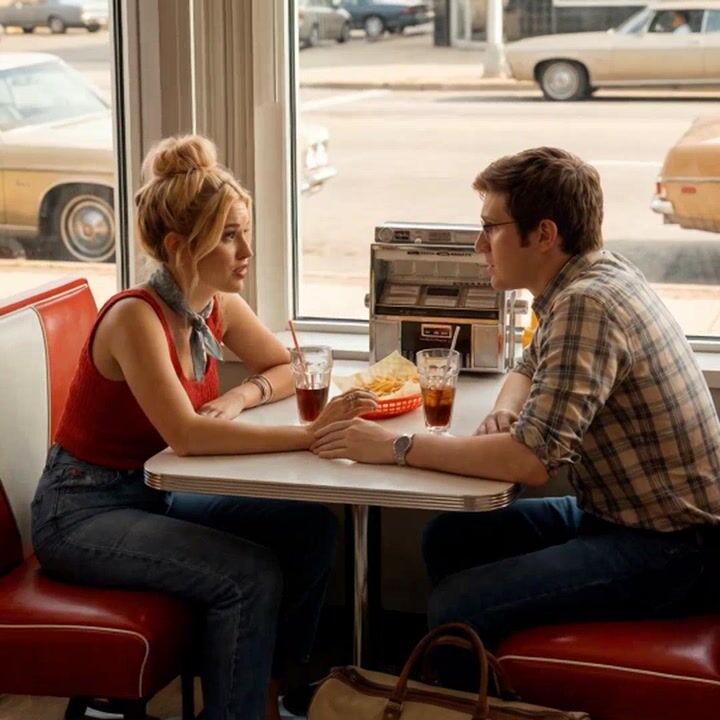
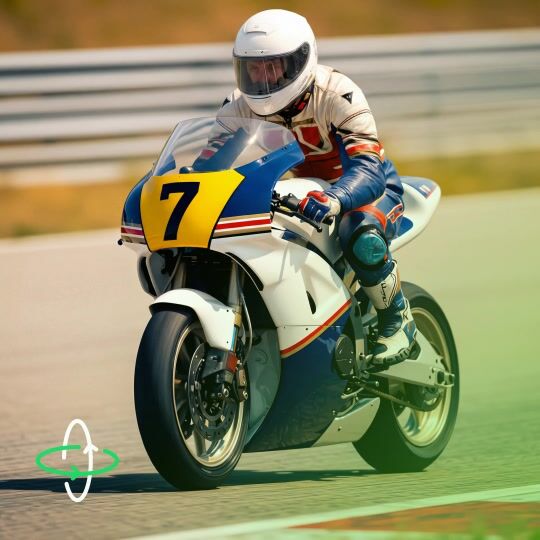
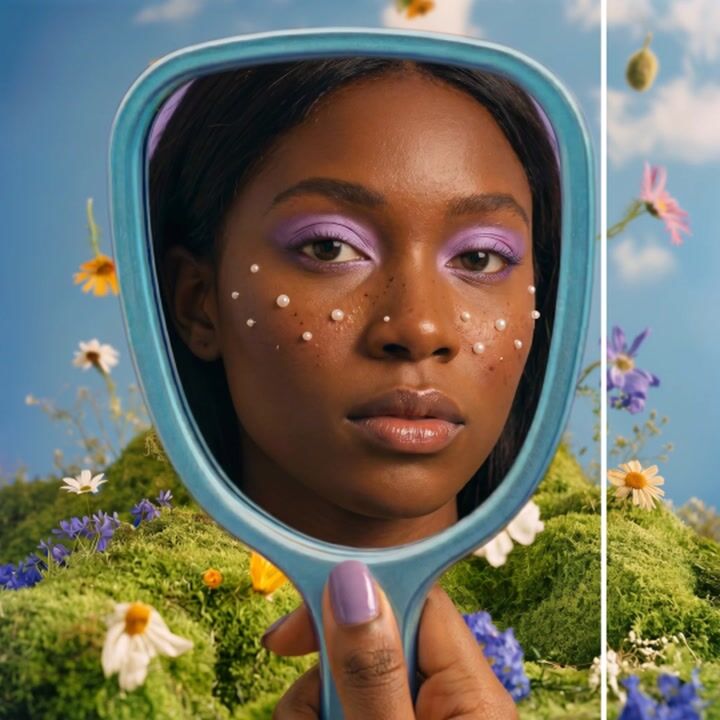
驱动 OpenArt 图像生成器的顶级 AI 模型
OpenArt 让你直接使用市面上最出色的图像生成模型——不绑定单一供应商,也不局限于单一风格。挑选最适合当前任务的模型。
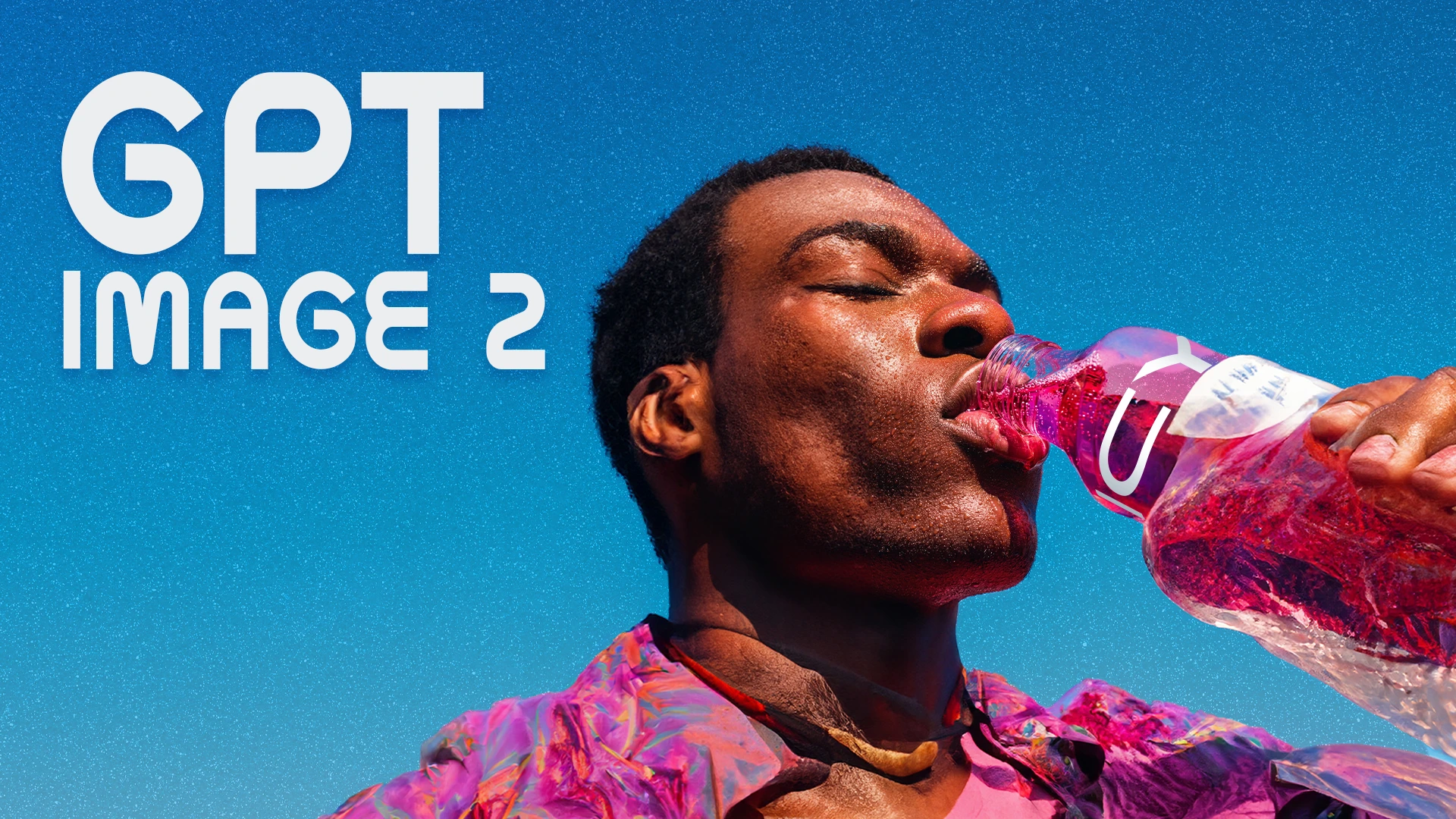
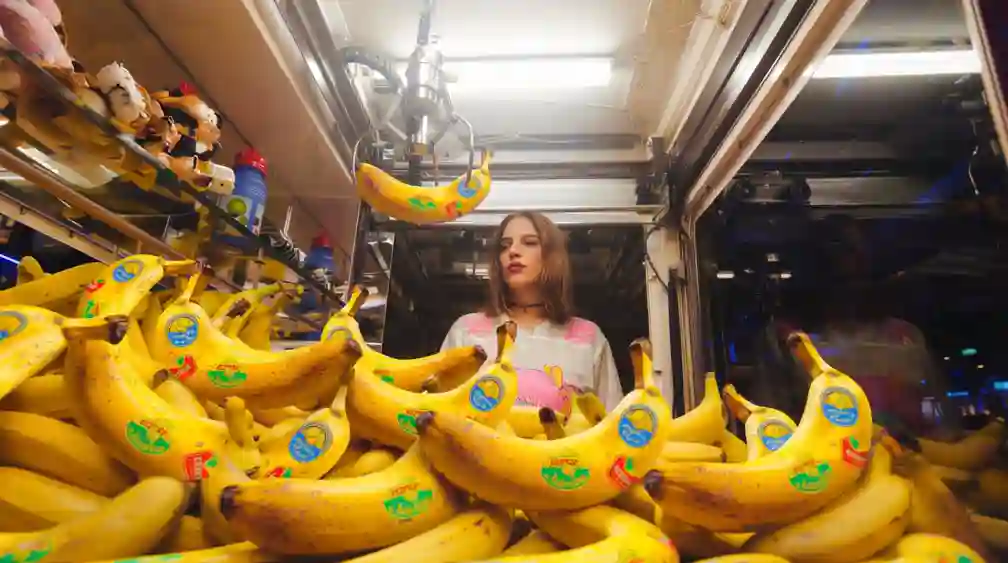
如何生成 AI 图像
只需几步,即可创作惊艳视觉作品。无需任何设计经验。
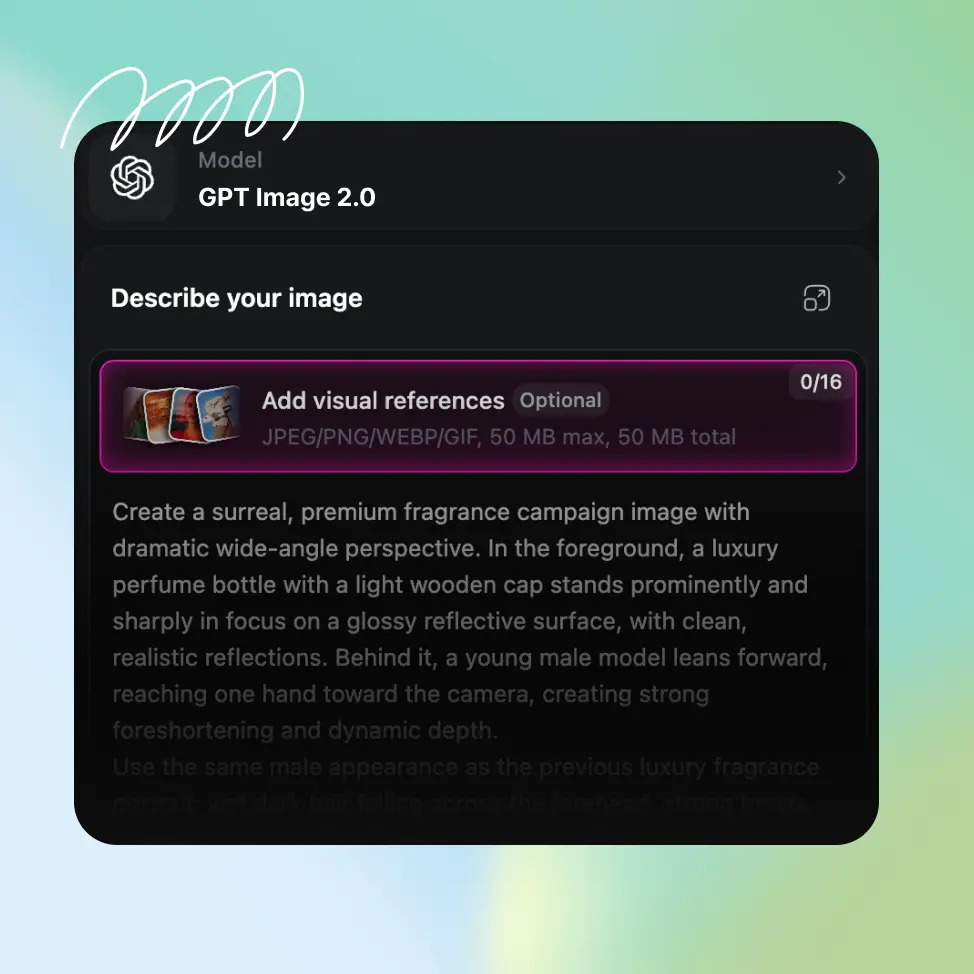
写下 prompt 或上传照片
打开 AI 图像生成器,输入你想看到的内容,或上传一张参考照片。两者可以结合使用:照片决定布局,prompt 决定风格。
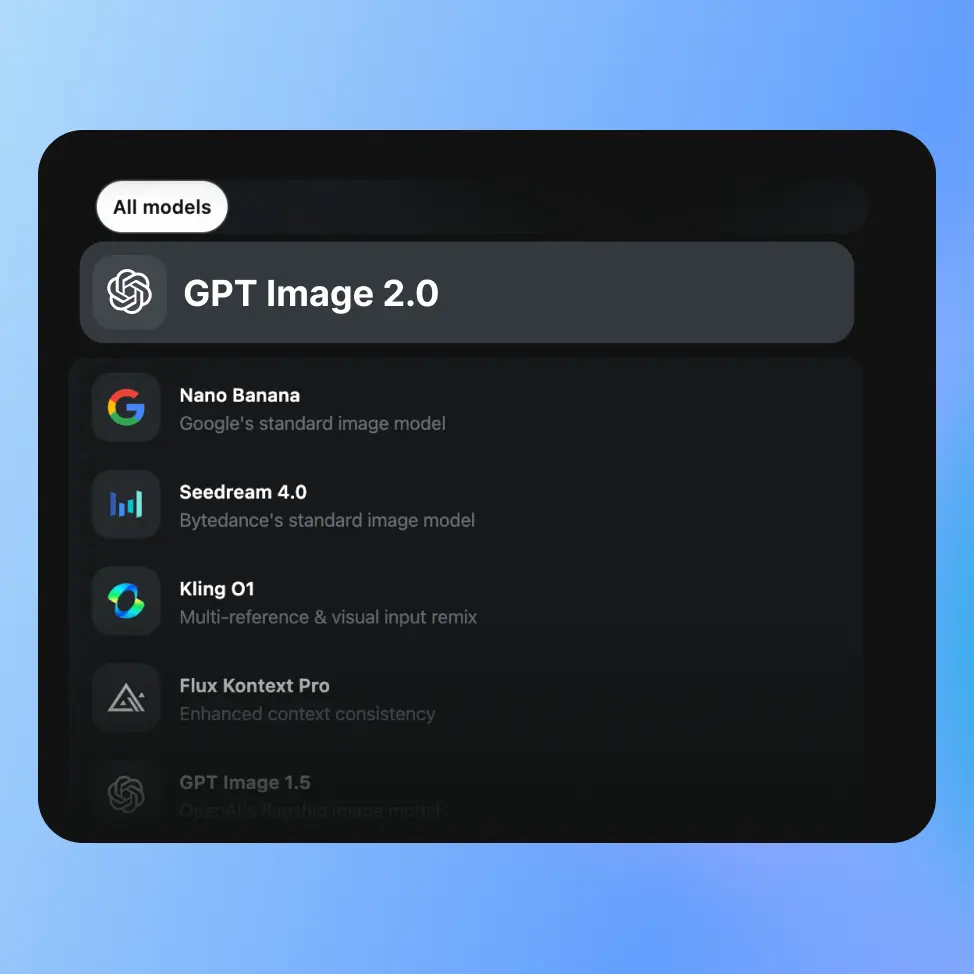
选择模型并设置参数
选择 Nano Banana 2.1 或 GPT Image 2.5 等模型,然后设置宽高比、分辨率、其他选项和想要的图像数量,点击生成。
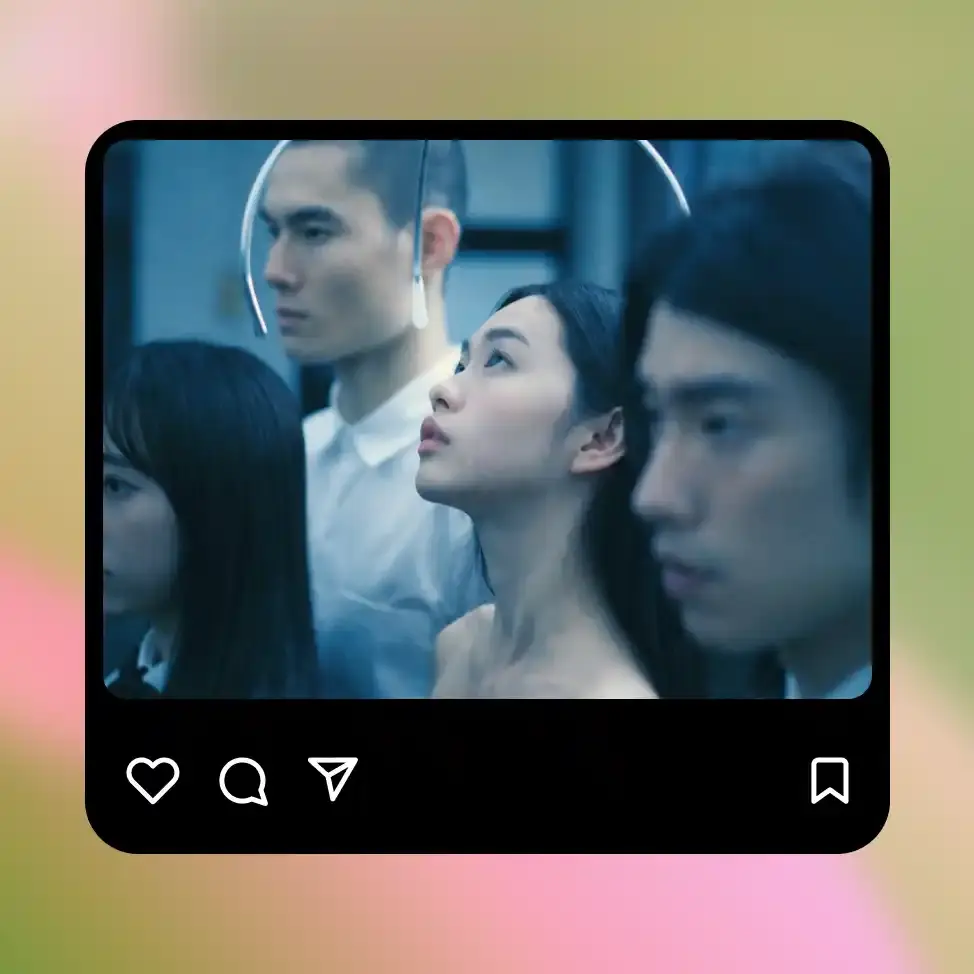
优化并下载
查看结果,修改 prompt 重新生成,或进行精准编辑。把你想要的图像下载为 PNG、JPEG 或 WEBP。
OpenArt AI 图像生成器的最佳用途
内容创作者与社交媒体
Generate custom visuals for every post, video, thumbnail, campaign, and piece of content you put out, without needing a photographer, illustrator, or stock library subscription for every idea. Text-to-image gets you from concept to usable visual in under a minute, and the style reference tools mean you can keep a consistent look across your content without rebuilding the prompt from scratch every time. Build a visual identity that's actually yours, not a slightly different version of the same stock photo everyone else is using.
立即试用爱好者与新手
使用 OpenArt 的图像生成器无需任何创意背景。只要能用日常语言描述出来,你就能生成图像。输入「秋日树林里一间温馨的小木屋,水彩画风格」,你就能得到正是这样的画面。无需技术知识,无需设计能力,也无需精通 prompt 就能上手。
立即试用艺术家与插画师
在确定最终作品之前,用文生图和图生图快速完成概念构思。先勾勒一个粗略的想法,通过生成器得到精细版本,再在 OpenArt 的编辑工具中进一步打磨。把同一个概念交给 Seedream 5.0 Pro、GPT Image 2.5、Ideogram 4.5 三个模型,挑出最契合的方向。
立即试用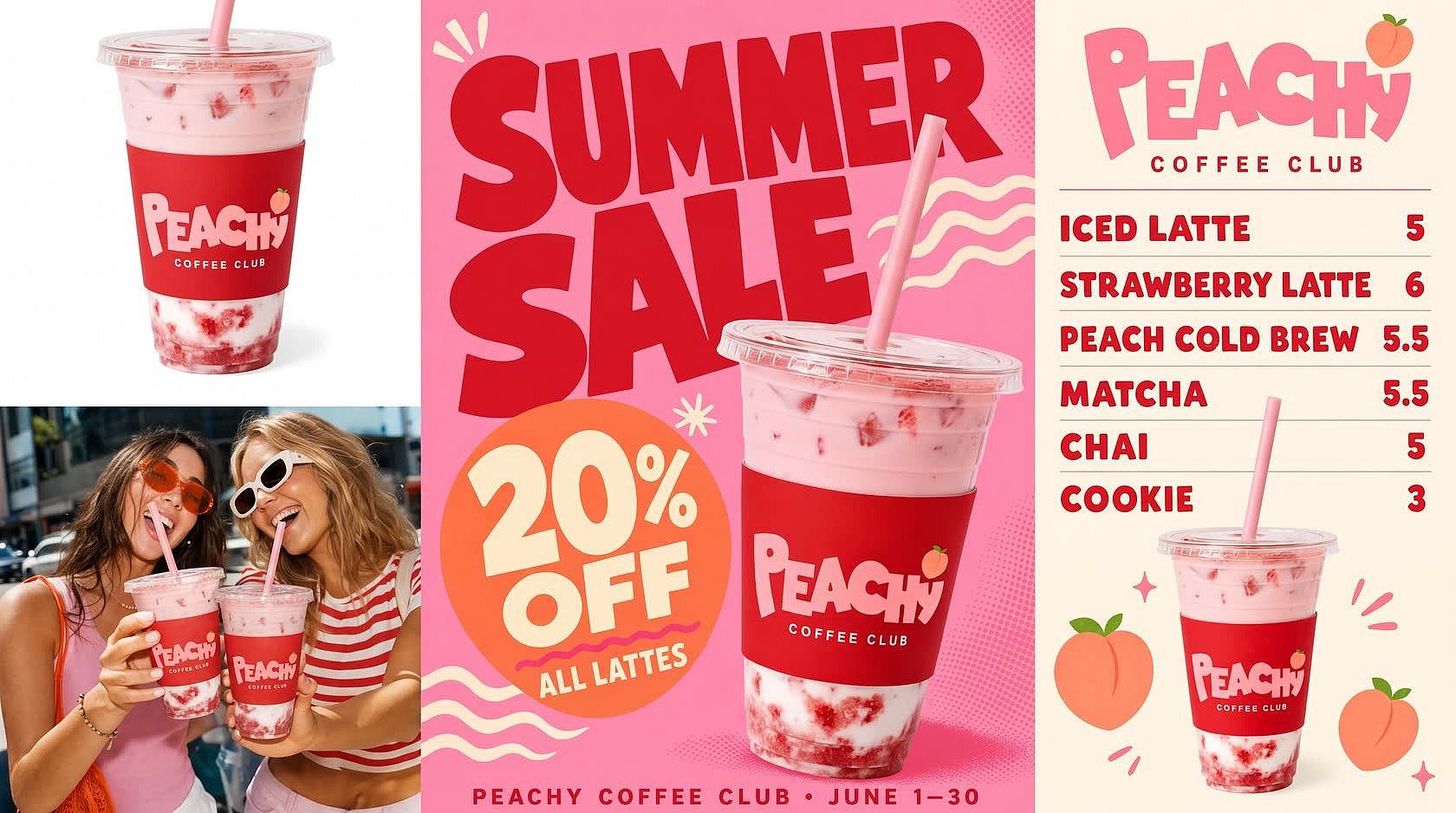
小微企业主
无需聘请设计师,也能制作产品照、菜单板和促销海报。上传一张产品照片,AI 产品图像生成器会把它放到干净的白色背景上,或置于生活场景中。输入“咖啡店夏季促销海报,拿铁八折”,AI 就会生成一张文字拼写正确的海报。
立即试用营销代理机构
用一个账户为每位客户打造符合品牌调性的图像集。在 Brand Kit 中保存每位客户的 logo、配色和字体,该项目中所有 GPT Image 2.5 生成的图像都会呈现他们的风格。上传同一张产品照片作为参考,产品在每一则广告、横幅和社媒帖子中都保持一致。批量制作时,可借助 OpenArt MCP 和 CLI,直接从 Claude、ChatGPT、Cursor 或你的终端生成图像。
立即试用
品牌营销团队
制作真正能直接投放的营销图像。Plus 及以上套餐享有商用授权,你制作的图像可直接用于广告、包装和付费客户项目。成品图像发布前先通过 IP 与版权检查器,它会标记出与知名品牌、logo 和名人的相似之处。用 AI Brand Kit 把每个营销活动的图像集中在一个项目里,下一个版本就从已批准的图集起步。
立即试用深受全球创作者喜爱
看看我们社区怎么说
我试过很多 AI 平台……但在角色创建、图生视频质量和模型多样性方面,OpenArt 依然是最出色的。
OpenArt 提供了一系列出色的 AI 工具……一旦掌握了这些功能,创作的可能性令人惊叹——他们的支持团队也非常优秀。
OpenArt 是一个功能非常多样的 AI 平台,拥有众多图像和视频模型、一致的角色创建能力以及强大的编辑工具。
实用的 AI 工具一站集齐——图像与视频生成、编辑等等……无需多份订阅。
客服总是快速又贴心……平台也不断加入新功能和工具,越来越好用。
我试过很多 AI 平台……但在角色创建、图生视频质量和模型多样性方面,OpenArt 依然是最出色的。
OpenArt 提供了一系列出色的 AI 工具……一旦掌握了这些功能,创作的可能性令人惊叹——他们的支持团队也非常优秀。
OpenArt 是一个功能非常多样的 AI 平台,拥有众多图像和视频模型、一致的角色创建能力以及强大的编辑工具。
实用的 AI 工具一站集齐——图像与视频生成、编辑等等……无需多份订阅。
客服总是快速又贴心……平台也不断加入新功能和工具,越来越好用。
我试过很多 AI 平台……但在角色创建、图生视频质量和模型多样性方面,OpenArt 依然是最出色的。
OpenArt 提供了一系列出色的 AI 工具……一旦掌握了这些功能,创作的可能性令人惊叹——他们的支持团队也非常优秀。
OpenArt 是一个功能非常多样的 AI 平台,拥有众多图像和视频模型、一致的角色创建能力以及强大的编辑工具。
实用的 AI 工具一站集齐——图像与视频生成、编辑等等……无需多份订阅。
客服总是快速又贴心……平台也不断加入新功能和工具,越来越好用。
在众多 AI 平台中,OpenArt 脱颖而出,是绝佳之选——我会向任何创作者推荐它。
这个平台囊括了 AI 内容创作所需的一切——图像、视频、角色、音频以及多种 AI 模型,尽在一处。
OpenArt 正在拓展 AI 视频创作的边界……显然团队致力于改善创作者体验。
我用 OpenArt 制作了我的第一支 AI 音乐视频……他们的支持团队是我遇到过最棒的帮助。
我对支持服务非常满意——我的问题很快得到解决,团队让整个过程变得轻松。
在众多 AI 平台中,OpenArt 脱颖而出,是绝佳之选——我会向任何创作者推荐它。
这个平台囊括了 AI 内容创作所需的一切——图像、视频、角色、音频以及多种 AI 模型,尽在一处。
OpenArt 正在拓展 AI 视频创作的边界……显然团队致力于改善创作者体验。
我用 OpenArt 制作了我的第一支 AI 音乐视频……他们的支持团队是我遇到过最棒的帮助。
我对支持服务非常满意——我的问题很快得到解决,团队让整个过程变得轻松。
在众多 AI 平台中,OpenArt 脱颖而出,是绝佳之选——我会向任何创作者推荐它。
这个平台囊括了 AI 内容创作所需的一切——图像、视频、角色、音频以及多种 AI 模型,尽在一处。
OpenArt 正在拓展 AI 视频创作的边界……显然团队致力于改善创作者体验。
我用 OpenArt 制作了我的第一支 AI 音乐视频……他们的支持团队是我遇到过最棒的帮助。
我对支持服务非常满意——我的问题很快得到解决,团队让整个过程变得轻松。
常见问题 问题
AI 图像生成器是一款能根据文字描述或参考照片创作图像的工具。它可以生成照片级图片、插画、概念图、产品视觉、动漫角色以及众多其他视觉风格。若想获得更偏艺术创作的效果,你也可以使用 OpenArt 的 AI 艺术生成器 创作数字绘画、奇幻艺术、动漫等各类风格化作品。
文生图会根据文字 prompt 创作全新画面。图生图则以现有照片、草图或作品为基础,按你的指示进行转换。OpenArt 的 AI 图生图生成器可以在保留原始构图的同时改变风格、氛围、色彩或细节。
OpenArt 的 Advanced、Infinite 和 Wonder 套餐均包含商用授权。具体条款还可能因模型和图像用途而异,因此在将图像用于广告、客户项目、产品或其他商业用途之前,请查看当前套餐详情和 OpenArt 的服务条款。
你可以上传 JPEG、PNG 和 WEBP 文件作为参考图。生成的作品可下载为 PNG 或 JPEG 格式。PNG 会保留透明度,如果你在用背景移除功能或制作贴纸风格的作品,这一点很重要。
可以。OpenArt 的 AI 角色生成器能帮你在不同场景、姿势、服装和视觉风格中保持相同的脸部和整体外观。这对漫画、故事板、品牌吉祥物以及经常出镜的社交媒体角色都非常实用。
可以。注册即可获得积分,免费开始创作图像。付费套餐提供更多积分、高级模型使用权、更快的生成速度以及更多创作工具。你可以在 OpenArt 定价页面对比各项选择。
这取决于你想创作什么。有些模型更擅长照片级写实图像,有些则更适合插画、可读文字、平面设计或快速概念生成。OpenArt 让你自由探索各种模型,用同一个 prompt 运行多个模型并对比结果。
Be specific. Instead of “a landscape,” try “a misty mountain valley at dawn with pine trees in the foreground, soft golden light, photorealistic, high detail.” Name the subject, setting, lighting, mood, and style. Style references such as “oil painting,” “cinematic still,” or “watercolor illustration” help the AI understand the look you want. If you have a reference image but do not know how to describe it, use our image to prompt tool to create a detailed prompt from it. You can also use negative prompts to remove things you do not want, such as blur, extra limbs, clashing colors, or watermarks. If the first result is not right, adjust the prompt and generate again instead of accepting a result that is only close.
可以。你无需从头再来即可优化图像。OpenArt 让你用 AI 图片编辑器移除或替换对象,用 AI 背景替换器打造全新场景,用图像放大工具提升细节,扩展画布,并在同一工作流中继续编辑。
可以,大多数新款图像模型都很擅长这一点。像 GPT Image 2.5 这样的模型非常适合制作海报、招牌、产品图、广告、UI 原型图,以及其他需要清晰可读文字的图像。