

Eliminar objeto de la foto
Borra cualquier objeto, persona, marca de agua o distracción del fondo que no quieras en tu foto en segundos. La IA de OpenArt rellena la zona eliminada con la textura, la iluminación y la sombra que encajan, sin necesidad de pincel ni máscara.


Eliminación de objetos con IA y reconstrucción perfecta
Con la tecnología de Seedream 5.0, GPT Image 2 y más, las zonas reconstruidas se ajustan a la textura, la iluminación y las sombras del entorno sin costuras visibles.


Borrador mágico
Toca o arrastra sobre cualquier objeto y desaparece en segundos. Funciona con intrusos en fotos, conos de tráfico, destellos de lente y fondos abarrotados. El resultado reconstruye la zona detrás del objeto usando la textura, el color y la profundidad del entorno, y luego lo pasa por el Escalador de imágenes con IA para recuperar toda la nitidez a resolución completa antes de exportar.
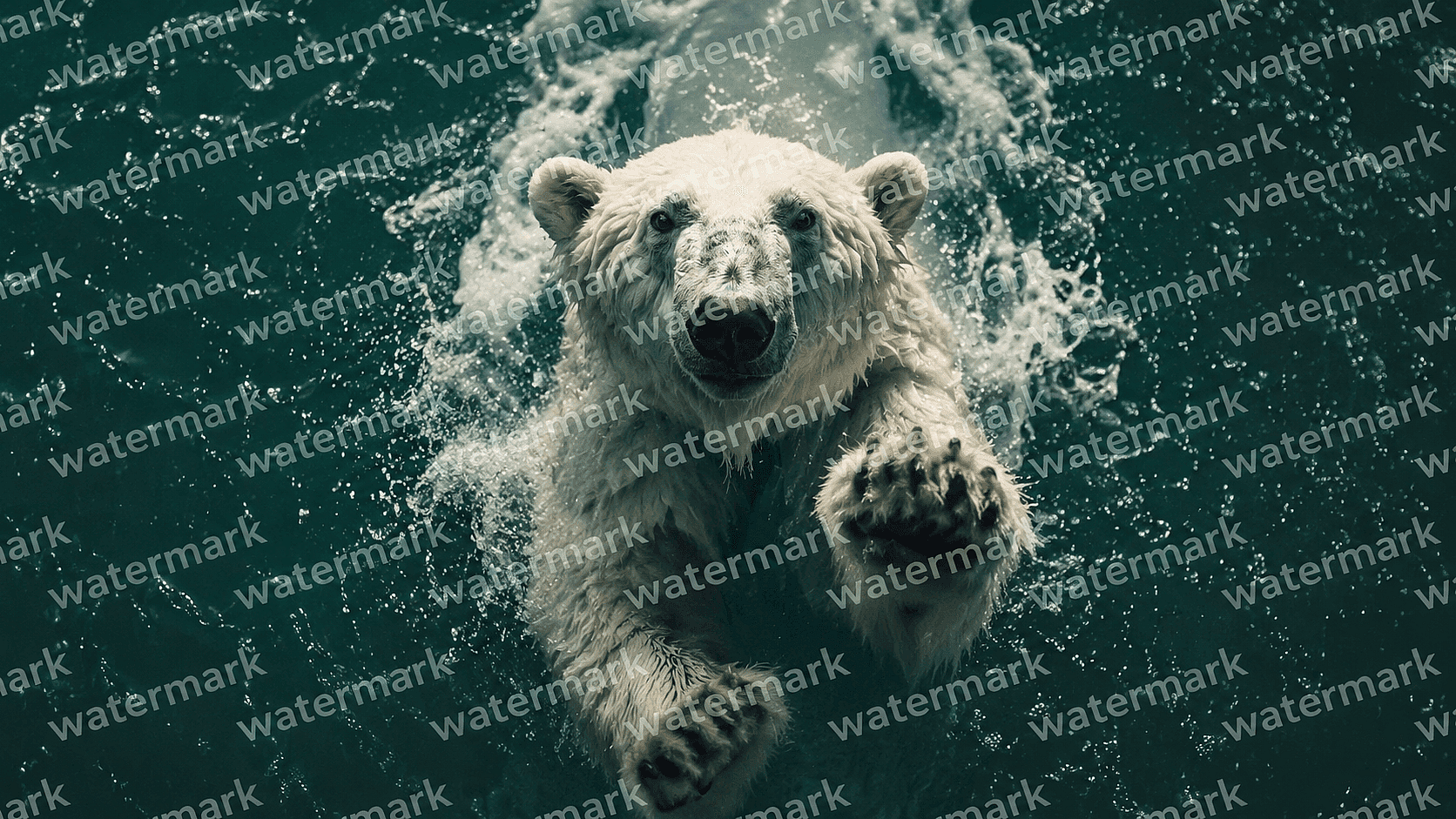
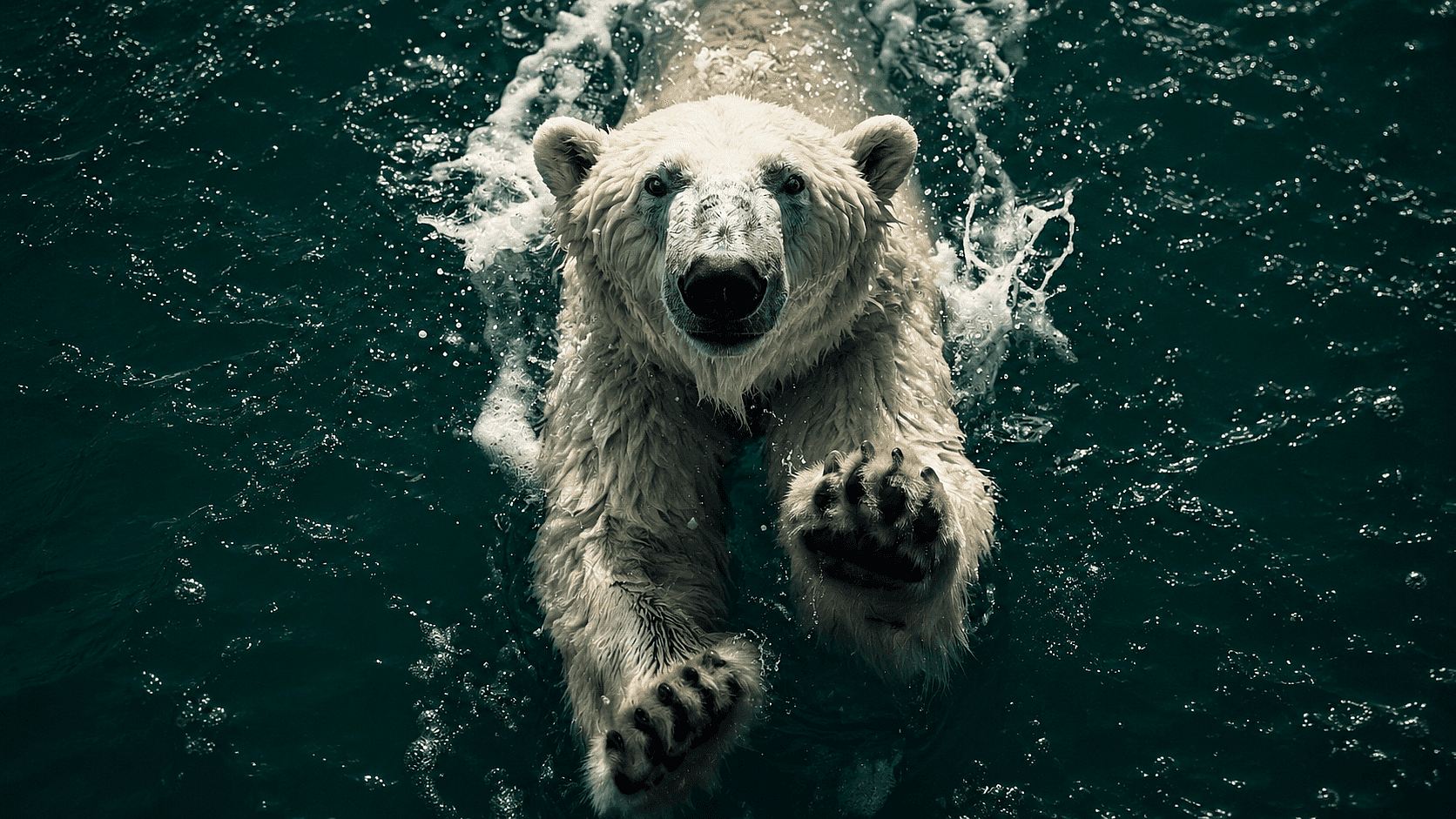
Eliminación de marcas de agua y texto
Elimina marcas de agua, marcas de tiempo, subtítulos y logos de fotos de stock de imágenes de producto, publicaciones en redes y fotos de referencia. Útil para moodboards, presentaciones internas y limpieza de activos de marca. Para recortes de producto, combínalo con Eliminador de fondos para terminar el trabajo en una sola sesión.
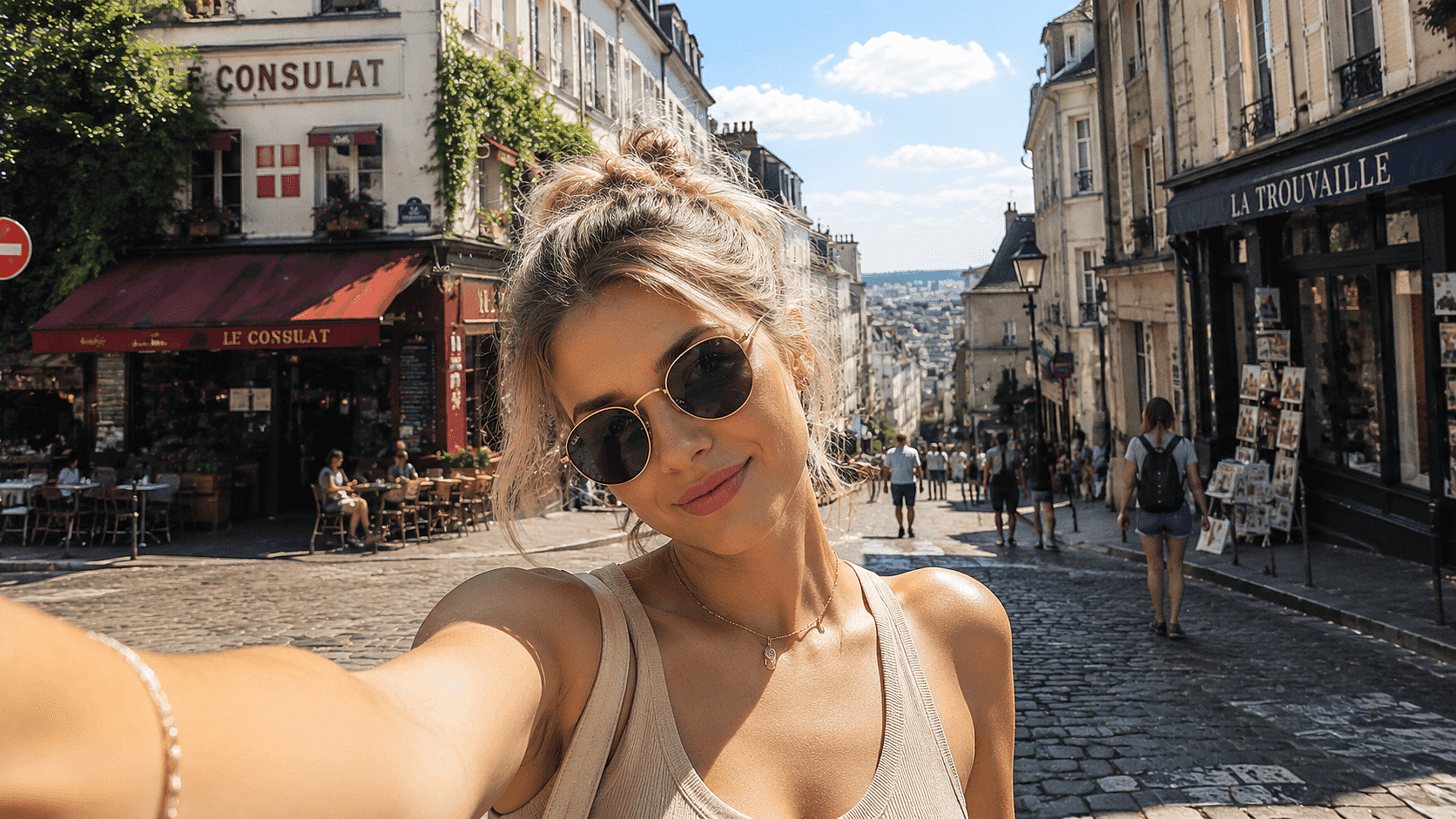
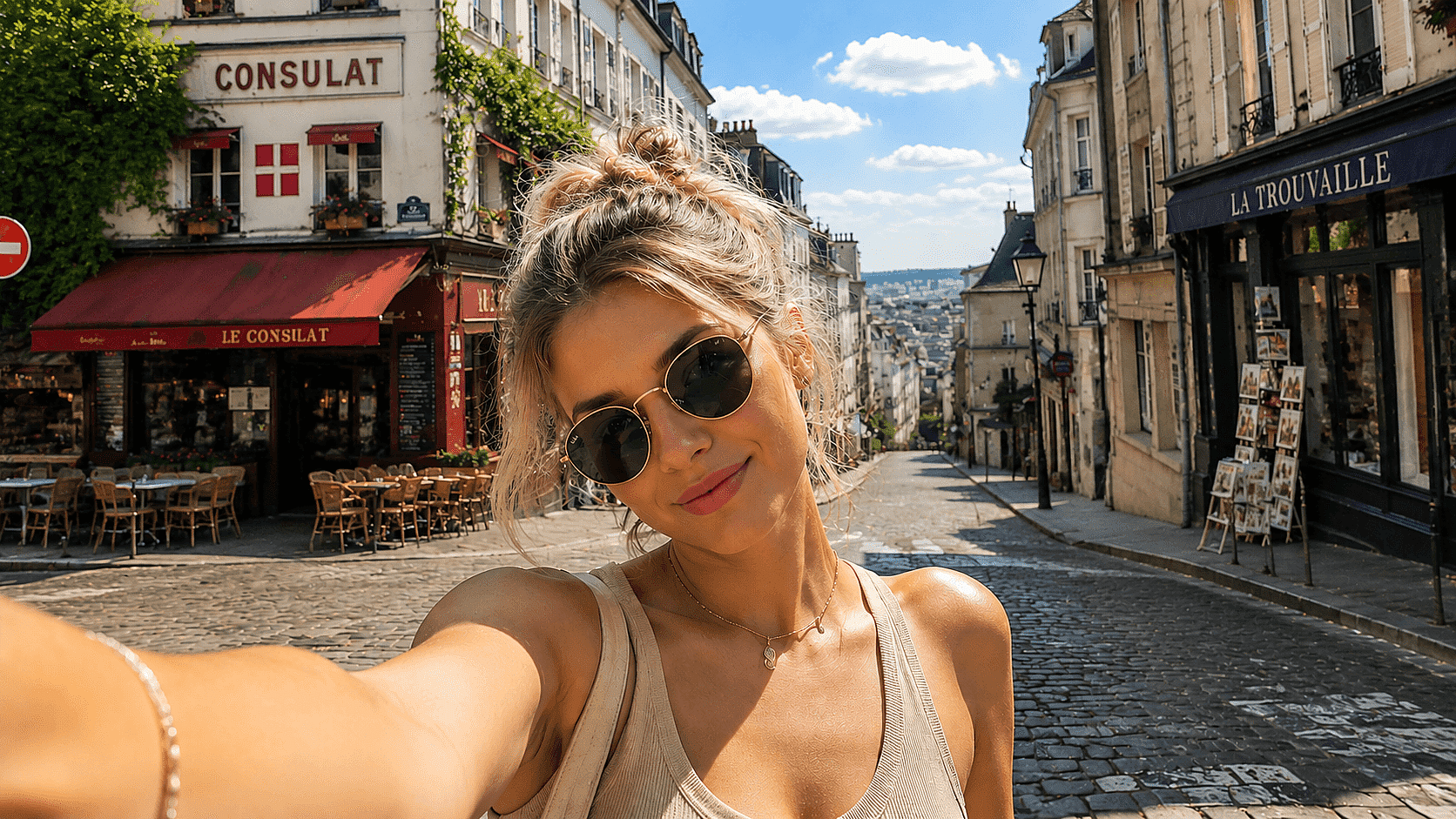
Eliminación de personas y transeúntes
Borra a desconocidos de fotos de viajes, tomas inmobiliarias y coberturas de eventos. Reconstruye el fondo que había detrás de ellos, incluso en escenas concurridas con elementos superpuestos.
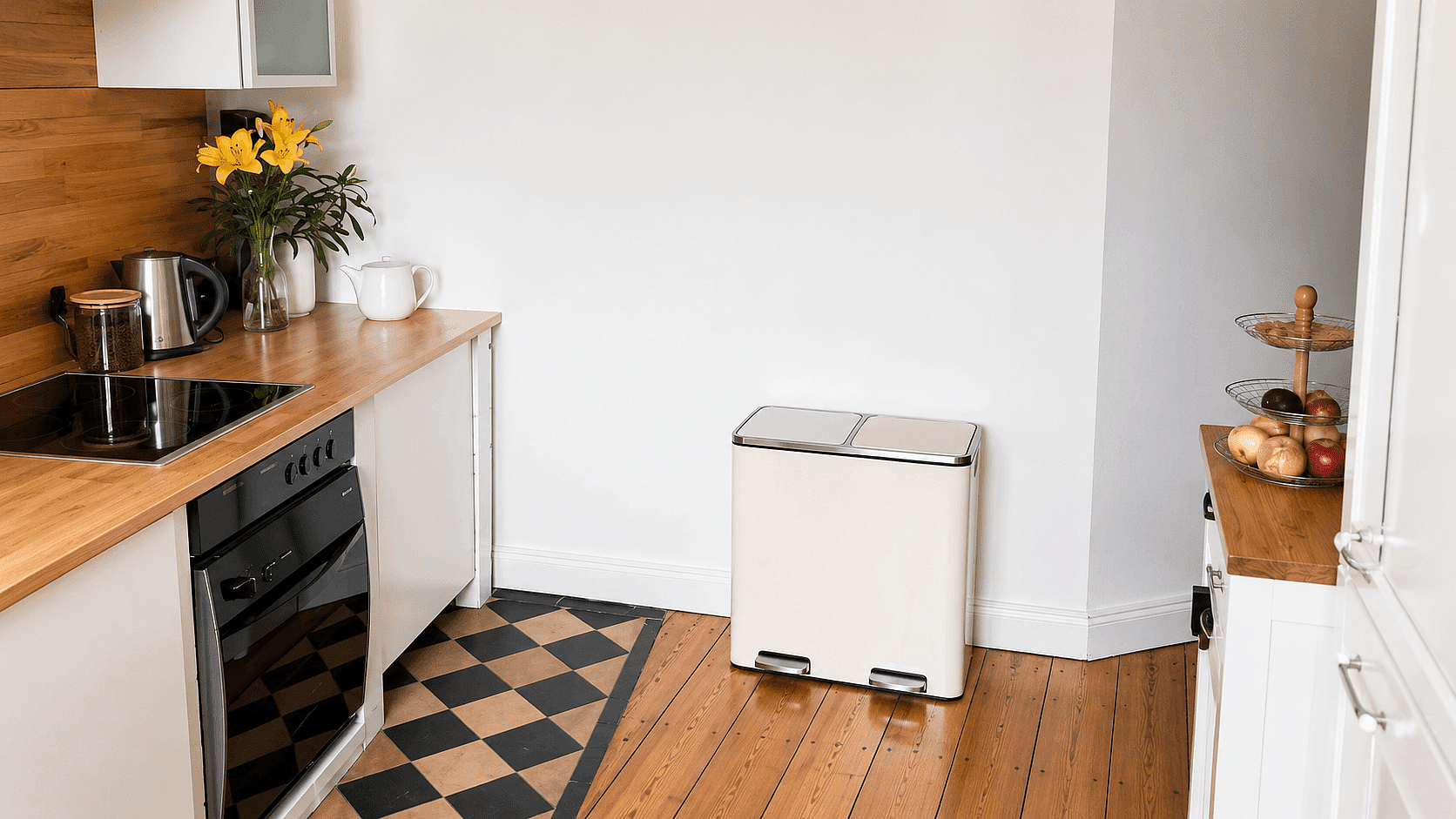
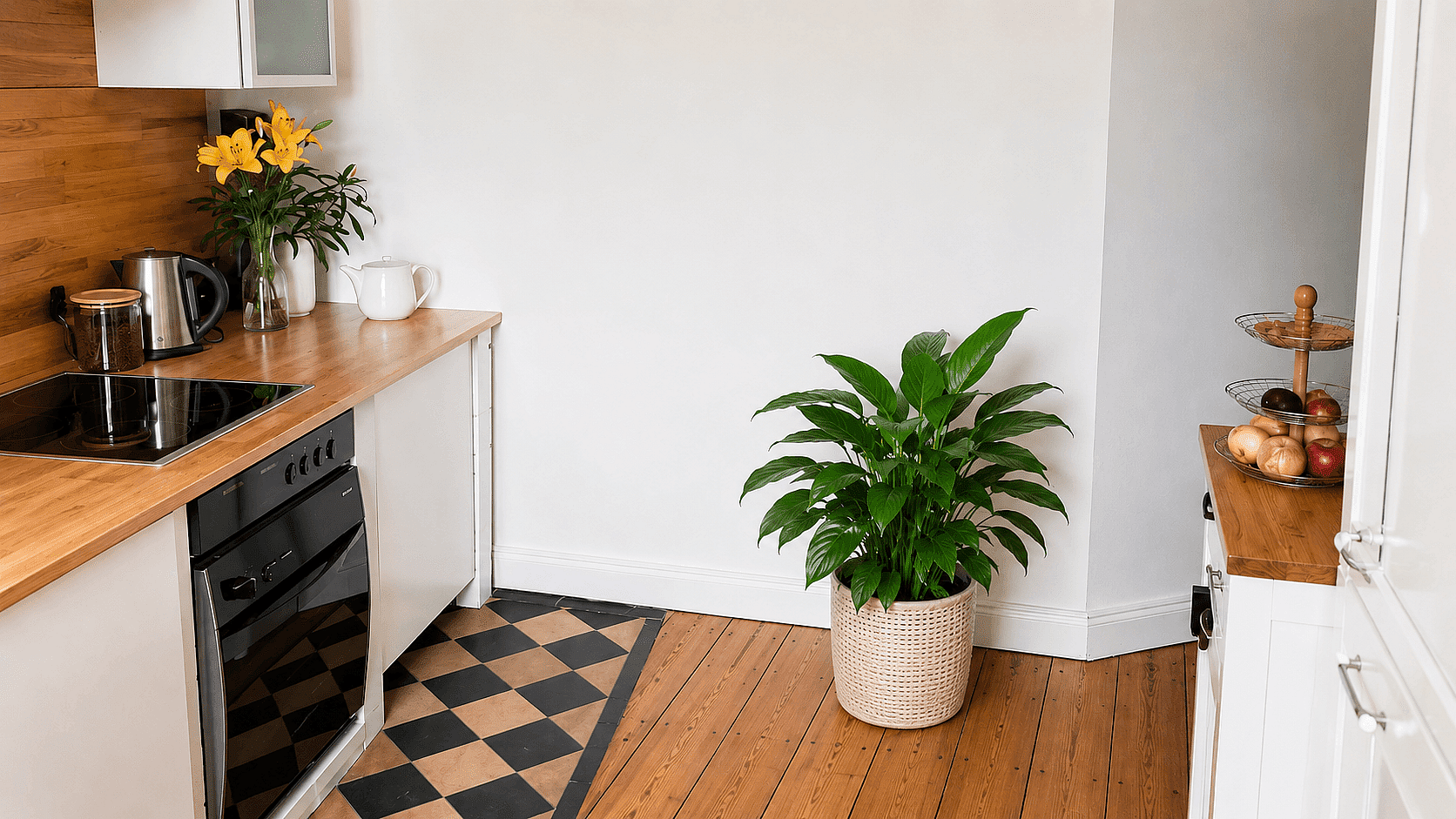
Reemplazo de objetos
Eliminar objetos no es la única opción aquí. También puedes cambiar el objeto que quieras por otra cosa ("sustituye la papelera por una jardinera") en el mismo paso mediante Buscar y reemplazar.
Cómo eliminar un objeto de una foto
Tres pasos para una toma limpia.
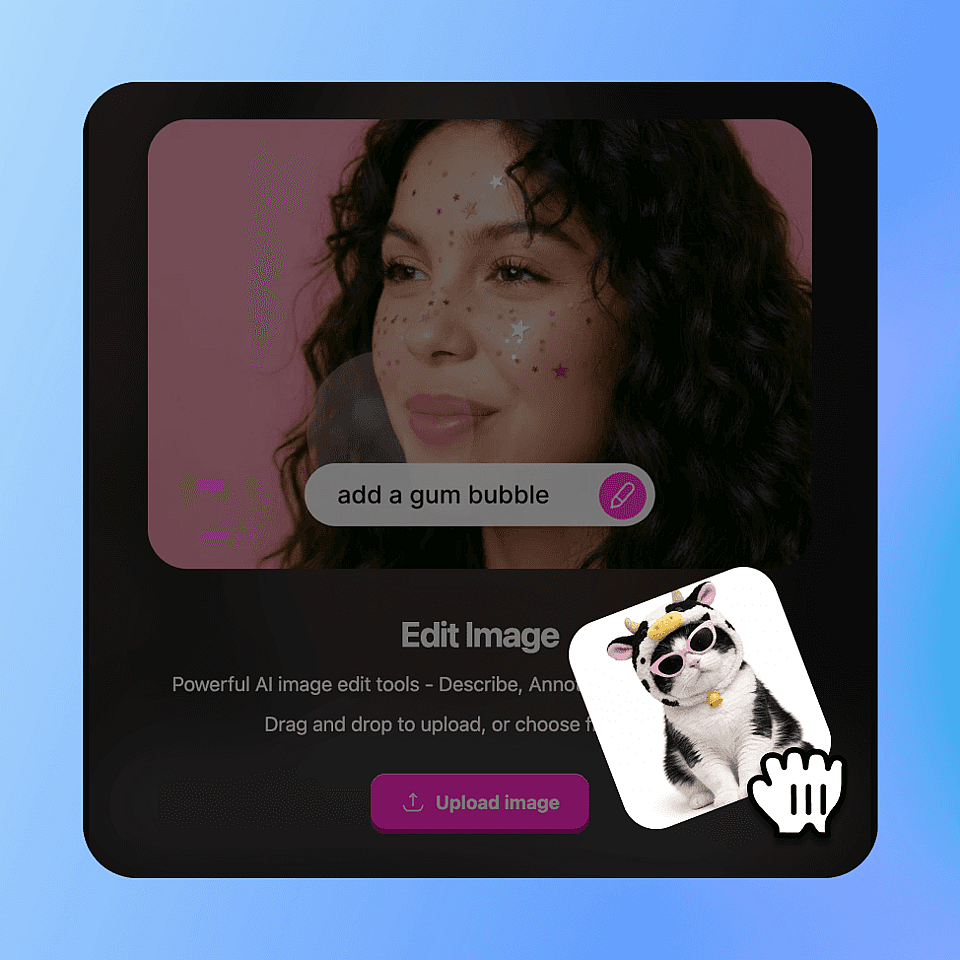
Sube la foto
Sube tu archivo JPG, PNG o HEIC con hasta 4K de resolución.
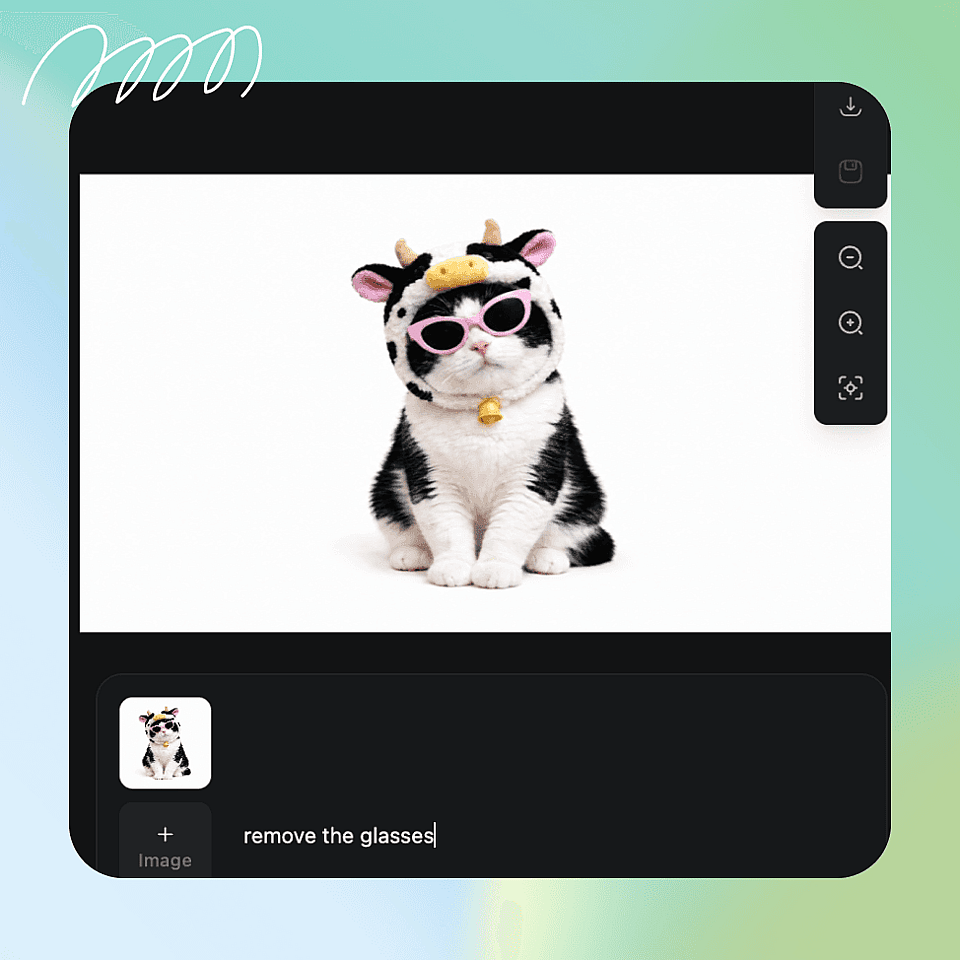
Marca qué eliminar
Toca el objeto, píntalo con el pincel o escribe "elimina el cono de tráfico naranja". Puedes marcar varios objetos a la vez.
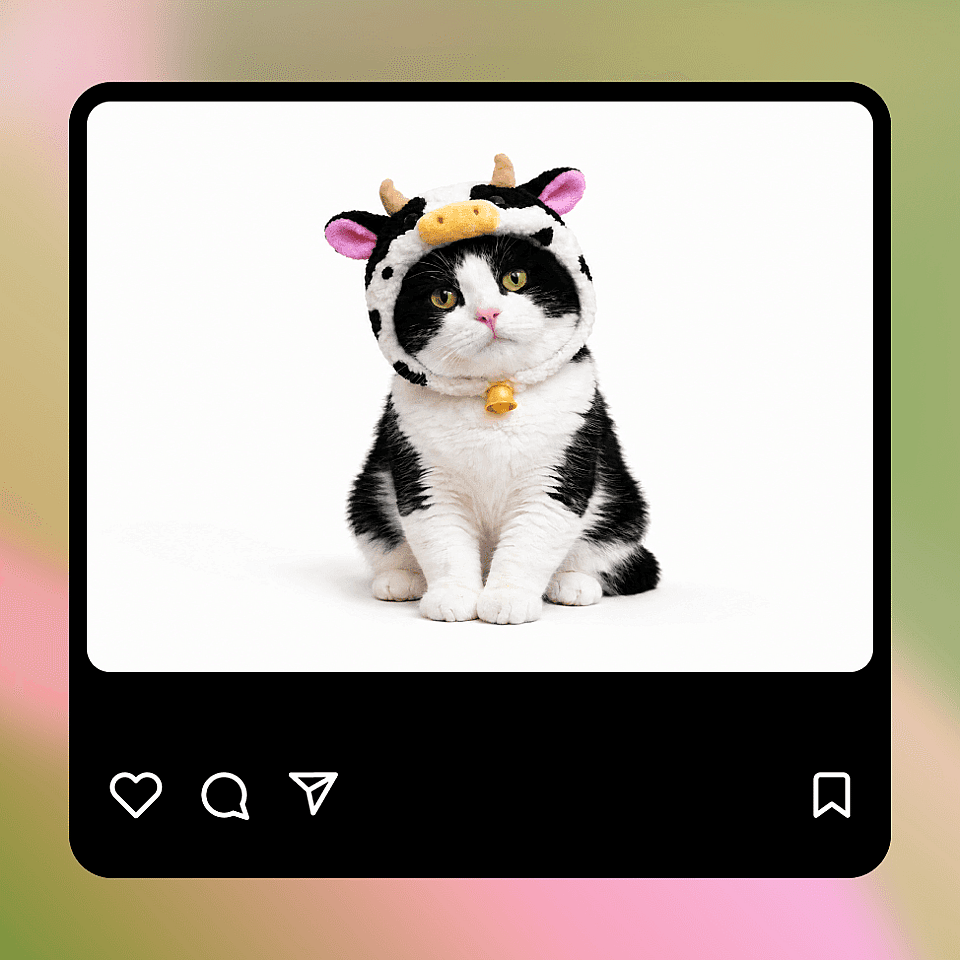
Exportar la imagen limpia
Revisa el resultado, refínalo con prompts de seguimiento si hace falta y luego expórtalo en la resolución original o ampliada.
Elimina objetos no deseados sin volver a grabar
Un clic elimina la distracción. Conserva la toma, olvídate de repetirla.
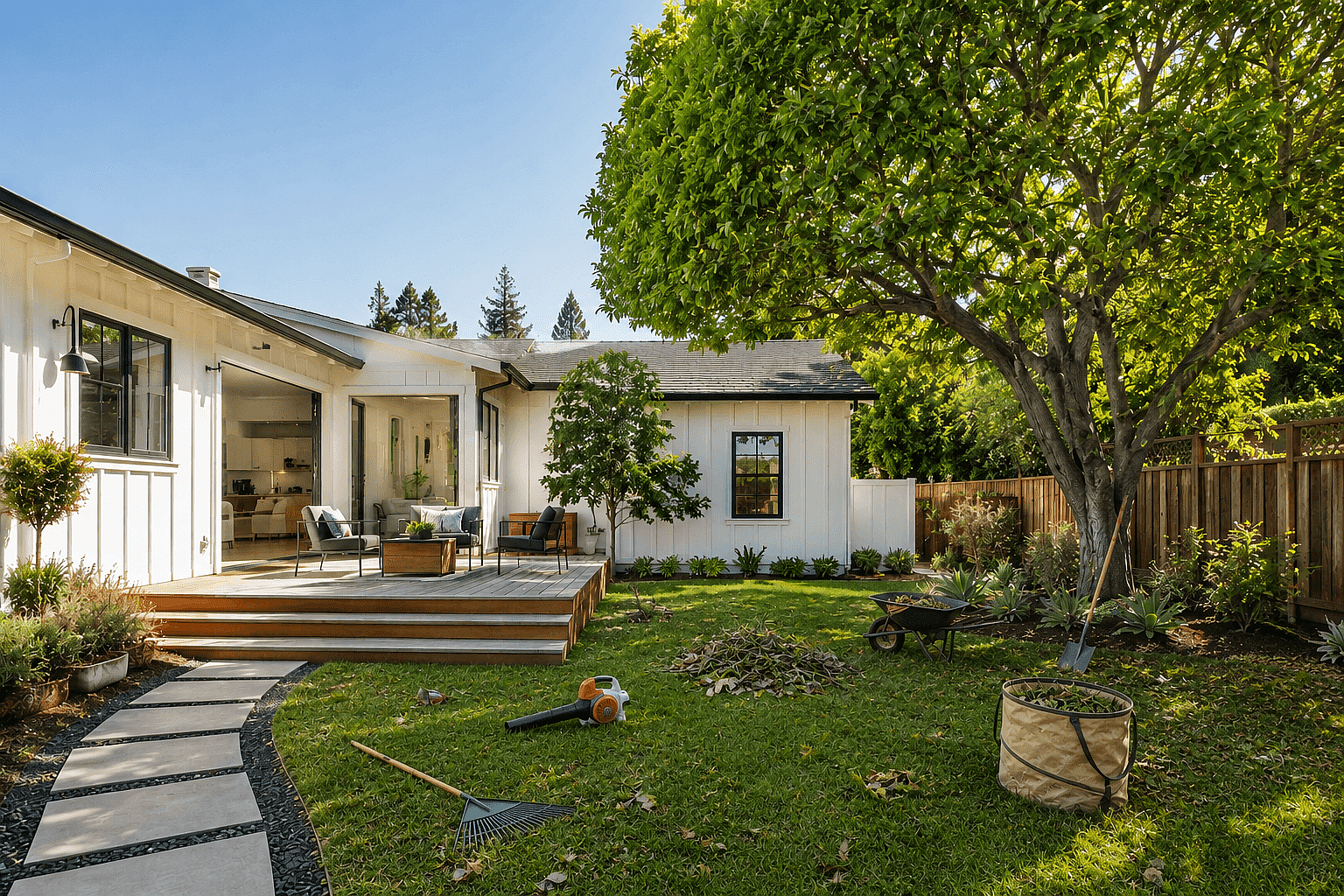

Fotos inmobiliarias
Elimina coches aparcados, cubos de basura, mangueras de jardín y reflejos del fotógrafo en los espejos. Listo para MLS en menos de un minuto por foto.
Pruébalo ahora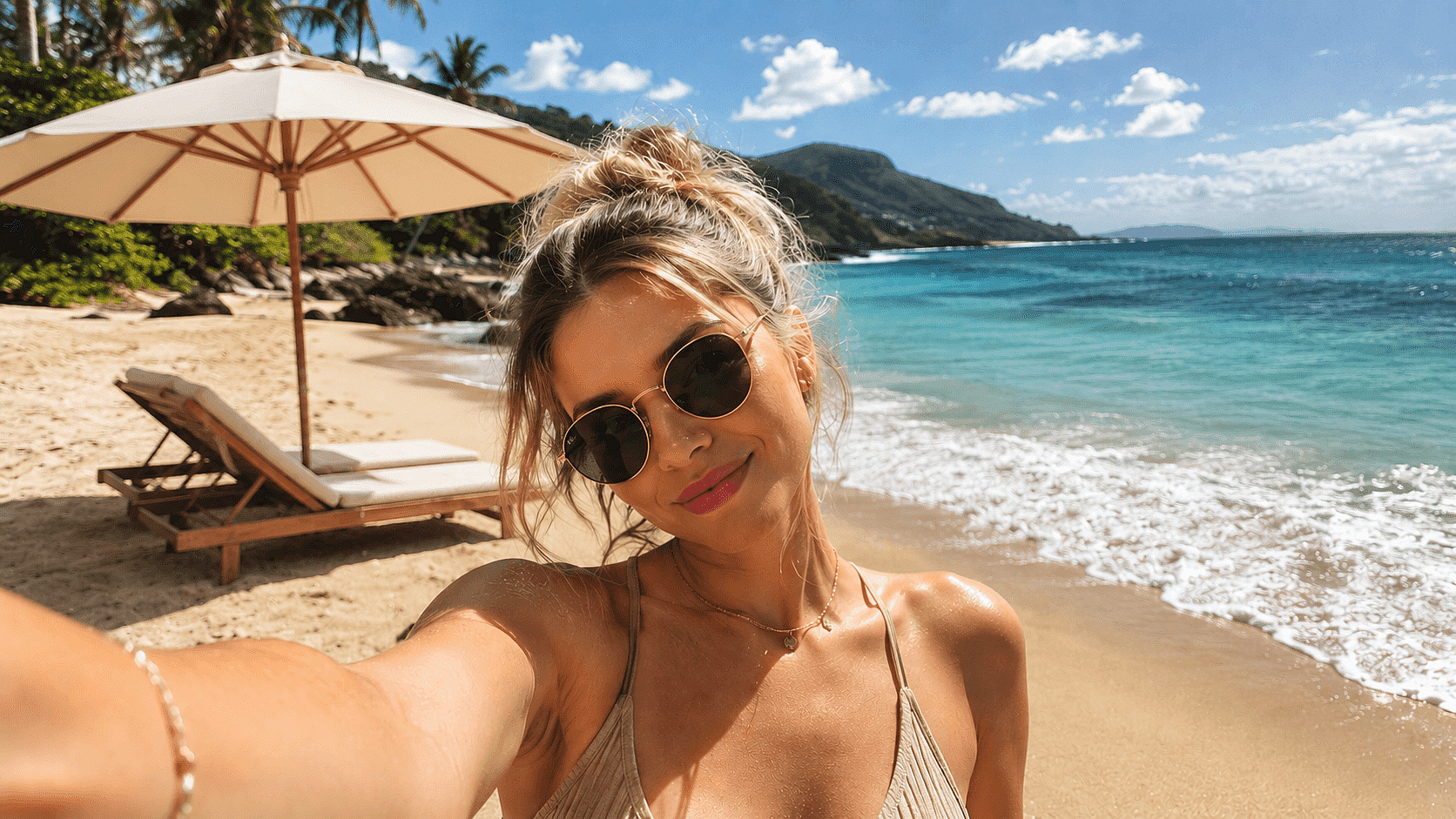
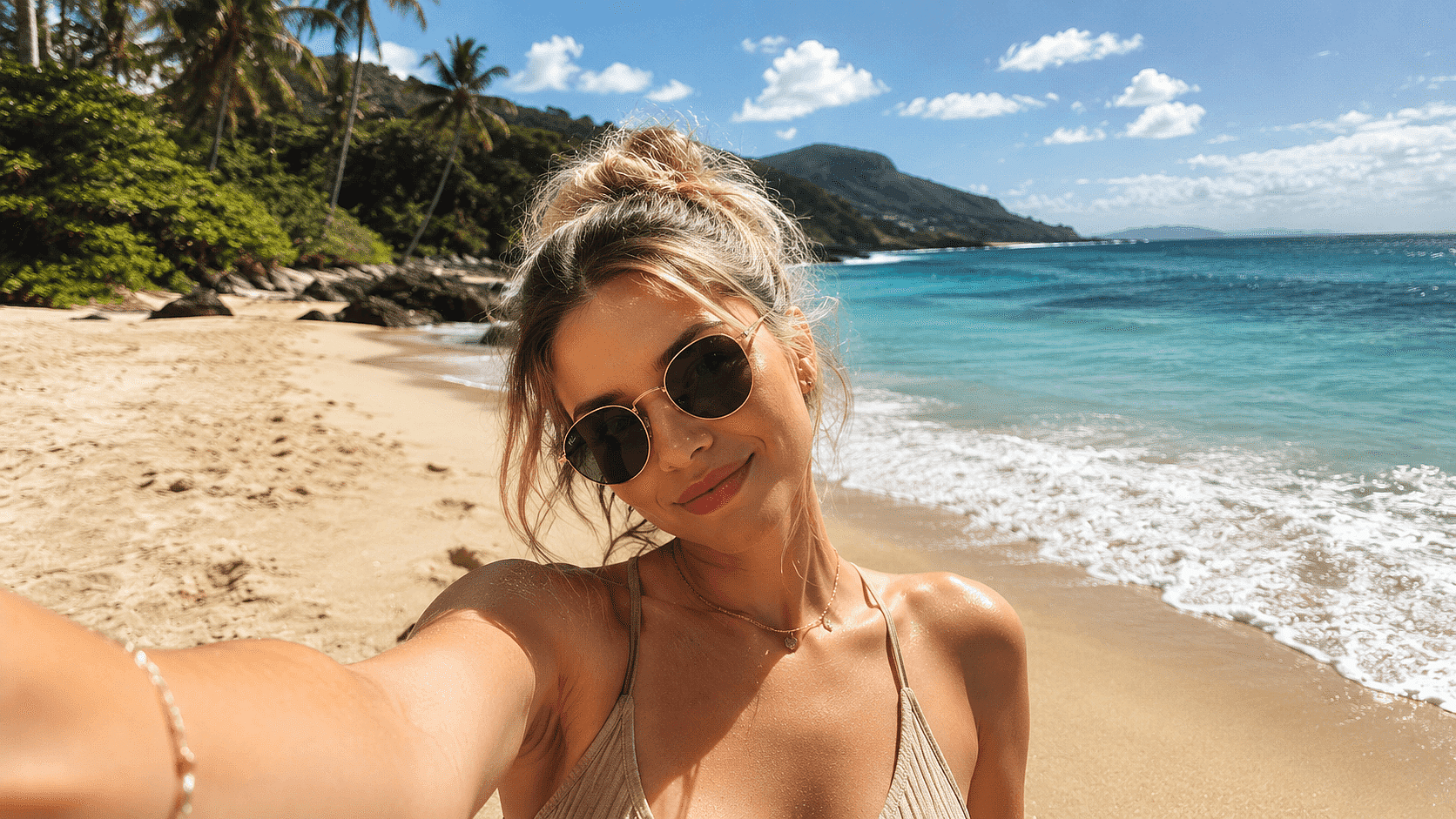
Contenido de viajes y estilo de vida
Borra a desconocidos de playas, monumentos y sitios turísticos. Mantiene el destino limpio y al sujeto como punto focal de cada toma.
Pruébalo ahora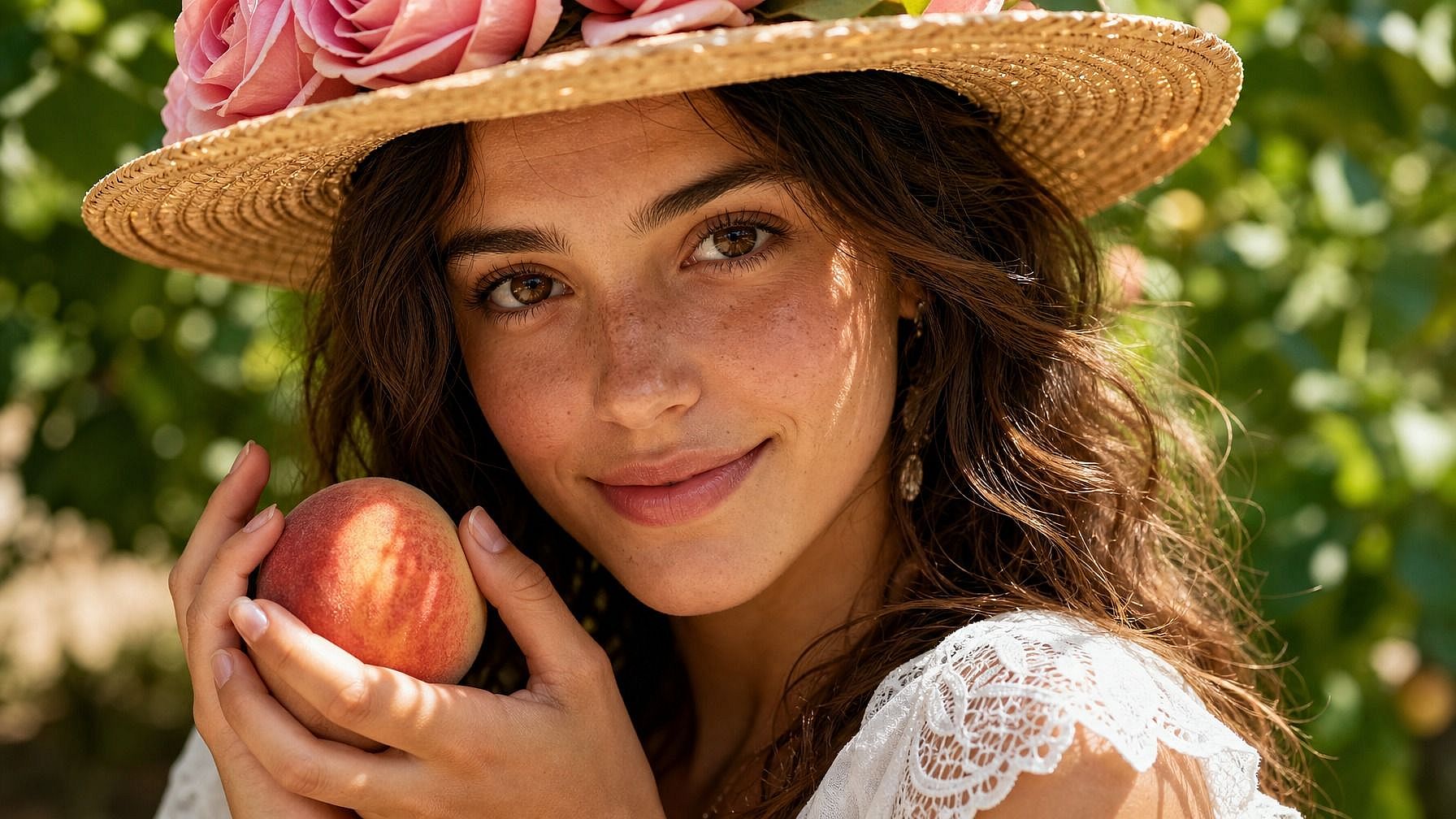
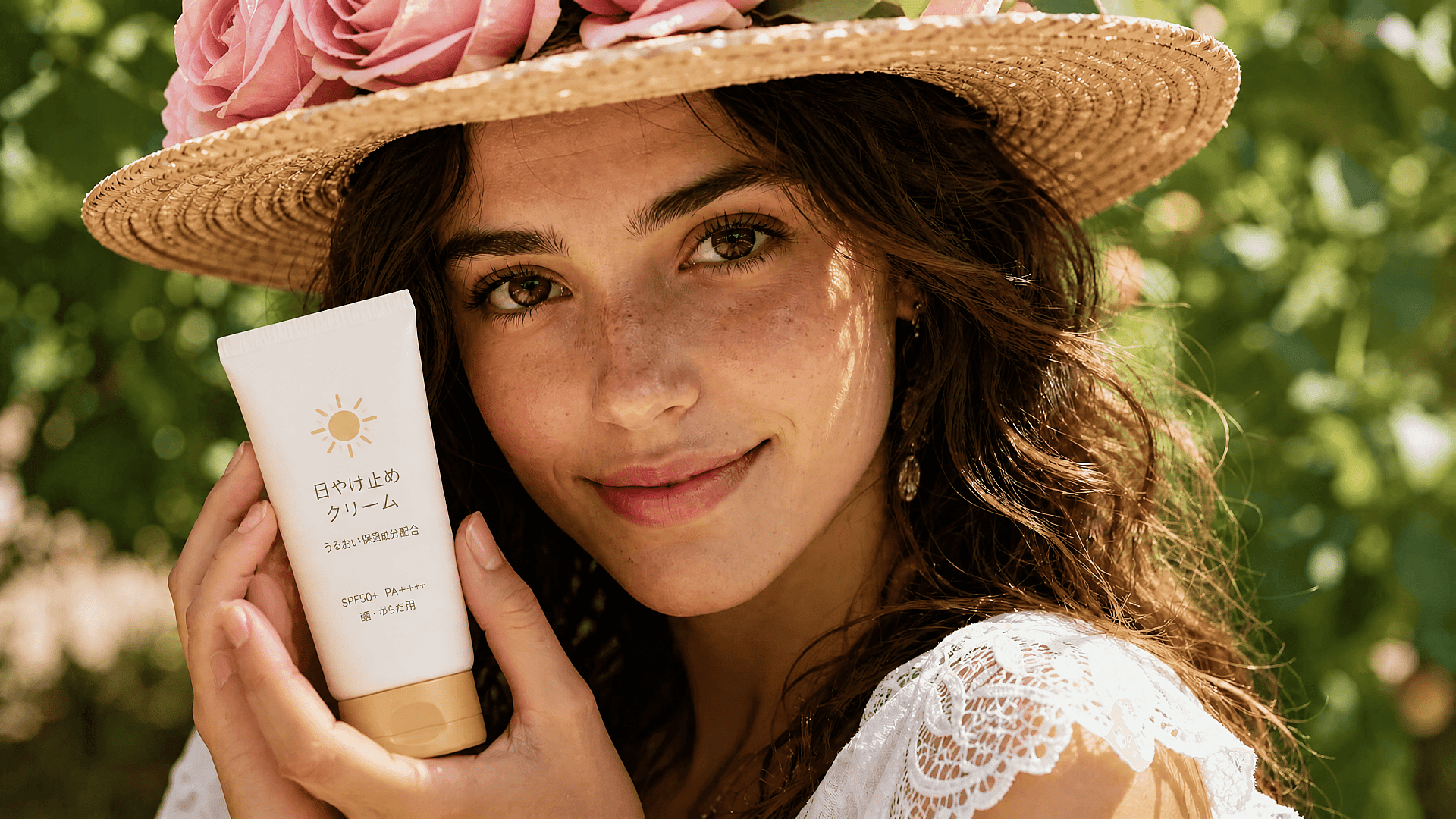
Fotos de producto y comercio electrónico
Elimina etiquetas de precio, pegatinas, reflejos y manos sueltas de las fotos de producto. Una imagen de origen limpia genera decenas de variantes para tus fichas.
Pruébalo ahora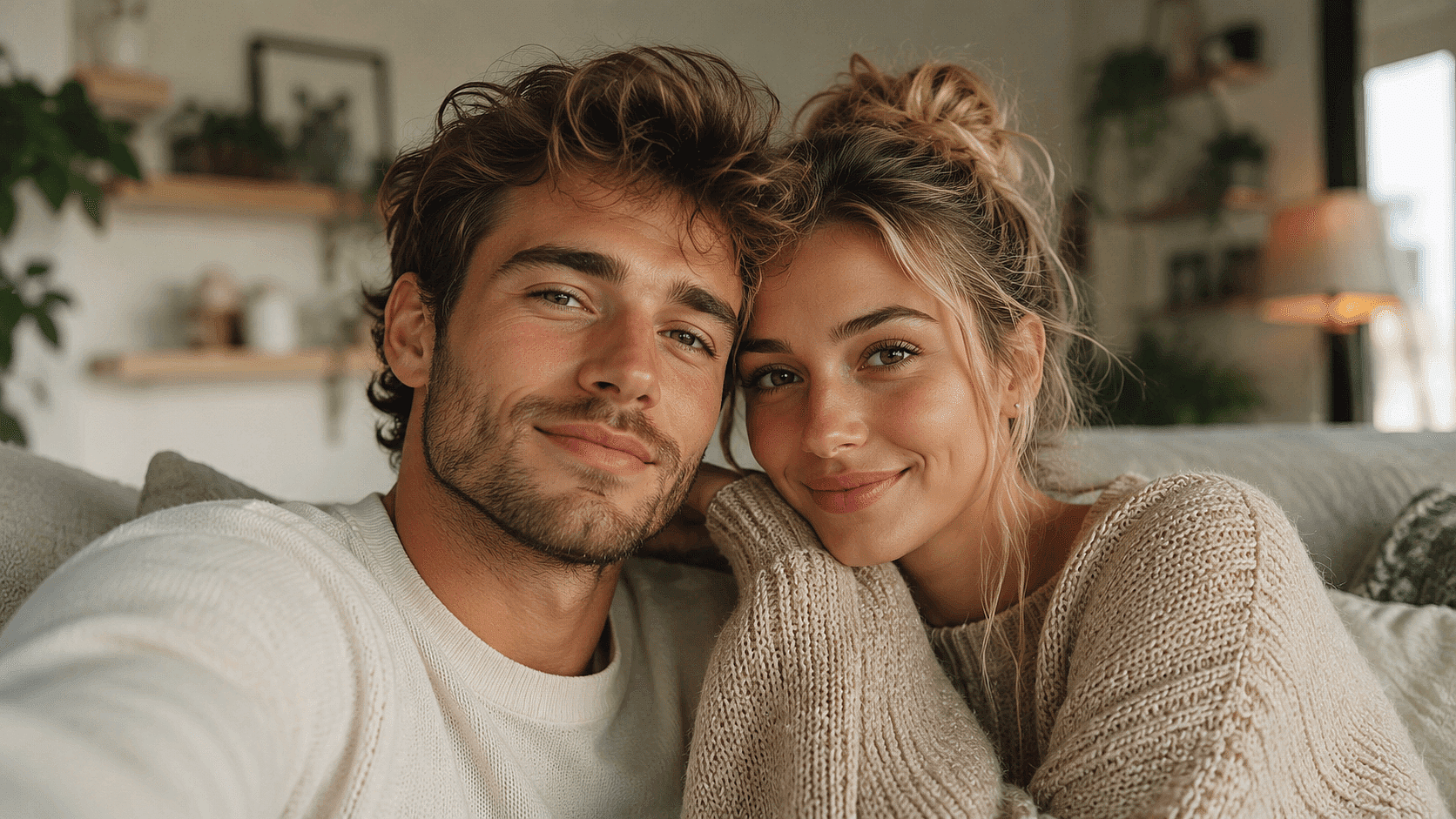

Limpiezas para redes sociales
Borra a examigos, intrusos en la foto y logotipos antiguos de tus fotos viejas antes de volver a publicarlas. Conserva los recuerdos y quita lo que sobra.
Pruébalo ahoraPreguntas frecuentes Preguntas
Sube tu foto, toca o describe el objeto y OpenArt lo borra y reconstruye el fondo en segundos.
Sí. La IA reconstruye paredes, cielo, césped, agua y suelos usando la textura y la iluminación del entorno. Los fondos complejos, como calles concurridas o multitudes, pueden necesitar una segunda pasada.
Usa prompts de texto en lenguaje natural para retocar la zona («suaviza la textura de la pared aquí», «elimina la sombra que queda»). La mayoría de los problemas se resuelven con un solo prompt de seguimiento.
Sube JPG, PNG, HEIC y WebP. Exporta como JPG, PNG o PNG transparente.
Seedream 5.0, GPT Image 2, Nano Banana Pro y Recraft V4, elegidos según la complejidad de la reconstrucción.
Puedes eliminar personas, vehículos, letreros, marcas de agua, texto, marcas de tiempo, cables eléctricos, basura, reflejos, destellos de lente, intrusos en la foto y cualquier otro elemento no deseado.
Sí. Marca varios objetos de una vez o descríbelos en un solo prompt («elimina la papelera, la bicicleta y la correa del perro»).
Ambos. Puedes borrar a una persona, una cara del fondo, un tatuaje o cualquier elemento facial concreto.
Solo con tus propias fotos o con imágenes sobre las que tengas derechos. Eliminar marcas de agua de imágenes que no son tuyas puede infringir los derechos de autor y las condiciones de uso.
Sí, en el plan Plus y superiores, siempre que seas el propietario de la foto original o tengas derechos sobre ella.
Consigue consejos de expertos en el blog
Consigue la información que necesitas. Nuestros expertos comparten trucos prácticos, analizan los temas más candentes y ofrecen guías esenciales para ayudarte a crear, optimizar y escalar.
Leer más
OpenArt Director es el n.º 1 en el benchmark de agentes de anuncios de vídeo con IA de Physion Labs
