

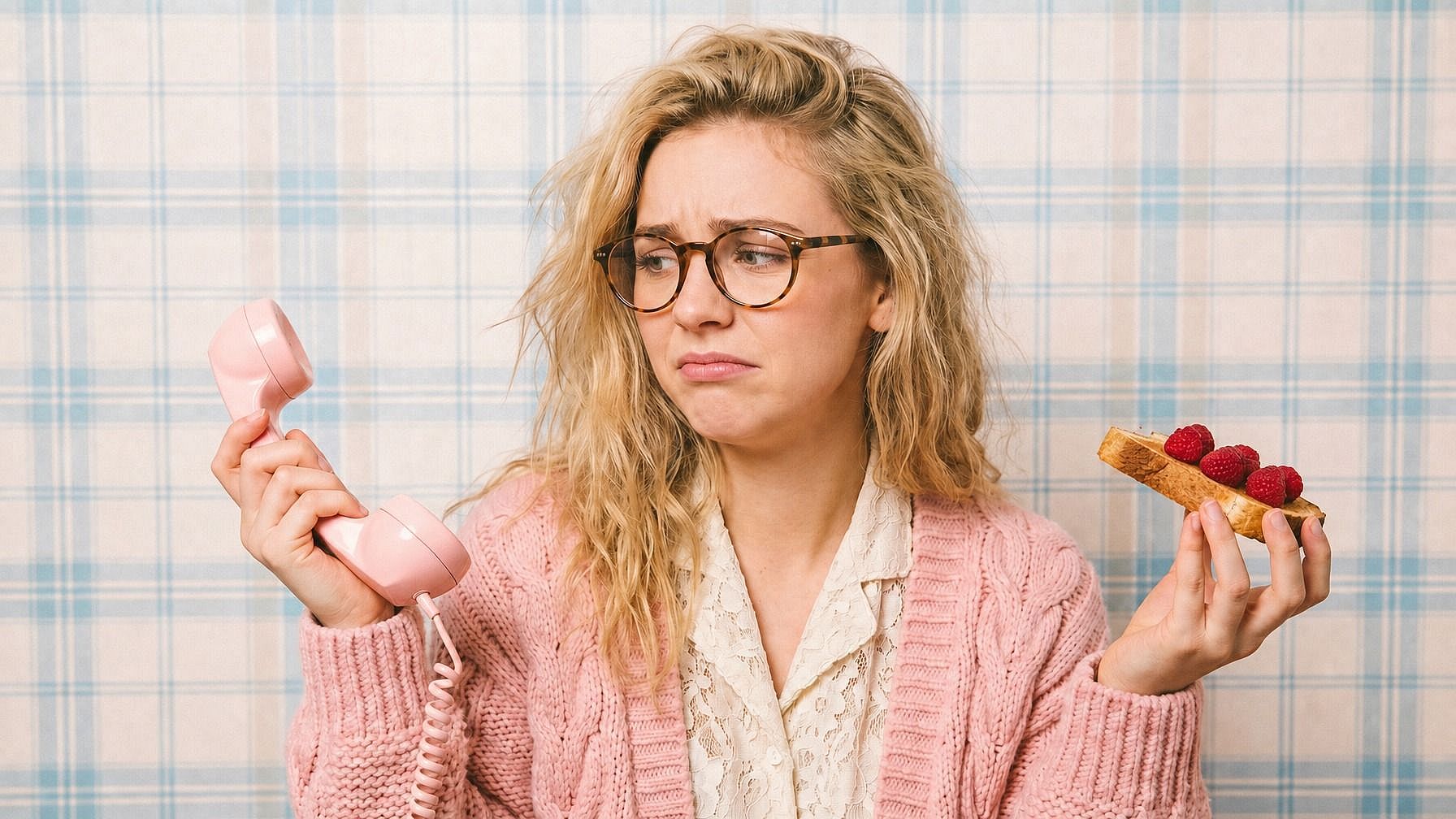
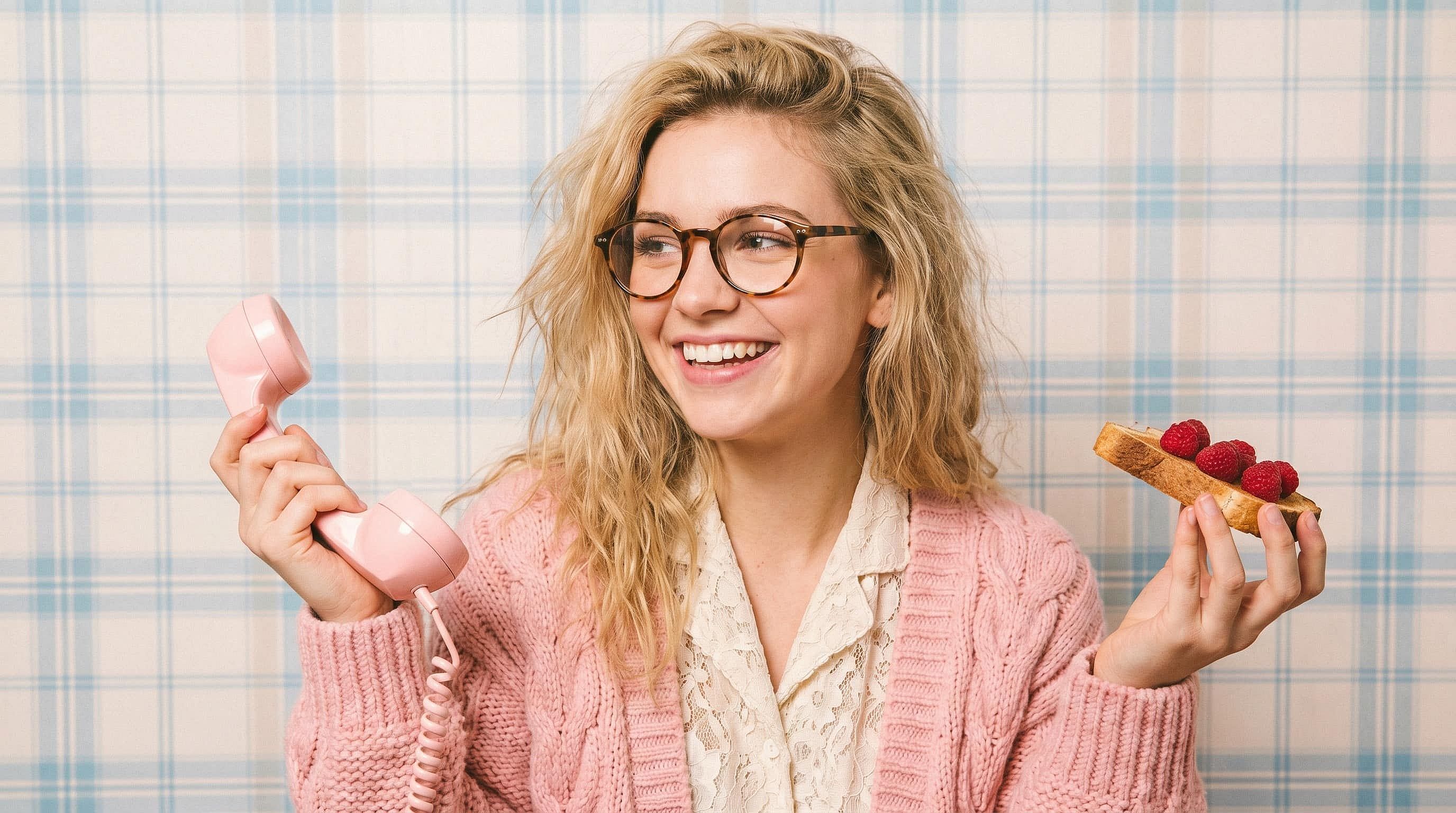
Cambiador de expresión facial
¿Buscas un editor de expresiones faciales online? Usa el Editor de Expresiones Faciales con IA de OpenArt para cambiar las expresiones en tus fotos: sonrisas, guiños, risas, sorpresa y mucho más. Mantén la misma cara y la misma iluminación mientras editas solo la expresión.
 Añade una imagen O arrástralo y suéltalo aquí · JPEG, PNG, WEBP, HEICJPEG, PNG, WEBP, HEIC
 Creaciones de la comunidad
Descubre cómo creadores, especialistas en marketing y narradores usan el editor de expresiones faciales. Desde arreglar fotos de grupo con ojos cerrados y ajustar reacciones para miniaturas de pódcast hasta dar a personajes de IA toda una gama de emociones a lo largo de una serie, explora lo que puede desbloquear una sola edición de expresión.

Características principales del cambiador de expresiones faciales
El cambiador de expresión facial de OpenArt está impulsado por los mejores modelos de edición —Nano Banana Pro, GPT Image 2.0, FLUX Kontext y Seedream 4.5—, creados específicamente para ediciones fotográficas de precisión. La herramienta cambia la expresión del rostro conservando la identidad, la iluminación, el tono de piel, el pelo y el resto de la escena, para que el resultado parezca una foto real, no una regenerada.
Cambia cualquier expresión a la orden
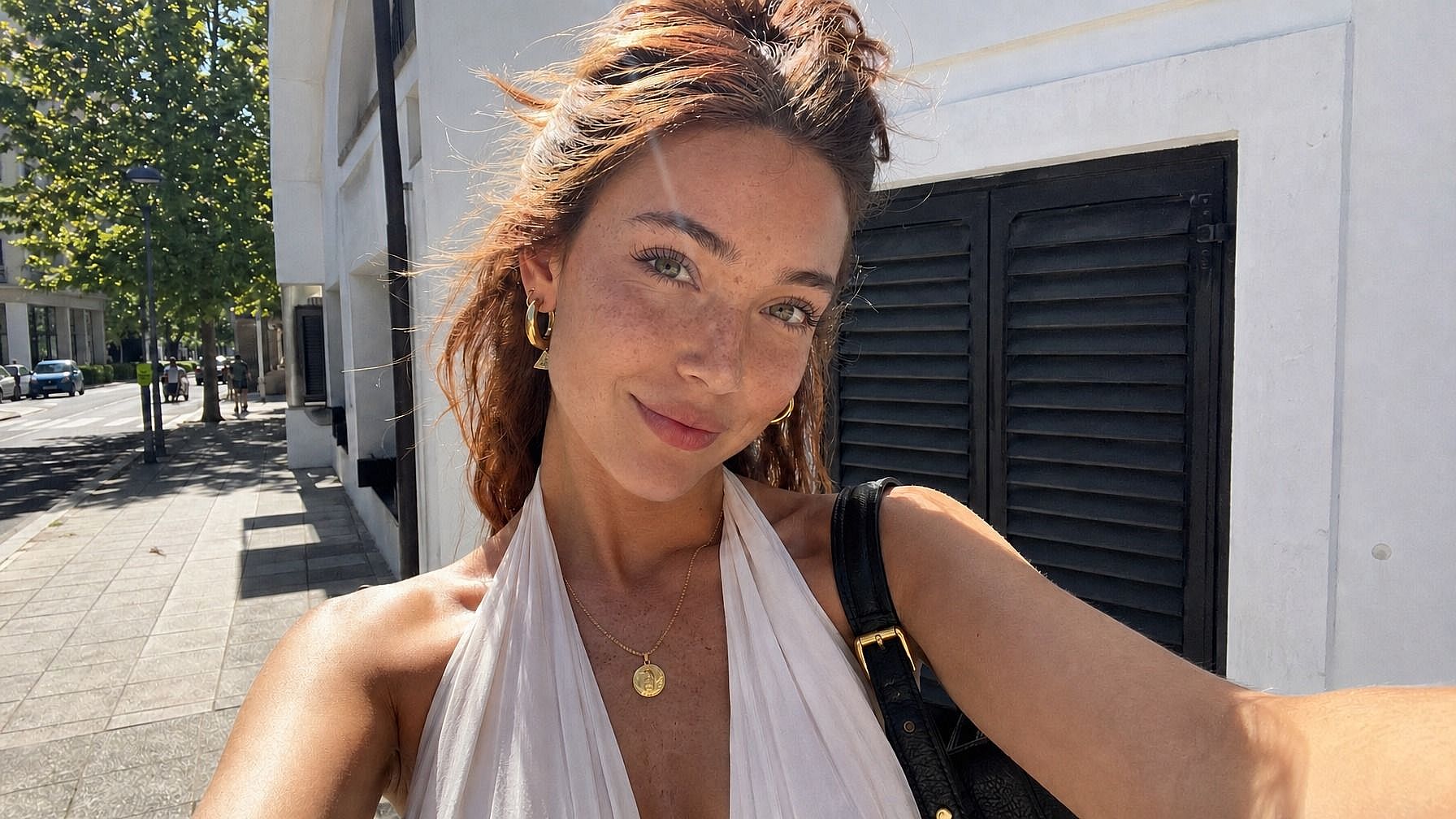
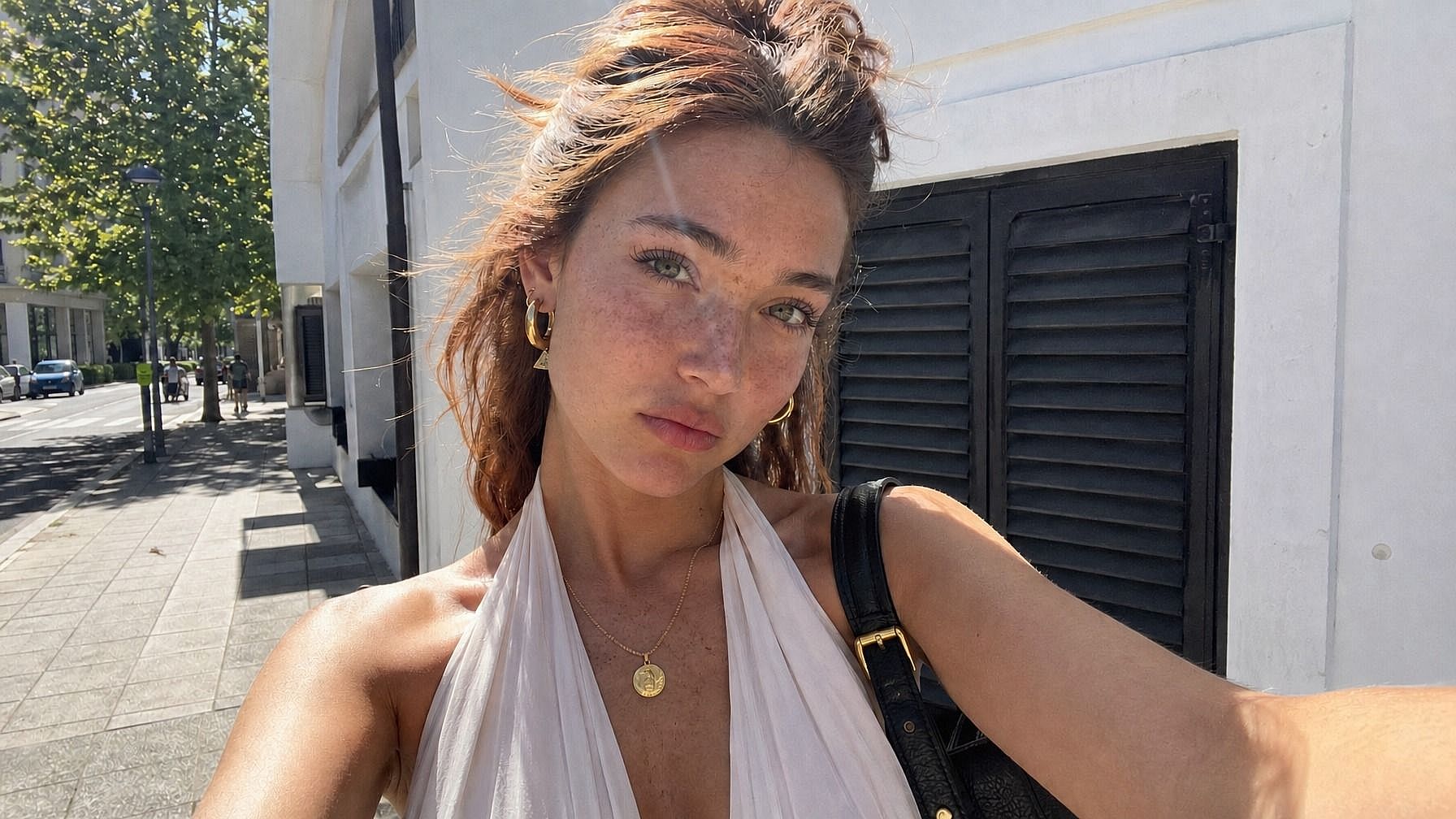
Escribe la expresión que quieres —«sonrisa amplia y sincera», «sonrisilla sutil», «sorpresa impactada», «tranquilo y serio», «riendo con los ojos cerrados», «mirada de reojo molesta»— y la IA actualiza la cara para que encaje. El cambio afecta a la vez a los ojos, la boca y las microexpresiones, así que el resultado parece natural y no pegado.
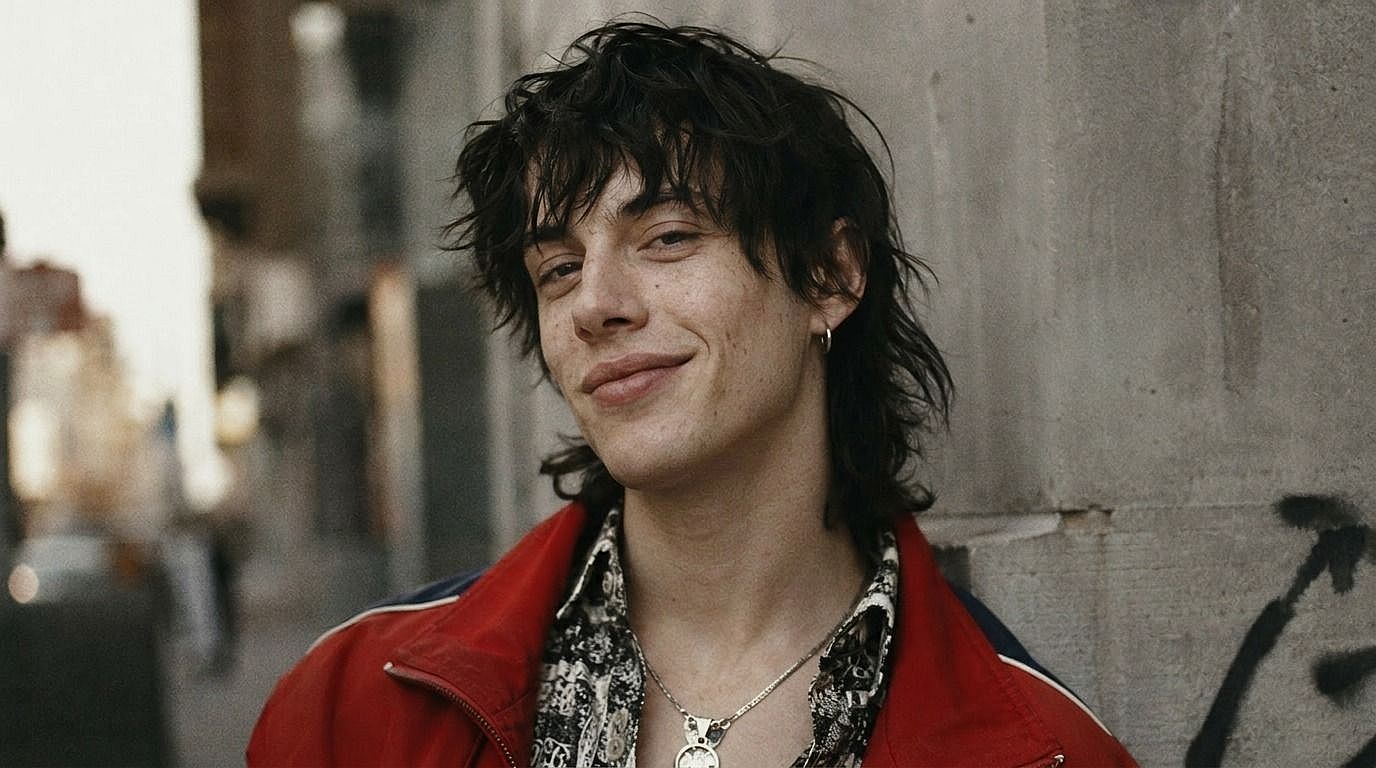
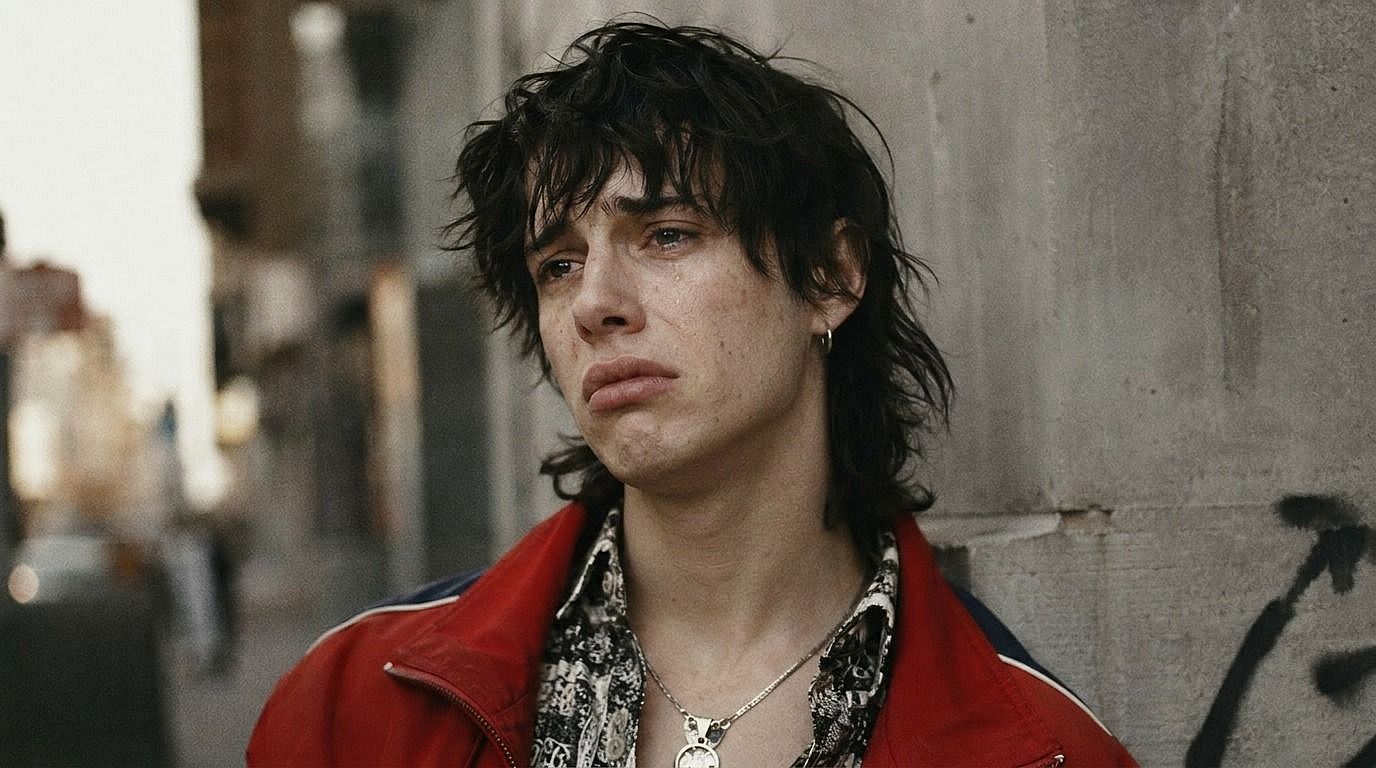
Edición que preserva la identidad
La clave de la herramienta es que es la misma persona, solo que expresándose de otra forma. La forma de la cara, el color de ojos, el pelo, el tono de piel, el maquillaje y la iluminación se mantienen fijos. Así, editar una sonrisa no cambia por accidente la edad, la mandíbula o el peinado de la persona: solo le da la expresión que has pedido.
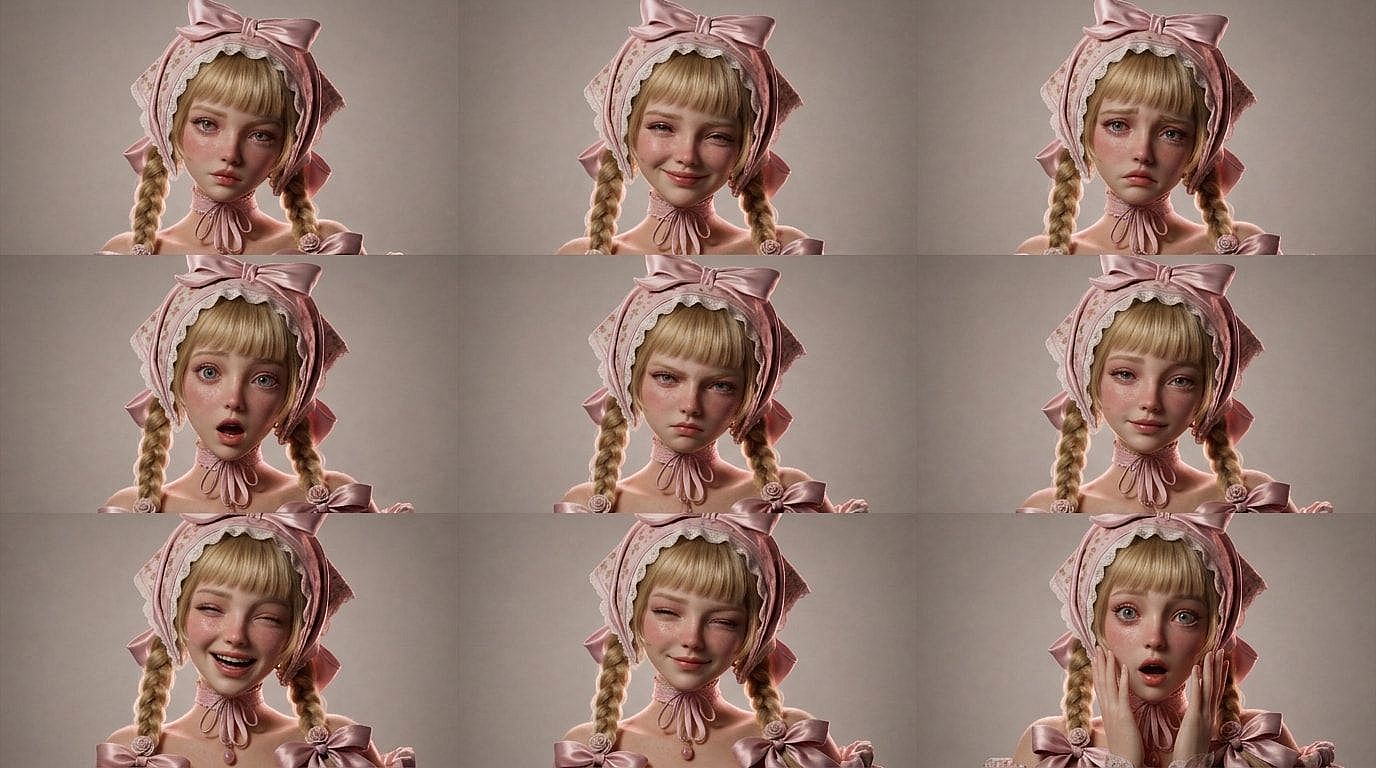
Funciona para series, hojas y sets multiplano
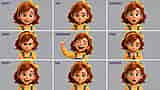
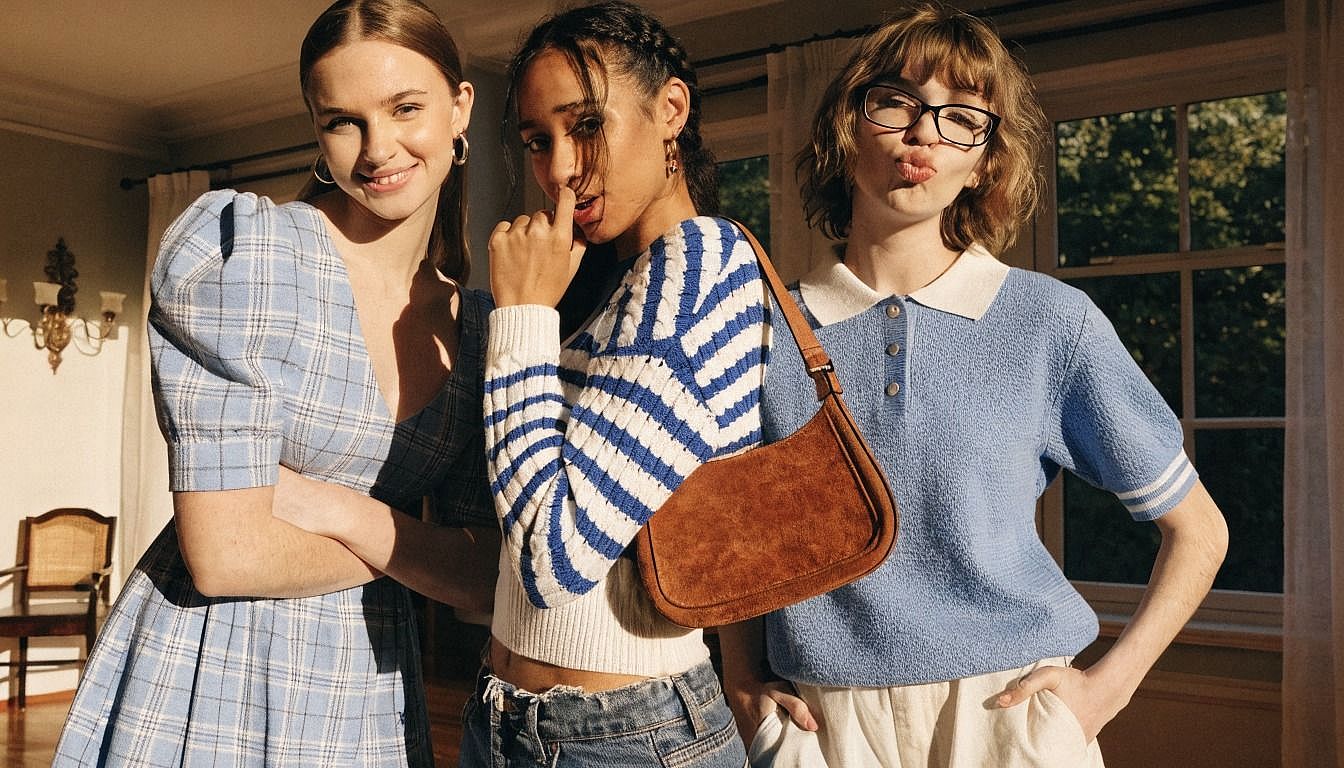
¿Necesitas el mismo personaje con distintas expresiones para una página de cómic, un conjunto de miniaturas, una hoja de personaje o la semana de contenido de un influencer de IA? Pasa la misma foto por varias expresiones y obtén una hoja de emociones completa —feliz, triste, sorprendido, enfadado, neutral, riendo— con una cara consistente en cada viñeta.
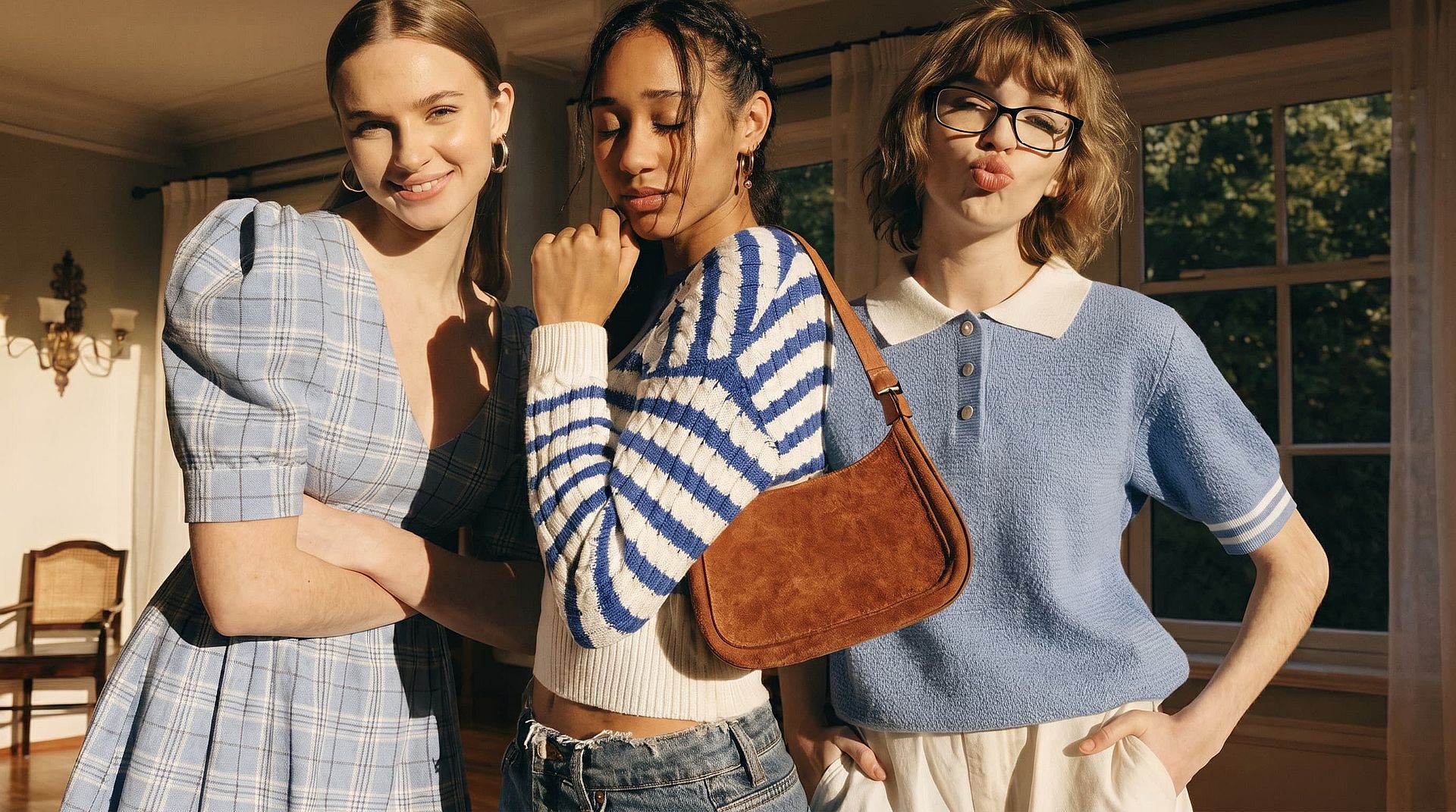
Arregla fotos que casi funcionaban
¿Una foto de grupo en la que alguien parpadeó? ¿Un retrato con una sonrisa forzada? ¿Una foto familiar donde el niño estaba a medio bostezo? Sube la foto, describe la expresión que querías y la IA arregla esa cara sin tocar el resto de la imagen.
Cómo usar el cambiador de expresiones faciales
Edita cualquier expresión facial en tres pasos.
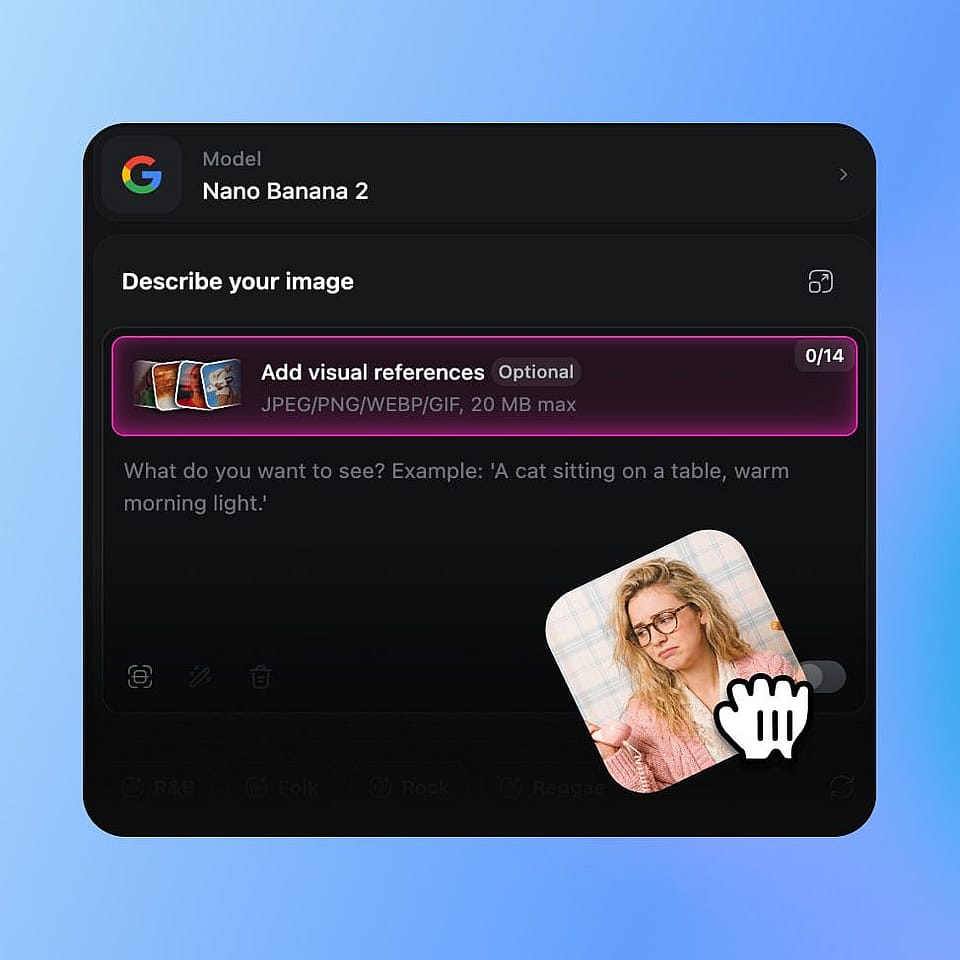
Sube tu foto
Abre las herramientas de imagen de OpenArt y sube la foto que quieras editar. Funciona con selfis, retratos, fotos de grupo, planos de cuerpo entero, retratos generados por IA y personajes de tu biblioteca.
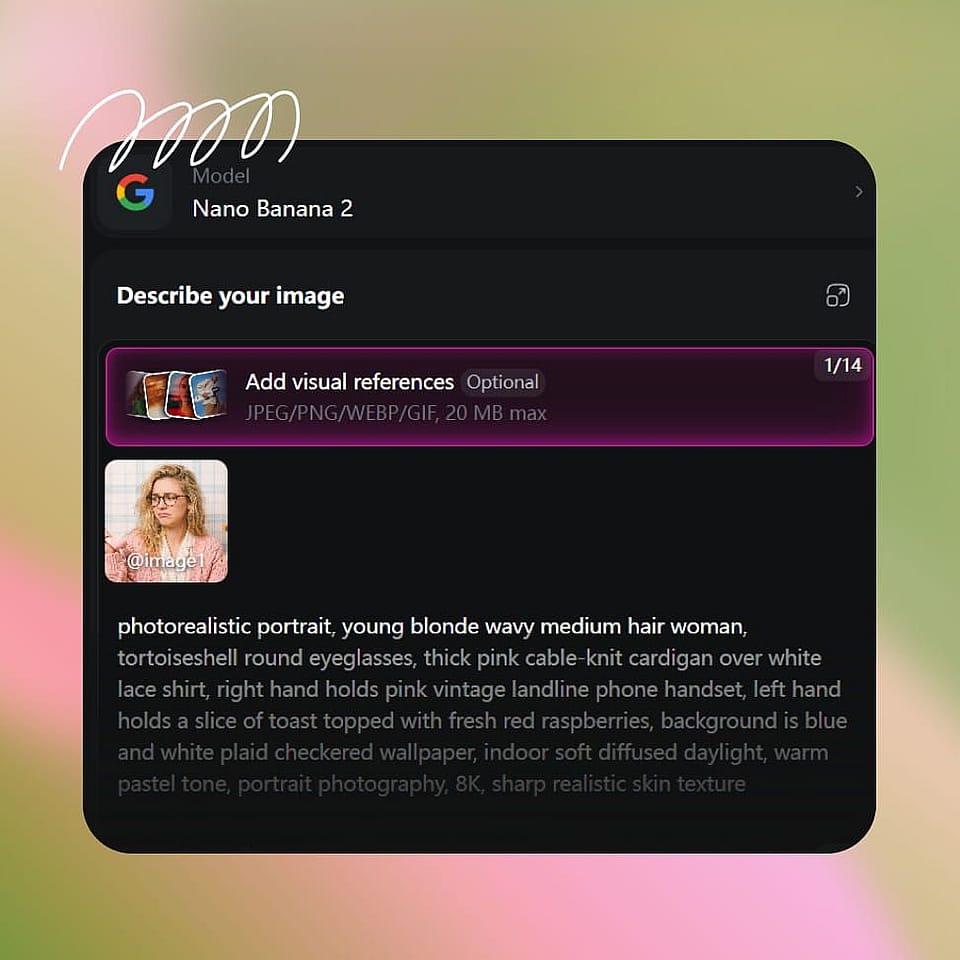
Describe la nueva expresión
Escribe la expresión que quieras: «sonrisa cálida y sincera», «sorprendido con las cejas levantadas», «tranquilo y serio», «riendo a carcajadas», «sonrisa sutil», «poner los ojos en blanco con fastidio». Si estás editando una foto de grupo, indica a qué persona cambiar.
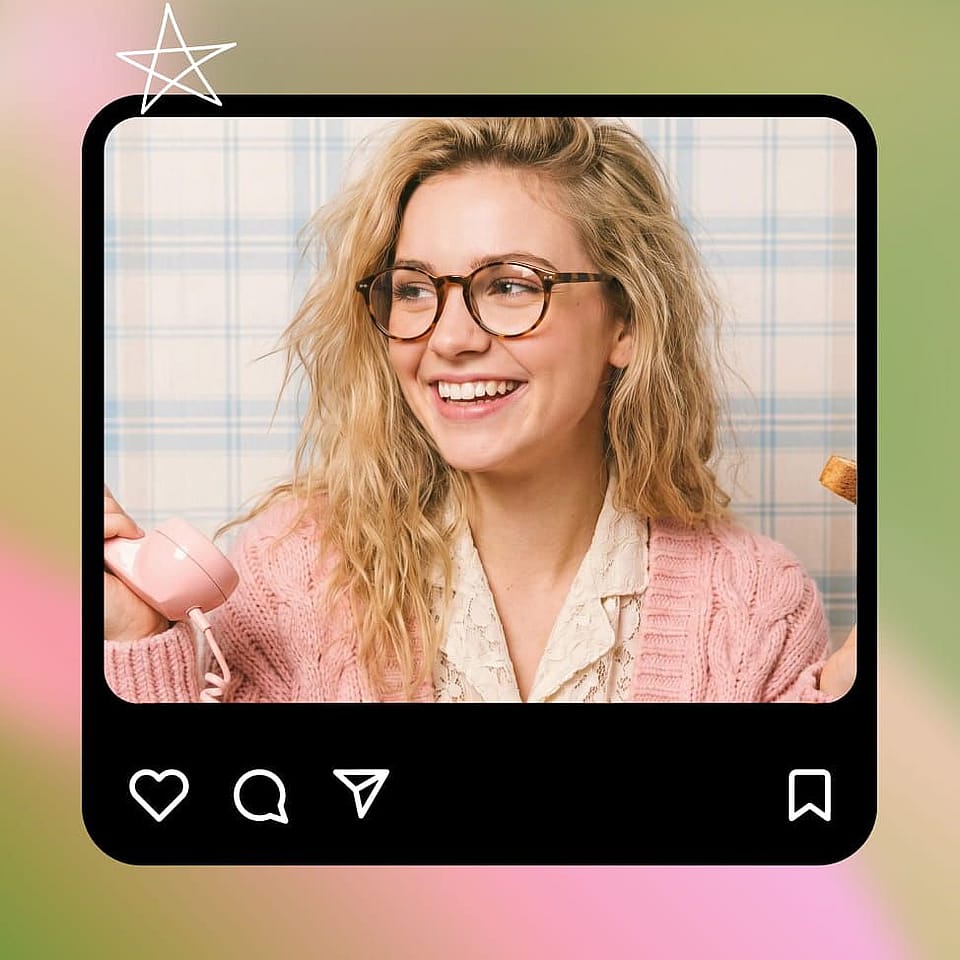
Genera y perfecciona
Ejecuta la edición, previsualiza el resultado y refínalo si hace falta. Prueba una versión más suave o más intensa de la misma expresión, o genera varias variaciones para elegir. El resto de la imagen permanece intacta todo el tiempo.
Creado para creadores, marketers y narradores
Coge cualquier foto y ajusta exactamente la expresión que necesitaba.
Creadores de contenido y miniaturas
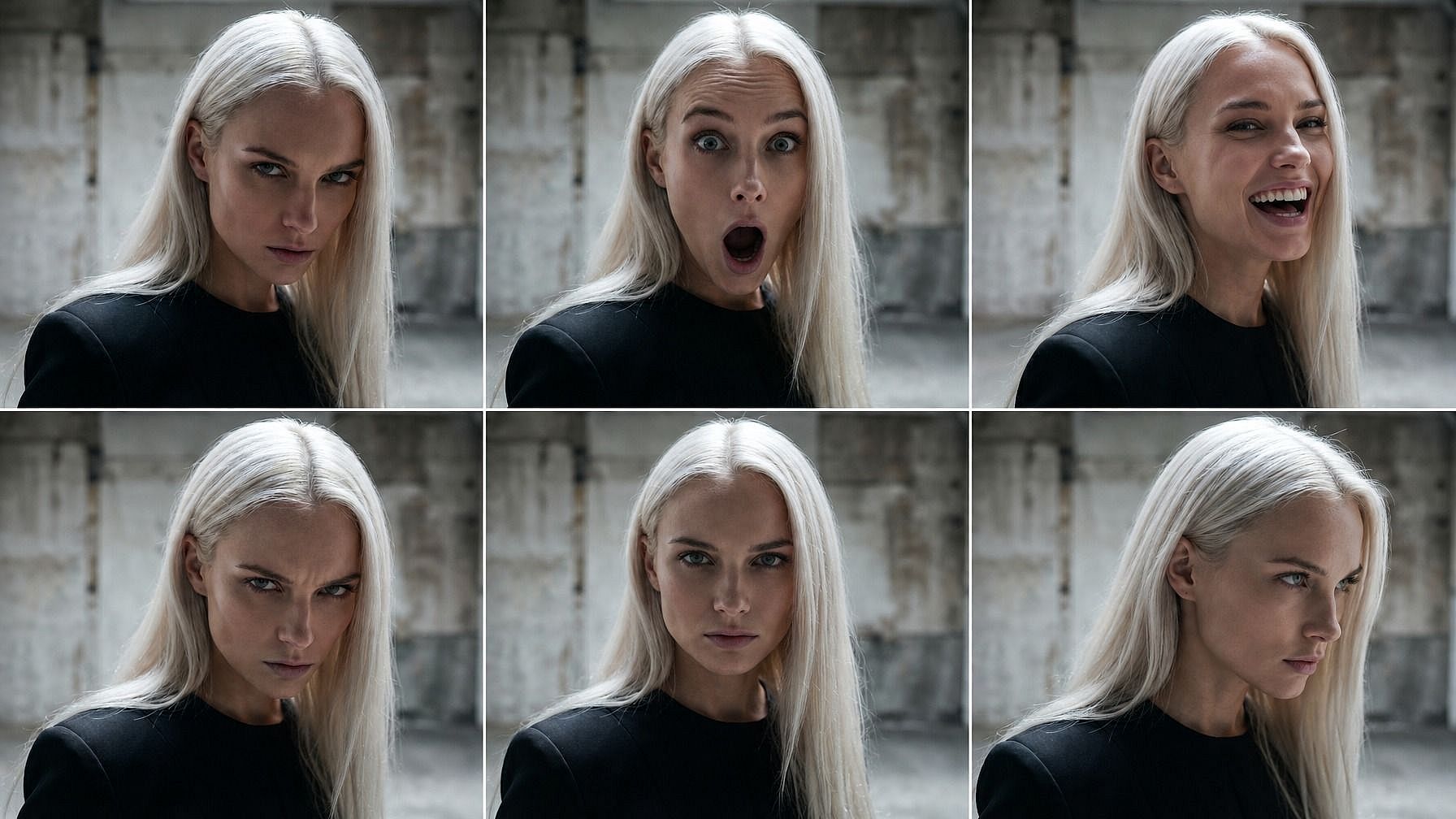
Genera un set completo de expresiones para miniaturas de YouTube, ganchos de TikTok, variaciones de portada de pódcast u overlays de directo: cara de sorpresa, gran carcajada, reacción intensa, explicación tranquila... todo a partir de una sola foto tuya. Prueba qué expresión funciona mejor en lugar de hacer varias sesiones de fotos.
Pruébalo ahora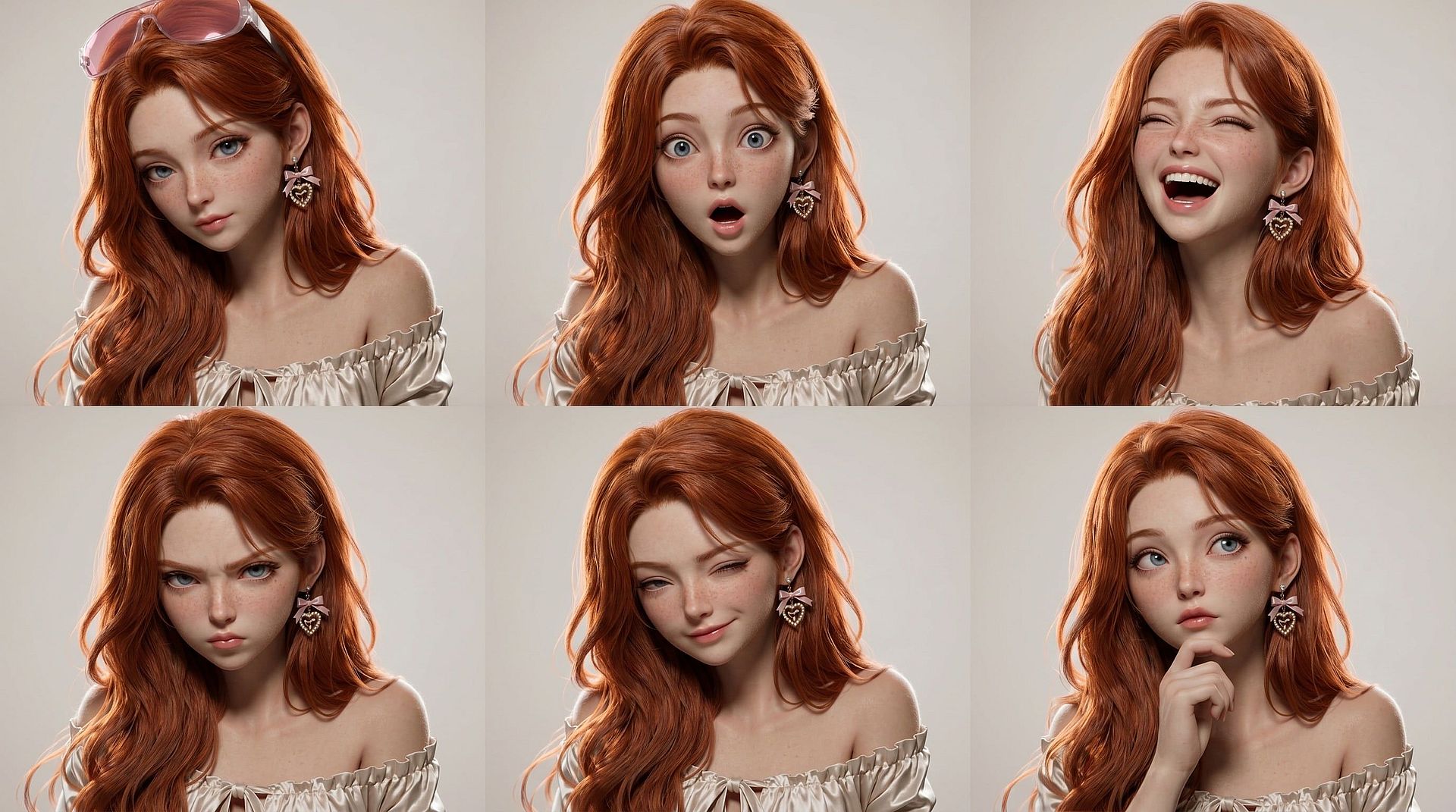
Influencers de IA y personajes recurrentes
Dale a tu influencer con IA o a tu personaje recurrente todo un abanico emocional a lo largo de una semana de contenido. Sonriente en el post del lunes, sorprendido en el reel del miércoles, tranquilo en el explicativo del viernes: el mismo personaje, el mismo aspecto, una expresión distinta en cada fotograma. Encaja a la perfección con la biblioteca de personajes de OpenArt para que la identidad quede fijada.
Pruébalo ahora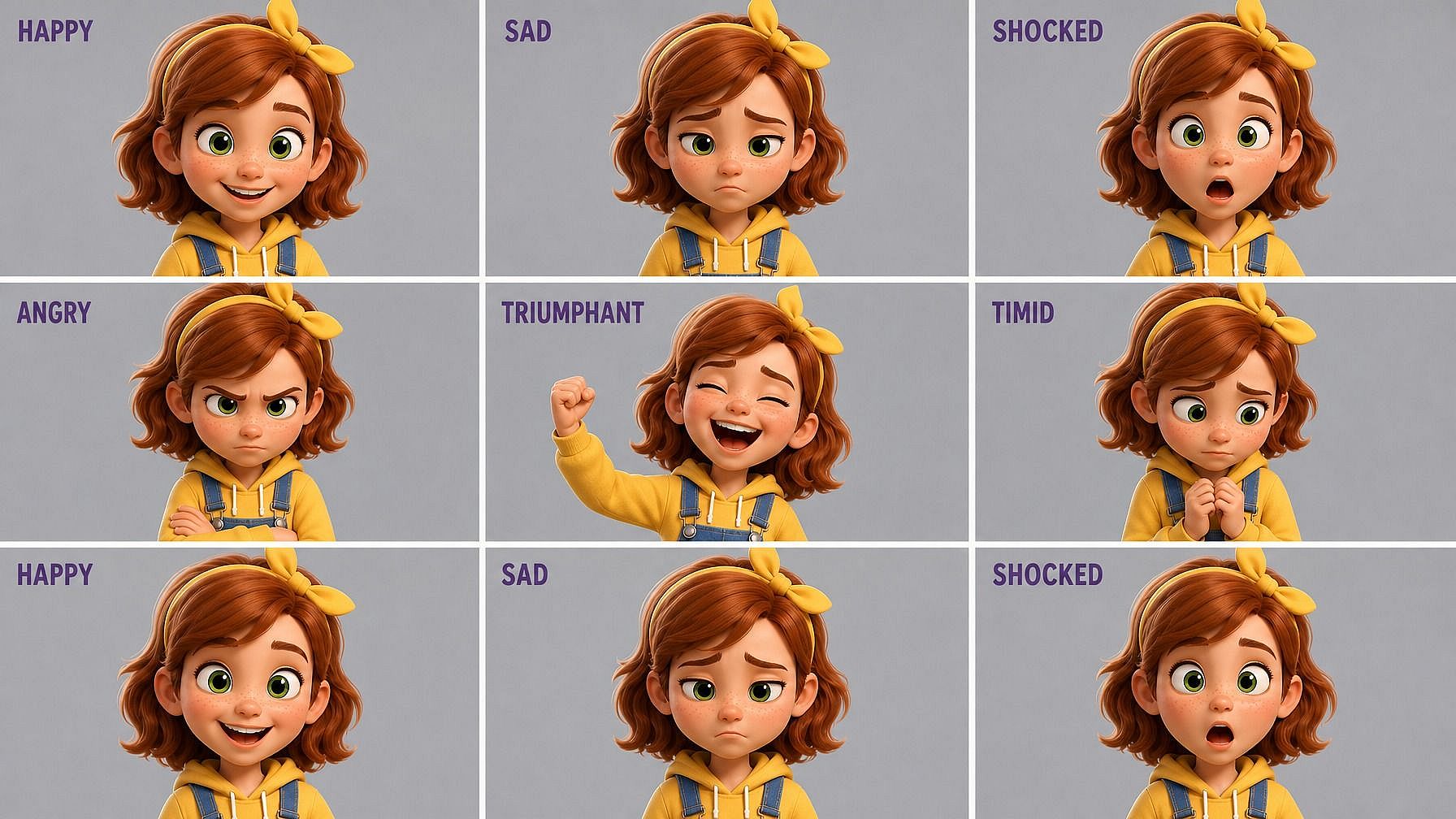
Cómics, libros ilustrados y cortos animados
Crea hojas de expresiones para tus personajes —feliz, triste, sorprendido, enfadado, presumido, aterrado— y llévalas a viñetas de cómic, libros ilustrados o cortos animados. Combinado con Character 2.0, obtienes un personaje coherente con una gama emocional completa, listo para colocar en cualquier escena.
Pruébalo ahora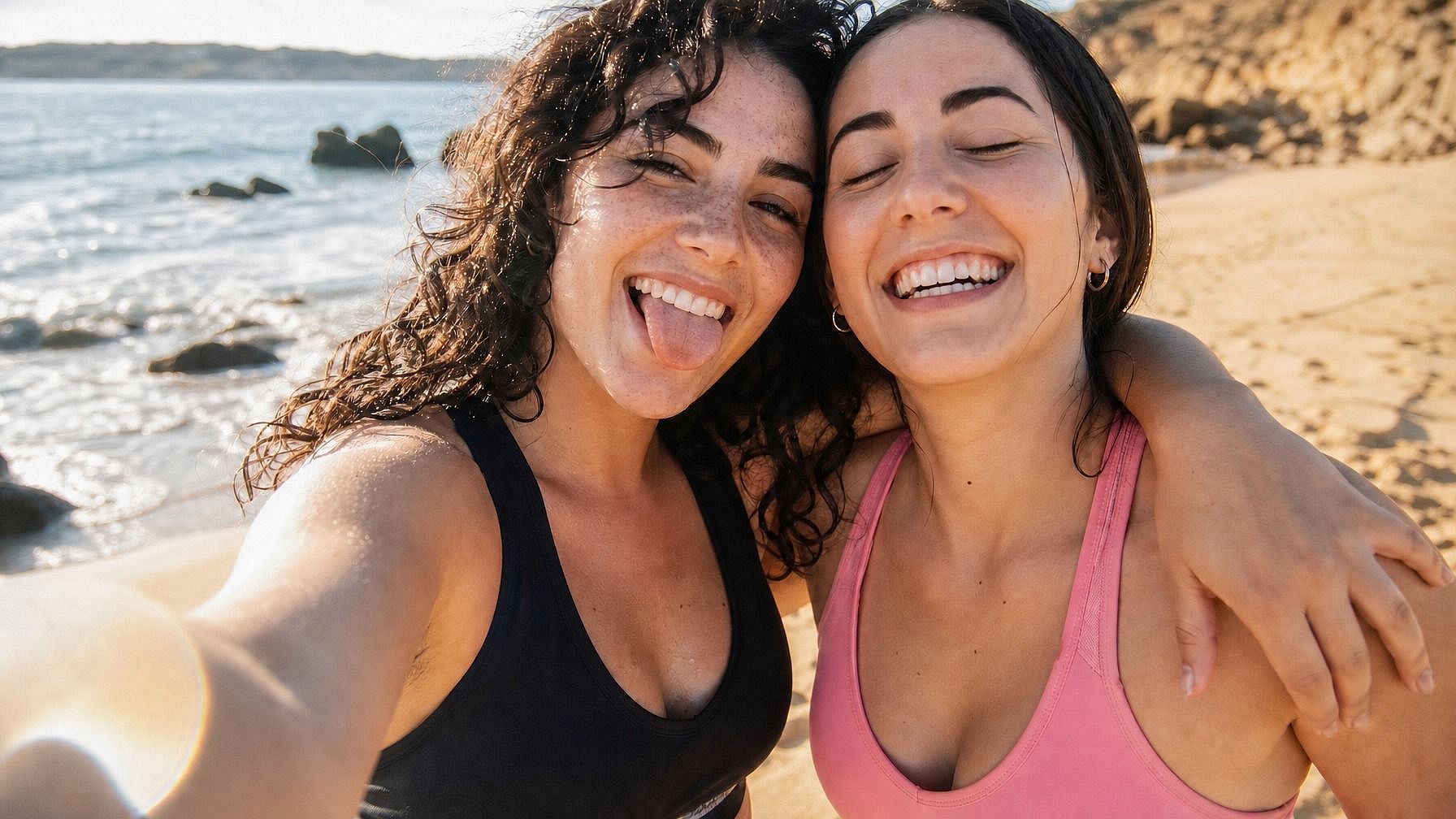
Arregla fotos reales que casi funcionaron
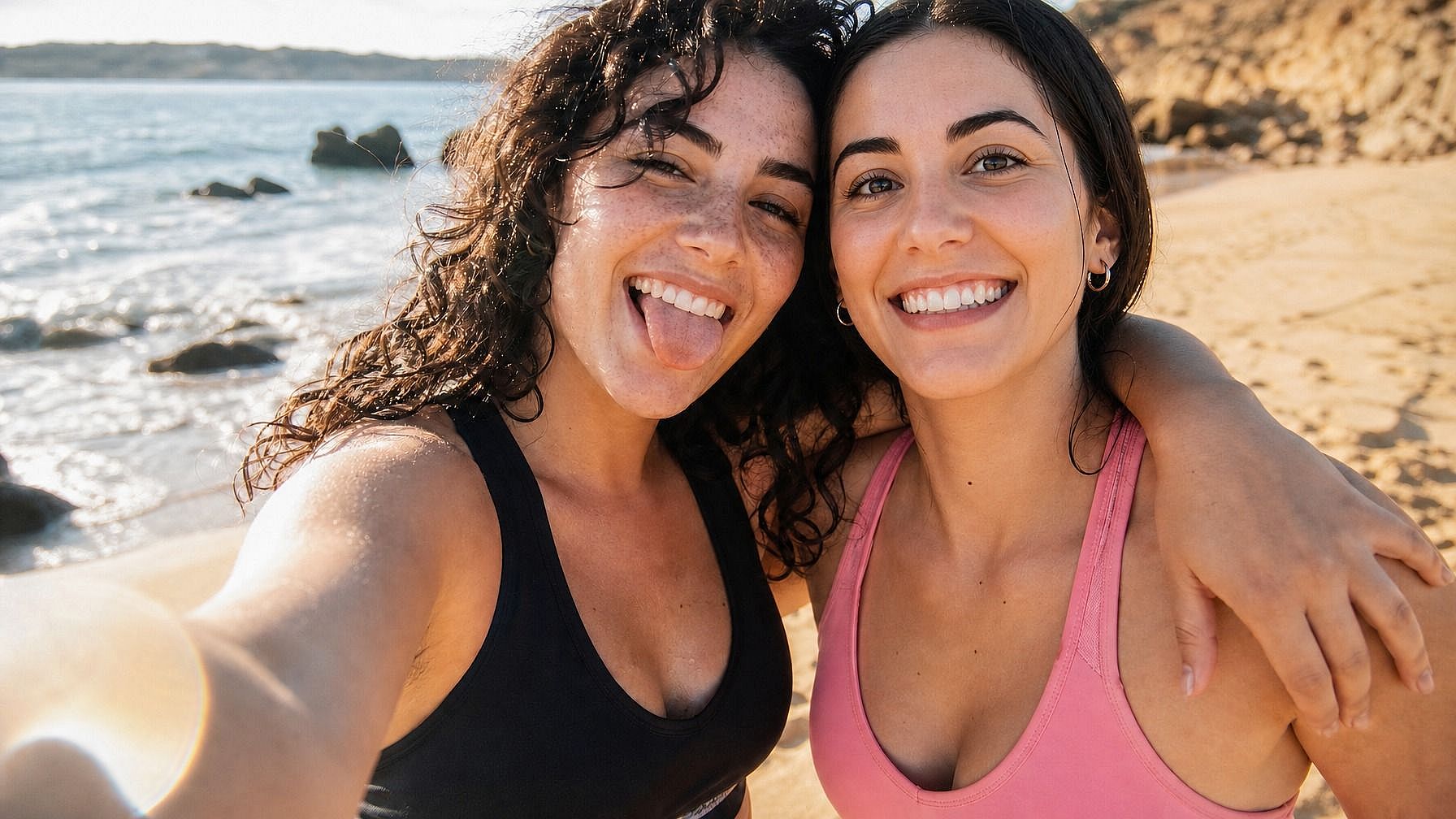
Fotos de grupo donde alguien parpadeó, fotos familiares donde el niño estaba a mitad de bostezo, retratos profesionales donde la sonrisa parece forzada. Sube la foto, describe la expresión que querías y obtén una versión limpia del momento sin repetir la sesión.
Pruébalo ahoraPreguntas frecuentes Preguntas
Es una herramienta de edición con IA que cambia la expresión facial de una foto manteniendo intacto el resto de la imagen. Subes una foto, describes la nueva expresión —sonrisa, sorpresa, enfado, calma— y la IA actualiza la cara. La identidad, la iluminación, el pelo y el fondo se mantienen igual.
Lo que puedas describir. Sonrisa, gran carcajada, sonrisilla sutil, ceño fruncido, tristeza, llanto, sorpresa, asombro, enfado, fastidio, calma, concentración, suficiencia, miedo, vergüenza, guiño, mirada de reojo, neutral. Cuanto más específico sea el prompt («sonrisa cálida y genuina» en vez de solo «sonrisa»), más afinado será el resultado.
Sí, y funciona especialmente bien con la biblioteca de personajes de OpenArt. Guarda un personaje una vez y luego pásalo por toda una gama de expresiones para un cómic, una serie de contenidos o un vídeo. La coherencia de Character 2.0 mantiene la identidad bloqueada en cada edición.
No, esa es precisamente la idea. El cambiador de expresiones apunta con precisión al rostro. La iluminación, las sombras, el pelo, la ropa, el fondo y la pose se mantienen igual. Solo cambia la expresión.
El uso comercial está incluido en los planes Advanced y superiores de OpenArt. Si usas las ediciones para anuncios, contenido, publicaciones de marca o cualquier cosa monetizada, los niveles Advanced, Infinite o Wonder te cubren.
Empieza con una foto clara y bien iluminada en la que la cara se vea por completo. Sé concreto en el prompt: "sonrisa cálida y genuina con leves arrugas alrededor de los ojos" funciona mejor que solo "sonrisa". Si la primera edición se acerca pero no queda del todo bien, sube o baja la intensidad ("sonrisilla sutil" frente a "carcajada") o genera un par de variaciones para elegir.
Sí. La herramienta está diseñada específicamente para preservar la identidad. La forma del rostro, el tono de piel, el pelo, el color de ojos y la iluminación se mantienen intactos. Lo único que cambia es la expresión. Así, la foto editada se percibe como la misma persona en otro momento, no como una persona distinta.
Sí. Puedes editar la expresión de una persona concreta en una foto de grupo nombrándola («la persona de la izquierda», «la mujer de la camisa roja») o seleccionando su cara. Las demás personas de la foto no se tocan.
Sí. Pasa la misma foto de origen por varias expresiones —feliz, triste, sorprendido, enfadado, neutral, riendo— y tendrás una hoja de emociones completa de ese personaje. Útil para cómics, storyboards, semanas de contenido de influencers con IA o pruebas de miniaturas.
Funcionan JPEG, PNG y WEBP. Puedes subir archivos desde el móvil, el ordenador o cualquier unidad en la nube.
OpenArt ofrece una prueba gratuita con créditos limitados, así que puedes probar el cambiador de expresiones faciales en unas cuantas fotos antes de mejorar tu plan.