

VFX con IA
Añade VFX cinematográficos con IA a metraje que ya has grabado. Cambia fondos, reilumina escenas enteras o transforma una sola zona, todo desde una única subida y listo en minutos.



Tres modos, una sola subida
Un solo clip desbloquea cambios de fondo, reiluminación de toda la escena e inpainting con máscara, en nuestro generador de VFX con IA.



Sin estudio, sin flujo de producción
Sin croma, sin compositor ni granja de renderizado. La IA hace el trabajo que antes hacía un equipo de VFX, incluyendo todo el etalonaje y los efectos visuales.
Minutos, no horas
Cada tarea de VFX con IA se entrega en minutos, con vistas de comparación en paralelo integradas para ver los efectos de vídeo con IA añadidos.
Creaciones de la comunidad
Descubre cómo creadores, cineastas y marcas usan OpenArt VFX para transformar metraje que ya han grabado.
Tres modos de VFX, una sola subida
El AI VFX de OpenArt funciona con SwitchX de Beeble, un modelo de vídeo diseñado para aislar sujetos con alta fidelidad, reiluminar todo el fotograma y editar regiones enmascaradas. La misma imagen se convierte en los efectos de AI VFX que necesites.
Cambia cualquier fondo
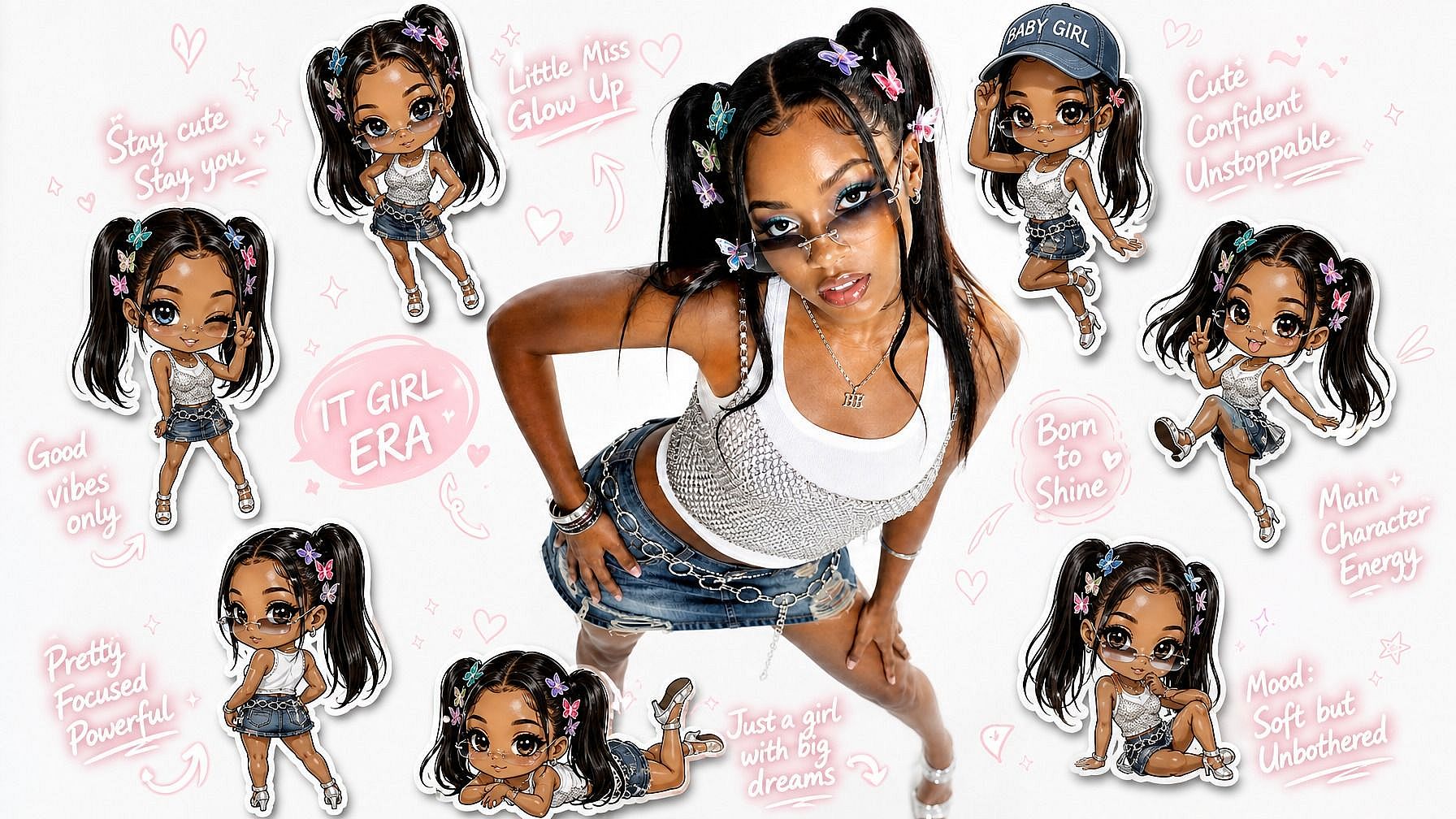
El modo fondo aísla a tu sujeto y sustituye la escena que tiene detrás. Sin croma ni recortes manuales. Elige un preajuste, sube una imagen o genera un mundo nuevo con el mejor generador de VFX con IA.
Reiluminar la escena
El modo Reiluminar reconstruye la iluminación, el color y el ambiente en todo el fotograma. Reilumina la escena en lugar de añadir un filtro, así que las sombras y los brillos se ven reales. Tu interpretación y el movimiento se mantienen tal y como los grabaste.
Enmascara objetos, transforma el resto
El modo Inpaint te permite proteger una parte del fotograma y cambiar el resto. Pinta una máscara sobre lo que debe permanecer, como una persona o un objeto. Esa zona se mantiene en cada fotograma mientras la IA transforma todo lo demás según tu prompt.
Dirige cada resultado
Los tres modos aceptan las mismas entradas: un preajuste, tu propia imagen de referencia o una escena generada por IA. Añade un prompt de texto para afinar el aspecto. Tu dirección creativa funciona igual cada vez. Todo, desde los efectos cinemáticos con IA y la gradación de color con IA hasta la transformación completa de vídeo con IA, se gestiona sin problemas.
Cómo usar OpenArt VFX
Tres pasos. Tres modos. Minutos hasta un resultado terminado.
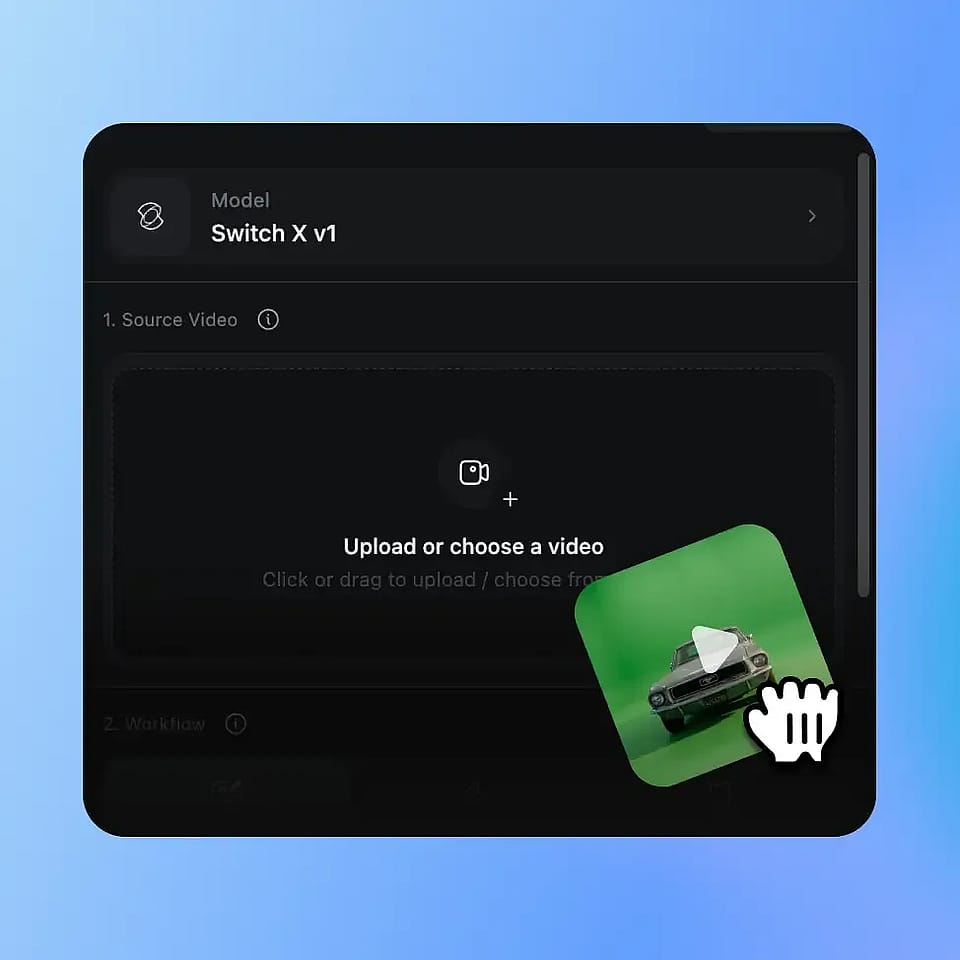
Sube tu vídeo
Suelta cualquier clip MP4 o MOV. AI VFX funciona con grabaciones de cualquier habitación, sin croma ni montaje de estudio.
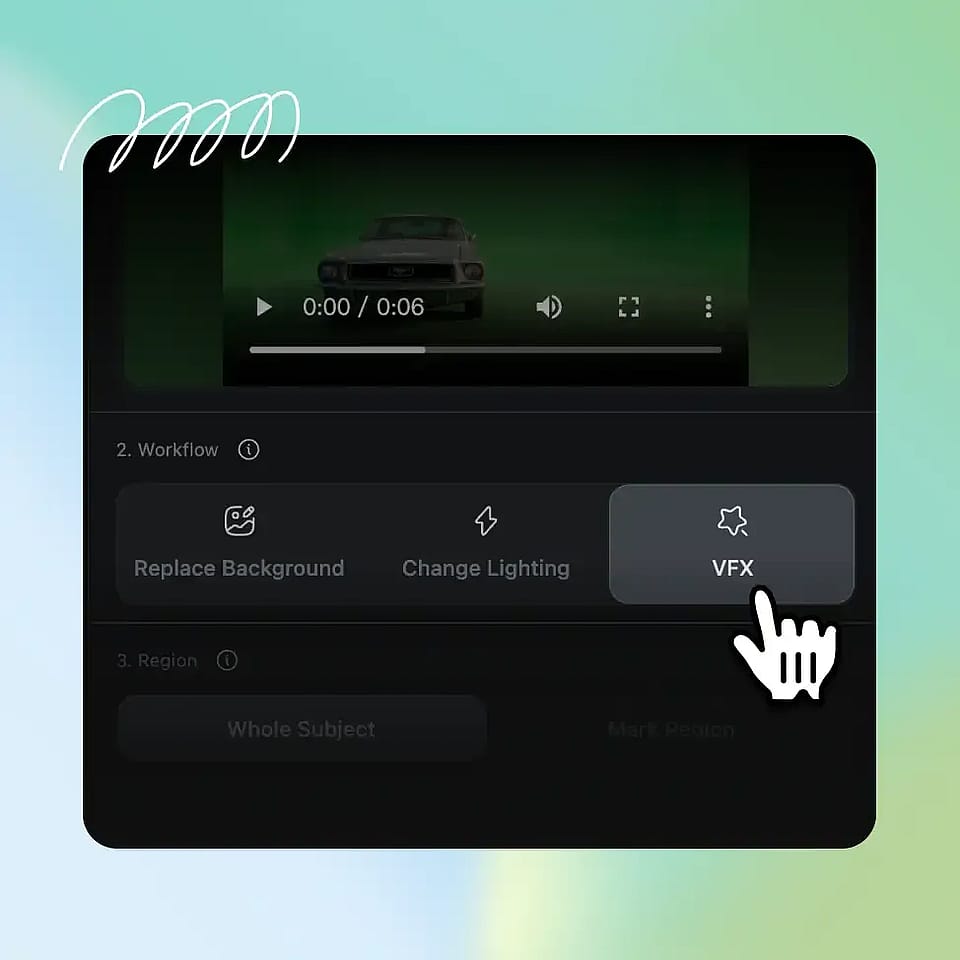
Elige tu opción de VFX
Elige Fondo, Reiluminar o Inpaint. Dirígelo con un preajuste, una imagen de referencia o un prompt de texto.
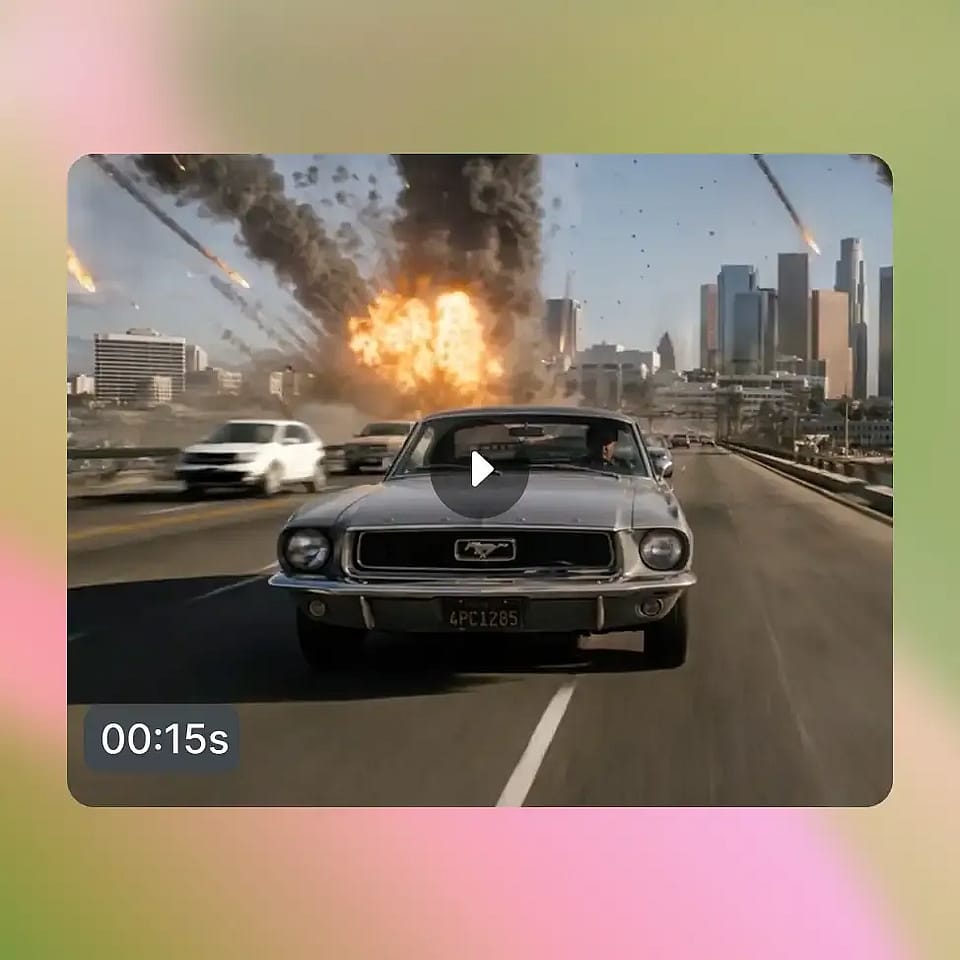
Genera y compara
El modelo de IA renderiza tu clip en unos minutos. Previsualiza el resultado, ajústalo si hace falta y descarga un MP4.
VFX con IA para todos los creadores
Desde creadores individuales hasta equipos de marca, así es como la gente saca partido a nuestro generador y editor de VFX con IA.
Creadores de redes sociales
Los youtubers, tiktokers y podcasters graban en casa y quieren un mejor acabado. Cambia el fondo o reilumina el plano para lograr un estilo propio. El mismo metraje, un mundo nuevo, en minutos.
Pruébalo ahoraCineastas y directores
Los directores obtienen VFX asistidos por IA sin Nuke ni After Effects. Protege a un intérprete y reestiliza la escena a su alrededor. Las repeticiones de rodaje y la composición se convierten en una máscara y un prompt.
Pruébalo ahoraMarcas y responsables de marketing
Los equipos de marca y producto escalan el contenido sin escalar la producción. Graba una vez y luego aplica distintos fondos o ambientes por campaña. Una sola grabación se convierte en toda una biblioteca de contenido.
Pruébalo ahoraDocentes y ponentes
Coaches, profesores y equipos remotos graban desde sus oficinas en casa. Sustituye cualquier habitación por un fondo limpio y acorde con tu marca. Ten un aspecto profesional cada vez que le das a grabar.
Pruébalo ahora