

 ChatGPT
 Perplexity
 Claude
 Gemini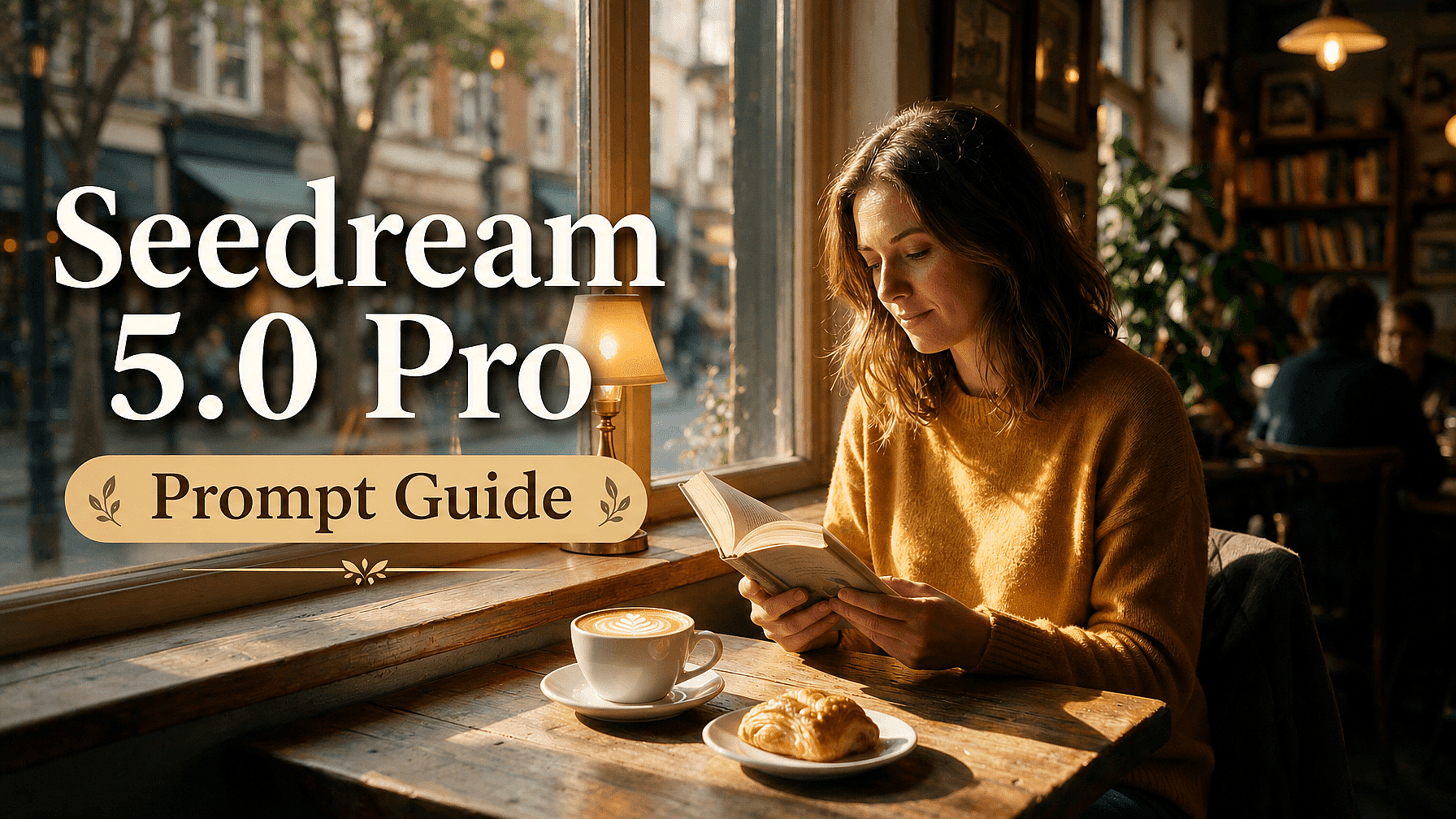
La verdadera fortaleza de Seedream 5.0 Pro es que entiende el diseño. Lee la maquetación, la jerarquía y cómo se relacionan los elementos de una imagen, y luego hace cambios precisos a nivel de diseño a partir de una simple descripción.
Así que cuanto más claro describas el diseño que quieres y las ediciones que necesitas, más te dará el modelo. Esta guía cubre lo que de verdad funciona, desde la primera generación hasta las ediciones que vienen después.
Conclusiones clave
- Describe la escena completa, no solo el sujeto, y busca un resumen conciso de entre 30 y 80 palabras aproximadamente.
- Detalla la jerarquía del diseño en infografías y pósteres para que la información densa siga siendo legible.
- Pon entre comillas cualquier texto dentro de la imagen e indica el idioma en el que quieres que se muestre.
- Edita describiendo el cambio en lenguaje sencillo y di qué debe quedar igual.
- Pide al modelo que separe las capas y luego describe una edición para cada una por separado.
Describe toda la escena, no solo el sujeto
Un prompt simple como «Una mujer en una cafetería» le da muy poco al modelo para trabajar. Rellenará los huecos por ti, y muchas veces no como lo imaginabas.
Seedream 5.0 Pro responde mucho mejor cuando describes el sujeto, el estilo, la iluminación, el entorno y el encuadre juntos. Prueba con "una mujer con jersey mostaza leyendo junto a la ventana de una cafetería, cálida luz de la tarde, poca profundidad de campo, fotorrealista, formato 3:2."
Un briefing enfocado de entre 30 y 80 palabras es el punto ideal. Demasiado corto y el modelo se queda sin dirección; demasiado largo y puede que descarte algunos de tus detalles.
Pon nombre a tu iluminación y materiales
El realismo de Seedream 5.0 Pro viene de cómo maneja la luz y las superficies, así que descríbelas directamente. Nombrar la luz aporta más a una escena que cualquier palabra de estilo.
Indica la dirección y la calidad de la luz, como «luz suave de ventana desde la izquierda» o «sol fuerte de mediodía». Después nombra los materiales que te importan, como aluminio cepillado, cristal esmerilado o piel mate, y el modelo renderiza sus reflejos y textura en consecuencia.
Detalla la jerarquía del diseño
Los diseños densos son uno de sus puntos fuertes, pero el modelo mantiene mejor la estructura cuando tu prompt le da una. Para infografías y pósters, indica el orden de lectura.
Indica el título, las secciones, los gráficos, las etiquetas y la nota al pie, y di aproximadamente dónde va cada elemento. Algo como «titular en la parte superior, un gráfico de barras en el centro a la izquierda, una línea de tiempo a la derecha, un pie de foto abajo» mantiene ordenado un diseño cargado en lugar de recargado.
Pon tu texto entre comillas e indica el idioma
El texto dentro de la imagen es otro punto fuerte, así que úsalo con intención. Escribe las palabras exactas entre comillas e indica dónde van, como un titular, una etiqueta o un pie de foto.
Como renderiza texto de forma nativa en más de diez idiomas, indica el idioma que quieres cuando no sea inglés. Escribe el texto directamente en ese idioma en lugar de pedir una traducción, para que los acentos y las escrituras de derecha a izquierda salgan correctos.
Edita describiendo el cambio
Cuando una generación está casi perfecta, no empieces de cero. Dile al modelo qué cambiar en lenguaje sencillo y editará esa parte mientras el resto se queda igual.
Nombra el elemento con claridad: «pon azul la botella de la izquierda» o «quita el cartel del fondo». Como el modelo entiende dónde está cada elemento y cómo encaja en el diseño, aplica el cambio con precisión y deja el resto intacto.
Di qué debe permanecer igual
La edición conversacional funciona mejor cuando proteges lo que ya funciona. Junto con el cambio, dile al modelo qué debe conservar.
Por ejemplo, «sustituye el sombrero por una corona, manteniendo la pose y la expresión sin cambios». Indicar lo que se mantiene fijo evita que una edición altere sutilmente el resto de la imagen.
Separa las capas y edita cada una
Para trabajos de diseño, pídele al modelo que divida un resultado en capas: el texto, el sujeto, el fondo y cualquier decoración. Los devuelve como piezas independientes y rellena lo que estuviera oculto tras el sujeto.
Desde ahí, describe una edición para cada capa por separado, como «en la capa del fondo, dale calidez al cielo» o «cambia el sujeto por un pavo real». Trabajas a nivel de diseño, un elemento a la vez, todo a partir de tu descripción.
3 prompts de ejemplo
Así es como estas pautas se combinan en la práctica.
Ejemplo 1: póster infográfico con texto en la imagen
Modo: Crear imagen
Una infografía de una sola página titulada «El estado del café en casa 2026». Titular en la parte superior que dice «El estado del café en casa 2026». Debajo, un gráfico de barras en el centro-izquierda comparando cuatro métodos de preparación, un pequeño gráfico circular de orígenes de granos a la derecha y una línea de tiempo de preparación en tres pasos a lo largo de la parte inferior. Diseño editorial limpio, paleta crema y espresso, etiquetas legibles, formato 4:5.
Lo que esto demuestra: una jerarquía de diseño definida con secciones nombradas y ubicaciones, además de texto entre comillas dentro de la imagen, que es exactamente lo que Seedream 5.0 Pro maneja bien con su renderizado de texto y diseños densos.
Ejemplo 2: edición precisa mediante conversación
Modo: Editar imagen
Referencias: tu imagen generada
Haz que la taza de cerámica de la mesa sea negro mate en lugar de blanca y elimina la pequeña planta de la esquina superior derecha. Mantén exactamente igual la iluminación, la mesa y la composición.
Lo que demuestra esto: una edición precisa impulsada por completo por la descripción. Nombras los elementos que quieres cambiar e indicas qué debe permanecer fijo, y el modelo aplica solo esos cambios.
Ejemplo 3: cartel de campaña multilingüe
Modo: Crear imagen
Un cartel promocional vertical para una panadería de Tokio, con luz cálida de la mañana sobre un mostrador de madera y pan recién hecho. Un titular en japonés que dice "パン祭り" en la parte superior, con una línea más pequeña debajo que dice "週末限定". Diseño minimalista, paleta beige suave, formato 4:5.
Lo que demuestra: texto nativo en un idioma que no es el inglés, introducido directamente en lugar de traducido, para que las formas de las letras y la tipografía se rendericen correctamente en la propia generación.
En resumen
Empieza con un brief claro y detallado, define la iluminación y la composición, mantén el texto de la imagen corto y entre comillas, y edita describiendo los cambios en lugar de volver a generar.
Seedream 5.0 Pro premia el lenguaje preciso, y en la de OpenArt Generador de imágenes con IA puedes llevar una imagen a GPT Image 2, Nano Banana Pro o Recraft V4 siempre que un proyecto requiera un punto fuerte diferente.
Preguntas frecuentes
¿Qué longitud debería tener un prompt de Seedream 5.0 Pro?
Detallado pero enfocado, de unas 30 a 80 palabras. Cubre el sujeto, el estilo, la iluminación, la composición y cualquier texto, y evita el relleno.
¿Cómo edito una parte de una imagen?
Describe el cambio con lenguaje sencillo, nombra el elemento y luego di qué debe quedar igual. El modelo entiende dónde está cada elemento y edita solo esa parte.
¿Cómo funciona la separación por capas?
Pídele al modelo con palabras que divida la imagen en capas, como texto, sujeto y fondo. Te las devuelve por separado y luego describes una edición para cada capa.
¿Cómo consigo texto legible en otro idioma?
Pon las palabras exactas entre comillas, en el idioma de destino, e indica cuál es ese idioma. El texto nativo obtiene una tipografía nativa.