

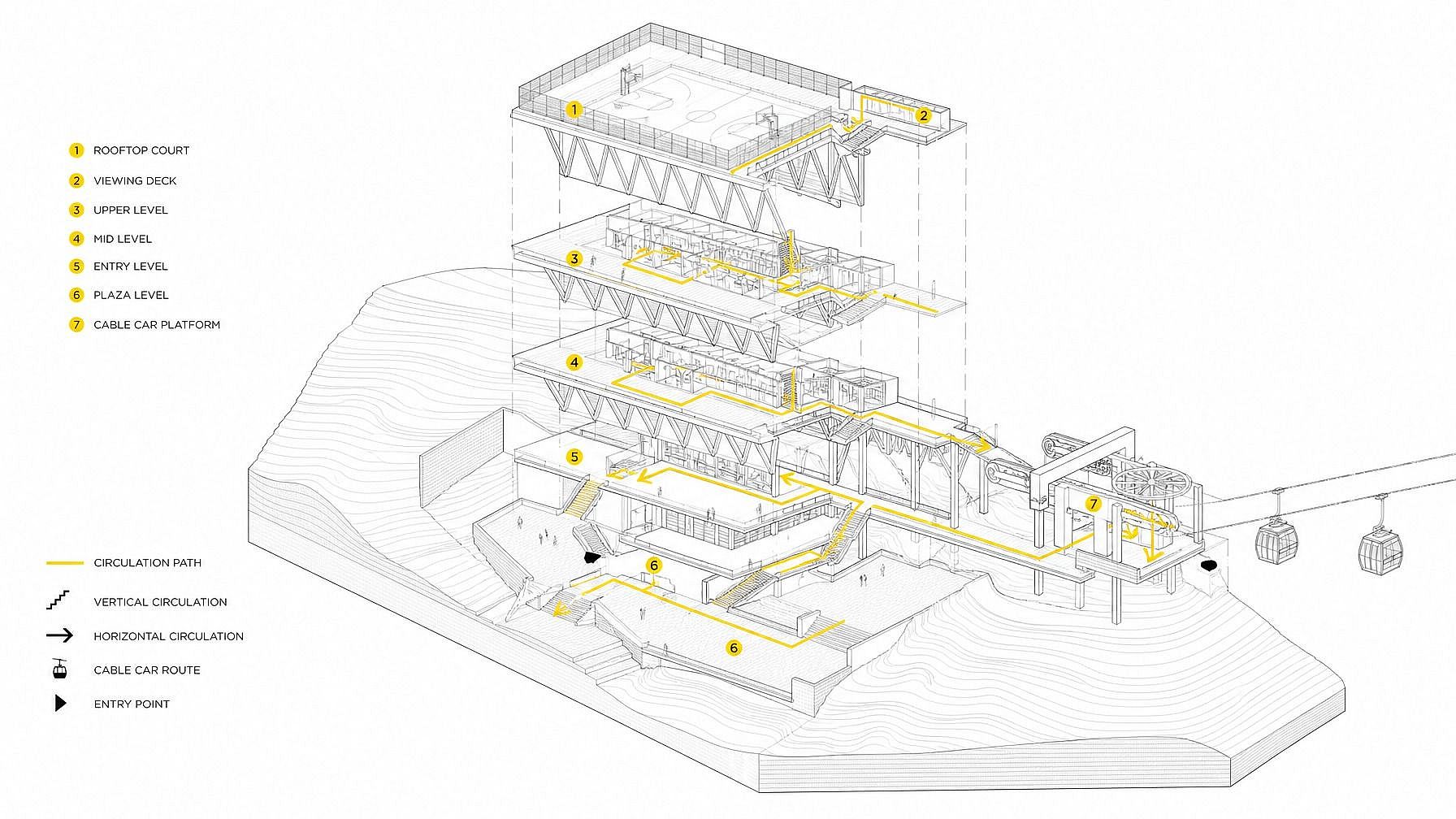
Générateur de dessins techniques
Besoin d'un dessin technique soigné sans jamais ouvrir de logiciel de CAO ? Saisis un prompt dans le générateur de dessins techniques d'OpenArt et crée en quelques secondes des plans, schémas d'ingénierie, illustrations au trait style brevet, vues éclatées, projections orthographiques et illustrations techniques isométriques. Idéal pour le travail de concept, les pitch decks, les visuels de brevet, les graphismes marketing et à chaque fois que tu veux cette esthétique de dessin d'ingénierie à la demande.
Créations de la communauté
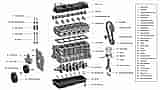
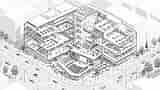
Découvre ce que les gens créent. Des inventeurs qui maquettent des dessins au trait façon brevet aux designers produit qui construisent des planches de concept isométriques, en passant par les marketeurs qui créent des visuels de marque façon blueprint et les architectes qui esquissent des élévations conceptuelles, explore comment le générateur de dessins techniques est utilisé.
Fonctionnalités clés du générateur de dessins techniques
Le générateur de dessins techniques d'OpenArt s'appuie sur les meilleurs modèles d'image — GPT Image 2.0, Nano Banana Pro, Seedream 4.0, FLUX.2, FLUX Kontext et Ideogram V3 — excellents pour les tracés nets, les annotations et les légendes lisibles. Résultat : des visuels de dessins techniques soignés, dignes d'un manuel d'ingénierie ou d'un dépôt de brevet.
Génère des plans et des schémas
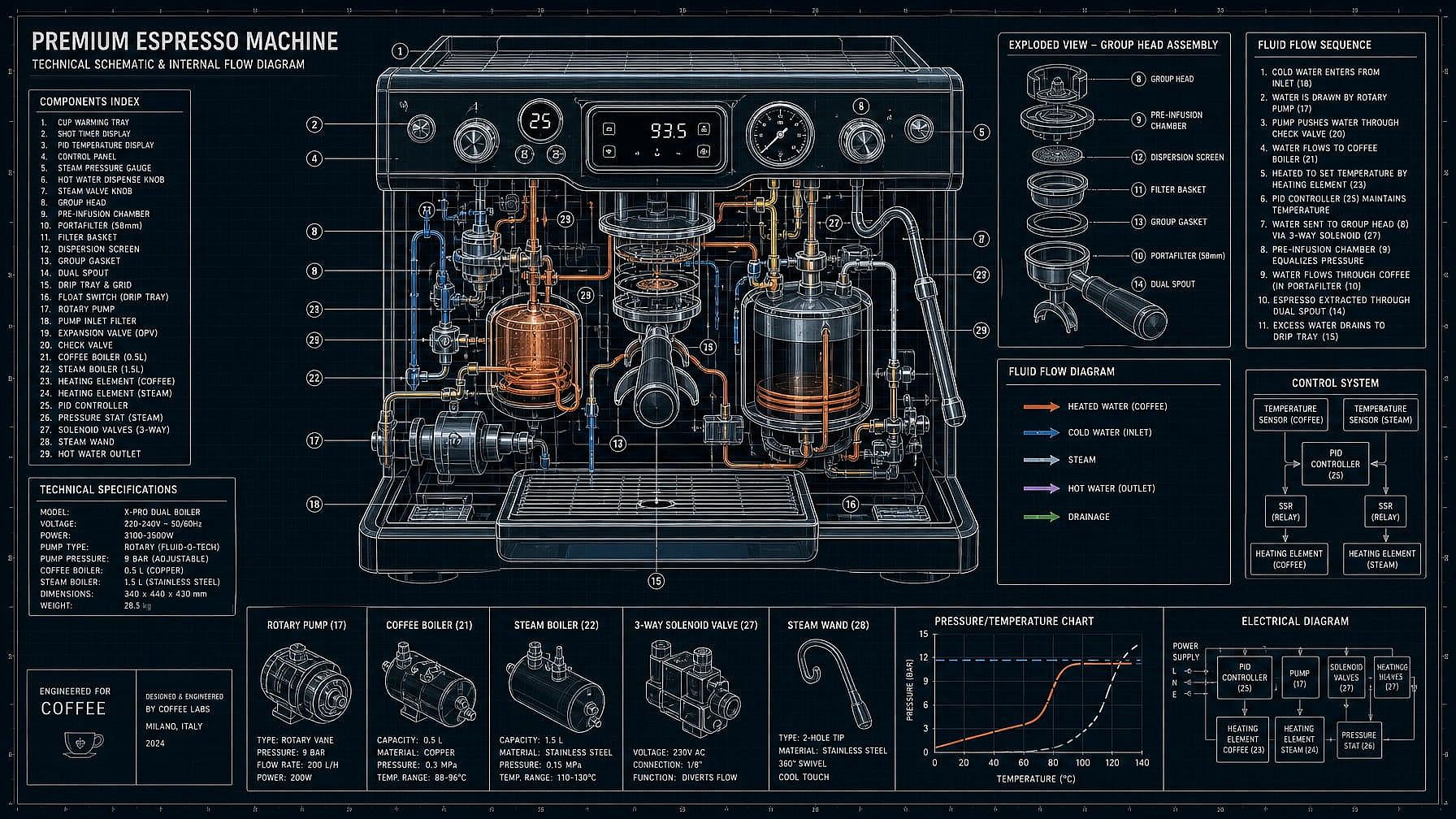
Décris le sujet — « plan d'une petite cabane en bois », « schéma d'une machine à café avec composants internes légendés », « schéma type circuit d'un synthétiseur » — et l'IA le génère sous forme de dessin technique épuré. Plan blanc sur bleu, schéma noir sur blanc, papier à dessin classique ou tracé minimaliste moderne.
Dessin au trait style brevet
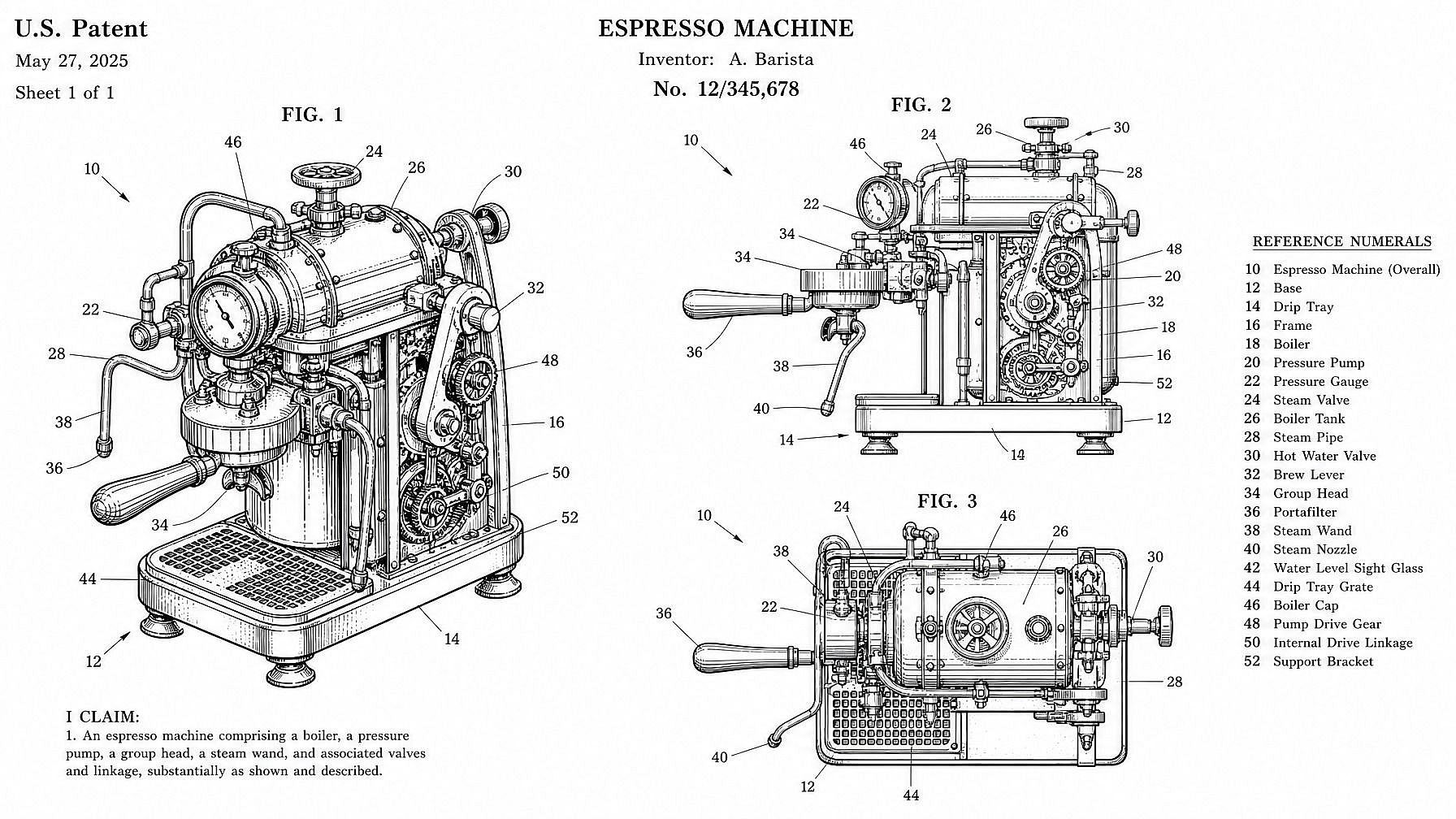
Génère à la demande des illustrations façon brevet — traits noirs nets sur fond blanc, légendes numérotées, plusieurs vues par planche, cette esthétique USPTO classique. Pratique pour les inventeurs qui préparent un concept de dépôt, les créateurs qui font des visuels « brevet pour [truc] », ou les designers qui veulent ce look line-art distinctif pour un poster ou un pitch.
Vues éclatées et projections orthographiques
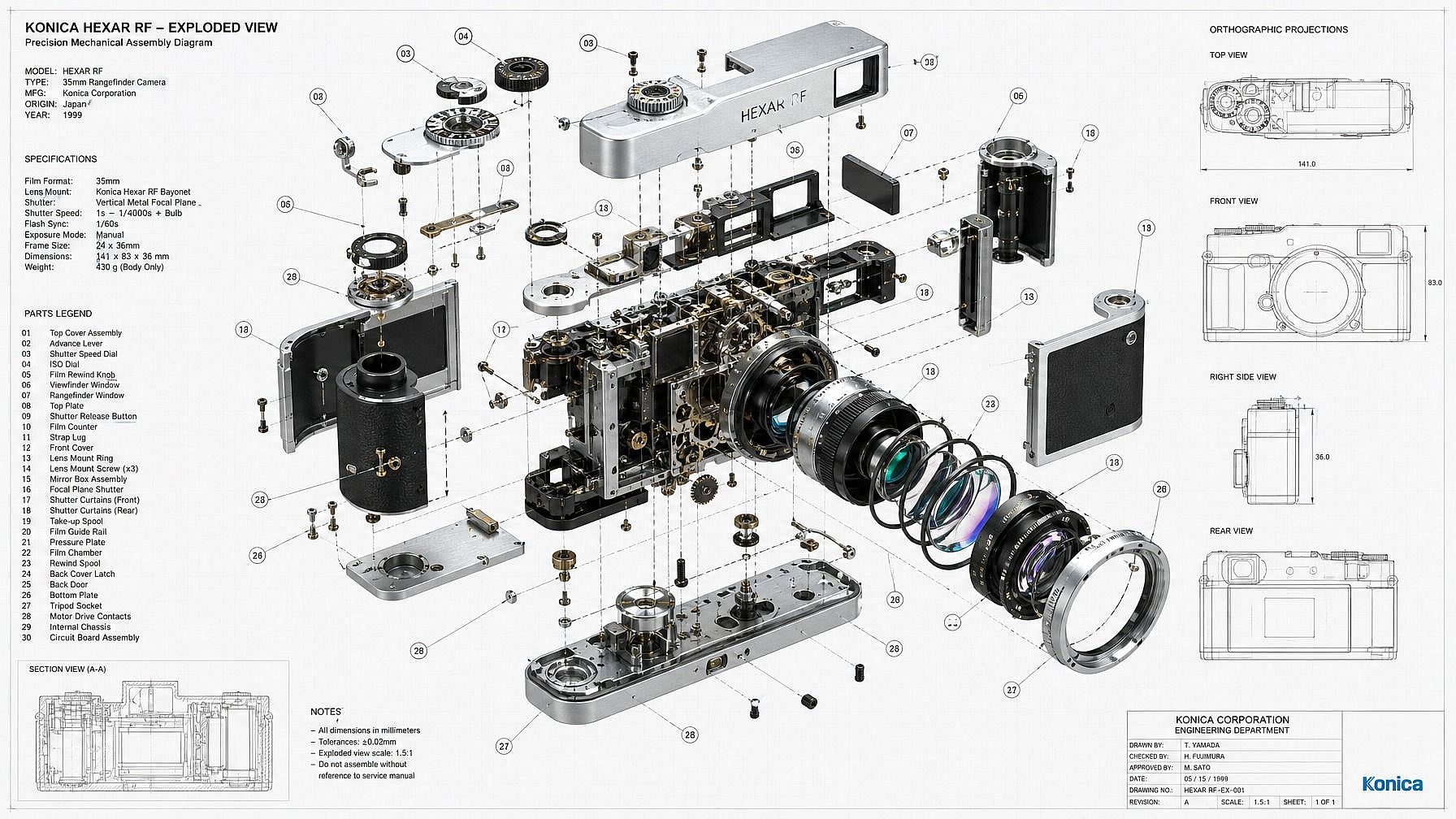
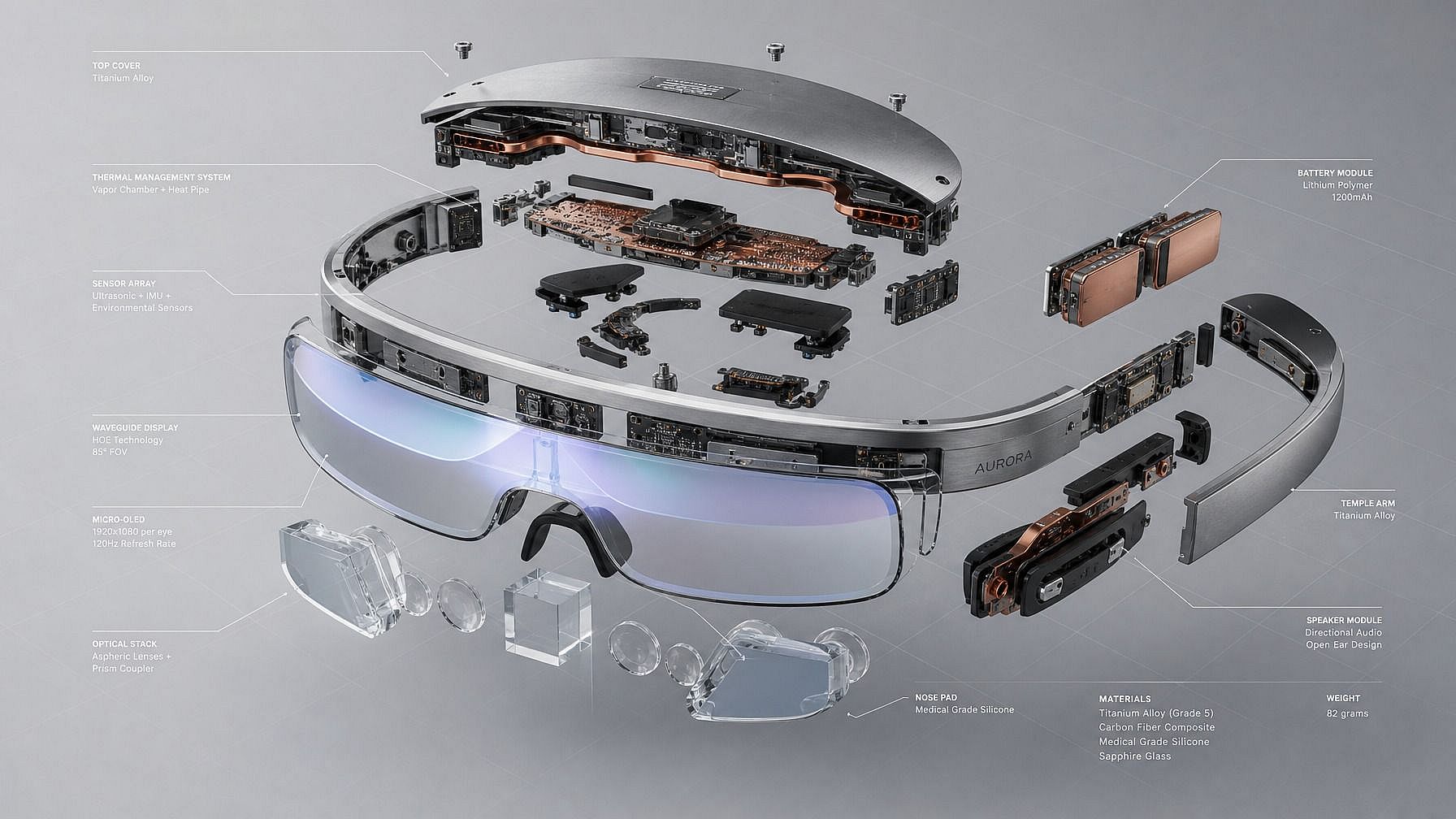
Montre un produit ou une machine décomposé en ses éléments — boulons, boîtiers, mécanismes internes — dans une vue éclatée annotée. Ou génère la disposition orthographique classique dessus/face/côté, une projection isométrique ou une coupe. Idéal pour les fiches concept produit, les visuels pédagogiques et les visuels de type packaging.
Illustrations techniques isométriques
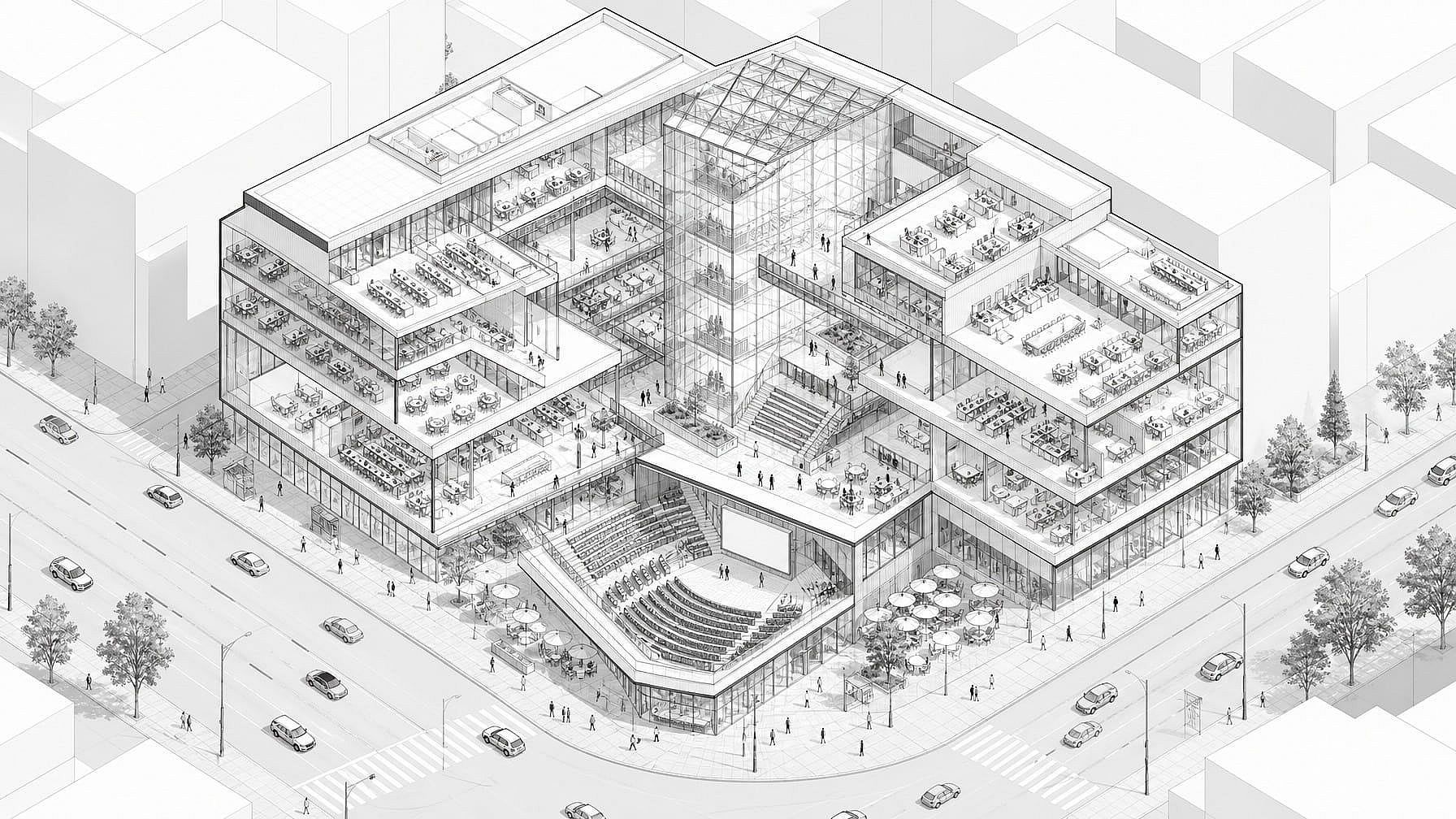
Génère des illustrations techniques isométriques — bâtiments, machines, gadgets, véhicules, circuits imprimés — dans cet angle 3/4 net qui fait à la fois technique et adapté aux infographies. S'intègre parfaitement aux présentations marketing, aux landing pages et aux vidéos explicatives.
Comment utiliser le générateur de dessins techniques
Génère un dessin technique soigné en trois étapes.
Décris ton sujet
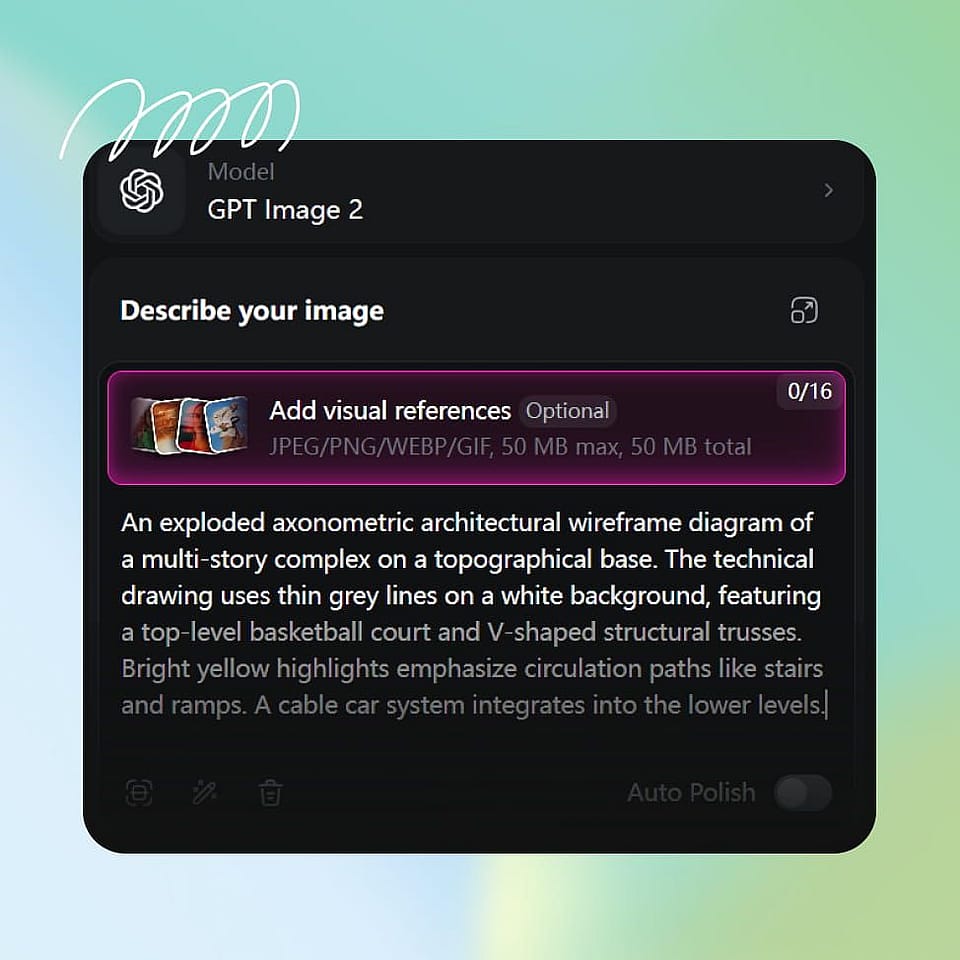
Ouvre le générateur d'images d'OpenArt et saisis un prompt — « plan d'une petite cabane en bois avec pièces annotées », « dessin au trait style brevet d'une chaise pliante, plusieurs vues », « vue éclatée d'une montre mécanique », « illustration technique isométrique d'une machine à café ». Sois aussi précis que tu veux sur les pièces, les annotations et les vues.
Choisis un style de dessin
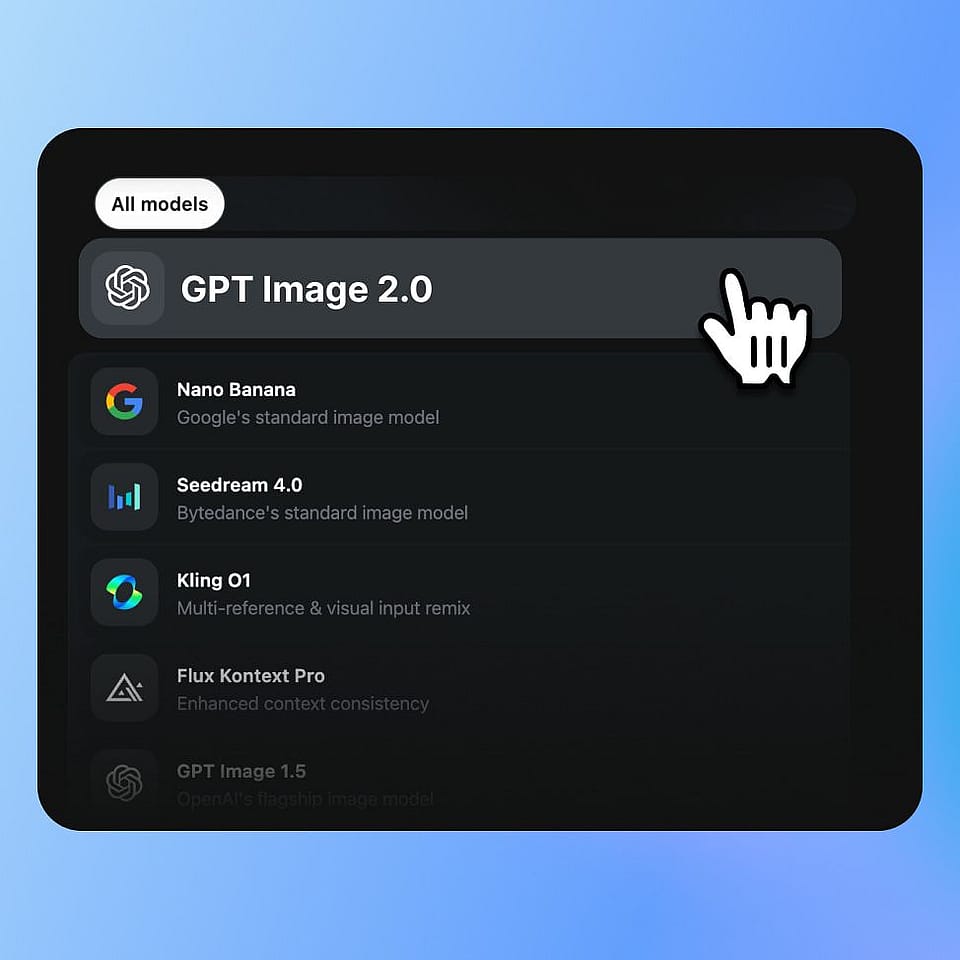
Choisis le style de dessin technique — plan, schéma, illustration au trait de brevet, vue éclatée, isométrique, orthographique, croquis à main levée — ou décris-le directement. Choisis un modèle si tu as une préférence ; Nano Banana Pro et Ideogram V3 excellent avec les lignes nettes et les annotations lisibles.
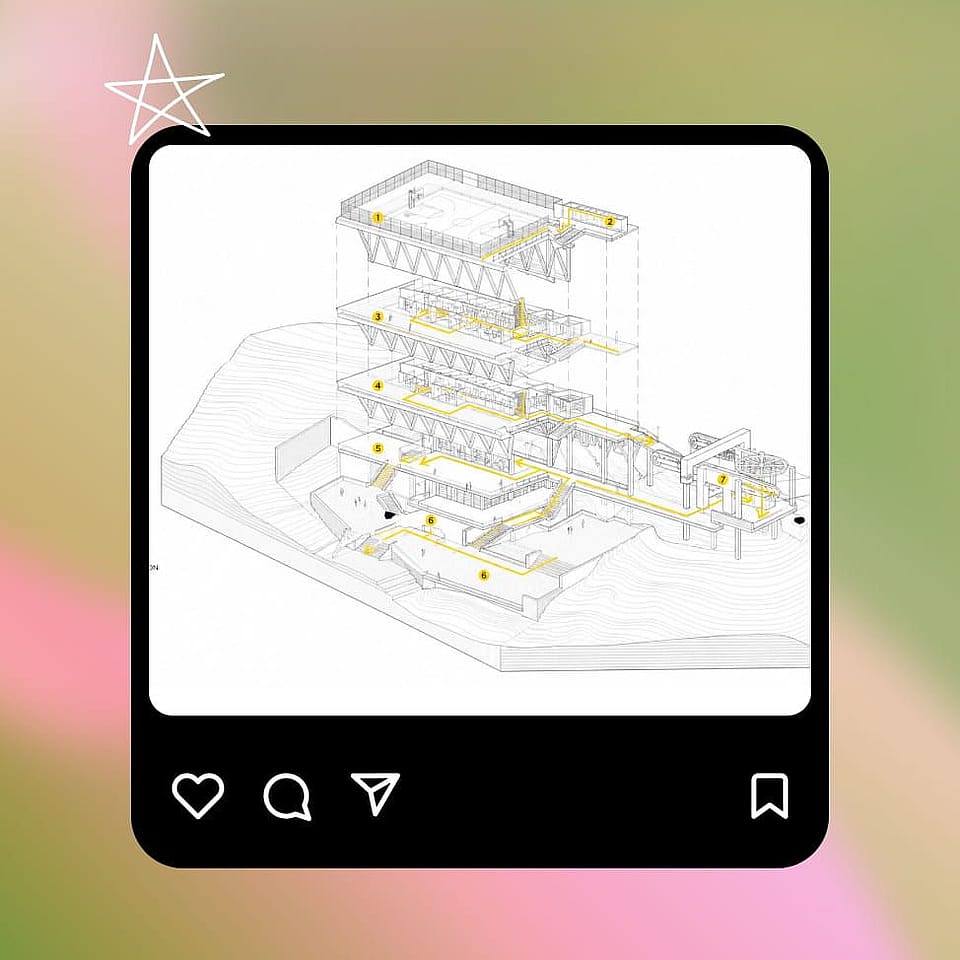
Générer et affiner
Lance-le, prévisualise le dessin et affine le prompt si besoin. Ajoute ou retire des étiquettes, change l'angle, modifie l'épaisseur des traits ou génère quelques variantes jusqu'à trouver celle qui convient à ta présentation, ta page ou ton projet.
Conçu pour les designers, inventeurs, marketeurs et enseignants
Génère des dessins techniques qui font vraie — pour tes concepts, présentations, brevets, affiches et contenus.
Designers produit et travail de concept industriel
Maquette de concepts produit sous forme de vues éclatées, de plans orthographiques ou d'illustrations isométriques avant de te lancer dans un vrai modèle CAO. Idéal pour la phase de conception initiale, les pitch decks, les revues internes et pour montrer à un comité ou à un client à quoi pourrait ressembler un produit — sans le temps et le coût de sa création en CAO.
Essaie maintenant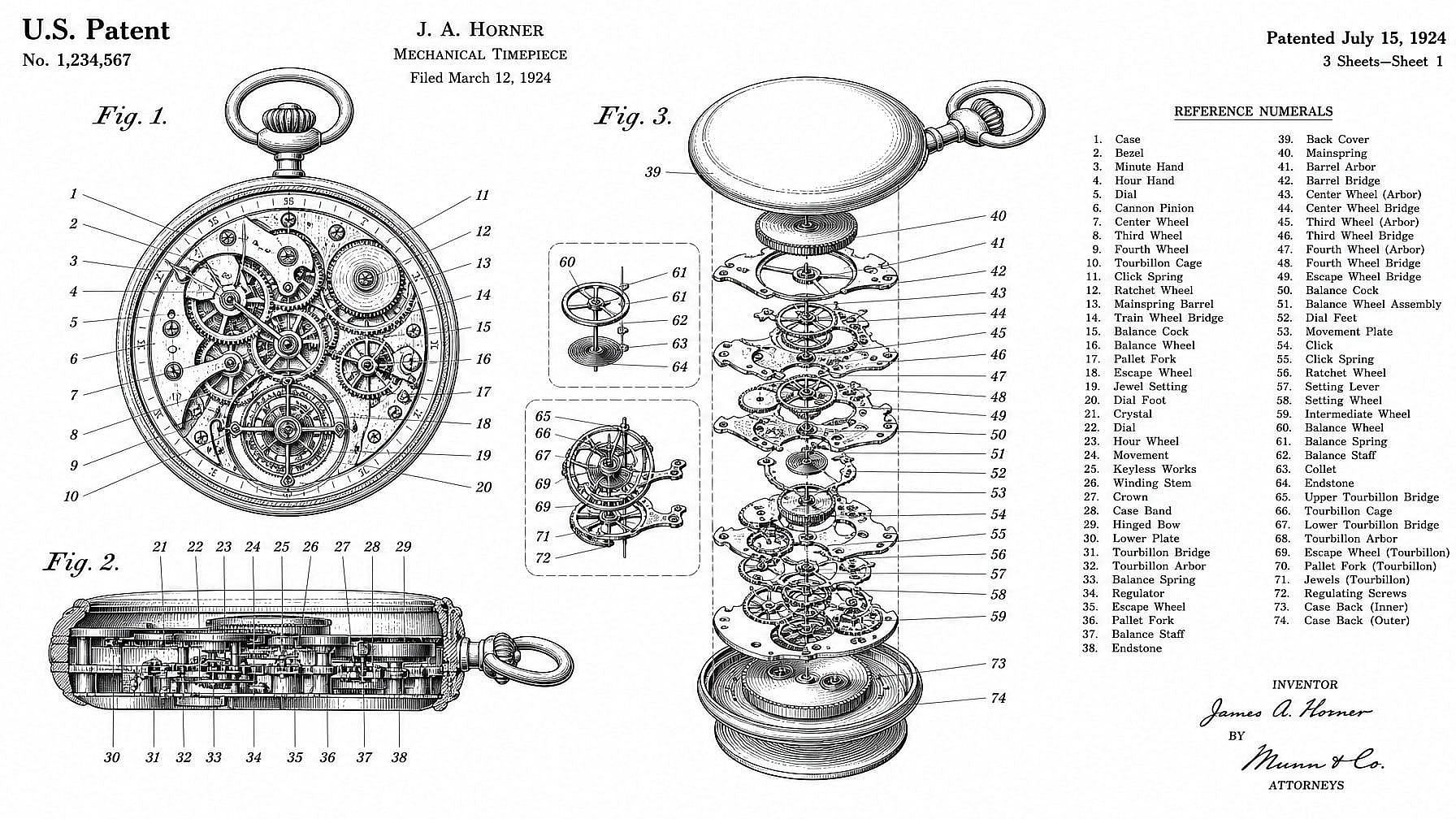
Inventeurs et illustrations façon brevet
Génère des schémas de style brevet pour tes présentations d'invention, tes concepts provisoires, tes articles de blog ou tes contenus « brevet pour X ». Le résultat est une illustration de concept visuel dans un style brevet, pas un document prêt à déposer — mais c'est parfait pour montrer en un coup d'œil comment une idée fonctionne.
Essaie maintenant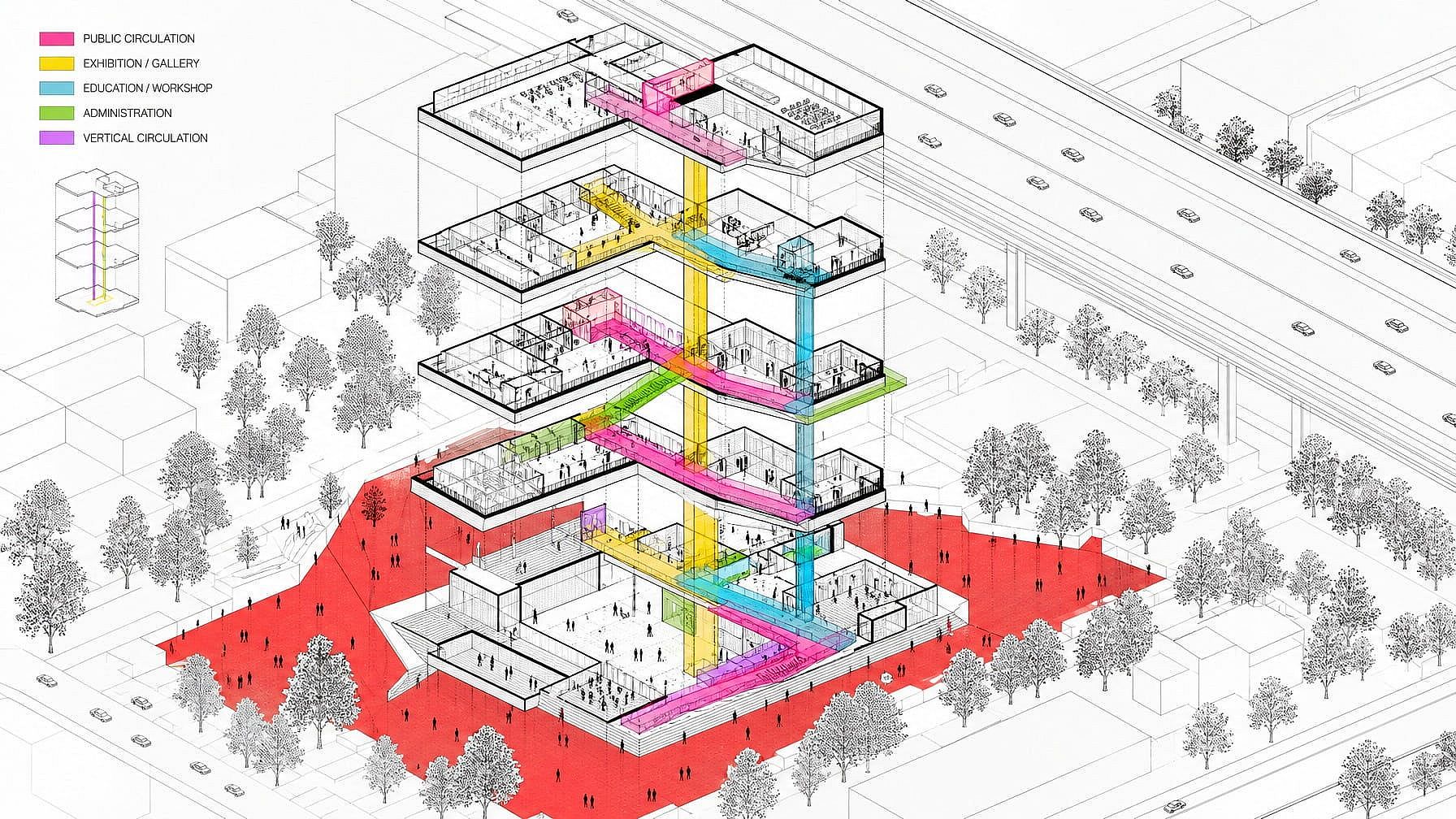
Graphismes marketing, branding et éditoriaux
Utilise des styles de dessin blueprint, schématique et isométrique pour tes landing pages, présentations, créations publicitaires et illustrations éditoriales. L'esthétique du dessin technique donne une impression sérieuse, réfléchie et digne d'un ingénieur — et fonctionne particulièrement bien pour les marques SaaS, hardware, fintech et B2B qui veulent un style visuel plus ancré.
Essaie maintenant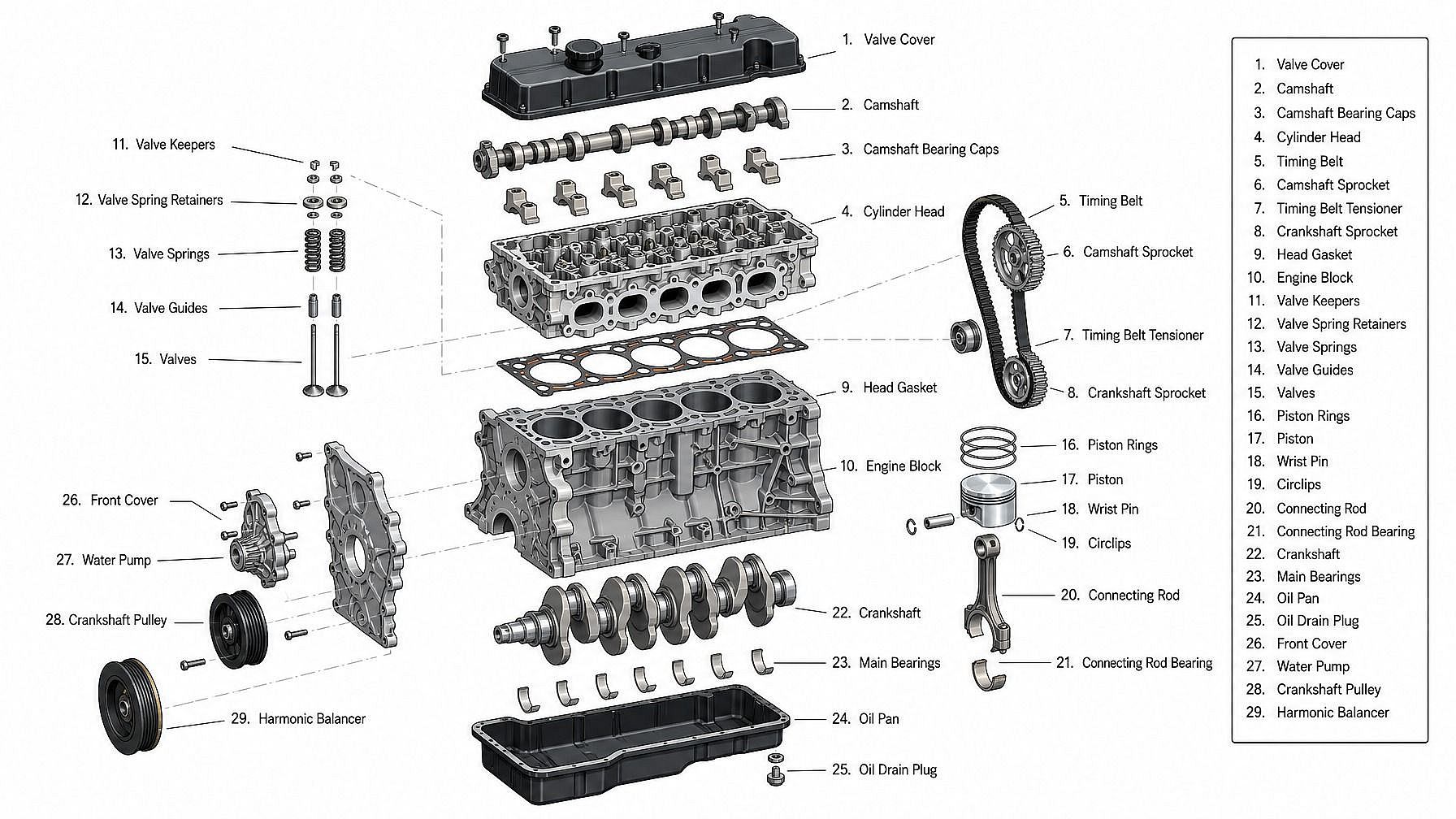
Enseignants, auteurs et créateurs de contenu
Génère des schémas techniques nets pour manuels, cours, explications YouTube, articles de blog et présentations. Montre le fonctionnement d'une machine, légende les pièces d'un moteur, illustre le plan d'un bâtiment ou décompose un gadget en ses composants — sans faire appel à un illustrateur technique pour chaque schéma.
Essaie maintenantQuestions fréquentes Questions
C'est un outil IA qui transforme des prompts texte en images de style dessin technique — plans, schémas, illustrations au trait de type brevet, vues éclatées, projections orthographiques et illustrations isométriques. Décris le sujet et choisis un style, et l'IA génère une image soignée façon dessin technique.
Plan technique (blanc sur bleu), schéma d'ingénierie, dessin au trait de type brevet, vue éclatée, projection orthographique (dessus/face/côté), illustration technique isométrique, coupe transversale, élévation architecturale, croquis technique dessiné à la main et trait minimaliste moderne. Décris le style dans ton prompt et l'IA le reproduit.
Oui. Demande-le explicitement — « planche façon brevet avec vue de dessus, vue de face, vue de côté et vue isométrique d'une chaise pliante ». L'IA compose la planche multi-vues en une seule image. Pour une précision exacte entre les vues, il te faudra tout de même un outil de CAO.
Le générateur de dessins techniques s'appuie sur la suite d'images d'OpenArt — GPT Image 2.0, Nano Banana Pro, Seedream 4.0, FLUX.2, FLUX Kontext et Ideogram V3 — choisis pour leurs traits nets, leurs annotations lisibles et leurs mises en page multi-vues cohérentes.
Oui, tu peux commencer gratuitement. Les nouveaux comptes reçoivent 40 crédits gratuits pour essayer le générateur de dessins techniques, sans carte bancaire.
Non. Le générateur de dessins techniques produit des images dans un style de dessin technique — des visuels finis qui ressemblent à des plans, des brevets ou des schémas. Ce ne sont pas des fichiers CAO (DWG, STEP, IGES), ils ne sont pas mesurables et ne doivent pas servir de référence pour la fabrication ou la construction. Ce sont des rendus de concept, des illustrations et des visuels marketing — pas des livrables d'ingénierie. Pour un vrai travail d'ingénierie, il te faudra un véritable outil de CAO.
Oui. Des modèles comme Nano Banana Pro, GPT Image 2.0 et Ideogram V3 gèrent bien les étiquettes de texte, les légendes et les éléments numérotés. Décris les étiquettes que tu veux dans le prompt — « légendes numérotées de 1 à 6 », « étiquettes en petites capitales style police technique », etc. Un peu de retouche peut être nécessaire pour les textes longs ou techniques.
Le rendu est une illustration de style brevet — parfait pour les présentations d'invention, les articles de blog et les concepts provisoires. Pour un dépôt réel, les offices de brevets exigent généralement des figures précises correspondant aux revendications écrites, préparées par un illustrateur de brevets ou via un export CAO. Utilise l'outil IA pour le concept et l'illustrateur formel pour le dépôt.
Oui. Les droits commerciaux s'appliquent aux forfaits payants éligibles : tu peux donc utiliser les dessins dans tes supports marketing, présentations, produits, livres et contenus de marque. Consulte le Tarifs page pour les forfaits actuels.
Sois précis sur le sujet, le style (« plan technique », « line art de brevet », « illustration technique isométrique »), les vues souhaitées (dessus/face/côté, vue éclatée, coupe transversale) et le niveau de détail (annotations, pièces numérotées, hachures). Si la première génération est proche sans être parfaite, ajuste le prompt, change de modèle ou modifie l'épaisseur du trait — un même sujet peut rendre très différemment selon le style de dessin.