

Suppression d'arrière-plan par IA
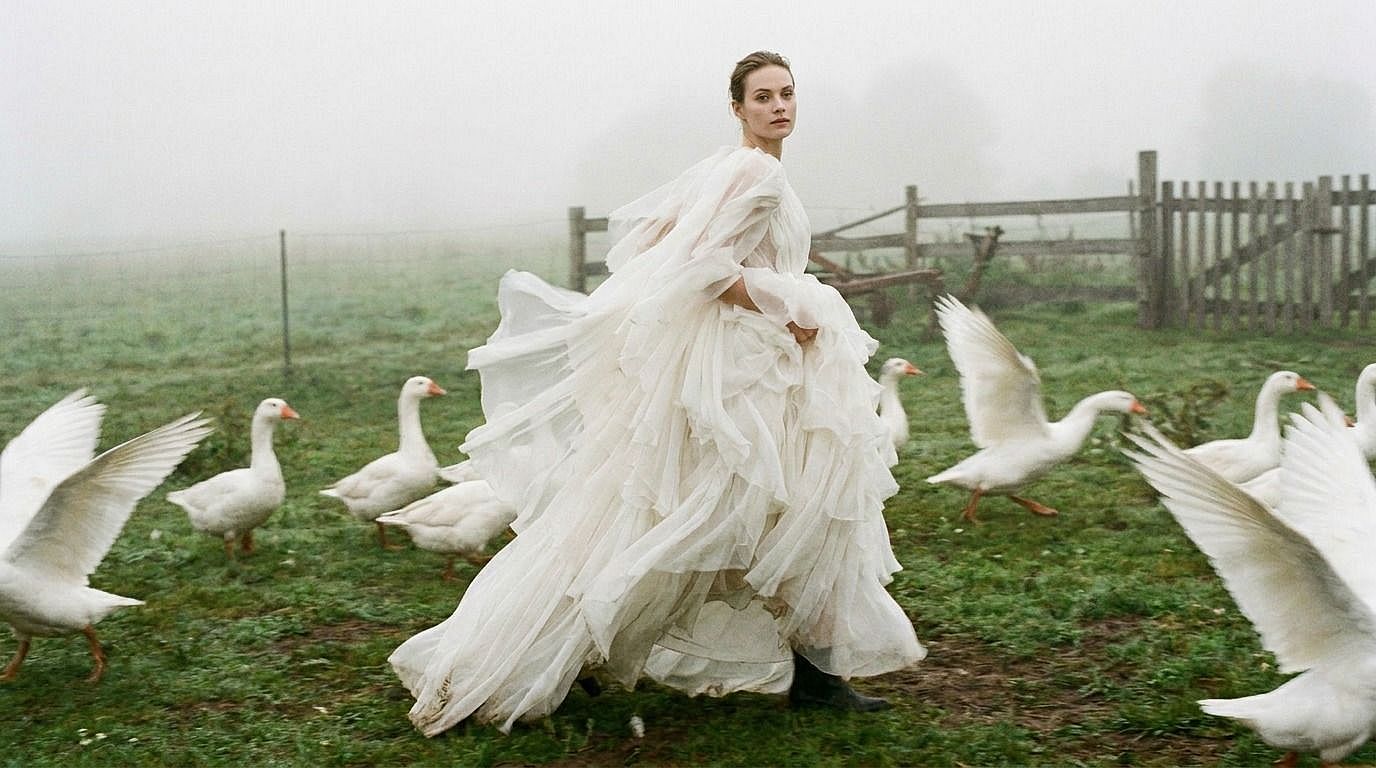
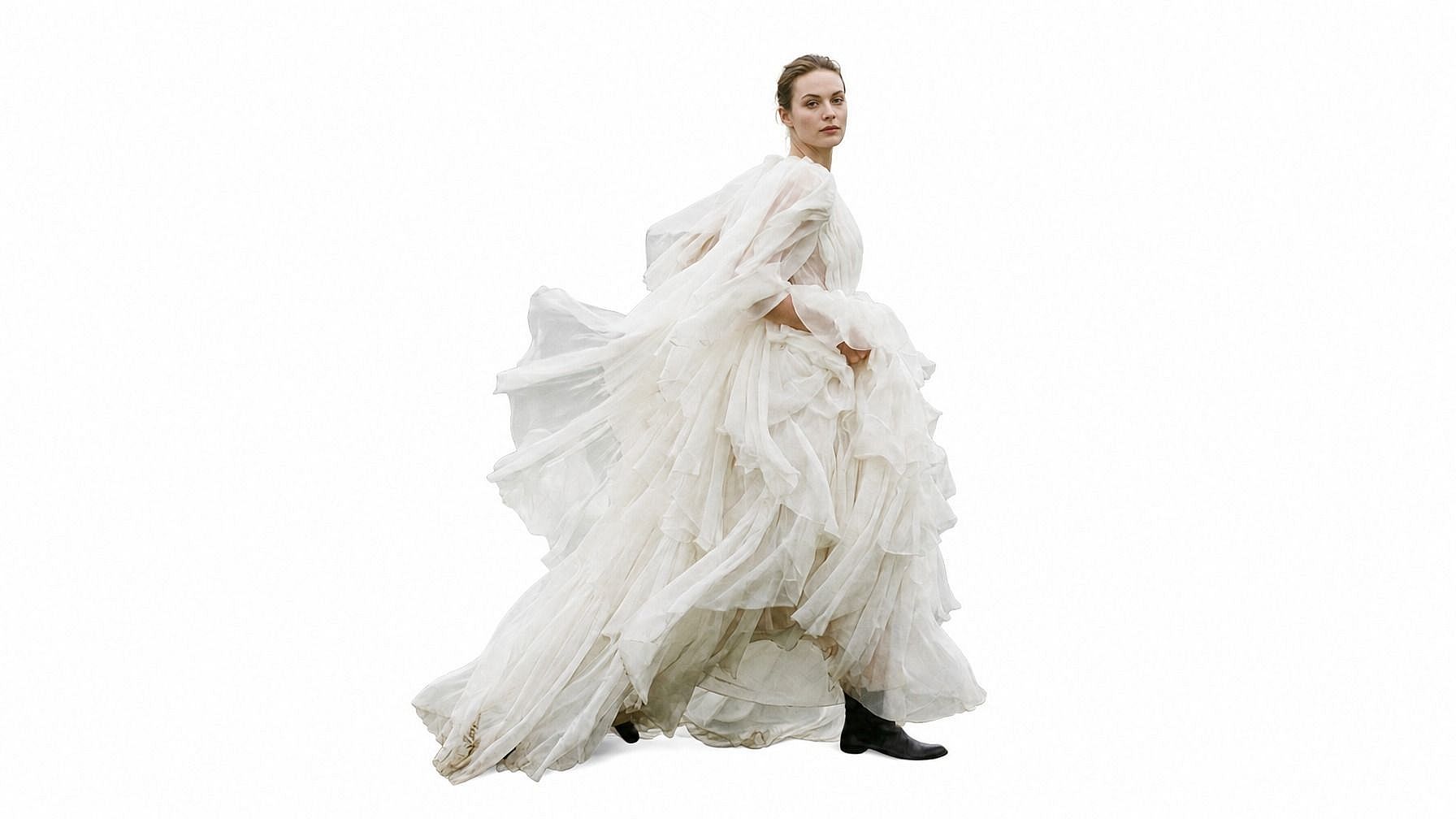
Supprime l'arrière-plan de n'importe quelle photo en un clic. Obtiens un détourage net au format PNG transparent.
 Ajouter une image Ou glisse-dépose ici · JPEG, PNG, WEBP, HEICJPEG, PNG, WEBP, HEIC
 Pourquoi choisir le supprimeur d'arrière-plan IA d'OpenArt



Détection des contours au pixel près
Détoure les arrière-plans en conservant des contours nets autour des cheveux, poils, produits et détails fins.



Fond transparent ou personnalisé
Exporte un PNG transparent ou continue l'édition avec une couleur nette, un design de marque ou un nouvel arrière-plan visuel.
Résolution jusqu'à 4K
Crée des détourages haute résolution pour tes boutiques, tes ressources de design, tes photos de profil, tes supports marketing et tes contenus sociaux.
Que peux-tu faire avec un suppresseur d'arrière-plan IA ?
Crée des découpes nettes, des PNG transparents et des sujets isolés pour le design, le commerce, les portraits et les projets créatifs.
Crée des photos produits sur fond épuré
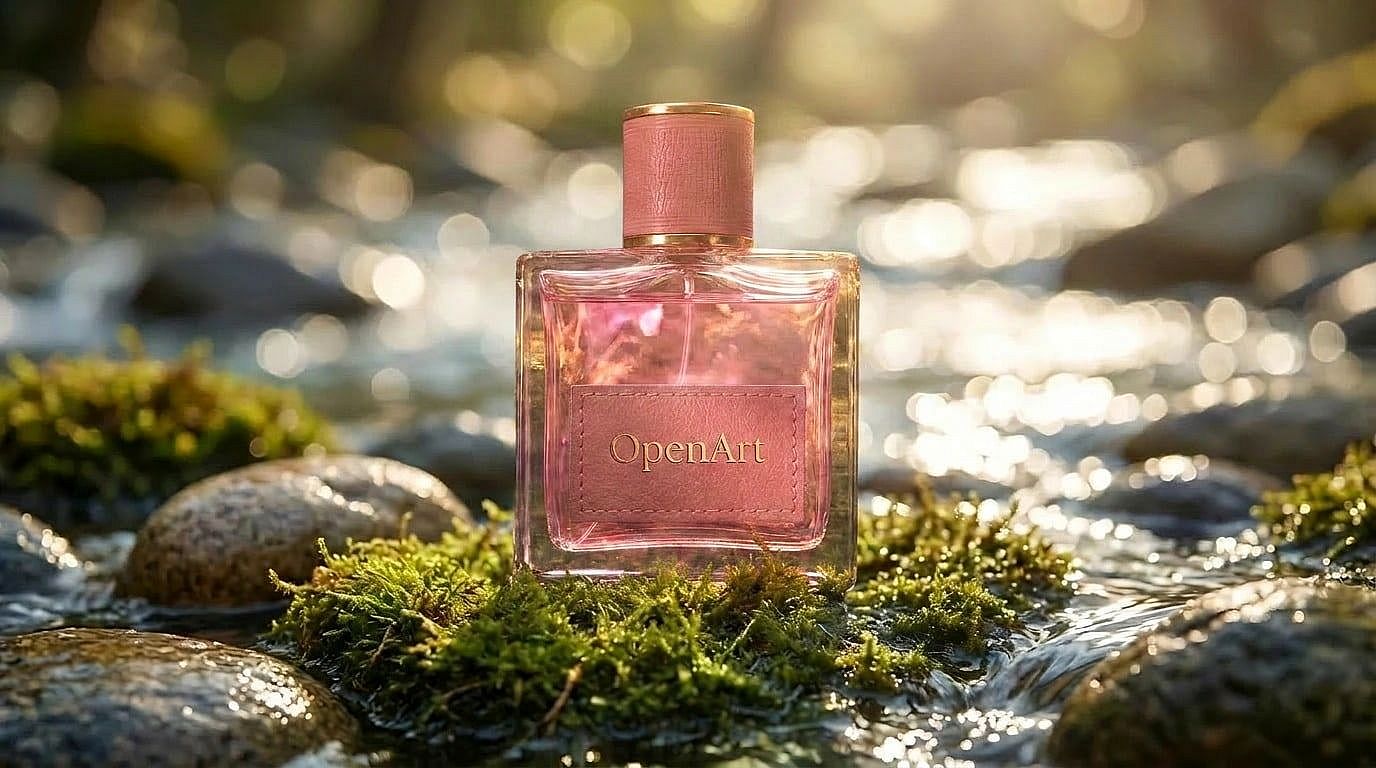
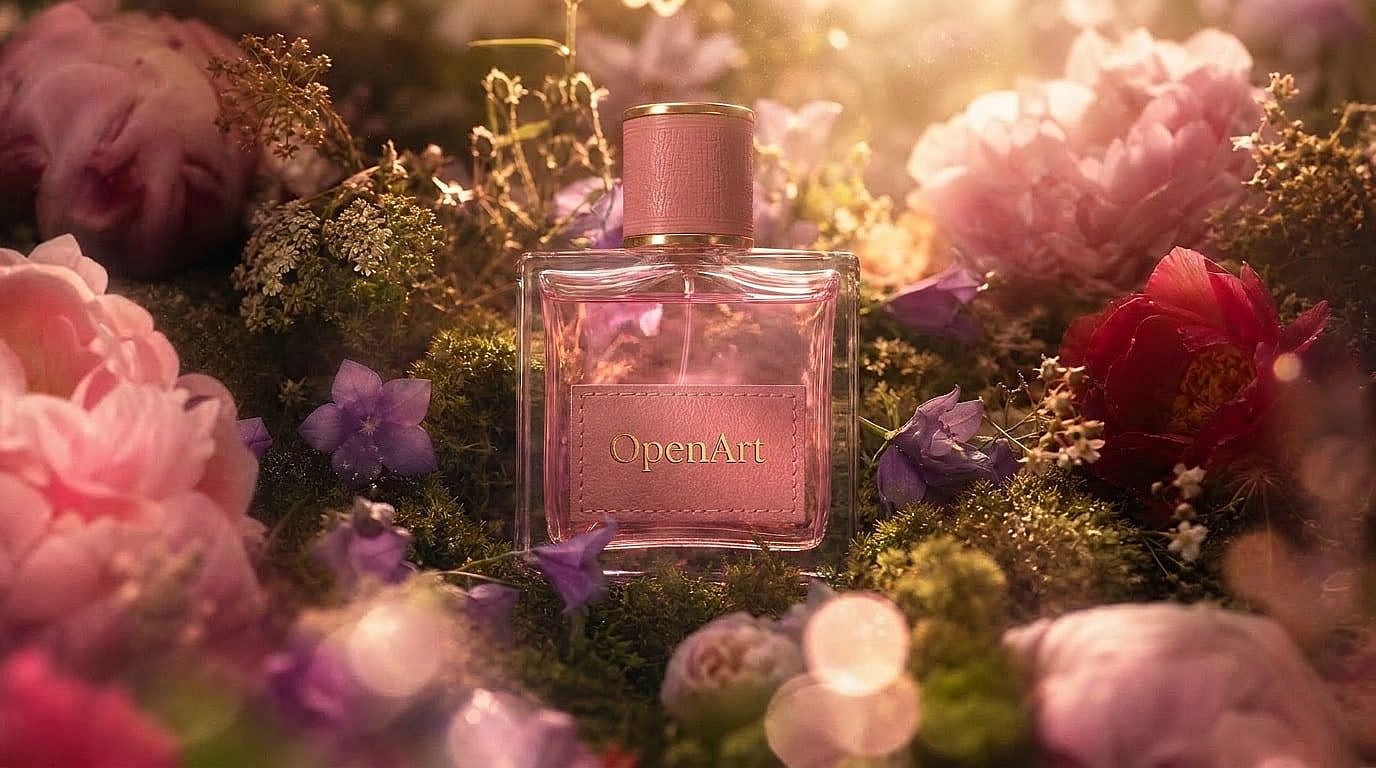
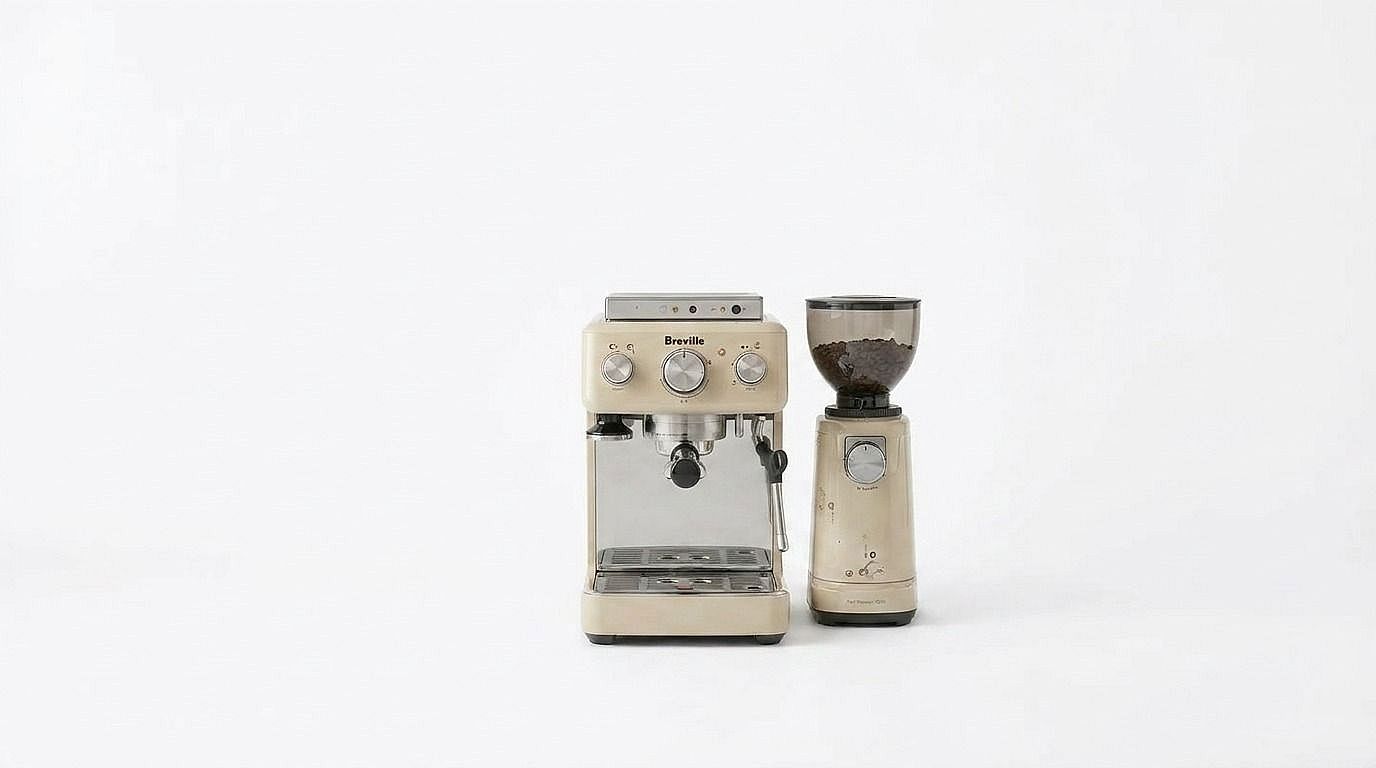
Supprime les arrière-plans distrayants et place tes produits sur des fonds blancs nets ou des fonds studio simples pour Amazon, Shopify, eBay et tes publicités.
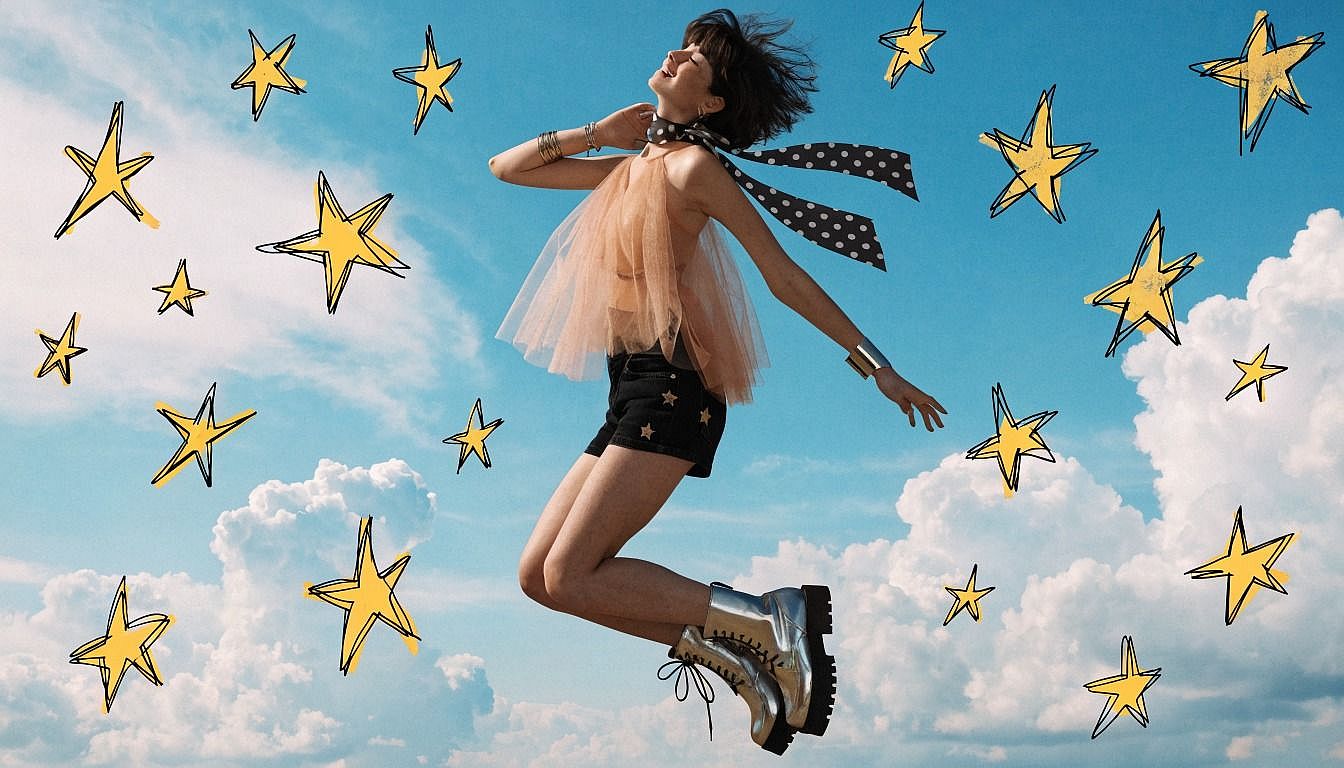
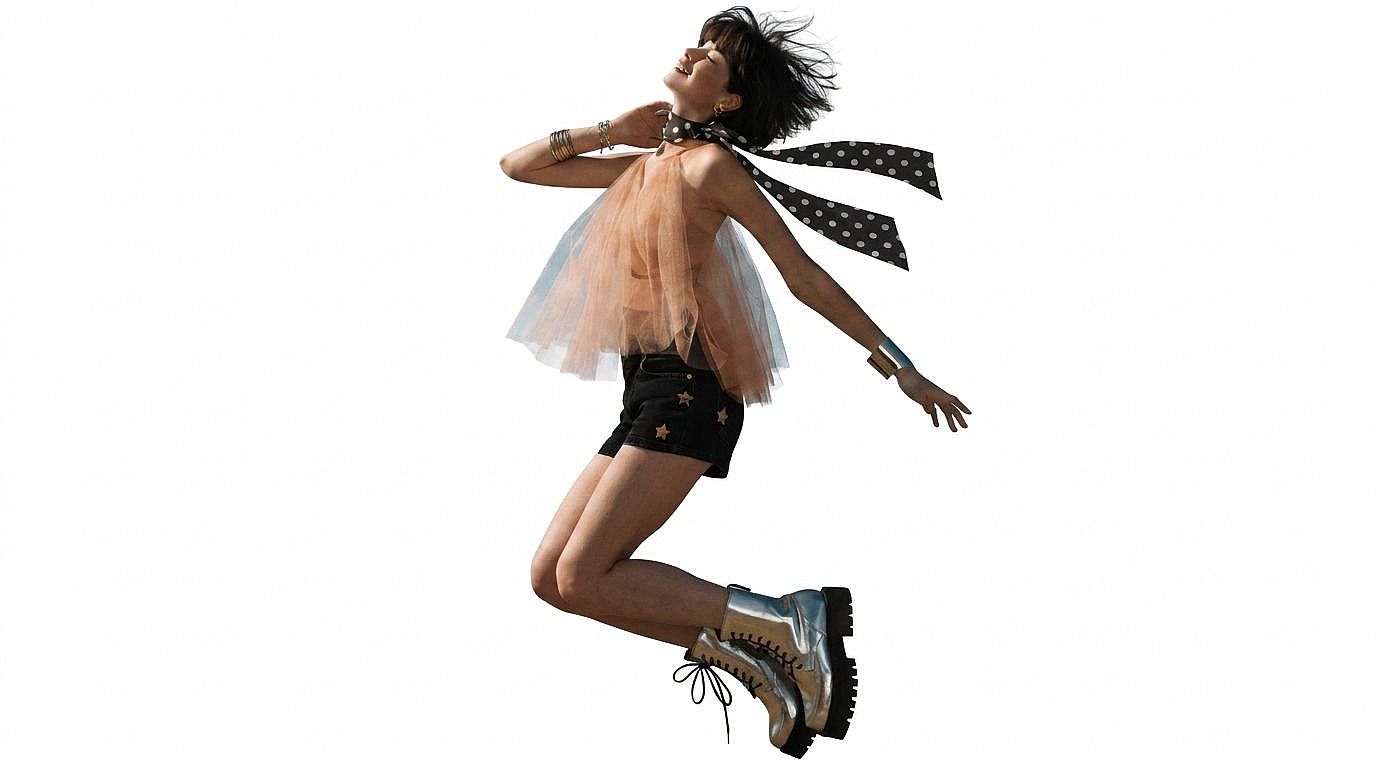
Créer des PNG transparents pour le design
Exporte tes sujets en PNG transparents pour les intégrer dans des affiches, des miniatures, des collages, des présentations et des supports de marque.
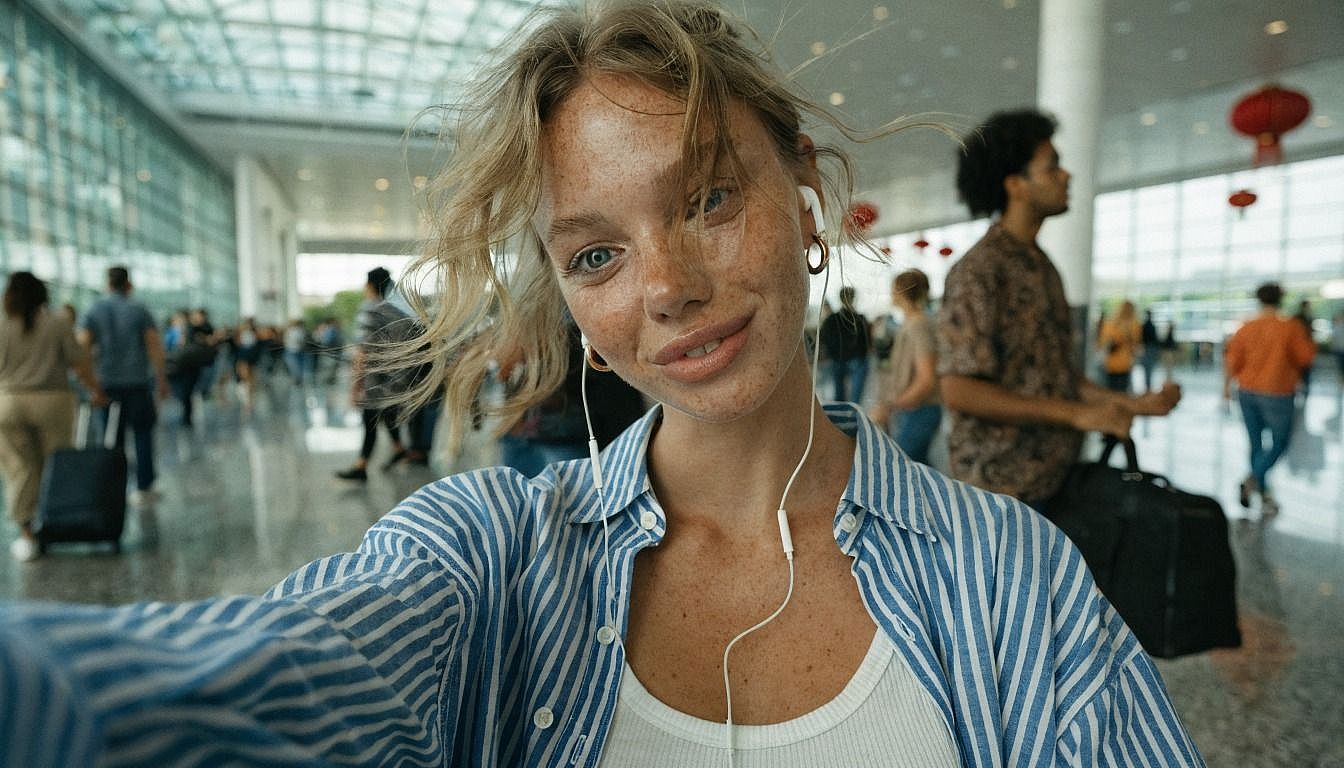
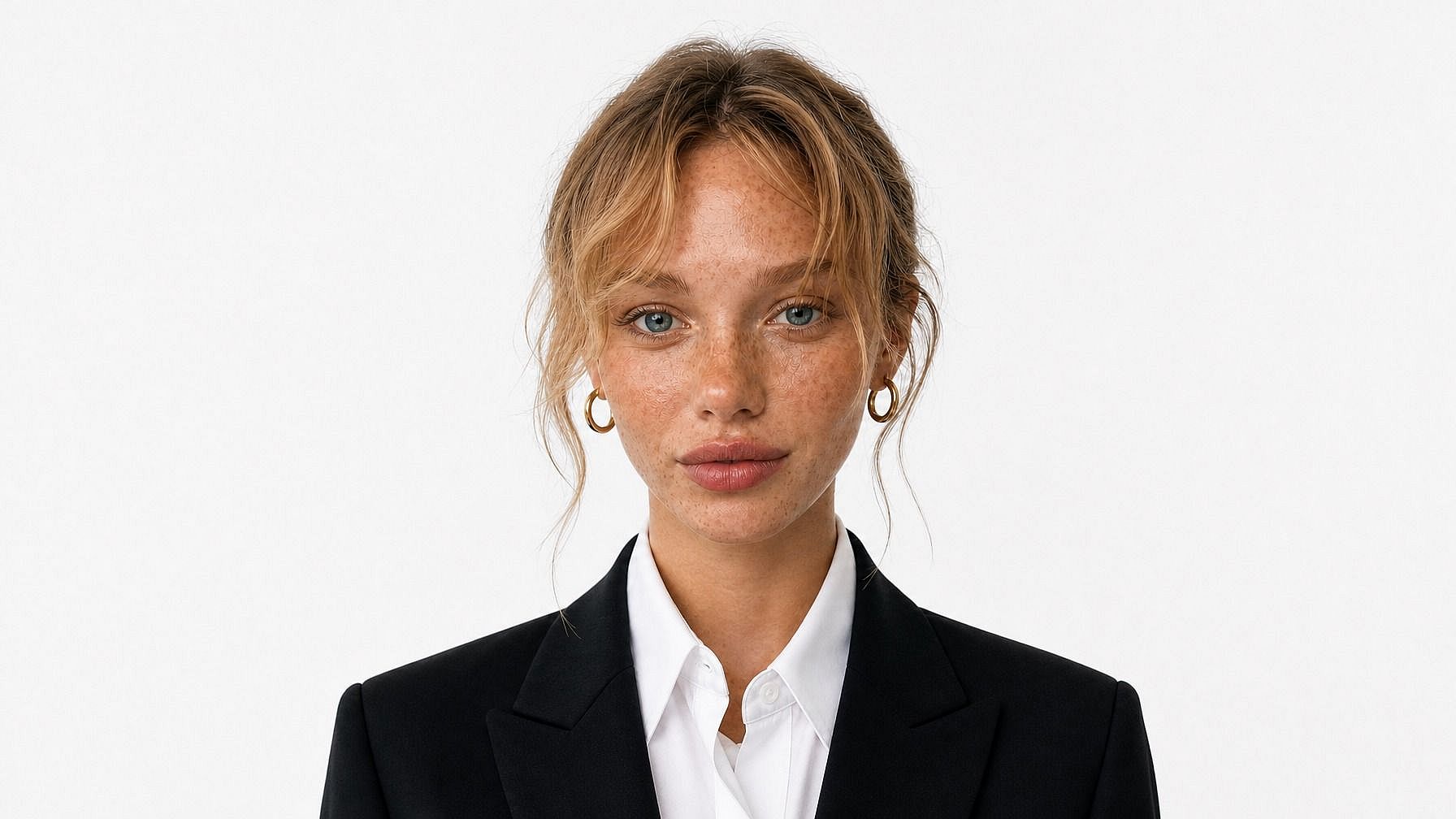
Prépare tes photos de profil pour un usage professionnel
Transforme les portraits en photos de profil nettes en supprimant les arrière-plans encombrés et en isolant parfaitement les personnes.
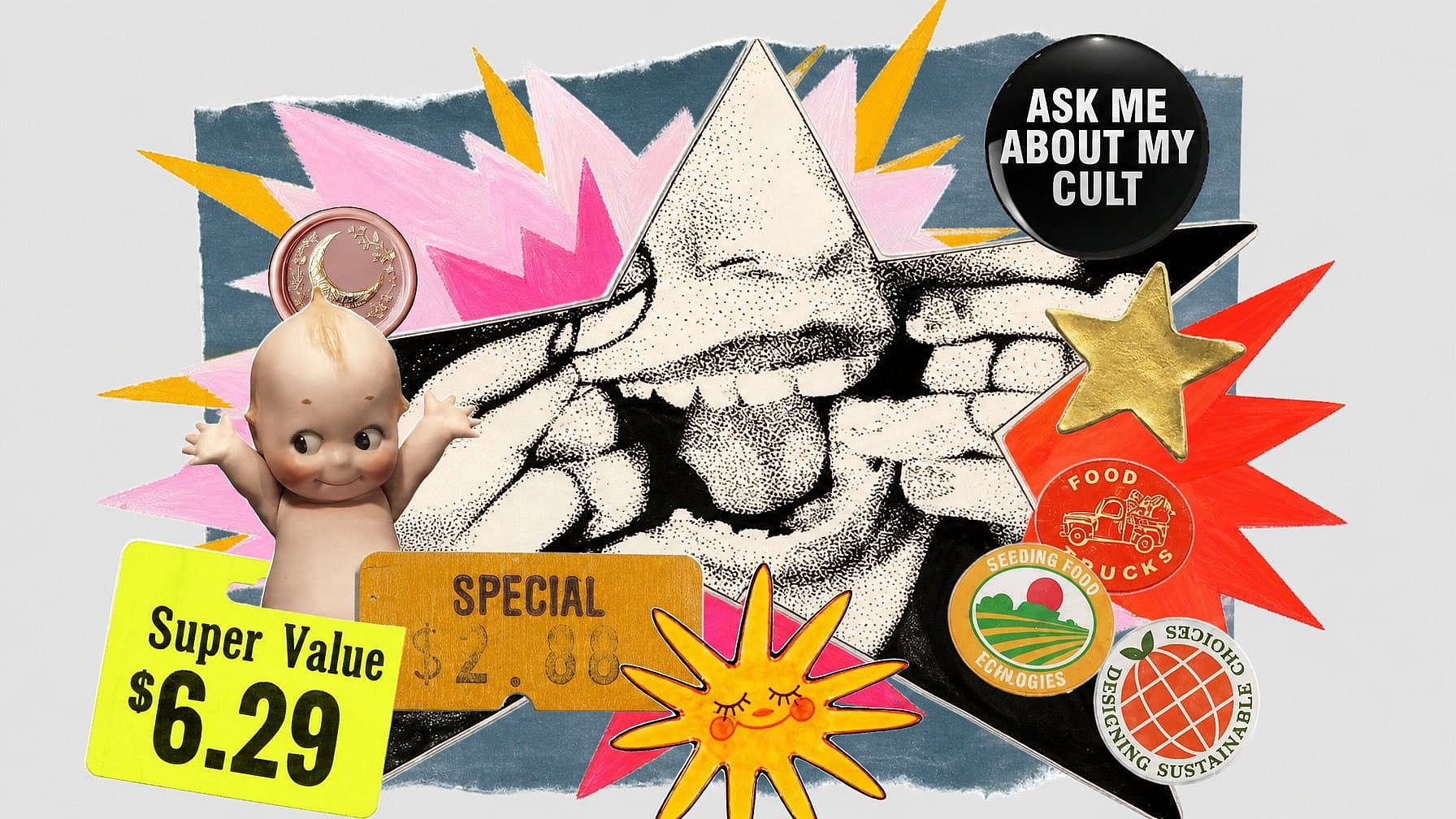
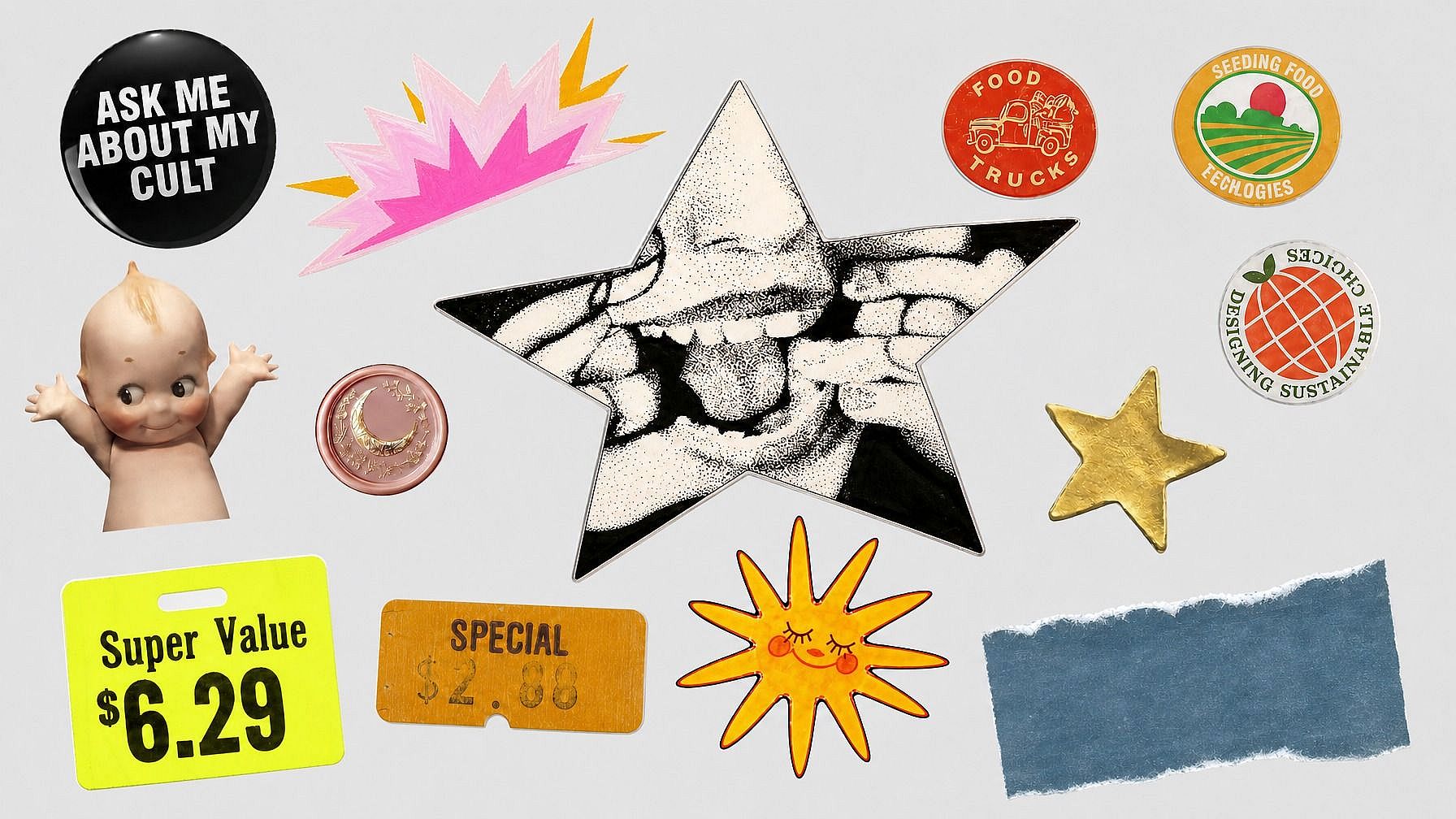
Isole des objets pour tes projets créatifs
Détoure objets, animaux, véhicules, plats et personnages pour tes compositions, stickers, créations marketing et visuels réseaux sociaux.
Comment supprimer un arrière-plan avec l'IA
Supprime l'arrière-plan de tes images en ligne en trois étapes simples.
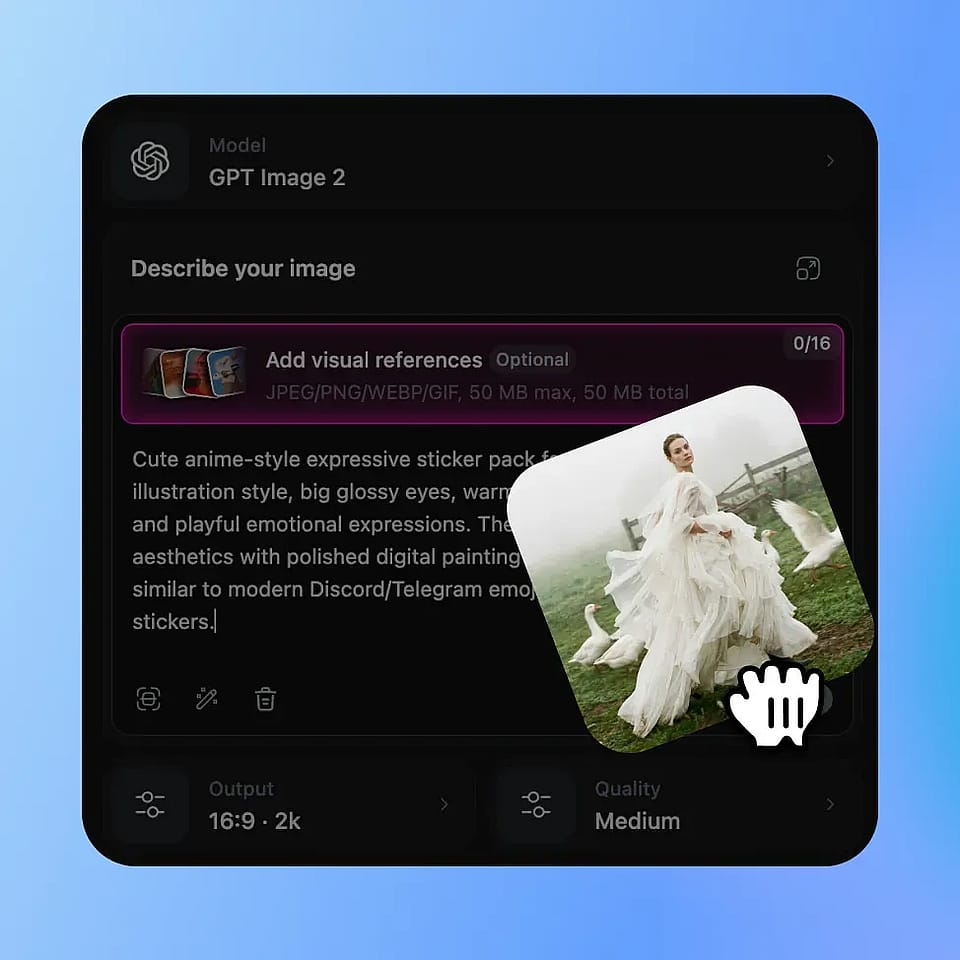
Importe ta photo
Importe l'image que tu veux éditer. OpenArt détecte le sujet automatiquement pour que tu puisses supprimer l'arrière-plan sans détourage manuel.
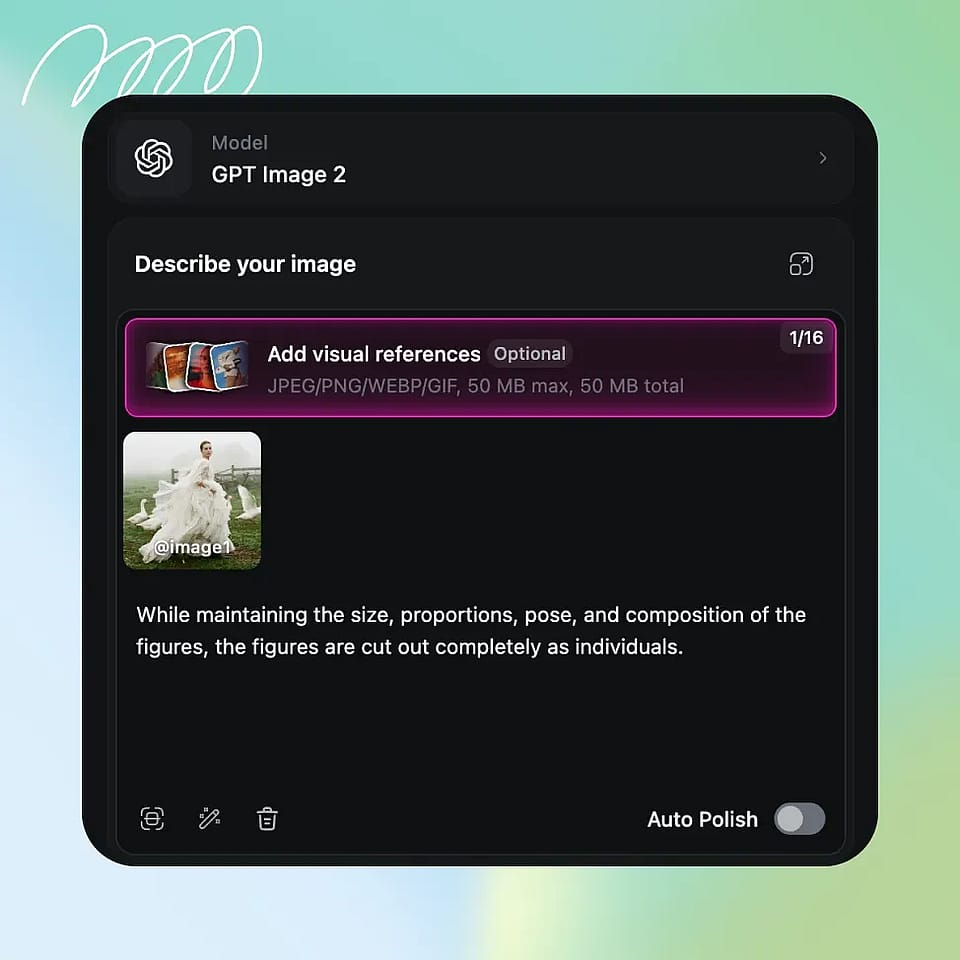
L'IA supprime l'arrière-plan
L'IA sépare le sujet de l'arrière-plan en préservant des contours nets autour des cheveux, de la fourrure, des produits, des vêtements et des petits détails.
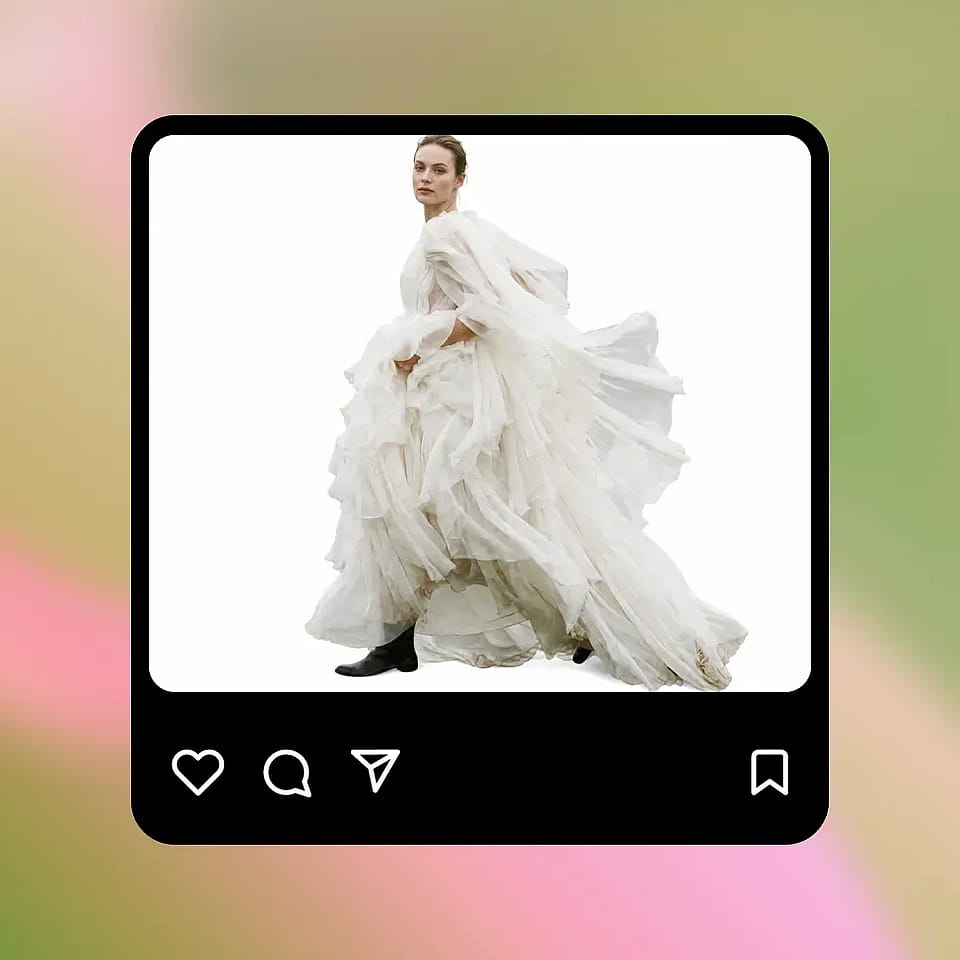
Télécharger ou continuer l'édition
Télécharge un détourage PNG transparent ou continue à éditer en ajoutant une nouvelle couleur, une image ou un fond généré dans OpenArt.
À qui s'adresse un outil de suppression d'arrière-plan par IA ?
Utilise la suppression d'arrière-plan par IA pour l'e-commerce, le design, les contenus sociaux, les portraits et les photos d'équipe.
E-commerce et marques
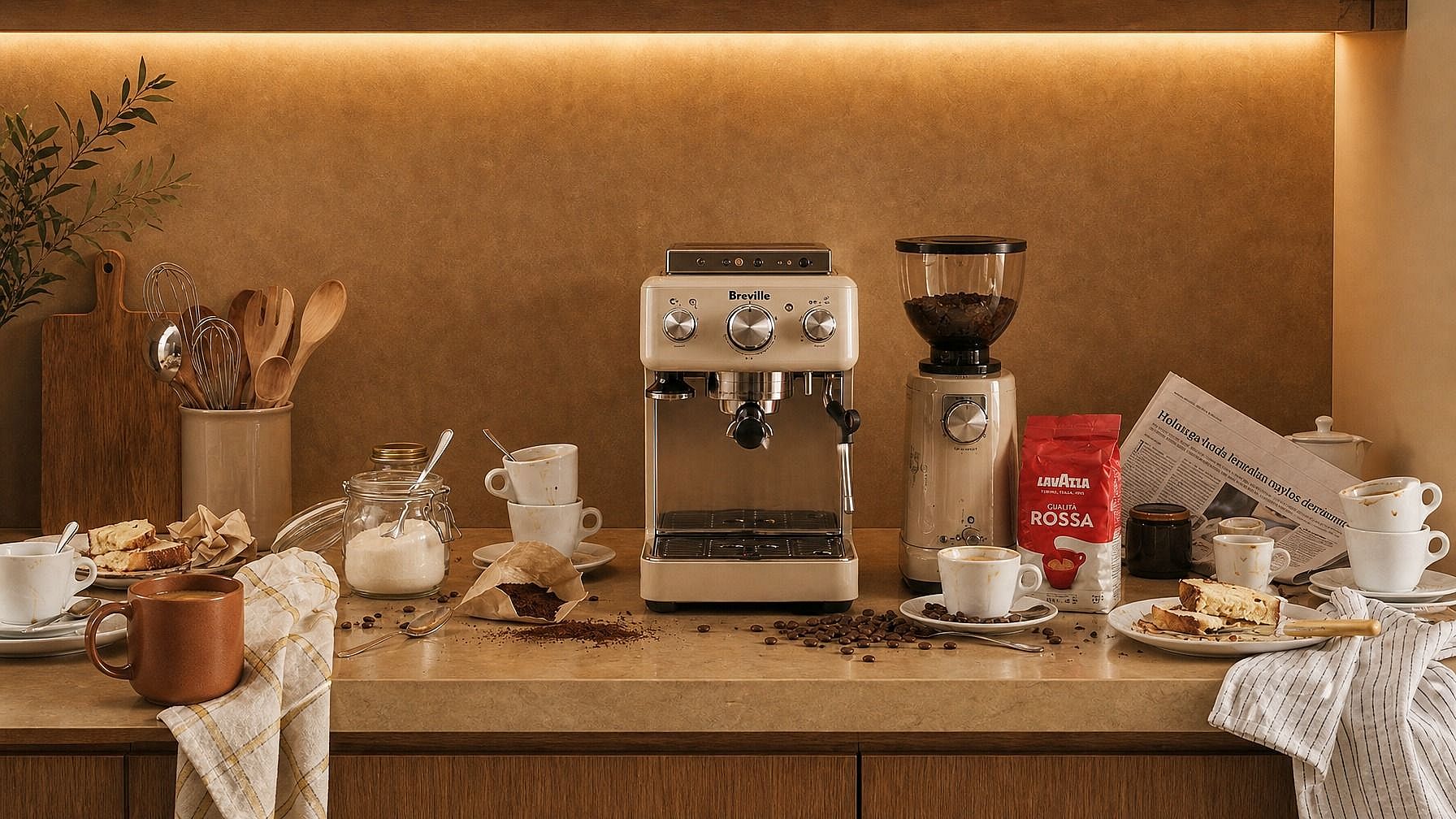
Amazon, Shopify et eBay exigent des photos produit nettes sur fond blanc. Automatise ce qui prenait autrefois des heures dans Photoshop.
Essaie maintenant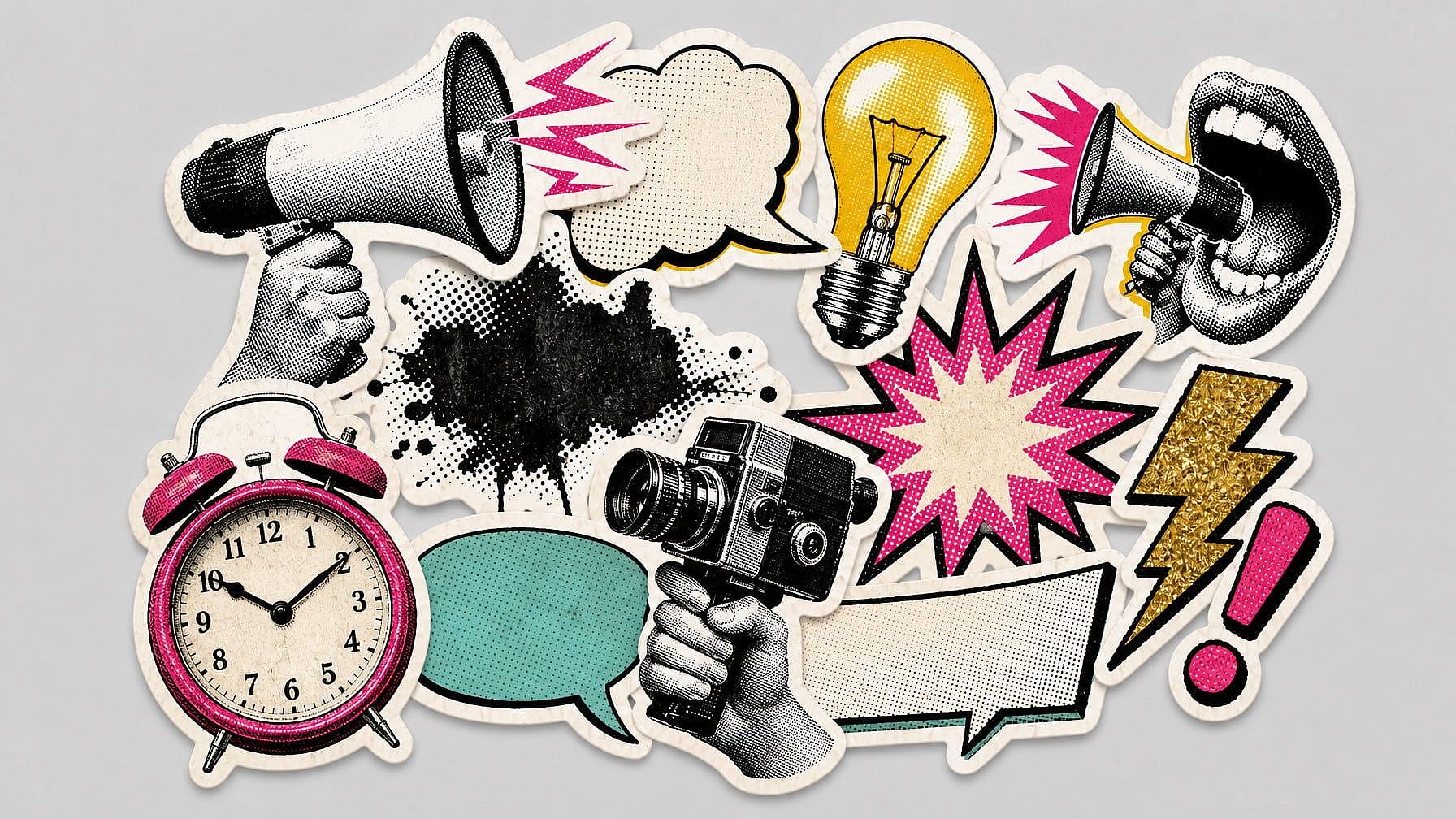
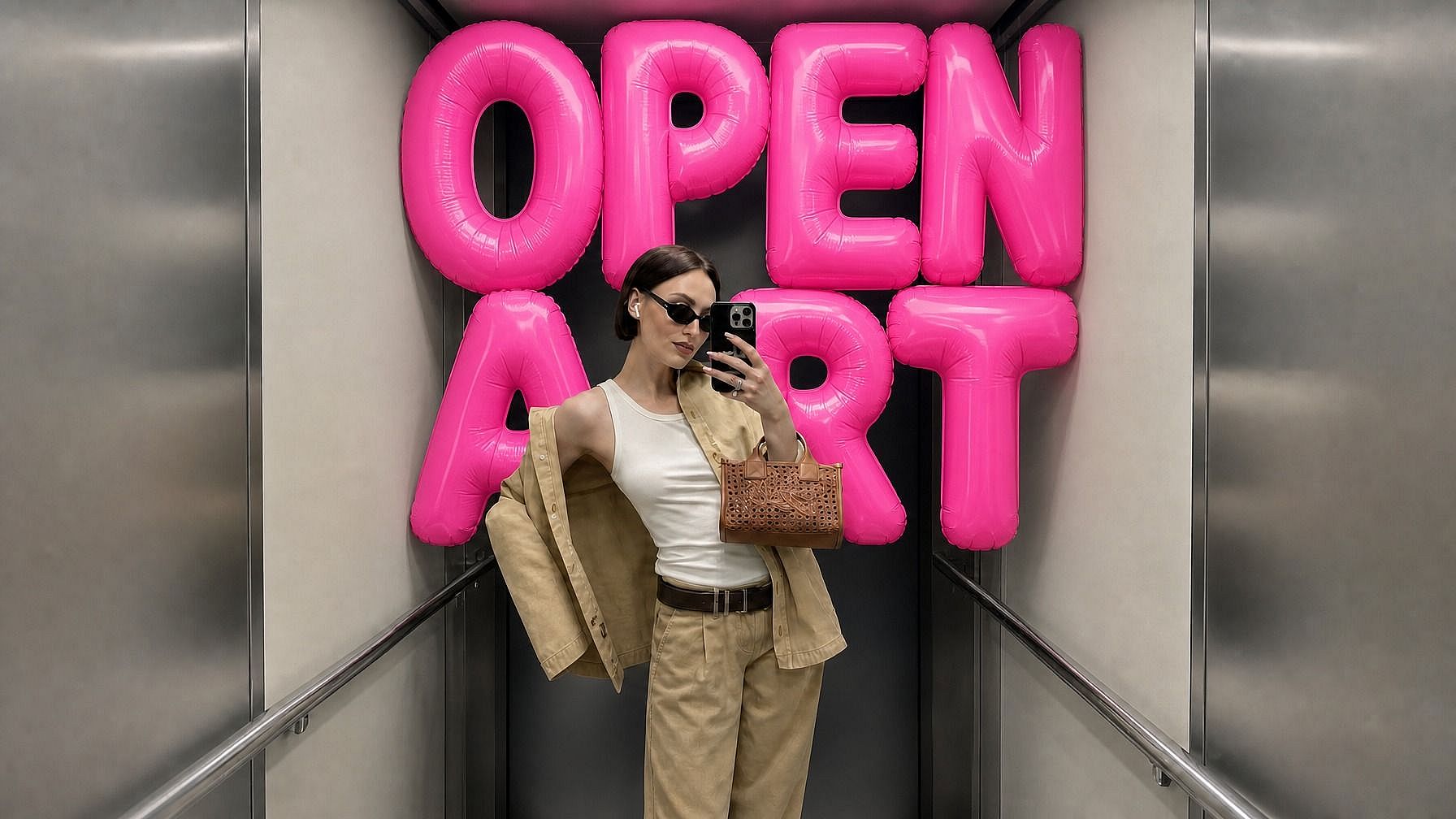
Graphistes
Isole des sujets pour des composites, collages, publicités et supports marketing sans détourage manuel à la plume.
Essaie maintenant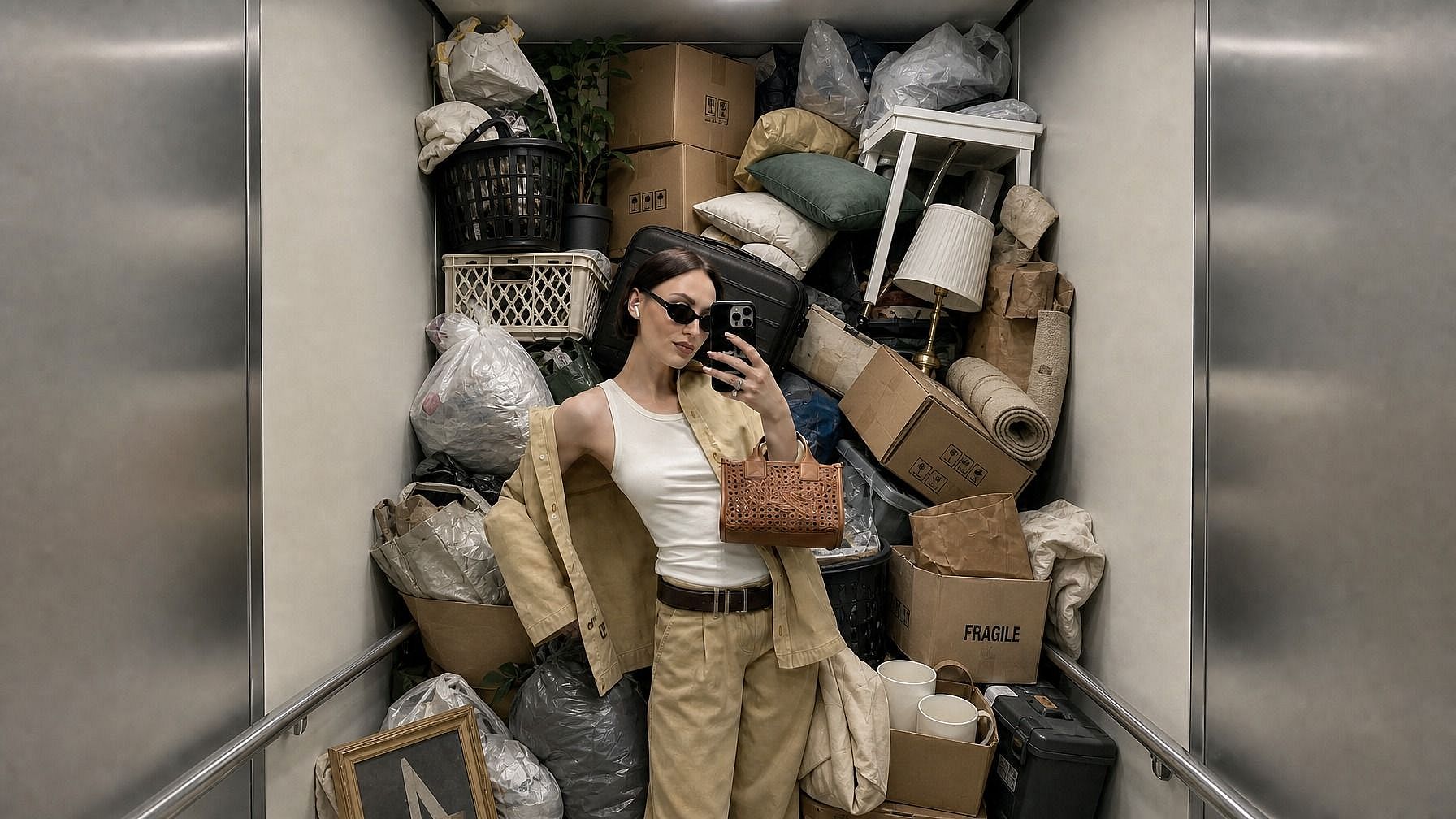
Créateurs de contenu sur les réseaux sociaux
Crée du contenu de marque cohérent en supprimant les arrière-plans chargés avant d'ajouter des visuels, modèles et mises en page conformes à ta charte.
Essaie maintenant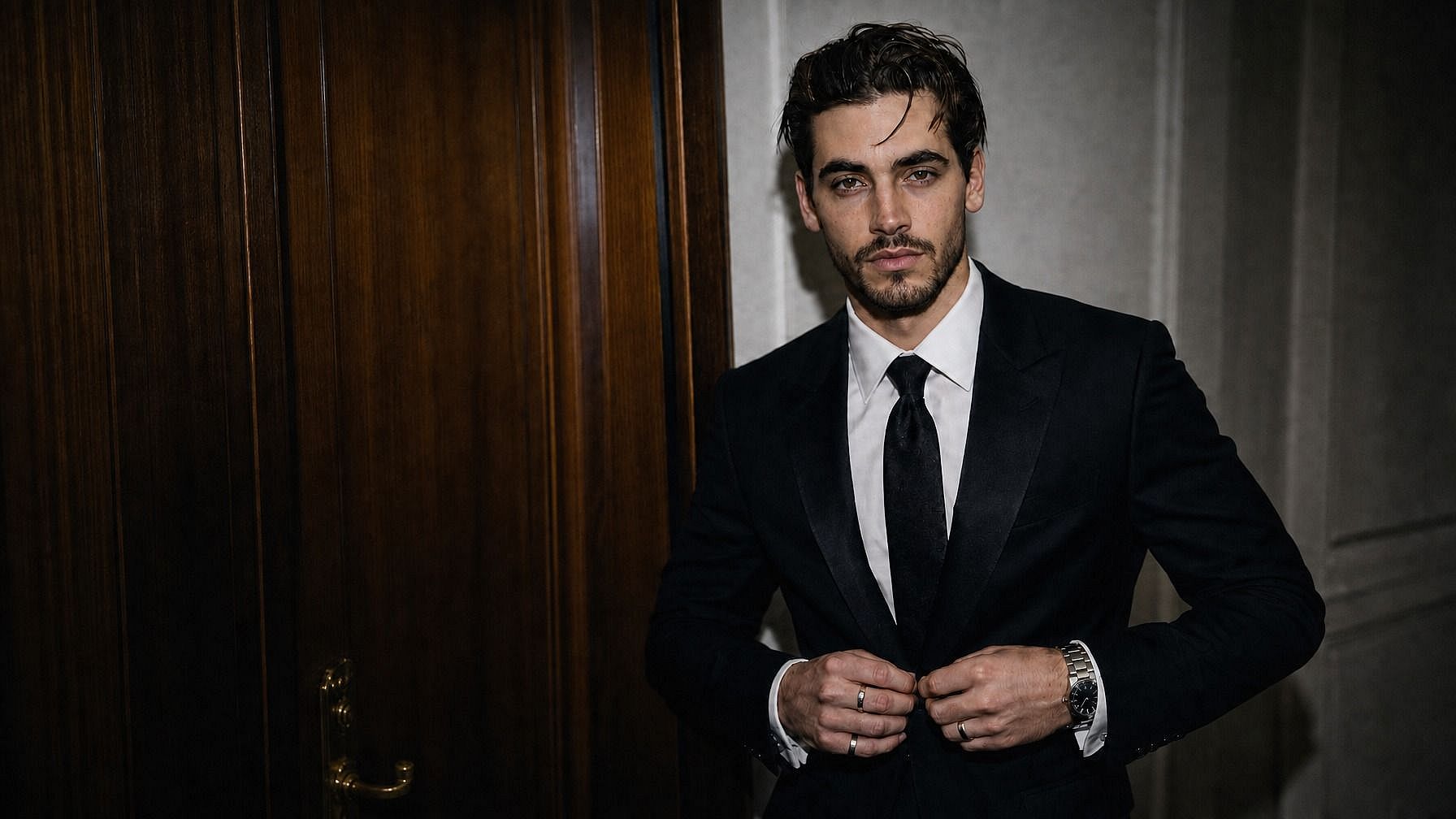
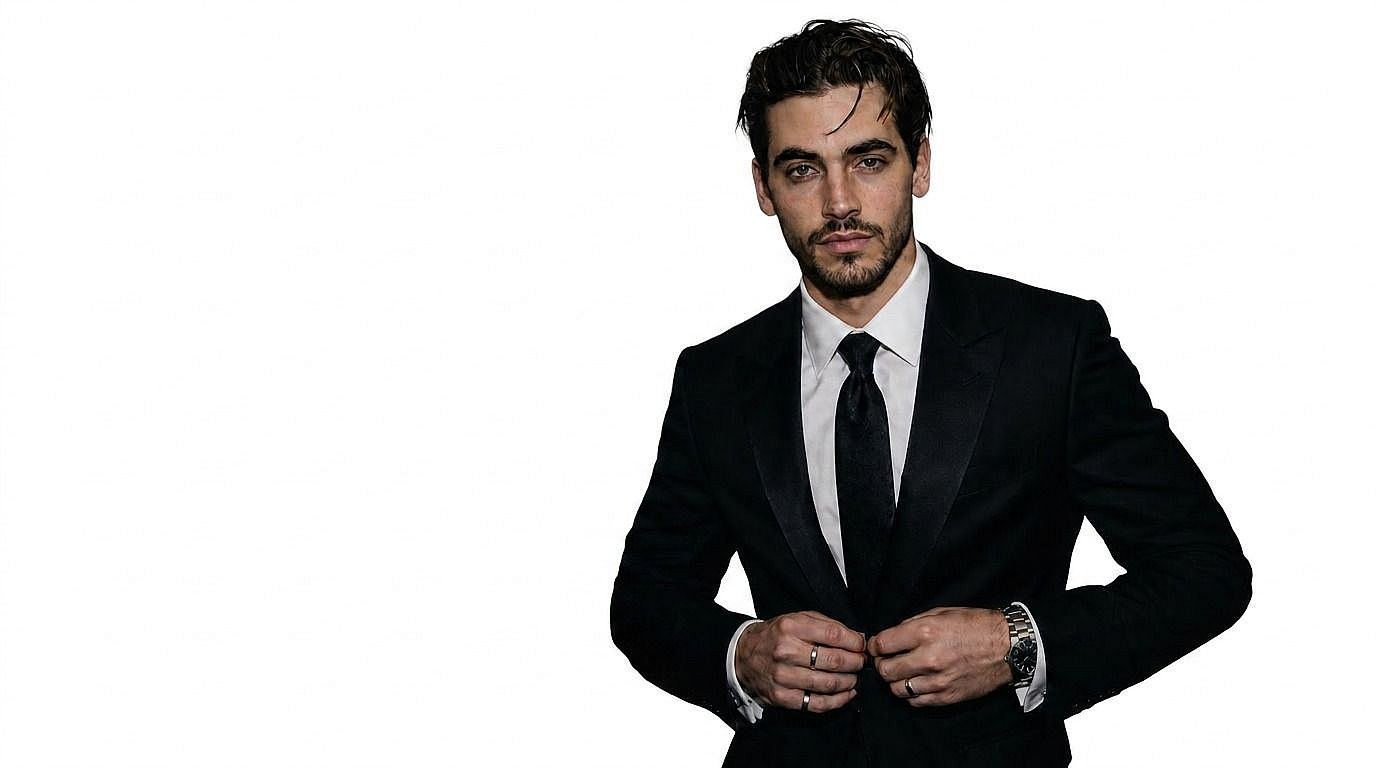
Photographes livrant des détourages
Les photographes de portraits et de photos pros peuvent proposer des versions détourées en option payante avec très peu de retouche supplémentaire.
Essaie maintenant

RH, professionnels et entreprises
Uniformise les photos de tes employés avec des arrière-plans nets et cohérents pour les annuaires d'entreprise, les pages de profil et LinkedIn.
Essaie maintenantQuestions fréquentes Questions
OpenArt propose un outil gratuit en ligne de suppression d'arrière-plan par IA qui te permet d'importer une photo, de retirer l'arrière-plan automatiquement et de créer un détourage net ou un PNG transparent en quelques secondes.
Choisis ta photo, importe-la, lance le détourage IA, prévisualise le résultat net et télécharge l'image finale.
La suppression d'arrière-plan efface l'arrière-plan existant et crée souvent un PNG transparent. Le changement d'arrière-plan remplace celui qui a été supprimé par une nouvelle couleur, image ou scène générée.
OpenArt associe la suppression d'arrière-plan à l'édition créative : une fois ton détourage net réalisé, tu peux continuer à créer, remplacer les arrière-plans et générer de nouveaux visuels sur la même plateforme.
Importe ton image dans OpenArt, laisse l'IA détecter le sujet et supprimer l'arrière-plan, puis télécharge le PNG transparent ou continue à éditer avec un nouvel arrière-plan.
Oui. Le suppresseur d'arrière-plan IA d'OpenArt est conçu pour préserver les détails fins comme les cheveux, la fourrure, les contours de produits, les vêtements et autres silhouettes complexes.
Cette page se concentre sur la suppression des arrière-plans d'images. Si tu as besoin d'éditer l'arrière-plan d'une vidéo, utilise les outils de changement d'arrière-plan vidéo d'OpenArt, qui font partie d'OpenArt VFX.