

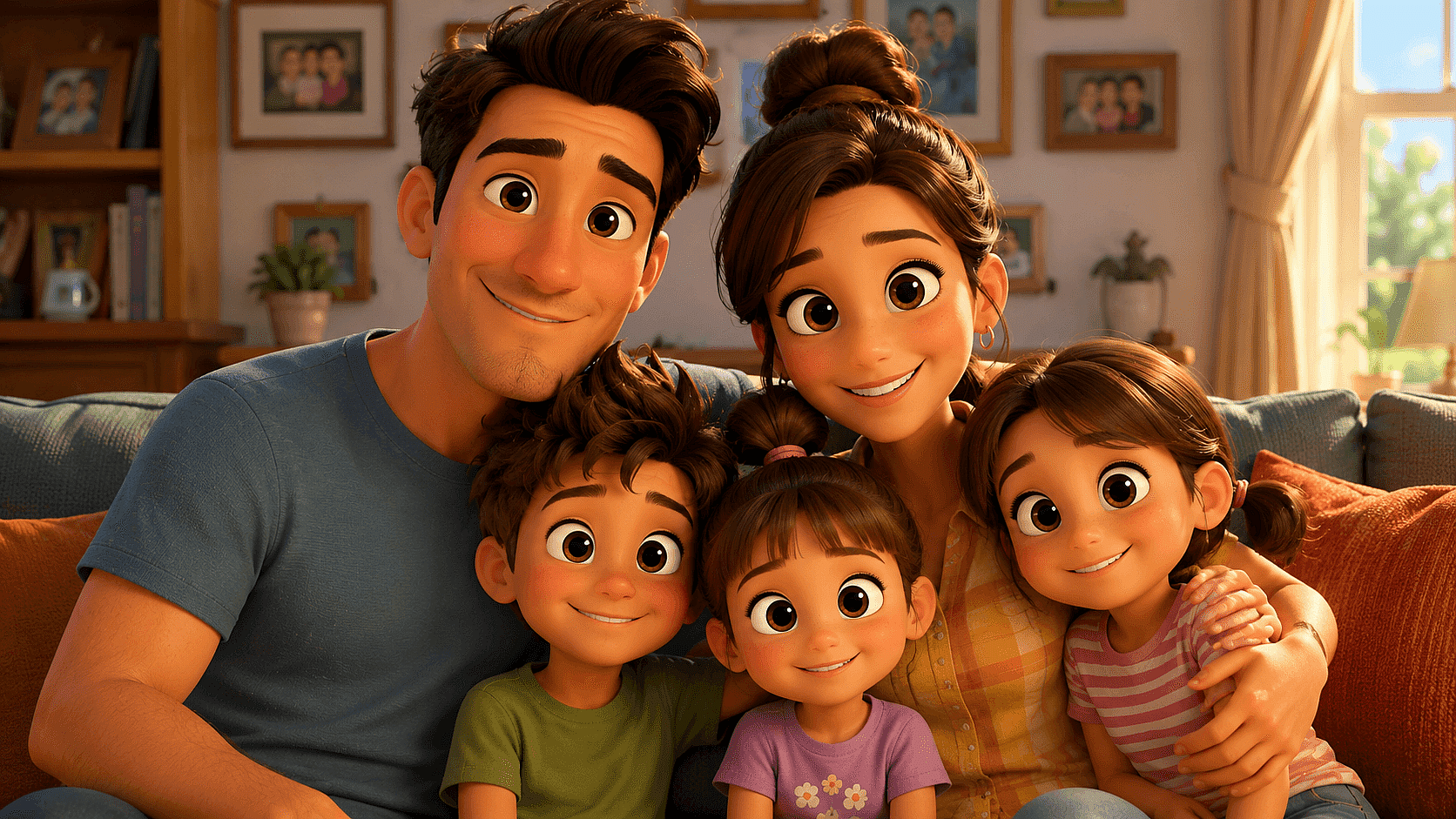
Ajoute un filtre Pixar à tes photos
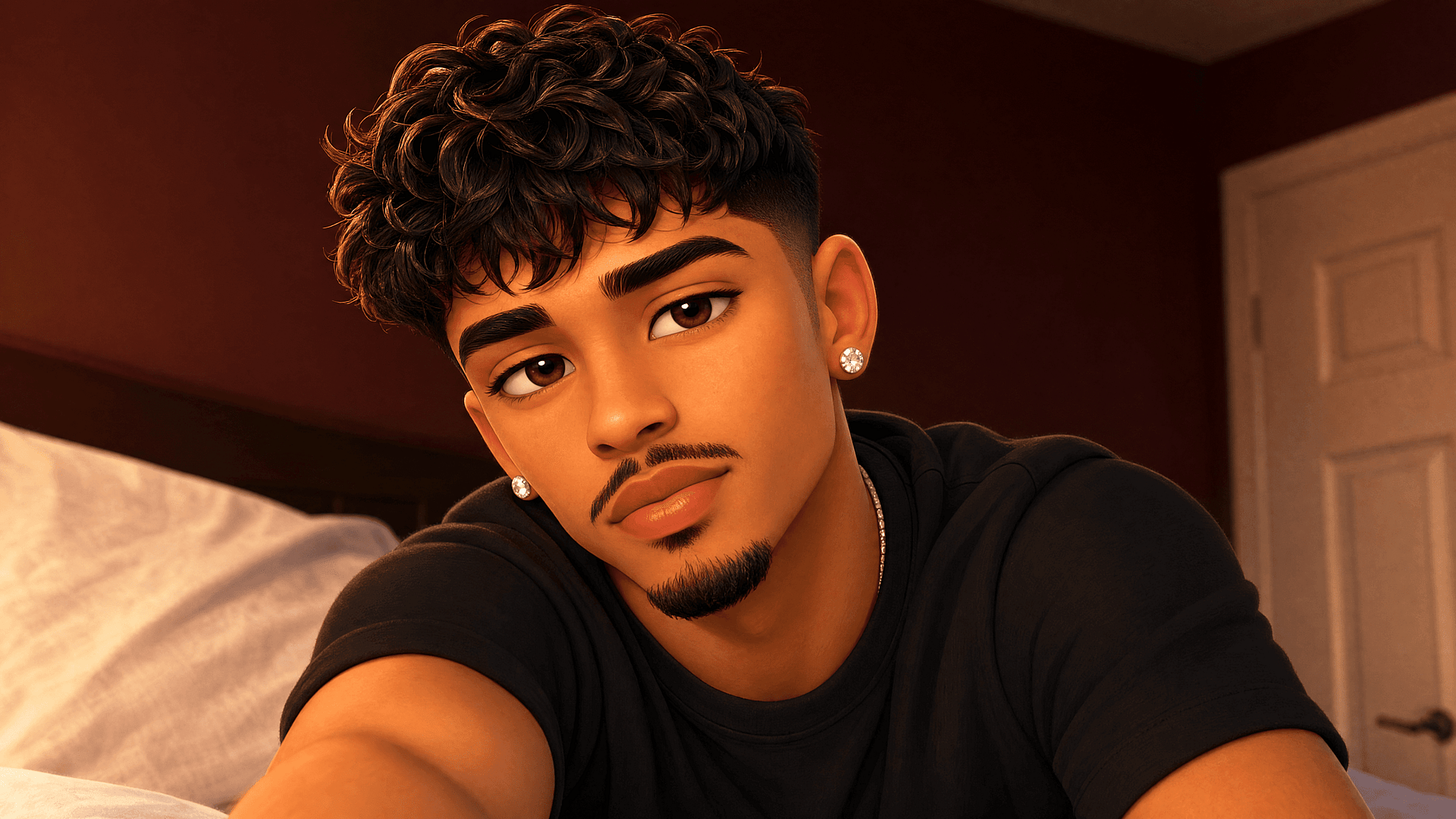
Importe une seule photo. Obtiens les grands yeux expressifs, l'éclairage cinématographique doux et le rendu affiche de film d'une vraie image Pixar. Gratuit, sans appli, sans filigrane. Et contrairement à un filtre ponctuel, OpenArt garde ton visage Pixar cohérent sur de nouvelles poses, portraits et vidéos.
Pourquoi utiliser le filtre Pixar d'OpenArt



Un visage Pixar à ton image
OpenArt utilise des modèles préservant l'identité comme Nano Banana Pro et Seedream pour conserver la forme de ton visage, tes cheveux et ton teint, afin que le résultat soit bien toi, et pas un dessin générique.



Ton visage reste cohérent
La fonctionnalité Character d'OpenArt fige ton avatar Pixar : le même visage sur chaque pose, scène et image. Crée-le une fois, réutilise-le à l'infini.
Du portrait à plus d'angles
Neuf angles avec Multi View. Une histoire de personnage dans Director. Un clip animé. Tout le workflow d'un personnage Pixar au même endroit.
En savoir plus →Comment transformer ta photo en personnage Pixar
Crée ton propre personnage Pixar en trois étapes.
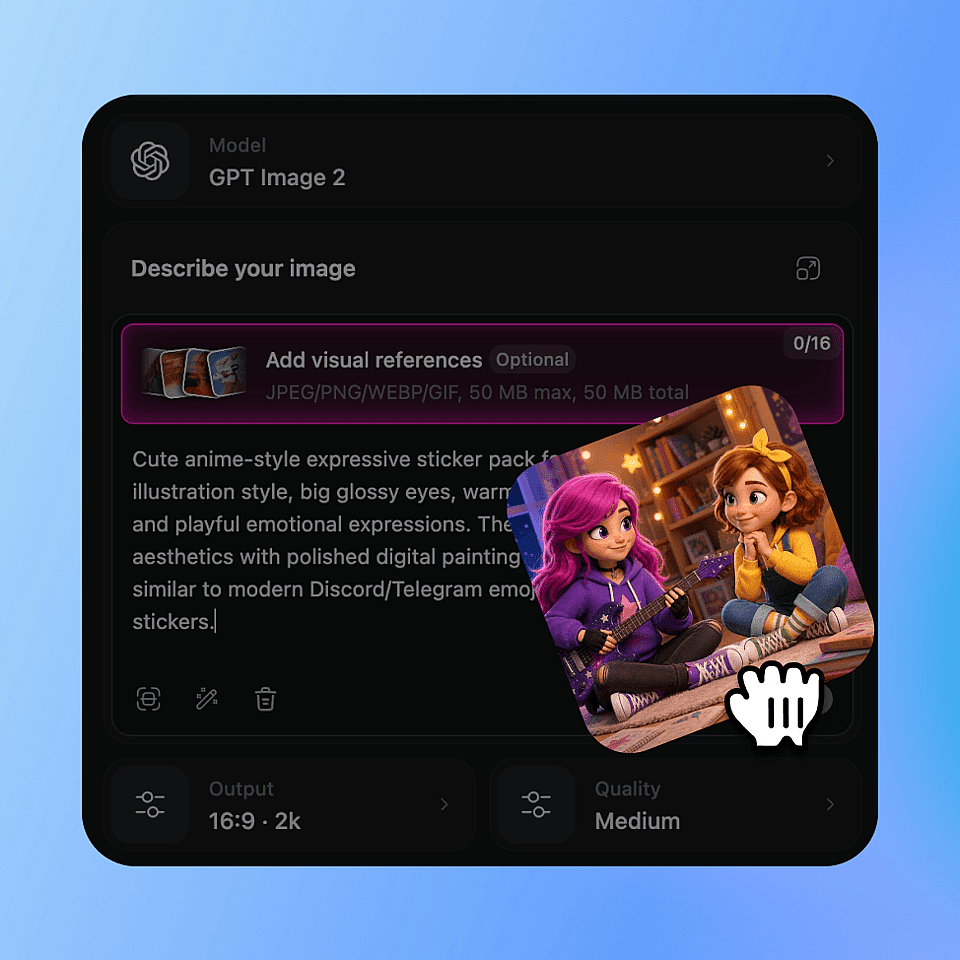
Importe ta photo
N'importe quel selfie ou portrait net fonctionne (JPG, PNG, WEBP). De face, avec un bon éclairage : plus la photo est nette, plus tu ressors dans le personnage final.
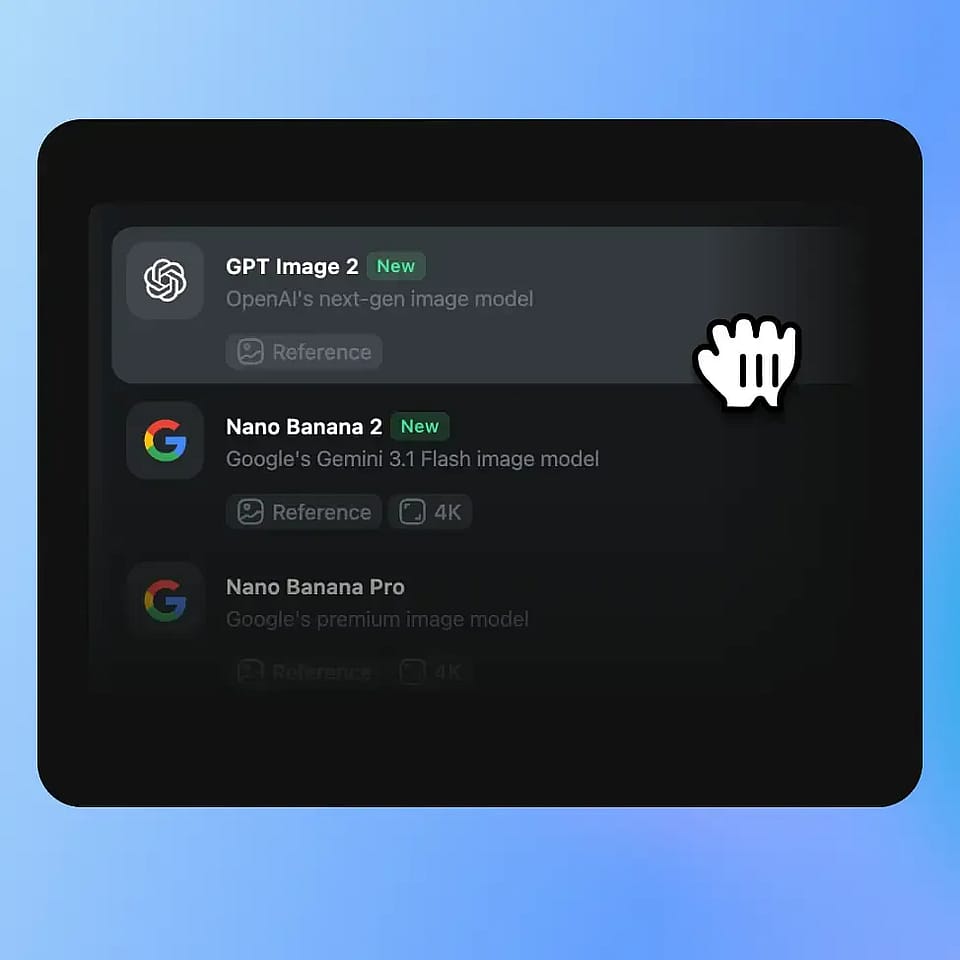
Prompte le style Pixar
Écris le style Pixar et lance la génération. En quelques secondes : grands yeux expressifs, éclairage chaud et cinématographique, cet étalonnage couleur des films d'animation, et tes vrais traits préservés.
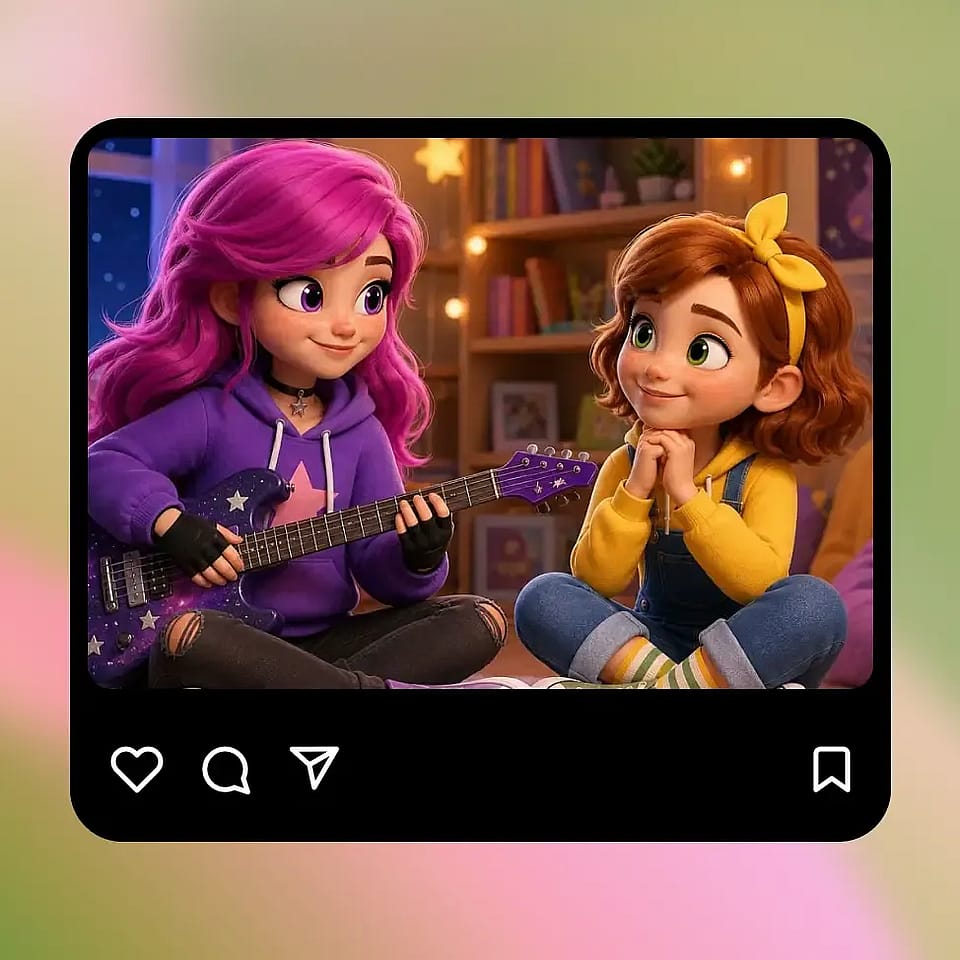
Générer et télécharger
Télécharge en haute résolution, sans filigrane. Ou continue : génère le même personnage sous de nouveaux angles, intègre-le à une histoire, anime-le en clip. Le tout dans le même espace de travail.
Crée dans tous les styles proches de Pixar
Un seul filtre Pixar pour chaque style et chaque moment.
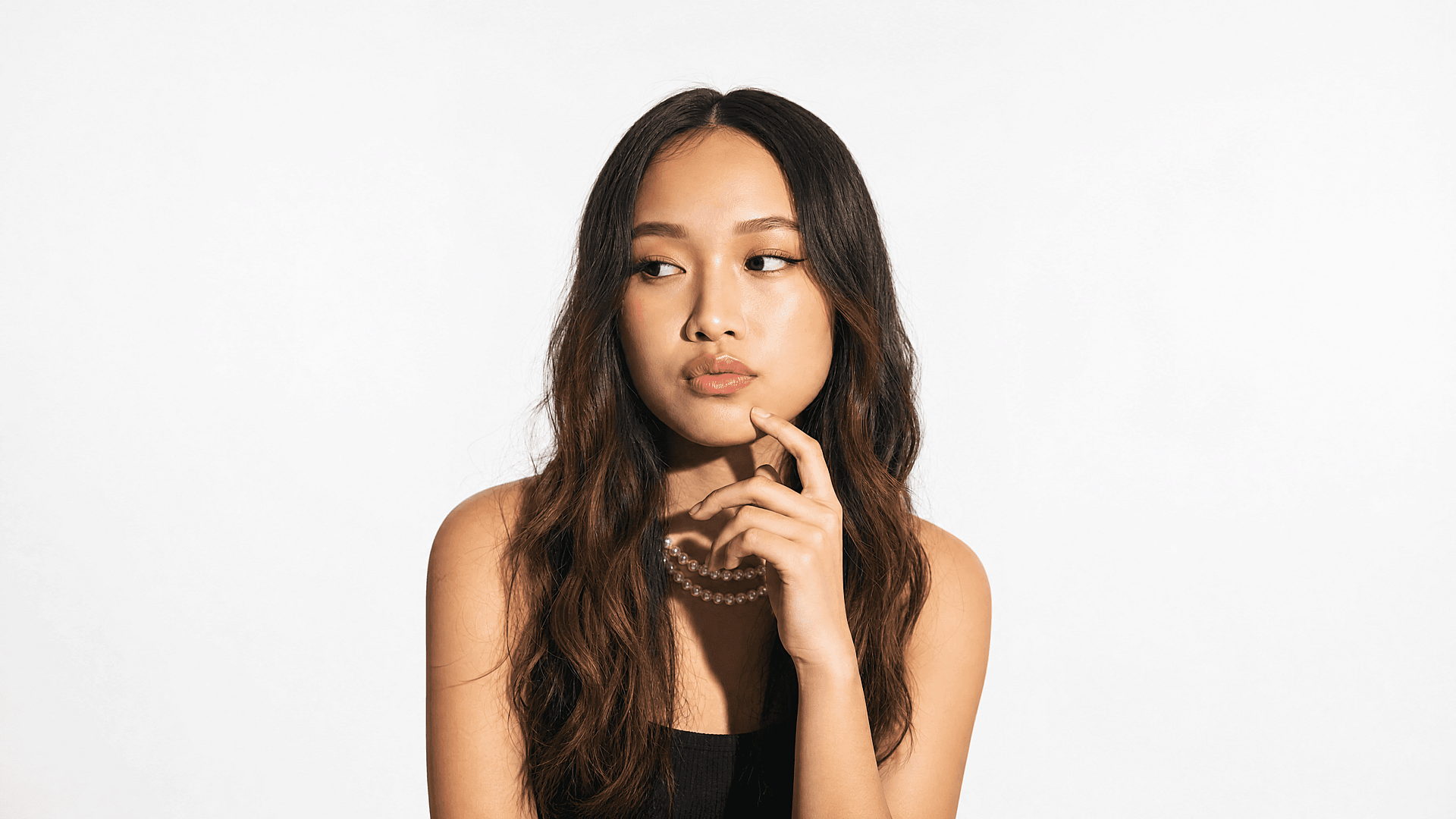
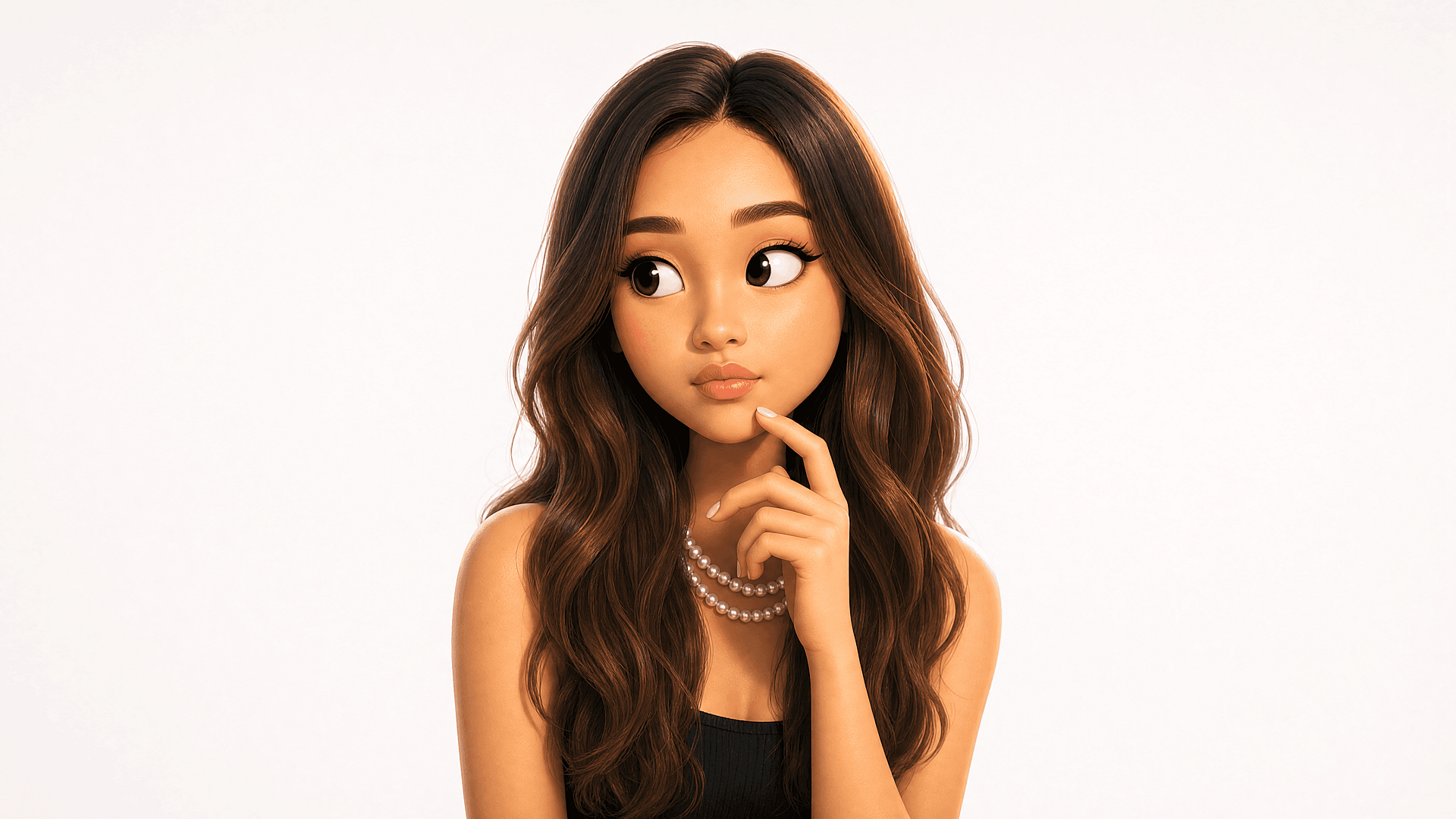
Ton avatar Pixar pour les réseaux sociaux
La vague Pixar continue.La vague Pixar continue. Transforme ton selfie en avatar 3D façon Pixar, prêt à publier sur TikTok, Reels, Instagram ou à mettre en photo de profil. Une qualité supérieure à tous ces filtres éphémères, et qui te ressemble vraiment. Garde le même avatar sur chacune de tes publications avec IA de personnages cohérents.
Essaie maintenant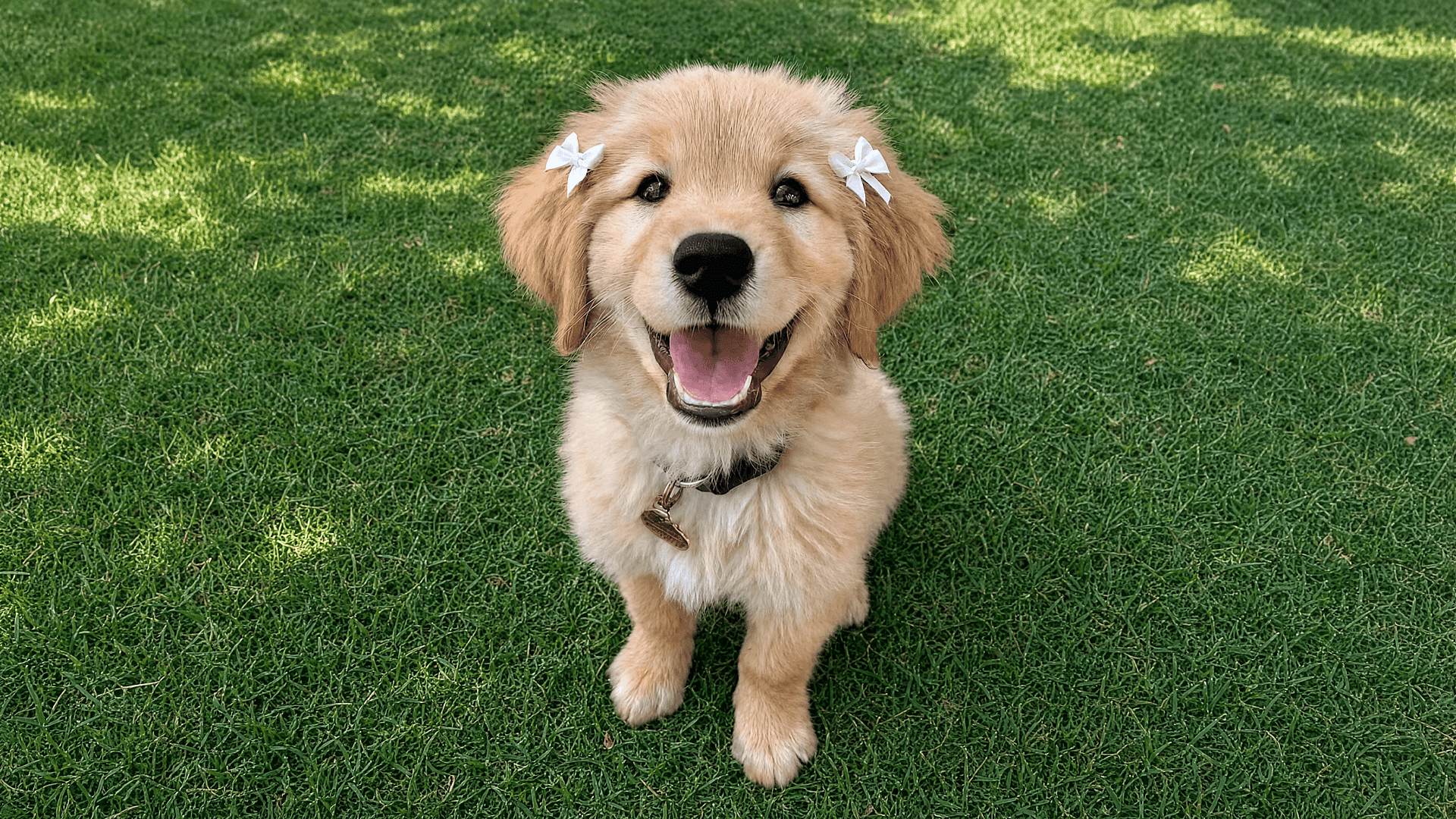
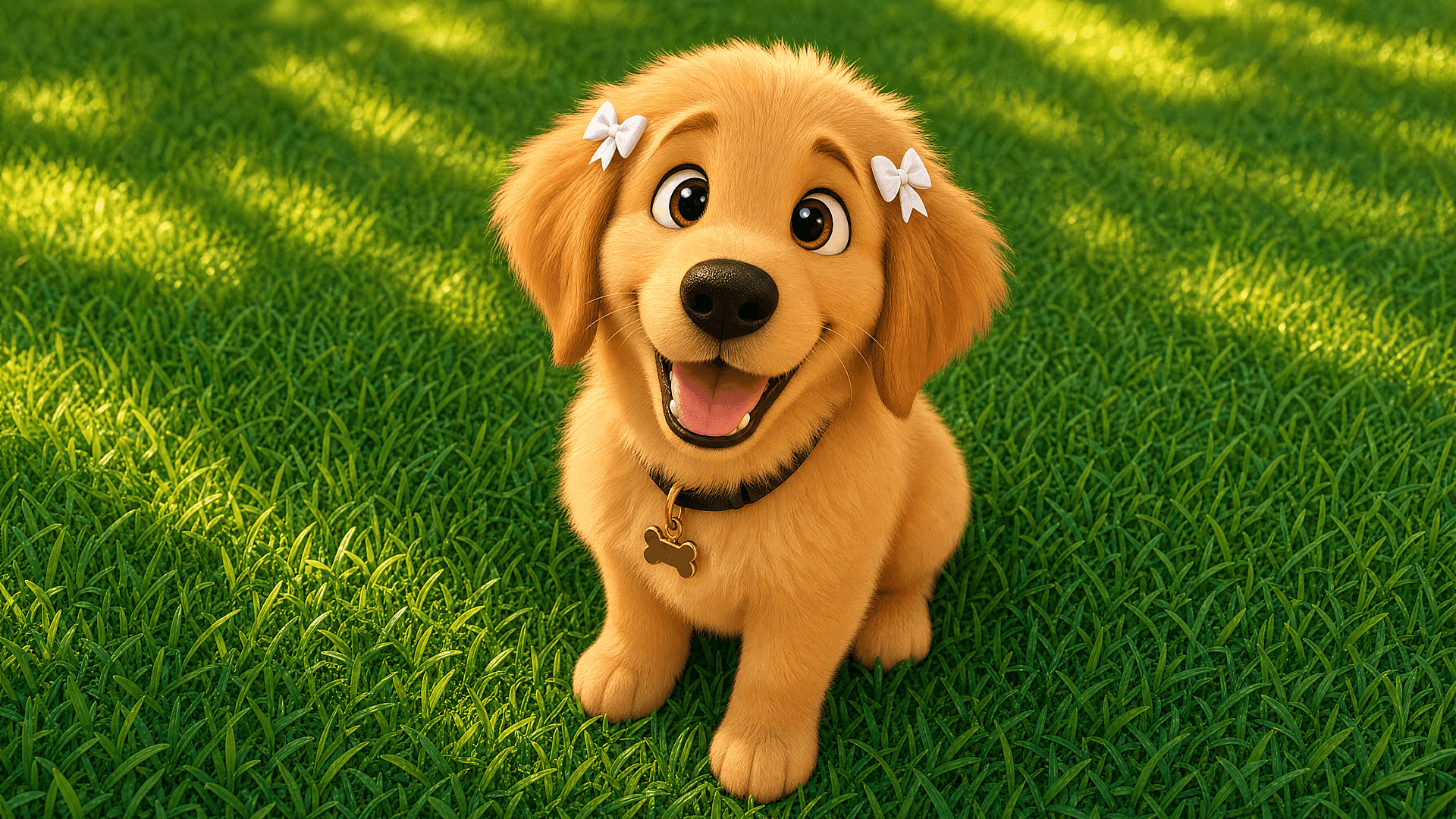
Couples, famille et animaux
Importe la photo d'un couple, un portrait de famille, une photo de ton chien, ou transforme tout le monde en mamans Pixar et découvre toute la famille réinventée dans cette chaleureuse lumière de film d'animation. Le filtre préserve la ressemblance de chaque visage tout en habillant toute l'image de ce look Pixar signature. Imprime-la, encadre-la, envoie-la comme carte. Le genre de chose que les gens gardent vraiment.
Essaie maintenant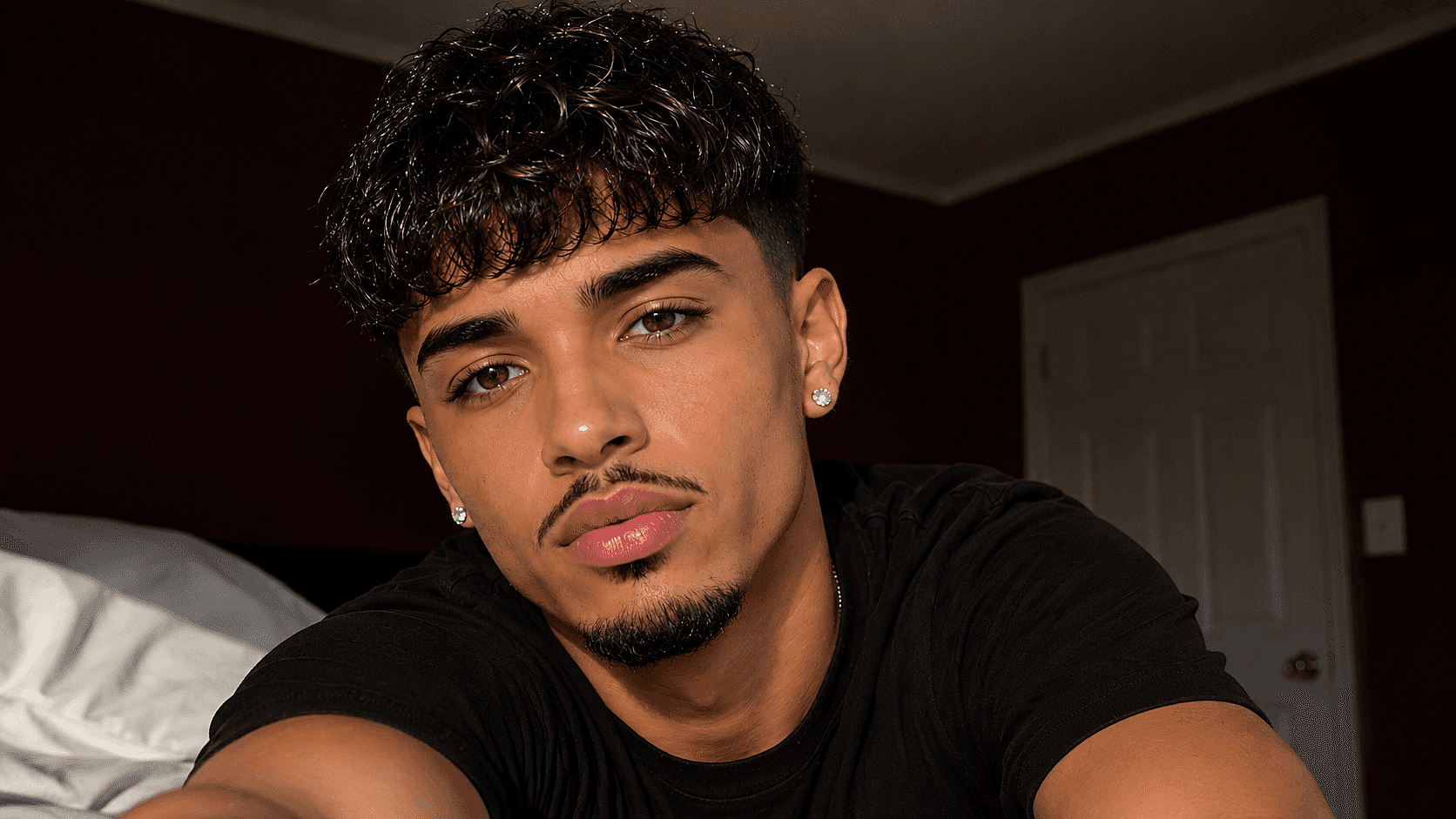
Art style Pixar à partir d'un prompt
Aucune photo requise. Décris le personnage que tu as en tête et génère un art original de style Pixar à partir de zéro. Idéal pour des affiches, des avatars personnalisés, ou dès que tu veux quelque chose qui n'existe pas encore.
Essaie maintenantClips animés façon Pixar
Un portrait figé, c'est bien. Mets ton personnage Pixar en mouvement : un court clip pour une intro de Reel, une vidéo d'anniversaire, un moment d'histoire. Le genre de chose qu'un simple filtre ne te donnera jamais.
Essaie maintenantQuestions fréquentes Questions
Découvre les conseils d'experts sur le blog
Obtiens les insights dont tu as besoin. Nos experts partagent des astuces concrètes, décryptent les sujets brûlants et proposent des guides pratiques essentiels pour t'aider à créer, optimiser et passer à l'échelle.
En savoir plus
OpenArt Director se classe n°1 au benchmark d'agents publicitaires vidéo IA de Physion Labs

Qu'est-ce qu'OpenArt ? – La plateforme de création IA tout-en-un expliquée
OpenArt présente OpenArt Arena, un nouveau benchmark de modèles d'IA conçu sur mesure pour et par les créatifs
Crée sans limites
Rejoins des milliers de créateurs qui utilisent OpenArt pour générer des images, des vidéos et bien plus — le tout sur une seule plateforme.
Commence gratuitement →